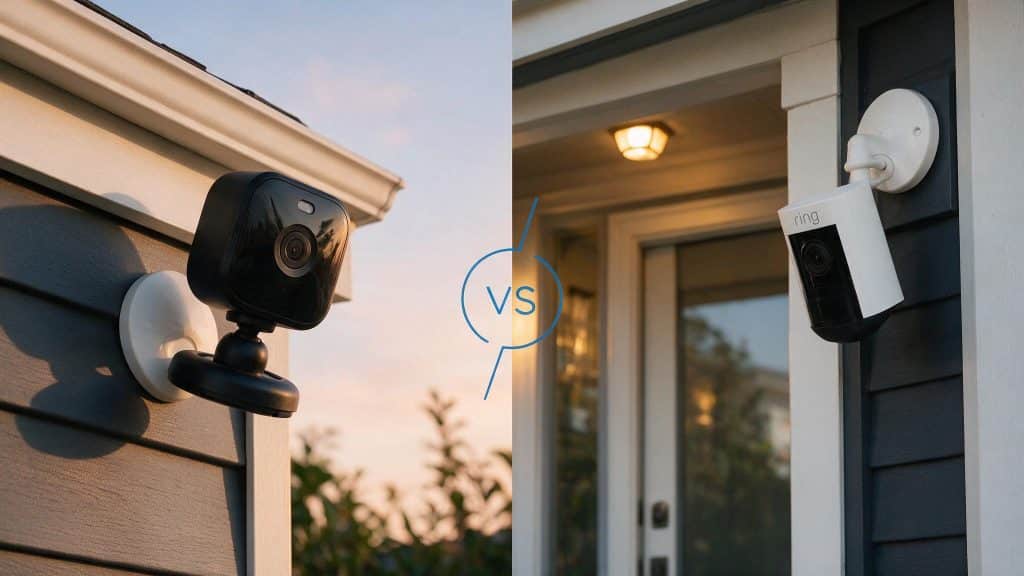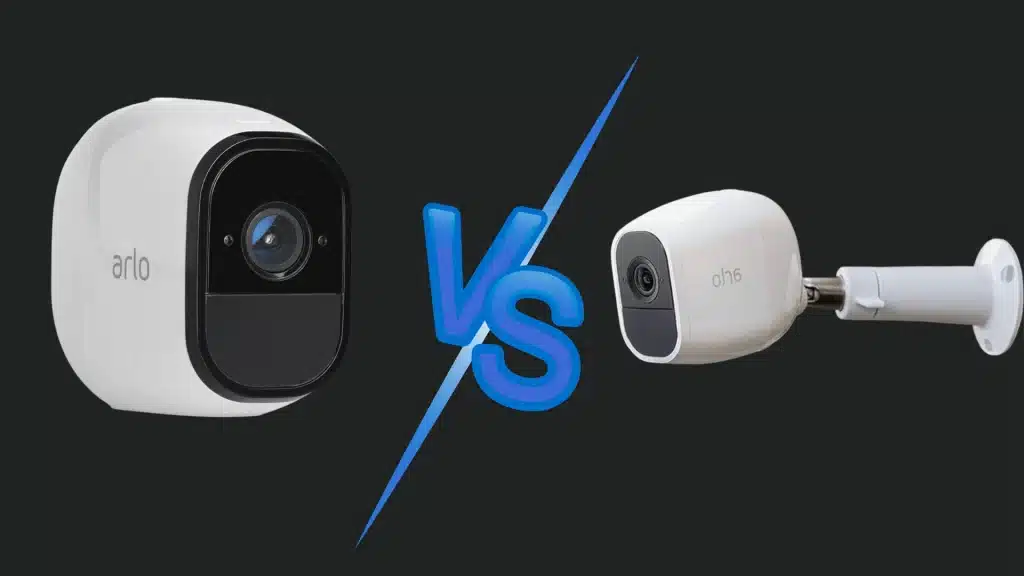
Many people looking at Arlo security cameras end up stuck between two models that seem almost identical at first glance.
The Arlo Pro and Arlo Pro 2 share the same design, app support, battery-powered setup, and overall smart home security experience.
That similarity often makes it harder to understand whether the newer model offers enough extra value to justify the higher price.
When you start comparing video quality, field of view, motion detection, recording features, battery performance, and long-term usability, the differences become much clearer.
This guide covers the key differences, feature upgrades, pricing, smart home compatibility, power requirements, recording options, and which camera makes more sense for different security setups.
About Arlo Pro and Arlo Pro 2
Before getting into differences, it helps to know what carries over between models.
The Arlo Pro and Arlo Pro 2 are wire-free security cameras originally made by Netgear under the Arlo brand. Both work with the same Arlo app, mounts, and base station system.
The original Arlo Pro records in 720p, supports two-way audio, runs on a rechargeable battery, and connects wirelessly to a base station from up to 300 feet away.
It also supports local USB backup through the base station, which helps if you do not want to depend only on cloud storage.
The Arlo Pro 2 keeps the same basic design but upgrades the video to 1080p and adds a genuinely wider field of view.
On battery, it uses PIR motion detection. When plugged into AC power, it adds activity zones, look-back recording, and continuous video recording.
An outdoor power adapter, sold separately at around $25, handles outdoor installation without exposing the standard indoor cable to weather.
What Stays the Same Between Both Cameras?
Before getting into differences, it helps to know what carries over.
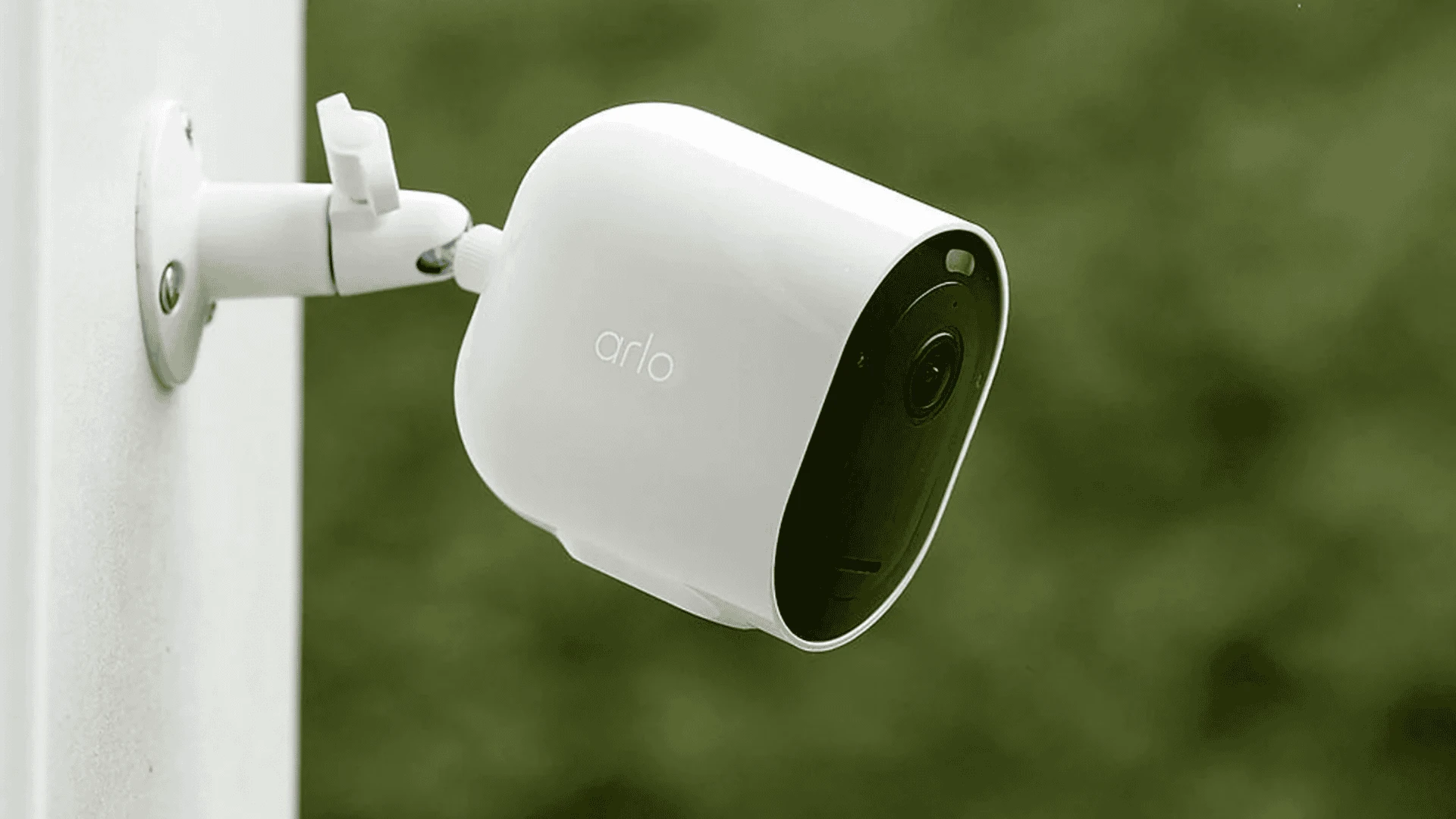
Both cameras use the same VMA4400 rechargeable battery, the same magnetic mount and accessories, the same Arlo app, and the same base station.
They are also both IP65-rated for outdoor use, operate in temperatures from -4°F to 113°F, and offer half-duplex two-way audio.
Cloud storage on both models includes a free 7-day rolling clip library with no subscription required for motion-triggered recordings.
Geofencing is available on both, letting you set the cameras to arm automatically when you leave and disarm when you return.
Both cameras are also backward compatible with the original Arlo base station (gen 1) and the Arlo Pro base station (gen 2), and both can be mixed in the same system without issue.
Arlo Pro vs Arlo Pro 2: Key Differences Explained
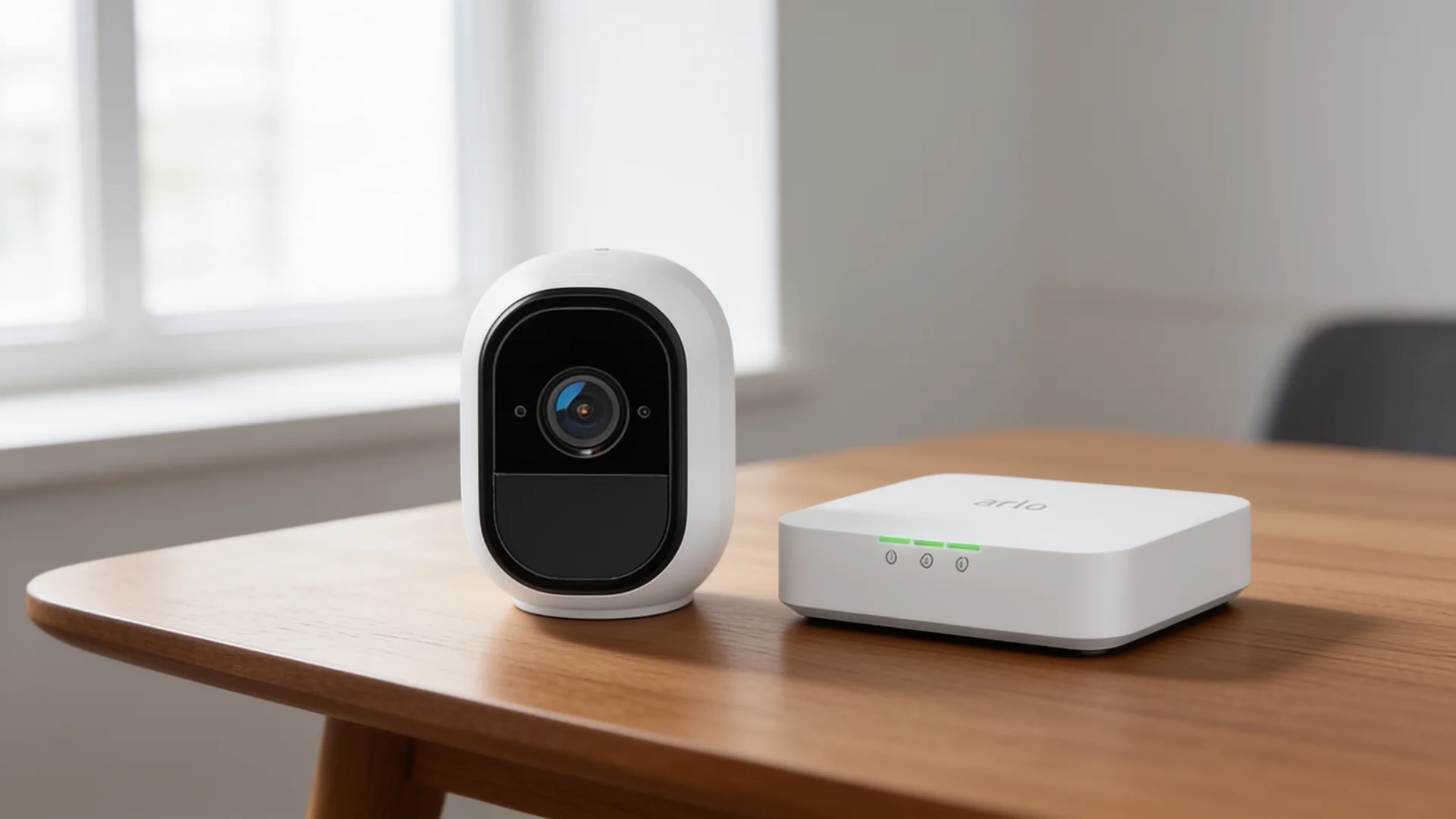
Most of the Arlo Pro 2 upgrades require one condition: the camera needs to be plugged into a wall outlet.
On battery, you get better video and a slightly wider view. On AC power, you get a much more capable camera. Here’s how each difference breaks down.
1. Video Resolution
The Arlo Pro 2 records at 1080p full HD. The original Arlo Pro tops out at 720p. The gap is noticeable when you zoom into a clip to check a face or read a license plate.
At 20 feet or more, 720p quickly becomes blurry; 1080p retains usable detail at greater distances. This upgrade works on battery, so even in a wire-free setup, the Pro 2 gives you sharper footage.
In side-by-side testing, the difference was most obvious on footage of my front walkway at around 25 feet, where faces that came out soft on the Pro were recognizable on the Pro 2.
If clearer video is your main reason to upgrade, this is the one benefit you get regardless of power source.
2. Field of View
Arlo’s spec sheets have historically listed both cameras at 130 degrees, but the official Arlo support confirms the Pro 2 offers a field of view 20 degrees wider than the original Pro.
This difference is consistent with real-world side-by-side footage, where the Pro 2 captures more edge area on a wide porch or driveway.
The extra coverage is not a reason to upgrade on its own, but it does reduce blind spots and matters on wide outdoor placements like a garage front or gate entrance.
3. Look-Back/Pre-Recording Buffer
Motion-triggered cameras have a small delay between when motion starts and when recording begins.
In that gap, you can miss the first few seconds of an event. The Arlo Pro 2 keeps a rolling 3-second video buffer while plugged in.
When motion triggers a clip, that buffer gets added to the front. You don’t lose the lead-up to the event. No CVR subscription needed for this, just a power connection. The original Arlo Pro doesn’t have it.
4. Continuous Video Recording (CVR)
CVR means the camera records 24/7, not just when motion is detected.
This is Arlo Pro 2 only, and it requires both AC power and a paid subscription. Plans run around $7.99 per camera or $17.99 per month for unlimited cameras at a single location.
If you’d rather skip fees entirely, check out home security systems without a subscription as an alternative. The original Arlo Pro cannot do CVR regardless of the power source.
5. Night Vision
Both cameras use 850nm infrared LEDs with a 25-foot range, and both switch to black-and-white in low light. An IR cut-off filter on each prevents washed-out video in daylight.
Side-by-side footage I have reviewed shows the Pro 2 illuminates more evenly at night, with fewer dark corners in low-ambient spots like an unlit side gate.
Night vision performance is the same on battery or AC power for both models, so this advantage holds regardless of how you install the Pro 2.
6. Motion Detection
Both cameras use PIR-based motion detection when running on battery. PIR reads body heat, which means shadows, passing cars, and wind-blown branches are unlikely to trigger false alerts.
On AC power, the Arlo Pro 2 switches to software-based motion detection and lets you draw up to three activity zones in the camera’s field of view.
Anything outside those zones is ignored. The original Arlo Pro has no activity zone support at all, on battery or plugged in, which was one of the most common user complaints about that model.
Pairing your Arlo cameras with the right detection setup makes a real difference in day-to-day alert quality, and understanding motion sensor coverage at home can help you decide where cameras alone are enough and where additional sensors add value.
7. Battery Life
Both cameras use the same VMA4400 2440mAh rechargeable battery and are rated up to 6 months per charge under typical use.
In practice, usage volume, recording frequency, and temperature affect actual battery duration significantly.
In my experience, the difference in quality between the two is small when both cameras are set to similar sensitivity levels. Some users see faster drain on the Pro 2 due to 1080p processing; others do not notice a difference.
Lowering the video quality setting from “best video” to “optimized” in the app reduces battery consumption noticeably if runtime is a concern.
8. Design and Build Quality
These cameras are physically identical in size and share the same magnetic mount, rechargeable battery, skins, and accessories.
The visual difference is the lens ring: black on the Pro, white on the Pro 2. Both are IP65-rated and work between -4°F and 113°F.
Two-way audio is half-duplex on both ends, meaning only one person can speak at a time. The Pro 2 is backward compatible with both generations of the Arlo base station.
If you are still working out whether a wire-free setup suits your home or want to compare battery-powered cameras against wired options, this breakdown of wireless vs. wired camera options covers the tradeoffs side by side.
Smart Home Integration
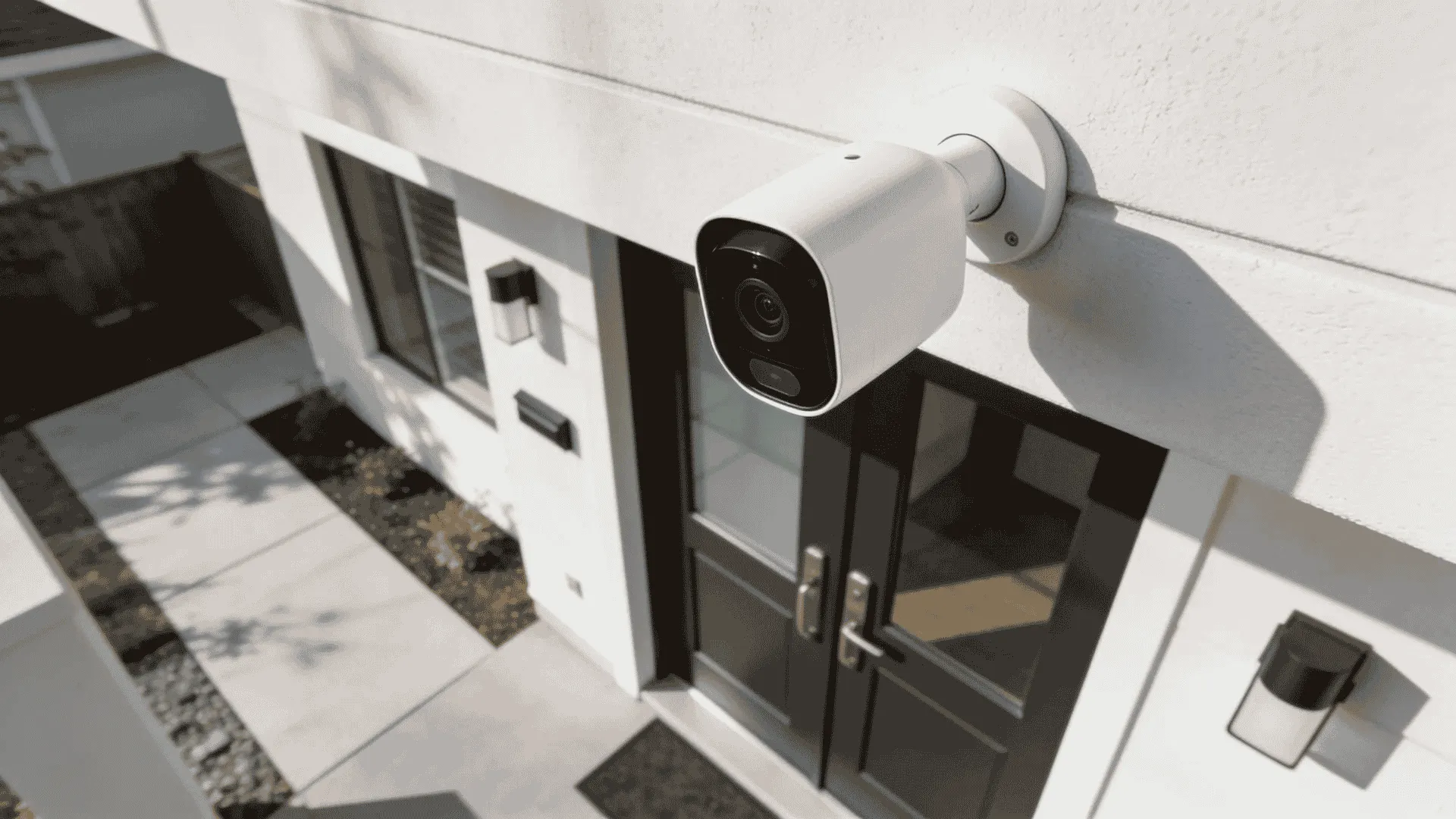
Both the Arlo Pro and Arlo Pro 2 work with the same smart home platforms. Supported integrations include Amazon Alexa, Google Home, Apple HomeKit, Samsung SmartThings, and IFTTT.
- Amazon Alexa: View live feeds on Echo Show or Fire TV devices, arm or disarm cameras with a voice PIN, and trigger recording via Alexa routines.
- Google Home: Stream live video on a Nest Hub display. Motion notifications are routed through the Google Home app, though video playback still requires the Arlo app on mobile.
- Apple HomeKit: Requires an Arlo base station. Once linked, cameras appear in the Home app and can be controlled via Siri.
- Samsung SmartThings: Requires a base station. Lets you integrate cameras into broader smart home routines, such as triggering a recording when a contact sensor opens.
- IFTTT: Enables custom conditional automations, such as turning on smart lights when the camera detects motion or receiving a notification when the battery is low.
Geofencing is available on both models through the Arlo app. The cameras can be set to arm automatically when your phone leaves a defined location and disarm when it returns, without requiring a specific smart home platform.
Arlo Smart Subscription and Person Detection
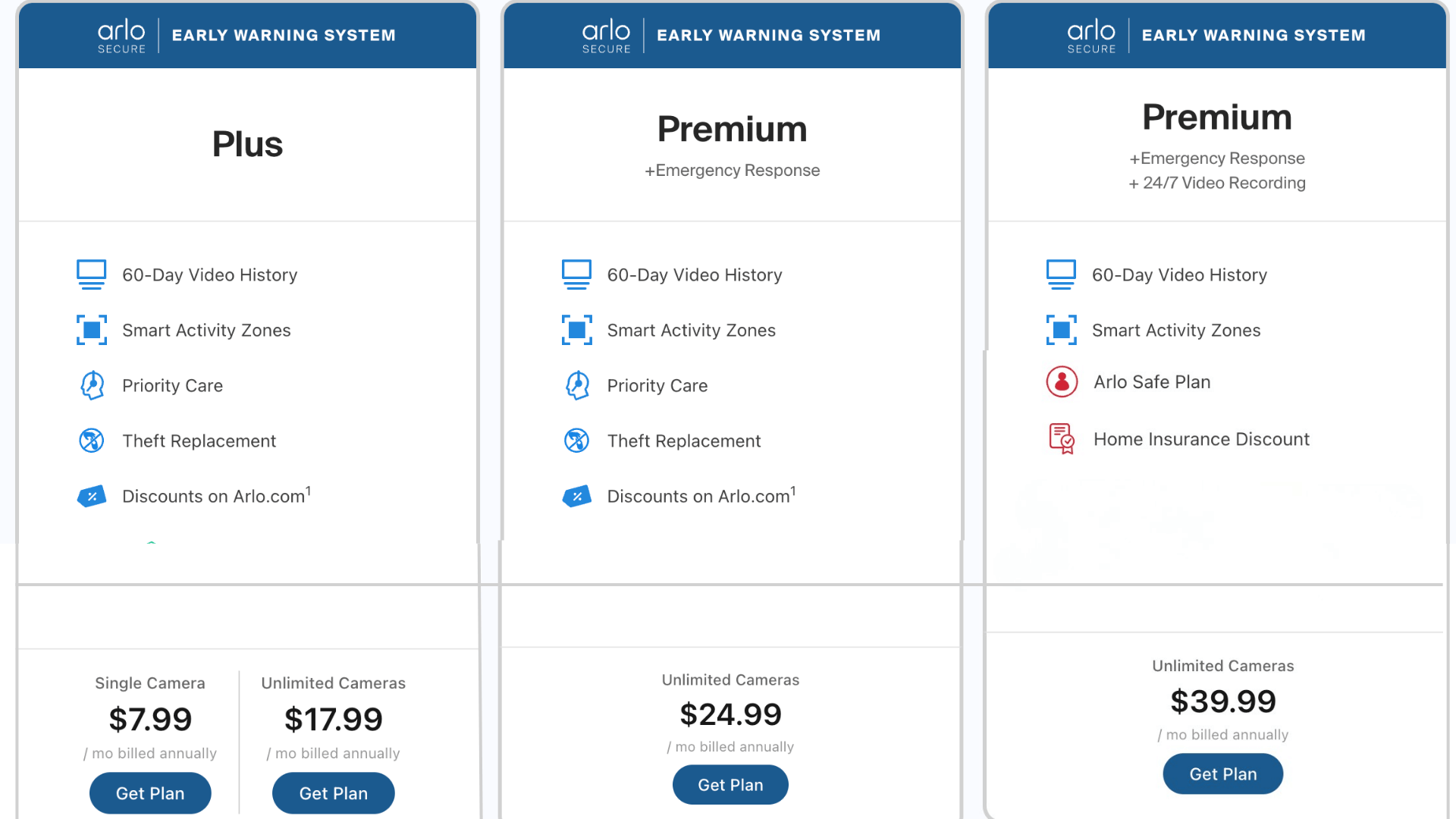
One feature that matters for daily usability is Arlo Smart, the paid subscription tier that adds intelligent object detection to both cameras.
With an Arlo Smart plan, both the Arlo Pro and Arlo Pro 2 can detect and distinguish between people, vehicles, animals, and packages, and send filtered notifications based on detection type rather than generic motion alerts.
Without Arlo Smart, both cameras send motion-triggered alerts without distinguishing what caused them.
Arlo Smart plan pricing has changed over time. As of now:
- Single-camera Plus plan: approximately $7.99 per month
- Multi-camera Plus plan (single location): approximately $17.99 per month
- Premium plan: approximately $24.99 per month
- Early Warning System plan: approximately $39.99 per month
From a practical standpoint, person detection alone cuts notification noise dramatically if your camera covers a street or shared driveway.
If you primarily want fewer false alerts without the cost of a subscription, the Arlo Pro 2’s activity zones on AC power deliver most of that benefit for free.
Arlo Pro vs Arlo Pro 2 Pricing, Availability, and Where to Buy
The Arlo Pro is no longer sold new through major retailers and is primarily available through third-party marketplace sellers.
The Arlo Pro 2 remains available new from Amazon, Best Buy, and arlo.com, though supply varies as the product ages. Here is the cost breakdown.
| Item | Estimated Price |
|---|---|
| Arlo Pro (add-on camera) | $80 to $100 |
| Arlo Pro 2 (add-on camera) | $100 to $130 |
| Base station (if starting fresh) | $80 to $100 |
| CVR subscription (Pro 2 only) | ~$10/camera/month (14-day) or ~$20/month (30-day) |
| Outdoor power adapter (Pro 2) | ~$25 |
Note: Pricing for both cameras & subscription model can vary, please check the latest pricing on Arlo’s official website.
Should You Upgrade from Arlo Pro to Arlo Pro 2?
If you already own Arlo Pro cameras and are deciding whether to upgrade, the answer depends on how you use them.
Upgrading makes sense if:
- Your current footage is too blurry to identify faces or plates.
- You are covering a wide entry point and want fewer blind spots.
- You have an outdoor outlet near the camera position.
- You want activity zones without relying only on basic motion alerts.
- You want to look back at the recording without paying for CVR.
Upgrading is less urgent if your Arlo Pro cameras cover wide outdoor areas where 720p motion alerts are sufficient.
If you run your cameras entirely on battery with no AC power nearby, several of the Pro 2’s main advantages require a power connection.
A practical approach I have seen work well is to keep your existing Arlo Pro cameras on low-priority zones like backyards or garages and replace only the cameras covering doors, driveways, or entry points with Pro 2 units.
Both models run on the same system with no compatibility issues.
Who Should Choose Which Security Camera?
The better pick depends on your budget, setup, and how much video detail you need from your camera.
| Choose Arlo Pro if | Choose Arlo Pro 2 if |
|---|---|
| You want a cheaper camera, and 720p video is enough for your space. | You want sharper 1080p footage for doors, driveways, or face details. |
| You need a fully wireless setup and do not plan to plug the camera in. | You can plug in the camera and use activity zones, look-back, and CVR. |
| You are adding another camera to an existing Arlo Pro system. | You are starting a new Arlo setup and want the stronger long-term option. |
| You mainly need motion alerts for yards, sheds, or wide outdoor areas. | You want fewer false alerts by focusing detection on specific areas. |
| You care more about lower cost than the newest features. | You want better features now and more useful security coverage over time. |
Conclusion
Arlo Pro vs Arlo Pro 2 comes down to power, video detail, and how much control you need from each camera.
Plugging in the Arlo Pro 2 gives you sharper footage, activity zones, look-back recording, and stronger long-term value.
The original Arlo Pro still makes sense when you need a lower-cost wireless camera for basic motion alerts.
I would choose based on camera placement first, because a front door, backyard, and side gate do not need the same detail.
Before buying, check your base station, outdoor power needs, storage plan, and whether 720p is enough for your main security spots.
Have you used Arlo Pro or Arlo Pro 2 at home? Tell us, share with us in the comments below.
Frequently asked questions
Is the Arlo Pro 2 Backward-Compatible with the Original Arlo Base Station?
Yes. The Arlo Pro 2 works with both the original Arlo base station (gen 1) and the Arlo Pro base station (gen 2).
You don’t need to replace your hub to add a Pro 2 camera. The Pro base station does add a built-in siren and USB local storage, but both generations run the Pro 2 without issues.
Can You Mix Arlo Pro and Arlo Pro 2 Cameras on the Same System?
Yes. Both cameras run on the same base station, the same Arlo app, and the same modes and rules. Activity zones and CVR only apply to the Pro 2 cameras in your setup, not the original Pro ones.
Everything else, like arming, scheduling, and notifications, works the same across both models.
Does the Arlo Pro 2 Work with Solar Panels for the AC-Power Features?
No. Arlo’s solar panel only trickle-charges the battery and doesn’t count as a full AC power connection. Look-back, activity zones, and CVR still won’t activate on solar power.
For those features outdoors, you need the weatherproof outdoor power adapter, which plugs directly into a wall outlet. Solar is useful for extending battery life, but nothing more.
What Internet Speed Does the Arlo Pro 2 Require?
Arlo recommends at least 1 Mbps upload speed for a single camera. In practice, cameras don’t all record at the same time, so 1 Mbps handles most home setups without any issue.
If you have five or more cameras triggering simultaneously, a bit more upload headroom helps. Most standard broadband plans cover this easily.
Does the Arlo Pro Have Person Detection?
The Arlo Pro does not include person detection in its default motion alerts.
Person detection on both the Arlo Pro and Arlo Pro 2 requires an Arlo Smart subscription, which also adds vehicle, animal, and package detection.
Without a subscription, both cameras send motion-triggered alerts without distinguishing the source of movement.