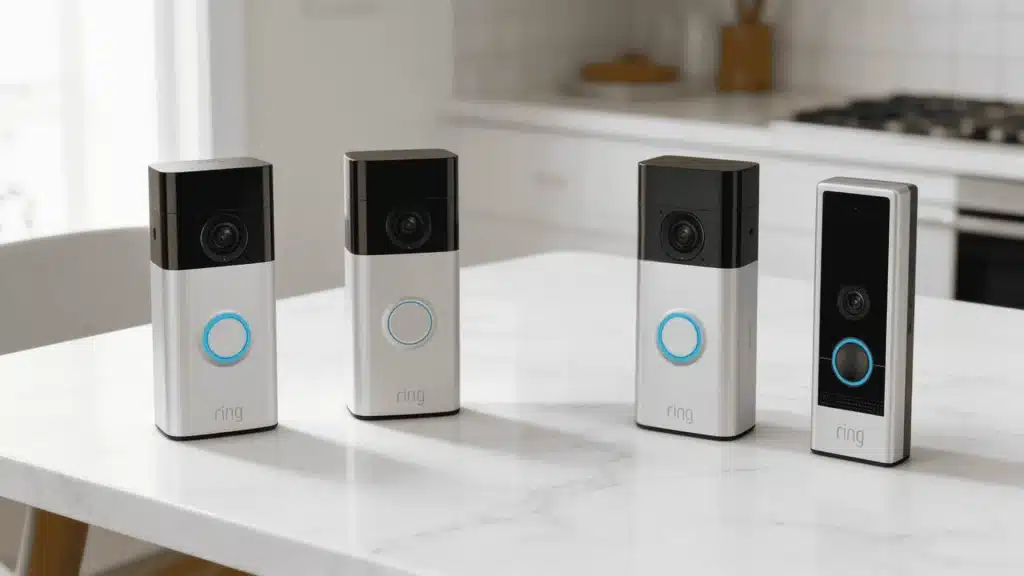
A Ring device helps you keep an eye on your home, so it can be frustrating when the battery refuses to charge.
Charging problems with Ring cameras are fairly common, and there are several reasons why they can happen.
Many users run into charging problems caused by simple issues such as faulty cables, battery problems, software glitches, or even extreme weather conditions.
The good news is that most charging issues can be fixed without replacing your device.
In this guide, you’ll learn the most common reasons your Ring camera or doorbell may not be charging and be shown the steps you can take to get it working again.
You’ll also learn how to check battery health, prevent charging issues, and know when to contact Ring support.
What Is a Ring Camera?
A Ring camera is a smart home security camera that lets you monitor your property in real time through the Ring app.
It records video, detects motion, and sends instant alerts to your smartphone whenever activity is detected.
Designed for both indoor and outdoor use, Ring cameras help homeowners keep an eye on their homes from anywhere.
Most models include HD video, two-way audio, night vision, and custom motion zones.
Some Ring cameras run on rechargeable batteries, while others use wired power or solar panels.
The cameras also work seamlessly with other Ring devices and Amazon Alexa, making it easier to manage your home security system.
From keeping an eye on your front door and driveway to monitoring your backyard or indoor areas, a Ring camera offers a simple and dependable way to enhance home security.
Ring Camera Not Charging: Causes and Easy Solutions
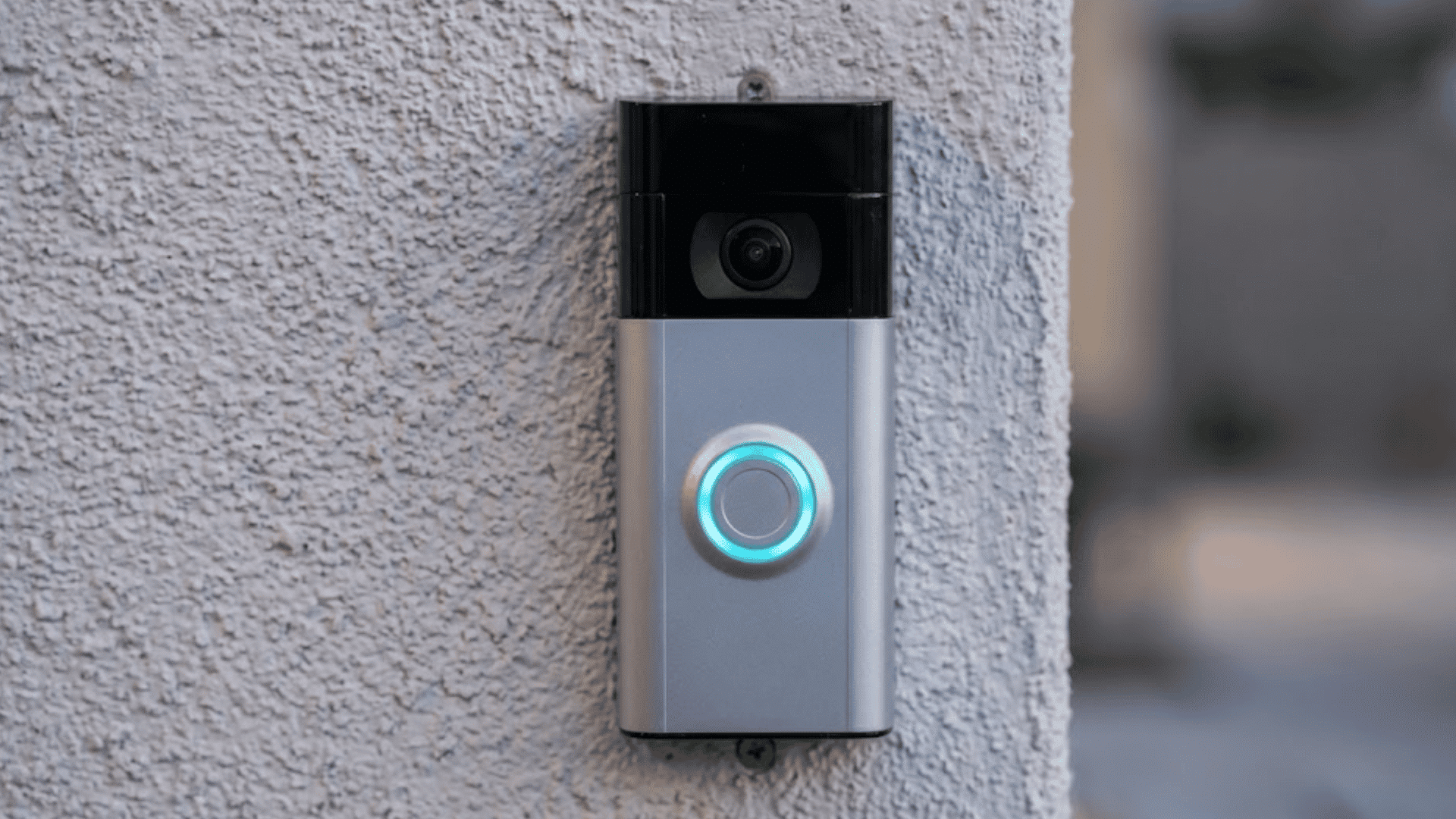
Several factors can prevent a Ring camera from charging properly. Understanding the cause can help you identify the right fix more quickly and avoid unnecessary replacements.
1. Faulty Charging Cable or Adapter
A faulty charging cable or power adapter is one of the most common reasons a Ring camera will not charge.
Over time, charging cables can develop internal damage from bending, twisting, or daily use, even if the outside looks normal.
A damaged adapter may also fail to provide enough power to charge the battery properly. In some cases, the camera may appear connected but receive little or no power.
If the charging indicator does not turn on or the battery percentage stays the same, the charging accessories may be causing the problem.
How to Fix:
- Inspect the cable and adapter for visible damage.
- Try a different compatible USB cable.
- Test with another power adapter.
- Use Ring-approved charging equipment.
- Replace damaged charging accessories if needed.
2. Dirty or Damaged Charging Port
A dirty or damaged charging port can prevent your Ring camera from charging properly. Since Ring devices are often installed outdoors, dust, lint, moisture, and other debris can collect inside the charging port over time.
This buildup may block the connection between the charger and the battery.
In some cases, the metal contacts inside the port can become bent, corroded, or damaged, stopping power from flowing correctly.
If the charger feels loose or charging starts and stops unexpectedly, the charging port may be the source of the problem.
How to Fix:
- Inspect the charging port for dust and debris.
- Clean the port with compressed air or a soft brush.
- Remove any visible buildup carefully.
- Check for bent or damaged contacts.
- Avoid using sharp objects inside the port.
3. Battery Has Reached the End of Its Lifespan
Ring batteries gradually lose their ability to hold a charge as they age. Every rechargeable battery has a limited number of charging cycles before its performance starts to decline.
As the battery gets older, it may charge more slowly, drain faster, or stop charging completely.
If your Ring camera battery no longer lasts as long as it used to, even after a full charge, battery wear could be the cause.
This issue becomes more common after several years of regular use and charging.
How to Fix:
- Fully charge the battery and monitor its performance.
- Check battery health in the Ring app.
- Look for signs of rapid battery drain.
- Replace the battery if it no longer holds a charge.
- Use an official compatible Ring replacement battery.
4. Extreme Hot or Cold Temperatures
Extreme temperatures can affect how well a Ring battery charges and performs. Lithium-ion batteries work best within a moderate temperature range.
When exposed to freezing weather, the battery’s chemical reactions slow down, making charging difficult.
Excessive heat can also trigger built-in safety protections that temporarily stop charging. As a result, the battery may appear faulty even though it is working normally.
Outdoor Ring cameras are especially vulnerable to temperature-related charging issues during very hot summers or cold winters.
How to Fix:
- Remove the battery and bring it indoors.
- Allow it to reach room temperature.
- Avoid charging in direct sunlight or freezing conditions.
- Wait until the battery returns to a normal temperature.
- Reconnect the charger and test charging again.
5. Software or Firmware Glitches
Software bugs and outdated firmware can sometimes interfere with battery charging and reporting.
In some situations, the battery may be charging normally, but the Ring app fails to update the charging status correctly. Temporary system glitches can also affect how the camera manages power.
These issues are less common than hardware problems but can still cause confusion when troubleshooting.
Keeping your Ring device updated helps improve stability, battery management, and overall performance while reducing the chances of charging-related software problems.
How to Fix:
- Restart the Ring camera.
- Check for firmware updates in the Ring app.
- Keep the device connected to Wi-Fi.
- Allow automatic updates to install.
- Perform a factory reset if problems continue.
6. Problems with the Power Source
Sometimes the charging issue is caused by the power source rather than the Ring camera itself.
Faulty wall outlets, weak USB ports, or low-output chargers may not provide enough power for the battery to charge properly.
Charging through a computer USB port can also be slower than using a wall adapter.
If the camera does not respond when connected, the outlet or charger may be preventing the battery from receiving sufficient power. Testing different power sources can quickly help identify whether this is the cause.
How to Fix:
- Plug the charger into a different wall outlet.
- Use a wall adapter instead of a computer USB port.
- Test with another compatible charger.
- Confirm the charger meets Ring’s power requirements.
- Avoid low-power USB hubs and ports.
7. Improper Battery Installation
If the battery is not installed correctly, your Ring camera may not charge even when the charger is connected.
This can happen if the battery shifts out of place during installation or does not fully connect with the camera’s contact points.
A loose connection can interrupt power flow and prevent the charging process from starting. In some cases, the Ring app may also display incorrect battery information.
This issue is easy to overlook, especially after removing and reinserting the battery for maintenance or troubleshooting.
How to Fix:
- Remove the battery from the device.
- Inspect the battery contacts for dirt or damage.
- Reinstall the battery carefully.
- Ensure the battery clicks securely into place.
- Check the Ring app to confirm charging has started.
8. Water Exposure or Moisture Damage
Although Ring cameras are built for outdoor use, excessive moisture or direct water exposure can still affect charging components.
Water can cause corrosion on battery contacts or inside the charging port, interrupting the electrical connection needed for charging.
Moisture damage may show signs such as rust, discoloration, or inconsistent charging.
If the device has recently been exposed to heavy rain, flooding, or excessive humidity, moisture could be preventing the battery from charging properly.
How to Fix:
- Disconnect the charger immediately.
- Allow the device and battery to dry completely.
- Inspect the charging port and contacts for corrosion.
- Clean affected areas if corrosion is minor.
- Contact Ring support if significant damage is visible.
9. Weak Wi-Fi Causing Fast Battery Drain
A weak Wi-Fi connection can make it seem like your Ring camera is not charging properly. When the device struggles to maintain a connection, it uses extra battery power searching for and reconnecting to the network.
This increased power usage can cause the battery to drain almost as quickly as it charges.
As a result, users may think charging has failed when the real issue is excessive battery consumption. Cameras installed far from the router often experience this problem more frequently.
How to Fix:
- Move the router closer to the camera.
- Install a Wi-Fi extender if needed.
- Reduce obstacles between the router and the camera.
- Check signal strength in the Ring app.
- Reconnect the device to a stronger network.
10. Defective Ring Camera Hardware
If none of the common troubleshooting steps work, the problem may be caused by an internal hardware failure.
Faulty charging circuits, damaged internal components, or manufacturing defects can prevent the battery from charging correctly.
Hardware issues are less common, but they can occur, especially in older devices or cameras that have experienced physical damage.
If the charging cable, battery, charging port, and power source have all been tested without success, the camera itself may require professional inspection or replacement.
How to Fix:
- Test the camera with a known working battery.
- Verify the charger and power source are functioning.
- Check for visible signs of physical damage.
- Review warranty coverage if applicable.
- Contact Ring Support for further diagnosis or replacement options.
11. Battery Contacts Are Dirty or Corroded
The metal contacts on the battery and inside the Ring camera must make a solid connection for charging to work properly.
Over time, dirt, dust, oxidation, or minor corrosion can build up on these contact points, especially in outdoor environments.
When the contacts become dirty, power may not transfer efficiently between the charger, battery, and device. This can result in slow charging, intermittent charging, or no charging at all.
Even a small amount of buildup can interfere with the charging process and cause inconsistent battery performance.
How to Fix:
- Remove the battery from the camera.
- Inspect the metal contacts for dirt or corrosion.
- Gently wipe the contacts with a dry microfiber cloth.
- Remove any visible buildup carefully.
- Reinstall the battery and test charging again.
12. Excessive Motion Detection and Camera Activity
Frequent motion alerts, live view sessions, and continuous recordings can place a heavy load on the battery. In busy locations, the camera may consume power almost as quickly as it receives it during charging.
This can create the impression that the battery is not charging, even though power is being supplied.
Cameras installed near busy streets, driveways, or high-traffic areas often experience faster battery drain. Reducing unnecessary activity can improve charging efficiency and overall battery life.
How to Fix:
- Lower motion sensitivity settings.
- Reduce the size of motion detection zones.
- Limit unnecessary Live View usage.
- Disable features you do not regularly use.
- Charge the battery fully before reinstalling it.
Signs Your Ring Camera Has a Charging Issue
Certain warning signs can indicate that your Ring camera is not charging properly or that the battery system needs attention.
- Battery Percentage Stays The Same: The battery level does not increase after charging, often indicating a problem with the charger, battery, or connection.
- Charging Light Does Not Turn On: A missing charging indicator light may indicate power delivery issues, faulty accessories, or damage to the charging port.
- Battery Drains Quickly After Charging: The battery loses power unusually quickly, which can indicate battery wear or performance issues.
- Camera Frequently Goes Offline: Unexpected periods of inactivity may occur when the battery lacks sufficient charge to power the device.
- Charging Takes Longer Than Usual: Extended charging times can result from weak power sources, aging batteries, or incompatible charging equipment.
- Battery Overheating During Charging: Excessive heat during charging may indicate battery damage, charger incompatibility, or environmental conditions.
How Do Different Temperatures Affect Charging?
Temperature can directly impact battery performance and may temporarily affect the charging process.
| Temperature Condition | Effect on Charging |
| Extreme Cold | Charging may slow down or stop until the battery warms up. |
| 32°F (0°C) | The battery may not charge at all, even when the device is hardwired. |
| 36°F (3°C) | The battery may require more frequent charging and hold less charge than normal. |
| Extreme Heat | Charging may stop temporarily as a built-in safety measure to protect the battery. |
| 113°F (45°C) | Prolonged exposure can cause the device to shut down to prevent overheating. |
| 120°F (50°C) | The device shuts down immediately to avoid permanent damage. |
| Direct Sun Exposure | Excessive heat can reduce charging efficiency and shorten battery lifespan. |
| Moderate Temperatures | The battery typically charges normally and delivers optimal performance. |
Key Features of a Ring Camera
Ring cameras include several features that help homeowners monitor their property and improve everyday security.
- HD Video Quality: Records clear, high-resolution footage that helps you view people, packages, vehicles, and other activities more accurately.
- Motion Detection: Detects movement around your property and sends instant alerts to keep you informed about nearby activity.
- Two-Way Audio: Allows you to listen and speak through the camera using the Ring app from virtually anywhere.
- Night Vision: Captures video in low-light and dark conditions, helping maintain visibility and security after sunset.
- Mobile App Access: Lets you view live footage, receive notifications, adjust settings, and manage devices from one place.
- Cloud Video Storage: Stores recorded footage online, making it easier to review, download, and share important video clips.
- Flexible Power Options: Available with battery-powered, wired, or solar-powered setups to suit different installation requirements.
- Weather-Resistant Design: Built to withstand outdoor conditions, allowing reliable performance through rain, heat, cold, and everyday exposure.
How to Check Battery Health in the Ring App?
To check your Ring camera’s battery health, open the Ring app, select your device, and tap Device Health. This section displays important battery and power information, including the current battery level.
Once you’re in the Device Health menu, review the battery percentage to see how much charge remains.
You can also check the Power Source section to see whether the device is running on battery, wired power, or another source.
If your Ring camera has charging issues, this page may show power-related warnings or alerts.
Regularly monitoring Device Health helps you identify battery drain, charging issues, and connectivity problems before they affect performance.
It’s one of the quickest ways to understand how well your Ring camera’s battery is functioning.
When to Replace Your Ring Camera Battery?
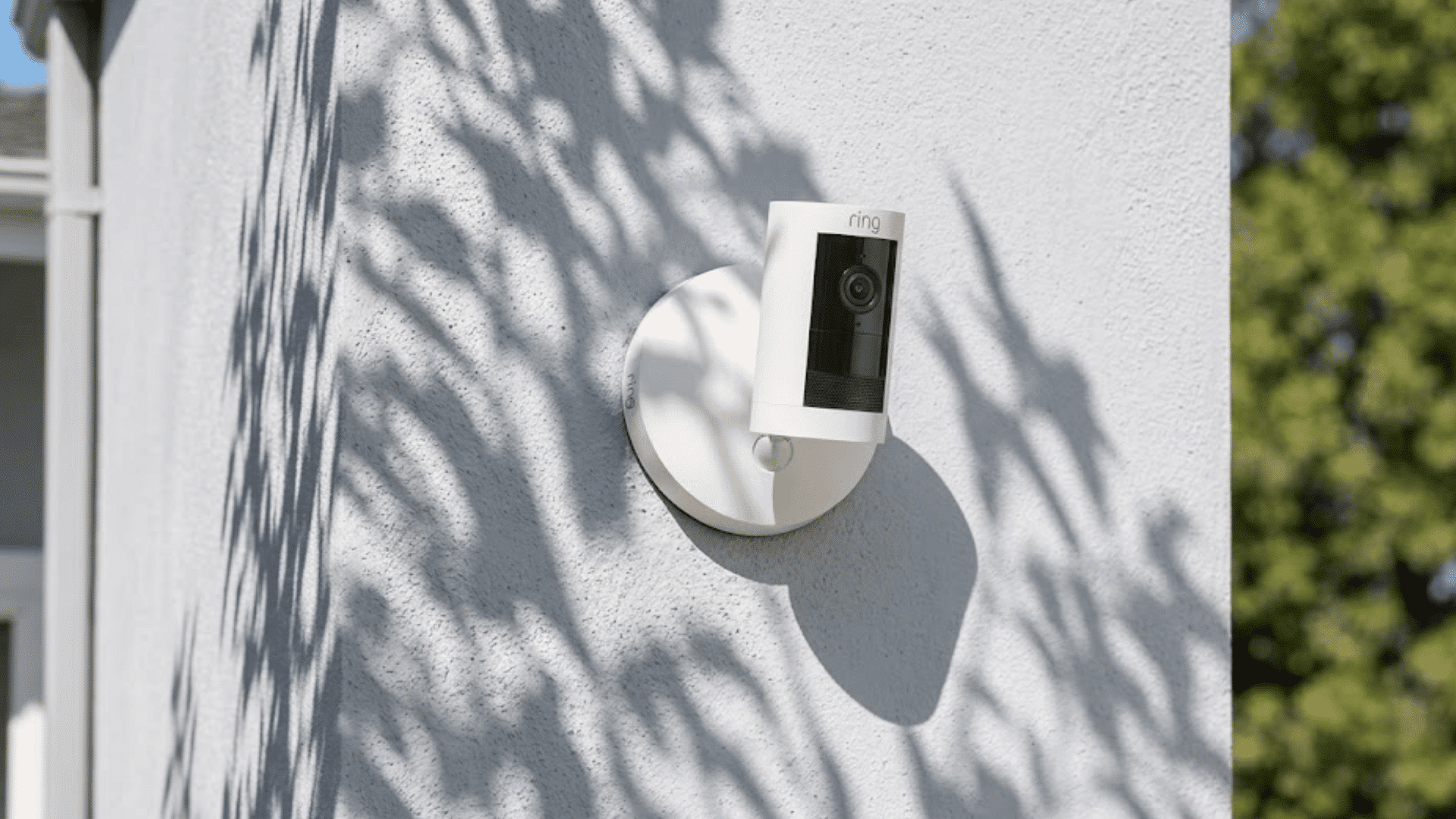
Certain signs can indicate that your Ring camera battery is no longer performing as expected and may need to be replaced.
- Battery Drains Quickly: The battery loses charge much faster than before, even after a full charge and normal use.
- Fails To Hold A Charge: The battery charges successfully but cannot maintain power for a reasonable period after unplugging.
- Frequent Recharging Required: The battery needs charging far more often than usual, making daily operation inconvenient and unreliable.
- Inconsistent Battery Readings: The Ring app displays fluctuating battery percentages that do not accurately reflect the actual charge level.
- Battery Is Several Years Old: Older lithium-ion batteries naturally lose capacity over time and may no longer deliver dependable performance.
- Device Powers Off Unexpectedly: The camera shuts down without warning, even when the battery indicator shows remaining charge available.
- Troubleshooting Does Not Help: Common fixes fail to improve battery performance, suggesting the battery itself may be nearing the end of its life.
Preventing Future Ring Camera Charging Problems
A few simple maintenance habits can help keep your Ring camera charging properly and extend battery life.
| Prevention Tip | Why It Helps |
| Use Approved Charging Accessories | Ensures the battery receives the correct power for safe and efficient charging. |
| Keep The Charging Port Clean | Prevents dust and debris from interfering with the charging connection. |
| Avoid Extreme Temperatures | Protects battery performance and reduces the risk of charging interruptions. |
| Update Firmware Regularly | Helps fix software bugs that may affect charging and battery management. |
| Check Battery Health Periodically | Allows you to spot battery issues before they become serious problems. |
| Improve Wi-Fi Connectivity | Reduces unnecessary battery drain caused by weak or unstable network connections. |
| Store Batteries Properly | Prevents battery damage when spare batteries are not in active use. |
| Inspect Charging Equipment Often | Helps identify worn cables or adapters before they cause charging failures. |
When to Contact Ring Support?
You should contact Ring Support if your camera still will not charge after trying all recommended troubleshooting steps.
Persistent charging issues, hardware damage, or battery detection problems often require professional assistance.
If you’ve tested different chargers, cleaned the charging port, checked the battery, and verified the power source without success, it may be time to reach out to Ring Support.
Seek help if the charging port is damaged, the battery isn’t recognized, or the Ring app shows repeated power errors.
Ring Support can help diagnose the problem, check warranty eligibility, and recommend repair or replacement options when necessary.
Conclusion
Dealing with a ring camera that won’t charge can be frustrating, especially when you rely on it to help keep your home secure.
Most charging issues are caused by faulty chargers, dirty ports, battery wear, or temperature extremes.
In many cases, a few simple troubleshooting steps are enough to get your device working properly again.
From what I have seen, many users assume the battery is defective when the actual problem is a charger, power source, or connection issue.
Understanding the causes and fixes can save time and prevent unnecessary replacements.
Have you had charging issues with your Ring camera or doorbell? Share your tips or questions in the comments below.
Frequently Asked Questions
What Is the Lifespan of a Ring Doorbell?
Most Ring doorbells last between 5 and 10 years, depending on usage, maintenance, weather exposure, and the condition of the battery or hardware.
Is It Hard to Replace the Ring Battery?
No, replacing a Ring battery is usually simple. Most battery-powered models have removable batteries that can be swapped within minutes.
Can a Ring Doorbell Be Overcharged?
No, Ring doorbells use built-in charging protections that stop charging when the battery reaches full capacity.
Can Any USB Be Used to Charge a Ring?
No, not all USB chargers provide the required power. Use a compatible USB cable and charger that meet Ring’s specifications.