
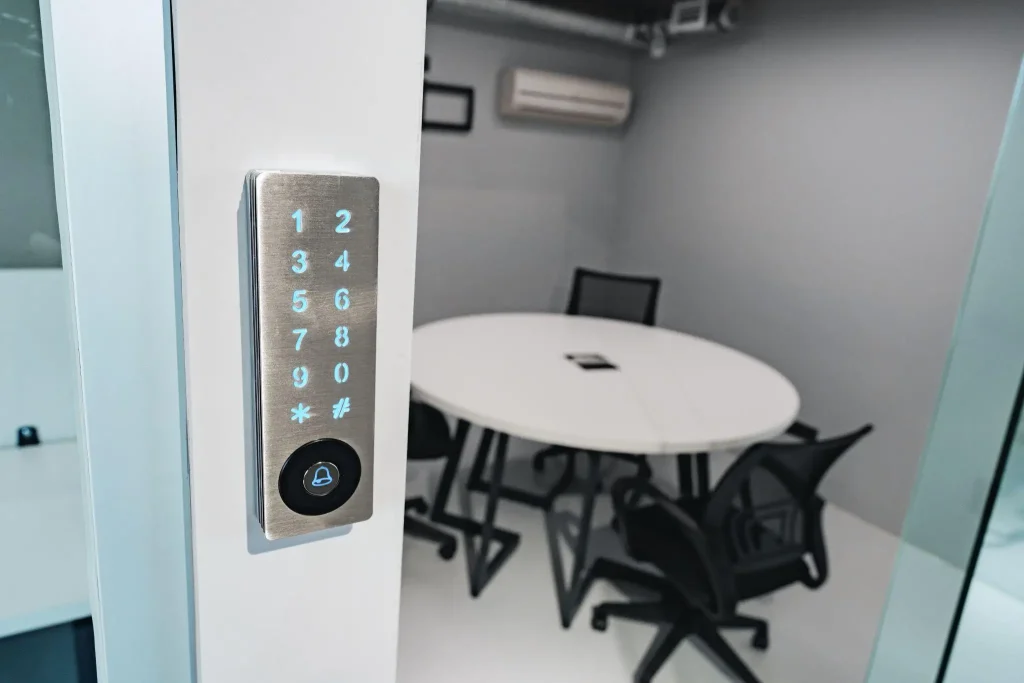
Managing a temporary event space comes with specific security challenges. You need to grant access to vendors, event staff, and VIP guests at different times throughout the day.
Naturally, if you use physical keys, it’s easy to run into problems immediately. Keys get lost, copied, or forgotten. And when a contractor accidentally takes a key home, you have to replace the lock to maintain security.
You can eliminate these bottlenecks by installing smart home locks on your venue’s doors. These connected devices remove the need for metal keys entirely. You control exactly who enters the building and when they leave directly from a digital dashboard.
The Problem with Traditional Access Control
Pop-up shops, VIP lounges, and backstage green rooms require strict access control. Traditional locks rely on a single physical credential.
If you have ten people who need access to a room, you have to cut ten keys! You have no way of knowing who opened the door or if they locked it behind them. Moreover, it is tough to restrict a physical key to certain hours.
For instance, a caterer with a key can enter the building at 2 PM or 2 AM. This lack of control poses a significant security risk for event organizers who store expensive equipment or merchandise on-site.
How Smart Locks Change Venue Security
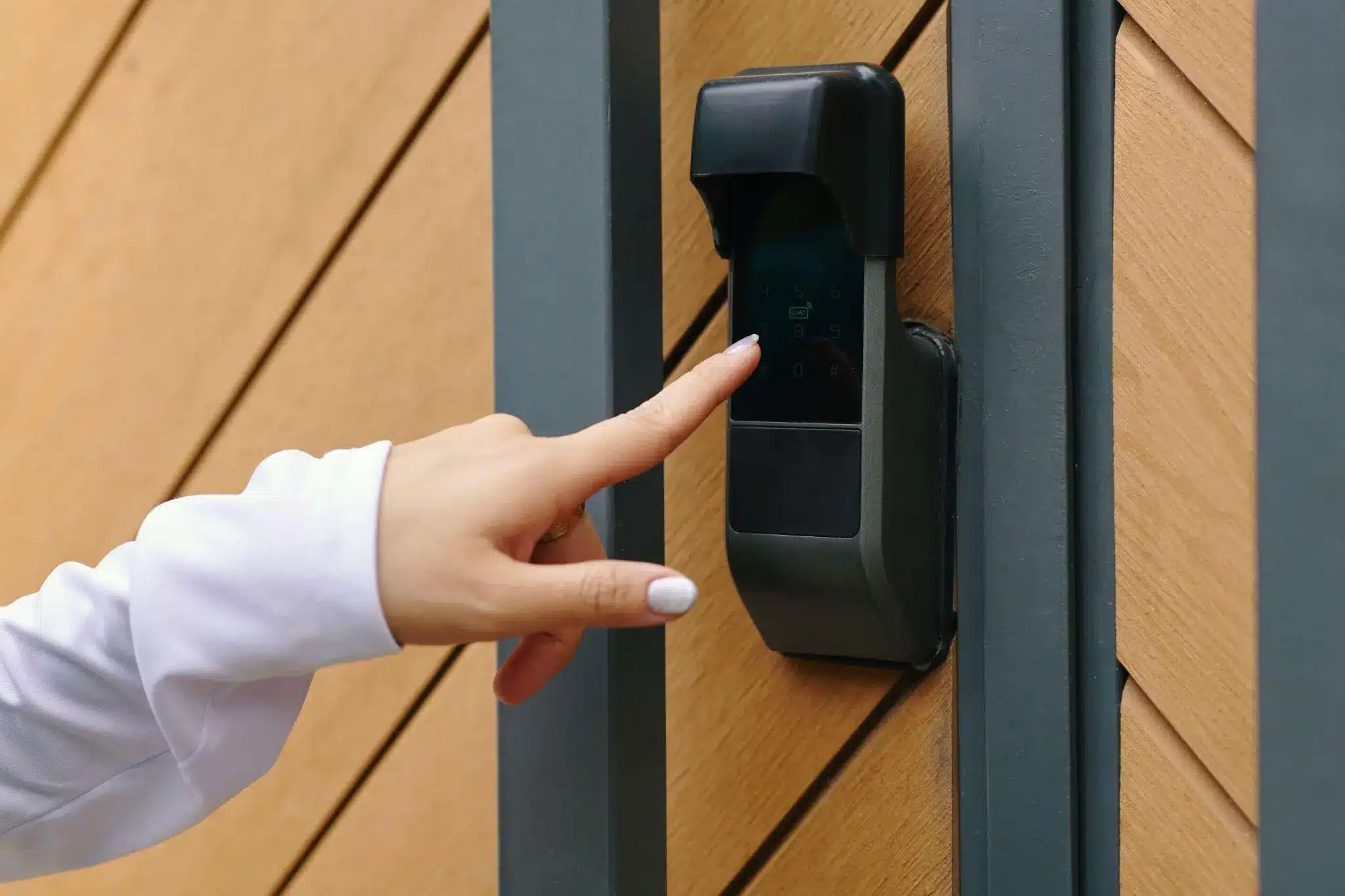
Modern digital locks can connect to a network. This allows you to issue unique digital access codes to different individuals or teams.
Using a smart deadbolt lock, you can set strict time parameters for every code. For example, the catering team’s code can be programmed to work only from 8 AM to noon on the day of the event.
You can also give the security team 24-hour access. When the event ends, it’s easy to delete the temporary codes with one tap on your smartphone.
As a result, you never have to track down physical keys from temporary contractors again.
Smart home locks can also maintain an audit trail. The lock can record a timestamp every time someone enters a code. Imagine if equipment goes missing from a storage room, you can check the log to see exactly whose code opened the door during that timeframe.
Selecting the Right Hardware
When outfitting an event space, you need to match the lock’s communication protocol to your venue’s infrastructure.
If your venue does not have a centralized smart hub, Wi-Fi locks are the most straightforward option. These connect directly to the local wireless router. For instance, a device like the Kwikset Halo smart lock allows you to manage access through a dedicated app from anywhere. Kwikset’s 939 touchscreen deadbolt lets you generate up to 250 custom user codes, which provides enough capacity for large events with hundreds of staff members.
On the other hand, if the event space already uses a centralized Z-Wave security system like Samsung SmartThings or Ring Alarm, a direct integration makes more sense. Devices like the Kwikset 916 Traditional sync with these existing hubs, allowing the property manager to control the locks alongside the venue’s lights and security cameras.
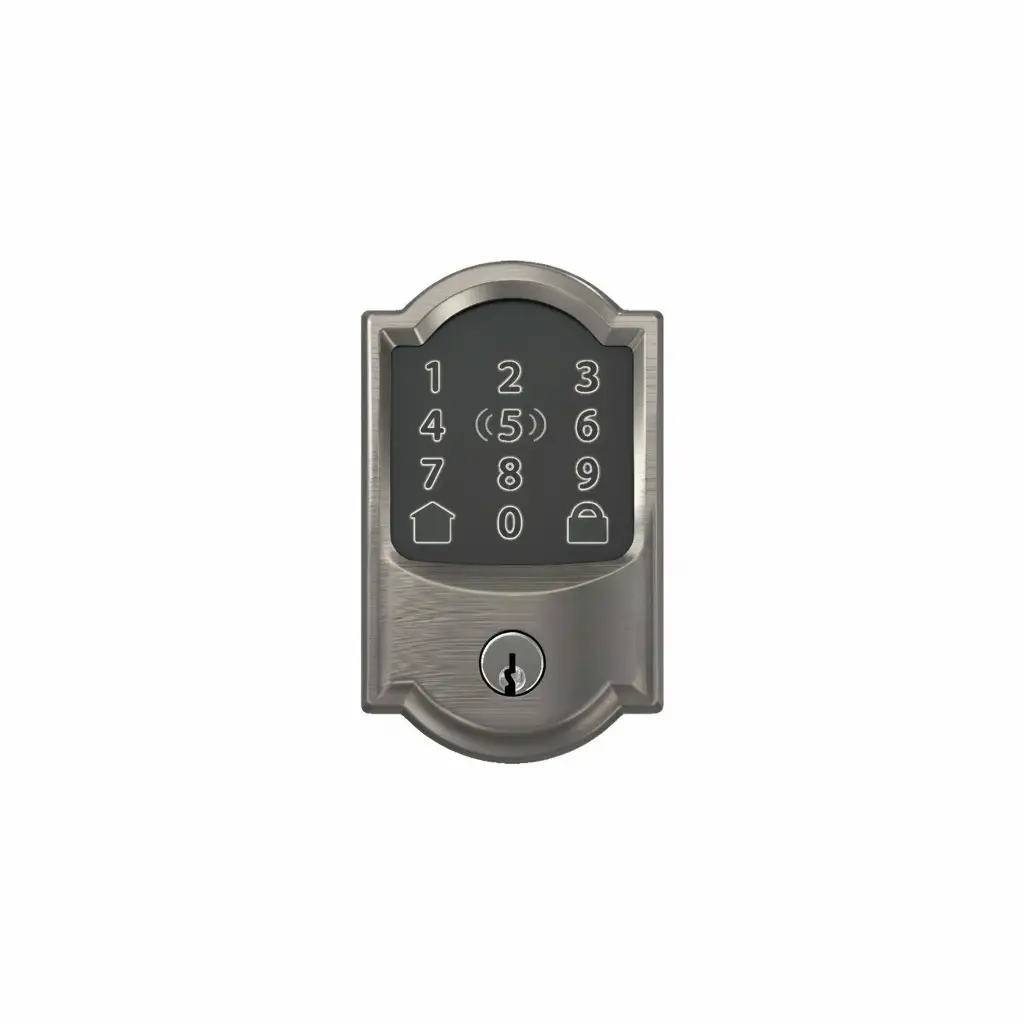
Ecosystem integration is another factor. Event managers often need to unlock doors quickly while carrying supplies. The Schlage Encode smart lock operates on a standard 2.4GHz network. Its BE499WB model integrates with Apple HomeKit, allowing staff to unlock doors by tapping an iPhone or Apple Watch against the keypad.
Because aesthetics often matter for VIP areas and high-end venues, these locks come in different finishes to match the architecture. You can install a sleek, modern lock on a contemporary glass door or opt for traditional Camelot trim in historic event spaces.
Things to Consider Before Implementation
Before installing digital locks at a venue, you must evaluate the infrastructure. Keep these technical factors in mind:
- Network Stability: Wi-Fi smart home locks require a steady internet connection to receive real-time code updates and send audit logs. Check the router range at your venue.
- Power Management: A smart deadbolt lock typically runs on batteries. Heavy traffic drains batteries much faster than standard residential use. Check the battery levels through the management app before the event starts.
- Physical Backups: Always keep the backup physical keys in a secure lockbox on-site. If the network goes down or the batteries die completely, you still need a manual way to open the door.
In Summary
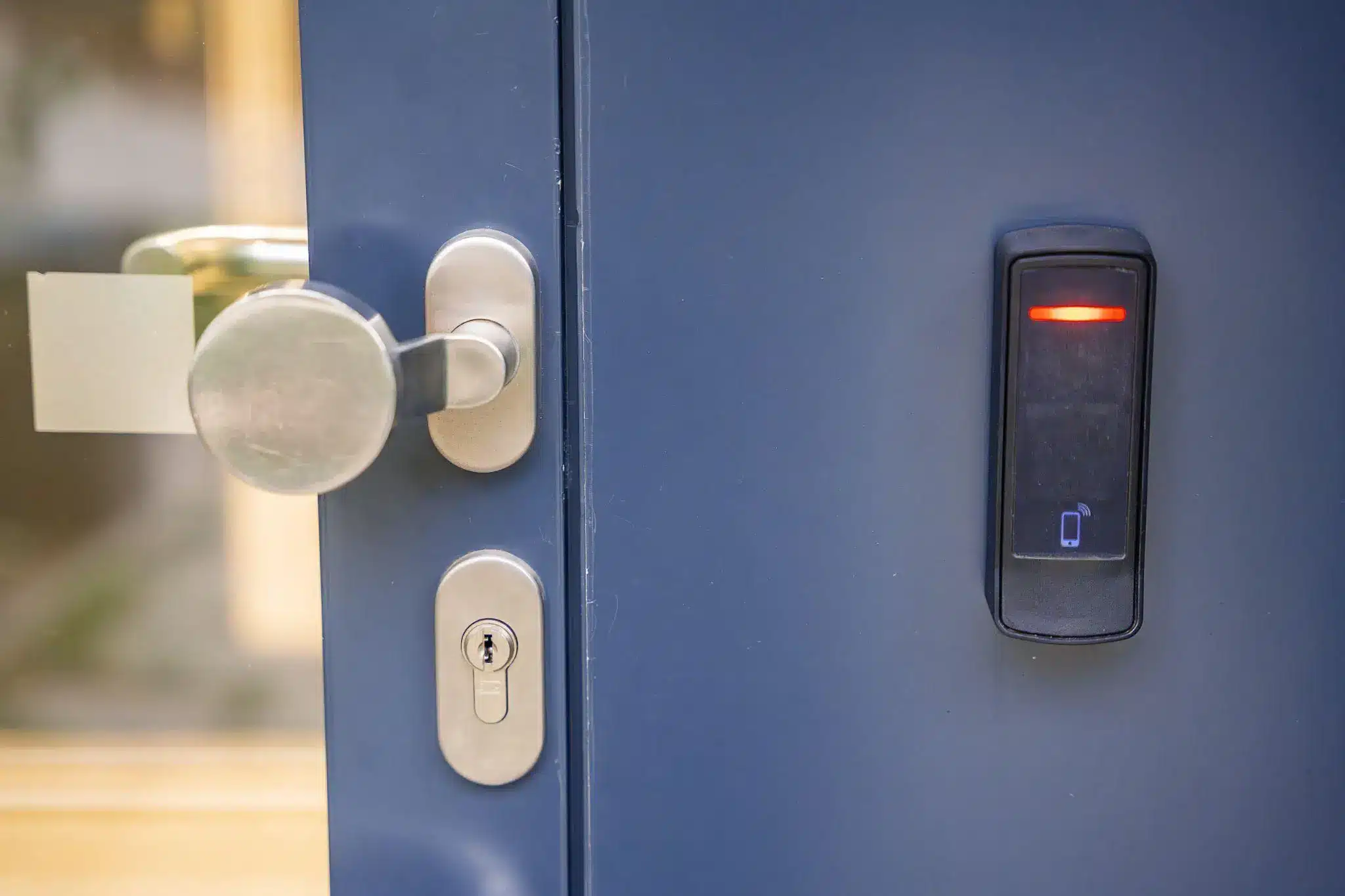
Coordinating an event requires managing many moving parts. Access control should not slow down your operations. Physical keys can get inefficient in such settings and create unnecessary security blind spots.
Upgrading to smart home locks gives you complete visibility over your venue. You know exactly who is in the building at all times. And when the event is over, you secure the space and revoke all vendor access without ever touching a key.



3 Responses
Rist password
HMD TA 1608
Yes