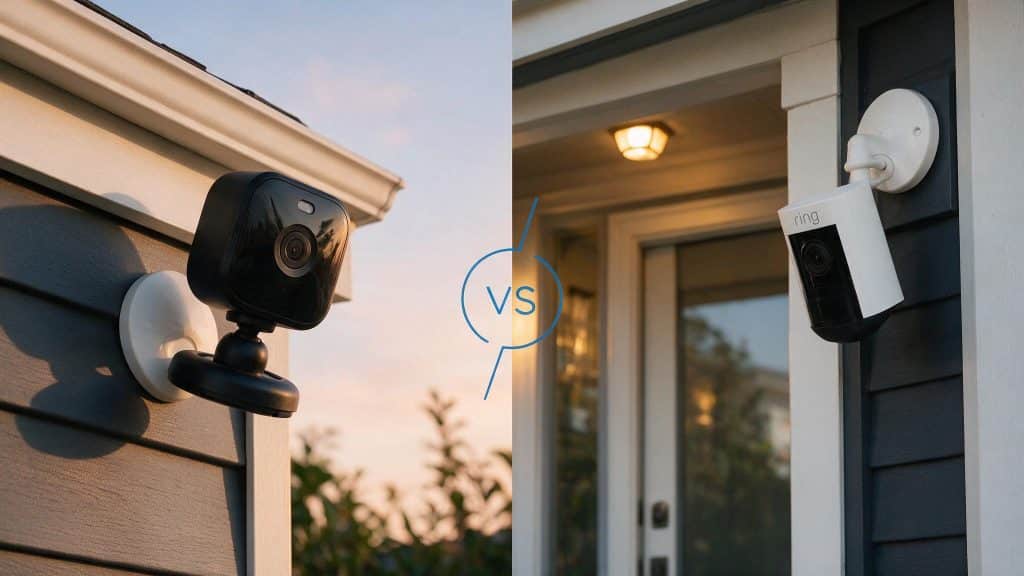
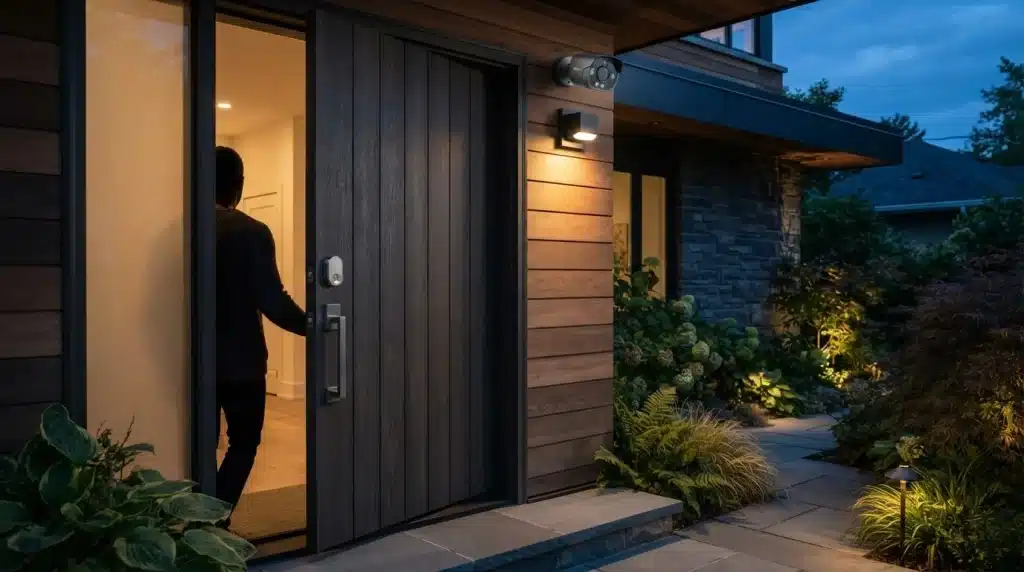
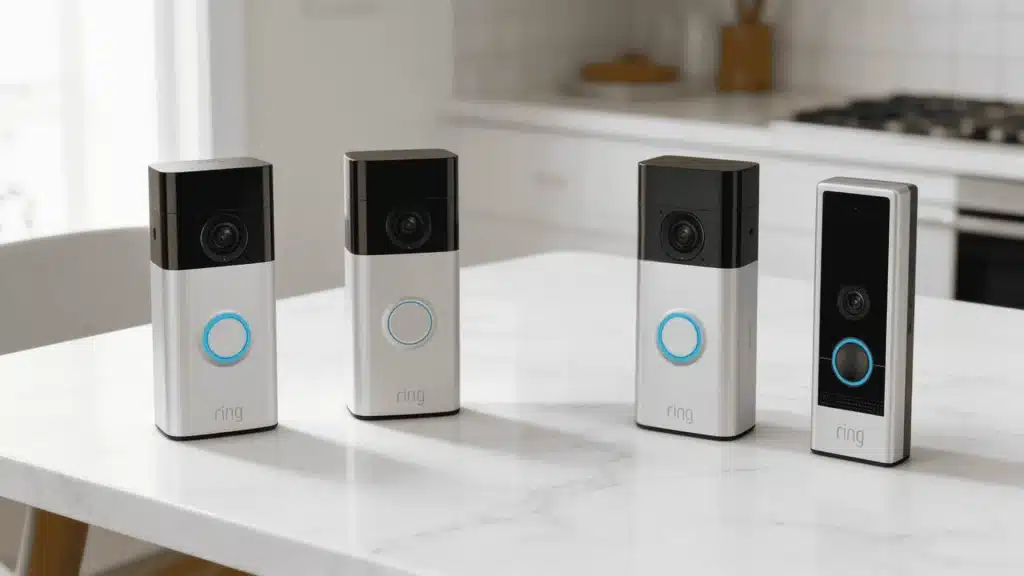
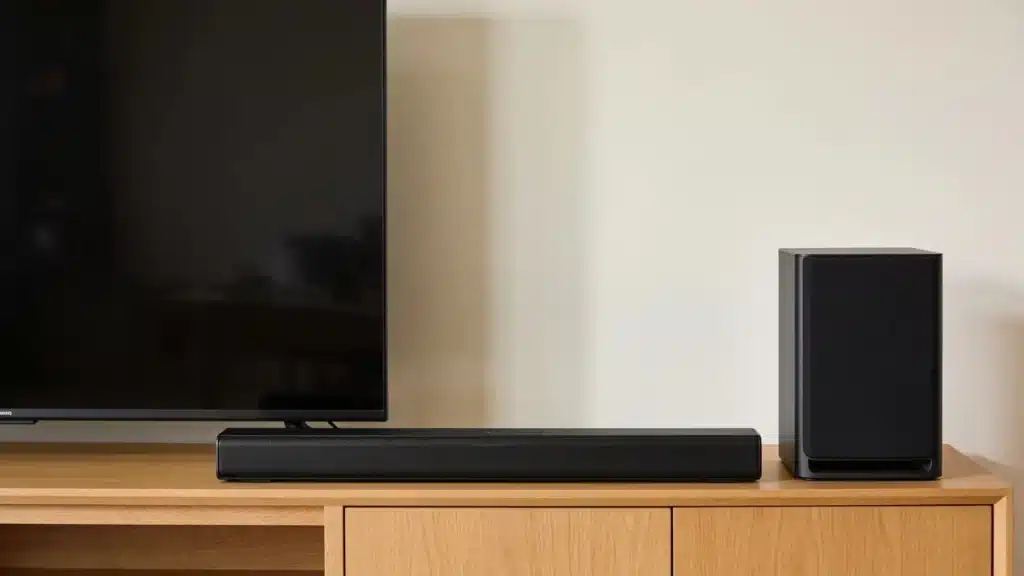
The best home security system without subscription gives you real-time alerts, reliable monitoring, and solid protection without any monthly fee or long-term contract.
After seven years of testing smart locks, cameras, and alarm systems, I’ve seen firsthand how dramatically self-monitored setups have improved.
Many of today’s no-fee systems perform at a level that would have required professional monitoring just a few years ago.
In this guide, I’ll compare the top no-contract home security systems, explain exactly what works without a subscription, flag hidden costs, and help you choose the right setup for your home and budget.
What Is a Home Security System?
A home security system is a network of devices designed to protect your property, belongings, and loved ones from threats such as burglary, vandalism, fire, and unauthorized access.
Modern systems include cameras, motion sensors, door and window sensors, alarms, and mobile apps for real-time monitoring.
While many traditional security providers charge monthly monitoring or cloud storage fees, subscription-free security systems offer a cost-effective alternative.
These systems use self-monitoring, local video storage, and one-time equipment purchases, avoiding ongoing contracts and monthly fees.
They are particularly appealing to homeowners, renters, and budget-conscious users who want reliable protection while avoiding long-term commitments and monthly fees.
Best Home Security Systems without Subscription
Most modern security systems work without a paid plan. The features you retain for free vary significantly between brands, so knowing what each system actually offers at zero cost is what matters before you buy
1. Abode Smart Security Kit: Top Choice for Most Homes
Abode Smart Security Kit combines flexible monitoring options, dependable protection, and broad smart-home compatibility. It works with many HomeKit devices, making it a well-rounded solution for most households.
Key Features
- Self-monitoring and professional monitoring plans
- Compatibility with Alexa, Google Assistant, and Apple HomeKit
- Built-in motion detection and siren
- Cellular backup for uninterrupted protection
| Pros | Cons |
|---|---|
| Supports multiple smart-home platforms | Higher initial investment |
| No long-term contract required | Advanced features require a subscription |
| Easy DIY installation | Smaller camera lineup than some rivals |
| Reliable backup connectivity | HomeKit setup may take extra time |
Best For: Homeowners who want broad smart-home compatibility and a system that keeps working even when the internet goes down.
2. Eufy Security System: Leading Local Storage Solution
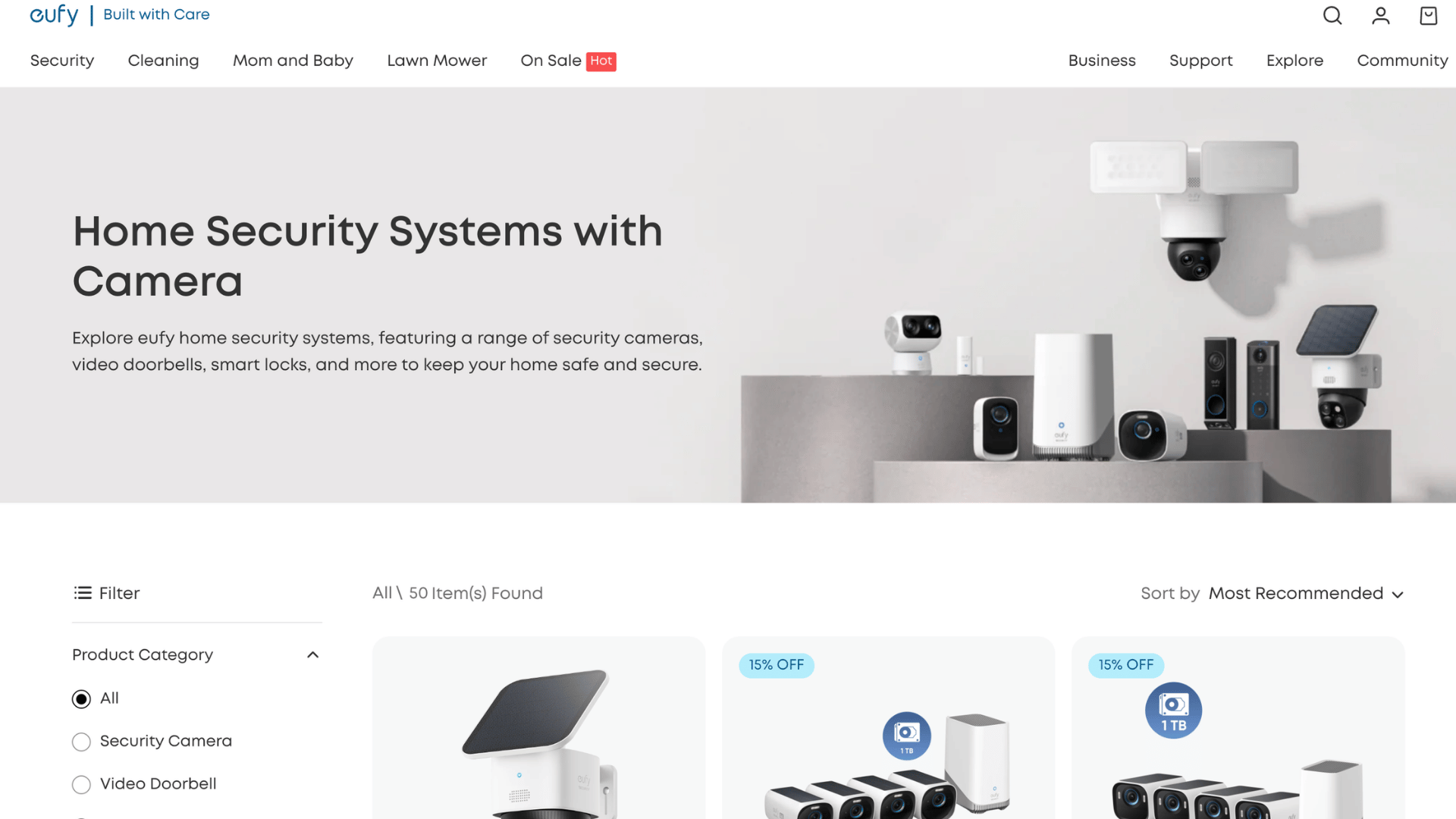
Eufy Security System stands out for its privacy-focused approach, allowing users to store recordings locally instead of relying on paid cloud services.
Key Features
- Local storage through HomeBase
- AI-powered human detection
- Support for 2K and 4K video quality
- Expandable storage on select models
| Pros | Cons |
|---|---|
| No recurring cloud storage fees | Limited third-party integrations |
| Strong privacy controls | Fewer professional monitoring options |
| High-resolution video recording | Some AI features vary by device |
| Secure local data storage | Mobile app features can feel basic |
Best For: Privacy-conscious users who want footage stored on their own hardware with no cloud dependency.
3. SimpliSafe: Easiest DIY Security Setup
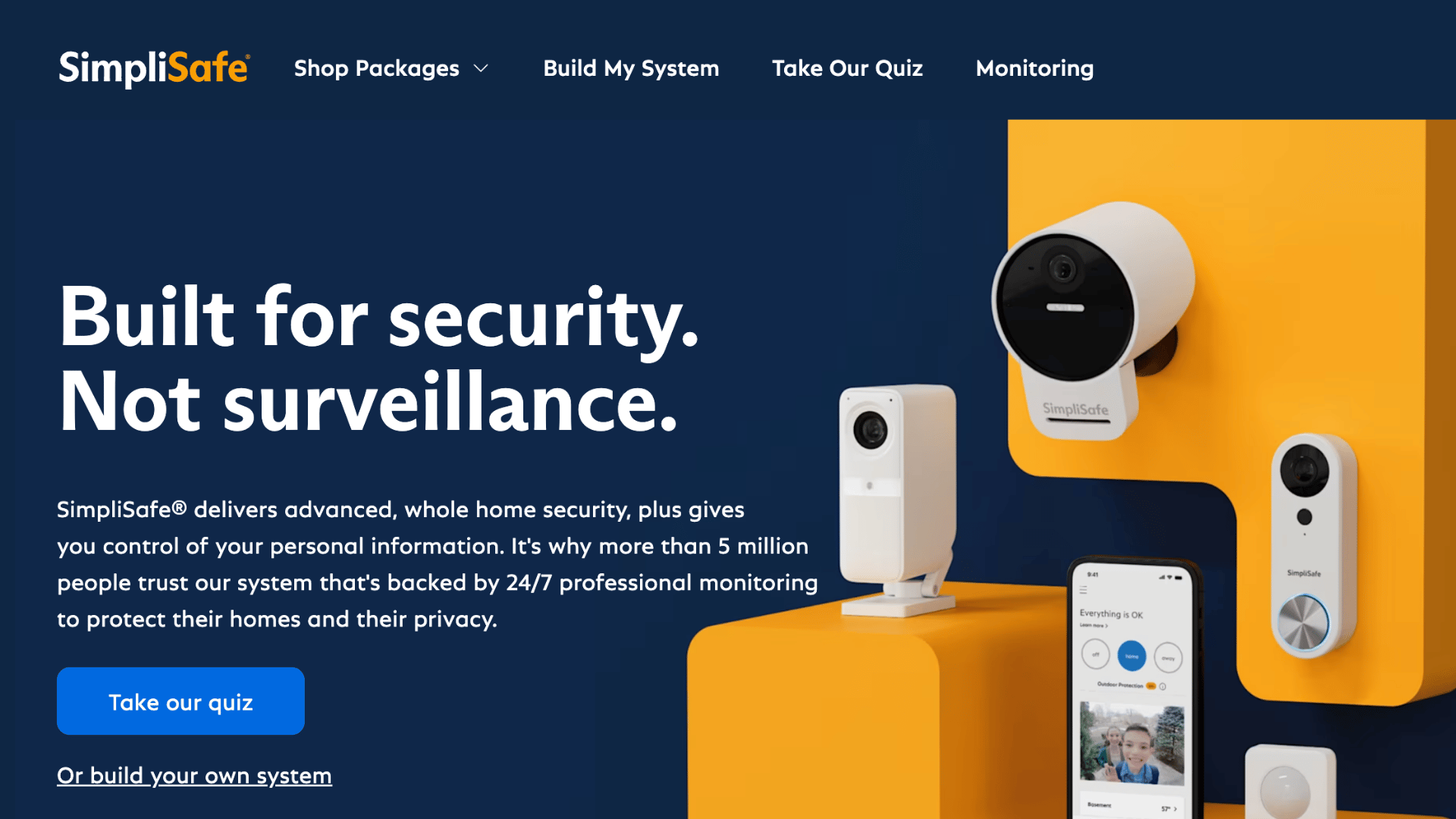
SimpliSafe is designed for quick, hassle-free installation, making it one of the most beginner-friendly home security systems available today.
Key Features
- Tool-free setup process
- Wireless entry and motion sensors
- Optional professional monitoring
- Dual Wi-Fi and cellular connectivity
| Pros | Cons |
|---|---|
| Fast and simple installation | Limited smart-home integrations |
| No contract requirements | Cameras may cost extra |
| Flexible monitoring plans | Basic home automation capabilities |
| Reliable emergency response services | Premium plans are relatively expensive |
Best For: First-time buyers who want to be up and running in under an hour with no technical know-how required.
4. Ring Alarm: Best Alexa-Compatible Security System
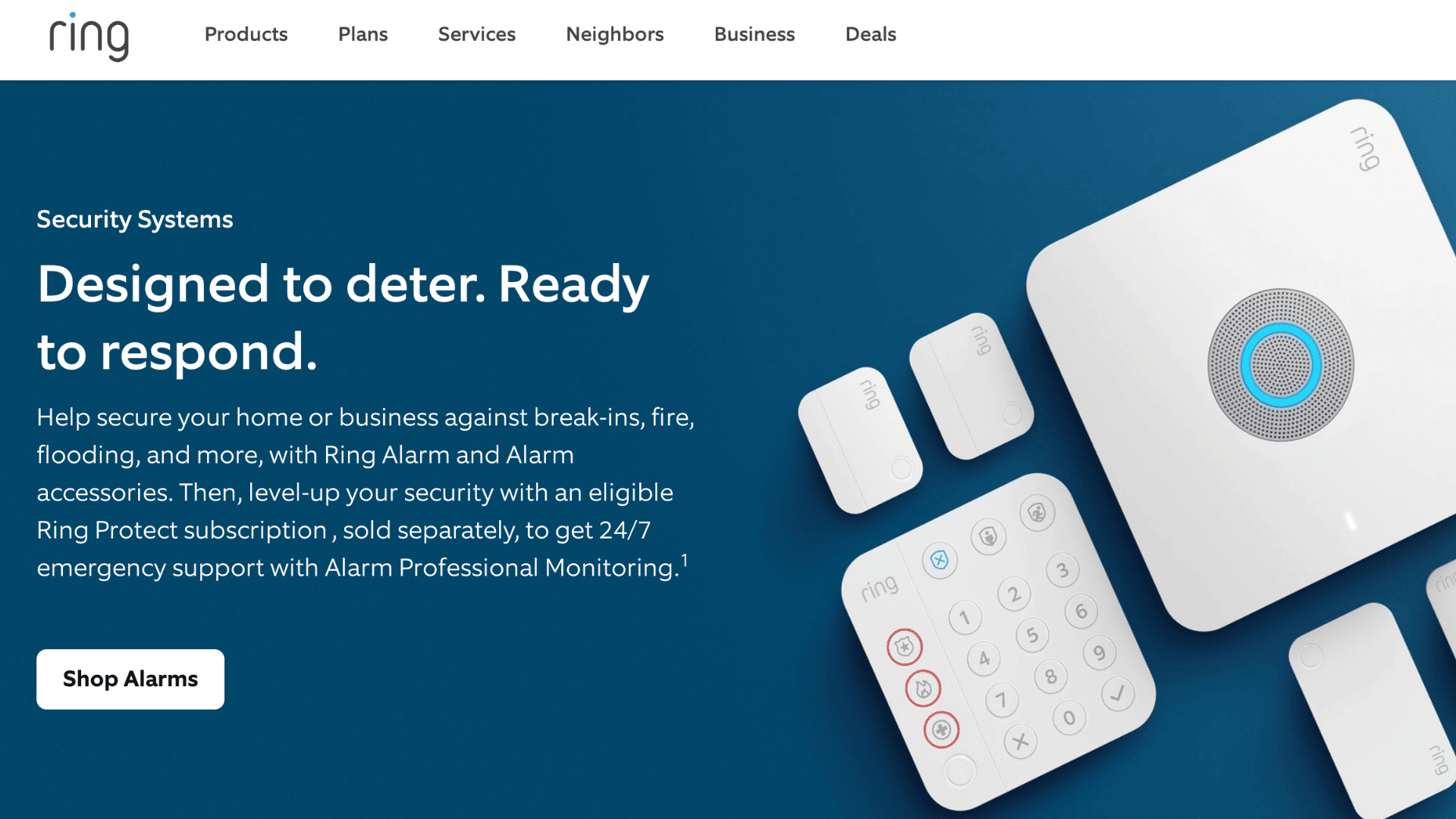
Ring Alarm integrates seamlessly with Alexa-enabled devices, providing convenient voice control and centralized smart-home management.
Key Features
- Deep Alexa integration
- Extensive sensor and accessory lineup
- Mobile app alerts and controls
- Optional professional monitoring
| Pros | Cons |
|---|---|
| Excellent compatibility with Amazon devices | Some features require a subscription |
| Large ecosystem of accessories | Limited HomeKit support |
| User-friendly app experience | Cloud storage costs extra |
| Affordable starter packages | Past privacy concerns may deter some users |
Best For: Households already invested in the Amazon Alexa ecosystem who want voice control built into their security setup.
5. Reolink: Sharpest Security Camera Footage
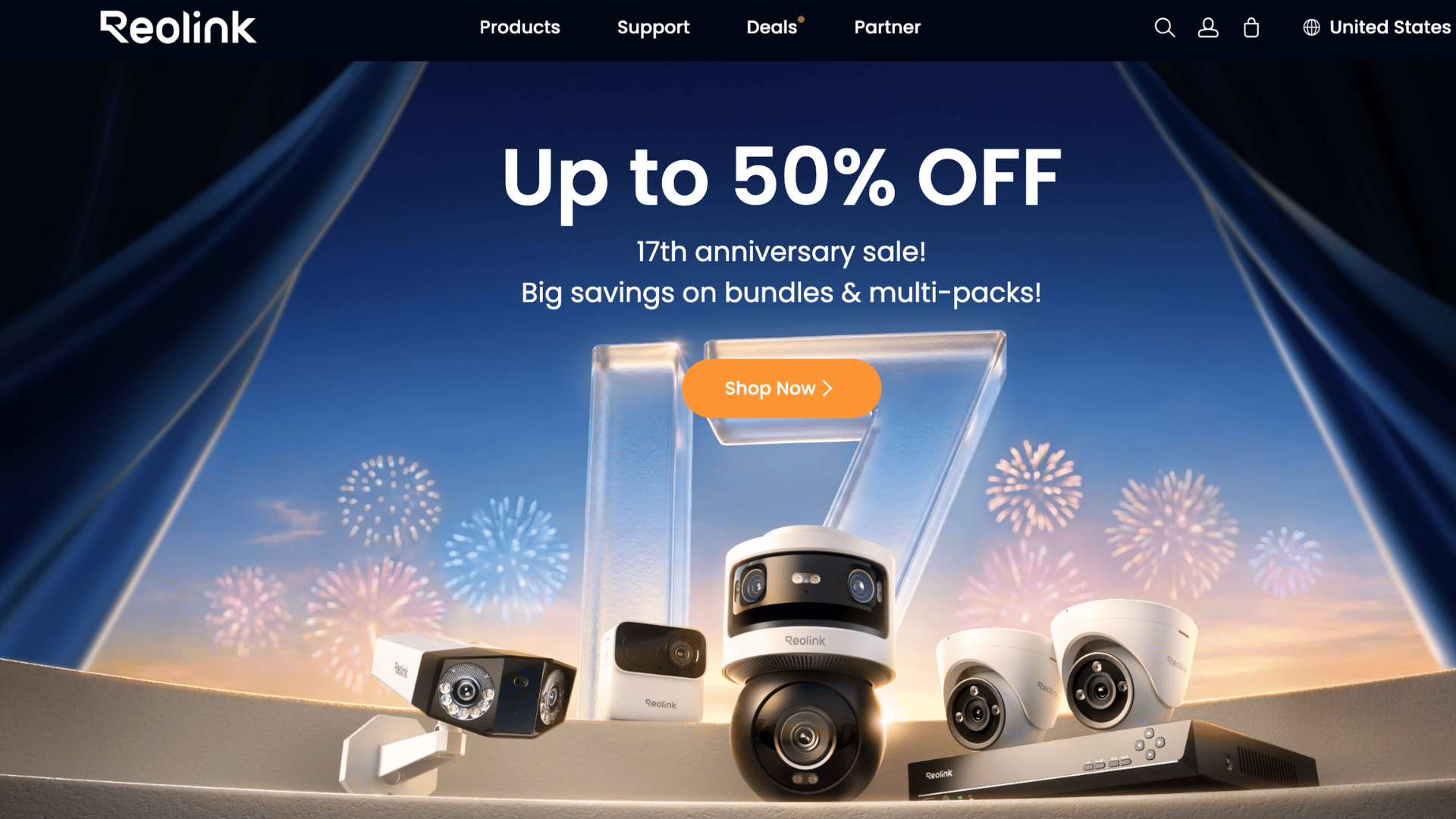
Reolink focuses on delivering crystal-clear surveillance footage, making it an excellent choice for users who prioritize image quality above all else.
Key Features
- Up to 4K Ultra HD recording
- Color night vision capabilities
- Smart person and vehicle detection
- Local NVR storage support
| Pros | Cons |
|---|---|
| Exceptional video clarity | Setup can be more technical |
| Strong nighttime performance | Limited monitoring services |
| No mandatory monthly fees | Fewer smart-home integrations |
| Reliable local storage options | The mobile app could be more refined |
Best For: Homeowners who want highly detailed footage for evidence collection, large property monitoring, or identifying visitors at a distance.
6. TP-Link Tapo: Most Affordable Home Security Option
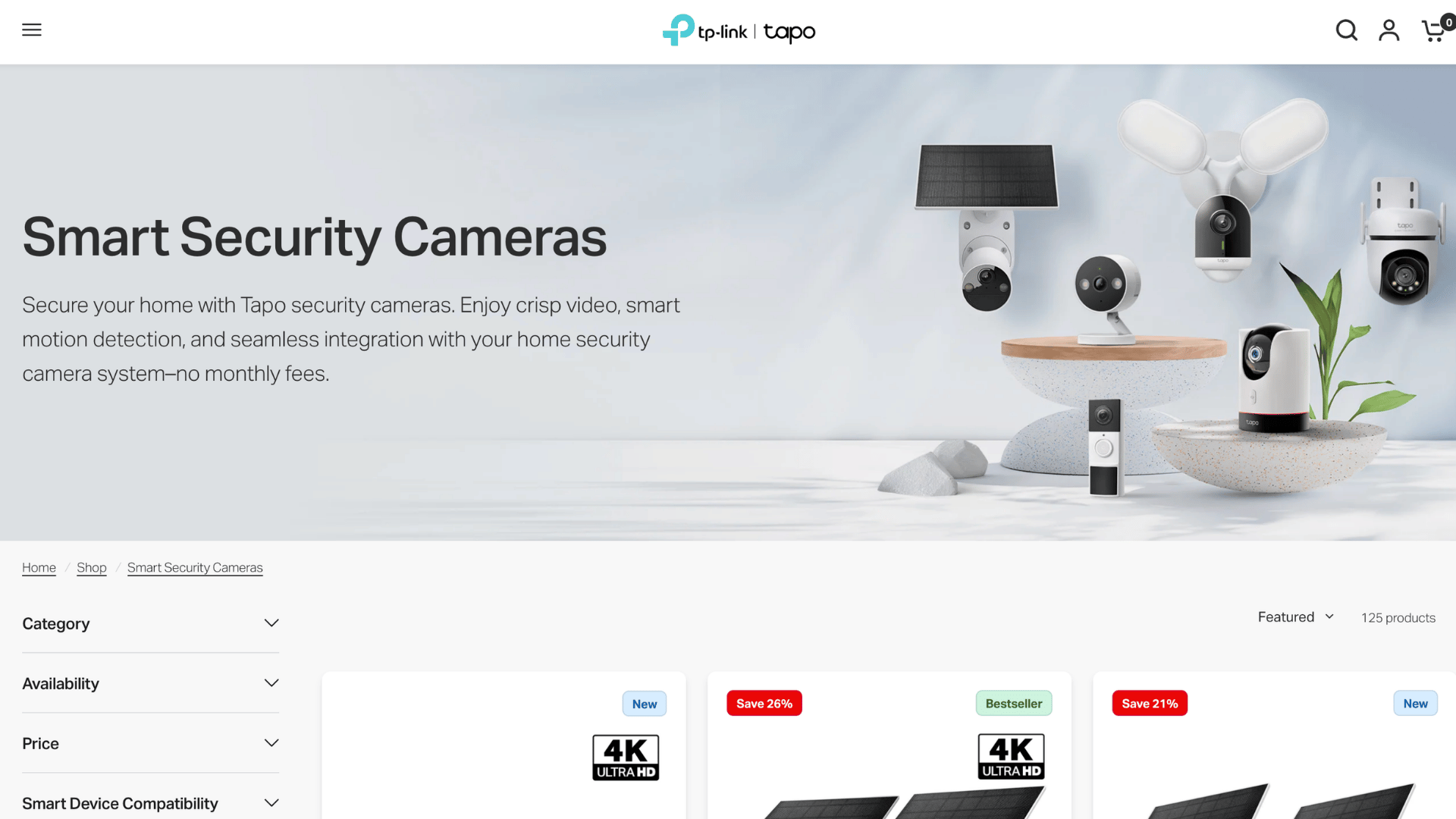
TP-Link Tapo offers essential security features at a budget-friendly price, making it a practical solution for cost-conscious buyers.
Key Features
- Affordable cameras and sensors
- Motion and sound detection alerts
- Local microSD card storage
- Mobile app monitoring and controls
| Pros | Cons |
|---|---|
| Competitive pricing | Limited premium features |
| Simple setup process | Smaller product ecosystem |
| Supports local storage | No professional monitoring service |
| Good value for basic security needs | Basic automation capabilities |
Best For: Budget-minded users who need dependable monitoring at one or two entry points without committing to a larger system.
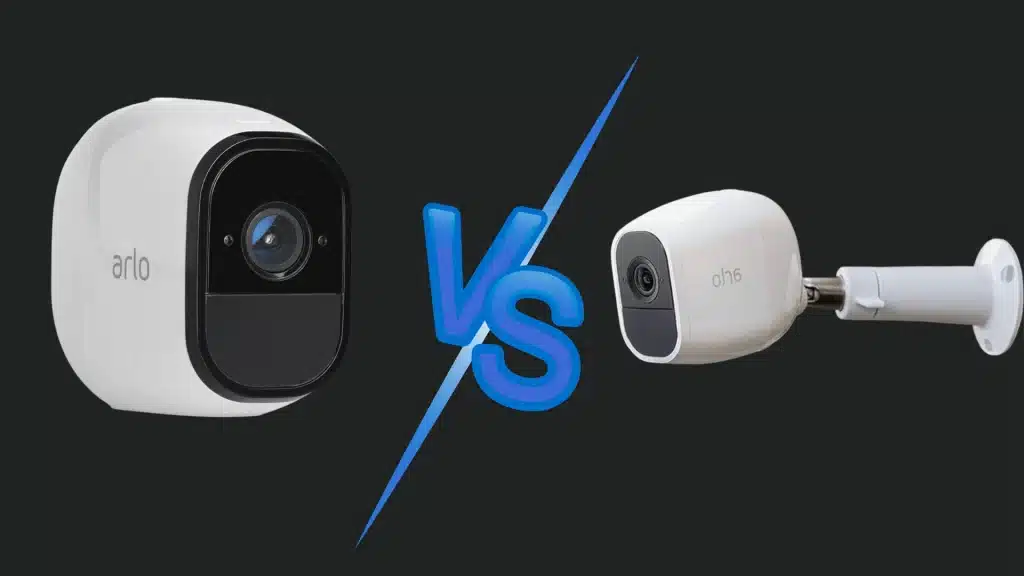
7. Arlo: Ideal Security System for Renters

Arlo’s wireless design and flexible installation options make it easy to secure rental properties without drilling holes or making permanent changes.
Key Features
- Wire-free camera installation
- Battery-powered operation
- Smart motion detection alerts
- Indoor and outdoor camera options
| Pros | Cons |
|---|---|
| Renter-friendly installation | Batteries require periodic charging |
| Easy to relocate when moving | Premium features need a subscription |
| High-quality video recording | Accessories can increase costs |
| Flexible placement options | Cloud storage often involves extra fees |
Best For: Renters and apartment dwellers who need portable, damage-free security that moves with them.
Best Systems by Home Type
Your living situation matters. A large house needs different coverage than a studio apartment, depending on entry points, installation needs, and smart-home features.
- Homeowners: The Abode Smart Security Kit offers a balanced combination of security features, smart-home compatibility, and flexible monitoring options.
- Renters: Arlo’s wire-free design allows for easy installation and removal without damaging walls or violating lease agreements.
- Large Homes: Ring Alarm supports extensive sensor expansion, making it easier to secure multiple floors and numerous entry points.
- Small Apartments: Eufy Security System provides compact equipment, local storage, and reliable monitoring without taking up much space.
- Smart Homes: Ring Alarm integrates seamlessly with Alexa devices and a wide range of connected smart-home products.
- Privacy-Focused Users: Eufy Security System emphasizes local video storage, giving users greater control over their security footage.
- Vacation Homes: Reolink’s high-resolution cameras and local recording capabilities make remote property monitoring more effective.
Which Security Brands Actually Let You Skip the Subscription?
Many security systems can operate without a monthly plan, but the available features vary by brand. Understanding what’s included for free can help you avoid unexpected long-term costs.
| Brand | Works Without Subscription | What Still Works | What Gets Locked Behind a Paywall |
|---|---|---|---|
| Ring | Yes | Live view, motion notifications, device controls, two-way audio | Video history, cloud recordings, person alerts, professional monitoring |
| SimpliSafe | Yes | Local alarm siren, sensor triggers, keypad controls | Professional monitoring, emergency dispatch, cloud recording, advanced app features |
| Arlo | Yes | Live streaming, motion alerts, camera controls | Cloud storage, AI detection, activity zones, rich notifications |
| Eufy | Yes | Local recording, live view, motion detection, smart alerts | Cloud backup, premium AI features, professional monitoring |
| Abode | Yes | Self-monitoring, sensor alerts, mobile notifications | Professional monitoring, cellular backup, advanced automation |
| Reolink | Yes | Local recording, playback, live view, smart detection | Cloud storage plans and extended cloud retention |
Among these brands, Eufy and Reolink retain the most functionality without ongoing fees. Ring, Arlo, and SimpliSafe remain usable, but several advanced features require an active subscription.
Hidden Costs of Subscription-Free Security Systems
While subscription-free systems can eliminate monthly fees, there are still potential expenses that buyers should factor into their long-term budget.
- Memory Cards: Many cameras require separate microSD cards for local recording, adding to the upfront cost if storage is not included.
- Home Base Devices: Brands such as Eufy often rely on a dedicated hub or HomeBase, which may need to be purchased separately for full functionality.
- Extra Sensors: Expanding coverage with additional door, window, motion, or glass-break sensors can significantly increase total system costs.
- Battery Replacements: Wireless cameras and sensors require periodic battery replacements or recharging, creating ongoing maintenance expenses.
- Optional Monitoring Upgrades: Some brands offer premium monitoring plans, cloud storage, or advanced features that can increase costs if added later.
Self-Monitoring vs. Professional Monitoring: What Do You Give Up?
The biggest difference between these options is who responds when an alarm is triggered. Understanding this tradeoff can help you choose the right level of protection for your home.
| Feature | Self-Monitoring | Professional Monitoring |
|---|---|---|
| Who receives the alert? | You receive alerts on your phone | A trained monitoring agent receives the alert |
| Response responsibility | You decide what action to take | Monitoring agents verify the alarm and contact emergency services if needed |
| Monthly cost | Usually free | Typically $10–$20 per month |
| Best for | Homeowners who are available to respond quickly | People who travel often or want added peace of mind |
| Works while you’re asleep or unavailable? | Limited, since alerts depend on your response | Yes, monitoring continues even if you can’t respond |
| Contract required? | No | Often available without long-term contracts |
| Main advantage | No recurring fees | Faster assistance during emergencies |
| Main drawback | Missed alerts can delay response | Additional monthly cost |
Security Cameras vs Full Security Systems: Which One Is Better?
The answer depends on the level of protection you need. A camera-only setup is typically more affordable and works well for monitoring entrances, receiving motion alerts, and reviewing recorded footage.
These systems are easy to install and work well for apartments, small homes, or users focused on video monitoring.
A complete alarm system goes beyond video monitoring by incorporating door and window sensors, motion detectors, sirens, keypads, and, in some cases, cellular backup.
This broader coverage detects break-in attempts even when cameras are obstructed or offline.
Camera-only setups show what happened. A full system with door and window sensors can alert you before someone gets inside.
For overall home protection, a full security system provides a stronger multi-layered defense. However, camera-only systems are a practical and affordable option for basic home monitoring.
How to Set up a No-Subscription Security System?
A DIY security system is easy to set up when you follow a clear plan. Start with the most vulnerable areas of your home, then add devices and test everything before relying on it for daily protection.
- Map Your Entry Points First: Walk around your home and identify all doors, first-floor windows, and exterior access points before purchasing equipment to ensure complete coverage.
- Install the Hub or Base Station Centrally: Place the hub near a power source and router, ideally in a central location, so it can maintain strong communication with all connected devices.
- Mount Sensors Before Cameras: Secure doors and windows with sensors first, as they provide instant intrusion alerts, while cameras mainly offer visual verification after detection.
- Adjust Motion Sensitivity Settings: Fine-tune motion zones and sensitivity levels in the app to reduce false alarms caused by pets, moving branches, or passing vehicles.
- Test Every Sensor and Alert Path: Open monitored doors, trigger motion sensors, and verify that alerts reach your phone quickly to confirm the system works as expected.
How to Choose the Best No-Subscription Home Security System?
A no-subscription home security system can help protect your property without adding monthly fees to your budget. However, not all systems offer the same level of performance, flexibility, or long-term value.
1. Check Storage Options First
Before choosing a no-subscription home security system, review how footage is stored. Some systems save recordings to local SD cards, while others use network video recorders (NVRs), hard drives, or USB storage devices.
Local storage eliminates recurring fees, but capacity limits and backup options vary.
Consider how many days of footage the system can retain and whether recordings remain accessible during internet outages.
Systems that support encrypted storage and easy file retrieval provide added convenience and security for long-term use.
2. Evaluate Camera Quality
Camera performance directly affects how useful your security system will be. Look beyond resolution numbers and examine factors such as night vision, field of view, motion clarity, and low-light performance.
A 2K or 4K camera can capture finer details, but image quality also depends on sensor technology and processing capabilities.
Wide viewing angles help reduce blind spots, while color night vision improves visibility after dark.
Reviewing sample footage from the manufacturer’s website or third-party tests gives a far more accurate picture than resolution specs alone
3. Consider Smart Home Compatibility
A security system that integrates with existing smart devices can provide a more streamlined experience.
Check whether the system works with platforms such as Amazon Alexa, Google Home, Apple HomeKit, or other automation ecosystems you already use.
Compatibility lets you create routines, get voice updates, and manage devices from one place.
Some systems also support smart locks, lights, and sensors, making it easy to expand your security setup without replacing existing devices.
4. Compare Mobile App Features
The mobile application often becomes the primary way you interact with a home security system. Compare apps based on ease of use, notification controls, live viewing performance, and playback functionality.
A well-designed app should allow quick access to camera feeds, customizable motion alerts, and convenient footage downloads.
Some applications also offer activity timelines, device management tools, and multi-user access.
App Store and Google Play reviews can reveal issues like crashes, delayed alerts, and login problems.
5. Look at Future Expansion Costs
Even if your initial setup meets current needs, future upgrades may become necessary. Consider the cost of adding cameras, sensors, video doorbells, or additional storage devices later.
Some manufacturers offer affordable expansion options, while others charge premium prices for proprietary accessories.
Checking upgrade costs helps avoid surprises and ensures the system can grow with your needs.
A scalable platform provides flexibility without forcing a complete replacement when your property coverage needs increase.
Mistakes People Make when Buying No-Contract Security Systems
While no-contract security systems offer flexibility and cost savings, buyers often overlook key factors that affect long-term performance.
- Assuming “No Contract” Means “No Fees”: Many systems eliminate contracts but may still charge for cloud storage, premium app features, or additional monitoring services, increasing overall ownership costs.
- Ignoring Storage Limits: Limited storage capacity can cause important recordings to be overwritten quickly, especially in homes with multiple cameras and frequent motion-triggered events.
- Buying Too Few Sensors: Focusing only on cameras may leave vulnerable entry points unprotected, reducing the effectiveness of your overall home security setup.
- Choosing Cloud-Dependent Cameras: Some cameras lose key functionality when internet access is interrupted, making locally stored footage a more dependable option for continuous monitoring.
- Overlooking Cellular Backup: Systems that rely solely on Wi-Fi can become ineffective during internet outages, while cellular backup helps maintain alerts and connectivity when needed most.
- Not Checking Smart Home Integration: Purchasing devices that do not work with your existing smart home ecosystem can limit automation options and create unnecessary management challenges.
- Focusing Only on Upfront Costs: A lower purchase price may seem attractive initially, but expensive accessories, upgrades, and replacement parts can increase long-term expenses.
Conclusion
A no-subscription home security system can be a practical way to protect your home while avoiding recurring monthly expenses.
The key is choosing a system that balances reliability, storage capacity, camera performance, and long-term flexibility.
In my experience, homeowners who take the time to plan their security setup and compare features carefully are usually more satisfied with their system in the long run.
Whether for a small apartment or a large property, the right system provides reliable monitoring and peace of mind.
By focusing on value, functionality, and future scalability, you can make a confident decision that keeps your home protected for years to come.
Frequently Asked Questions
Can a Home Security System Call the Police without a Subscription?
No, most home security systems without a subscription cannot automatically call the police. Emergency dispatch typically requires professional monitoring, while self-monitored systems send alerts directly to a mobile device.
Do Home Security Systems Work During a Power Outage?
Yes, many home security systems work during a power outage if they include battery backup. Systems with cellular backup can also continue sending alerts when internet service is unavailable.
How Much Can Be Saved by Choosing a Security System without a Subscription?
A security system without a subscription can save between $120 and $480 per year. Total savings depend on monitoring fees, cloud storage costs, and optional premium services.
Can a Security System Be Used without Wi-Fi?
Yes, a Security System Can Be Used without Wi-Fi for Local Recording and Alarm Functions. However, Remote Access, Mobile Alerts, and Cloud Storage Usually Require an Internet Connection.
Is Local Storage as Reliable as Cloud Storage for Security Footage?
Local storage works even during internet outages and has no monthly fees, but footage can be lost if the device is stolen or damaged. A hybrid setup offers the best balance of reliability and security.