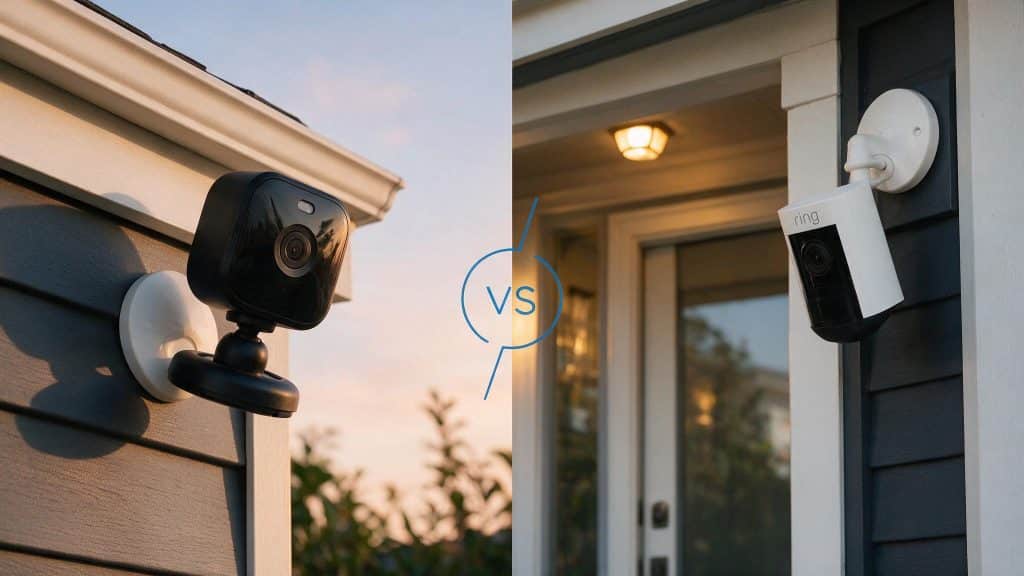
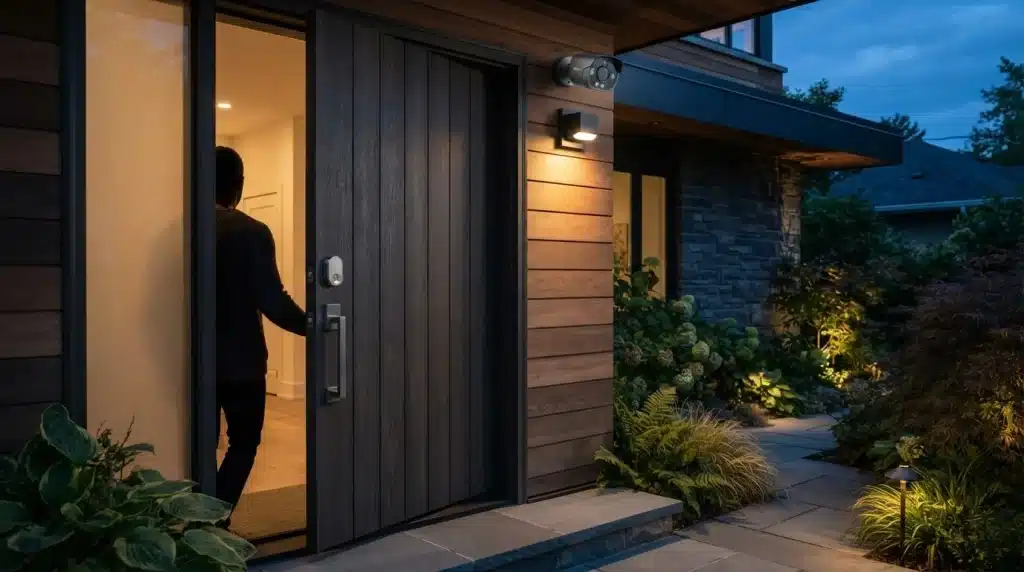
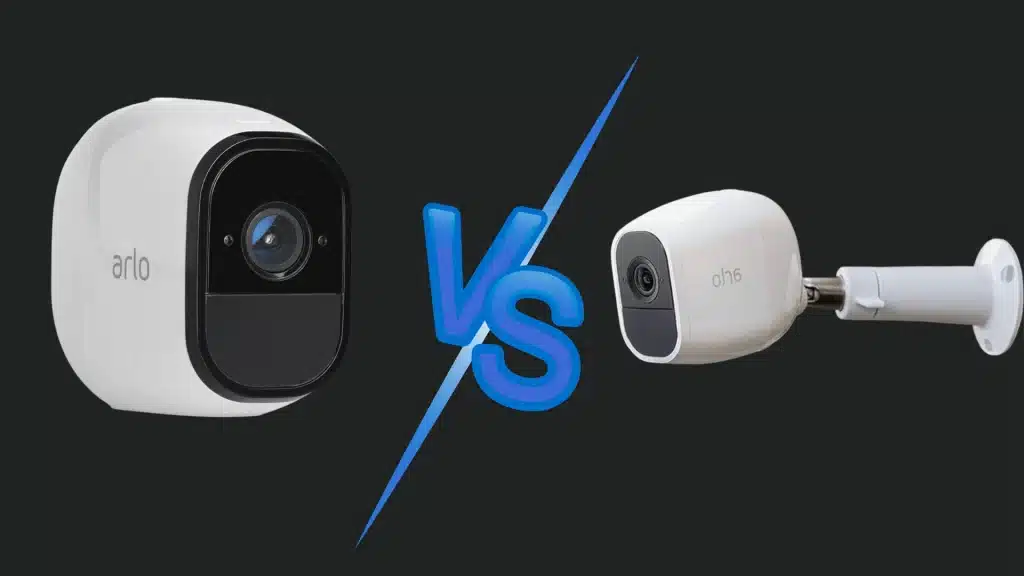
Security cameras play an important role in keeping homes, offices, and other properties safe. You may have come across the term “IP camera” and wondered how it differs from traditional cameras.
Understanding what an IP camera is can help you make better decisions when choosing a security system.
In this guide, you’ll learn what an IP camera is, how it captures and transmits video, and the key components that make it work.
I’ll also cover different types of IP cameras, their main features, storage options, security considerations, and how they compare to traditional CCTV systems.
By the end, you’ll have a clear understanding of whether an IP camera is the right choice for your needs.
What Is an IP Camera?
An IP camera is a digital security camera that sends and receives video data over a network. It uses Internet Protocol, or IP, to connect through Wi-Fi or Ethernet.
Unlike older analog CCTV cameras, an IP camera does not need a direct cable to a DVR to process video.
Instead, it captures footage, converts it into digital data, and sends it to a network video recorder, cloud storage, or a connected device.
This allows you to view live or recorded video from a phone, computer, or security system.
The first IP camera was introduced by Axis Communications in 1996. Since then, the technology has moved from niche commercial installations to mainstream home security.
Many IP cameras also include features like motion detection, night vision, two-way audio, and remote alerts.
Understanding these features upfront helps you estimate the cost of security camera installation more accurately.
Key Features of an IP Camera
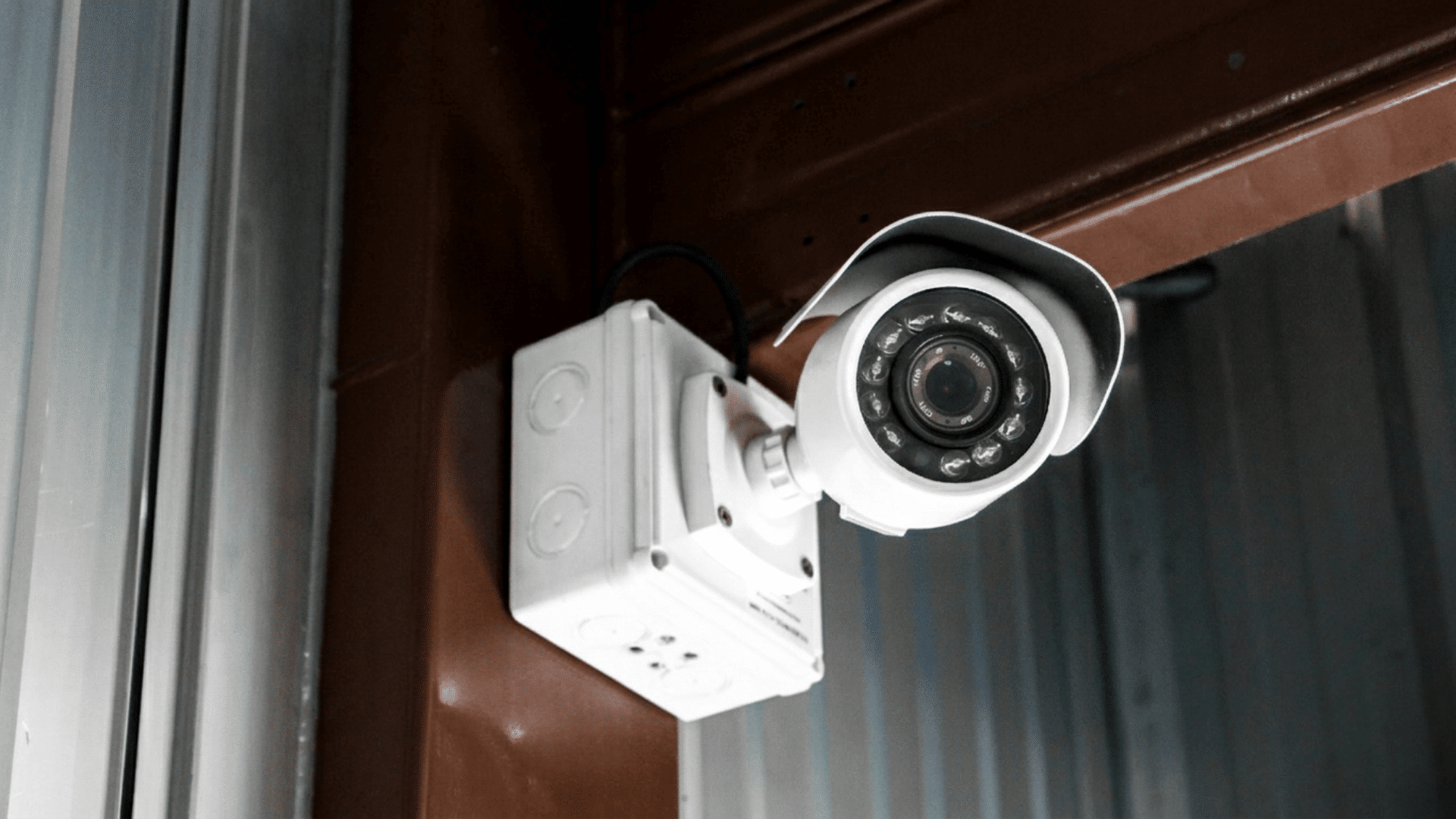
Modern IP cameras combine video surveillance with smart technologies to improve monitoring, security, and remote accessibility.
1. High Resolution Video Quality
One of the biggest advantages of an IP camera is its ability to capture high-resolution video. Many models support HD, Full HD, 4K, or even higher resolutions, providing clear and detailed footage.
This improved image quality makes it easier to identify faces, vehicles, and other important details.
Unlike older analog systems, IP cameras can deliver sharper images without significant loss of quality.
Better video clarity can be especially useful when reviewing recordings after a security incident or monitoring large areas.
2. Remote Viewing and Access
IP cameras allow users to view live footage from almost anywhere using a smartphone, tablet, or computer. Through a secure internet connection, you can check your property in real time without being physically present.
Many systems also provide mobile apps that make monitoring simple and convenient.
This feature is especially useful for homeowners who travel frequently or business owners managing multiple locations.
Remote access helps users stay informed and respond quickly if suspicious activity is detected.
3. Motion Detection and Alerts
Most modern IP cameras include motion detection technology that can automatically identify movement within a monitored area.
When motion is detected, the camera can send instant notifications through email, mobile apps, or text messages.
This allows users to react quickly to unexpected activity. Some advanced cameras can even distinguish between people, vehicles, and other moving objects.
Motion detection reduces the need to watch footage continuously and helps focus attention on important events as they happen.
4. Flexible Storage Options
IP cameras offer several storage methods that provide greater flexibility than traditional systems. Video recordings can be saved on local devices such as network video recorders, memory cards, or external hard drives.
Many cameras also support cloud storage, allowing footage to be accessed from anywhere with an internet connection.
Having multiple storage options improves data security and reduces the risk of losing important recordings.
Users can select the storage method that best fits their budget and security requirements.
5. Easy Integration with Smart Systems
Many IP cameras can connect with other smart security devices and home automation systems.
They often work alongside smart locks, alarms, sensors, and voice assistants to create a more complete security setup.
This integration allows users to manage multiple devices from a single platform or mobile app.
Automated actions can also be created, such as turning on lights when motion is detected. These connected features help improve convenience, monitoring efficiency, and overall property security.
Main Components of an IP Camera
Several hardware and software components work together to help an IP camera capture, process, transmit, and store video footage.
| Component | Function |
| Lens | Focuses incoming light onto the image sensor, determining the camera’s field of view, clarity, and detail capture. |
| Image Sensor | Converts light into digital signals, enabling the camera to capture clear video footage. |
| Processor | Processes captured data, compresses video files, manages camera functions, and supports advanced features like analytics. |
| Network Interface | Connects the camera to a wired or wireless network, enabling data transmission and remote access. |
| Storage System | Stores recorded footage locally or remotely, ensuring video remains available for playback and future review. |
| Power Supply | Provides the electrical power needed for continuous camera operation and reliable performance throughout the day. |
| Power Over Ethernet (PoE) Module | Enables power and data transmission over a single Ethernet cable, simplifying installation and reducing wiring requirements. |
How Does an IP Camera Work?
IP cameras use Internet Protocol (IP) technology to capture, process, and transmit video data over a network.
1. Capturing Images Through the Camera Sensor
The process begins when light enters the camera lens and reaches an image sensor, typically a CMOS sensor. This sensor converts light into electronic signals that represent the visual scene.
The camera continuously captures multiple frames per second to create smooth video footage.
Modern IP cameras often include features such as wide dynamic range, low-light enhancement, and automatic exposure adjustment, ensuring clear image quality in different lighting conditions and environmental conditions.
2. Converting Visual Data Into Digital Signals
Once the image sensor captures the scene, the camera’s internal processor converts the visual information into digital data.
Unlike analog cameras, which send raw video signals, IP cameras digitize the footage within the device itself.
This digital conversion improves image accuracy and enables advanced functions such as motion detection, facial recognition, object tracking, and video analytics.
The result is a more intelligent surveillance system capable of processing information in real time.
3. Compressing Video for Efficient Transmission
High-resolution video files can consume significant bandwidth and storage space. To address this, IP cameras use video compression technologies such as H.264, H.265, or similar codecs.
Compression reduces file size while maintaining image quality.
This allows the camera to transmit footage more efficiently across networks and store video for longer periods without requiring excessive storage capacity.
Efficient compression is especially important for systems with multiple cameras operating simultaneously.
4. Transmitting Footage Over a Network
After processing and compression, the camera sends the video data through a wired Ethernet connection or a wireless Wi-Fi network.
Each IP camera is assigned a unique network address, enabling it to communicate with other devices on the network.
The footage can be transmitted to network video recorders (NVRs), cloud storage platforms, or monitoring software.
This network-based communication provides greater flexibility compared to traditional surveillance systems.
5. Storing Recorded Video Securely
IP cameras support several storage options depending on the system configuration.
Footage may be saved locally on a microSD card, stored on a network video recorder, or uploaded to cloud-based storage services.
Many organizations use a combination of these methods to improve data security and redundancy.
Secure storage ensures that important recordings remain accessible even if one storage method becomes unavailable due to hardware failure or network interruptions.
6. Enabling Remote Access and Monitoring
One of the most valuable features of IP cameras is remote accessibility.
Authorized users can view live streams and recorded footage from smartphones, tablets, or computers through dedicated applications or web portals.
Since the camera operates over an internet-connected network, users can monitor properties from virtually any location.
This capability enhances convenience, improves response times to security incidents, and supports real-time surveillance management for homes and businesses.
How to Know if a Camera Is an IP Camera?
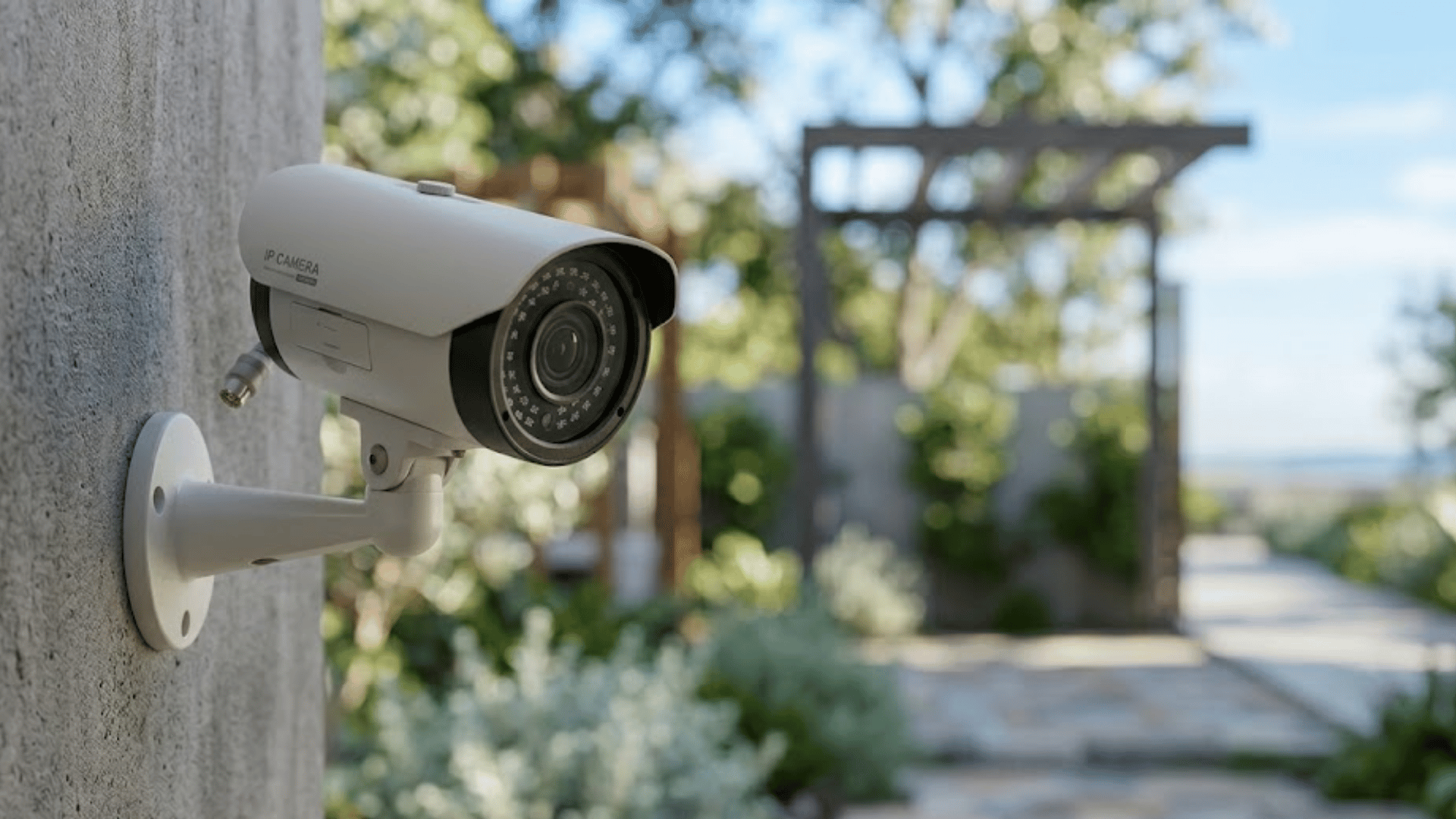
You can identify an IP camera by checking whether it connects directly to a network through an Ethernet cable or Wi-Fi and has its own unique IP address.
Unlike analog cameras, IP cameras can be accessed remotely through a web browser, mobile app, or network video recorder (NVR).
One of the easiest ways to verify this is by checking the camera’s settings or user manual for networking features such as IP configuration, Wi-Fi connectivity, or cloud access.
You can also log into your router and view connected devices to see if the camera appears on the network.
Most IP cameras support high-definition video, remote monitoring, motion alerts, and smart features. If your camera requires internet or network access for viewing and management, it is most likely an IP camera.
Types of IP Cameras
Different types of IP cameras are designed to meet specific surveillance needs, ranging from home security to industrial monitoring.
- Fixed IP Camera: Continuously monitors a designated area, making it ideal for entrances, offices, and locations requiring consistent surveillance coverage.
- PTZ IP Camera: Remotely pans, tilts, and zooms to cover large areas, providing flexible monitoring for expansive properties.
- Dome IP Camera: Features a discreet design with wide-angle coverage, making it suitable for indoor commercial and public spaces.
- Bullet IP Camera: Offers long-range visibility and acts as a visible deterrent, making it effective for outdoor security monitoring.
- PoE IP Camera: Uses a single Ethernet cable for power and data, streamlining installation and reducing infrastructure complexity.
- Indoor IP Camera: Designed for controlled indoor environments, providing reliable monitoring without exposure to harsh weather conditions.
- Outdoor IP Camera: Built with weather-resistant housing to withstand rain, dust, and temperature changes while maintaining performance.
- Thermal IP Camera: Detects heat signatures rather than visible light, enabling surveillance in darkness, smoke, fog, and low-visibility conditions.
Difference Between an IP Camera and a CCTV Camera
Both IP cameras and CCTV cameras serve the same purpose, but they differ in how they capture, transmit, and manage video footage.
| Feature | IP Camera | CCTV Camera (Analog) |
| Video Quality | High-definition and 4K options available | Usually lower resolution |
| Data Transmission | Sends digital video over a network | Uses coaxial cables for analog signals |
| Remote Access | Can be viewed from anywhere online | Limited remote access capabilities |
| Storage | Uses NVR, cloud, or SD cards | Typically uses a DVR |
| Installation | Supports wired and wireless setups | Requires dedicated cabling |
| Scalability | Easy to add more cameras | Expansion can be more complex |
| Smart Features | Includes AI, motion detection, and alerts | Limited advanced features |
| Cost | Higher initial investment | Generally, a lower upfront cost |
Common Uses of IP Cameras
IP cameras are widely used in residential, commercial, and industrial environments for their flexibility and remote monitoring capabilities.
- Home Security Systems: Monitors entrances, driveways, and indoor areas, helping homeowners detect suspicious activity and improve overall property protection.
- Office Surveillance: Protects employees, visitors, and business assets while supporting workplace safety, security monitoring, and incident investigation efforts.
- Retail Store Monitoring: Helps deter theft, monitor customer behavior, improve store security, and effectively support loss prevention strategies.
- Warehouse Security: Oversees inventory storage areas, loading docks, and restricted sections to reduce losses and improve operational security.
- Schools and Universities: Enhance campus safety by monitoring hallways, entrances, parking areas, and other frequently used public spaces.
- Hospitals and Healthcare Facilities: Assist in monitoring patient areas, entrances, and facility operations while supporting safety and security requirements.
- Industrial Sites: Improves workplace safety by monitoring equipment, production areas, hazardous zones, and employee activities across facilities.
- Parking Lots and Garages: Track vehicle movement, monitor parking activity, and strengthen security coverage to help prevent incidents.
IP Camera Bandwidth Requirements
One thing most beginner guides skip is bandwidth. Before buying, check your router’s capacity. A 2MP (1080p) IP camera typically streams at 1 to 3 Mbps.
A 4MP camera uses 4 to 6 Mbps, and an 8MP camera can pull 8 to 12 Mbps.
If you run six cameras simultaneously, that is 24 to 72 Mbps of sustained upload load on your home network.
I routinely run bandwidth audits before any multi-camera install. Skipping this step is the single most common reason new systems underperform right out of the box.
If your ISP plan or router cannot support the load, start with fewer cameras or lower the resolution settings until you upgrade your network.
Pros and Cons of an IP Camera
Like any security technology, IP cameras offer several advantages and a few limitations that users should consider before making a decision.
| Pros | Cons |
| High-resolution video quality for clearer footage | Higher upfront cost than analog cameras |
| Remote access from smartphones, tablets, and computers | Requires a stable network connection |
| Advanced features like motion detection and analytics | Can consume significant bandwidth |
| Flexible storage options, including cloud and local storage | Initial setup may be more complex |
| Easy scalability for expanding surveillance systems | Potential cybersecurity risks if not properly secured |
| Supports real-time alerts and notifications | Some advanced features may require subscriptions |
Are IP Cameras Safe and Secure?
Yes, IP cameras can be safe and secure when properly configured and regularly maintained.
However, like any internet-connected device, they can become vulnerable if basic security practices are ignored.
Modern IP cameras often include features like encryption, password protection, user authentication, and regular firmware updates.
These measures help protect video footage and prevent unauthorized access. However, security risks can arise when users keep default passwords, use outdated firmware, or connect cameras to unsecured networks.
Cybercriminals may target poorly secured devices to access video feeds or network resources.
To reduce these risks, use strong passwords, enable two-factor authentication, update firmware regularly, and secure your network with modern encryption.
When properly protected, IP cameras provide reliable surveillance while maintaining a strong level of security and privacy.
How to Secure an IP Camera?
Proper security measures help protect IP cameras from unauthorized access, data breaches, and other common cybersecurity threats.
- Use Strong Passwords: Create unique passwords with letters, numbers, and symbols to reduce the risk of unauthorized camera access.
- Enable Encryption: Encrypt video data and communications to protect sensitive footage from interception during transmission across networks.
- Update Firmware Regularly: Install firmware updates promptly to fix vulnerabilities, improve performance, and strengthen overall camera security.
- Secure Your Wi-Fi Network: Use strong Wi-Fi passwords and modern encryption standards to prevent unauthorized access.
- Change Default Settings: Replace default usernames, passwords, and configurations that attackers commonly target when compromising connected devices.
- Enable Two-Factor Authentication: Add an extra verification step to make unauthorized access to your account significantly more difficult.
- Limit User Access: Grant camera access only to authorized users and assign permissions based on their responsibilities.
- Monitor Access Logs: Review activity logs regularly to identify suspicious login attempts or unusual changes to camera settings.
IP Camera Storage Options
Storage is one of the most practical decisions in any IP camera setup, and the right answer depends on your use case. Here is how the main options compare.
1. Local Storage (microSD)
MicroSD cards are the simplest option. They store footage directly on the camera with no additional hardware needed.
Most cards top out at 256GB, which covers two to seven days of continuous recording at 1080p, depending on compression settings.
The main limitation is that if the camera is stolen or damaged, the footage goes with it. Good for low-risk locations or as a secondary backup.
2. Network Video Recorder (NVR)
An NVR connects to multiple IP cameras over the network and centralizes recording onto hard drives you control. You can store weeks or months of footage without a subscription.
Most home setups use a four or eight-channel NVR paired with a two to four-terabyte drive.
This is the setup I recommend to most homeowners who want reliable retention without ongoing monthly fees.
3. Cloud Storage
Cloud services store footage off-site on the manufacturer’s servers. Access is convenient from any device, and footage survives even if the camera is physically destroyed.
The trade-off is a monthly fee, usually between five and thirty dollars per camera, depending on the plan and retention window.
Cloud is particularly useful as a redundant backup alongside local NVR storage.
Future Trends in IP Camera Technology
The future of IP camera technology is focused on smarter automation, improved video analytics, and greater integration with connected security systems.
Advances in AI, cloud computing, and edge processing will make surveillance smarter and more efficient.
AI-powered analytics can already recognize people, vehicles, and unusual behavior, and these capabilities will continue to improve.
Edge computing allows cameras to process data locally, reducing bandwidth usage and enabling faster responses.
Cloud-based surveillance platforms are also becoming more common, offering flexible storage and easier remote management.
Higher-resolution imaging, better low-light performance, and smart home integration improve monitoring.
As cybersecurity measures become stronger, future IP cameras are expected to provide more secure, intelligent, and scalable surveillance solutions for both residential and commercial users.
How to Choose the Right IP Camera?
Several factors can influence which IP camera best matches your surveillance needs and installation environment.
- Determine Your Security Goals: Identify whether you need surveillance for homes, businesses, or outdoor areas before selecting camera features and capabilities.
- Choose the Right Resolution: Higher resolutions provide clearer images and better detail, which can improve identification and monitoring accuracy.
- Consider Storage Needs: Evaluate local cloud or network storage options based on recording duration, footage volume, and accessibility requirements.
- Evaluate Night Vision Performance: Check low-light capabilities to ensure reliable monitoring and clear footage during nighttime or dark conditions.
- Check Weather Resistance Ratings: Select weatherproof cameras with appropriate ratings for outdoor use in environments exposed to rain, dust, and temperature fluctuations.
- Compare Wired and Wireless Options: Consider installation requirements, network reliability, and flexibility when choosing between wired and wireless camera systems.
- Assess Field of View: Choose a camera with suitable coverage to monitor required areas without creating unnecessary blind spots.
Common IP Camera Problems and Solutions
Like any network-connected device, IP cameras can experience technical issues that affect performance and accessibility.
| Problem | Solution |
| Camera Not Connecting to Wi Fi | Check network settings, signal strength, and Wi Fi password. |
| Poor Video Quality | Adjust resolution settings and clean the camera lens. |
| Delayed Video Streaming | Improve network bandwidth or reduce video resolution. |
| Storage Issues | Verify available storage space and recording settings. |
| Remote Access Problems | Check internet connectivity and remote access configuration. |
| Frequent Camera Disconnections | Inspect cables, power supply, and network stability. |
| Motion Detection Not Working | Review sensitivity settings and detection zones. |
| Outdated Firmware | Install the latest firmware updates from the manufacturer. |
| Login or Authentication Errors | Reset credentials and verify account information. |
| Night Vision Problems | Clean infrared sensors and check low-light settings. |
Conclusion
After learning about IP cameras, I can see why they are a popular choice. They offer clear video, remote access, smart features, and flexible storage.
The ability to check live footage from anywhere adds convenience and peace of mind.
The right IP camera can make a big difference in how effectively a space is monitored, but understanding the different types, features, and use cases is just as important as choosing the device itself.
Hopefully, this guide has made the technology easier to understand and helped answer your key questions.
Have you used an IP camera before? Share your experience, favorite features, or any challenges you faced in the comments below.
Frequently Asked Questions
What Is the Difference Between a Wi-Fi Camera and an IP Camera?
A Wi-Fi camera is an IP camera that connects wirelessly. IP cameras can connect through Wi-Fi or Ethernet, while Wi-Fi cameras rely on wireless networks.
Do IP Cameras Require a Subscription?
No, IP cameras do not always require a subscription. Many support local storage or NVR recording, though cloud storage services may involve monthly fees.
Which Security Camera Is Least Likely to Be Hacked?
A wired IP camera with strong passwords, encrypted connections, regular firmware updates, and a secure network is generally the least likely to be hacked.
Do IP Cameras Need a Router?
Not always. IP cameras can connect via a router for network access, but some can connect directly to an NVR or to a local network.