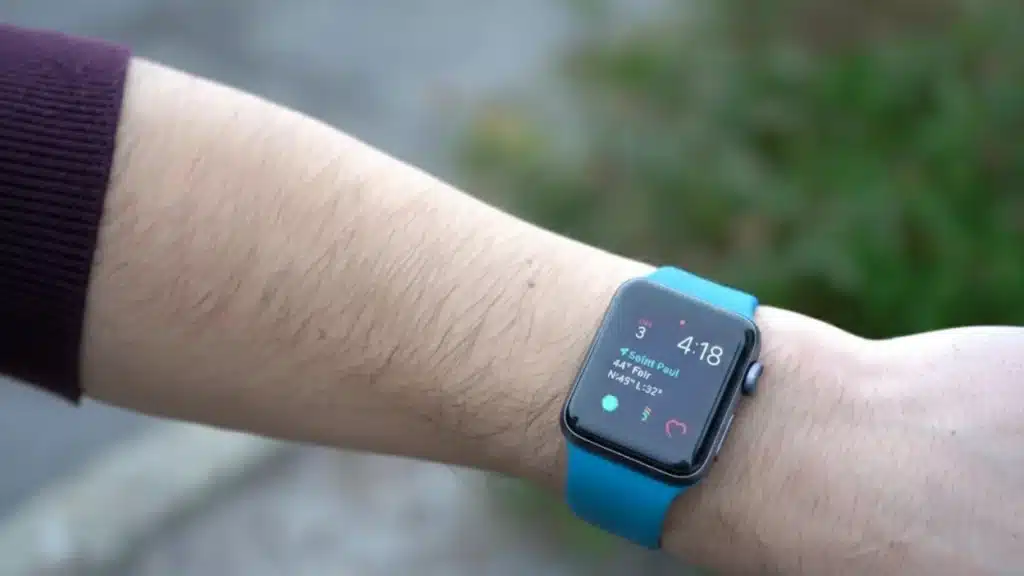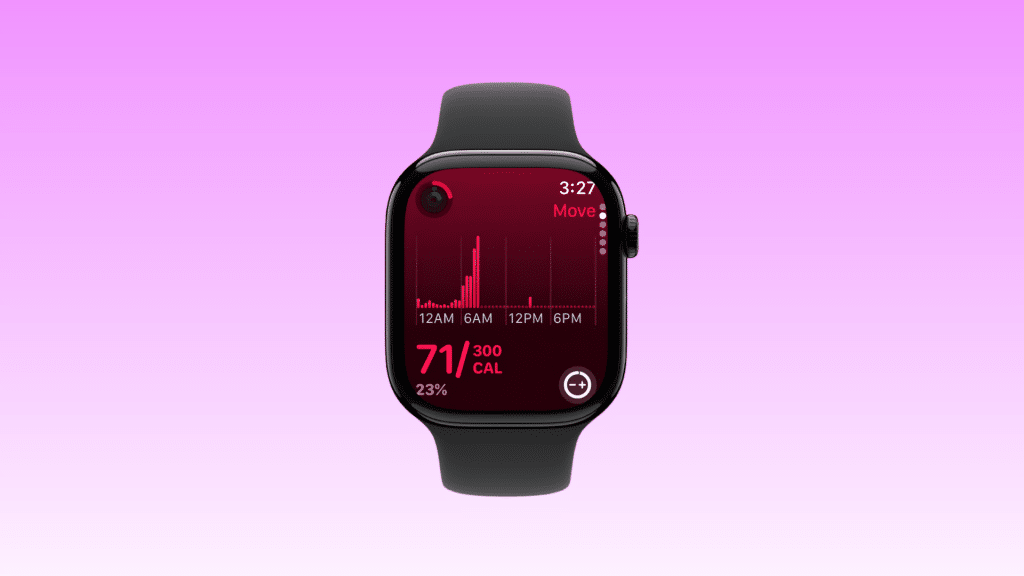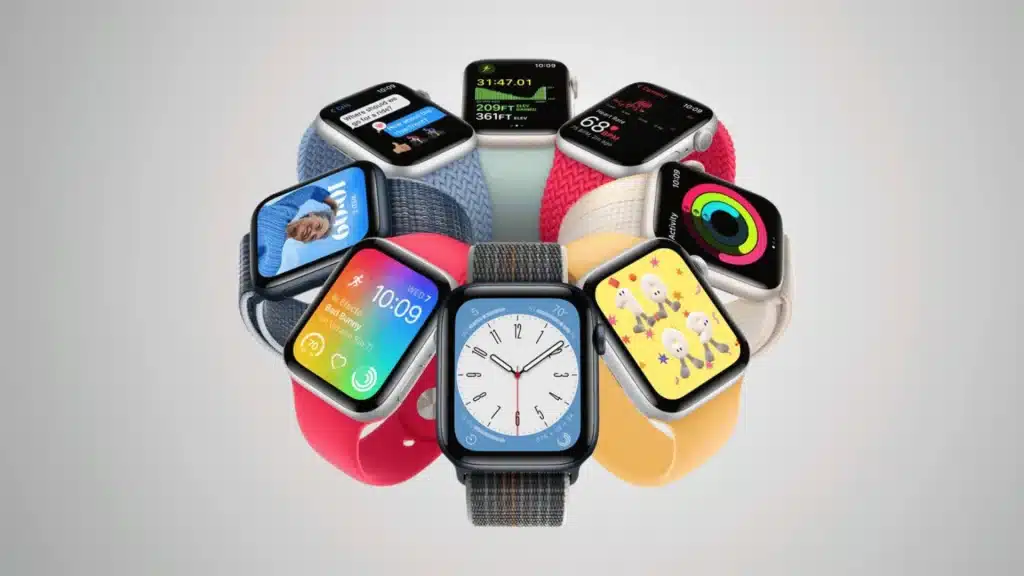
At first glance, most Apple Watches look nearly identical, which makes identifying the exact model surprisingly frustrating.
Many users only realize this when buying a new band, checking software compatibility, or comparing fitness features.
After testing different Apple Watch generations during workouts, daily step tracking, and sleep monitoring, one thing became obvious: even regular smartwatch users often struggle to tell one model from another.
That is exactly why knowing your Apple Watch model matters. Whether the goal is finding compatible accessories, checking battery support, or understanding available health features, the right details make everything easier.
This guide explains how to find out which Apple Watch you have using simple methods that take just a few minutes, even for older models.
Why Knowing Your Apple Watch Model Actually Matters
Different Apple Watch generations support different watchOS versions, health sensors, and accessories.
Getting this wrong is a real problem: a band that fits a 44mm Series 6 will not fit a 45mm Series 7, even though the size difference sounds small on paper.
Once you confirm your model, this guide to Apple Watch band sizes covers exactly which bands fit which generations.
Different Apple Watch generations support different watchOS updates, fitness features, and accessories, which can affect overall performance and usability.
After using multiple Apple Watch models for workouts and health tracking, the differences in battery life, speed, and sensor accuracy become easy to notice.
Identifying the correct model also helps when buying bands, chargers, or protective cases since sizes vary across generations. For those looking to replace or upgrade their current strap with something durable and stylish, Robust Goods Apple Watch bands offer a great selection of high-quality options for various models.
It can even make trade-ins, repairs, and battery replacements much simpler by confirming the exact device details before purchasing accessories or requesting service.
How Do I Know What Apple Watch I Have
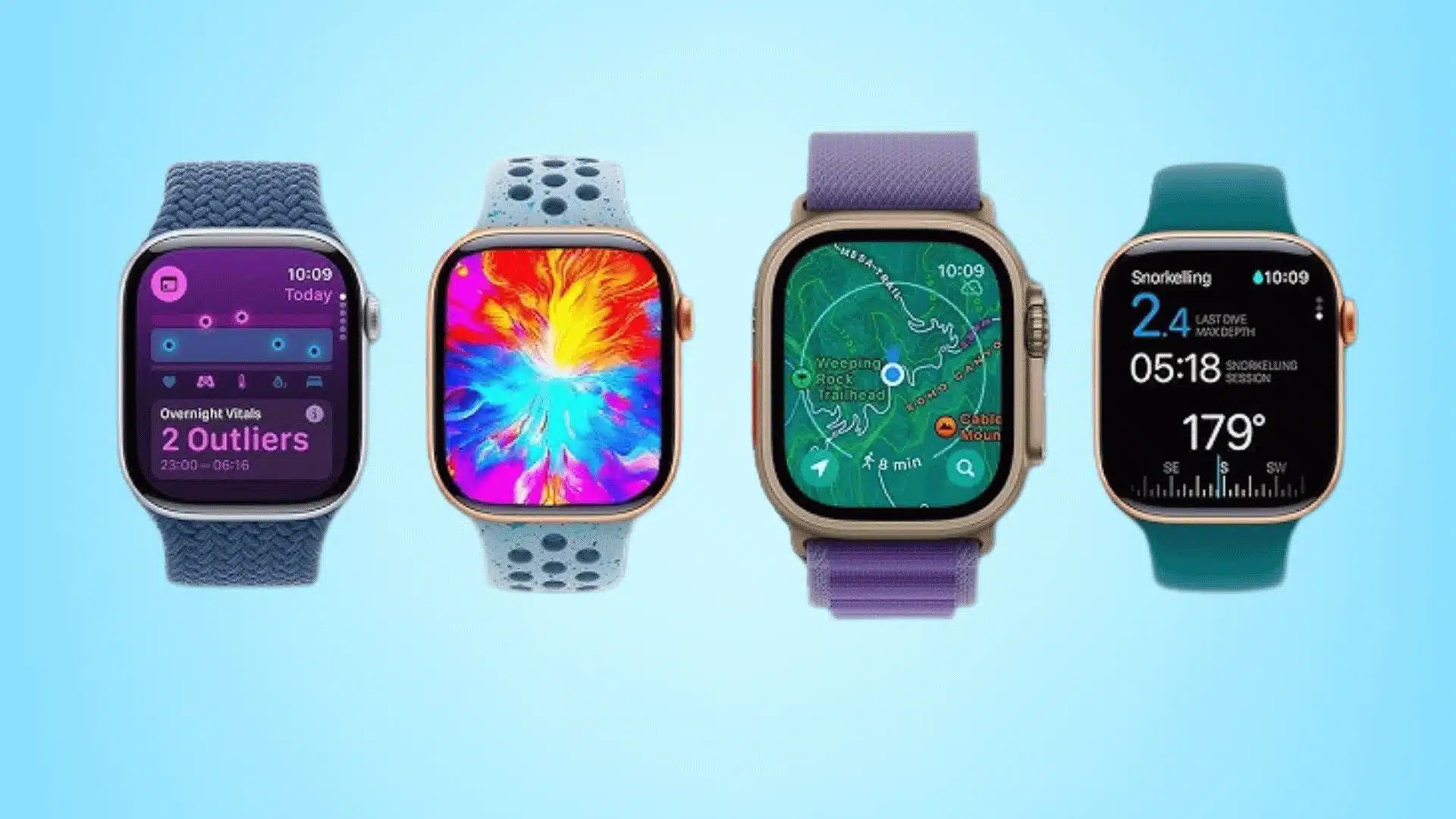
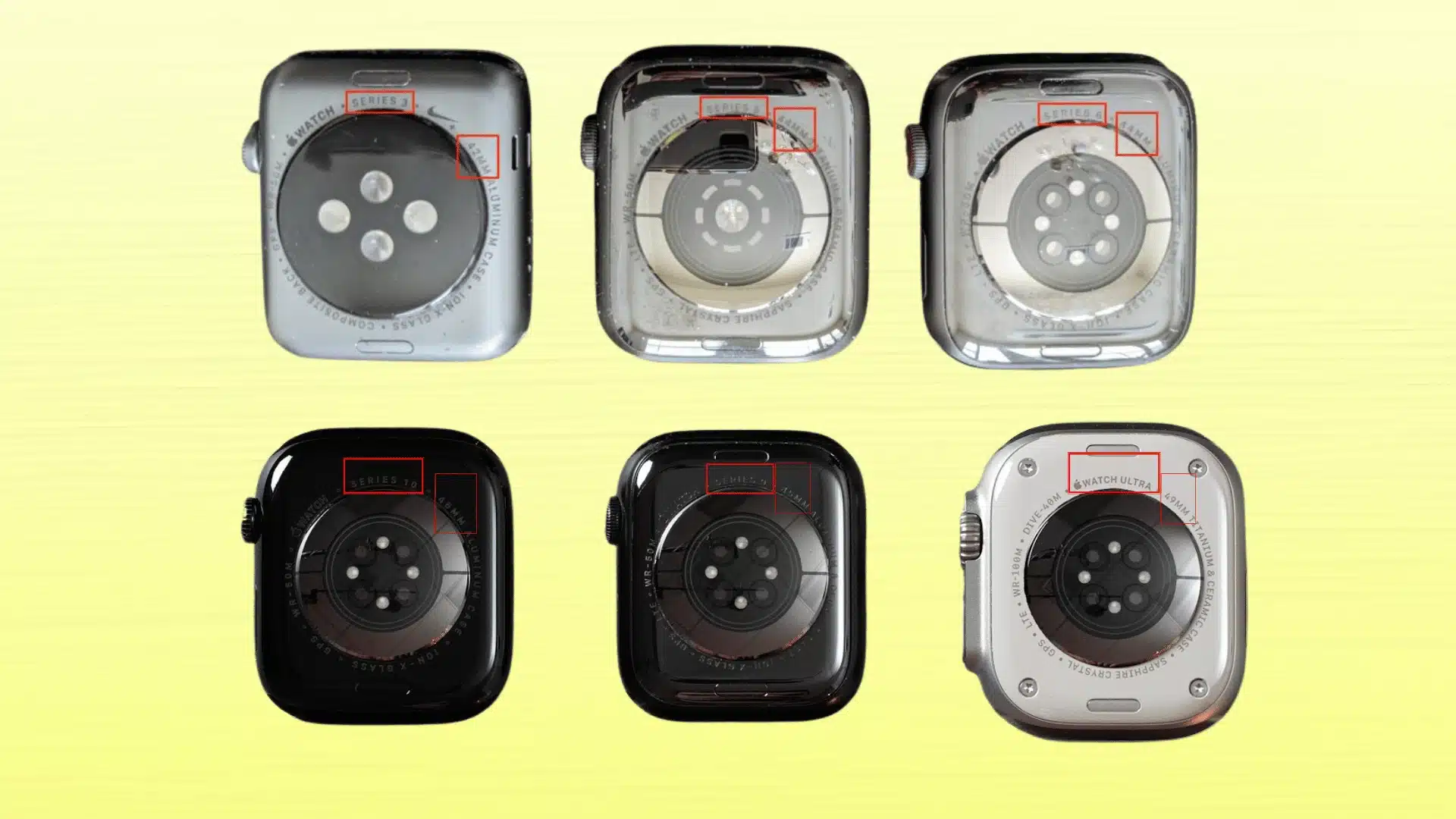
Many Apple Watch owners are unsure which model they own because several generations share a nearly identical design. After testing different models during workouts and daily tracking, checking the model number remains the fastest and most reliable method.
- Check the Back of the Watch: Apple engraves important model details around the rear sensor area of every Apple Watch.
- Use the Watch App: Open the Watch app on the paired iPhone and visit the About section for device information.
- Find the Model Number: Tap the displayed part number to reveal the official Apple Watch “A” model number.
- Compare Watch Sizes: The case size helps narrow down the Apple Watch generation and compatible accessories.
- Identify GPS or Cellular: Cellular models usually feature a red ring or marking on the Digital Crown.
Once the model number is confirmed, identifying the Apple Watch series becomes much easier. This also helps when buying accessories, checking software compatibility, or comparing available fitness and health tracking features.
How to Find Out What Apple Watch I Have From an iPhone
Using the paired iPhone is one of the easiest ways to identify an Apple Watch model correctly. The Watch app provides all important device details in one place, making the process simple even for users with older Apple Watch models.
- Open the Watch App: Launch the Watch app on the connected iPhone.
- Tap General and About: Visit the About section to view device information.
- Find the Model Number: Tap the displayed part number to reveal the official Apple Watch model number.
Once the model number appears, identifying the Apple Watch series, size, and supported features becomes much easier for software updates, accessories, and fitness tracking comparisons.
Apple Watch Series Breakdown
Different Apple Watch generations may look similar, but each model offers unique features, performance upgrades, and fitness tracking capabilities that can greatly affect everyday usability and overall experience.
1. Apple Watch Series 1 to Series 3
These are the oldest supported Apple Watch models still in circulation. Series 1 and 2 used 38mm and 42mm cases with thick bezels and slower S1 and S2 chips.
Series 3 added optional cellular and a slightly faster processor, but all three are locked out of watchOS 9 and later due to hardware limitations.
If you are on Series 3, it handles basic activity tracking and heart rate monitoring, but features like ECG, blood oxygen, crash detection, and sleep apnea are unavailable.
A replacement is worth considering if software support matters to you.
2. Apple Watch Series 4 to Series 6
Series 4 through Series 6 brought major upgrades, including larger 40mm and 44mm displays, ECG support, blood oxygen monitoring, and Always On Display technology.
Apple also improved processor speed and sensor accuracy during workouts and sleep tracking.
After using these models during fitness sessions, the smoother navigation and faster performance become immediately noticeable.
These generations still provide reliable health tracking and balanced everyday usability for most users.
3. Apple Watch Series 7 to Series 11
Series 7 introduced the current case size standard: 41mm and 45mm. The display grew, bezels shrank, and fast charging arrived.
Series 8 added temperature sensing and crash detection. Series 9 brought the double-tap gesture and a brighter display.
Series 10 redesigned the case again, making it noticeably thinner with 42mm and 46mm options. Series 11 launched in September 2025 alongside watchOS 26.
The hardware changes are minor over Series 10, with the most notable addition being twice-as-scratch-resistant Ion-X glass on aluminum models.
The real upgrades in that generation are software-side, including passive hypertension notifications and a native sleep score, both powered by the S10 chip. For a full breakdown, see our guide to Series 11 features and changes.
4. Apple Watch SE Models
Apple Watch SE models combine modern performance with essential smartwatch and fitness features at a lower price.
They support workout tracking, heart rate monitoring, crash detection, and sleep tracking, but skip premium sensors like ECG and blood oxygen monitoring.
After testing the SE during gym sessions and daily activity tracking, the performance still feels smooth because of the newer Apple chipsets. These models work well for beginners and casual fitness users.
The SE 3, released in late 2025, added 5G cellular support and a faster chip. It runs watchOS 26 and covers the practical needs of most casual users at a significantly lower price than the Series line.
5. Apple Watch Ultra, Ultra 2, and Ultra 3
Ultra models are built for endurance athletes and outdoor use. The 49mm titanium case, dual-frequency GPS, and Action button are consistent across all three generations.
The Ultra 3 (2025) introduced satellite connectivity, which is the most meaningful hardware addition since the original Ultra launched in 2022.
Battery life is approximately 36 hours in standard use and longer with Low Power Mode.
If you are unsure whether you own an Ultra, the 49mm case size and titanium construction are hard to miss next to any Series model.
How to Tell if an Apple Watch is GPS or Cellular?
Identifying whether an Apple Watch is GPS only or GPS + Cellular is usually quick once the right details are checked.
Cellular models allow users to make calls, stream music, and receive notifications without carrying an iPhone nearby, which becomes especially useful during workouts or outdoor runs.
One of the easiest visual signs is the Digital Crown, as most cellular versions include a red ring or red dot.
Users can also confirm this through the Watch app by checking the Cellular settings section.
After using both versions during fitness sessions, the cellular model offers noticeably more convenience for phone-free activity tracking and communication while staying connected outdoors.
Common Mistakes When Identifying an Apple Watch
Confusing the SE with Standard Series Models: Apple Watch SE models look very similar to flagship versions, making them difficult to identify without checking the model number.
- Using the Serial Number Instead of the Model Number: Many users mistakenly check the serial number, even though the “A” model number is what identifies the exact Apple Watch version.
- Assuming Bigger Screens Mean Newer Models: Some older Apple Watches also feature large displays, so screen size alone does not always confirm the latest generation.
- Ignoring GPS and Cellular Differences: Users often overlook the Digital Crown markings that help distinguish GPS-only models from cellular versions.
- Checking Only the Watch Design: Similar case shapes and finishes across generations can make visual identification inaccurate without verifying device information in settings.
Is it Worth Upgrading an Older Apple Watch?
Upgrading an older Apple Watch can make a noticeable difference for users who rely on fitness tracking, faster performance, and longer software support.
After using older and newer models during workouts and daily activity monitoring, the improvements in responsiveness and display quality become easy to notice.
Newer Apple Watches also offer better durability, brighter screens, and more advanced workout metrics that improve the overall experience during exercise sessions.
However, older models still handle basic notifications, step tracking, and heart rate monitoring reasonably well for casual users.
The decision mostly depends on how often the watch is used for fitness, health tracking, and everyday convenience rather than simply owning the latest Apple Watch generation.
Conclusion
Identifying an Apple Watch model becomes much easier once the right details are checked carefully.
After using different Apple Watch models for workouts, health tracking, and daily use, the differences in performance and features become more noticeable over time.
Knowing the correct model also helps when buying accessories, checking compatibility, or deciding whether an upgrade makes sense for everyday needs.
Even older Apple Watches can still perform well depending on usage habits and fitness goals.
If this guide helped you identify the Apple Watch correctly, share your experience or comment below with the model you’re currently using.
Frequently Asked Questions
Can Two Apple Watch Models Look Identical?
Yes, many Apple Watch generations share a very similar design. That is why checking the model number is more accurate than relying only on appearance.
How Old is My Apple Watch?
The Apple Watch age depends on its series and release year. Checking the model number helps determine when the watch was originally launched by Apple.
Is the Apple Watch SE Worth Buying Today?
Apple Watch SE still offers strong everyday performance, workout tracking, and useful smartwatch features, making it a practical choice for casual fitness-focused users today.