Taking AirPods near water can feel harmless until a splash leaves the sound muffled or the charging case stops responding.
Sweat, rain, and accidental drops don’t affect every model the same way, which makes Apple’s ratings easy to misread.
If you are asking, “are AirPods waterproof,” the short answer is no.
Some models offer limited AirPods water resistance, but that rating does not make them safe for swimming or showering. Each IP rating has specific limits, while the chance of damage depends on the model and type of exposure.
You will learn what the ratings mean, how to dry wet AirPods, which warning signs matter, and when Apple service may be needed.
What Water Resistance Really Means for Wireless Earbuds?
Earbuds are a different engineering challenge. Sound has to leave the speaker somehow, and the ANC microphones need to capture outside sounds. Every opening creates a possible path for water to enter.
An IPX7 rating means a device can handle temporary water immersion under specific test conditions, while water-resistant devices are designed to manage limited exposure without damage.
Waterproof has no universal definition in consumer electronics, but it generally suggests stronger protection against water in a wider range of situations.
IP ratings are tested in controlled conditions, usually with still, fresh water at specific temperatures. Real-world exposure can involve water pressure, heat, chemicals, sweat, and movement.
That difference between controlled testing and daily use is where many water-related issues happen.
For readers who want to compare AirPods with another Apple-owned audio brand on features and performance, how AirPods compare to Beats breaks down the key differences across both product lines.
Are AirPods Waterproof?
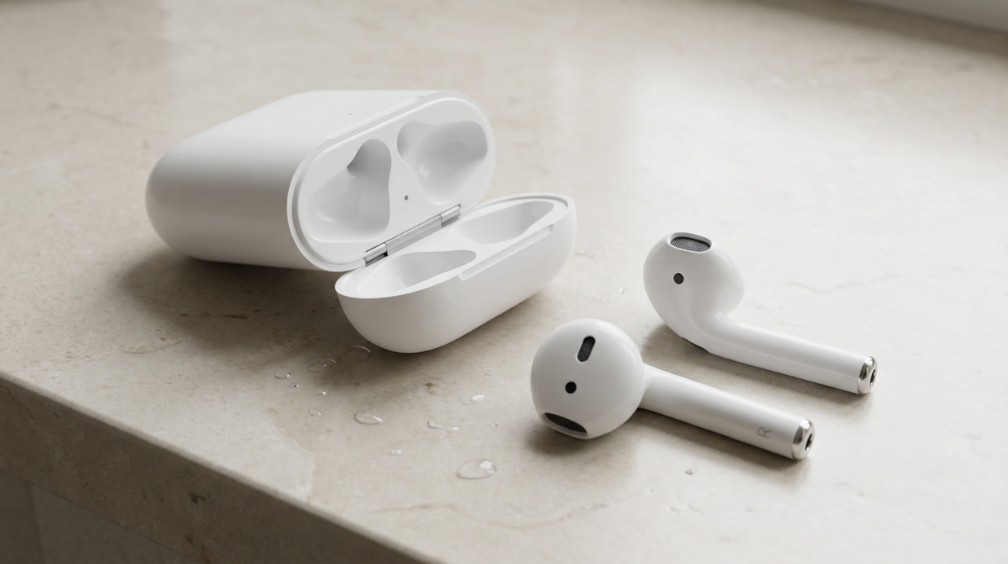
AirPods are not waterproof. They are designed with different levels of water resistance depending on the model, but no AirPods can safely survive being fully submerged.
Waterproof means a device can handle water exposure without allowing damage under specific conditions. AirPods do not have that level of protection.
Instead, some models have water resistance that helps block limited moisture from reaching internal parts. This protection is mainly useful for situations like:
- Sweat during exercise
- Light rain while walking
- Small accidental splashes
- Moisture from daily activities
The charging case is usually more vulnerable than the earbuds themselves. Even when the earbuds have some water resistance, the case may not have the same protection.
So, a few drops of water may not ruin your AirPods, but keeping them around pools, showers, or heavy rain increases the chance of damage.
Which AirPods Models are Water Resistant?
AirPods are popular for workouts, travel, and daily listening, but not every model offers the same level of protection against moisture. For exercise use, water resistance is only one consideration, as workout earbuds also differ in fit, stability, battery life, and awareness of surrounding sound.
| AirPods Model | Water Resistance | Best For |
|---|---|---|
| AirPods 1st and 2nd Gen | No official water resistance | Dry daily use |
| AirPods 3rd Gen | IPX4 water and sweat resistance | Workouts and light rain |
| AirPods 4 and charging case | IP54 dust, sweat, and water resistance | Exercise, sweat, and light splashes |
| AirPods Pro 1st Gen | IPX4 water and sweat resistance | Exercise and outdoor use |
| AirPods Pro 2nd Gen (Lightning case) | IPX4 water and sweat resistance | Workouts and everyday moisture protection |
| AirPods Pro 2nd Gen (USB-C case) | IP54 dust, sweat, and water resistance | Exercise, outdoor use, and daily protection |
| AirPods Pro 3 | IP57 dust and water resistance | Active use, workouts, and outdoor conditions |
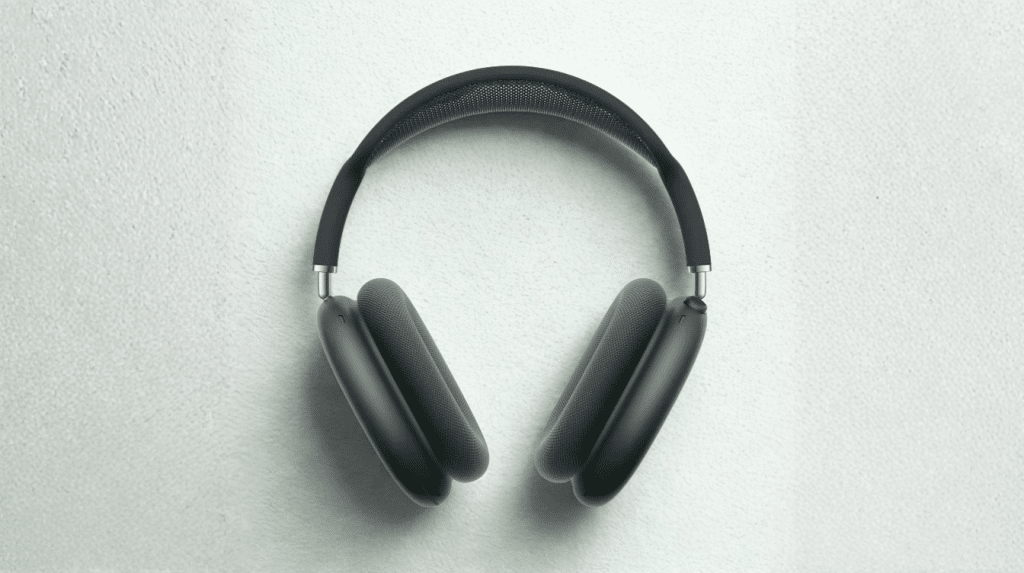
| AirPods Max | No official water resistance rating | Indoor listening and dry environments |
Understanding which AirPods models are water resistant helps set realistic expectations before using them around moisture. Apple’s AirPods comparison lists the current ratings for available models.
What Happens If AirPods Get Wet?
A small splash or brief exposure to sweat may not cause immediate problems, especially on models with an official water-resistance rating. However, AirPods are not waterproof. Moisture can enter through the speaker mesh, microphones, sensors, or charging contacts and affect sound, battery performance, and connectivity.
Possible warning signs include:
- Muffled or quieter sound from one side
- Poor microphone quality during calls
- Random pausing or connection drops
- Battery readings that change unexpectedly
- Faster battery drain
- Earbuds not charging correctly
- One AirPod working while the other disconnects
- Complete failure after heavy exposure
Persistent charging and battery problems can also reduce AirPods Pro longevity, particularly when moisture remains around the contacts or internal components.
These signs may appear immediately or develop later if moisture remains inside. They do not always confirm permanent damage because trapped water can temporarily block the speaker mesh or affect the charging contacts.
How to Dry Wet AirPods Safely?
Remove the AirPods from the charging case as soon as possible. Wipe the earbuds and case with a soft, dry, lint-free cloth before placing them in a dry area with normal airflow. Follow these steps:
- Keep the AirPods outside the charging case.
- Let them dry completely for at least two hours.
- Allow more time after heavy water exposure.
- Do not use a hair dryer, heater, or compressed air.
- Do not apply cleaning products to the openings.
- Do not place the earbuds in rice because particles may enter the speaker mesh.
- Wait until the earbuds and case are fully dry before using or charging them.
If sound, charging, battery, or connection problems remain after drying, stop using the AirPods and contact Apple Support. A service check can confirm if an earbud or charging case needs repair or replacement.
When to Get Your AirPods Checked?
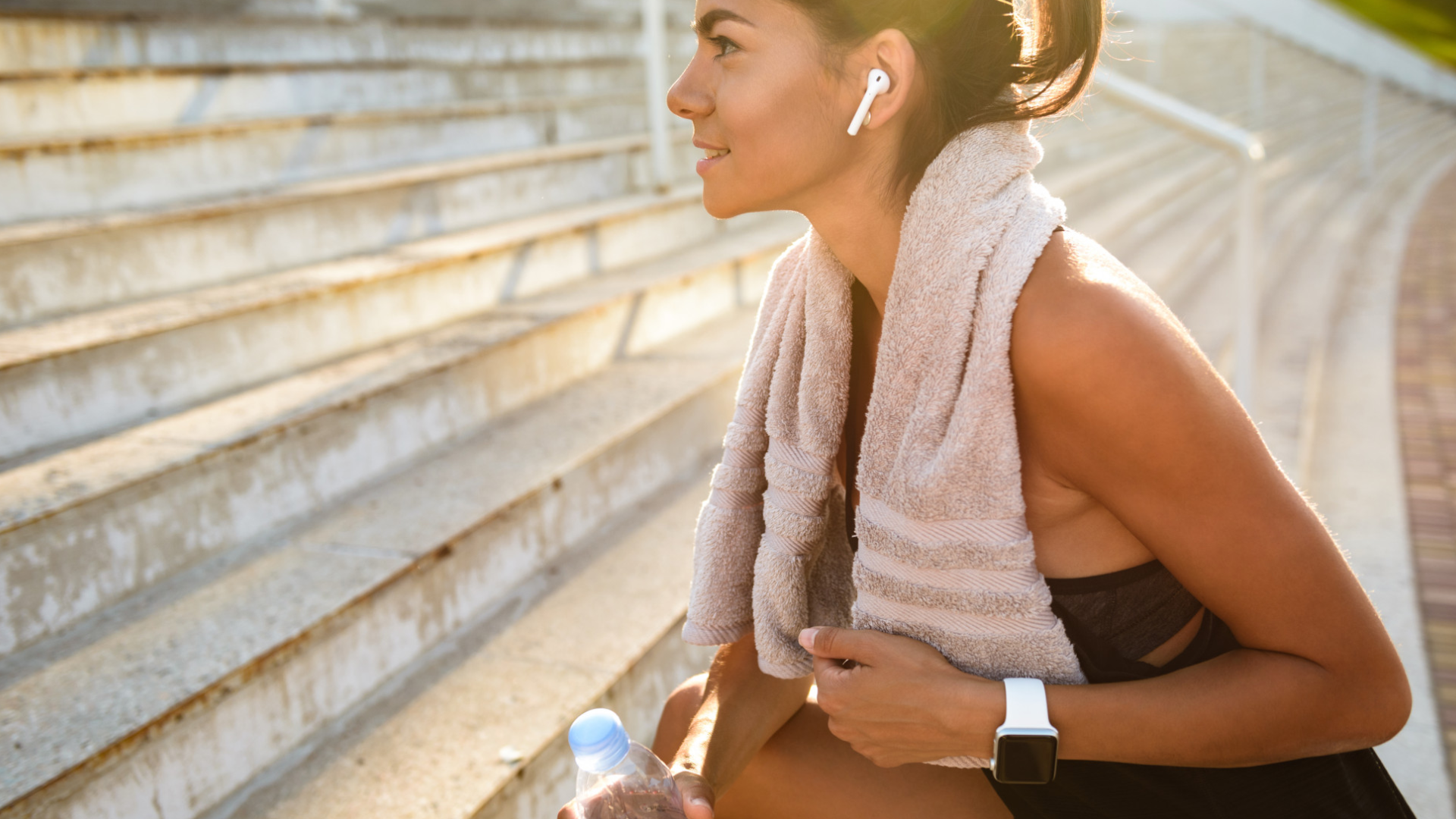
Most light water exposure does not require professional help. However, service may be worth considering if problems remain after your AirPods and charging case are completely dry. Look for signs like:
- Sound remains distorted after drying
- One AirPod stops working
- The charging case does not recognize the earbuds
- Battery drains much faster than before
- Microphone quality remains poor
If these problems continue, contact Apple Support to check the available service options. Apple’s standard limited warranty does not cover accidental liquid damage.
AppleCare+ coverage depends on your active plan and its terms, so confirm your coverage before requesting service. Apple lists its available AirPods service options for damaged earbuds and charging cases.
What Users Say About Wet AirPods
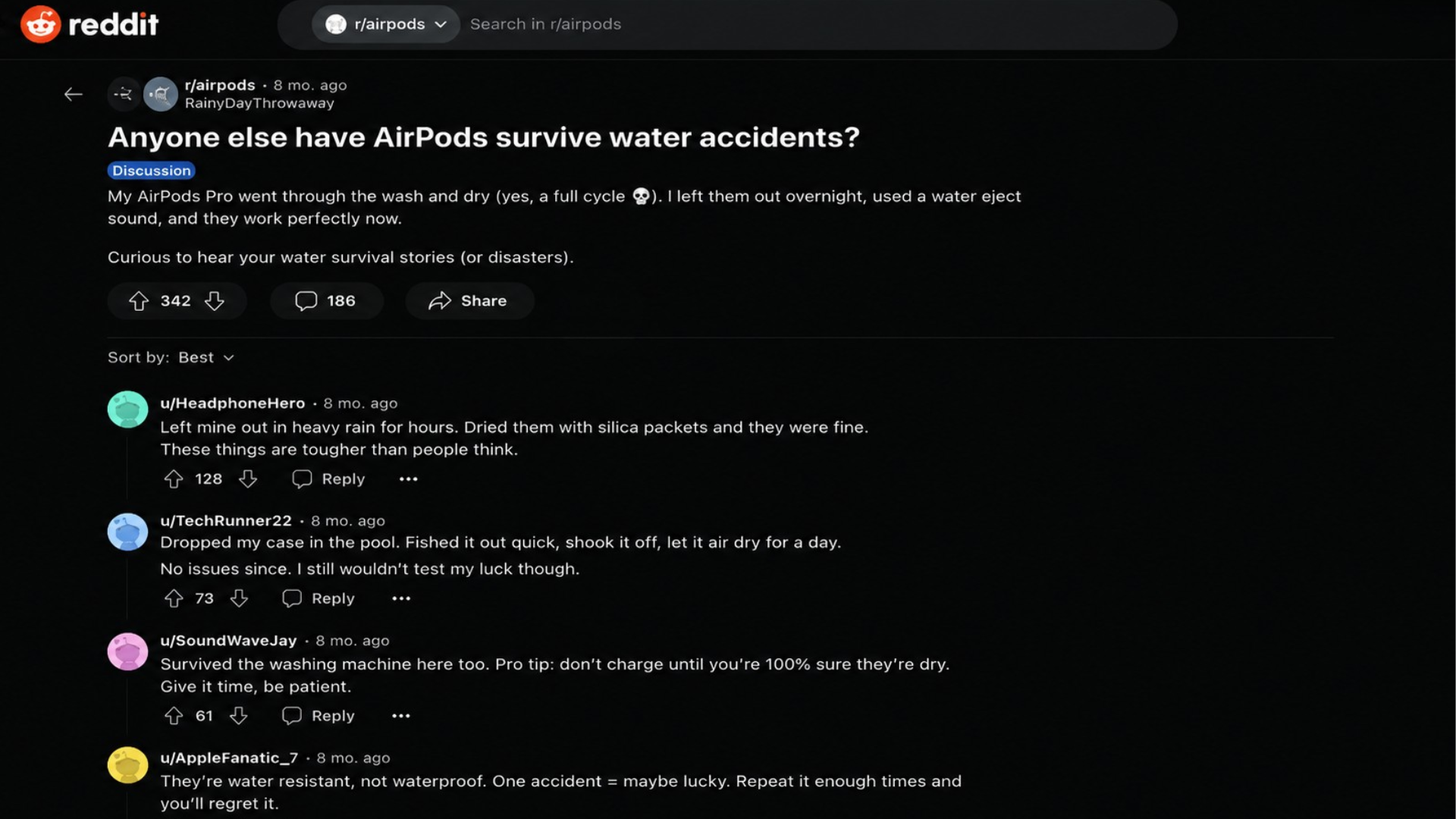
AirPods owners share mixed results after using their earbuds near water. Some say their AirPods continued working after rain, sweat, or accidental splashes. Others report muffled sound, charging trouble, loose ear tips, or hardware problems after repeated moisture exposure.
In one Reddit discussion, an AirPods Pro owner said:
“As soon as some moisture hits the tip, the seal is broken.”
The runner also reported using older AirPods in the rain without problems, while the AirPods Pro later developed sound issues. However, the owner could not confirm that moisture caused the fault.
These comments reflect personal experiences and do not prove that another pair will react the same way.
Results depend on the model, condition, amount of water, and exposure time. Apple’s official care instructions remain the safer source for drying and handling wet AirPods.
Water Exposures Apple Says to Avoid
The IP rating covers a specific test scenario: fresh water at room temperature for a set time. Anything outside that is no longer covered. Apple lists the following as situations to avoid, which come straight from their official support page.
- Running water: Showers, faucets, or any stream puts pressure on the seals that the IP test doesn’t simulate.
- Swimming and pools: Chlorine breaks down water seals over time, and the pressure from swimming adds to the problem.
- Saltwater: Salt corrodes the seals and acoustic membranes faster than fresh water does.
- Soaps, shampoos, conditioners, lotions, and sunscreen: All of these can damage the water-resistant membranes. If they make contact, wipe them with a slightly damp cloth and dry them fully.
- Saunas and steam rooms: Steam and heat are a separate problem from liquid water, and neither is covered by the IP rating.
- High-velocity water: Jet ski spray, power washing near them, or anything with force behind it pushes past the seals.
- Washing machines and dryers: Both the mechanical action and the detergent are problematic.
On the warranty side, Apple’s standard limited warranty does not cover liquid damage. AppleCare+ covers accidental damage, including liquid damage, for a service fee per incident.
If AirPods Pro aren’t meeting your needs for water exposure, considering the best AirPods alternatives might point you toward models rated for more demanding conditions.
Conclusion
AirPods water resistance can reduce the risk from sweat, light rain, and small splashes, but it cannot make the earbuds suitable for swimming, showering, or deliberate submersion.
The exact protection depends on the model, charging case, condition, and type of liquid involved.
If your question is “are AirPods waterproof,” the answer remains no. Treat the rating as backup protection and follow Apple’s drying instructions after accidental exposure.
Keep wet earbuds outside the case, avoid charging them, and request service if sound or connection problems continue after drying.
Owner experiences can be useful, but they cannot predict what will happen to another pair. Share your own water-exposure experience in the comments below.
Frequently Asked Questions
Can Moisture Affect Noise Cancellation?
Yes. Moisture near the microphones or speaker mesh can interfere with noise control and make Active Noise Cancellation sound uneven. Let the earbuds dry fully before testing the feature again or deciding that the hardware is damaged.
Can AirPods Be Used in High Humidity?
High humidity is different from direct splashes, but moisture can still collect during long use. Keep the earbuds and charging case dry, especially after exercise or time spent in hot and humid conditions.
Should Ear Tips Be Removed After Water Exposure?
Yes. Remove silicone ear tips if moisture is trapped around them. Wipe the earbuds separately, allow every part to dry fully, and reattach the tips only when no moisture remains around the openings.
Can a Protective Cover Make AirPods Waterproof?
No. A cover may protect the charging case from scratches or light surface moisture, but it does not change Apple’s official water rating. Openings around the hinge and charging port can still allow water inside.