Picking a fitness wearable today is harder than it should be, and the Fitbit vs Apple Watch debate sits at the center of most buying decisions.
Two devices dominate every review, recommendation thread, and comparison guide, and that saturation makes the choice harder to navigate, not easier.
A wrong pick can feel annoying after a few days. That is why this comparison focuses on what actually affects daily use. In the middle of all this sits the Fitbit vs Apple Watch debate.
Both offer strong features, but they work very differently in real life. Small details can change your experience more than you expect. This blog breaks things down simply.
Design, health tracking, battery, software, and price are all covered. By the end, you get a clear idea of what fits your routine, your phone, and your budget.
Small differences in how a device handles sleep data, charging cycles, or notification volume can shift whether you keep wearing it after 3 months or let it sit in a drawer.
Quick Overview: What Each Brand is Known For
Fitbit keeps things simple and focused on health tracking. It covers steps, sleep, heart rate, and stress without adding too many extras.
The devices are light, easy to wear, and comfortable even during sleep. Battery life is one of its biggest strengths, often lasting several days on a single charge.
It works with both Android and iOS, which gives it the flexibility Apple Watch does not offer.
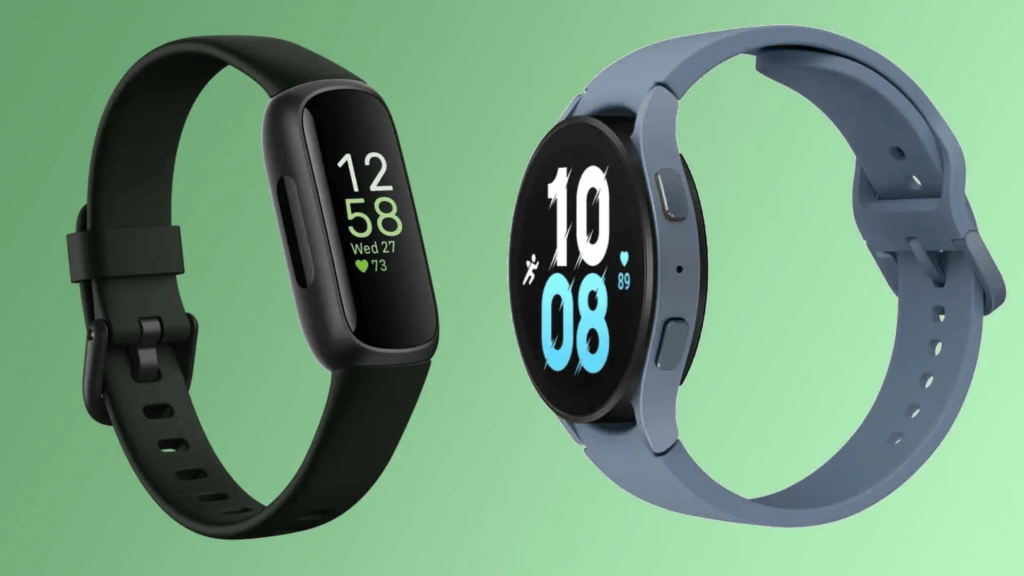
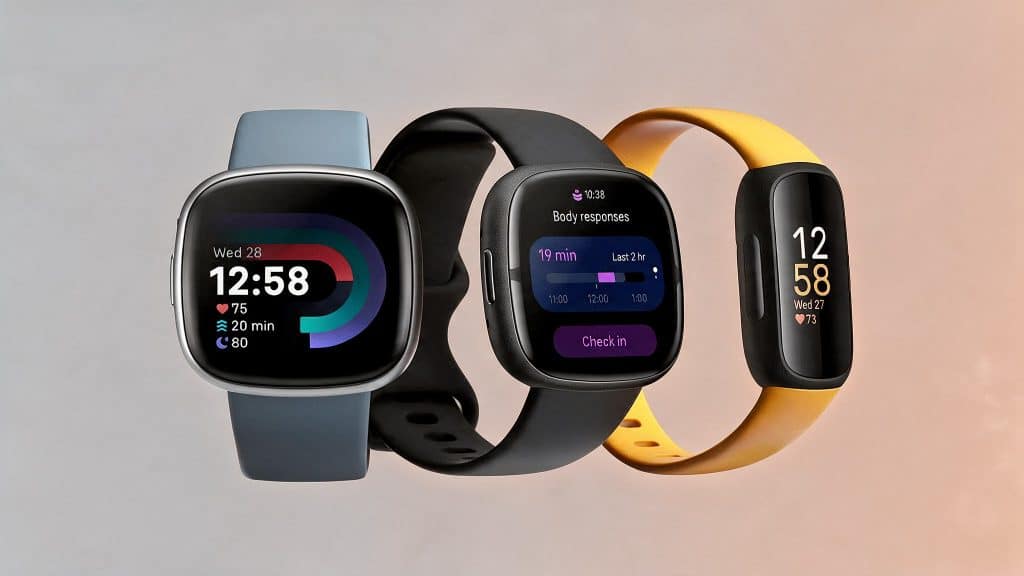
The current lineup, like the Charge 6 and Inspire 3, sticks to fitness tracking, while smartwatch features now sit with the Pixel Watch.
Apple Watch takes a more feature-heavy approach. It is built as a smartwatch first, with health tracking added in.
It connects deeply with iPhones and supports calls, apps, payments, and voice control. The experience feels tightly integrated, especially if you are already in the Apple ecosystem.
It also includes advanced health features, such as ECG and blood-oxygen tracking. The trade-off is a higher price and a battery that usually needs daily charging.
Fitbit vs Apple Watch: Design and Comfort Comparison
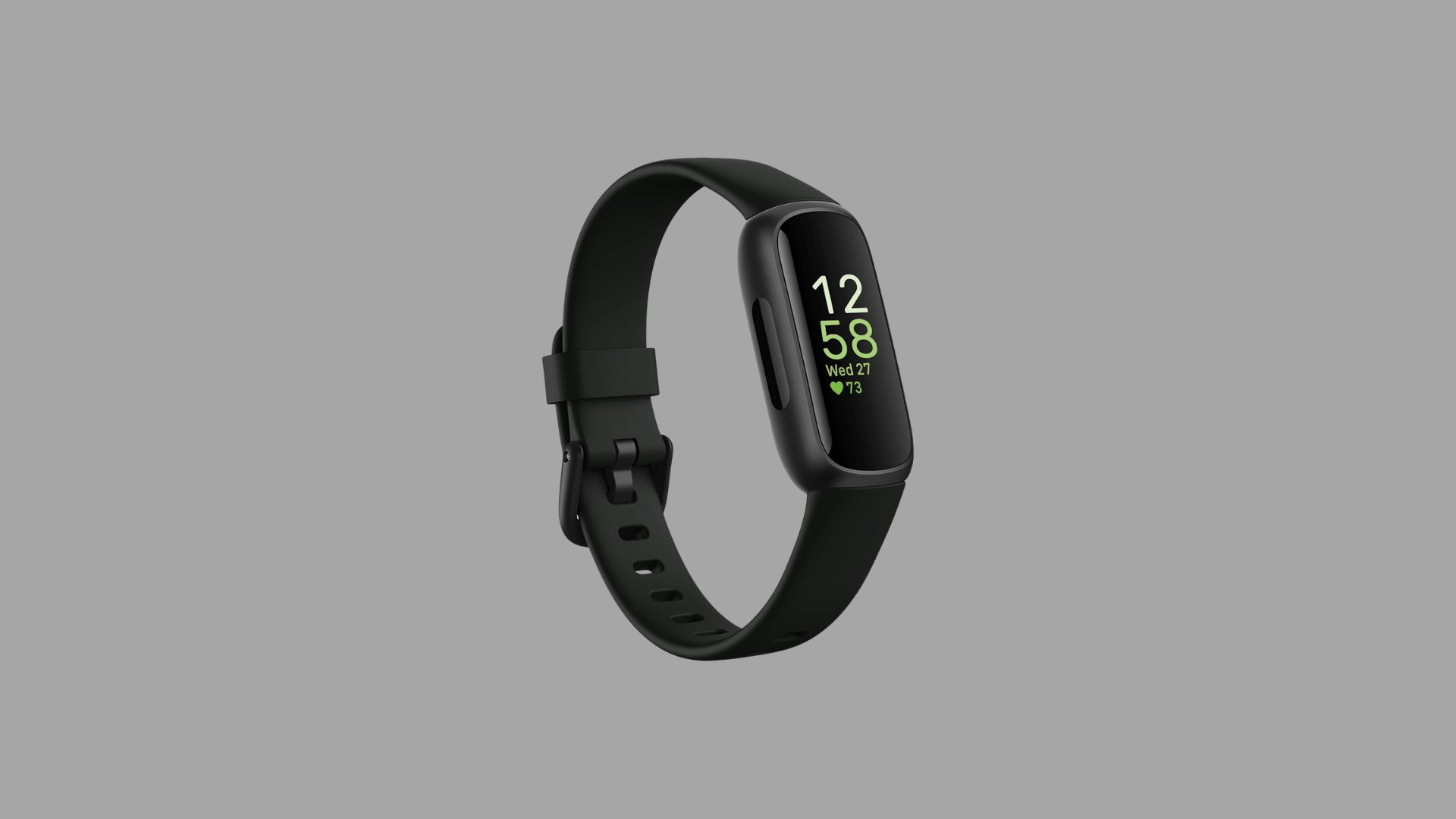
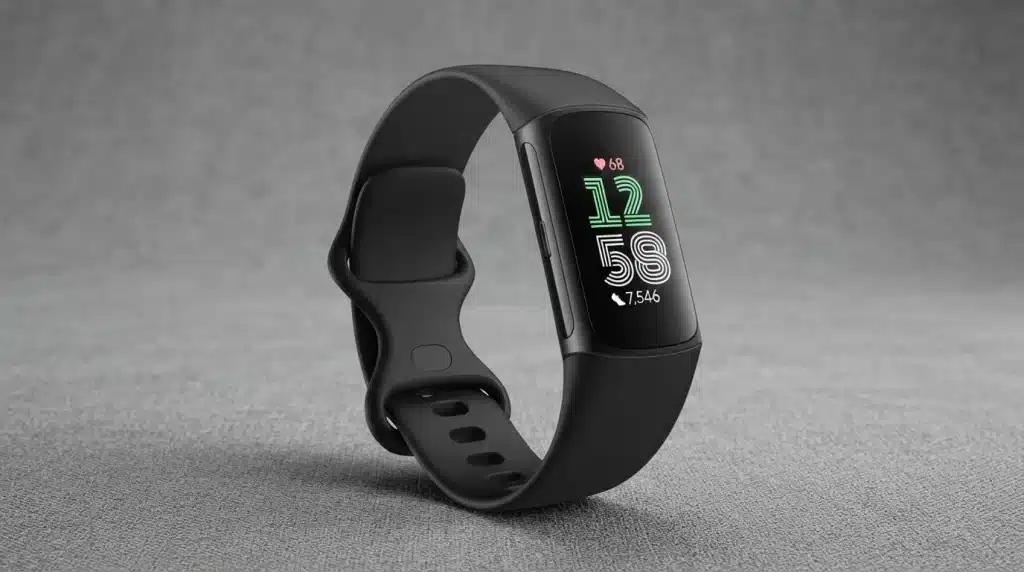
Fitbit sticks to a slim and practical design. Devices like the Charge 6 use a vertical OLED display, keeping things light and low-profile.
It feels easy on the wrist, even during long hours or sleep. Bands come in options like silicone and fabric, and they are easy to swap.
Most models are water-resistant to 50 meters, so swimming or showering is not an issue. The design prioritizes function over aesthetics, and for most fitness-focused users, that is exactly what you want.
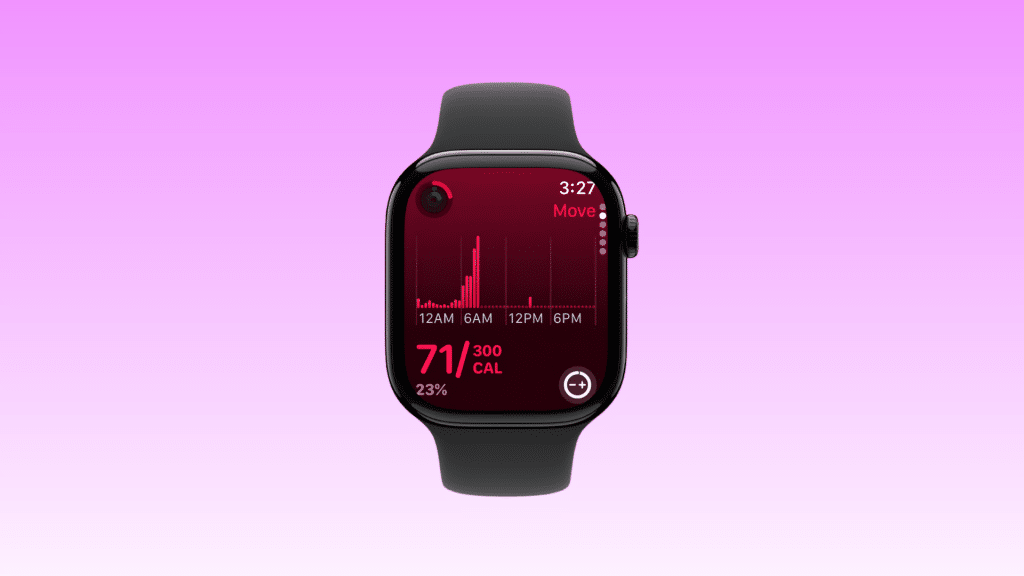
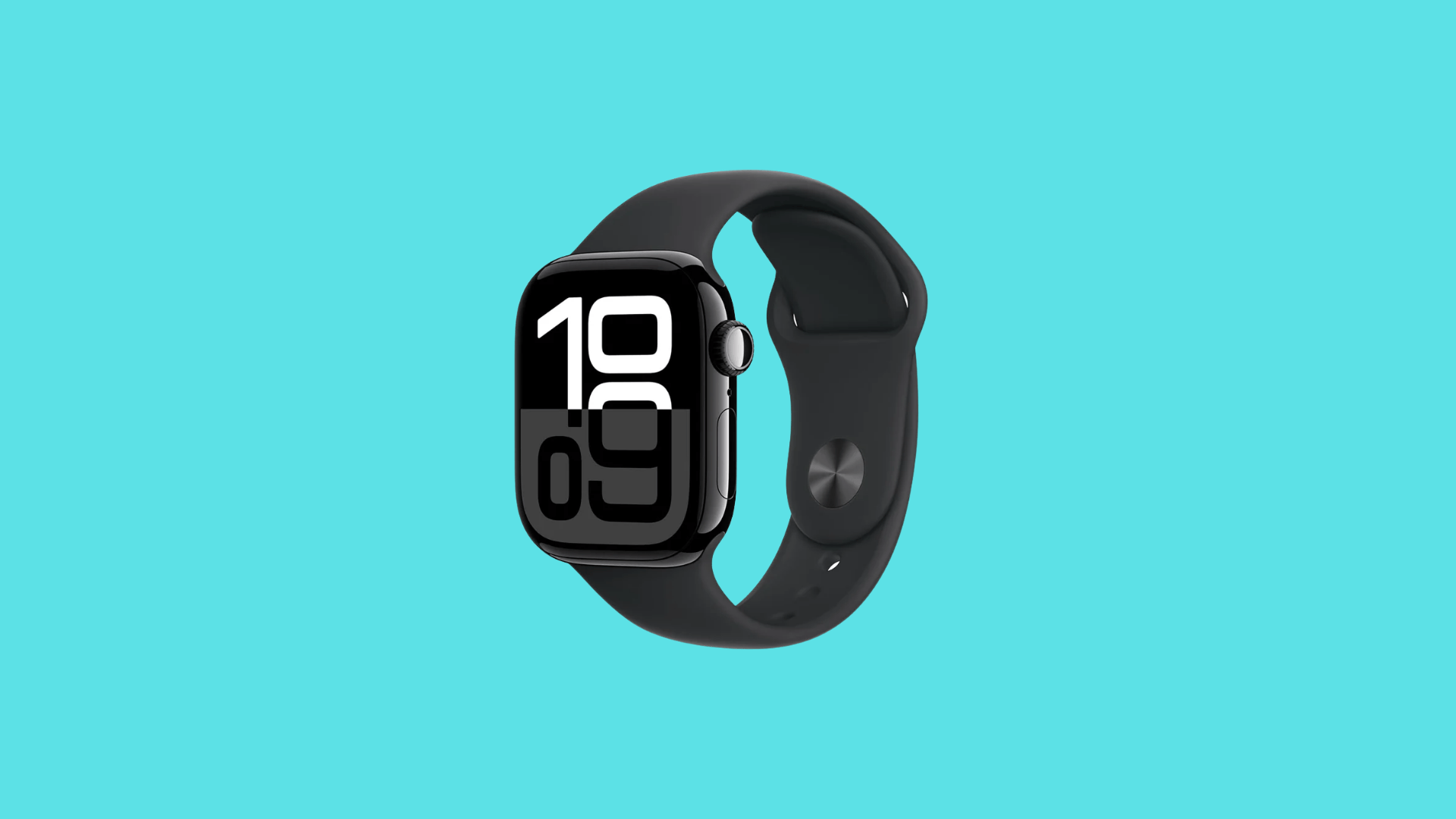
Apple Watch goes in a more premium direction. It uses a rectangular case with a large, sharp display that stands out.
There are more band choices, including leather, metal, and sport options. It fits well in both casual and formal settings.
It is also water-resistant up to 50 meters. I noticed that while it looks better, it feels slightly heavier, which can take time to get used to, especially during sleep.
Health and Fitness Tracking: What You Actually Get
Heart rate tracking is strong on both, but the Apple Watch handles intense workouts better. During fast-paced sessions like HIIT, it reacts more quickly to spikes and drops.
That makes it more reliable if training sessions are structured and time-based. Sleep tracking feels more complete on Fitbit.
Devices like the Charge 6 display light, deep, and REM sleep in a single, clean view, along with a Sleep Score and trends.
If you want to understand exactly how wearables track sleep data before deciding which platform to trust, that background makes the difference between reading a score and actually knowing what it means.
Apple Watch tracks sleep well, too, but the data is spread across apps.
Newer models include sleep apnea detection alerts, which add a clinically meaningful layer for users who suspect they have disrupted breathing patterns at night.
Workout tracking is broader on the Apple Watch with support for many activity types. Fitbit focuses on common workouts and keeps things simple.
Fitbit also includes menstrual health tracking in its app, a meaningful feature for users who want a single device to monitor cycle patterns alongside sleep and activity data.
Apple Watch offers cycle tracking through the Health app as well, but Fitbit’s integration sits directly in the main dashboard.
For stress, Fitbit stands out with its EDA scan on the Sense 2, offering useful recovery insights when used consistently.
Fitbit vs Apple Watch: Smart Features and Daily Use
Apple Watch feels like a full smartwatch, not just a fitness device. It supports a wide range of third-party apps, Siri voice commands, and smooth contactless payments with Apple Pay.
Built-in GPS is available on all Apple Watch Series models, making it reliable for outdoor runs and cycling without carrying a phone.
It also includes safety tools like fall detection and emergency SOS, which can be very useful in real situations.
Fitbit keeps things more focused but has improved over time. The Charge 6 now includes Google Maps, Google Wallet, and voice assistant support, adding real-world, day-to-day functionality.
Notifications come through clearly, but there is no app store. I noticed that Fitbit’s alerts feel quieter and less intrusive during deep work or meetings.
Apple Watch can become overwhelming fast if you do not spend time managing notification settings during the first week. That difference in daily friction matters more than most reviews acknowledge.
For users weighing the Apple Watch vs. Fitbit decision based on smart features alone, the Apple Watch wins clearly, but only if you are already committed to the iPhone ecosystem.
Fitbit vs Apple Watch: Battery Life Differences
Battery life is where Fitbit feels more convenient. Devices like the Charge 6 can last up to 7 days on a single charge. Even models with more features usually run for 4 to 6 days.
This makes it easy to wear them all the time, including during sleep, which helps keep health data more consistent.
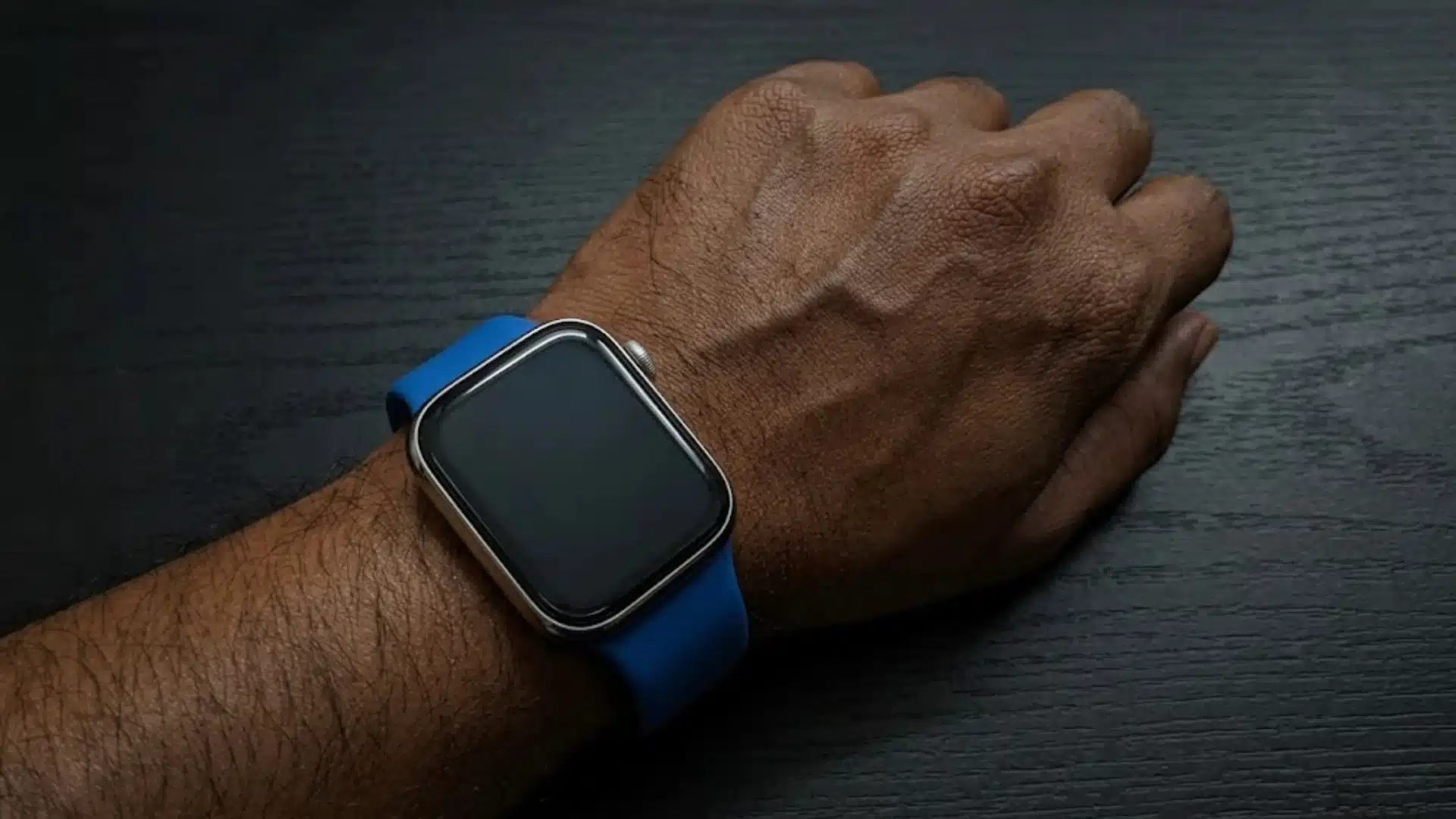
Apple Watch works on a much shorter cycle. Most models last around 18 hours, so daily charging becomes part of the routine.
If you are already asking yourself why Apple Watch loses charge quickly, the answer usually comes down to always-on display, background app activity, and how aggressively the device checks sensors throughout the day.
Fast charging helps, but it does not remove the need to plug it in every day. The Ultra 2 stretches this to about 36 hours, but it comes at a much higher price.
I found that getting used to daily charging takes some time. Once it becomes a habit, it feels normal, but for uninterrupted sleep tracking, Fitbit clearly feels more practical.
Fitbit vs Apple Watch: Software and Ecosystem
Fitbit offers a clean, easy-to-use app that works on both Android and iOS. It brings together sleep, activity, heart rate, and stress data into a single, simple dashboard.
Everything feels easy to read without having to dig through menus. To unlock deeper insights, such as long-term trends, advanced sleep data, and guided sessions, you need Fitbit Premium.
The base features still work well, but the real depth sits behind the subscription. Apple’s watchOS feels smooth and tightly connected with its devices.
The Apple Health app collects data from across the system, while Fitness Plus adds guided workouts through a subscription. The experience feels seamless, but it only works with iPhones, which limits flexibility.
I noticed that both platforms now rely on paid plans to unlock their best features. That extra monthly cost can add up over time and should be part of the decision.
Both platforms now rely on paid plans to unlock their best features.
That monthly cost adds up quickly and should factor into your total budget when making the Apple Watch vs. Fitbit decision over a full year of ownership.
Fitbit vs Apple Watch Real User Opinions and Experiences
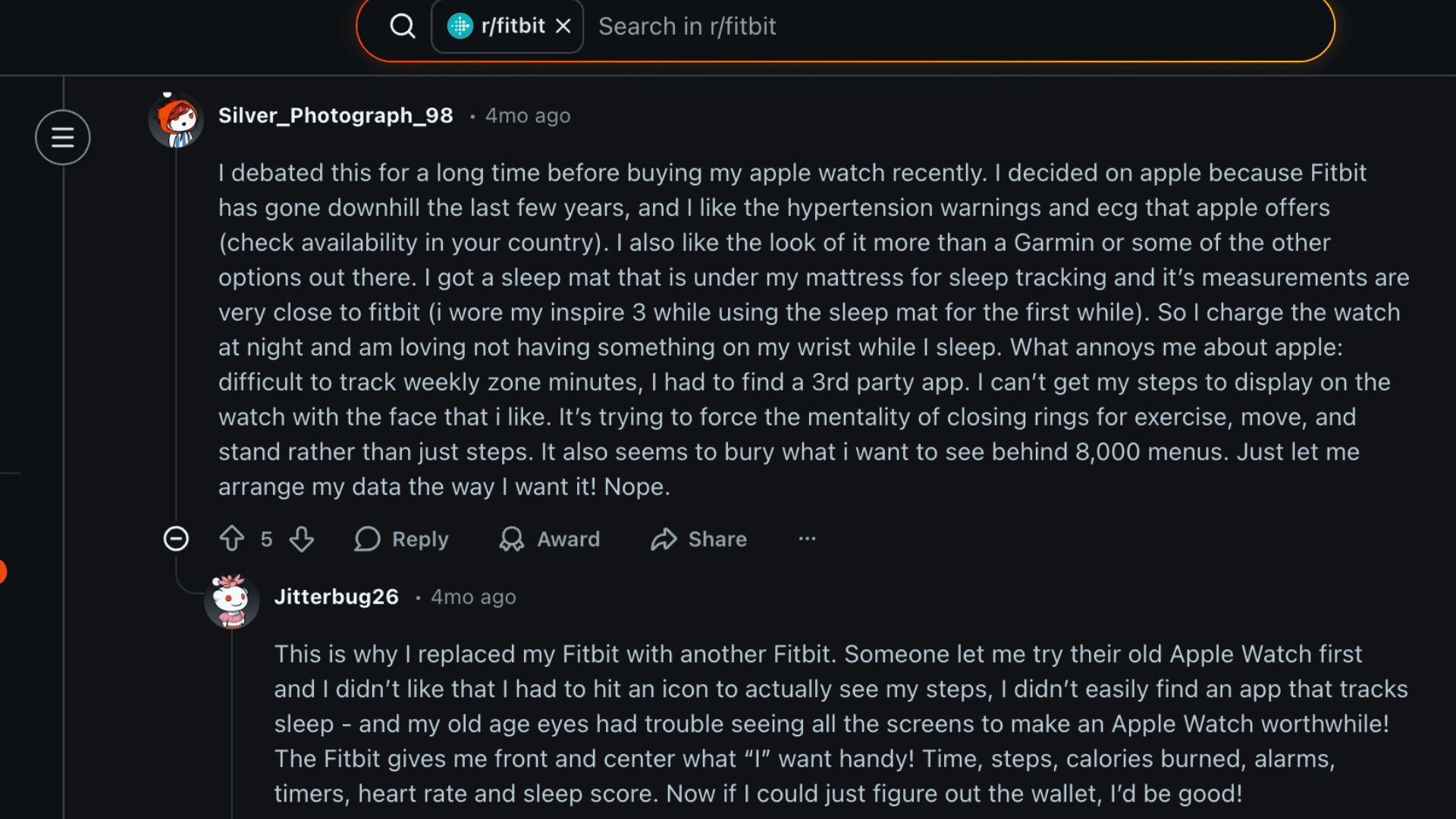
Looking at Reddit user feedback adds another layer to the Fitbit vs. Apple Watch decision, especially when daily use starts to matter more than specs.
Many users point out battery life as a major reason to pick Fitbit. Lasting up to a week means no need to choose between tracking sleep or charging overnight.
Comfort also comes up often, with some finding the Apple Watch too bulky for workouts. On accuracy, opinions are mixed.
Some users trust Fitbit more for heart rate and sleep tracking, while others feel Apple Watch delivers better health alerts like irregular heart rate notifications that actually work.
The Fitbit vs Apple Watch choice often comes down to what feels right in real life, not just which device has better numbers on paper.
Fitbit vs Apple Watch Price and Value Comparison
Fitbit stands out in pricing. Devices like the Inspire 3 start around $69, and the Charge 6 sits near $119.
Even the higher-end options stay under $200, making them easier to pick for budget-conscious buyers. Adding Fitbit Premium increases the yearly cost, but the total still remains lower than most smartwatch setups.
Apple Watch starts higher, with the SE around $249 and newer models going much further. The Ultra 2 reaches the premium end.
For users who want a single device that does more than fitness tracking, the price can make sense. However, adding a monthly fitness subscription raises the overall cost noticeably.
I have seen that simpler devices often lead to more consistent use. When things feel easy and clear, people tend to stick with their tracking habits longer.
Fitbit vs Apple Watch: Who Should Buy Which?
The better pick depends on how you plan to use it daily, your phone choice, and whether you want simplicity or more control from your wrist.
- Fitness-focused users: Fitbit is the better choice if you want simple tracking, a longer battery, and a clean health-first experience without extra features. If you are still deciding between device categories, a smartwatch vs fitness band decision guide can help you clarify which type fits your routine before you commit to a brand.
- iPhone users: Apple Watch makes more sense, as it connects seamlessly with iPhone and handles calls, apps, and payments with ease.
- Budget-conscious buyers: Fitbit works better here because it costs less upfront while still covering all the essential health tracking needs.
- Feature-heavy users: Apple Watch is the right pick if you want apps, notifications, safety tools, and more control beyond just fitness.
- Sleep tracking priority: Fitbit fits better since it feels more comfortable overnight and delivers clearer, more detailed sleep insights without charging gaps.
- Android users: Fitbit is the only practical option here. Apple Watch does not work with Android devices, so this part of the decision is straightforward.
Conclusion
Choosing between these two comes down to how you plan to use it every day. Fitbit makes more sense if battery life, detailed sleep tracking, and a simple health-first experience matter most.
It also works across both Android and iOS, which keeps things flexible. Apple Watch fits better if you use an iPhone and want more from your wrist.
It handles calls, apps, payments, and safety features along with fitness tracking. The overall experience feels more connected, but it also comes with a higher cost and daily charging.
In the middle of the Fitbit vs Apple Watch decision, the real answer depends on your phone and your habits. One focuses on clean and steady tracking, while the other adds more features to daily life.
One focuses on clean and steady health tracking. The other adds a full layer of smartwatch capability to daily life. Both do their jobs well, just in very different ways.
What are you planning to buy after this? A Fitbit or an Apple watch? Tell us in the comments below.
Frequently Asked Questions
Can You Use a Fitbit or an Apple Watch Without a Phone Nearby?
Fitbit can track activity without a phone and sync later. Apple Watch can also work independently, especially cellular models, but many features still rely on an iPhone.
Which Device is Better for Beginners Who have Never Used a Wearable Before?
Fitbit is easier to start with due to its simple interface. Apple Watch may take more time to get used to because of its wider feature set.
Do Both Devices Support Third-Party Fitness Apps?
Apple Watch supports a large number of third-party apps. Fitbit has limited support and mainly relies on its own ecosystem.
Which One is Better for Kids or Older Adults?
Fitbit is often better for kids or older users because it is simpler and less distracting. Apple Watch can work well too, but setup and features can feel overwhelming.
How Long do Fitbit and Apple Watch Typically Last Before Needing Replacement?
Both usually last around 3 to 5 years, depending on usage and battery health, though the Apple Watch may show battery wear sooner due to daily charging.
Can You Use GPS on Both the Fitbit and The Apple Watch without Bringing Your Phone?
Yes. The Fitbit Charge 6 has built-in GPS for phone-free outdoor tracking. Apple Watch includes built-in GPS on all Series models. Older or entry-level Fitbit models like the Inspire 3 do not have built-in GPS and rely on a connected phone for location data.