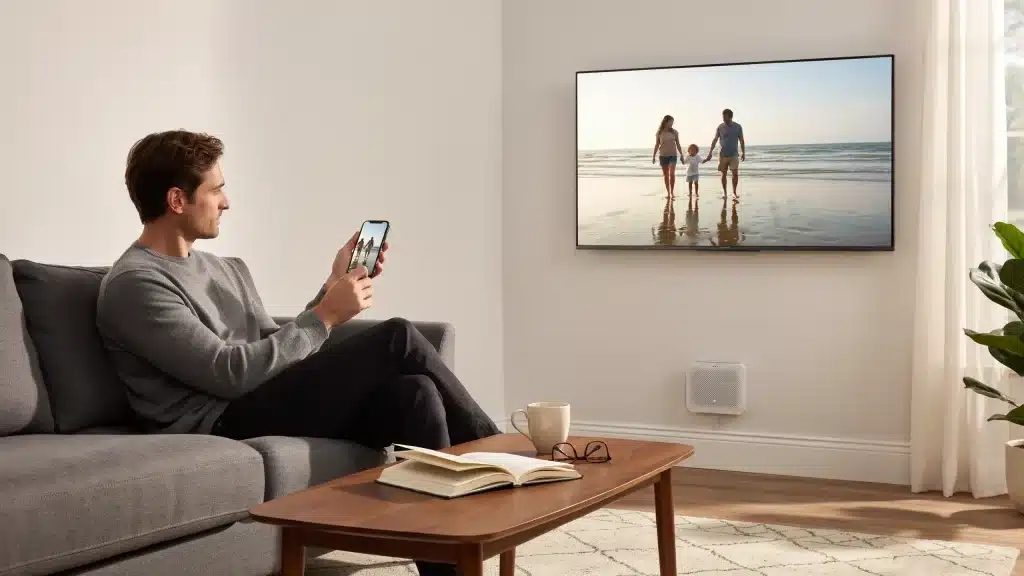
Apple HomeKit-compatible smart devices let you control your entire home from one app on your iPhone, iPad, or Mac.
You can manage lights, cameras, locks, thermostats, and more from one place using the Home app or Siri.
If you are new to smart home setups, choosing the right devices can feel confusing because not every product works smoothly with Apple HomeKit.
In this article, I’ll cover the top reliable smart devices that work smoothly with Apple HomeKit.
From smart bulbs to video doorbells, these devices are easy to use, reliable, and simple to connect with your Apple devices.
By the end, you’ll have a better idea of which HomeKit devices are worth adding to your smart home setup.
What Is Apple HomeKit?
Apple HomeKit is Apple’s smart home platform, letting users control compatible devices through the Home app and Siri.
It connects smart lights, locks, cameras, thermostats, and other accessories into one secure ecosystem.
Unlike some platforms that rely heavily on cloud processing, HomeKit keeps most data local to your devices, which is a meaningful privacy advantage.
You can automate daily tasks, create custom scenes, and manage multiple accessories from your iPhone, iPad, Apple Watch, or Mac.
The platform is built specifically for Apple’s ecosystem, and that tight integration is both its greatest strength and its main limitation. For anyone already invested in Apple devices, it remains the most seamless option available.
What to Look for in a HomeKit Device Before You Buy?
Buying a HomeKit device requires more than just checking the price; compatibility, security, and connectivity all matter. Choosing the right device ensures a smoother and more reliable smart home experience.
| Checklist Item | What to Check | Why It Matters |
|---|---|---|
| Compatibility | Works with HomeKit | Easy Apple integration |
| Connectivity | Wi-Fi, Thread, or Matter | Better performance |
| Security | Privacy & encryption | Keeps data safe |
| Hub Requirement | Apple TV/HomePod needed | Enables remote access |
| Automation | Scenes & schedules | Smarter control |
| Updates | Regular firmware updates | Better security |
| Reliability | Good user reviews | Stable performance |
| Price | Features vs cost | Better value |
How Apple HomeKit Works in Smart Homes?
Apple HomeKit connects your smart devices into one system so you can control them easily through Apple devices. It helps your smart home run smoothly with automation, voice control, and secure access.
- Connects Smart Devices: HomeKit links compatible lights, cameras, locks, thermostats, and other smart accessories in one place.
- Works Through the Home App: You can manage and control devices using the Apple Home app on your iPhone, iPad, Mac, or Apple Watch.
- Supports Siri Voice Commands: Siri lets you control devices with simple voice commands, such as turning lights on or locking doors.
- Creates Smart Automations: HomeKit can automate daily tasks, such as turning off lights at bedtime or adjusting the thermostat automatically.
- Provides Remote Access: With a Home Hub like Apple TV or HomePod, you can control your smart home even when you are away.
- Processes Data Locally: Unlike cloud-dependent platforms, HomeKit handles most commands on-device, which keeps response times fast and your data private.
Top HomeKit Devices for Everyday Use
HomeKit-compatible devices help simplify daily tasks by giving you better control over lighting, security, and comfort. These connected devices work together smoothly to create a more convenient and efficient home setup.
1. Smart Lights
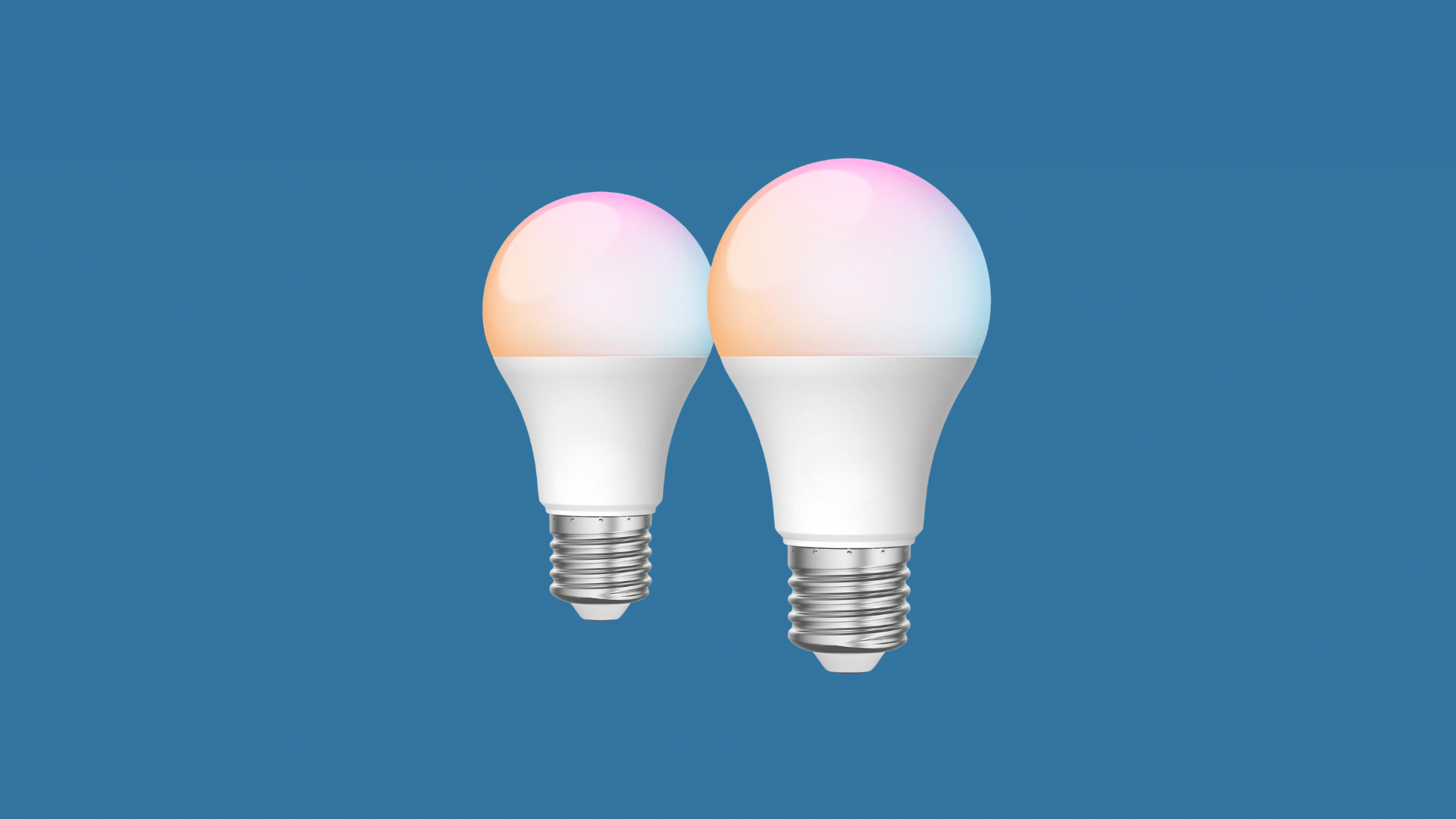
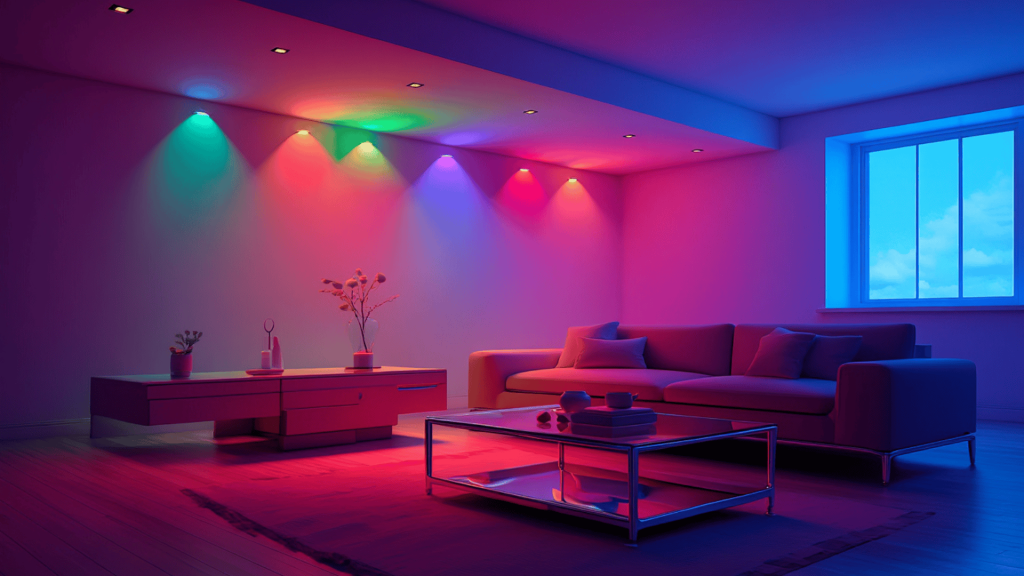
Smart lights are one of the easiest ways to start building a smart home setup. They let users control brightness, colors, and schedules directly from a smartphone or voice assistant.
Many smart lights are energy-efficient and simple to install, making them practical for everyday use.
I have noticed smart lighting setups are now common in modern apartments because they make daily routines more convenient.
They also help create better lighting for movies, work, or relaxing evenings.
- Best For: Home lighting automation and mood settings
- Brands: Philips Hue, Lutron, GE Cync
- Key Feature: Voice and app control
- Works With: Apple HomeKit, Alexa, and Google Assistant (varies by model)
2. Smart Door Locks
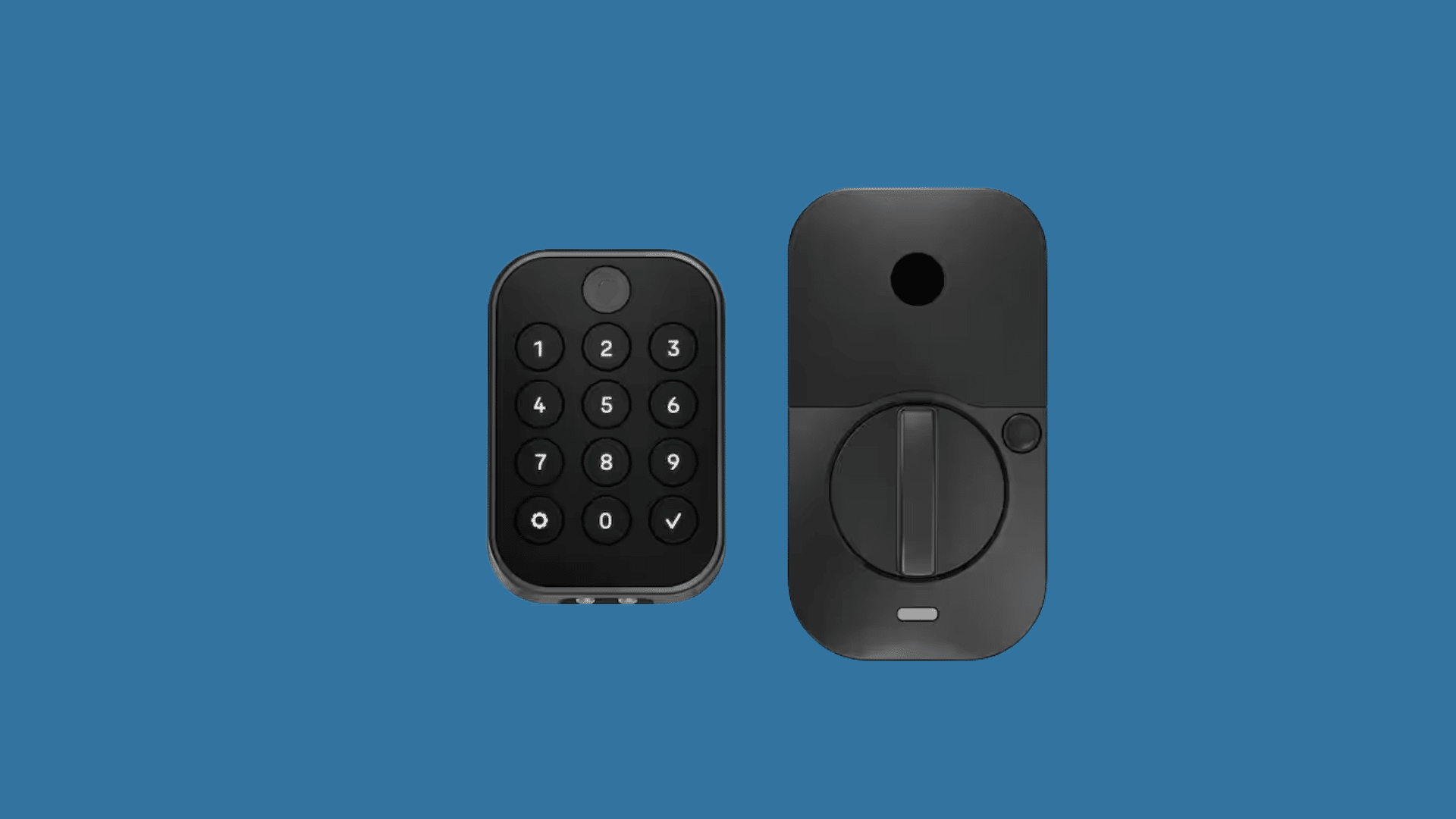
Smart door locks help improve home security while making entry more convenient. Users can lock or unlock doors remotely using a smartphone or voice assistant.
Some models also allow temporary access codes for guests or family members.
These smart locks work well for busy households that want secure and easy home access.
Many smart locks also send alerts whenever the door is opened or unlocked. They are useful for improving both safety and convenience in everyday routines.
- Best For: Keyless home security
- Brands: Schlage, Yale, Kwikset
- Key Feature: Remote locking and unlocking
- Works With: Apple HomeKit and other smart home platforms
3. Home Security Cameras
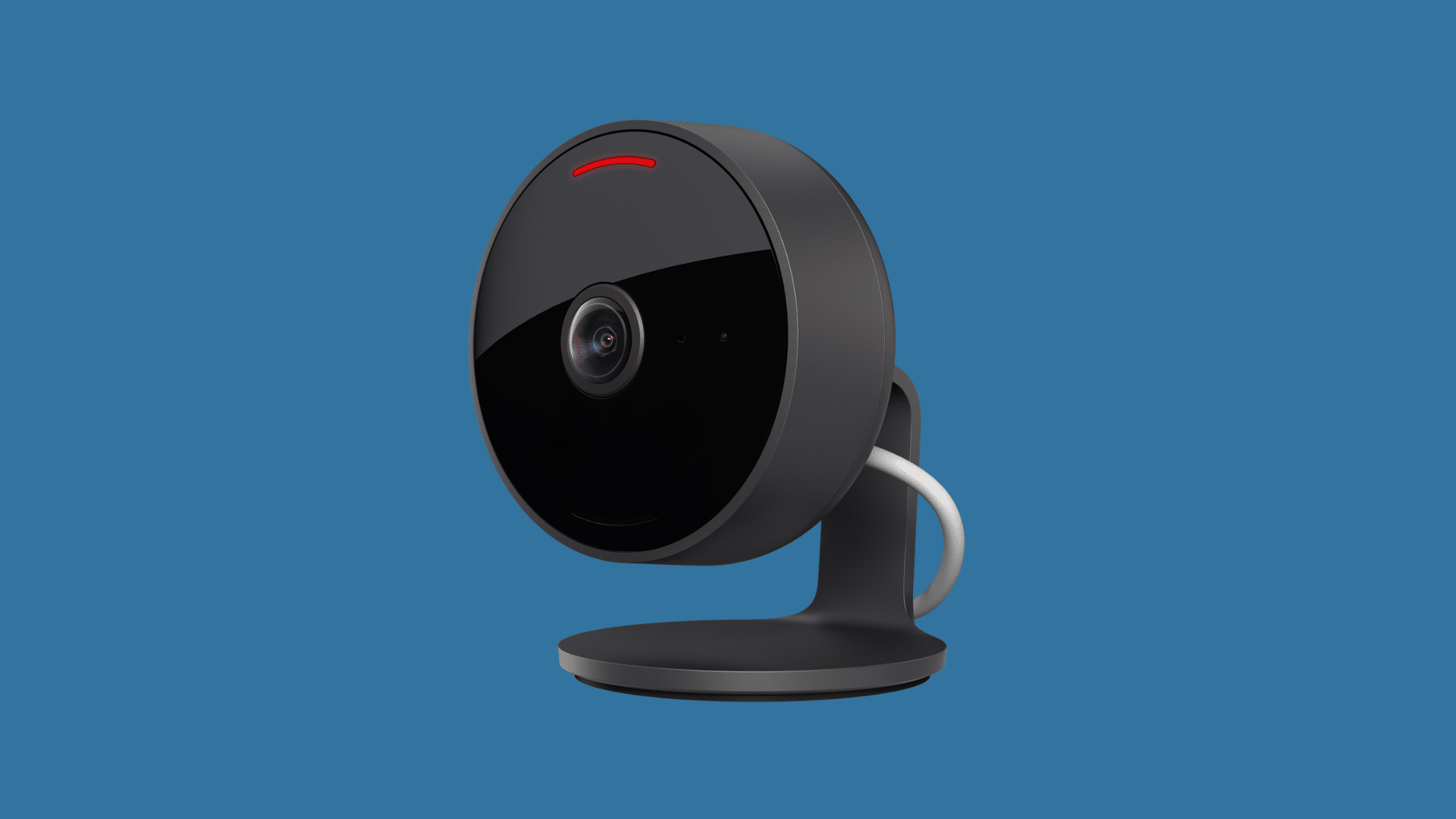
Smart security cameras help monitor homes in real time through connected devices. Many models include motion alerts, night vision, and cloud video storage for added security.
The apps behind these cameras undergo rigorous software testing to ensure that motion detection, alerts, and live feeds work reliably and without interruption.
Users can check live footage at any time via mobile apps or smart home systems.
Smart cameras are useful for improving home security and remote monitoring. They also help users check pets, deliveries, or outdoor spaces while away from home.
- Best For: Home monitoring and security
- Brands: Arlo, Logitech, Ring
- Key Feature: Motion detection alerts
- Works With: Apple HomeKit, Alexa, and Google Home
4. Smart Thermostats
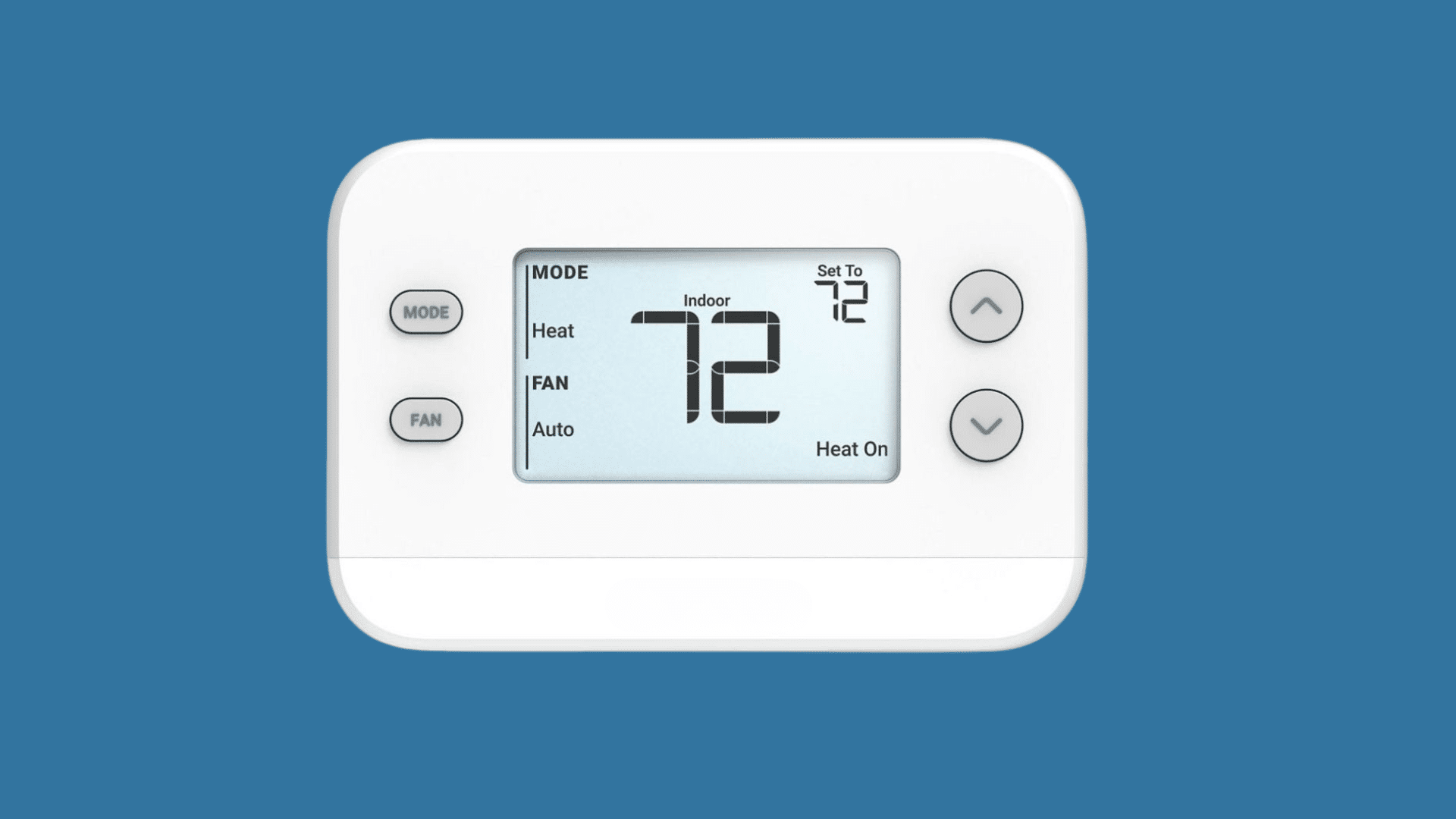
Smart thermostats make it easier to control indoor temperatures while saving energy. They allow remote adjustments and automated schedules based on daily routines.
Many models can learn usage patterns and automatically maintain comfortable temperatures.
Smart thermostats are a practical choice for improving comfort and reducing electricity costs.
Some models also provide energy reports to help track usage over time. They work especially well in homes with changing weather conditions throughout the year.
- Best For: Energy savings and climate control
- Brands: Ecobee, Honeywell Home, Emerson
- Key Feature: Automated temperature schedules
- Works With: Apple HomeKit, Alexa, and Google Assistant
5. Video Doorbells
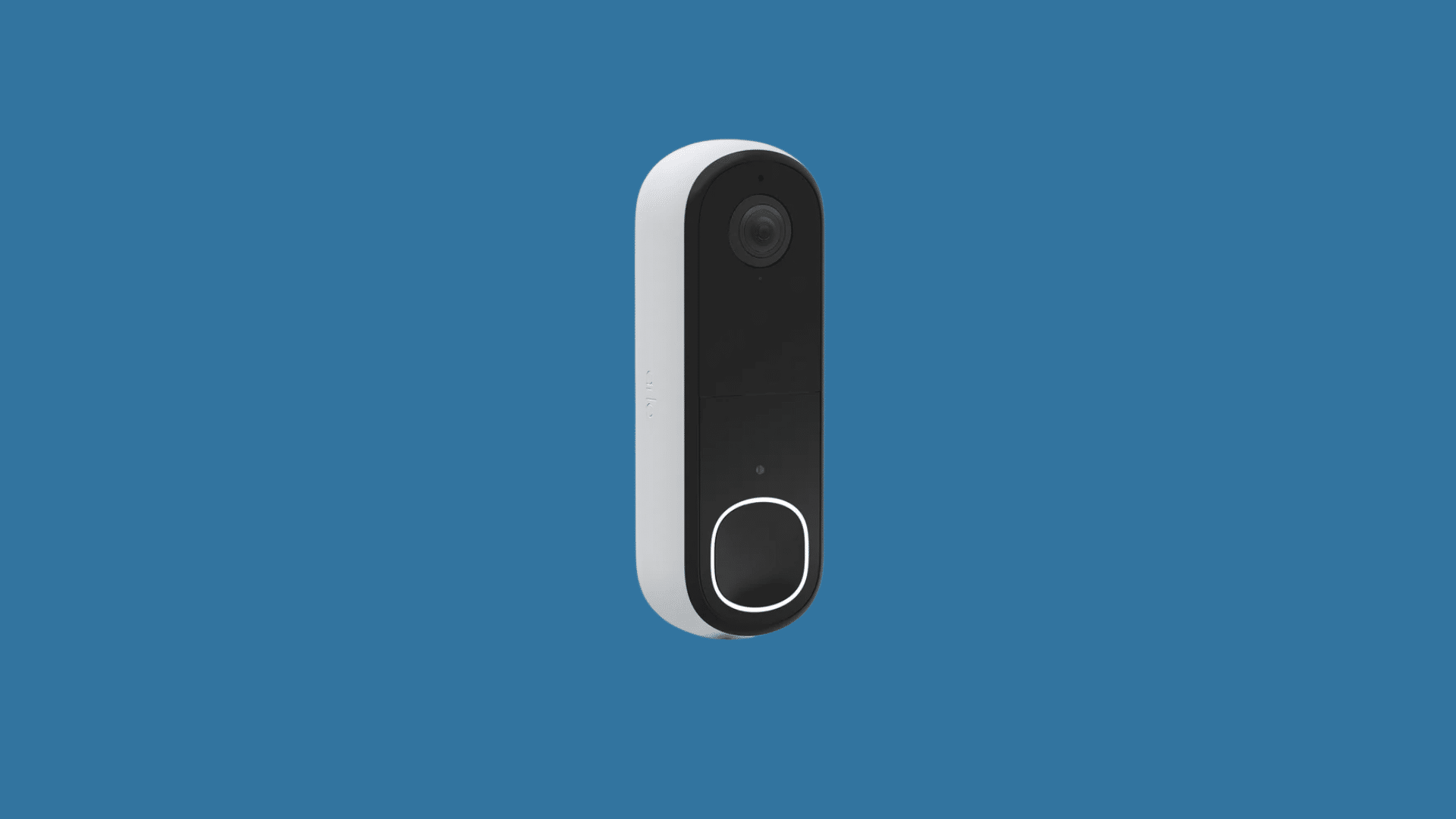
Video doorbells let homeowners see and talk to visitors without opening the door. They offer live video feeds, motion alerts, and two-way audio through connected apps.
Many models also include smart detection features and cloud video storage for extra convenience.
A friend of mine recently installed one after missing several package deliveries, and it made tracking visitors and deliveries much easier.
These devices are useful for everyday home security and give homeowners more peace of mind while away from home.
- Best For: Front door security
- Brands: Ring, Arlo, Logitech
- Key Feature: Live video and alerts
- Works With: Apple HomeKit and mobile automation apps
6. Smart Plugs
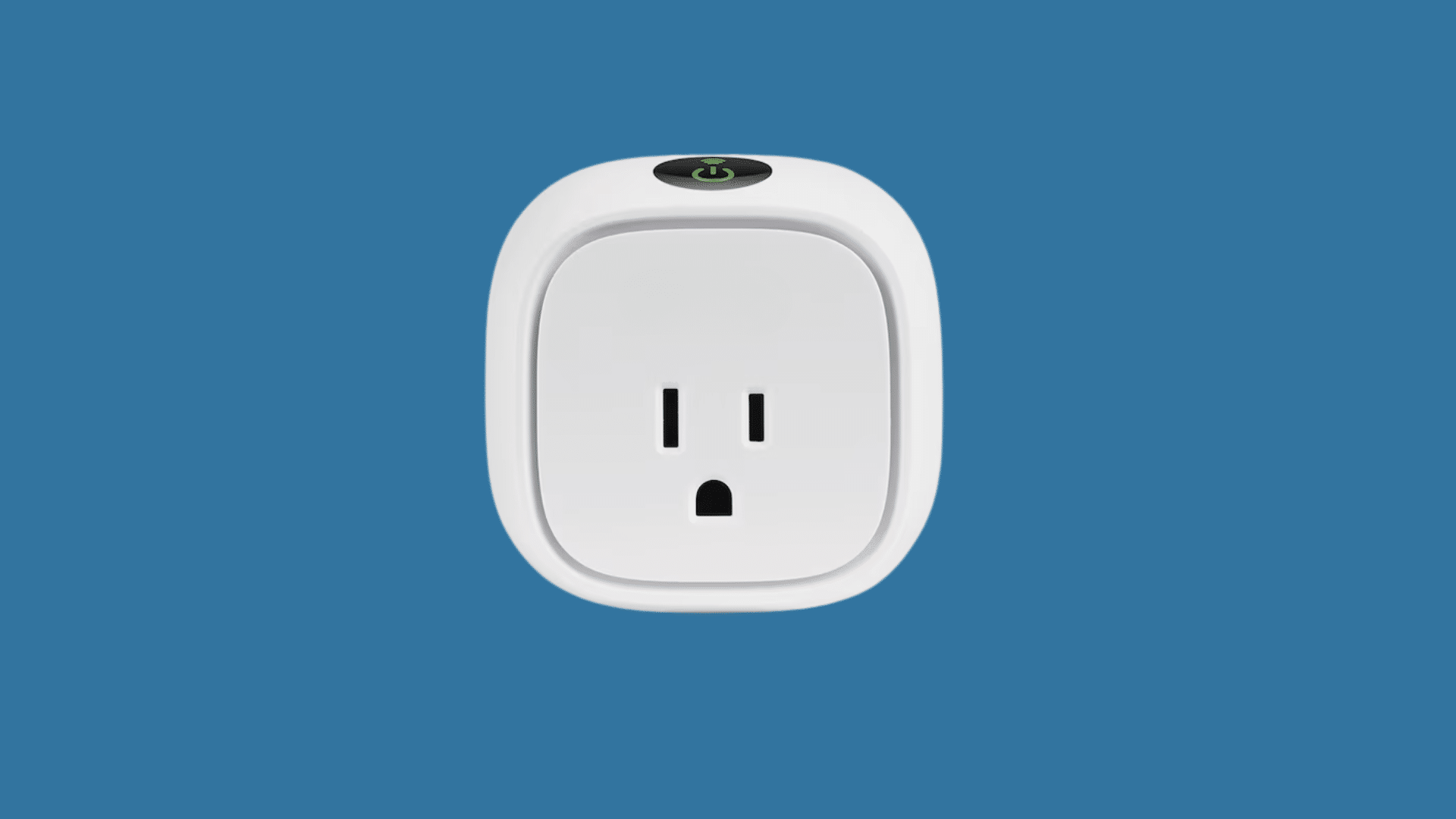
Smart plugs allow regular appliances to become part of a smart home setup. They can turn devices on or off remotely, create schedules, or automate routines through apps or voice assistants.
Smart plugs are affordable and simple for beginners starting a smart home system.
Many users rely on smart plugs to reduce unnecessary power usage during the day.
They are also useful for creating automation without replacing existing appliances. Smart plugs work well with lamps, coffee makers, and small electronics.
- Best For: Automating small appliances
- Brands: Wemo, TP-Link Kasa, GE Cync
- Key Feature: Remote power control
- Works With: Apple HomeKit, Alexa, and Google Home
7. Smart Speakers
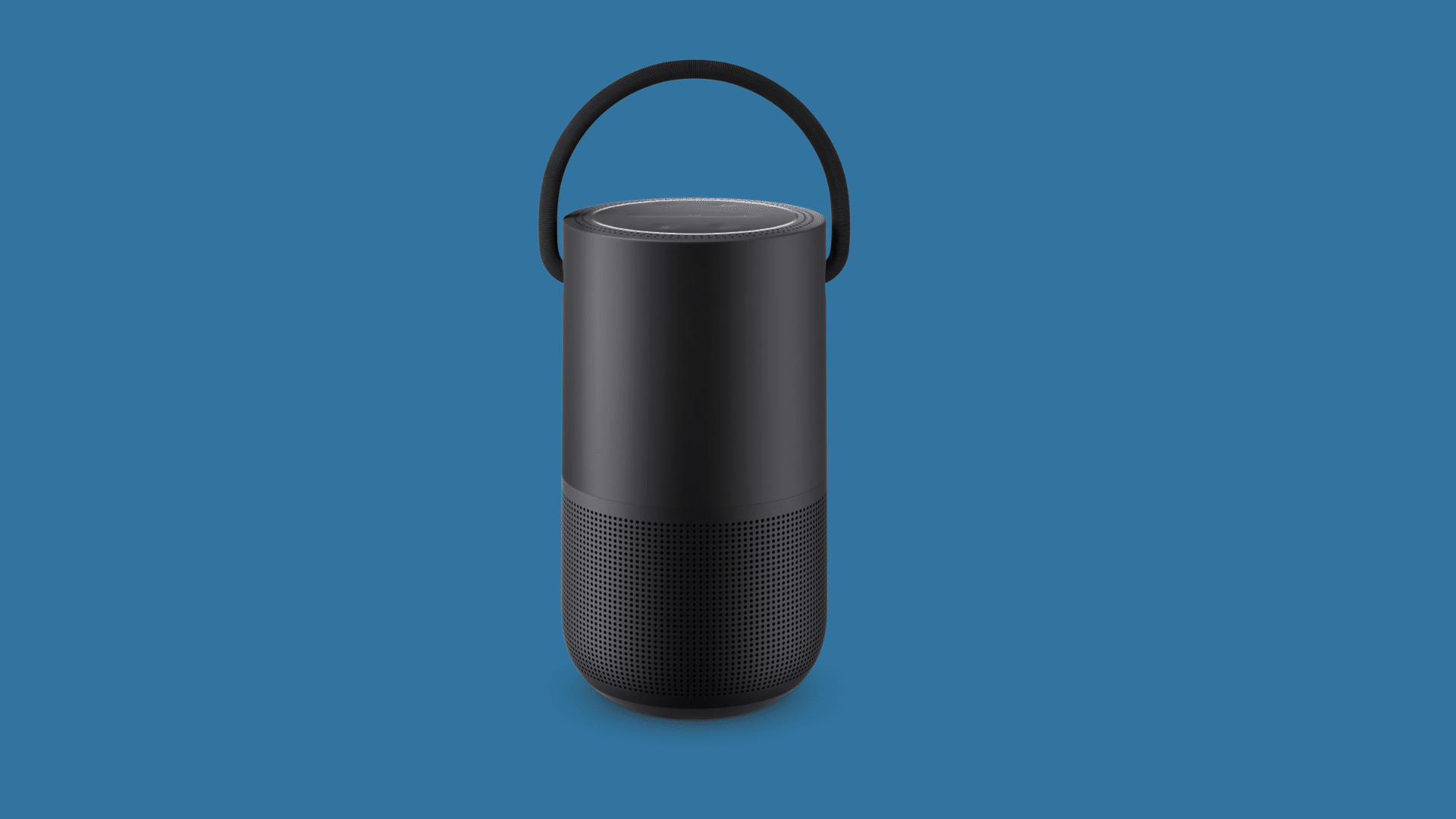
Smart speakers help manage connected devices using voice commands and mobile apps. They can play music, answer questions, and control smart home accessories throughout the house.
Many smart speakers also work as central hubs for automation routines.
Smart speakers make everyday tasks faster and more convenient around the home. Many households place them in living rooms or kitchens for hands-free control.
They also help connect multiple smart devices into a single, seamless system.
- Best For: Voice-controlled smart homes
- Brands: Sonos, Bose, Amazon Echo
- Key Feature: Hands-free voice control
- Works With: Apple HomeKit, Alexa, and Google Assistant
8. Motion Sensors
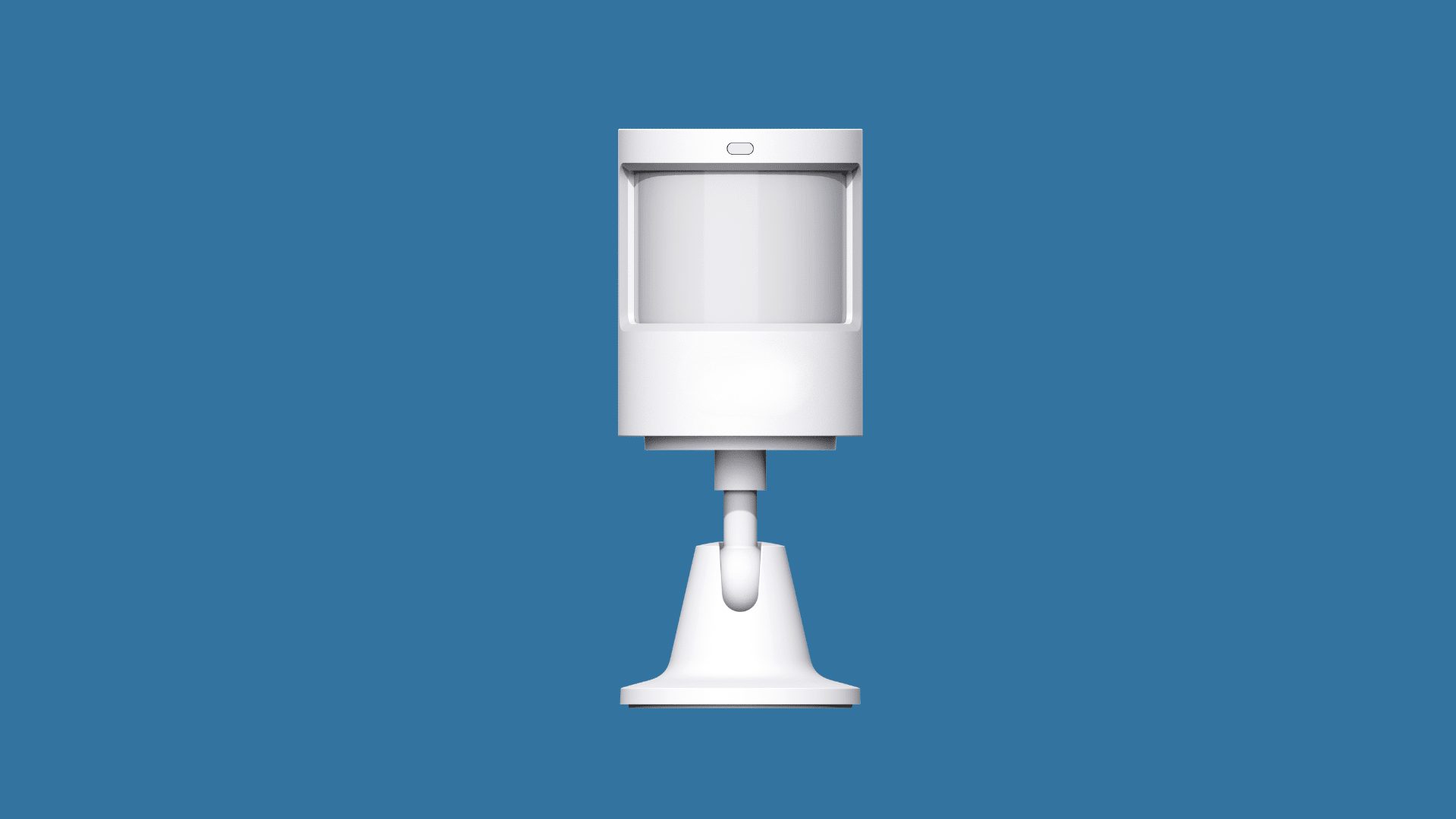
Motion sensors improve automation by detecting movement in different areas of the home. They can trigger lights, alarms, or cameras automatically when motion is detected.
Smart motion sensors help improve security and reduce unnecessary energy use.
I have seen motion sensors used in hotels where hallway lights automatically turned on when someone walked by at night.
They are useful for hallways, entryways, garages, and outdoor spaces.
- Best For: Smart automation and security
- Brands: Aqara, Eve, Onvis
- Key Feature: Automatic motion detection
- Works With: Apple HomeKit and smart automation systems
9. Smart Garage Door Openers
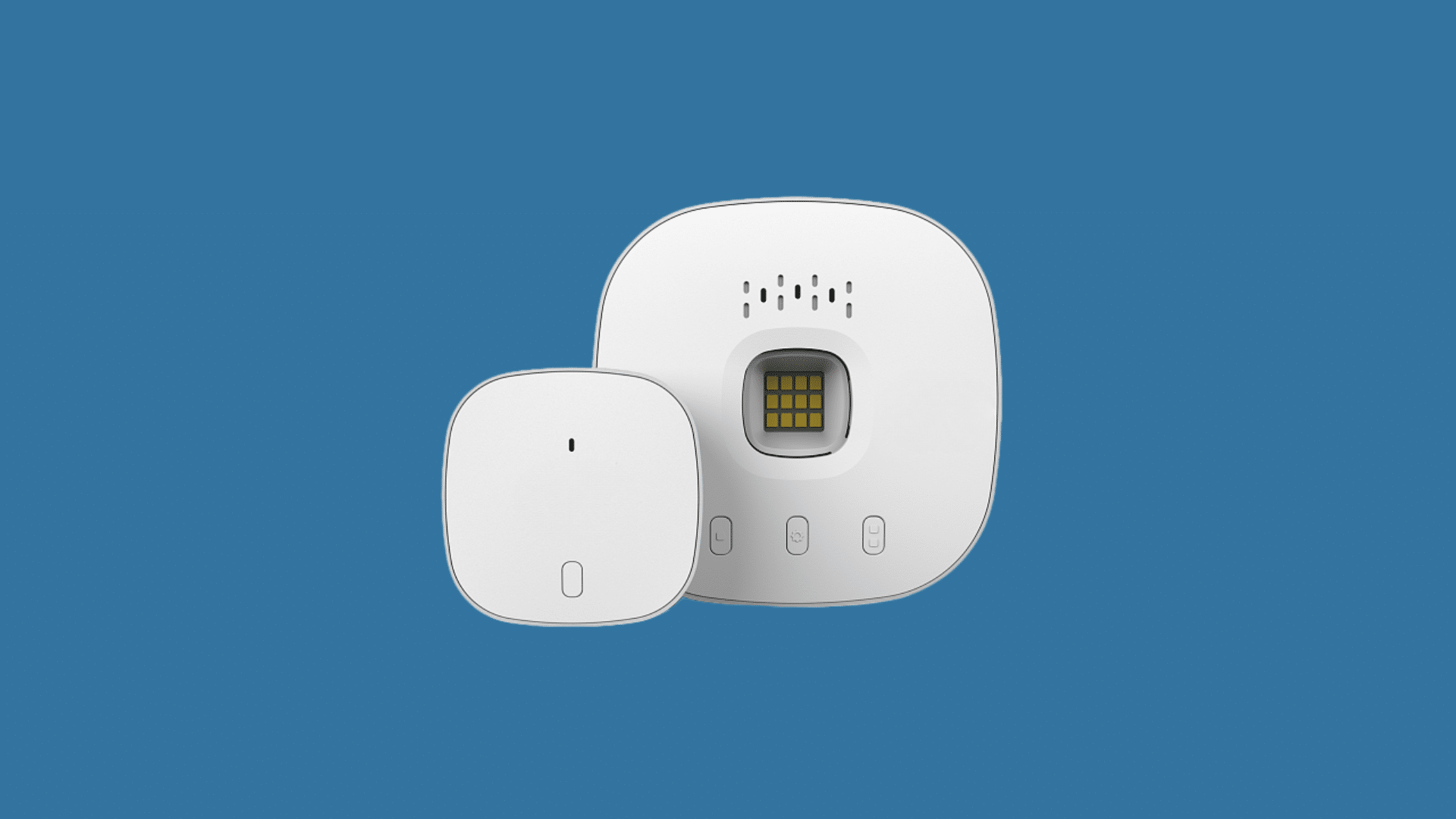
Smart garage door openers let homeowners open or close garage doors remotely through connected apps. They provide alerts if the garage is left open and improve daily convenience.
Some models also support scheduling and voice assistant controls. These devices are useful for busy households and improve home security.
Many homeowners use them to monitor access to their garages when they are away from home.
Smart garage systems also help reduce the chances of accidentally leaving the garage door open overnight.
- Best For: Remote garage access
- Brands: Chamberlain, Genie, Tailwind
- Key Feature: Smartphone garage control
- Works With: Apple HomeKit, Alexa, and Google Assistant
10. Air Purifiers
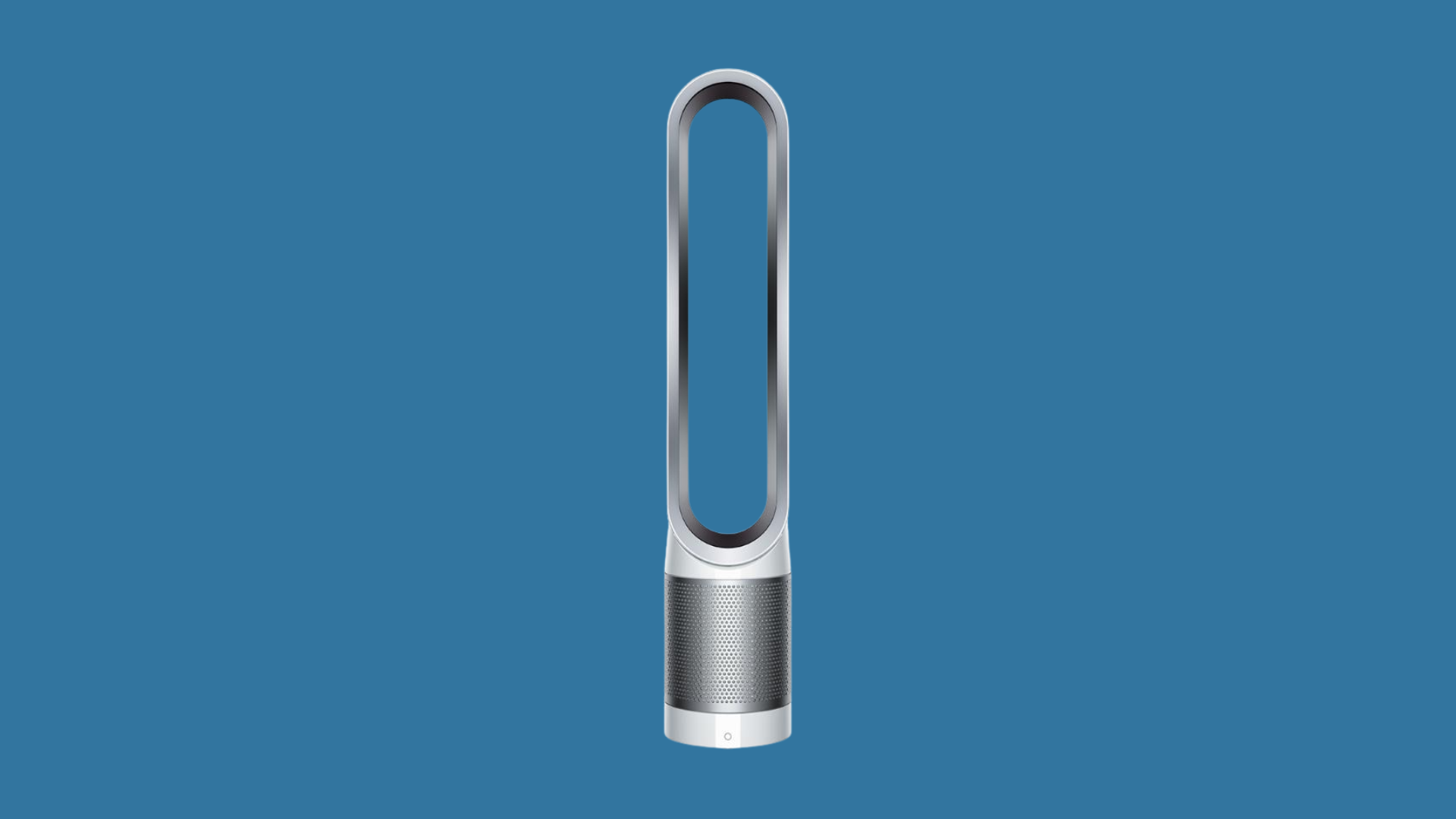
Smart air purifiers help improve indoor air quality with simple app-based controls. Users can monitor air quality levels, change fan speeds, and create automatic schedules from their phones.
Many models also operate quietly, making them suitable for bedrooms, offices, and living spaces.
These devices are useful for reducing dust, allergens, smoke, and unwanted odors indoors.
Some smart air purifiers also provide real-time air quality updates, helping users maintain a cleaner and more comfortable home environment throughout the day.
- Best For: Cleaner indoor air
- Brands: Molekule, Dyson, Levoit
- Key Feature: Air quality monitoring
- Works With: Apple HomeKit and smart home apps
11. Smart Blinds and Curtains

Smart blinds and curtains add comfort and convenience to daily routines. They can open or close automatically based on schedules, sunlight, or voice commands.
Smart window coverings also help improve privacy and indoor temperature control.
Many users schedule blinds to open naturally in the morning for a more comfortable start to the day.
They also help reduce heat and sunlight during warmer afternoons. Smart blinds work especially well with other home automation systems.
- Best For: Automated window control
- Brands: Lutron, Serena, SwitchBot
- Key Feature: Scheduled opening and closing
- Works With: Apple HomeKit, Alexa, and Google Home
Pros and Cons of HomeKit Devices
HomeKit devices make smart home control easier for Apple users with strong security and smooth automation features. However, there are a few limitations to consider before choosing HomeKit-compatible products.
| Feature | Pros | Cons |
|---|---|---|
| Ease of Use | Simple control through the Apple Home app and Siri | Some advanced settings may take time to understand |
| Device Compatibility | Works with many smart home accessories | Fewer supported devices than Alexa or Google Home |
| Security and Privacy | Strong privacy protection and secure connections | Some features may require Apple account settings |
| Automation | Supports schedules, scenes, and smart routines | Certain automations need a Home Hub |
| Apple Integration | Connects smoothly with iPhone, iPad, Mac, and Apple Watch | Best suited mainly for Apple users |
| Setup Process | Most devices are easy to install and connect | Some products may need extra hubs or bridges |
| Performance | Reliable and stable smart home experience | Performance can vary depending on Wi-Fi quality |
| Cost | Premium features and quality devices | HomeKit-compatible products can be more expensive |
How to Set Up Apple HomeKit Devices Easily?
Setting up HomeKit devices is simple when using compatible smart accessories and Apple devices. Most HomeKit products connect through the Apple Home app and can be managed in just a few steps.
- Check Device Compatibility: Make sure the smart device supports Apple HomeKit before purchasing or setting it up.
- Open the Home App: Use the Apple Home app on an iPhone, iPad, or Mac to begin the setup process.
- Scan the HomeKit Code: Most devices include a QR code or setup code that securely connects the to HomeKit.
- Connect to Wi-Fi: Ensure the smart device and Apple device are connected to the same Wi-Fi network during setup.
- Assign Rooms and Names: Organize devices by room and give them simple names for easier voice control.
- Create Automations: Set schedules, scenes, and routines to automate lights, locks, cameras, and other smart devices.
Do You Need a HomeKit Hub?
No, a HomeKit Hub is not required for basic device control at home. However, a HomeKit Hub is needed for remote access, advanced automations, and controlling devices while away from home.
A HomeKit Hub helps connect and manage smart devices more efficiently within the Apple ecosystem.
Devices like Apple TV, HomePod, and HomePod mini can serve as HomeKit Hubs for better automation and remote control.
With a HomeKit Hub, users can create advanced routines, receive smart notifications, and control devices from anywhere using the Home app.
It also improves communication between smart accessories and helps automation run more smoothly.
For users building a larger smart home setup, a HomeKit Hub can make the experience more reliable and convenient.
Common HomeKit Setup Mistakes to Avoid
After a decade of helping people build connected homes, the same setup errors come up repeatedly. Knowing these in advance saves hours of troubleshooting.
- Buying devices without checking bridge requirements: Some popular brands like Philips Hue and Lutron require proprietary bridges. Factor in cost and complexity before purchasing.
- Using a 5GHz-only network for devices that need 2.4GHz: Many smart home accessories only connect on 2.4GHz Wi-Fi. If your router separates bands, confirm which one the device needs before setup.
- Skipping firmware updates: Outdated firmware is the most common cause of unreliable automations and dropped connections. Check for updates within the first week of installation.
- Overbuilding automations too early: Start with two or three simple automations and add complexity gradually. Stacking too many conditions at once makes troubleshooting harder when something behaves unexpectedly.
- No Home Hub for remote control: Setting up the system without a Home Hub and then expecting remote access to work is a common source of frustration. Add a hub from the start if remote control matters to you.
Conclusion
Building a smart home can feel confusing at first, especially with so many devices and platforms available today.
After looking through these HomeKit-compatible smart devices, it becomes easier to understand which products can actually make daily life simpler and more convenient.
From smart lights and cameras to thermostats and smart blinds, these devices improve comfort, security, and automation.
Once a few smart devices are connected, daily tasks become easier to manage.
The best setup really depends on personal needs, budget, and lifestyle. If you use Apple devices, HomeKit is a simple way to build a reliable smart home. Share your favorite devices below.
Frequently Asked Questions
Does Apple Home Kit Require a Monthly Subscription?
No, Apple HomeKit itself is free to use, but some smart devices may charge for extra cloud storage or premium features.
Which Smart Bulbs Work Best with Apple Home Kit?
Popular smart bulbs that work well with HomeKit include Philips Hue, Nanoleaf, and LIFX models.
Does Home Kit Work with Bluetooth Devices?
Yes, HomeKit supports some Bluetooth-enabled smart devices, although Wi-Fi and Thread devices often provide better range and performance.
Do Philips Hue Lights Need a Hue Bridge for Home Kit?
Yes, most Philips Hue lights require a Hue Bridge to connect properly with Apple HomeKit features.
Can Home Kit Devices Work without the Internet?
Yes, most HomeKit devices work on your home network without the internet. Basic controls and automations still work locally.