Every device you use, from a smartphone to a laptop, relies on something that keeps the hardware and software working together, and that’s exactly what an operating system does.
If you’ve ever wondered what an operating system is, think of it as the manager working behind the scenes: it runs applications, controls hardware components, manages memory, and builds the interface you tap, click, or swipe through every day.
Without it, using a computer would mean typing complex commands instead of opening an app with a single touch.
Ahead, I’ll answer the question of what an operating system is, how it works, the main types you’ll encounter, and why it remains one of the most essential parts of any modern device.
What is an Operating System?
An operating system (OS) is the main software that connects users with a device’s hardware.
It manages the device resources, helps applications run properly, and provides the interface people use for everyday actions like opening apps, saving files, and changing settings.
Without an OS, users would need to enter complex commands to control hardware directly. Instead, the operating system handles communication between the hardware components and software in the background.
A simple way to think about it is like a hotel manager. Apps are guests making requests, hardware provides the rooms and services, and the OS manages everything in between. It assigns memory, controls connected devices, and keeps different tasks working together without conflicts.
How an Operating System Works
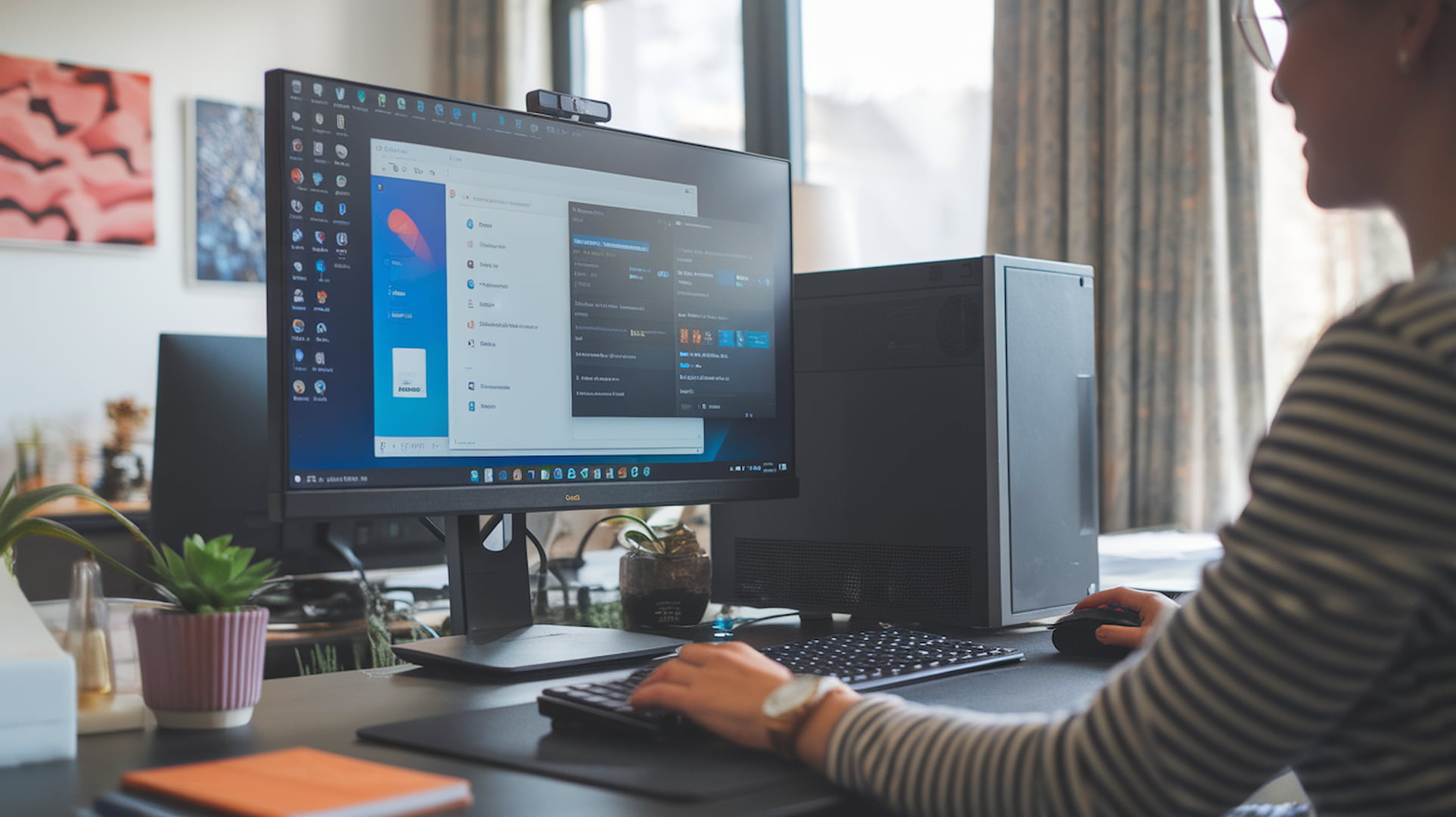
An operating system works as a connection point between the user, applications, and hardware. When you open an app, save a file, connect a device, or view a photo, the OS manages the request and helps the hardware complete the task correctly.
Here are the main ways an operating system works:
- Managing hardware resources: The OS controls the processor, memory, storage, camera, printer, and other connected components.
- Running applications: It provides the environment apps need to open, operate, and access required resources.
- Handling files: The OS organizes files, controls storage access, and helps users save or retrieve data.
- Managing user input: It processes actions from keyboards, touchscreens, mice, and other input devices.
- Supporting communication: It helps devices connect to networks, Bluetooth devices, and external accessories.
For example, opening a photo looks simple, but the OS helps the app find the file, access storage, process the data, and display the image on screen. All these steps happen behind the scenes so tasks feel quick and easy. Part of that speed comes from the hardware the OS coordinates, including the CPU Cache that keeps frequently used data close to the processor so requests finish faster.
Why Do Devices Need an Operating System?
Without an operating system, hardware components would have no simple way to communicate with users or applications. It provides the basic environment a device needs to function at all, mainly by:
- Managing hardware components like the processor, memory, and storage
- Allowing users to install and run applications
- Organizing files and folders
- Providing security features and user controls
- Helping different programs work together
That combination of jobs, mostly invisible during everyday use, is what makes an operating system the foundation everything else on the device runs on.
Main Functions of an Operating System
An operating system handles many tasks behind the scenes to keep a device working smoothly. From managing hardware resources to running applications, these functions allow users to interact with their devices without needing technical commands.
| Function | What It Does |
|---|---|
| Process Management | Controls running applications and manages how system resources are shared between programs. |
| Memory Management | Allocates and manages RAM so applications can run properly. |
| File Management | Organizes, stores, retrieves, and protects files and folders. |
| Device Management | Helps the OS communicate with hardware such as keyboards, printers, cameras, and storage devices. |
| Security Management | Controls user access, permissions, and system protection features. |
| User Interface Management | Provides the visual environment where users interact with the device. |
These core operating system functions work together to manage device resources, run applications, organize data, and provide a secure environment for users. Each function plays an important role in keeping the system responsive and reliable during everyday use.
Types Of Operating Systems
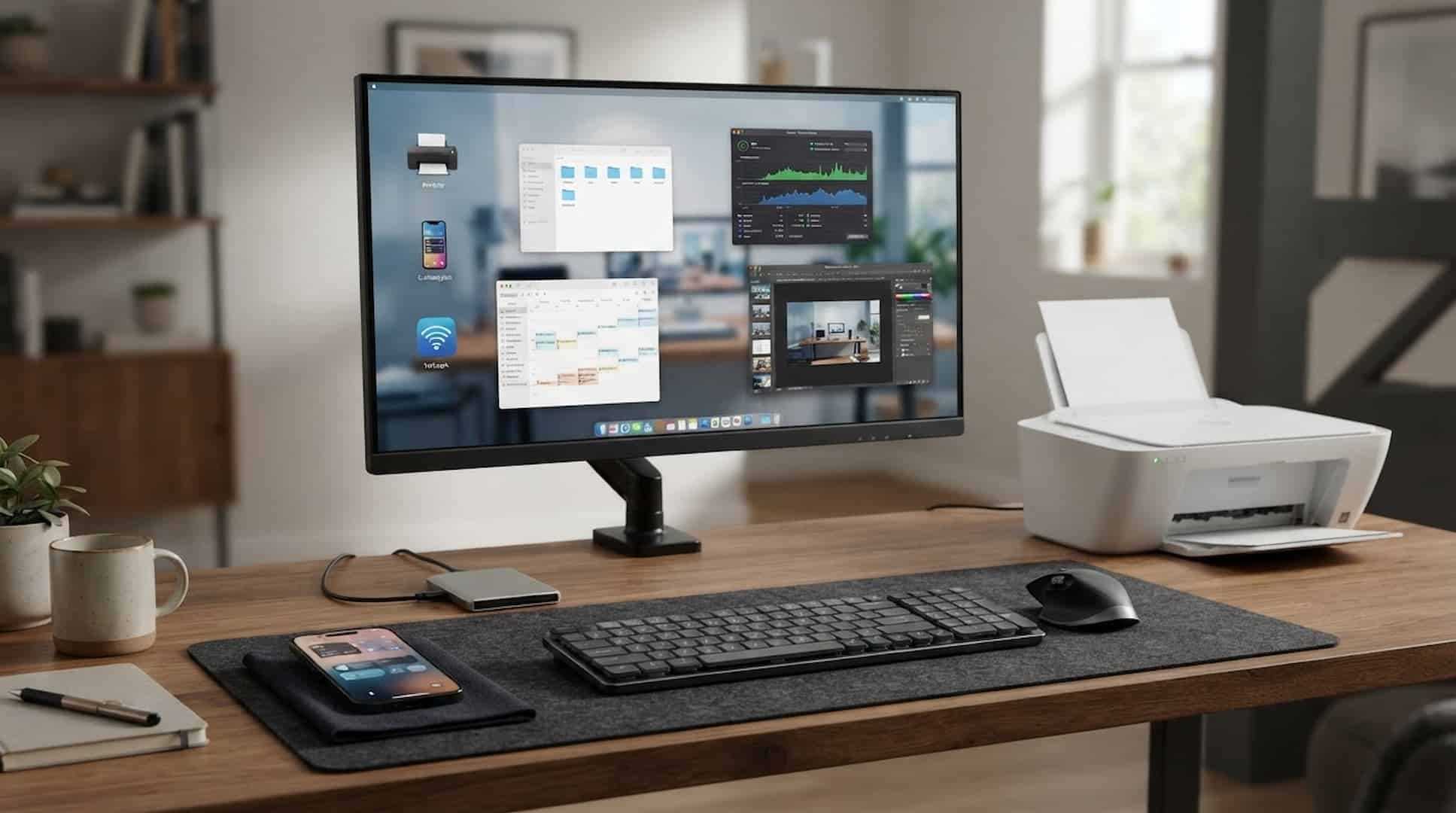
Operating systems are designed for different types of devices and usage needs. A computer, smartphone, server, or smart device may use a different type of OS depending on the tasks it needs to perform.
1. Desktop Operating Systems
Desktop operating systems are designed for personal computers and laptops where users perform everyday tasks, run applications, and manage files.
- Designed for personal computers, laptops, and workstations.
- Examples include Windows, macOS, and Linux.
- Used for tasks such as browsing, productivity work, gaming, and software development.
These operating systems provide a flexible environment for personal and professional computing by supporting a wide range of applications and hardware.
2. Mobile Operating Systems
Mobile operating systems are built for smartphones and tablets, helping these devices manage apps, hardware, and wireless features efficiently.
- Built for smartphones and tablets with touch-based interfaces.
- The most common examples are Android and iOS.
- They manage apps, mobile hardware, security settings, and wireless connections.
These systems allow users to perform daily tasks on portable devices while managing performance, connectivity, and security in the background.
3. Server Operating Systems
Server operating systems are built for computers that provide services, manage resources, and support multiple users or applications at the same time.
- Used on powerful computers that manage websites, applications, databases, and network services.
- Designed to handle multiple users and large amounts of data.
- Common examples include Linux Server and Windows Server.
These operating systems help businesses and organizations run websites, databases, and network services efficiently by managing large workloads. In larger setups, a server OS often coordinates many machines at once through distributed computing, where the workload is shared across several systems that act as one.
4. Embedded Operating Systems
Embedded operating systems are created for dedicated devices that need to perform specific tasks. They are optimized to work efficiently with the hardware they are built into.
- Used in devices that perform specific functions rather than general computing tasks.
- Found in products such as smart TVs, cars, medical devices, and home appliances.
- These systems are designed to work with limited resources and specific hardware.
These systems help power everyday smart devices by providing reliable performance while using limited computing resources.
Operating System vs Application Software
This is a common beginner confusion and directly supports the search intent behind “what is an operating system”. Many users think apps like Chrome, Microsoft Word, or games are part of the OS, so this section helps clarify the difference.
| Operating System | Application Software |
|---|---|
| Manages hardware and system resources | Performs specific user tasks |
| Required for a device to function | Installed based on user needs |
| Runs in the background | Opened and used directly |
| Examples: Windows, Android, macOS | Examples: Chrome, Photoshop, Microsoft Word |
Understanding the difference between an operating system and application software helps users know how devices function. The OS provides the foundation for running a device, while applications add specific features and tools based on user needs.
What Users Say: Real-World Operating System Experiences
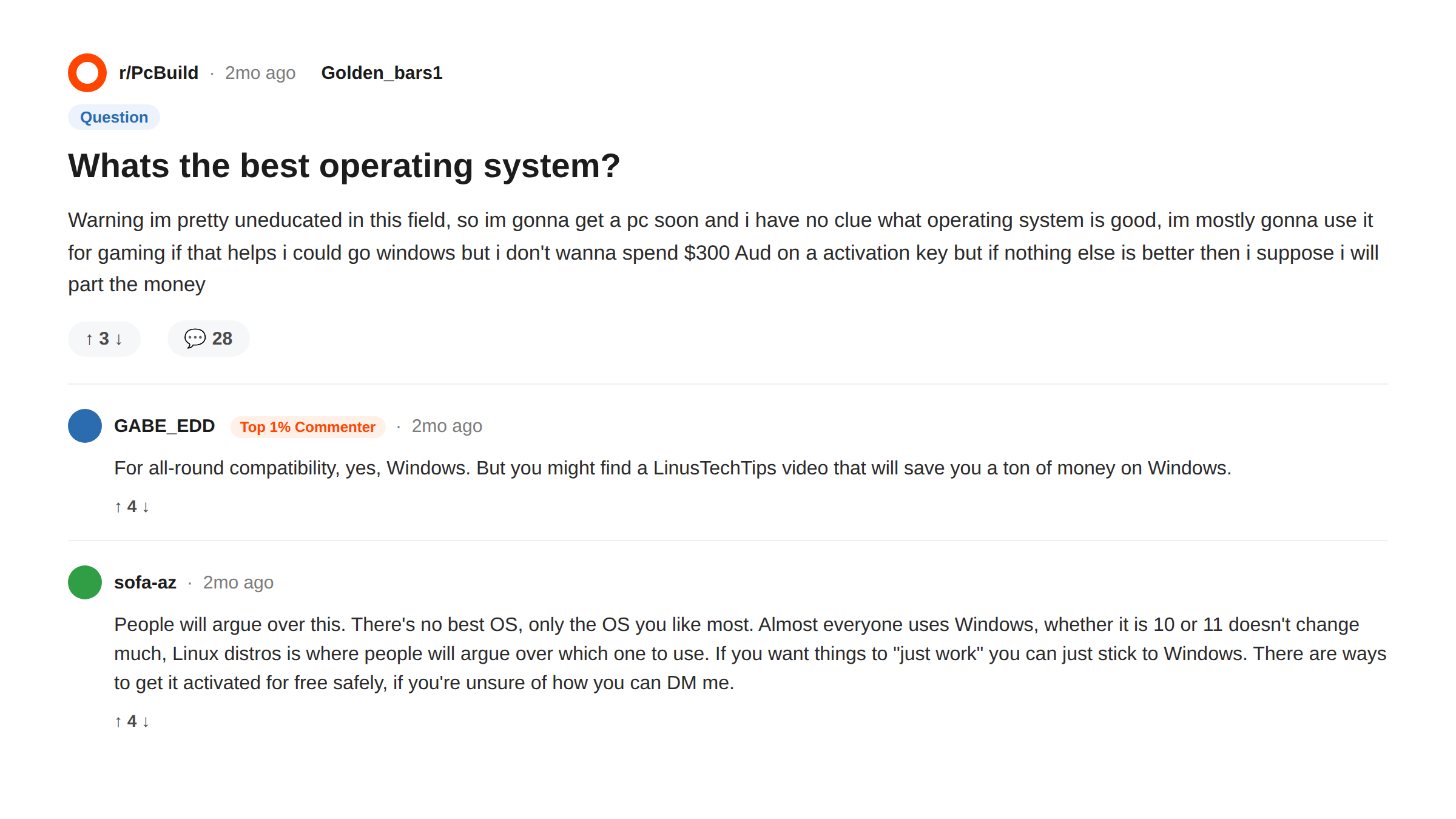
Beyond the technical explanation, plenty of people share their day-to-day opinions on forums like Reddit, and the patterns that come up are worth knowing before you settle on one.
- Windows users often mention broad software and hardware compatibility as the main draw, though some report more frequent update interruptions than they’d like
- Mac users frequently point to smoother integration across Apple devices as the biggest advantage, with the tradeoff being less flexibility to customize the system
- Linux users, often developers or more technical users, tend to praise the control and customization it offers, while acknowledging it has a steeper learning curve for beginners
- Mobile OS discussions often center on ecosystem lock-in; switching from Android to iPhone (or the reverse) means adjusting to a different app store, backup system, and set of default apps
These are personal experiences rather than universal rules, but they’re a useful gut check against your own priorities before committing to a system.
How to Choose the Right Operating System
Choosing an operating system depends on the device you use, the tasks you perform, and the software you need. There’s no single OS that works best for everyone, since each option has strengths suited to different needs.
For personal computers, Windows tends to work best for broad software support and gaming compatibility, macOS suits people already in the Apple ecosystem, and Linux appeals to developers who want more control over their system.
For phones and tablets, Android offers flexibility across many device brands, while iOS focuses on a consistent experience across iPhones and iPads.
Businesses and developers often lean toward Linux for servers and specialized systems for industry-specific hardware like medical or industrial equipment.
Tip: The best operating system isn’t always the newest or most popular one. The right choice depends on the device, your software needs, and how you’ll actually use it.
Final Thoughts
My friend ended up appreciating her laptop a lot more once she understood that the “smarter” feeling wasn’t about apps at all; it was the operating system managing everything behind the scenes more efficiently than her old one did.
An operating system is the foundation that lets modern devices function simply and practically, coordinating hardware and software the way a hotel manager coordinates guests and staff.
Understanding exactly what an operating system is and how it works makes it easier to choose a device, troubleshoot problems, and get more out of the technology you already use.
Have a question about your own device’s operating system? Drop it in the comments, and we’ll help you figure it out.
Frequently Asked Questions
Can I Install a New Operating System on My Old Computer?
Yes, many computers can run a different operating system if the hardware meets the required specifications, though older devices may run into performance or driver limitations.
What Happens If an Operating System Gets Deleted?
Without an operating system, a computer cannot properly start or run applications. It may power on, but won’t provide the environment needed for normal use until an OS is reinstalled.
How Often Should an Operating System Be Updated?
Regularly. Updates often include security improvements, bug fixes, and compatibility changes that help keep the system reliable and protected.
Can Two Operating Systems Be Used on One Computer?
Yes, through a setup called dual boot, which lets you choose which operating system to start when turning on the computer. It requires proper setup and enough storage space.