Property protection depends on selecting suitable monitoring equipment and placing it in the right locations.
From residential buildings to commercial facilities, surveillance systems help improve visibility, support incident review, and strengthen overall security management.
With numerous camera models available, understanding their features is essential before making a decision.
In this guide, you will learn some common types of surveillance cameras and key steps in installing them. And helping you choose an effective solution that meets your coverage requirements and monitoring goals.
Quick Answer: Surveillance Camera Installation
Top service providers include Best Buy Smart Home Services, Pop-A-Lock Security Camera Installers, Houston Security Solutions, KY Secured, and Silverstrand Security.
Which offer professional installation, setup, and system configuration for different property needs.
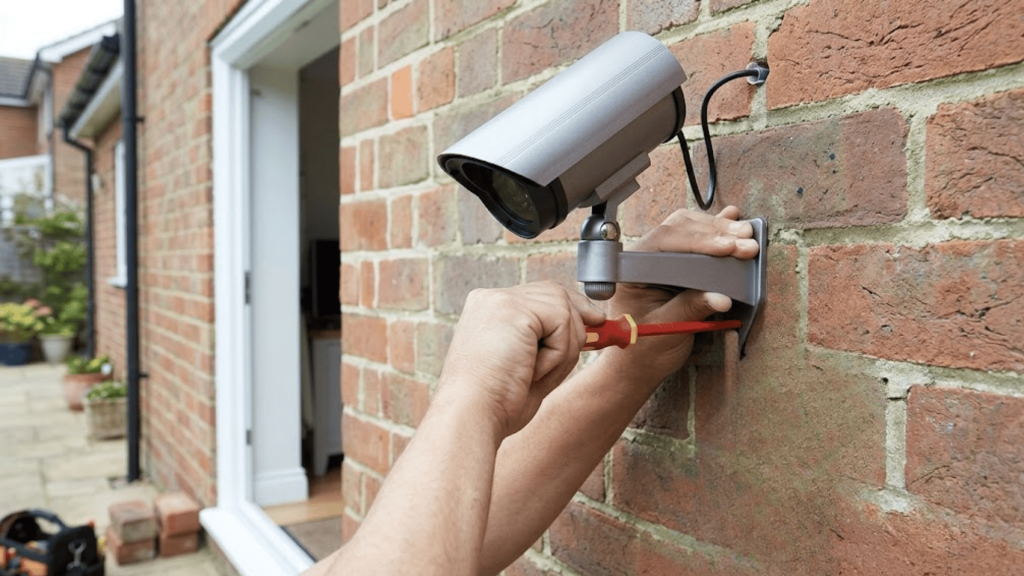
Surveillance camera installation is a professional service in which experts install security cameras in homes or businesses.
The goal is to ensure proper coverage, reliable recording, and improved security performance for residential and commercial properties.
Surveillance Camera Installation Services and Solutions
Surveillance camera installation services help ensure proper system setup, correct positioning, and stable performance for residential and commercial properties.
1. Best Buy: Smart Home Installation Service
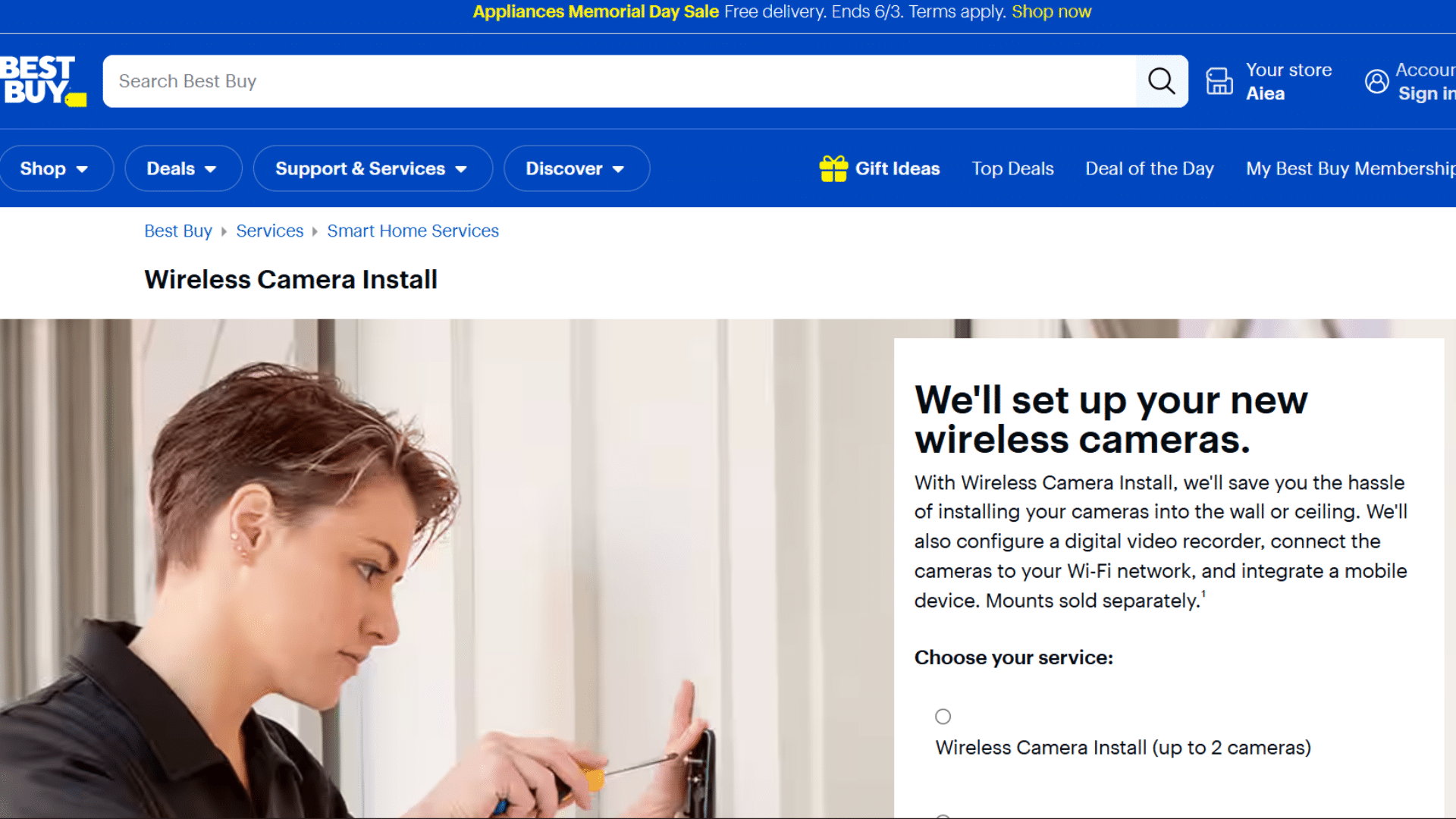
Best Buy offers professional wireless surveillance camera installation with full setup support for smart home users.
Their service includes device mounting, system configuration, app integration, and testing for proper functionality. It is suitable for homeowners who want a simplified installation process with expert assistance.
The service focuses on convenience, compatibility, and smooth performance across connected devices.
- Installation: Wireless camera setup with proper positioning
- Configuration: Device syncing with smart home systems
- Integration: Mobile app and remote access setup
- Support: Basic troubleshooting and system testing
2. Pop-A-Lock Security Camera Installers
Pop-A-Lock provides on-site surveillance camera installation for both residential and commercial properties.
Their technicians handle system planning, wiring, and configuration based on property layout. The service is useful for users needing structured installation with professional guidance.
It ensures proper coverage and secure setup for different types of security systems.
- Assessment: Property inspection for optimal placement
- Installation: Wired and wireless camera setup
- Configuration: DVR/NVR system integration
- Coverage: Entry, exit, and perimeter monitoring setup
3. Houston Security Solutions

Houston Security Solutions specializes in CCTV and IP camera installation for homes and businesses.
Their services include system design, equipment setup, and monitoring configuration. The focus is on delivering reliable surveillance systems with strong video quality and stable performance.
It is suitable for users who require a complete security system deployment.
- Design: Customized security system planning
- Setup: CCTV and IP camera installation
- Integration: Recording system and network setup
- Monitoring: Real-time surveillance configuration
4. KY Secured: Security Systems Setup

KY Secured offers customized surveillance installation services designed for residential and commercial security needs.
Their service includes camera placement planning, installation, and system optimization.
It focuses on building reliable monitoring systems with proper configuration and long-term performance stability.
- Planning: Site-based camera placement strategy
- Installation: Wired and wireless system setup
- Optimization: System performance tuning
- Support: Maintenance and configuration assistance
5. Silverstrand Security Services

Silverstrand Security Services delivers professional surveillance installation and long-term system support. Their solutions cover setup, configuration, and monitoring optimization for different property types.
The service is designed for users who need stable, scalable, and efficient security systems with reliable performance.
- Installation: Full surveillance system deployment
- Configuration: Recording and monitoring setup
- Scaling: Multi-camera system integration
- Maintenance: Ongoing system support and updates
These providers handle complete installation tasks, including planning, wiring, device configuration, and remote access setup.
Choosing the right service improves coverage accuracy, reduces errors, and ensures long-term reliability of the security system.
How to Choose the Right Surveillance Camera?
Selecting the right surveillance camera depends on property layout, usage environment, and video quality expectations.
| Factor | Options | Key Insight |
|---|---|---|
| Property Size | Small residential properties, Large commercial facilities, Coverage requirements | Choose camera count and placement based on total area and blind spots |
| Indoor & Outdoor Needs | Weather-resistant models, Indoor monitoring solutions | Outdoor units must handle rain, heat, and dust effectively |
| Video Quality | HD cameras, 2K cameras, 4K cameras | Higher resolution improves facial and object detail clarity |
| Storage Requirements | Cloud storage, Local storage devices, Video retention periods | Select storage based on recording duration and access needs |
A well-planned choice ensures complete coverage, better recording clarity, and long-term reliability for both residential and commercial security systems.
Different Types of Surveillance Cameras You Can Use
Different camera designs offer unique advantages based on coverage needs, installation environments, and monitoring goals.
1. Dome Cameras
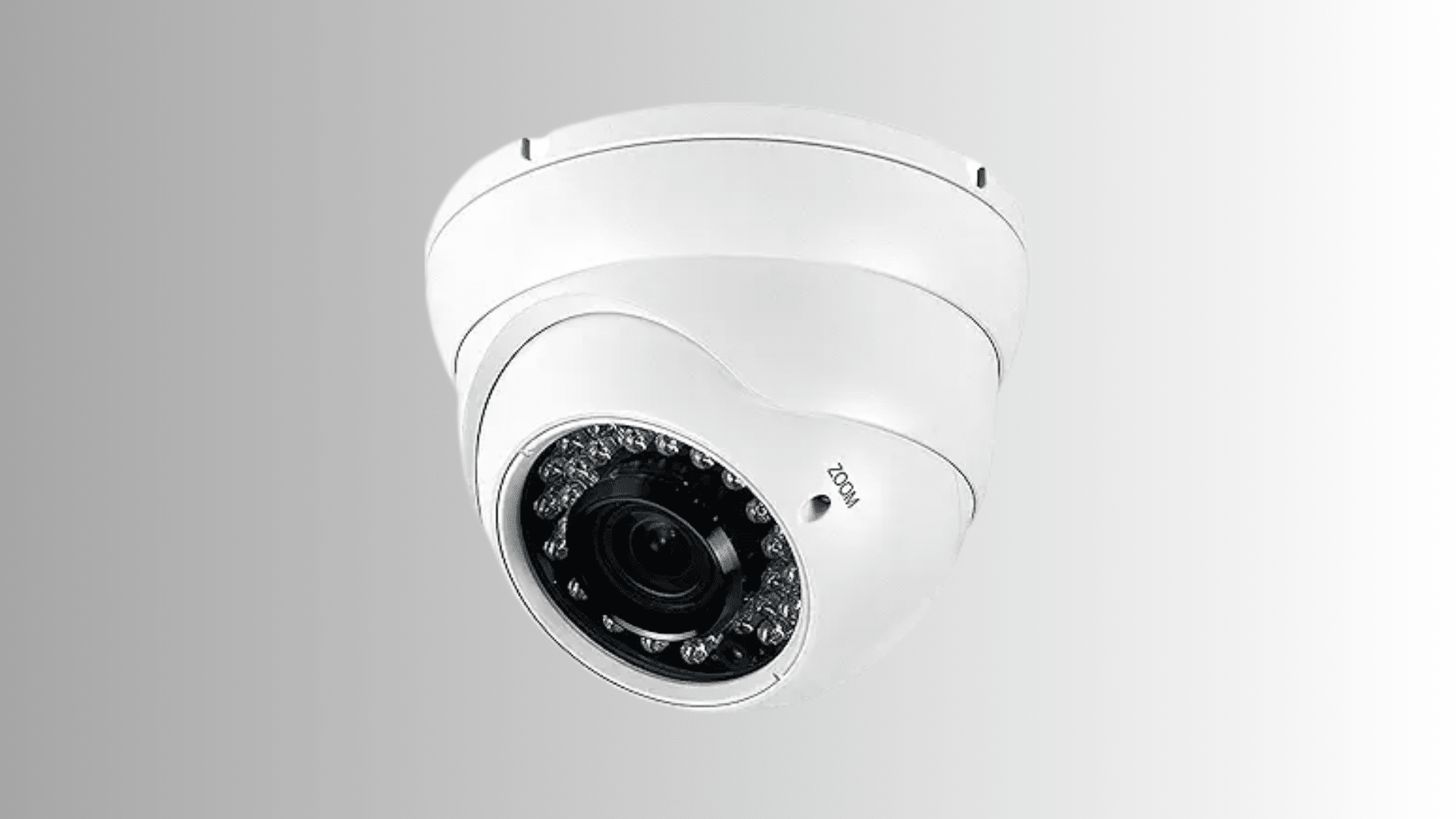
Dome cameras are among the most widely used surveillance solutions due to their compact appearance and versatile functionality.
Their enclosed housing makes it difficult to determine the direction the lens is facing, adding an extra layer of uncertainty for potential intruders.
Suitable for both indoor and outdoor environments, these cameras provide broad visibility.
And blend seamlessly into commercial and residential settings while maintaining dependable video coverage.
- Design: Features a low-profile housing that blends naturally into surrounding spaces.
- Coverage: Delivers a wide field of view for monitoring larger sections of a property.
- Placement: Performs effectively in offices, retail stores, hallways, and entrances.
- Protection: Durable casing helps shield internal components from dust and tampering.
- Application: Supports residential and commercial surveillance requirements.
2. Bullet Cameras
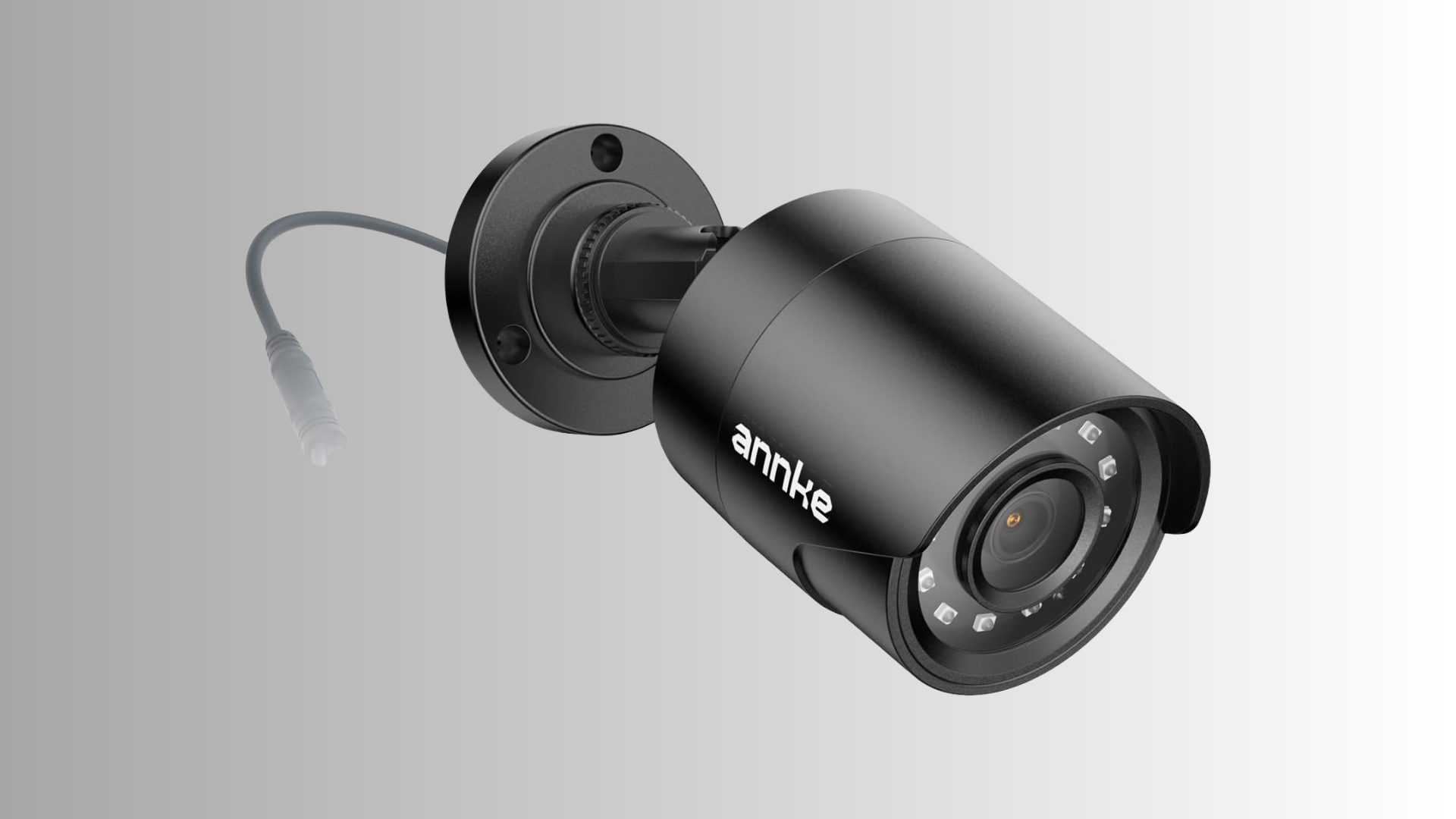
Bullet cameras are recognized for their elongated shape and ability to capture footage across extended distances. Their visible presence often serves as a deterrent while providing focused observation of specific areas.
These cameras are frequently installed outdoors where long-range visibility is necessary.
Their weather-resistant construction and targeted viewing capabilities make them suitable for perimeter protection and property monitoring.
- Range: Captures activity occurring far from the installation point.
- Visibility: Prominent design can discourage unauthorized activity.
- Construction: Built to withstand outdoor weather conditions.
- Direction: Focuses on designated locations with precise monitoring.
- Usage: Commonly installed near driveways, gates, and parking facilities.
3. PTZ Cameras
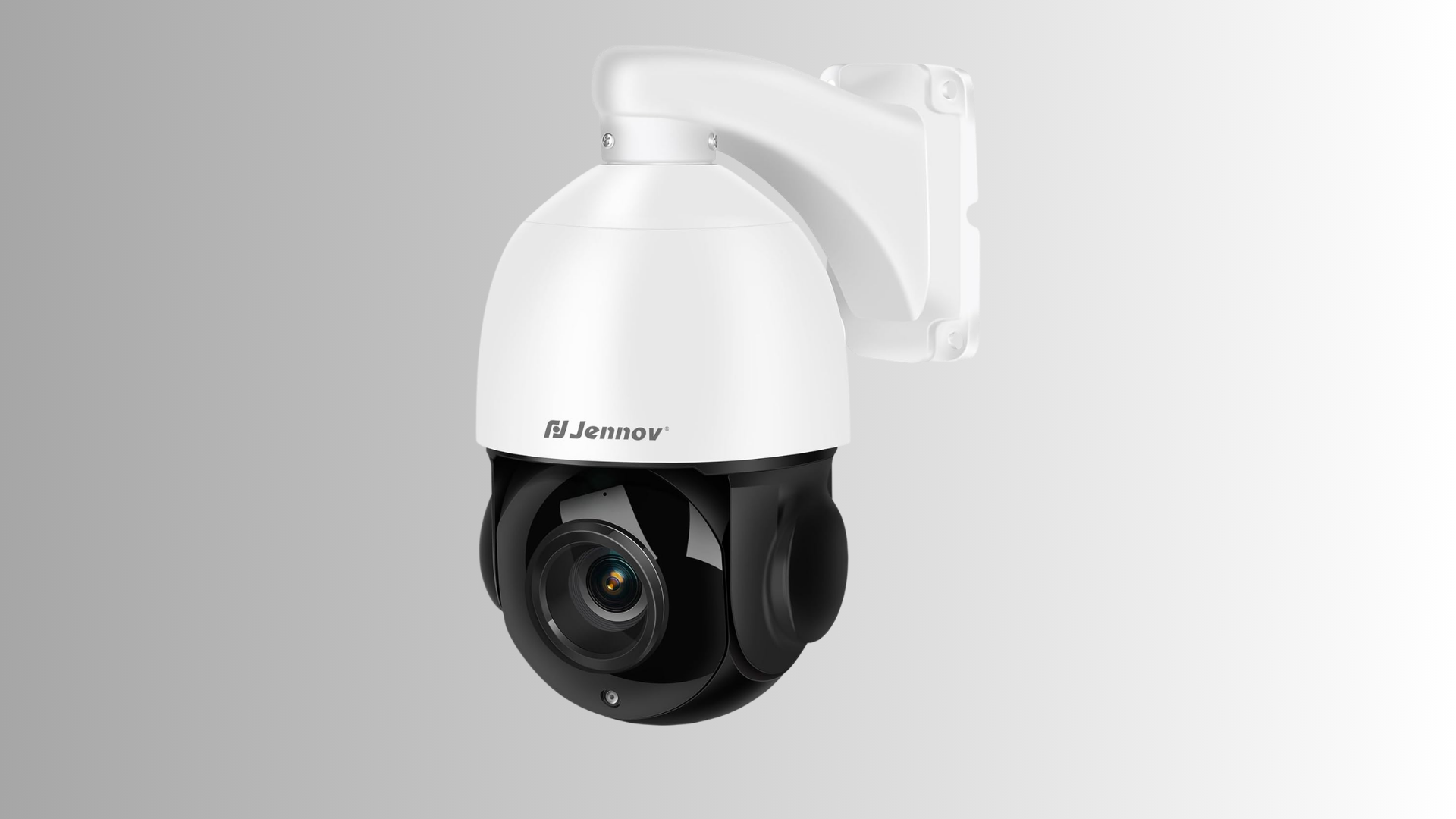
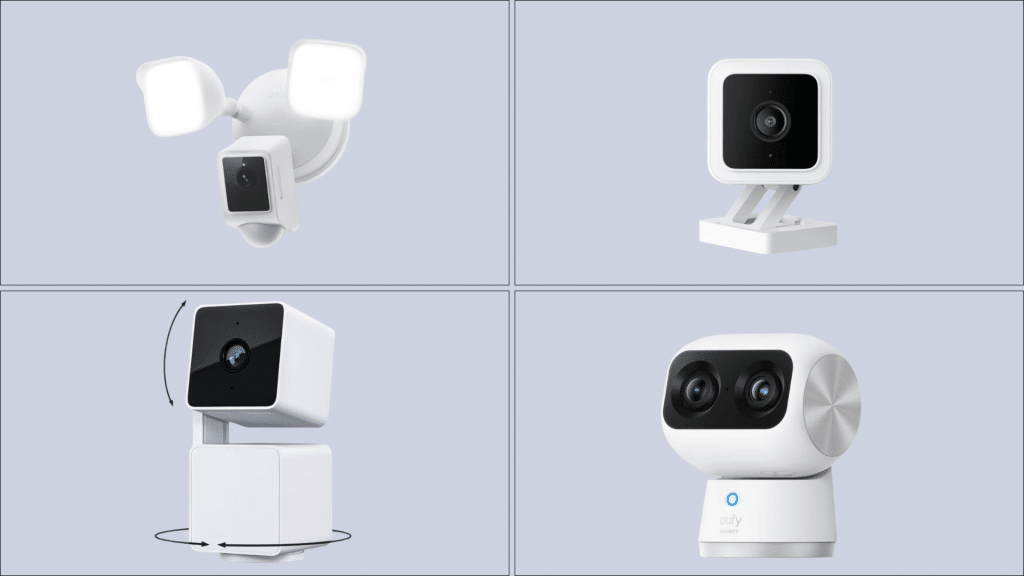
PTZ cameras offer advanced surveillance capabilities through pan, tilt, and zoom functionality. Operators can remotely adjust viewing angles and magnify specific areas without physically repositioning the device.
This flexibility makes PTZ models valuable for monitoring expansive properties.
Their ability to cover broad spaces while maintaining detailed observation helps reduce the number of cameras required in larger installations.
- Movement: Rotates horizontally and vertically for wider observation.
- Zooming: Magnifies distant objects while maintaining image clarity.
- Efficiency: Covers larger zones with fewer devices.
- Control: Allows remote adjustments through connected systems.
- Environment: Ideal for warehouses, campuses, and commercial facilities.
4. Wireless Surveillance Cameras
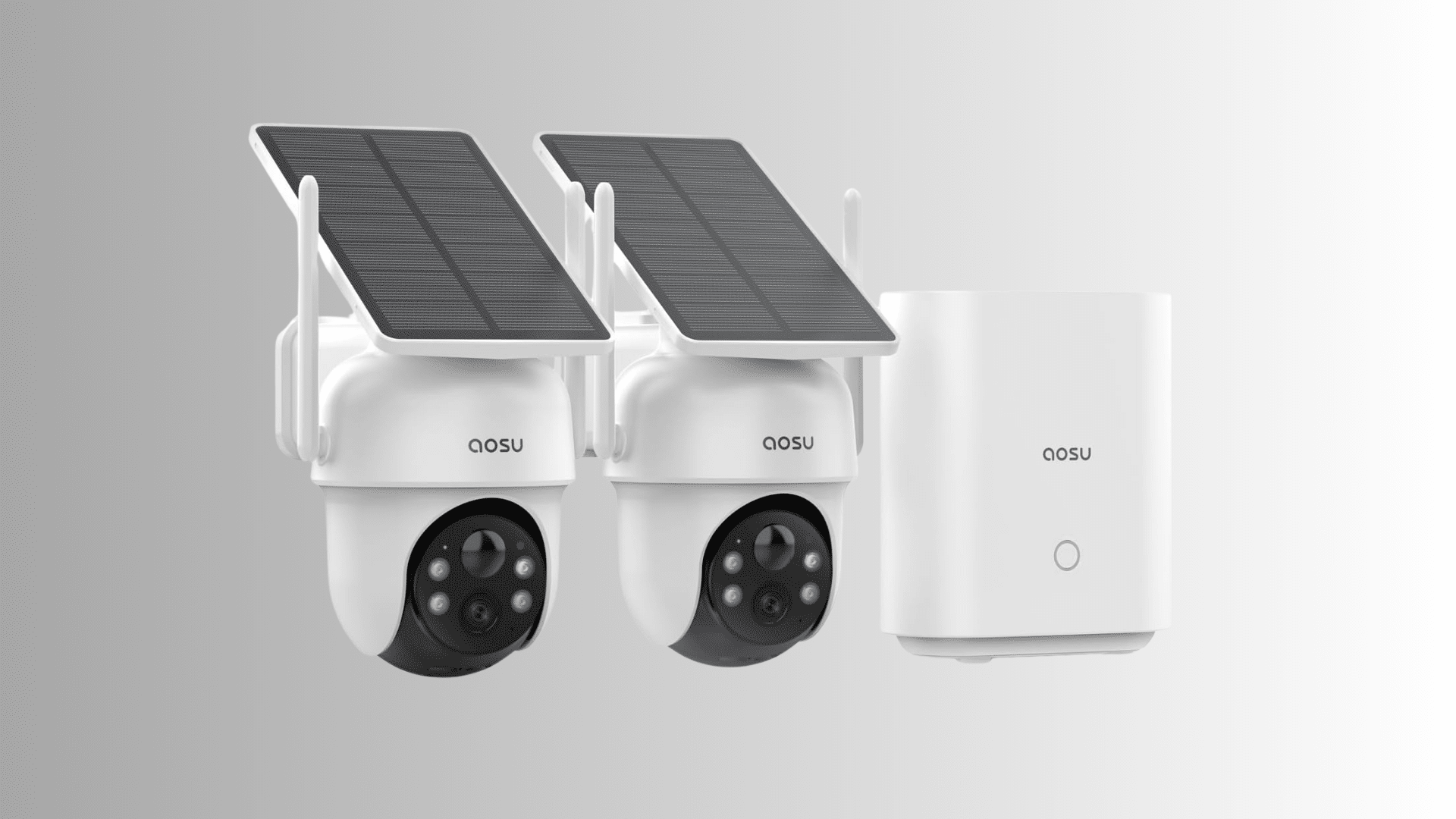
Wireless surveillance cameras simplify deployment by minimizing cable requirements. They connect through Wi-Fi networks, making installation more flexible and less disruptive.
These systems appeal to homeowners seeking convenient security solutions and businesses requiring adaptable monitoring.
Modern wireless models often support remote viewing and smart notifications, allowing users to stay informed about activity from virtually any location.
- Flexibility: Offers versatile placement without extensive wiring.
- Setup: Reduces installation complexity compared to wired systems.
- Connectivity: Uses wireless networks to transmit data.
- Accessibility: Enables remote viewing through mobile applications.
- Suitability: Works well for homes, apartments, and small offices.
5. IP Cameras
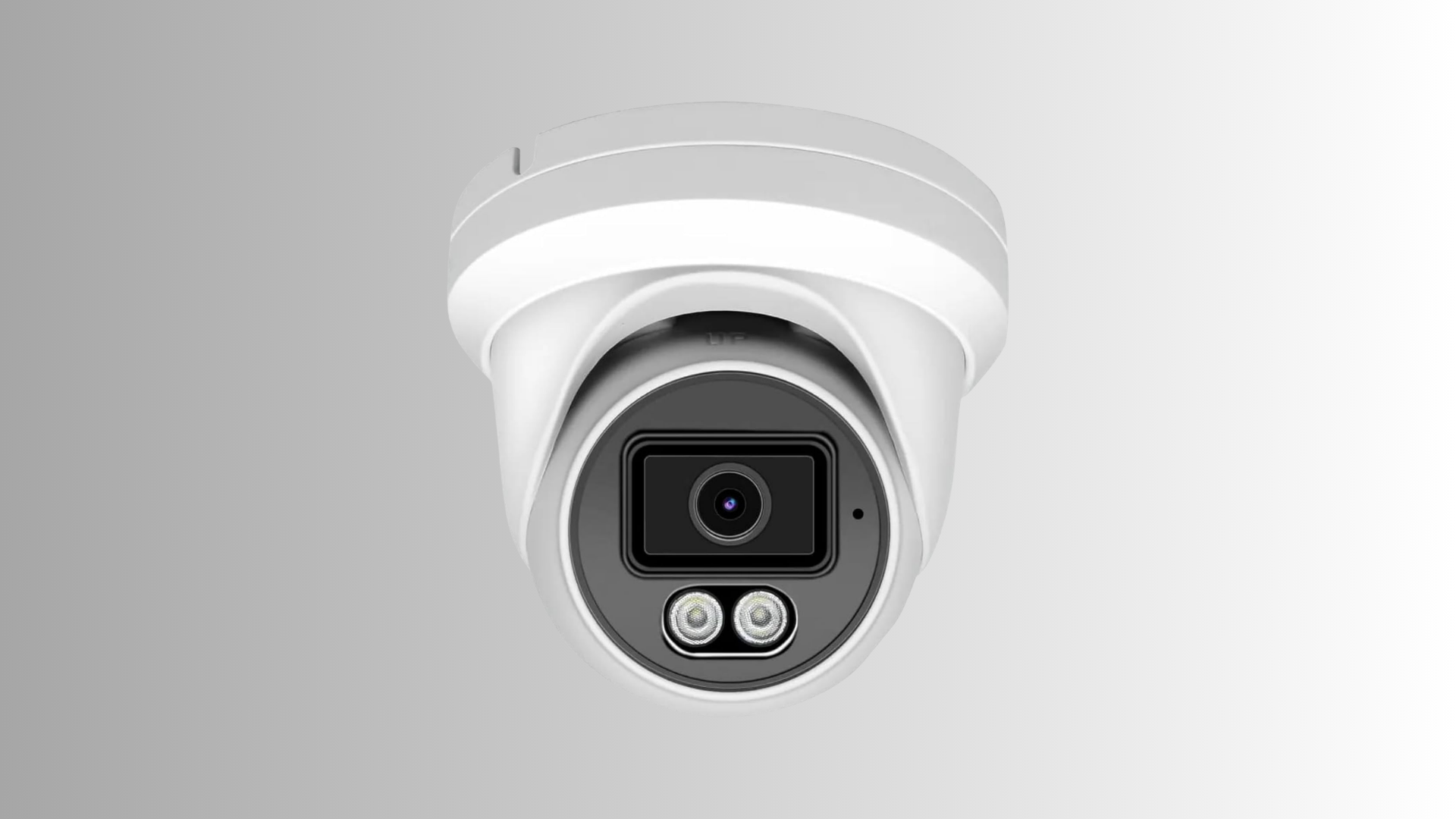
IP cameras transmit video over network connections, offering higher image quality and advanced security features. They can deliver high-definition footage and integrate with cloud-based storage platforms.
Businesses and homeowners favor these cameras for their scalability and remote accessibility.
Their digital infrastructure supports efficient monitoring while allowing users to review footage from connected devices.
- Resolution: Produces sharp, detailed video recordings.
- Networking: Transfers footage through internet-enabled connections.
- Storage: Supports cloud and local recording options.
- Access: Allows monitoring from smartphones and computers.
- Scalability: Adapts easily to expanding surveillance systems.
Selecting the right surveillance camera is essential for creating an effective security system.
Understanding these options can help homeowners and businesses choose equipment that aligns with their security requirements.
How to Install a Surveillance Camera Setup?
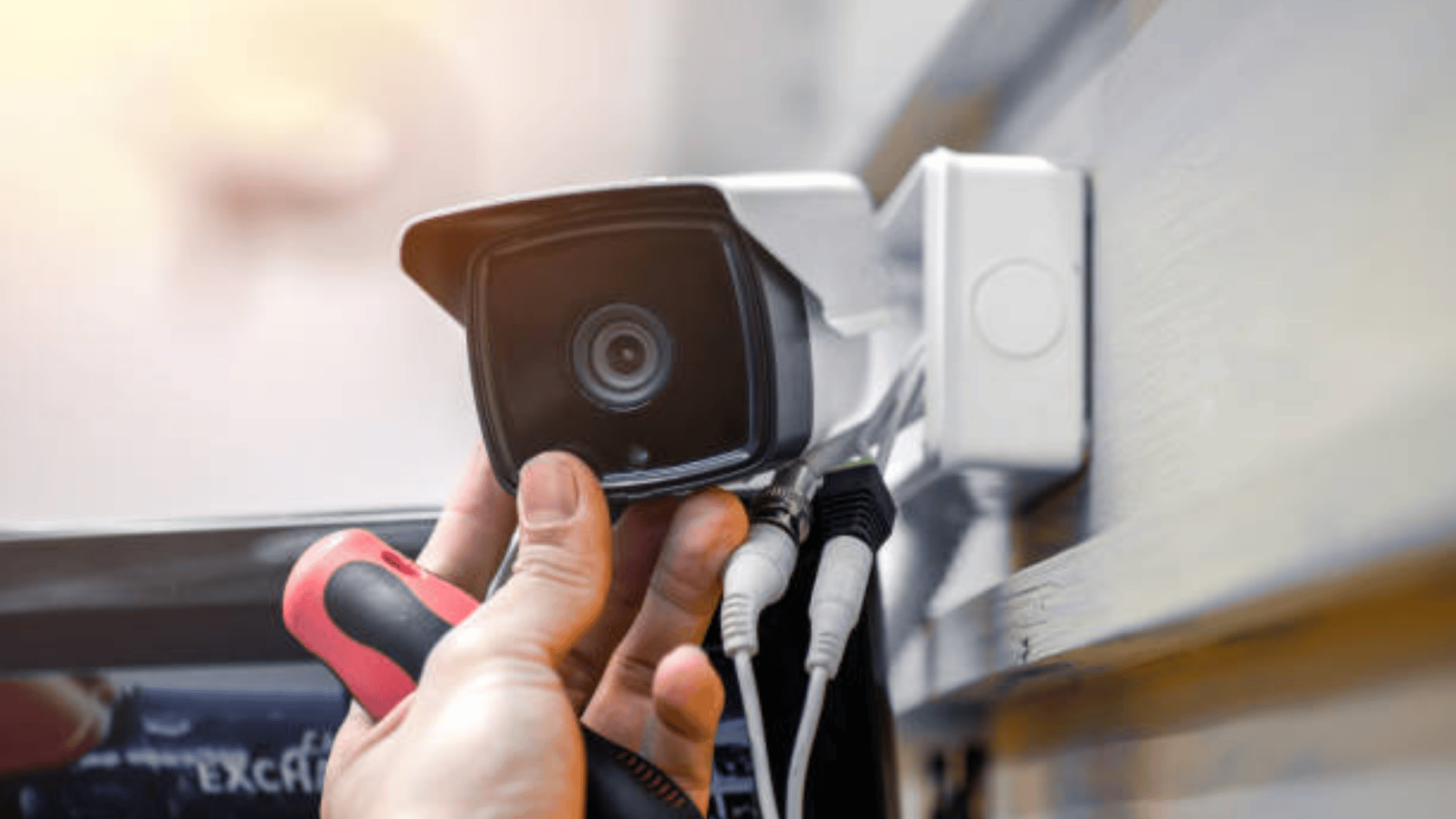
It covers assessing security points, selecting camera positions, arranging equipment, installing devices, configuring settings, and checking performance.
1. Assess Security Needs and Identify Risk Areas
Identify all important zones that require monitoring to build an effective security layout.
Focus on entry and exit points, driveways, parking areas, backyards, side passages, and storage rooms. These locations are often targeted for unauthorized access and need clear visibility.
Also, define your surveillance purpose, such as theft prevention, activity tracking, visitor observation, or remote property monitoring.
Clear identification of needs helps plan camera placement more effectively and ensures stronger overall protection and more efficient monitoring coverage.
2. Plan Camera Placement for Maximum Coverage
Create a structured placement plan to ensure complete coverage of the property, with no blind spots. Install cameras at main access points, such as front and back doors and windows.
Avoid positioning errors like blocked views, incorrect height, or poor angles that reduce effectiveness.
Analyze lighting conditions to ensure clear visibility during both daytime and nighttime.
Proper planning improves recording accuracy, enhances detection capability, and ensures that all critical movement areas are continuously monitored without interruption or missed activity.
3. Prepare Equipment and Network Setup
Gather all necessary tools and devices before starting the installation.
Including surveillance cameras, mounting brackets, cables, power supplies, and storage systems such as NVRs, DVRs, or cloud platforms.
Check network readiness by testing internet speed, Wi-Fi signal strength, router placement, and available bandwidth.
A stable and well-structured network ensures smooth video streaming, quick alerts, and reliable remote access.
Proper preparation reduces installation delays, avoids technical issues, and supports consistent system performance after setup completion.
4. Install and Secure Surveillance Cameras
Mount cameras at an appropriate height to prevent tampering and ensure a wide viewing range. Adjust angles carefully to cover all important zones without distortion or obstruction.
Connect power and network cables securely, using either a wired or wireless setup, depending on the system type.
For outdoor installation, use weather-resistant housing and proper cable protection to prevent damage from rain, dust, or heat.
Correct installation improves durability, maintains stable performance, and ensures clear video capture in all conditions.
5. Configure and Test the Security System
Connect all cameras to a recording system such as an NVR, DVR, or cloud storage and ensure proper synchronization.
Adjust motion detection settings by defining zones and sensitivity levels to reduce false alerts. Enable remote monitoring through mobile apps or software for real-time access.
Test camera angles, night vision clarity, alert accuracy, and recording quality.
Review all system functions to ensure reliable performance, clear footage, and continuous security monitoring.
Following these steps helps improve coverage, strengthen monitoring, and support reliable property surveillance for residential and commercial use.
Common Surveillance Camera Installation Mistakes to Avoid
A proper surveillance setup requires careful planning and proper execution.
| Mistake | Why It Happens | Impact on Security | Better Approach |
|---|---|---|---|
| Installing Cameras Too High | Placed without considering angle or detail capture | Faces become unclear, with weak identification | Keep a moderate height for clear visibility and facial detail |
| Ignoring Blind Spots | Poor layout planning | Unmonitored zones create security gaps | Use full-area mapping before installation |
| Using Insufficient Storage | Low-capacity DVR/NVR or no storage planning | Loss of important recordings | Select storage based on camera count and recording duration |
| Neglecting Maintenance | No regular system checks | Reduced performance over time | Schedule cleaning and system inspection |
| Choosing the Wrong Camera Type | Lack of requirement analysis | Poor image quality or mismatch with the environment | Match camera type with indoor/outdoor and lighting needs |
Many installations fail due to simple errors that reduce coverage, recording quality, and system efficiency.
Understanding these common mistakes helps improve security performance and ensures the long-term reliability of the camera system.
Benefits of Professional Surveillance Camera Installation
Professional installation improves system accuracy, coverage quality, and long-term reliability.
- Expert Placement Strategy: Cameras are positioned following a thorough site analysis to ensure full coverage, minimize blind spots, and improve monitoring efficiency.
- Reliable System Performance: Proper setup ensures stable connectivity, clear video output, and fewer technical issues during daily operation.
- Time Savings: Professional handling reduces installation time and avoids trial-and-error setup mistakes.
- Long-Term Security Benefits: Well-installed systems offer consistent protection, better durability, and reduced maintenance needs over time.
It ensures that cameras are correctly placed, properly configured, and optimized for maximum security performance across residential and commercial properties.
Conclusion
Surveillance camera installation requires proper planning, correct placement, and accurate system configuration to achieve strong security results.
From identifying key risk areas to testing final performance, each step plays an important role in building an effective monitoring system.
A well-structured setup improves coverage, reduces blind spots, and enhances safety for residential and commercial spaces. Regular maintenance and the right choice of equipment further increase system reliability.
Following a proper installation process ensures consistent surveillance, better control, and long-term protection of property and assets.
Frequently Asked Questions
How Much Does Surveillance Camera Installation Cost?
Installation cost varies based on camera type, number of units, wiring, and system setup requirements.
Can My Neighbor Record My Backyard?
Recording private property without permission may violate privacy laws depending on local regulations and camera placement rules.
Will Wireless Cameras Work If Wi-Fi Goes Out?
They may continue recording locally if storage is available, but live viewing and remote access will stop without an internet connection.
What Security Cameras Do Not Need Wi-Fi or Internet?
DVR and NVR-based security cameras can record footage locally without requiring an internet connection for basic operation.
How Long Do Security Cameras Record Footage?
Recording duration depends on storage size, resolution, and number of cameras, typically ranging from a few days to several weeks.