Most people see ProMotion and instantly assume it means a constant 120Hz refresh rate, no questions asked.
That sounds great on paper, but it is not always how it actually works. The reality is a bit more nuanced, and that is where user intent starts to matter. Are you scrolling, gaming, or just reading?
In this blog, I’ll break down what ProMotion really means, how it behaves in real usage, and when it truly makes a difference for your everyday screen experience.
What is ProMotion Technology?
ProMotion is Apple’s adaptive display technology that adjusts your iPhone’s refresh rate in real time.
Built on LTPO hardware, it can scale anywhere from 1Hz to 120Hz, depending on what you are doing, helping balance smooth visuals and battery efficiency.
Instead of keeping the screen locked at one speed, it dynamically adjusts the refresh rate based on what you are doing.
For example, it ramps up for smooth scrolling and drops down when the screen is static to save battery. That is why Apple avoids simply calling it a 120Hz display.
The term “ProMotion” highlights the intelligence behind it, not just the peak number. It is about delivering smooth visuals when needed while staying efficient in the background.
Does ProMotion Always Run at 120Hz?
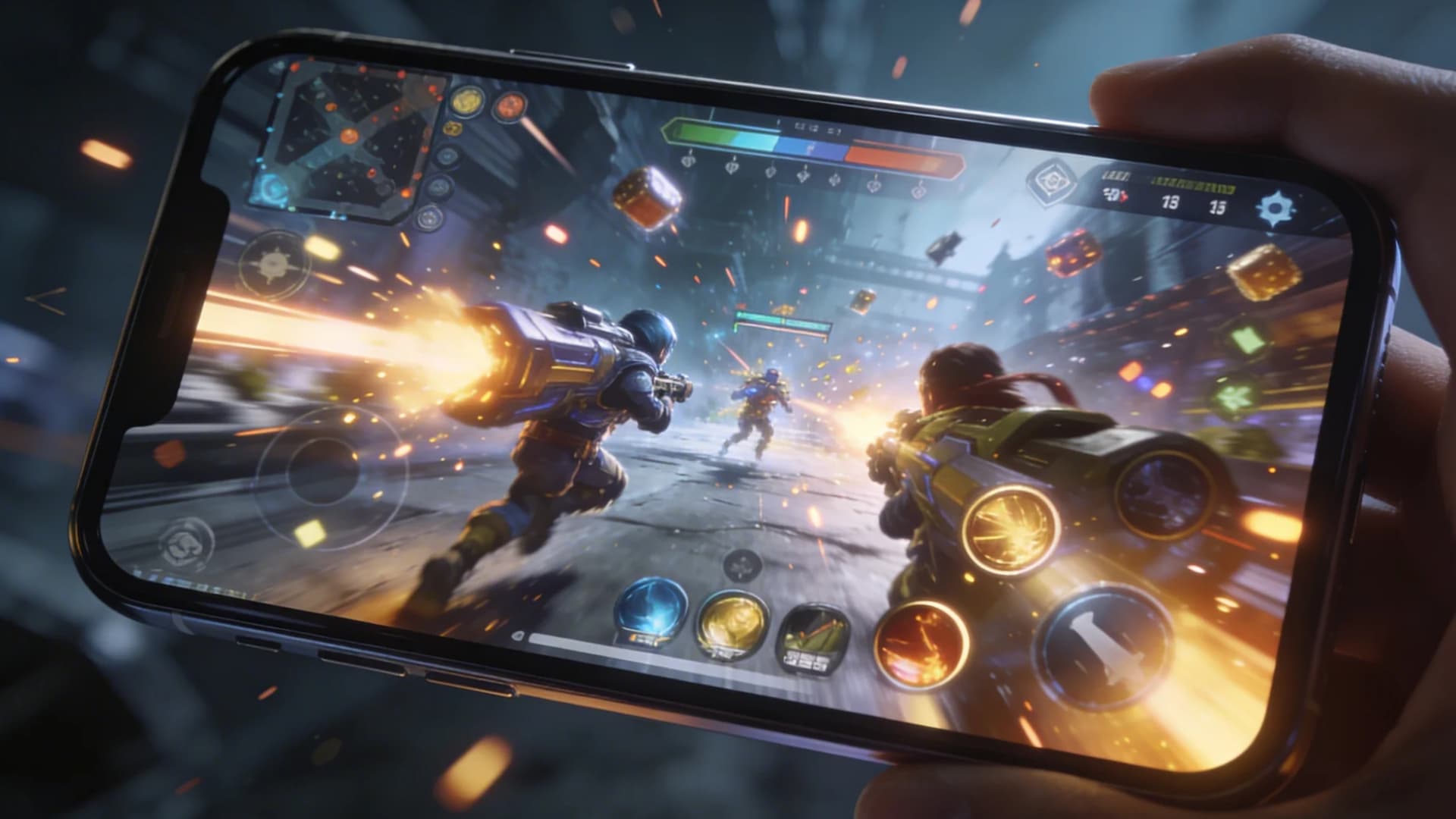
No, ProMotion does not always run at 120Hz. That is the biggest misconception around it. Apple’s adaptive system can scale the refresh rate up or down depending on what is happening on your screen.
On iPhone Pro models starting with the iPhone 13 Pro, the display supports multiple refresh rate steps ranging from 10Hz to 120Hz.
Newer Pro models, along with the iPhone 17 lineup, can go as low as 1Hz, which makes features like Always-On Display possible.
For example, when you are actively scrolling through apps or websites, it ramps up to deliver that smooth 120Hz feel.
But if you are reading a static article or looking at a still image, it slows things down because there is no need for constant refresh.
Devices That Have ProMotion: iPhone Pro models, iPad Pro, and select MacBook Pro devices, each using adaptive refresh rates differently based on usage
Why Apple Doesn’t Keep It at 120 Hz All the Time?
Apple does not keep ProMotion locked at 120Hz all the time because it would drain the battery much faster and generate unnecessary heat.
Running at the highest refresh rate constantly is not efficient, especially when the screen content does not need it.
Instead, Apple balances performance and power by adjusting the refresh rate in real time. When you need smooth visuals, it ramps up. When you do not, it scales down quietly in the background.
This smart switching helps maintain better battery life, keeps the device cooler, and ensures performance stays stable without you even noticing the changes.
ProMotion vs Standard 120Hz Displays
When comparing ProMotion and standard 120Hz displays, the difference is not just numbers but how each handles real usage, performance, and efficiency across different scenarios.
| Aspect | ProMotion | Standard 120Hz |
|---|---|---|
| Refresh Behavior | Adaptive, changes based on activity | Fixed at 120Hz all the time |
| Smoothness | Feels more natural due to dynamic scaling | Consistently smooth but less context-aware |
| Battery Impact | More efficient, lowers refresh when not needed | Drains more battery due to constant high refresh |
| Daily Use Experience | Better for mixed tasks like scrolling, reading, and idle time | Good for continuous motion like gaming |
| Where It Holds Up | Ideal for overall balanced usage | Works well in gaming and apps that stay at 120Hz consistently |
When You Actually Notice ProMotion?
You actually notice ProMotion the most during fast, continuous interactions. Scrolling through social media feels smoother and more responsive, especially on long feeds.
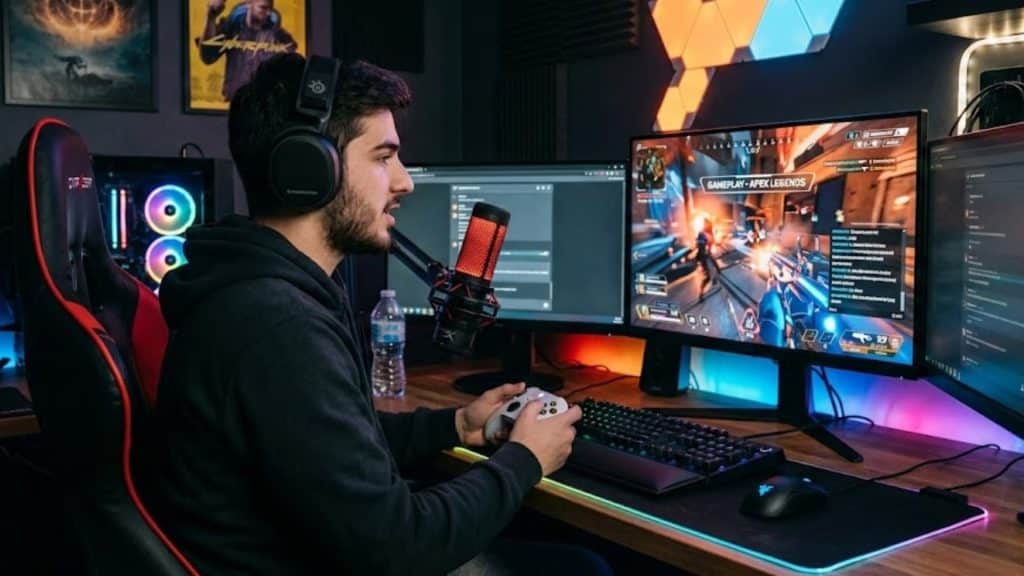
In gaming, supported titles can look fluid and more immersive. If you use an Apple Pencil, the impact is immediate. ProMotion lowers input lag, so every stroke keeps up with your hand in real time.
That is why artists and note-takers feel the improvement right away.
However, there are moments where the difference is hard to spot. If you are reading static content, watching standard videos, or using apps that do not support higher refresh rates.
ProMotion quietly scales down, making it feel no different from a regular display.
Common Misconceptions about ProMotion
A few common assumptions around ProMotion often lead to confusion about what it actually does in real-world usage.
- Always 120Hz: ProMotion is adaptive, so it frequently lowers refresh rate below 120Hz when high speed is not needed to improve battery efficiency.
- Higher is better: A higher refresh rate does not always improve experience, especially when the content itself is static or limited to lower frame rates.
- All apps support: Not every app is optimized for ProMotion, so many still run at standard refresh rates without taking advantage of adaptive scaling.
- Improves everything: Tasks like reading, viewing photos, or watching certain videos do not benefit much from higher refresh rates.
- Always noticeable: In daily use, the difference can be subtle unless you are actively scrolling, gaming, or interacting with motion-heavy content.
Should You Care About ProMotion?
Whether you should care about ProMotion really depends on how you use your device. For casual users, it is a nice bonus but not a must-have, since basic tasks do not fully benefit from higher refresh rates.
For gamers, it can make a noticeable difference with smoother visuals and better responsiveness, especially in supported titles.
For creators, it helps with fluid interactions, precise editing, and a more responsive feel while working.
If you scroll a lot, multitask, or value smoother animations, it is worth considering. Otherwise, a standard display will still handle everyday needs without issues.
Conclusion
ProMotion is not just about hitting 120Hz; it is about how intelligently the display adapts to what you are doing. That is where user intent plays a key role.
Whether you are scrolling, gaming, or simply reading, the screen adjusts to match the situation rather than staying fixed at one speed.
This makes it more efficient and, in many cases, more practical than a standard high refresh display. Still, it is not something everyone needs.
It depends on how you use your device daily. What do you think about ProMotion? Drop your comments and share your experience.
Frequently Asked Questions
Does ProMotion Affect How Quickly Your iPhone Feels in Daily Use?
Yes, but indirectly. ProMotion does not make the processor faster, but smoother animations and scrolling can make the device feel quicker and more responsive during interactions.
Can ProMotion Help Reduce Screen Tearing or Stuttering?
In many cases, yes. Since ProMotion adjusts the refresh rate based on content, it can reduce visual inconsistencies like stutter or tearing, especially during fast scrolling or supported gaming scenarios.
Does ProMotion Change How Notifications or UI Animations Appear?
Yes, system animations like opening apps, switching screens, and pulling down notifications can feel smoother with ProMotion enabled. However, the difference is subtle and may not stand out unless you compare it side by side