Should 120Hz Be Enabled on a Phone? Pros and Cons is one of those questions that sounds technical but hits you hard in your daily use.
You scroll, you game, you watch content, but is that ultra-smooth display actually helping or just draining your battery faster? Most people turn it on and forget it.
That is not always the smart move. In this guide, you will get a clear, no-nonsense breakdown of what 120Hz really does, where it shines, and where it quietly works against you.
By the end, you will know exactly what setting makes sense for your phone and your usage.
What Does 120 Hz Actually Mean on a Phone?
120Hz on a phone means the screen refreshes 120 times per second. In simple terms, it controls how smooth everything looks when you scroll, swipe, or play games.
A 60Hz display refreshes 60 times per second, which is standard. 90Hz feels smoother, while 120Hz looks even more fluid and responsive, especially during fast movements.
The difference is not about sharper visuals but about motion clarity. If you are interested in understanding promotion technology in smartphones, the refresh rate plays a key role. It is an easy way to improve user experience and stand out in a crowded market.
Brands push higher refresh rates because they make devices feel faster and more premium, even without major hardware upgrades.
How 120Hz Feels in Real Life?
In real life, 120Hz mostly affects how smooth your phone feels. Scrolling through apps, social feeds, or web pages looks fluid, with less stutter between movements.
Animations, like opening apps or switching screens, feel quicker and cleaner. In gaming, the difference is more obvious if the game supports high refresh rates.
Controls feel more responsive, which can matter in fast-paced titles. For everyday use, though, not everyone notices it after a while.
If you are not paying attention, 120Hz can feel normal rather than impressive. For some, it is a big upgrade. For others, it starts to feel slightly overhyped.
Pros of Turning On 120Hz
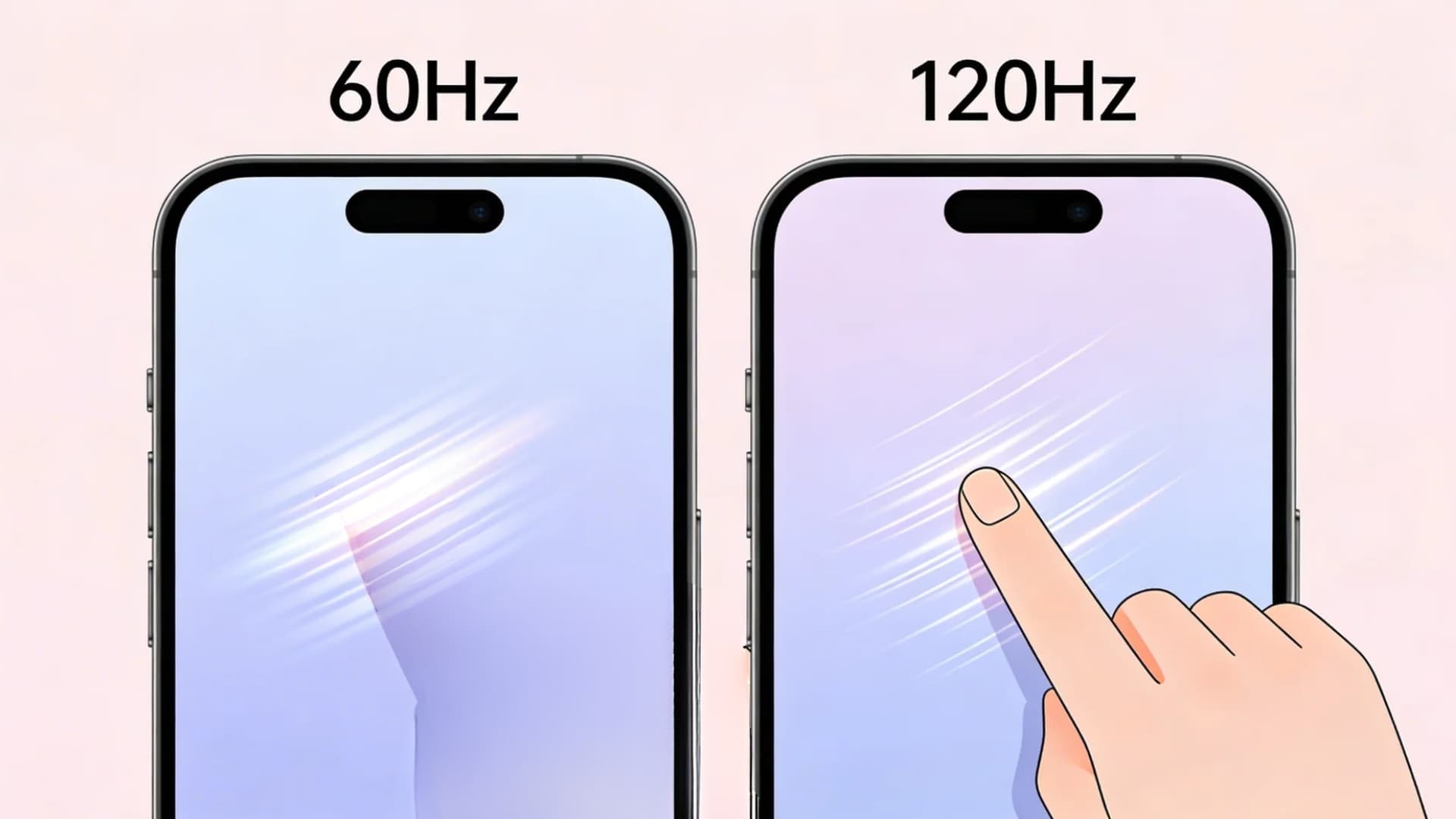
Turning on 120Hz can instantly change how your phone feels in daily use, making interactions smoother, quicker, and more responsive without needing any hardware upgrade.
1. Smoother User Experience
With 120Hz enabled, every swipe and scroll feels more fluid. Transitions between apps look faster and cleaner, reducing the delay you might notice at lower refresh rates.
Even simple actions like opening menus or switching tabs feel sharper. It does not increase actual speed, but it removes visual stutter, making the phone feel consistently smooth throughout everyday use.
2. Better for Gaming
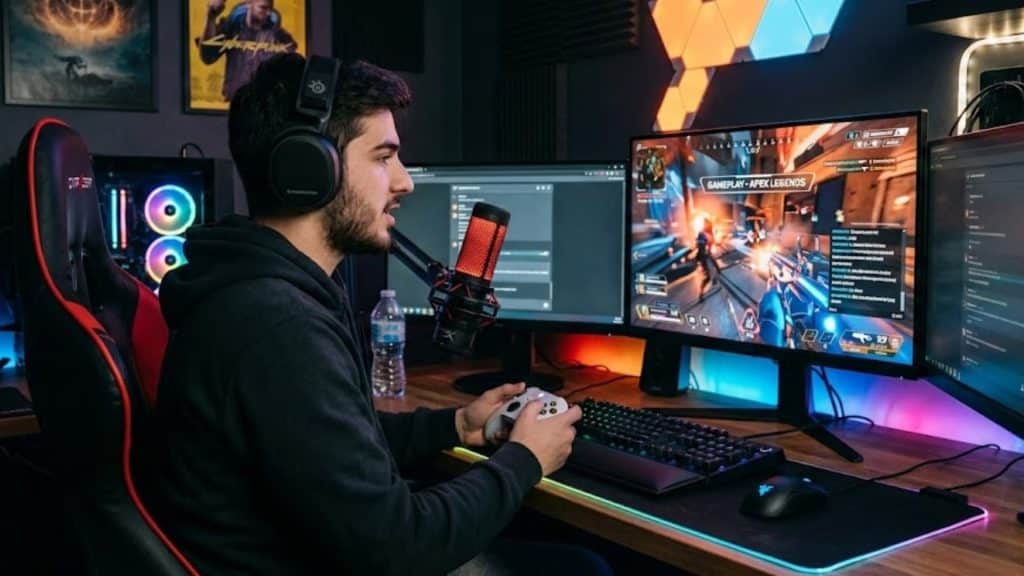
In supported games, 120Hz can give you a real advantage. Movements appear smoother, and actions register with better precision, which helps in fast-paced gameplay.
This can slightly improve reaction time, especially in competitive titles like shooters and racing games.
Controls feel tighter and more responsive, making the overall experience more engaging compared to standard 60Hz gameplay.
3. Premium Feel
A higher refresh rate gives your phone a polished, high-end feel. Even if the processor or RAM stays the same, the smoother visuals create the impression of a faster device.
This is why many users feel their phone becomes more powerful after switching to 120Hz.
It is more about perception than raw performance, but it still plays a big role in overall satisfaction.
Cons of Turning On 120Hz
While 120Hz improves smoothness, it also introduces trade-offs that can affect battery life, app consistency, and overall performance, depending on how you use your phone.
1. Battery Drain
Running your display at 120Hz means it refreshes twice as often as 60Hz, which naturally uses more power.
The difference varies by phone, but you can expect a noticeable battery drop over a full day, especially with heavy usage like scrolling or gaming.
Adaptive refresh helps, but if your priority is long battery life, keeping 120Hz on all the time may not be ideal.
2. Not All Apps Support It
Not every app takes advantage of 120Hz, which leads to an inconsistent experience. Some apps are still locked at 60Hz, so switching between them can feel uneven.
You might notice smooth scrolling in one app and a slight stutter in another. This breaks the overall fluid feel and makes the upgrade less impactful in daily use than expected.
3. Heat and Performance Trade-Off
Using 120Hz can slightly increase heat, especially during long gaming sessions or heavy multitasking.
The display works harder, and combined with high-performance tasks, this can warm up the device.
Over time, this may lead to minor performance drops as the system tries to manage temperature. It is not extreme, but noticeable during extended use.
120Hz vs 60Hz: Quick Comparison
Choosing between 120Hz and 60Hz comes down to how you use your phone daily, since the difference is more about feel than raw performance.
| Factor | 60Hz | 120Hz |
|---|---|---|
| Scrolling Smoothness | Feels normal, slight stutter in fast scrolling | Very smooth, fluid scrolling with minimal stutter |
| Animations | Standard transitions can feel slower | Faster and cleaner transitions |
| Gaming Experience | Limited to basic frame rates | Supports higher frame rates in compatible games |
| Battery Usage | More battery efficient | Consumes more battery over time |
| Responsiveness | Feels fine for casual use | Feels quicker and more responsive |
Should You Keep 120Hz On All the Time?
Keeping 120Hz on all the time depends on how you use your phone, since it balances smoothness with battery life and overall efficiency.
If you scroll a lot, play games, or just enjoy smoother visuals, keeping 120Hz on makes sense. It improves daily interaction and feels more responsive.
If battery life is your priority, you can turn off 120Hz on your iPhone to limit the refresh rate and save power.
However, if you are trying to save battery, switching to 60Hz during long days or travel can help. This is where adaptive refresh rate comes in.
It automatically shifts between 60Hz and 120Hz based on what you are doing, giving you smoothness when needed and saving power when it is not.
Conclusion
Should 120Hz Be Enabled on a Phone? Pros and Cons really come down to how you use your device.
If you care about smoother scrolling, better gaming response, and a more premium feel, keeping 120Hz on is worth it.
But if battery life matters more, you might want to limit it or rely on adaptive settings. There is no single right answer, only what fits your daily usage.
The smart move is to test both and see what actually makes a difference for you.
Now it is your turn, drop your comments and share whether you keep 120Hz on or off and why.