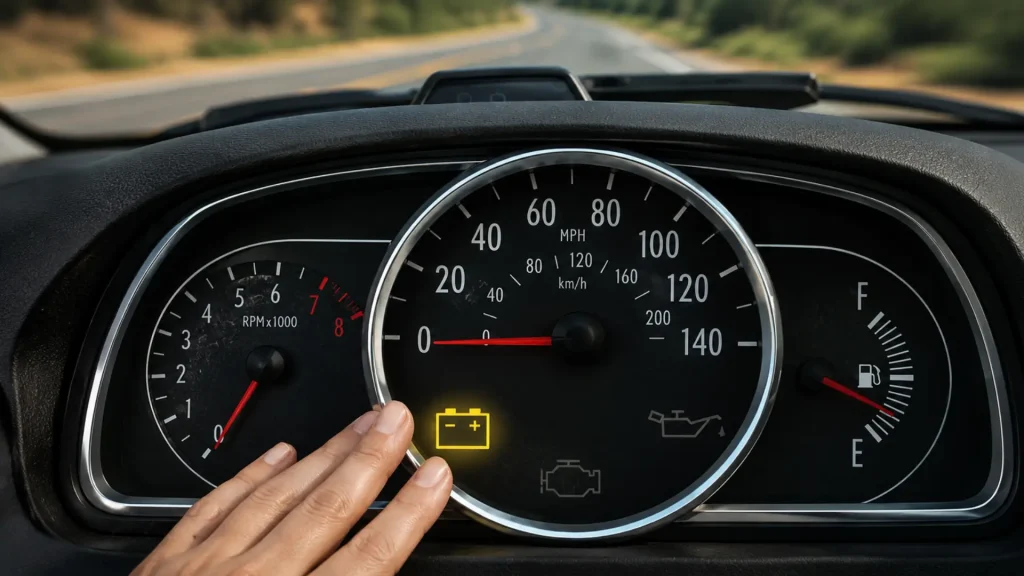
A service battery charging system warning can make any normal drive feel uncertain. One minute the car starts fine, and the next, the dashboard tells you something under the hood isn’t keeping up.
If you are wondering what checking the charging system means, it usually indicates a problem with how the battery, alternator, belt, or wiring are working together.
The tricky part is that the warning can feel small at first, but a charging system failure can quickly leave you with a weak battery, dim lights, or a car that stalls and refuses to restart.
Before guessing at parts, it helps to understand what the warning is really trying to tell you.
What Does “Check Charging System” Mean?
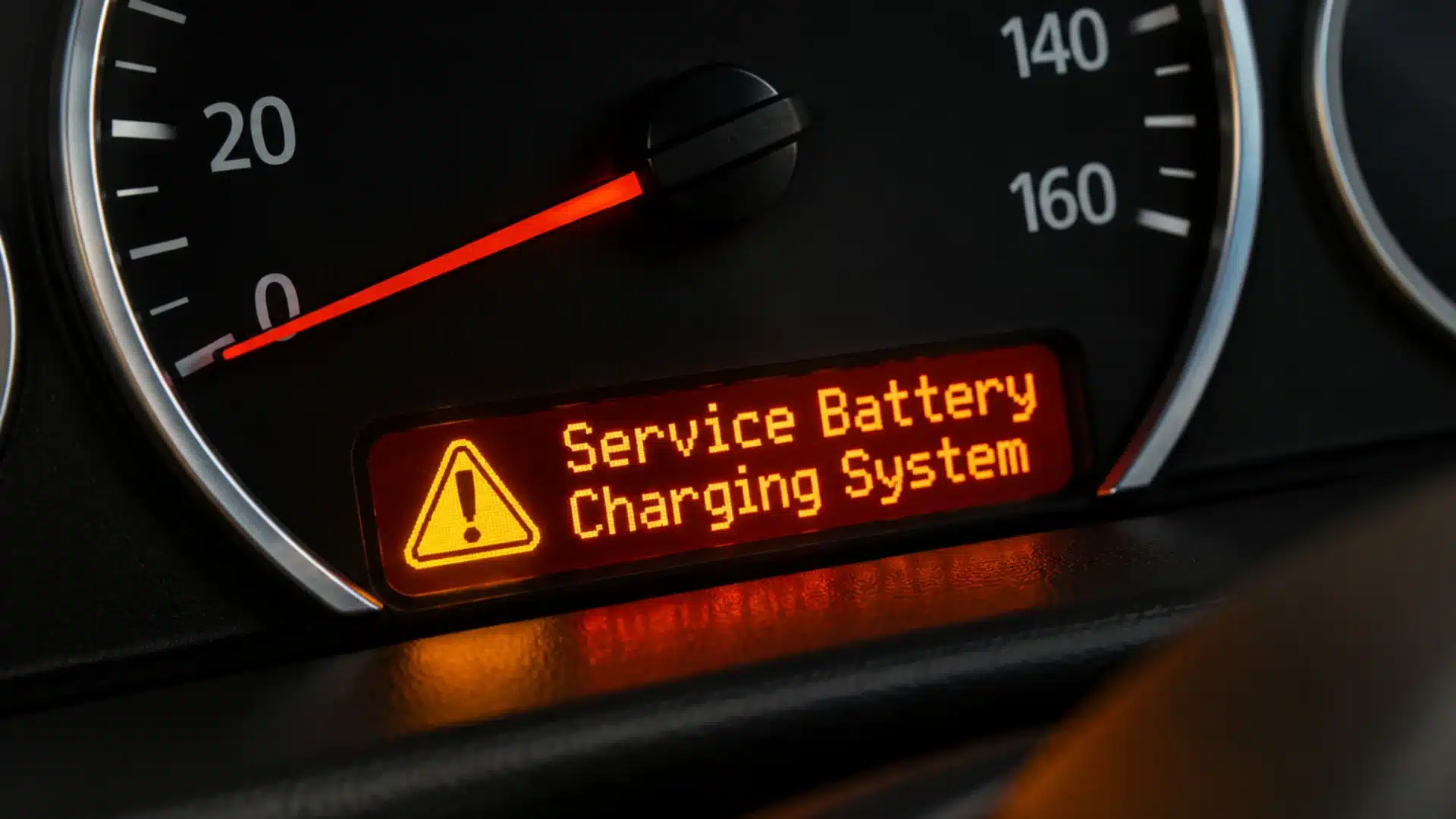
The “Check Charging System” or “Service Battery Charging System” message appears when the vehicle detects that the battery is not receiving enough voltage from the alternator.
Unlike the battery light that briefly appears during startup, this warning indicates a real issue in the charging system when it stays on or comes on while driving.
Depending on the vehicle, you may see CHARGE, ALT, BATT, or the full warning message.
Regardless of the wording, the meaning is the same: the alternator, battery, or another part of the charging system is not supplying power correctly.
If the cause is unclear, a dashboard warning light diagnosis can help identify whether the problem is related to the charging system or another vehicle system.
Common Causes of a Charging System Failure
A handful of components share the job of keeping your battery charged, and any one of them can trip the warning on its own.
- Weak or failing battery: A battery nearing the end of its lifespan can not maintain voltage, which can trigger the charging system warning even when the alternator is working properly.
- Failing alternator: The alternator is behind the vast majority of charging-system warnings. When it cannot keep up with electrical demand, the voltage drops below what the battery needs to stay charged.
- Worn or loose drive belt: A cracked, glazed, or slipping belt cannot spin the alternator fast enough to generate a steady charge, even if the alternator itself is healthy.
- Corroded or loose connections: Dirty battery terminals, loose alternator wiring, or a burned fusible link can block current from reaching the battery at all.
- Faulty voltage regulator: This component controls the current the alternator delivers to the battery. When it fails, the system can undercharge or overcharge without warning.
- Bad sensor or computer reading: Rarely, the warning has nothing to do with the charging system itself. A failing PCM or a bad battery temperature sensor can trigger a false alert.
A charging system failure usually comes down to one weak link, so checking these causes in order can save time, money, and guesswork.
How to Check Your Battery and Connections First
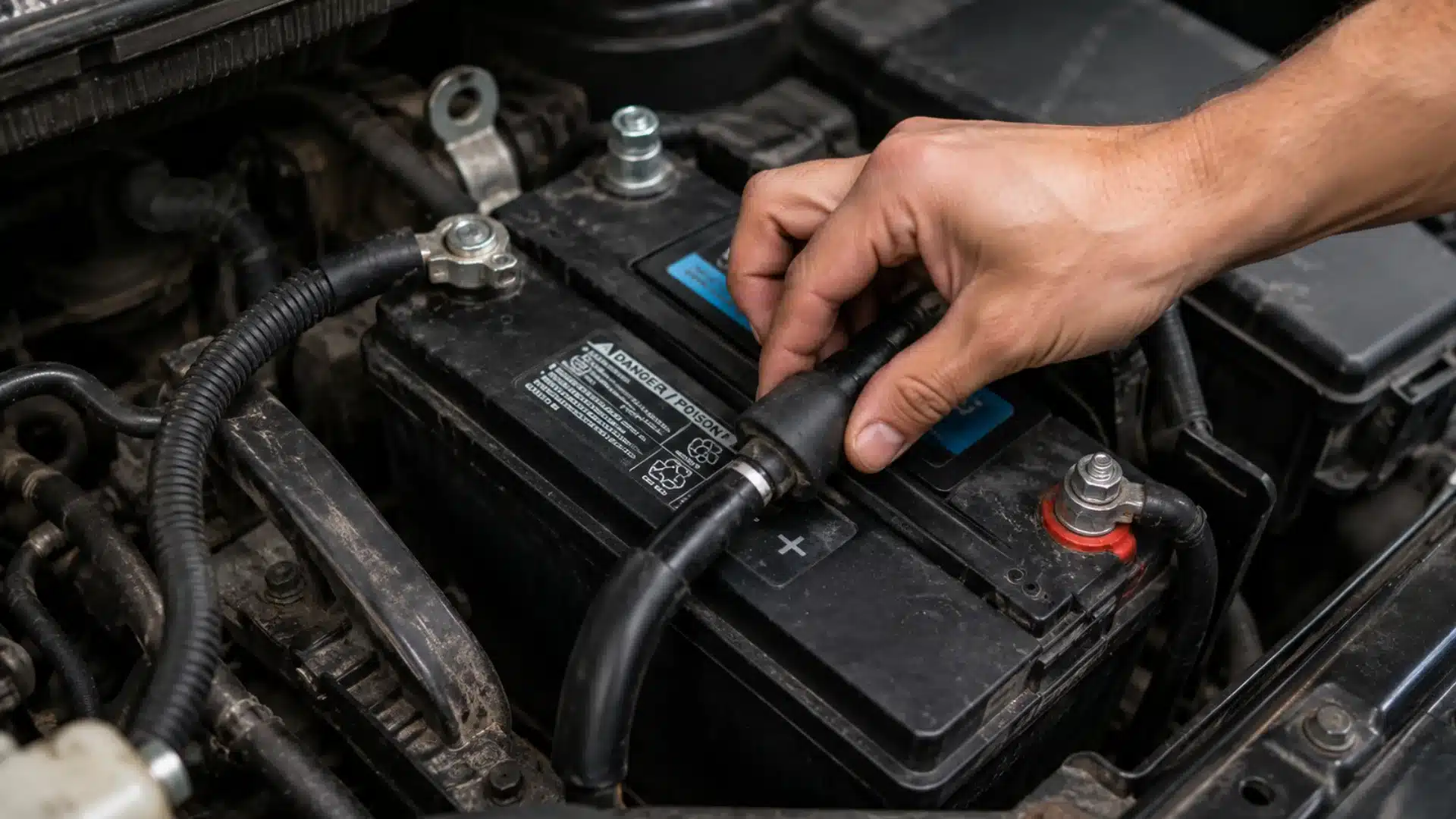
Start with the parts you can inspect without any tools. Pop the hood and look at the battery terminals for a white or greenish crust, since corrosion blocks the flow of electricity even when every other component is healthy.
A baking soda and water rinse clears most buildup in a few minutes once the cables are disconnected. Give the cable clamps a wiggle. If they move at all, that looseness alone can be enough to set off the warning.
Many routine visits, including standard battery and alternator testing at set mileage intervals, catch this kind of wear before it becomes a roadside problem. A multimeter makes the next step easy: a healthy battery should read close to 12.6 volts with the engine off.
Signs the Battery is the Problem
Before blaming the alternator, check the battery first, as low voltage can trigger the same warning.
- Slow or labored cranking when starting the engine
- Dashboard lights that dim or flicker at idle
- A battery that is three years old or older with no recent replacement
- Corrosion visible on the terminals or cable ends
If these signs appear together, test the battery before replacing larger charging system components.
How to Test the Alternator and Drive Belt
Once the battery and its connections check out, the alternator and belt are next. With the engine running, that same multimeter should read somewhere between 13.7 and 14.7 volts at the battery.
A reading below that range points to an alternator that cannot keep up. A reading well above it suggests overcharging, usually from a failing voltage regulator.
| Reading | What it means |
|---|---|
| ~12.6V, engine off | The battery is holding a normal resting charge |
| 13.7V to 14.7V, engine running | The alternator is charging within a healthy range |
| Below 13.7V, engine running | The alternator is undercharging the battery |
| Above 14.7V, engine running | The alternator or voltage regulator is overcharging |
Checking the belt takes less equipment. Press down on it with your thumb; it should feel tight, with very little give. Look closely for cracks, fraying, or a shiny, glazed surface, all of which reduce the belt’s efficiency as it turns the alternator pulley.
A drive belt wear check is one of the fastest ways to rule out a mechanical cause before assuming the alternator needs replacement.
When It’s a Wiring or Computer Problem, Not the Battery
If the battery tests fine and the alternator is producing the right voltage, the next place to look is the wiring between them.
Corroded ground straps, a loose main power wire at the back of the alternator, or a burned fusible link can all interrupt the charging circuit without any visible damage under the hood.
This is the same kind of voltage instability that can trigger a power steering assist fault on vehicles with electric steering, since both systems depend on a stable electrical supply to function correctly.
In rare cases, the fault sits in the powertrain control module itself. An OBD-II scanner can retrieve stored trouble codes and confirm whether the issue is electrical, mechanical, or a computer misreading sensor data.
Is It Safe to Keep Driving with the Warning on?
Technically, yes, for a short distance. Once the alternator stops charging, the vehicle runs on whatever charge remains, and how long you can drive with the warning depends heavily on what else is drawing power.
Cutting the electrical load buys time. Turn off the air conditioning or heat, the stereo, heated seats, and any phone chargers, and head straight to the nearest safe place to stop rather than trying to finish a longer errand.
I have seen drivers push a flickering warning for another 20 miles because the car “still felt fine,” only to lose power steering and stall in the middle of an intersection. It is not worth the gamble once the light stays on continuously.
Note: This section is for informational purposes only and does not constitute professional automotive or safety advice. Consult a qualified mechanic before continuing to drive with a charging system warning active.
What to Do Right Now if the Light Comes on
When the service battery charging system light comes on, treat it as an early warning and reduce electrical strain right away.
- Note the exact wording on the dashboard and whether any other warning lights appeared at the same time.
- Turn off nonessential electronics immediately to reduce the load on the remaining charge.
- If it is safe to pull over, check the battery terminals and drive belt for anything obviously loose or damaged.
- Head to a mechanic or an auto parts store that offers a free battery and alternator test rather than waiting it out.
- Avoid repeatedly restarting the engine if it stalls, since that puts additional strain on an already weak battery.
If the light stays on after these quick checks, stop guessing and have the battery, alternator, belt, and wiring tested.
Final Thoughts
A service battery charging system warning is easy to brush off, but it usually means your car is asking for attention before a bigger breakdown happens.
If you have wondered what ” check charging system ” means, the answer often lies in a weak battery, a loose belt, a faulty alternator, a corroded cable, or a wiring issue. The smart move is to check each part in order rather than replace parts blindly.
A new battery may help for a short time, but it will not resolve a charging system failure if the alternator or its connections are the real problem. Have you dealt with this warning before? Share the fix in the comments so other drivers know where to start.
Frequently Asked Questions
Does the Check Charging System Light Turn Off on Its Own After a Repair?
Not usually. After the repair, the stored fault code may need to be cleared with an OBD-II scanner. If the light comes back, the problem is still there.
Can Jump-Starting a Dead Battery Trigger a Check Charging System Light Afterward?
Yes. A jump-start can trigger a temporary charging-system warning due to a voltage spike. If the system is fine, driving for 15 to 20 minutes may clear it.
Will an Auto Parts Store Battery Test Diagnose the Whole Charging System?
Not completely. Free tests usually check the battery, but a full diagnosis also checks the alternator and wiring.
Is a Charging System Failure Covered Under a New Car Warranty?
Warranty coverage depends on the carmaker, part, age, and mileage. Alternators may be covered, but normal battery wear often is not. Check your warranty booklet to confirm.