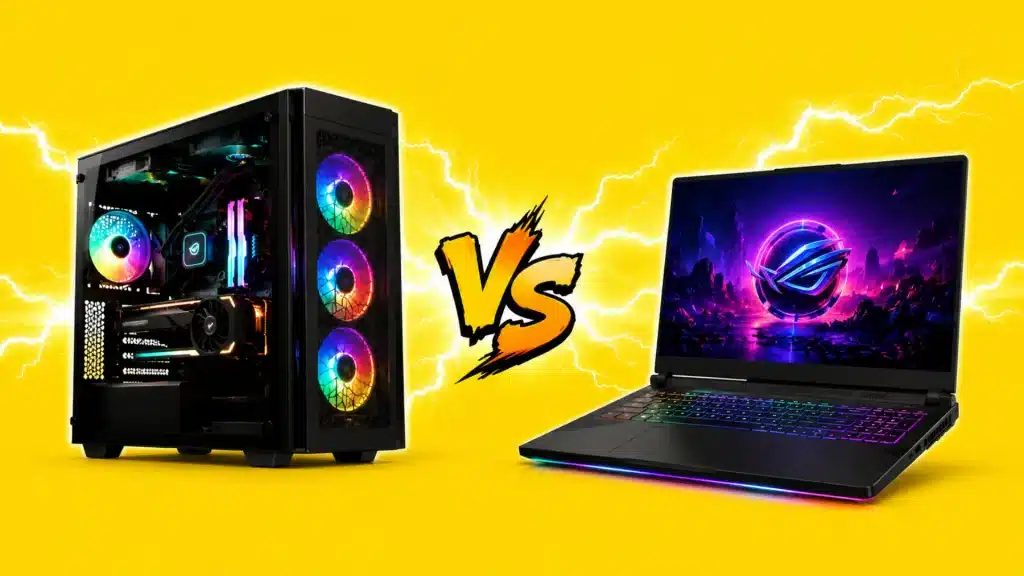
A gaming laptop sounds tempting until someone says, “You could build a better desktop for less.” And honestly, they are not wrong. But that answer misses the real point.
In hands-on time with current RTX 50-series models, the answer keeps coming back to one factor: gaming laptops are worth it today when portability actually matters, not just as a nice-to-have.
They handle 1080p and 1440p gaming, support demanding work, and fit students, travelers, and anyone who plays away from one fixed desk.
A desktop still wins for raw performance and value if most gaming happens at home.
So the real question is not whether gaming laptops are good. The question is whether your setup needs to move with you, and how much you are willing to pay for that freedom.
Let’s break down where gaming laptops shine, where they fall short, and who should buy one.
What Modern Gaming Laptops Really Offer?
Gaming laptops today are far better than models from a few years ago.
NVIDIA RTX 50-series mobile GPUs have improved portable gaming, with RTX 5060 and 5070 laptops handling most modern games at 1080p and solid 1440p settings.
DLSS 4 also helps when games need extra performance.
Many mid-range laptops now offer 144Hz to 240Hz IPS screens, while premium models add fast OLED panels.
Cooling has also improved, with thinner chassis and vapor chamber systems helping manage heat more effectively, though thermal limits still exist.
What Do Gaming Laptops Cost Right Now?
- Entry tier (RTX 5050): $1,039 to $1,300, solid 1080p gaming.
- Mid-range (RTX 5060/5070): $1,300 to $1,800, best value for most gamers.
- High-end (RTX 5070 Ti/5080): $2,000 to $3,100+, stronger laptop performance.
- Enthusiast (RTX 5090 mobile): $3,500 and up, maximum portable power.
Prices often shift in this category, so treat these as a starting point and check current listings before you buy.
Memory costs have also been rising, so a good deal on RAM or storage may be worth grabbing sooner rather than later.
When a Gaming Laptop is Absolutely Worth It
A gaming laptop makes the most sense when portability is a real need, not just a bonus. It is worth the tradeoffs if:
- You are in college or move often
- You need one machine for work, classes, and gaming
- You do not have space for a full desktop setup
- You travel enough to play away from home
- You attend LAN events or social gaming sessions
For most buyers, RTX 5060 and 5070 laptops are the sweet spot.
They offer strong 1080p and capable 1440p gaming without becoming too bulky. Higher-end RTX 5080 and 5090 models deliver more power, but they are heavier and less travel-friendly.
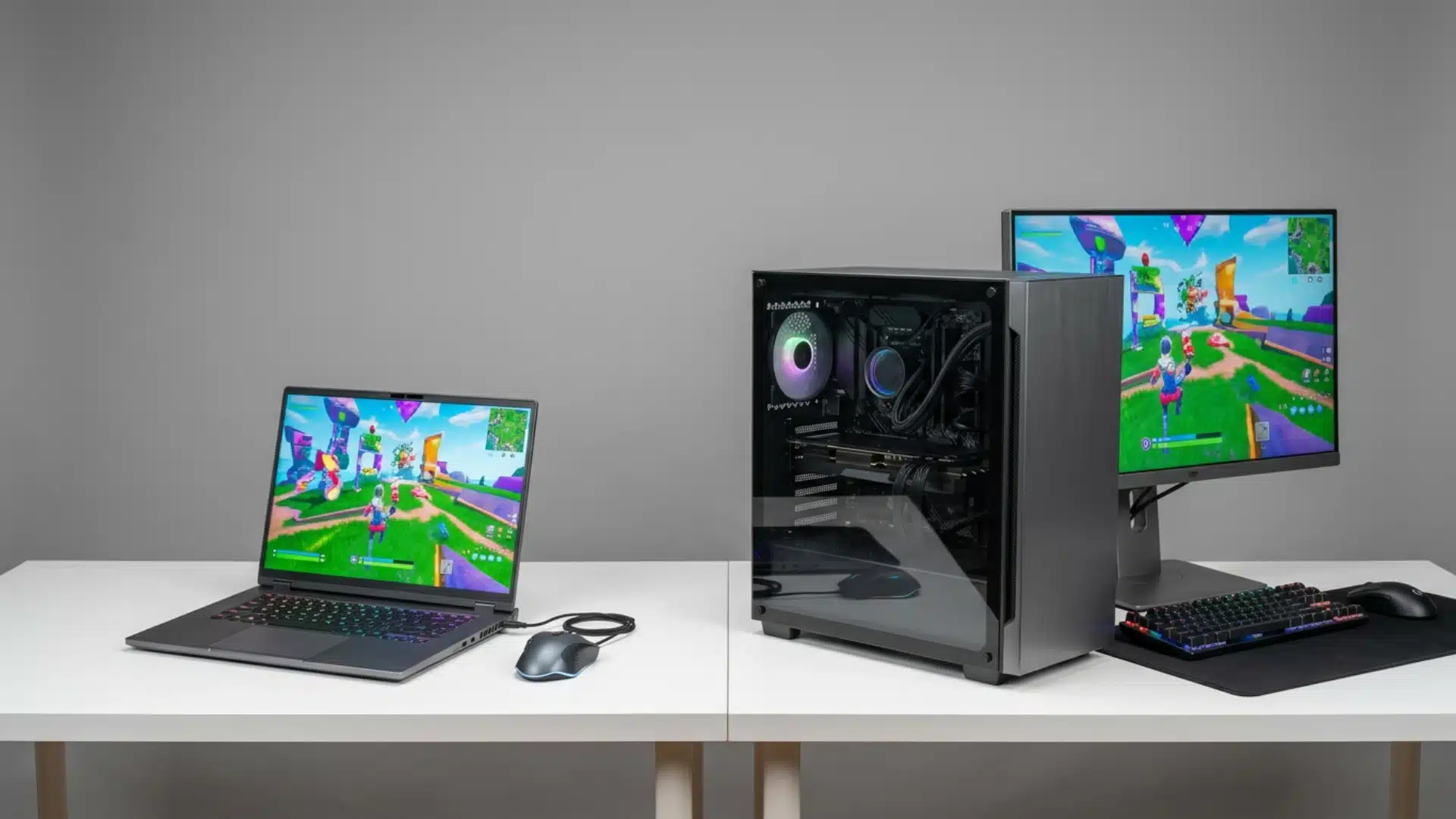
Desktop setups still suit serious competitive players better, but everyday gamers with mobility needs can get plenty of value from a good mid-range laptop.
Gaming Laptops vs Desktops: the Honest Comparison
The desktop-versus-laptop comparison changes once you factor in the full setup. A desktop needs a monitor, keyboard, mouse, and proper desk space.
| Factor | Gaming laptop | Desktop |
|---|---|---|
| Performance per dollar | 20-30% premium for the same tier | Better value at an equivalent price |
| Portability | Full mobility | Fixed location |
| Upgradeability | RAM and SSD only | Full component swaps |
| Thermals | Throttling under sustained load | Large coolers, consistent output |
| Fan noise at full load | Loud | Quieter with large case fans |
| Lifespan before replacement | 3-4 years typical | 5-7 years with GPU upgrade |
| Total cost of ownership | Higher per performance unit | Lower, especially with peripherals |
Add those costs, and the gap between a $1,500 gaming laptop and a comparable desktop narrows. A laptop already includes the screen and input devices.
It helps to think about this as a cost-per-day-of-ownership question rather than a single upfront number.
Spread the same purchase price across 3-4 years of regular use, and the daily cost often looks smaller than the sticker price suggests, especially once you add a monitor, keyboard, and mouse to the desktop side of the math.
Still, buyers who want strong home performance and occasional travel use should compare options carefully. A mid-range desktop plus a light productivity laptop can cost less than a premium gaming laptop.
For a closer look at how the two stack up in terms of raw performance and upgrade paths, our gaming laptop vs. desktop breakdown covers the trade-offs in greater depth.
How Much Should You Spend on a Gaming Laptop?
Budget matters because going too cheap can leave you with weak hardware, while overspending on a flagship may buy power the laptop cannot sustain under heavy load.
- $1,039 to $1,300: RTX 5050 and entry RTX 5060 models. Best for 1080p gaming, older games, and first-time buyers. The Alienware 16 x Aurora starts around this range.
- $1,300 to $1,800: RTX 5060 and 5070 models. This is the best value range for most gamers, with 1440p capability, better cooling, and stronger displays.
- $2,000 to $3,100: RTX 5070 Ti and 5080 models. Expect premium builds, OLED screens, and stronger performance.
- $3,500 and above: RTX 5090 mobile laptops. Powerful, but desktops usually offer better value.
Always check total graphics power, not just the GPU name, before comparing two laptops at the same price. A portable monitor can also expand screen space without adding laptop weight.
Why Do Some Gamers Still Avoid Gaming Laptops?
The criticism of gaming laptops is fair, but context matters.
- Thermal throttling: Long sessions can reduce GPU speeds once heat builds up, usually after 60 to 90 minutes.
- Performance value: Gaming laptops often cost more than similar desktop setups while delivering lower sustained output.
- Battery life: Most mid-range gaming laptops last only one to two hours during real gaming, so serious play still needs a charger.
- Limited upgrades: RAM and SSD upgrades are common, but CPU and GPU upgrades are usually fixed.
- Fan noise: Small fans work harder under load, making laptops louder than many desktop builds.
That does not mean gaming laptops are bad. It means buyers should understand the tradeoffs before they commit.
For full performance, value, and cooling, desktops still win. For flexible gaming on the go, laptops make more sense.
The GPU Spec Trap Most Buyers Miss
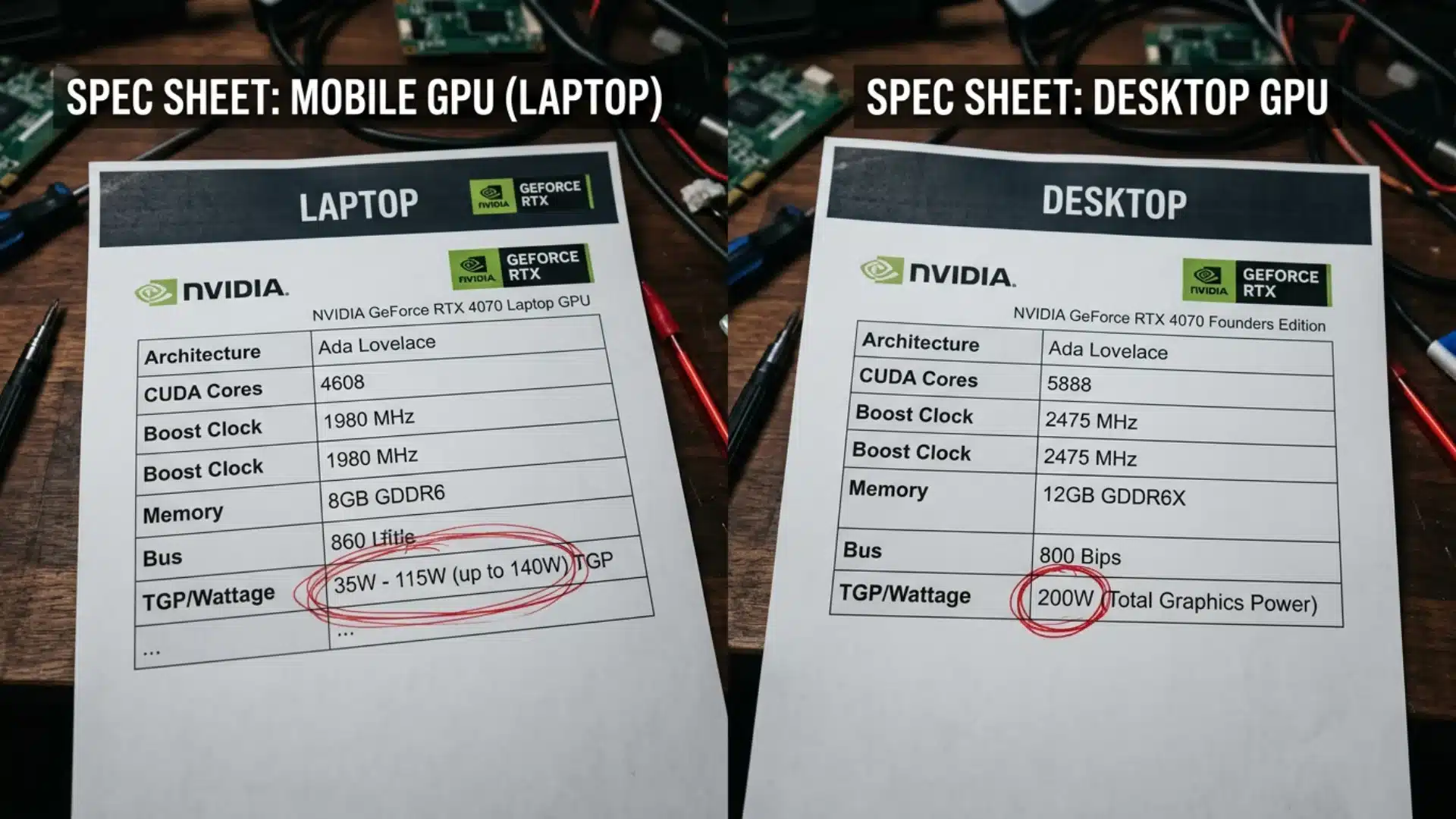
GPU manufacturers use identical product names across desktop and laptop lines, but the hardware inside is not the same.
A laptop version of a flagship GPU has fewer cores and operates under significantly lower power limits.
In demanding titles, that “top tier” laptop chip often lands closer to a mid-range desktop GPU in real-world benchmarks, especially at higher resolutions, where the power ceiling matters more than the core count.
Our RTX 4070 Super vs 4070 Ti comparison shows how much this power-limit gap can shift real-world frame rates between chips carrying the same name.
This is not a marketing trick. Mobile GPUs are built for a different thermal and power envelope entirely.
But it does mean spec-sheet comparisons between a laptop and a desktop “at the same tier” are rarely fair.
- Peak vs. sustained performance: Some laptops benchmark impressively for 30 seconds, then throttle hard. A well-cooled laptop with vapor chamber cooling holds up far better than a slim chassis.
- TDP variance within the same GPU name: The same chip can ship at noticeably different wattages depending on the chassis, and that gap is real performance, not marketing. Check the published TDP for the specific model you are considering, rather than assuming two laptops with the same GPU name perform the same way.
- What to look for: Find the GPU’s power draw (wattage) alongside the model name. If it is not published, find a third-party review that measured it under sustained load.
How to Get the Most Out of a Gaming Laptop?
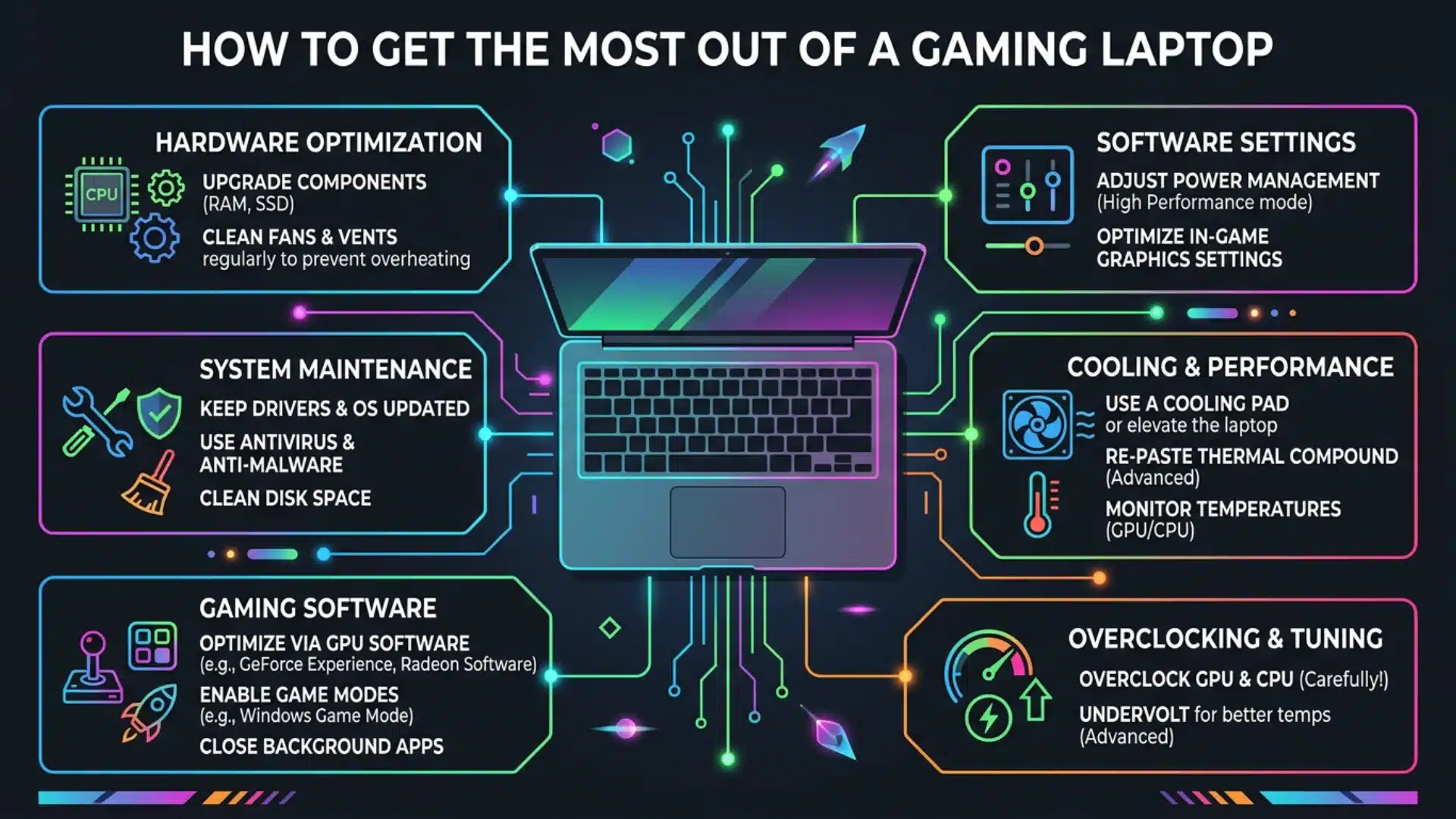
Most gaming laptop issues come from setup habits, not bad hardware. Use these basics for better performance:
- Plug in before gaming: Battery mode limits GPU power, even on expensive laptops.
- Use performance mode: Many laptops start in balanced mode, which reduces the power you paid for.
- Keep vents clear: Good airflow helps prevent heat buildup and mid-game throttling.
- Use a cooling pad: Active cooling pads can lower CPU temperatures, especially on bottom-vent laptops.
- Add a portable monitor: For desk use, a USB-C monitor gives more screen space without needing another setup.
- Consider companion devices: A handheld PC can handle lighter portable gaming, while the laptop manages heavier titles.
Gaming laptops also help with video editing, 3D rendering, and content creation. If work and gaming require a single device, the value becomes much stronger.
Conclusion
Gaming laptops make sense if portability is a daily necessity rather than a luxury.
They effortlessly handle 1080p and 1440p gaming, schoolwork, travel, and creative tasks, offering a single, powerful solution for multiple needs.
However, if your rig is destined to stay in one place, a desktop remains the smarter investment.
Desktops deliver maximum performance per dollar and let you allocate your budget to a significantly more powerful GPU.
Before purchasing, ask yourself one crucial question: will this machine actually leave your desk?
If the answer is yes, the laptop is a justified investment. If not, stick to a desktop setup.
Still torn between the two? Drop your budget, favorite games, and daily routine in the comments below, and let’s figure out the perfect setup for your lifestyle!
Frequently Asked Questions
How Long Do Gaming Laptops Last?
Most gaming laptops stay relevant for 3 to 4 years. Choosing a more powerful GPU at purchase helps extend its usable life.
Can a Gaming Laptop Replace a Desktop?
Yes, for most users. It handles gaming, work, and everyday tasks well, though desktops still offer better upgrades and higher peak performance.
Do Gaming Laptops Overheat?
Not usually during normal use. Heat becomes a concern during long gaming sessions, but laptops with vapor chamber cooling manage temperatures more effectively.
Are Gaming Laptops Good for Streaming?
Yes. RTX 50-series GPUs include NVENC encoding, making gaming and streaming smooth. For the best experience, choose 32 GB RAM and keep the laptop plugged in.