When examining Microsoft’s modern workplace solutions, it becomes evident how they shape the way today’s teams work, connect, and stay productive.
I wanted a straightforward way to understand how everything fits together, from Microsoft 365 apps to AI-powered features and cloud services like Azure.
This blog breaks down each part so you can see how these tools support remote work, improve security, and streamline daily tasks.
I’ve found that Microsoft’s modern workplace isn’t just about software; it’s about creating a flexible, connected environment where work flows more smoothly and efficiently.
This breakdown is designed to help anyone see how these solutions work and why they matter.
What is Microsoft’s Modern Workplace?
Microsoft’s modern workplace is a set of connected tools and cloud services that support today’s work needs.
It brings together Microsoft 365, Teams, SharePoint, Azure, and AI-powered capabilities to create a connected, secure, and flexible work environment.
It combines communication tools, cloud storage, device management, and enterprise-level security into one integrated platform.
By centralizing workflows and data, Microsoft’s modern workplace helps organizations streamline operations, reduce manual tasks, and maintain strong security standards.
Core Components of Microsoft’s Modern Workplace
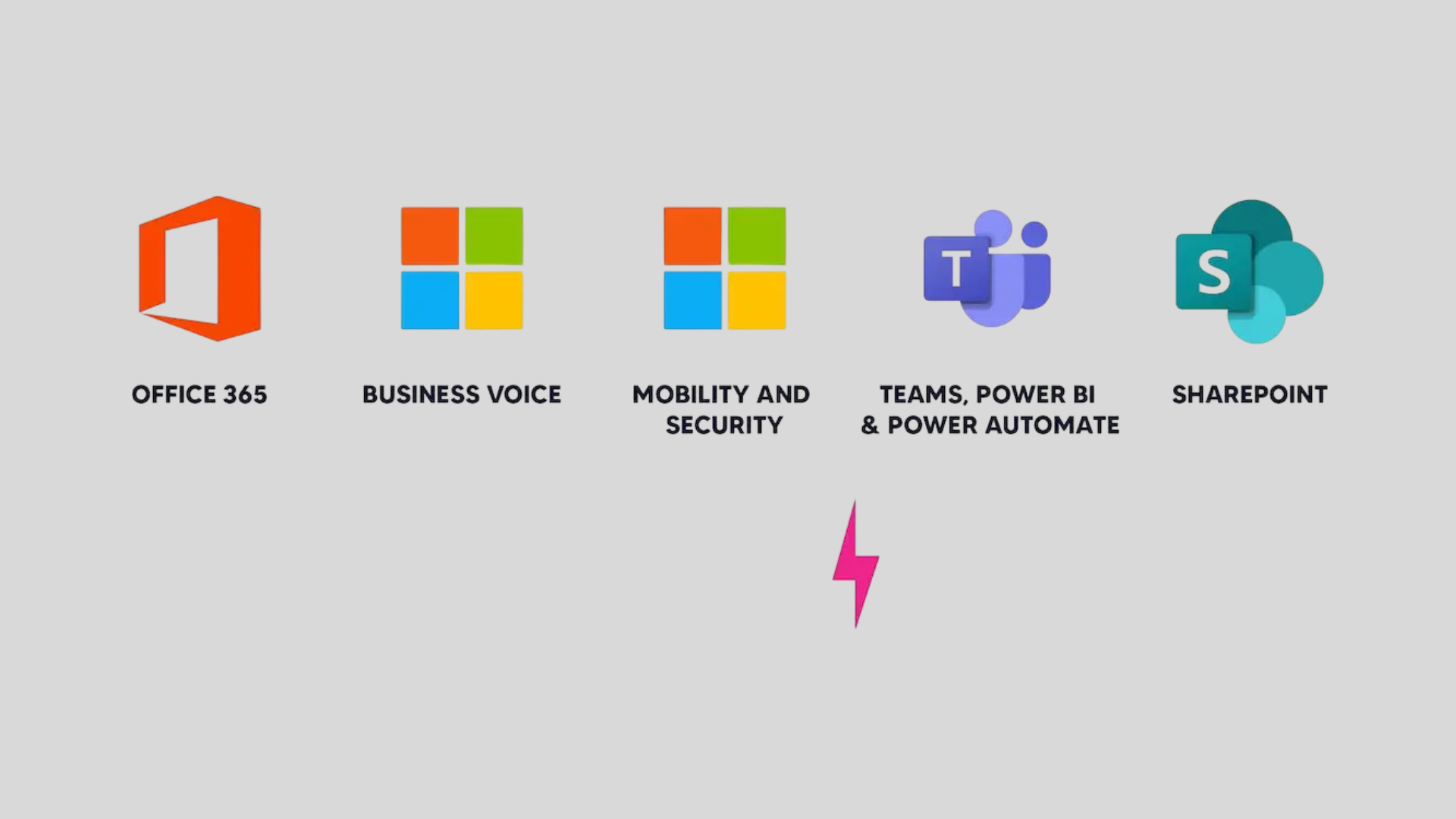
These components work together to support productivity, collaboration, and secure cloud-based workflows across different teams and devices.
1. Microsoft 365 Productivity Tools
Microsoft 365 tools are designed to streamline daily tasks and keep everything organized.
Apps like Word, Excel, PowerPoint, and Outlook provide a complete workspace for writing, planning, communication, and collaboration.
The integration with OneDrive ensures that everything syncs across devices, allowing users to access files effortlessly, whether at their desk or working remotely.
Additionally, the built-in AI suggestions in Microsoft 365 enhance productivity by improving documents, summarizing emails, and automating routine tasks.
2. Teams, SharePoint, and Collaboration Suites
Microsoft Teams, SharePoint, and other collaboration tools significantly enhance teamwork. Teams allows users to chat, call, meet, and share files without switching apps.
SharePoint provides organized spaces for storing documents, enabling teams to edit and update them collaboratively.
The integration between Teams, SharePoint, and OneDrive simplifies project management, tracks updates, and facilitates quick information sharing.
These collaboration suites bring structure, clarity, and consistency to group work, helping teams stay aligned and move projects forward smoothly.
3. Microsoft Copilot and Workplace Automation
Microsoft Copilot significantly speeds up work by handling many routine tasks. It assists with writing emails, summarizing documents, generating reports, and even creating presentations with just a few prompts.
Copilot integrates directly within apps like Word, Excel, Outlook, and Teams, eliminating the need to switch between tools.
With Copilot, users can work more efficiently because it adapts to their work style, helping them complete tasks more quickly.
It brings intelligence into everyday tasks, making the entire Microsoft ecosystem more powerful.
4. AI Security & Threat Detection
Microsoft’s security tools are enhanced by AI, improving detection and protection.
The system continuously scans for unusual behavior, risky logins, or suspicious activity, providing alerts before problems spread.
AI identifies patterns that might go unnoticed manually, while features like automated threat response and identity protection reduce the need for manual monitoring.
With AI handling these tasks, users can feel more confident that their data and accounts are secure, offering stronger protection and peace of mind while working.
5. AI Insights for Business Intelligence
AI simplifies business intelligence by handling heavy analysis, allowing businesses to focus on strategy rather than sifting through data.
It visualizes data through clear dashboards and reports, making complex information easier to digest.
By predicting future outcomes based on historical data, AI helps plan with greater accuracy.
Performance trends and growth opportunities are easily identified, and anomalies or unusual activities are flagged automatically before becoming major issues.
Cloud Tools that Power the Modern Workplace
Cloud services enable businesses to run securely, collaborate from anywhere, and efficiently manage devices and data. Let us look at some of them.
6. Azure Cloud Infrastructure
Azure provides exceptional flexibility in managing apps, data, and workloads. It allows businesses to build and scale solutions without concerns about hardware or storage limitations.
With Azure’s global data centers, performance remains fast and reliable, regardless of location.
Security features such as identity management and encrypted storage help protect data.
Azure enables businesses to modernize workflows, automate tasks, and create adaptive environments that grow alongside evolving business needs.
7. Microsoft Endpoint Manager
Using Microsoft Endpoint Manager helps me keep devices organized and secure without a complicated setup.
It becomes easy to manage laptops, tablets, and phones through a single dashboard, saving time and keeping things consistent.
Features such as remote wipe, app management, and identity-based access give me greater control over the entire environment.
With Endpoint Manager, managing devices feels smoother, safer, and far more streamlined across the workplace.
How Does Microsoft Integrate AI and the Cloud?
Microsoft integrates AI and the cloud to create a modern workplace that improves productivity, security, and collaboration.
Cloud platforms like Microsoft Azure provide the foundation for scalable storage, computing power, and seamless access across devices.
AI tools built into Microsoft 365 help users write emails, analyze data, manage schedules, and automate routine tasks.
Features such as Copilot use machine learning to turn information into clear insights and actionable suggestions.
Teams benefit from real-time collaboration through cloud-based apps like Teams, SharePoint, and OneDrive.
By combining AI with cloud flexibility, Microsoft enables faster decision-making, smoother workflows, and a connected work environment suited to remote, hybrid, and in-office teams.
Challenges and Considerations
When reviewing Microsoft’s modern workplace solutions, substantial benefits are evident, but ongoing challenges must also be recognized.
- Managing cloud migration complexity: Coordinating data, apps, and users across environments requires careful planning, skilled resources, and testing to avoid downtime, data loss, or issues.
- Ensuring proper user training and adoption: Employees need clear guidance, ongoing support, and practical learning resources to use tools, reduce resistance, and maintain productivity confidently.
- Handling licensing costs and renewal planning: Tracking subscriptions, usage levels, and renewals helps prevent overspending and align software investments with business needs.
- Maintaining strong security across multiple devices: Protecting data requires consistent policies, device management, identity controls, and monitoring to reduce threats across remote and in-office environments.
- Integrating older systems with new cloud tools: Legacy applications often need customization, connectors, or upgrades to work smoothly with platforms and avoid disrupting business operations.
Conclusion
As I wrap up this breakdown of Microsoft’s modern workplace solutions, I’m reminded of how much these tools can transform the way I work every day.
When the right mix of AI, cloud services, and collaboration platforms comes together, tasks feel smoother, communication becomes easier, and security feels stronger.
I appreciate how these solutions adapt to different workstyles, whether I’m remote, hybrid, or in the office.
Of course, there are challenges along the way, but understanding them makes the transition much simpler.
For me, the real value of Microsoft’s modern workplace is how it brings everything into one connected environment.
It helps me stay productive, organized, and supported no matter where I’m working from.
How has Microsoft’s modern workplace changed the way you work? Share your thoughts in the comments below.