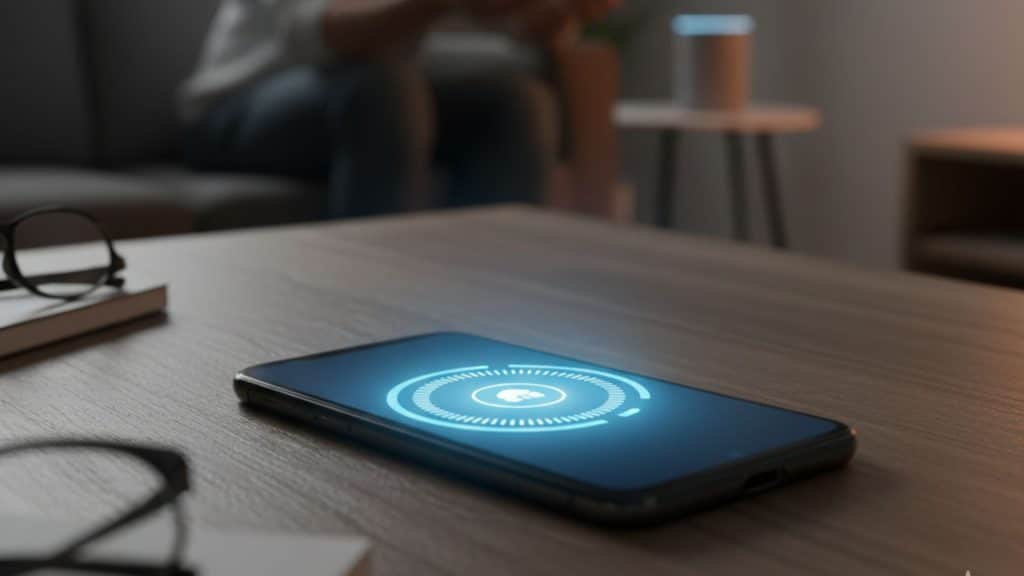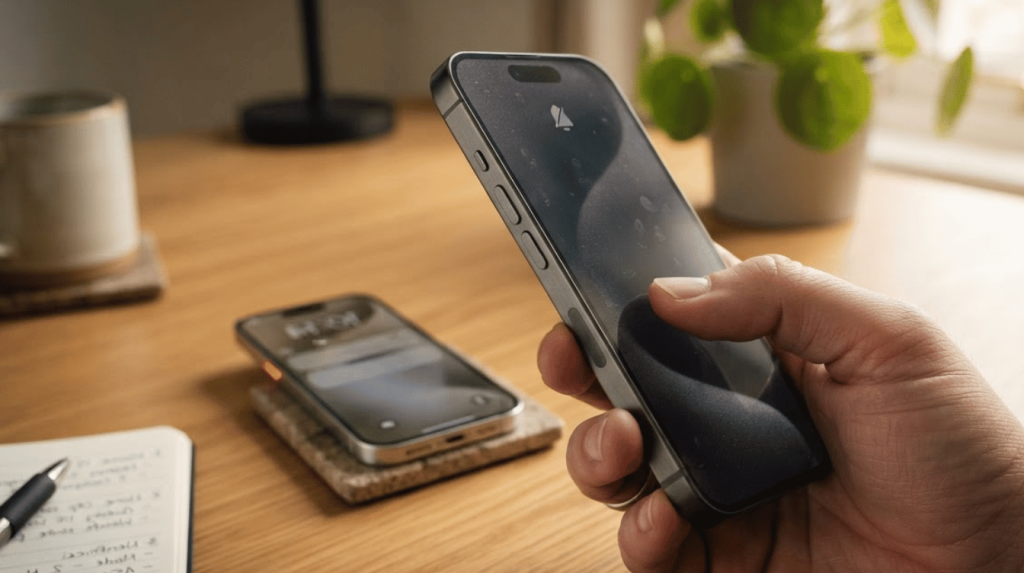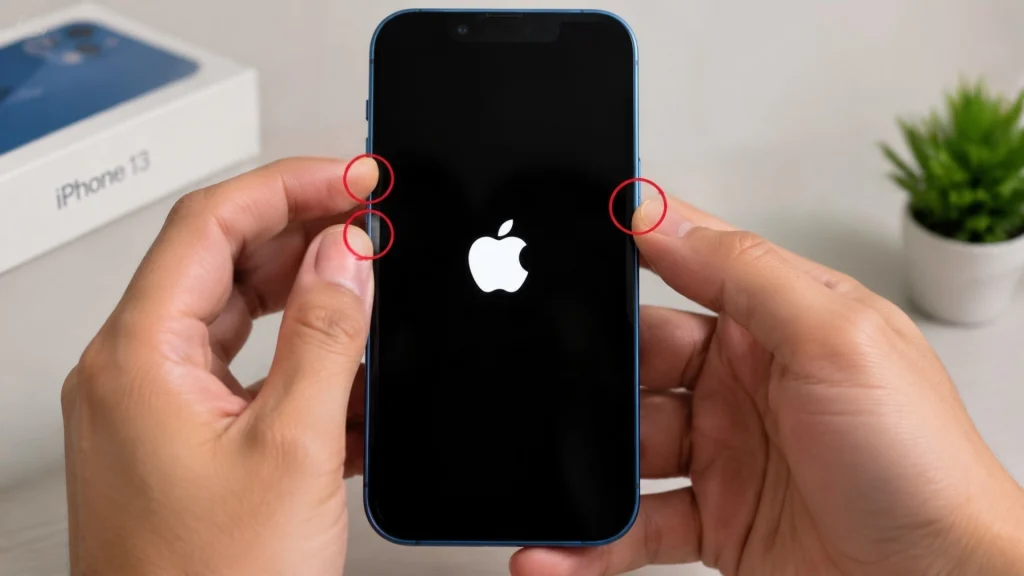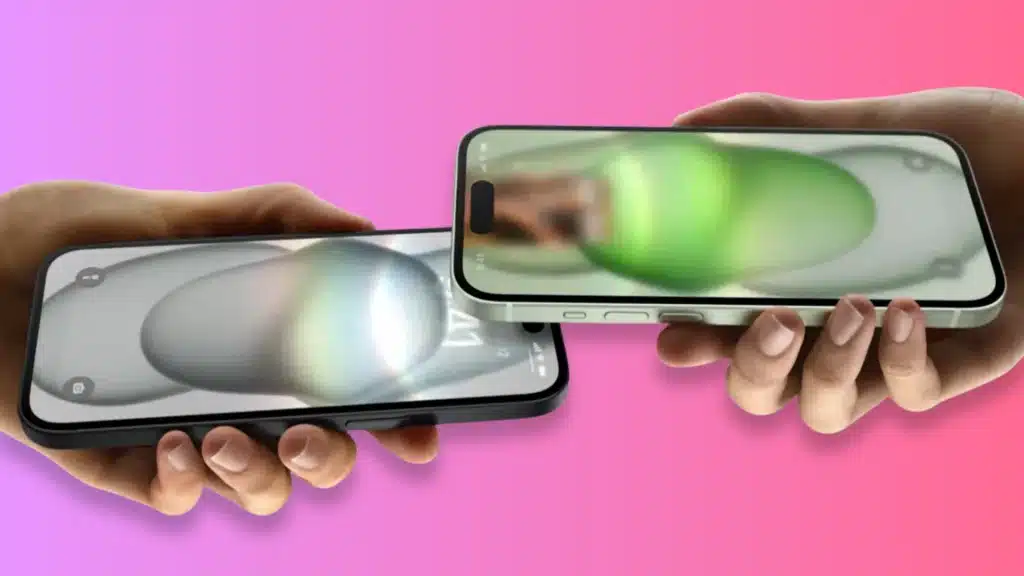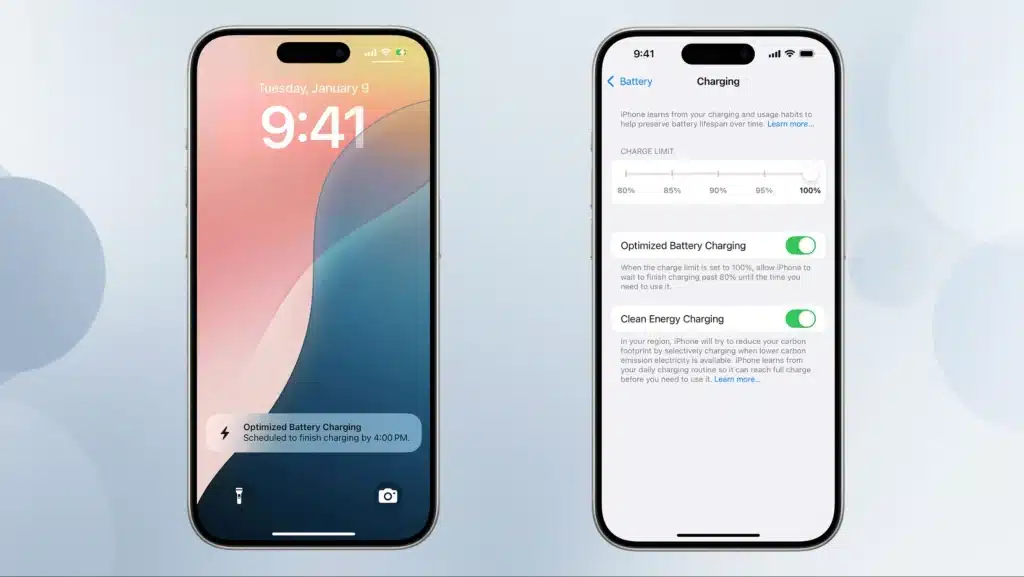
Your phone says it’s charging, but the battery won’t go past 80 percent. Annoying? Yes. Broken? Usually not.
So what is optimized battery charging? It’s a smart feature that slows charging near 80 percent and finishes closer to when you normally unplug. Apple calls it Optimized Battery Charging, Google calls it Adaptive Charging, and Samsung calls it Battery Protection.
The goal is simple: reduce the time your phone sits at full charge, which can slow lithium-ion battery wear. It’s on by default on many modern phones, but it’s not perfect.
If your schedule changes often, the feature can feel unpredictable, which is why some people look up how to turn off optimized battery charging rather than live with it.
What Optimized Battery Charging Actually Does
Optimized battery charging works in two stages. Your phone charges quickly and normally up to around 80 percent, the same as it always would.
After that, it slows down or pauses based on machine learning that tracks when you usually unplug. The system needs a real pattern before it kicks in, and a few things shape when it activates:
- Charging Location: It tends to engage at places you charge often, like your bedroom overnight
- Charging Duration: It needs to predict a long stretch plugged in, not a quick top-up between meetings
- Consistency: Apple notes the feature needs roughly two weeks and about nine long charging sessions in one spot before it fully learns your habits.
Until then, your phone charges to 100 percent every time, just as before the feature existed.
Why Does Your Phone Even Bother Doing This
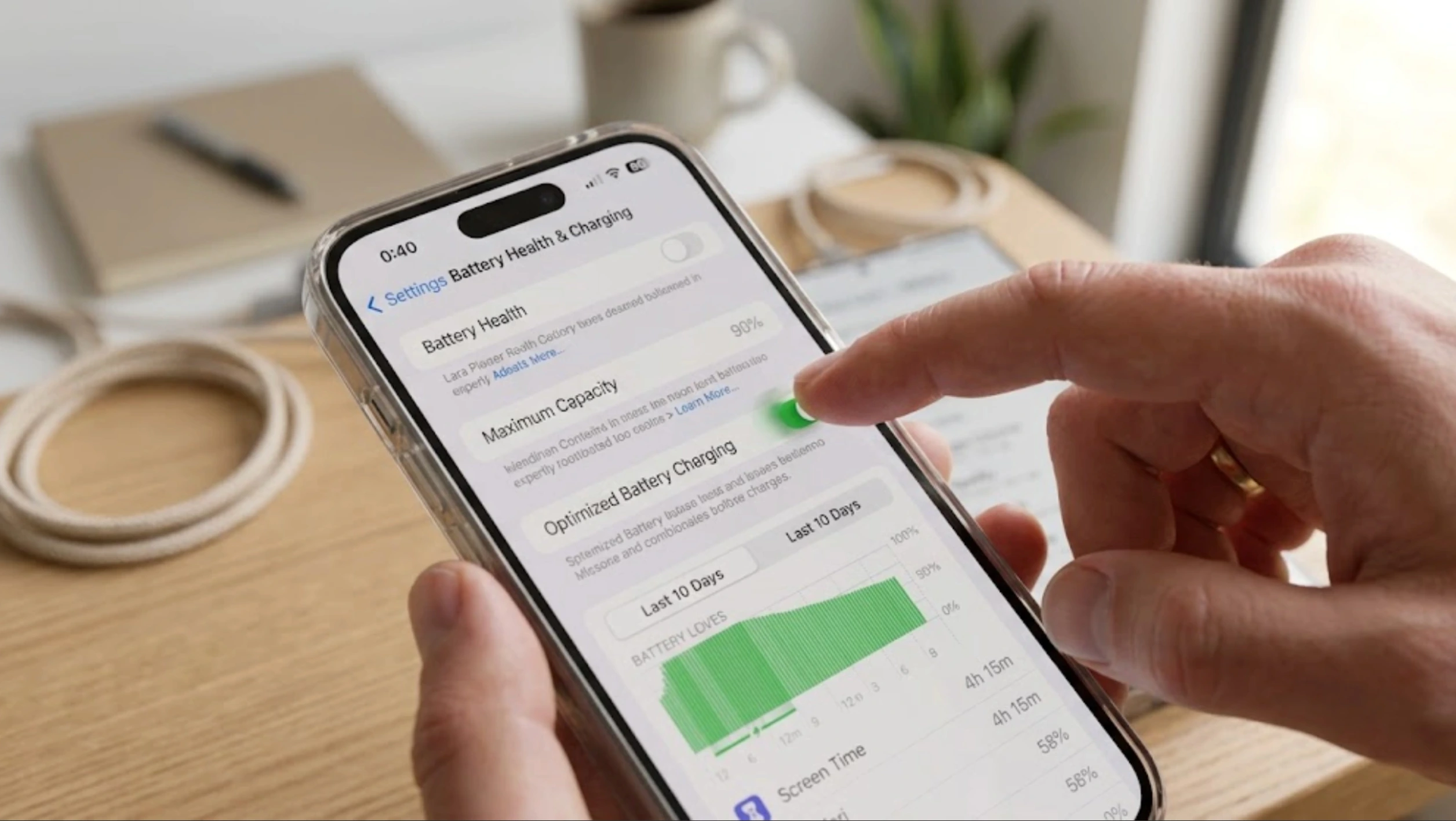
Lithium-ion batteries do not usually fail at once. They lose capacity slowly as they age, but certain conditions can accelerate that process.
Heat is one major factor, and staying at a full charge for too long is another. Optimized battery charging helps reduce that stress by delaying the final part of charging until closer to when you usually unplug.
- Battery Wear is Gradual: Capacity drops over time with normal use.
- Heat Speeds Aging: High temperatures can make the battery wear faster.
- Full Charge Adds Strain: Sitting near 100 percent for hours puts extra stress on the cells.
- Optimized Charging: It does not stop aging, but it can slow one part of battery wear.
None of these factors act alone. Managing heat and charge levels together gives your battery the best chance at holding onto capacity for as long as possible.
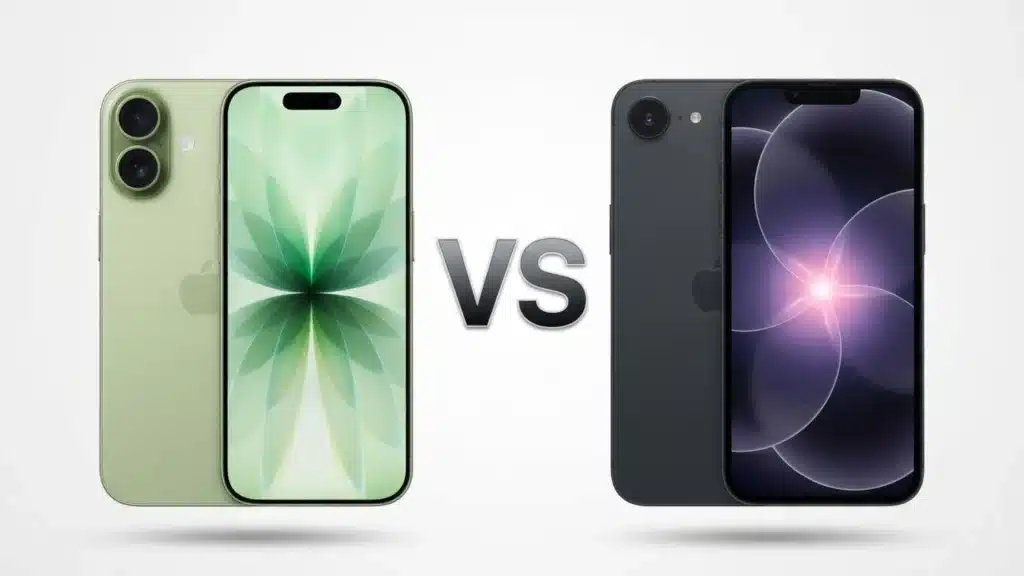
iPhone vs Android: Same Idea, Different Names
The feature goes by different names depending on your phone, but the underlying mechanism is nearly identical.
| Brand | Feature name | How it behaves |
|---|---|---|
| Apple (iPhone, Apple Watch) | Optimized Battery Charging | Charges to 80%, delays the rest until close to your usual unplug time |
| Google (Pixel) | Adaptive Charging | Learns your alarm and sleep pattern, slows charging overnight |
| Samsung (Galaxy) | Battery Protection | Basic, Adaptive, or Maximum modes, with a hard cap around 80 to 85% |
Apple Watch runs on the same logic as iPhone, and it matters just as much there since watch batteries are smaller and age faster under stress.
If you are trying to stretch Apple Watch battery health, the same overnight charging habits apply.
How Daily Routines Influence Charging Performance
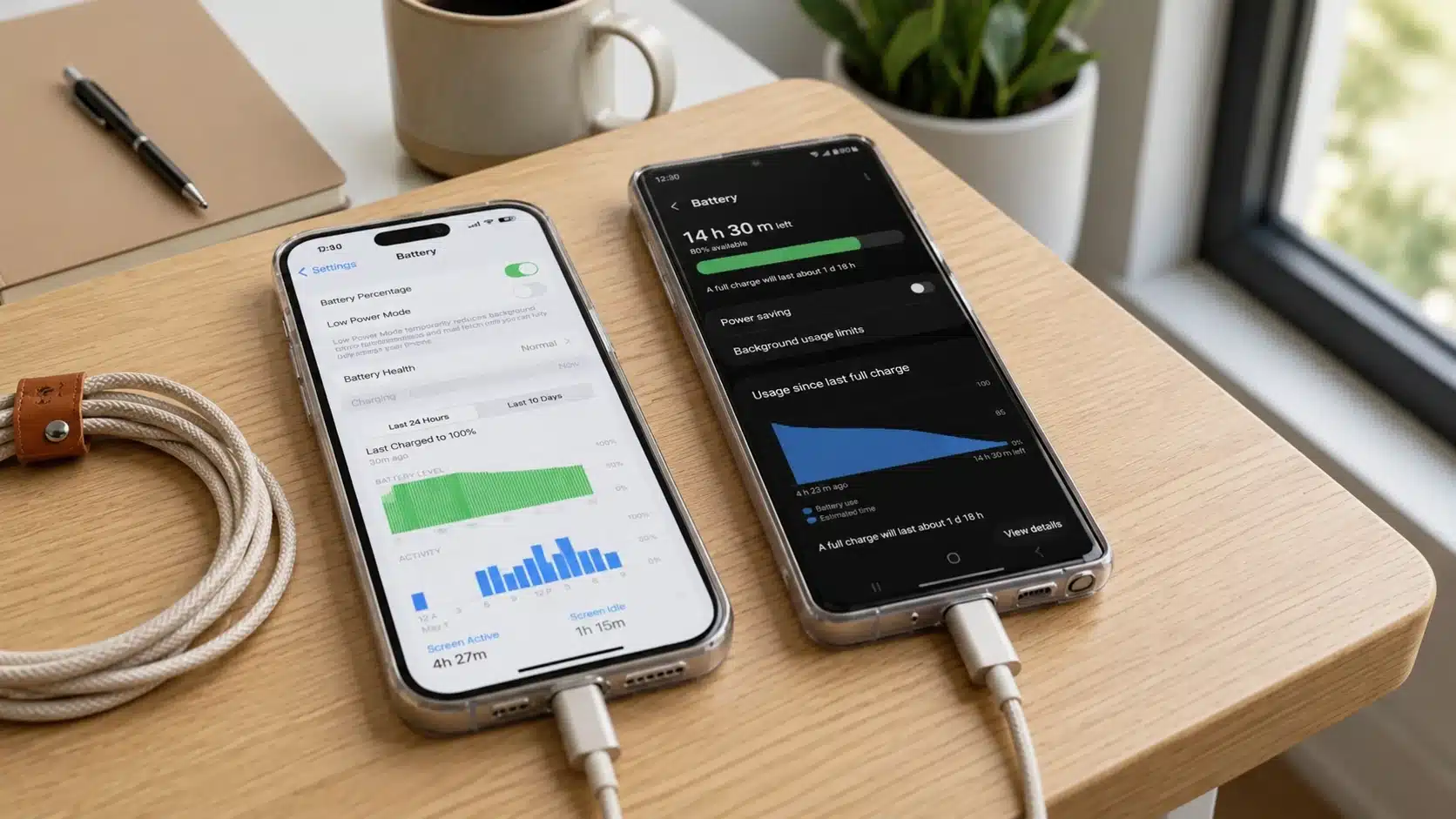
Optimized battery charging does not feel the same for everyone. For some users, it quietly protects battery health in the background. For others, it is annoying because the phone does not always finish charging when they need it to.
Where It Works Well:
- Steady Overnight Charging: If you plug in at roughly the same time each night and wake up at roughly the same time, the feature can follow a clear pattern.
- Regular Sleep Schedule: People with predictable routines usually experience fewer charging surprises because the phone can better gauge when to finish charging.
- Long Plug-in Hours: It helps if you often leave your phone connected for several hours after it reaches full charge.
- Battery Care without Effort: The feature works automatically, so you do not have to manage charging manually every night.
Where It Can Be Frustrating:
- Irregular Schedules: Shift workers, travelers, and people with changing wake times may wake up to a phone that is not fully charged.
- Last-Minute Charging: It can get in the way when you need 100 percent quickly before leaving home.
- Portable Charging: Power banks, generators, or short charging windows may not pair well with delayed charging.
- Frustration: Some users report that the feature turns back on after being switched off, which can feel irritating if they turned it off on purpose.
In simple terms, optimized charging works best when your routine is predictable. If your schedule changes often, it may need extra attention or may not be worth keeping on.
How to Turn off Optimized Battery Charging
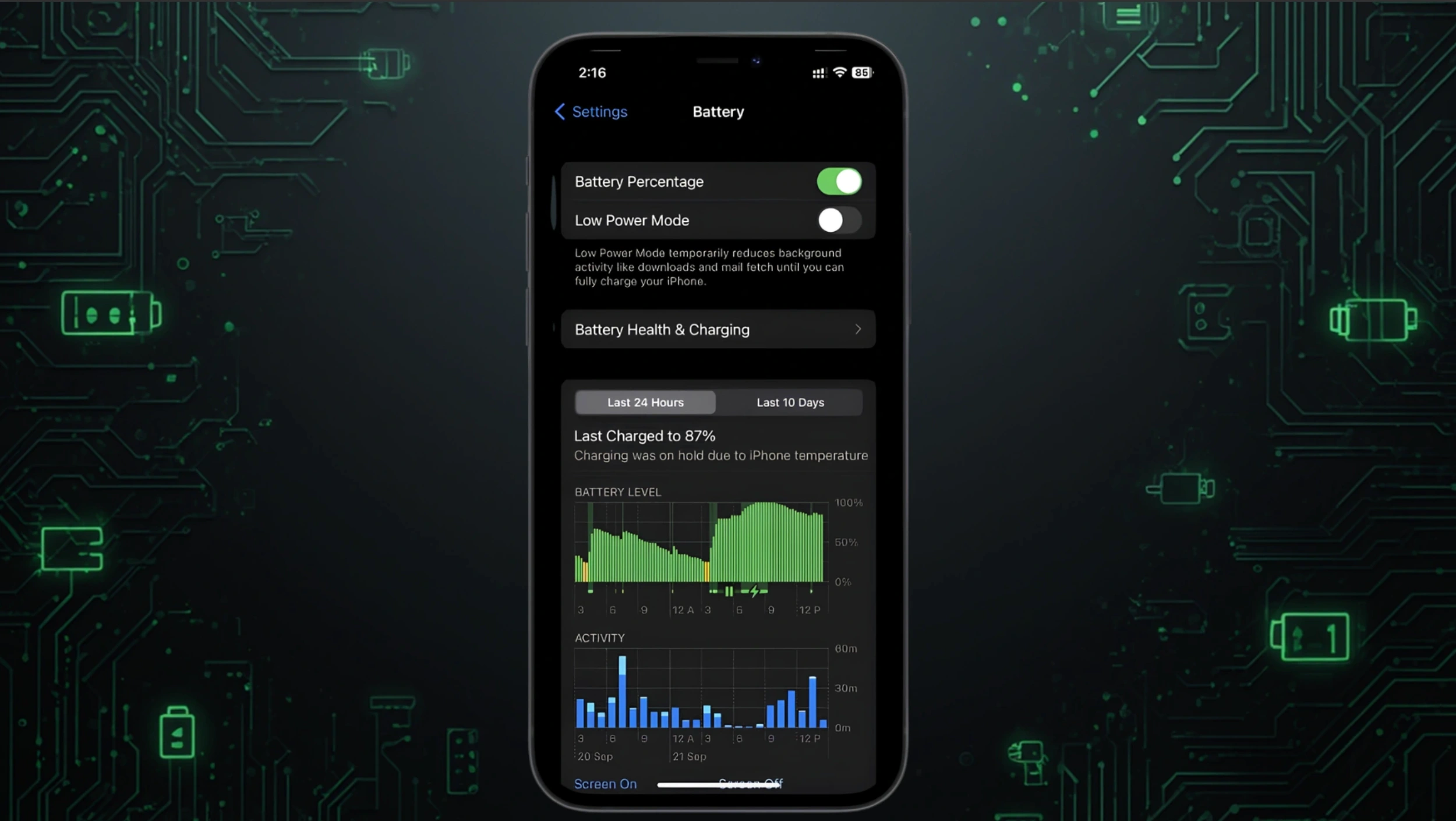
Turning It off Takes Under a Minute on Any Phone.
On iPhone:
- Open Settings and Tap Battery.
- Tap Battery Health & Charging.
- Turn off Optimized Battery Charging, or set a Charge Limit Below 100 Percent on iPhone 15 and later.
On Samsung Galaxy:
- Open Settings and Tap Battery.
- Tap Battery Protection.
- Turn off the Toggle, or Switch from Adaptive to Basic for More Manual Control.
On Google Pixel:
- Open Settings and Tap Battery.
- Tap Adaptive Charging.
- Turn off the Toggle.
Turning it back on later uses the same steps. Nothing gets deleted or reset when you flip the switch either way.
So Should You Leave It on?
There is no universal right answer, but your daily routine is a good filter.
- Steady Routine, Charge Overnight: leave it on, it is doing quiet, useful work.
- Irregular Hours or Shift Work: consider turning it off, or check it periodically since it can re-enable itself after software updates
- Traveling with a Power Bank or Generator: turn it off temporarily, then switch it back on once you are home
- Buying a New Phone Soon Anyway: it barely matters either way, though comparing iPhone battery life across models is worth doing before you upgrade.
I have left it on through two phones now and only noticed friction while traveling. For most people, plugging in at the same time every night is one of those settings worth leaving alone.
Final Charge
So what is optimized battery charging, really? Not a gimmick or a marketing checkbox, but a genuine response to how lithium-ion batteries age, built around a trade-off between convenience and battery health.
For most people with a normal routine, leaving it on quietly pays off over a year or two of ownership.
The exceptions are real, too. Irregular schedules or travel are legitimate reasons to look up how to disable optimized battery charging temporarily. Check your settings today and see which mode you are running.
Drop a comment with what you found, whether you keep it on, off, or somewhere in between. It is worth comparing notes.
Frequently Asked Questions
Does Optimized Battery Charging Slow Down How Fast My Phone Charges Overall?
Only near the top of the charge cycle. The first 80 percent charges at normal speed, and only the last stretch gets delayed, so most of your charging time is unaffected.
Does Optimized Battery Charging Work with Wireless Chargers?
Yes, it works the same way whether you are on a cable or a wireless pad. Charging speed may differ between wired and wireless setups, but the optimization logic applies in either case.
Will Turning It Off Make My Phone Charge Faster?
Only during that final stretch above 80 percent, since the rest of the cycle already runs at full speed. Turning it off means your phone keeps charging straight to 100 percent instead of pausing at that point.
Does Optimized Battery Charging Affect Fast Charging Cables or Bricks?
No, it works independently of the charger or cable you use. Fast-charging hardware still delivers power at full speed up to around 80 percent, either way.