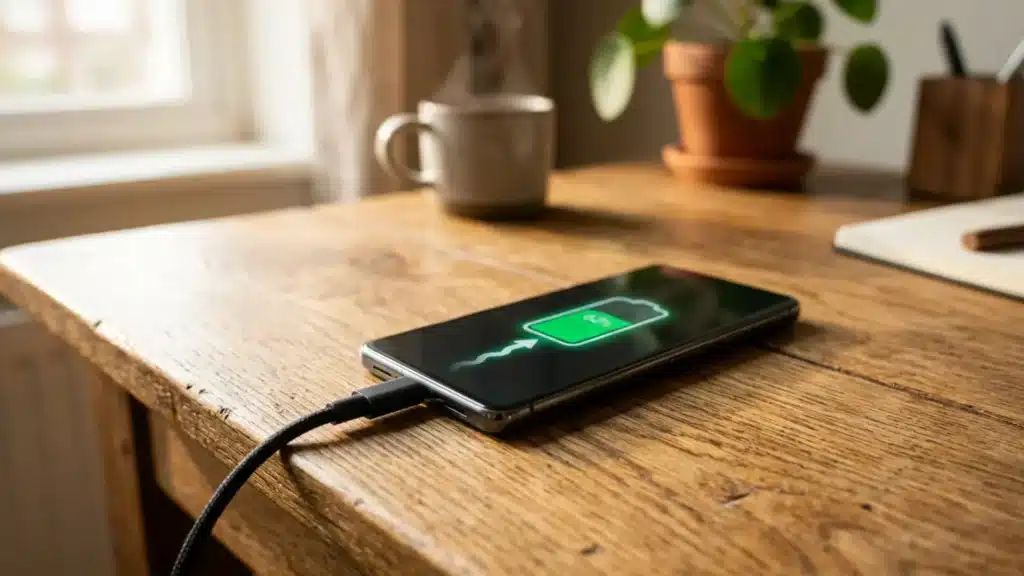
Your phone is at 12 percent, you have only a few minutes left, and the charging bar barely seems to move.
Annoying, right? The good news is that slow charging is not always your phone’s fault. Sometimes the charger, cable, phone settings, or heat are quietly slowing things down.
If you want to know how to make your phone charge faster, this guide breaks down the simple fixes that can help you get more battery in less time.
From using the right charger to adjusting a few quick settings, small changes can make a big difference.
You might be surprised how much faster your phone can charge with just a few tweaks, whether at home, at work, or on the go.
Why Your Phone Charges Slower Than It Should
Your phone may charge slowly even when it shows the charging icon. This usually happens when the charger, cable, or power source is not strong enough for your phone. A weak wall adapter, damaged cable, or laptop USB port can limit charging speed.
Your phone may also slow down if you use it while charging, especially when gaming, making video calls, using maps, or streaming.
Heat is another common reason: when the battery gets too warm, the phone lowers the charging speed to protect itself.
Background apps, old batteries, and dirty charging ports can also make charging feel slower than normal.
In most cases, the problem isn’t just one thing; it’s usually a mix of power, heat, and phone activity, and understanding this mix is the first step toward charging the phone faster and more consistently.
Methods that Make Your Phone Charge Faster
A few small changes can help your phone charge faster, especially when the charger, cable, settings, and battery temperature are working in your favor.
1. Check Your Phone’s Max Charging Wattage
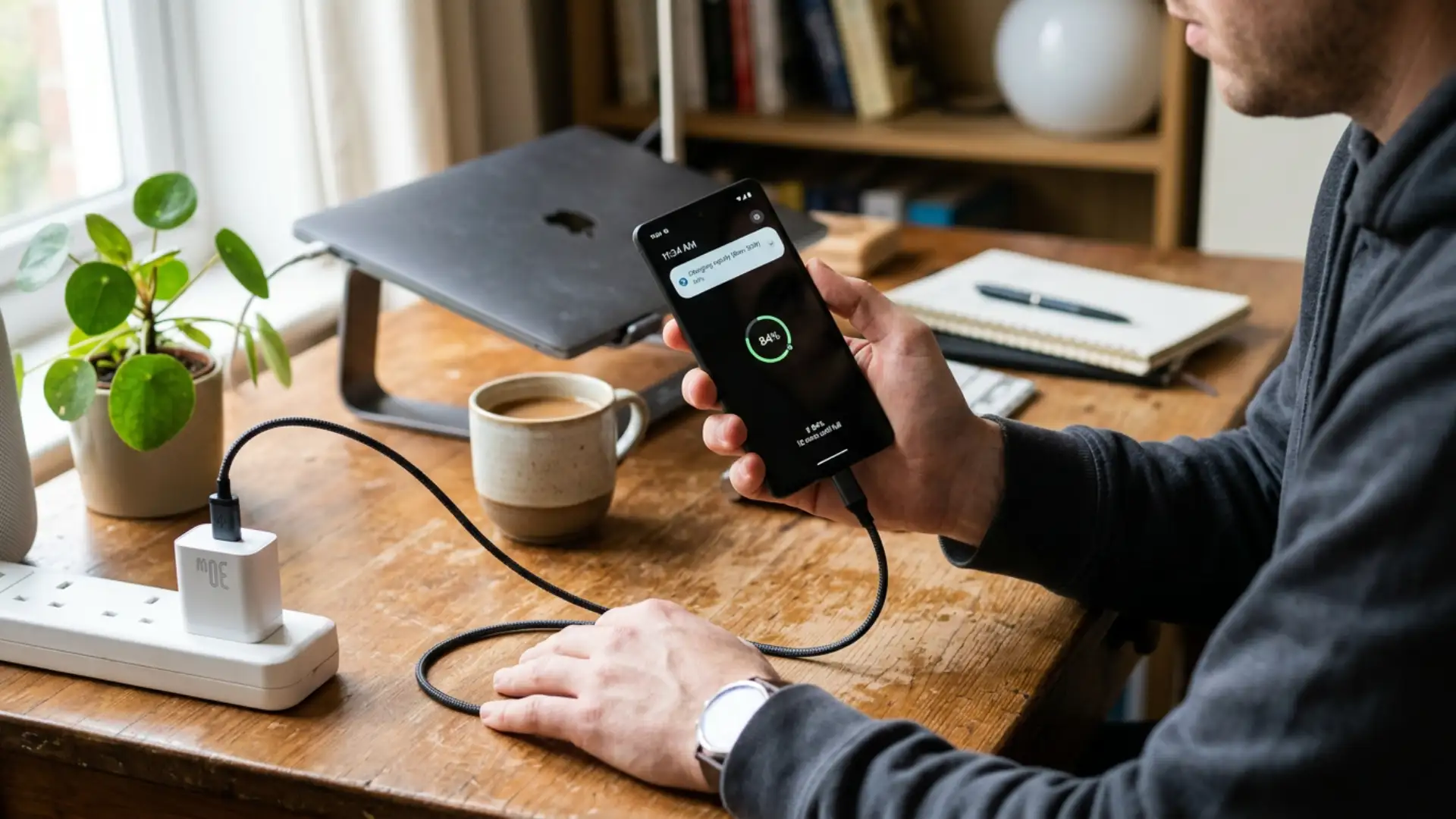
Every phone has a charging limit. For example, if your phone supports 25W charging, it will not charge faster than 25W, even with a 65W or 100W charger.
Before buying a new charger, check your phone’s spec sheet or charging settings to see its maximum supported wattage.
This helps you choose the right charger and avoid spending extra money on power your phone cannot actually use.
2. Use a USB-PD or Compatible Fast Charger
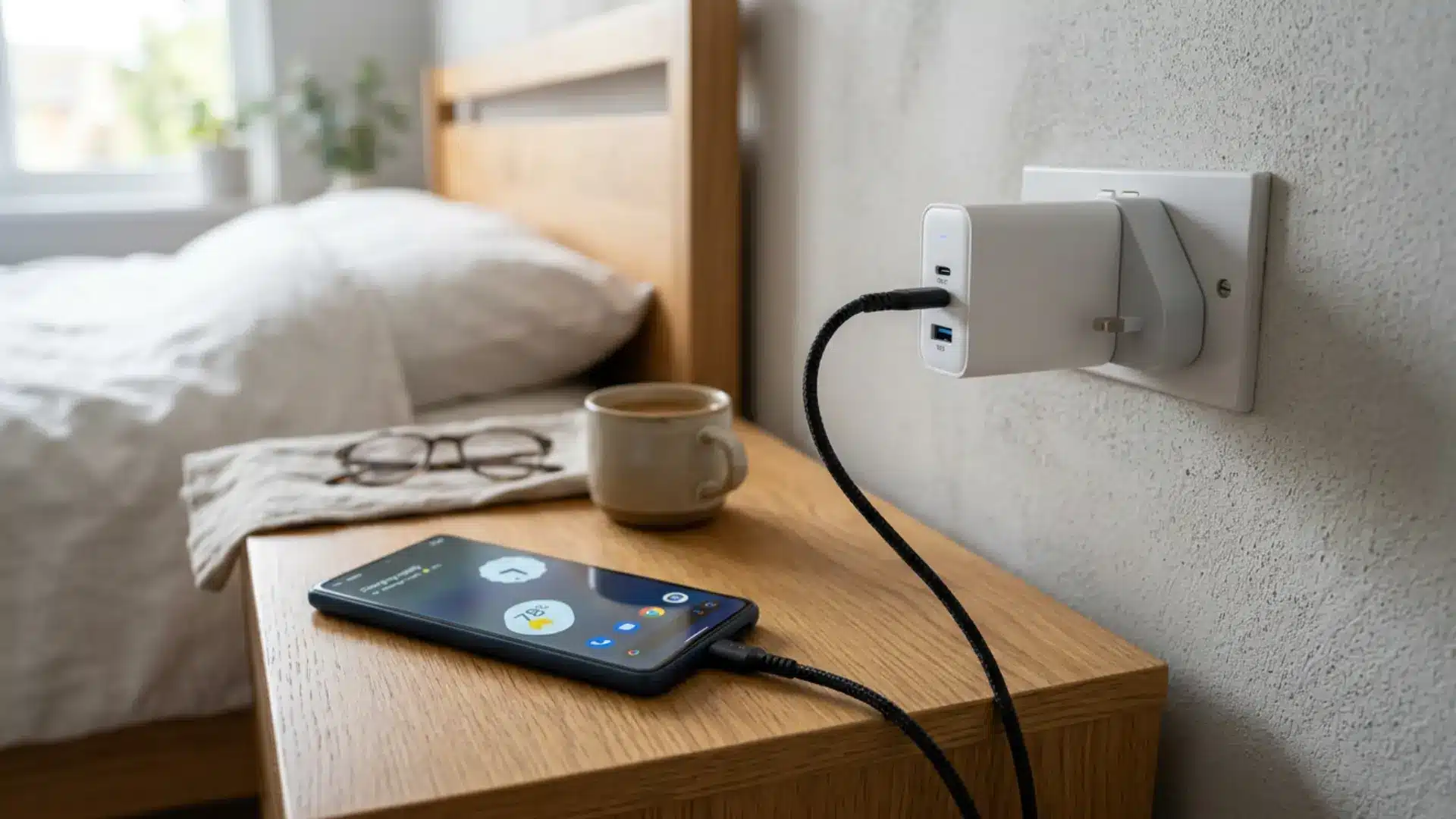
Wattage is not the only thing that decides charging speed. Your phone and charger also need to support the same charging standard.
USB Power Delivery, often called USB PD, is one of the most common standards today, especially as more brands move toward USB-C charging.
Some Android brands also use their own fast-charging systems, such as SuperCharge or TurboPower. These can charge faster, but they usually work best with the brand’s certified charger and cable.
Matching your charger to the right standard is one of the most reliable ways to make your phone charge faster in practice, so compare the supported wattage and charging protocol rather than relying solely on the “fast charger” label.
3. Use a Cable Rated for Fast Charging
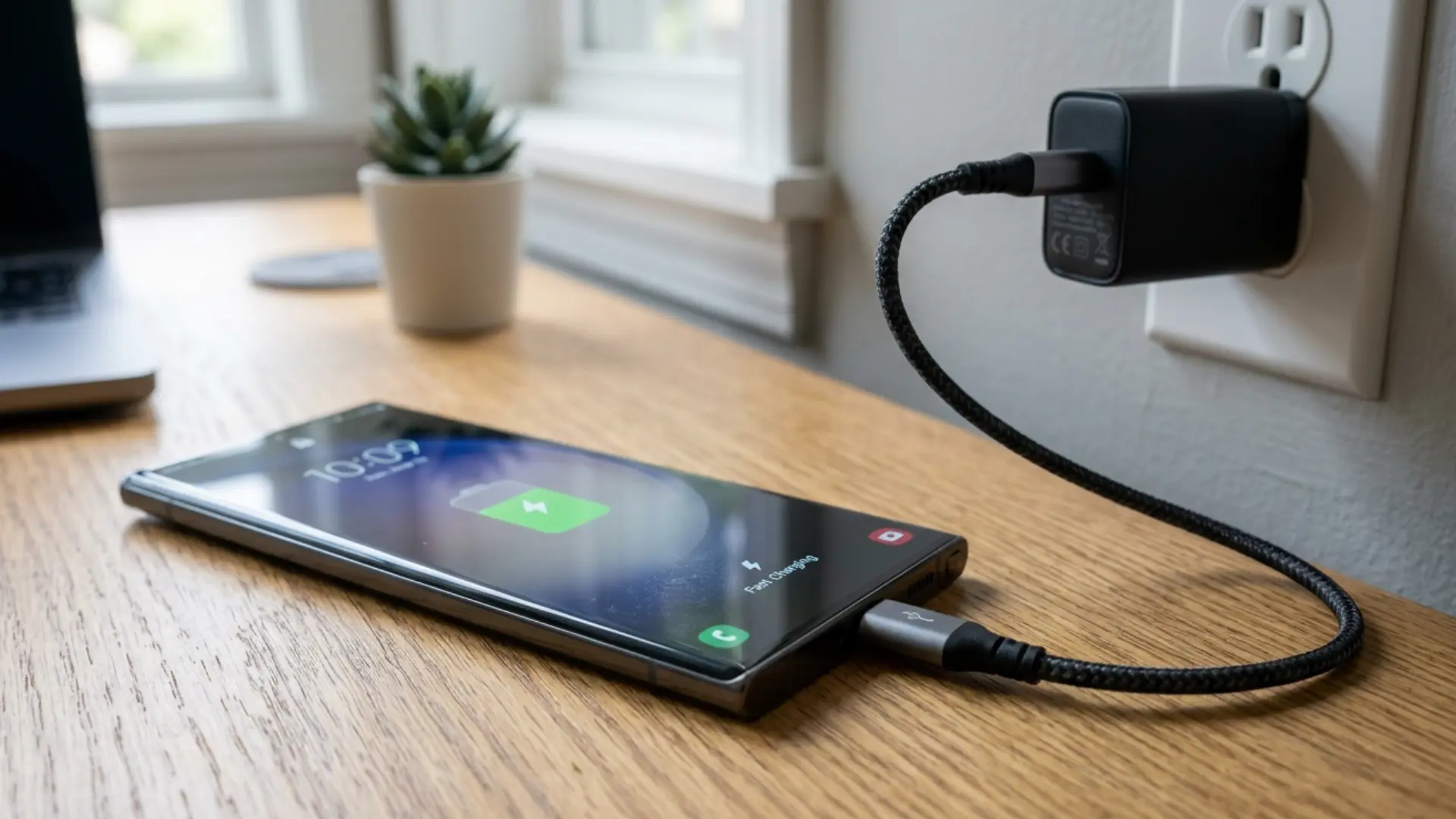
A charger can only deliver the power your cable can safely carry. Cheap, thin cables often limit charging speed, even when paired with a fast charger, so choose a cable rated for your charger’s wattage.
For 100W or higher charging, use a cable with an e-marker chip, since standard cables usually support up to 60W.
4. Plug into a Wall Outlet, Not a USB Port
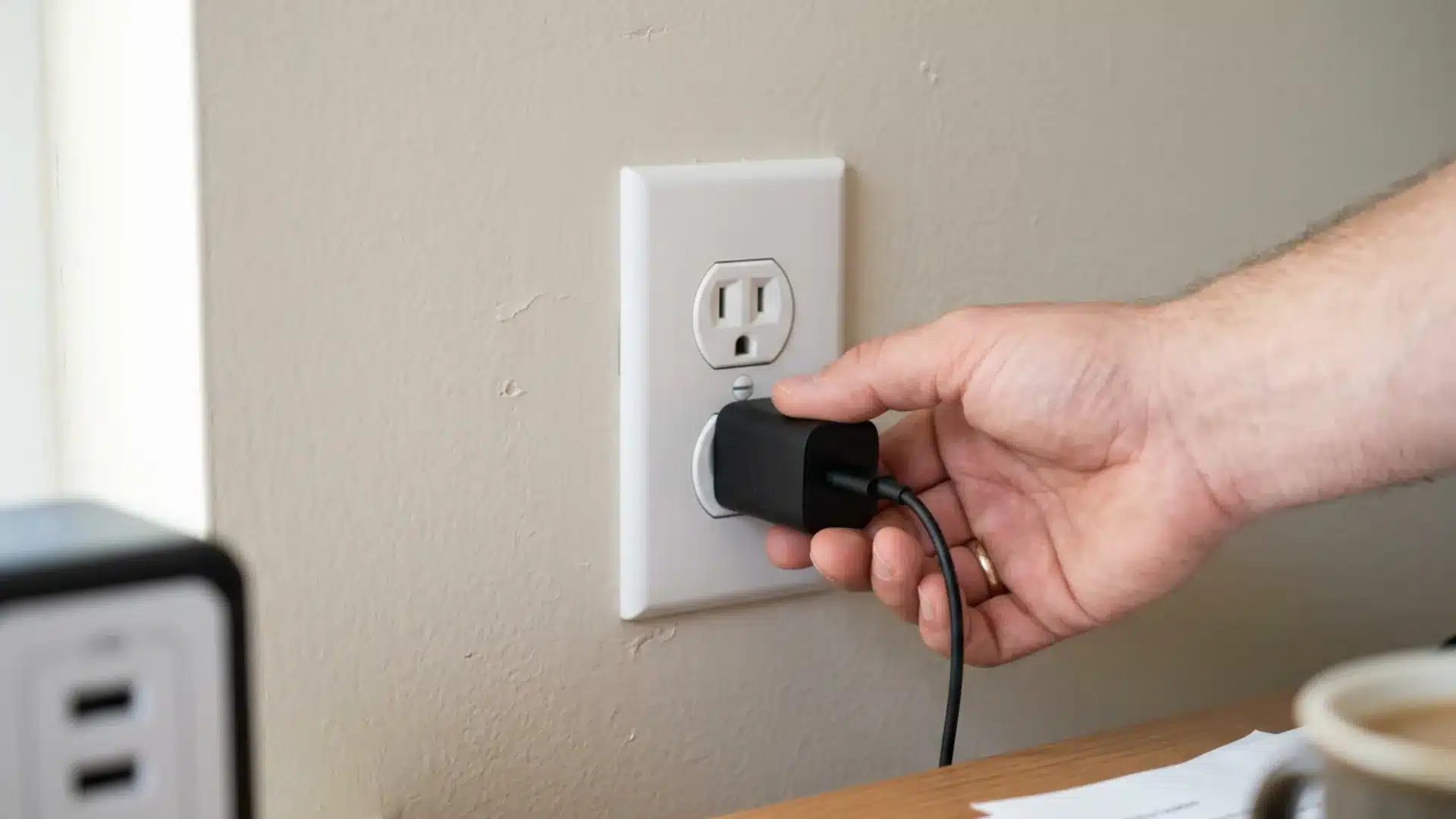
Where you plug in matters as much as what you plug in.
- Wall outlet: delivers the full rated output of your charger, often 20W to 100W plus.
- Computer USB port: typically limited to 2.5–4.5W, depending on the USB generation.
- Car USB port: usually closer to a computer port than a wall outlet, unless the car specifically supports fast charging.
If your phone is charging more slowly than expected and you’re plugged into a laptop, that’s usually the problem.
5. Turn on Airplane Mode
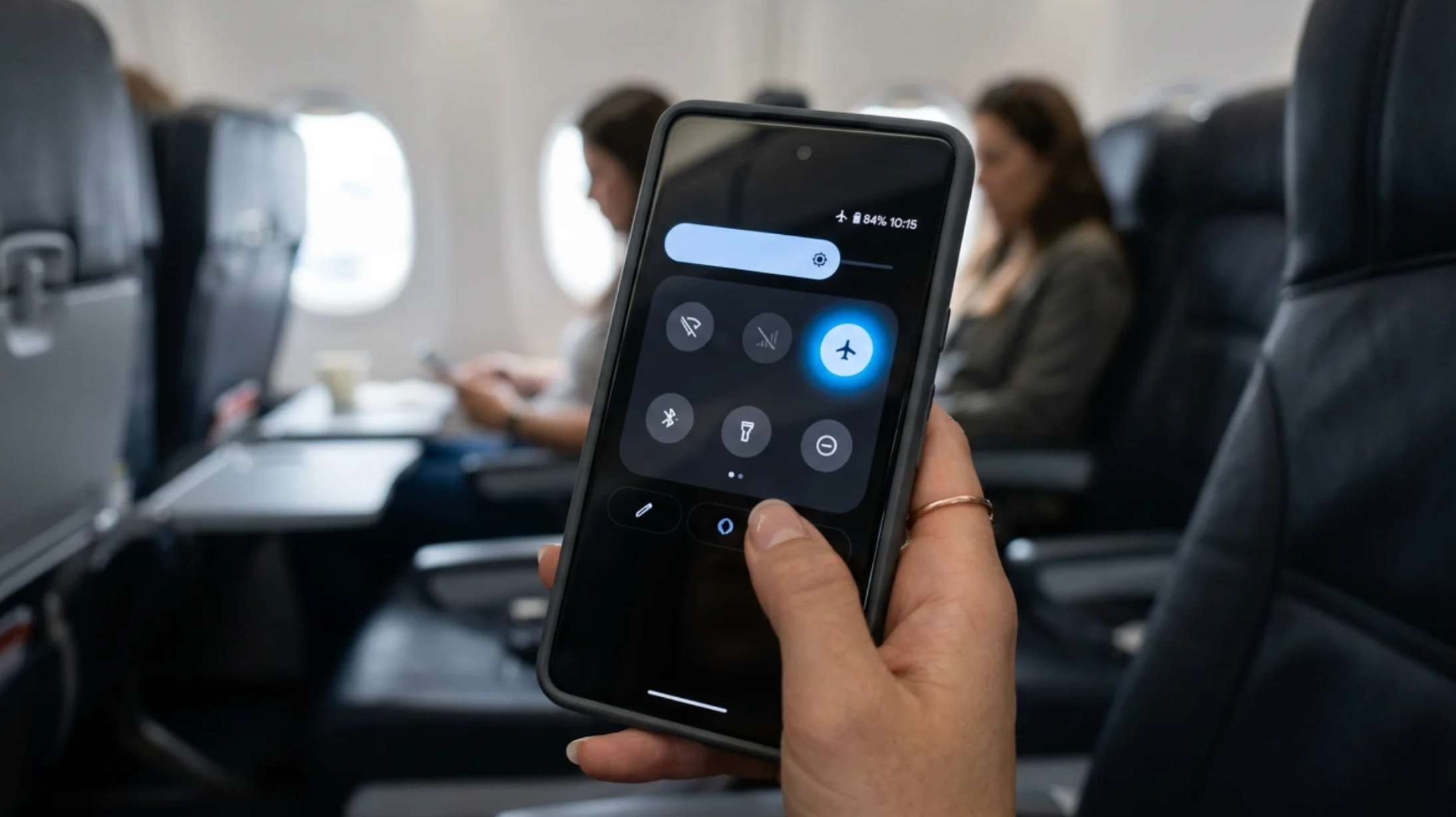
Cellular, Wi-Fi, Bluetooth, and GPS radios continue using power in the background, even when your phone is idle.
Turning on airplane mode temporarily shuts most of these connections off, so more power goes toward charging instead of staying connected.
This can noticeably reduce charging time, especially in weak-signal areas where your phone uses extra energy searching for a stable network.
6. Turn the Phone Off, or At Least Leave It Alone
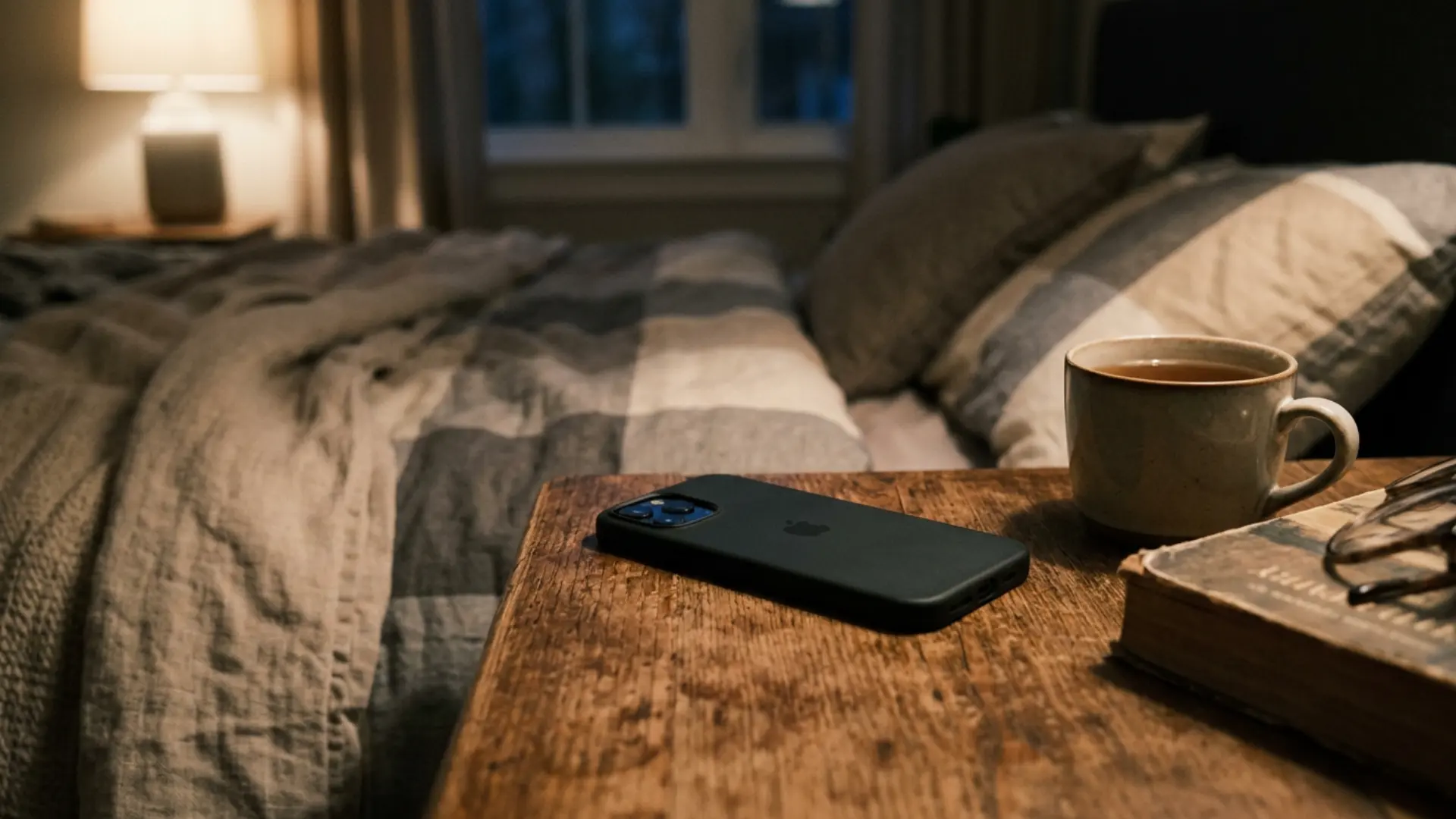
Turning your phone off is the fastest way to charge it because nothing is using power in the background.
If you need to stay available, leave the phone alone while it charges; watching videos, scrolling, or gaming keeps the screen and processor working, which slows charging.
A charged power bank can also help when you need extra battery without using the phone while it’s plugged in.
7. Close Background Apps
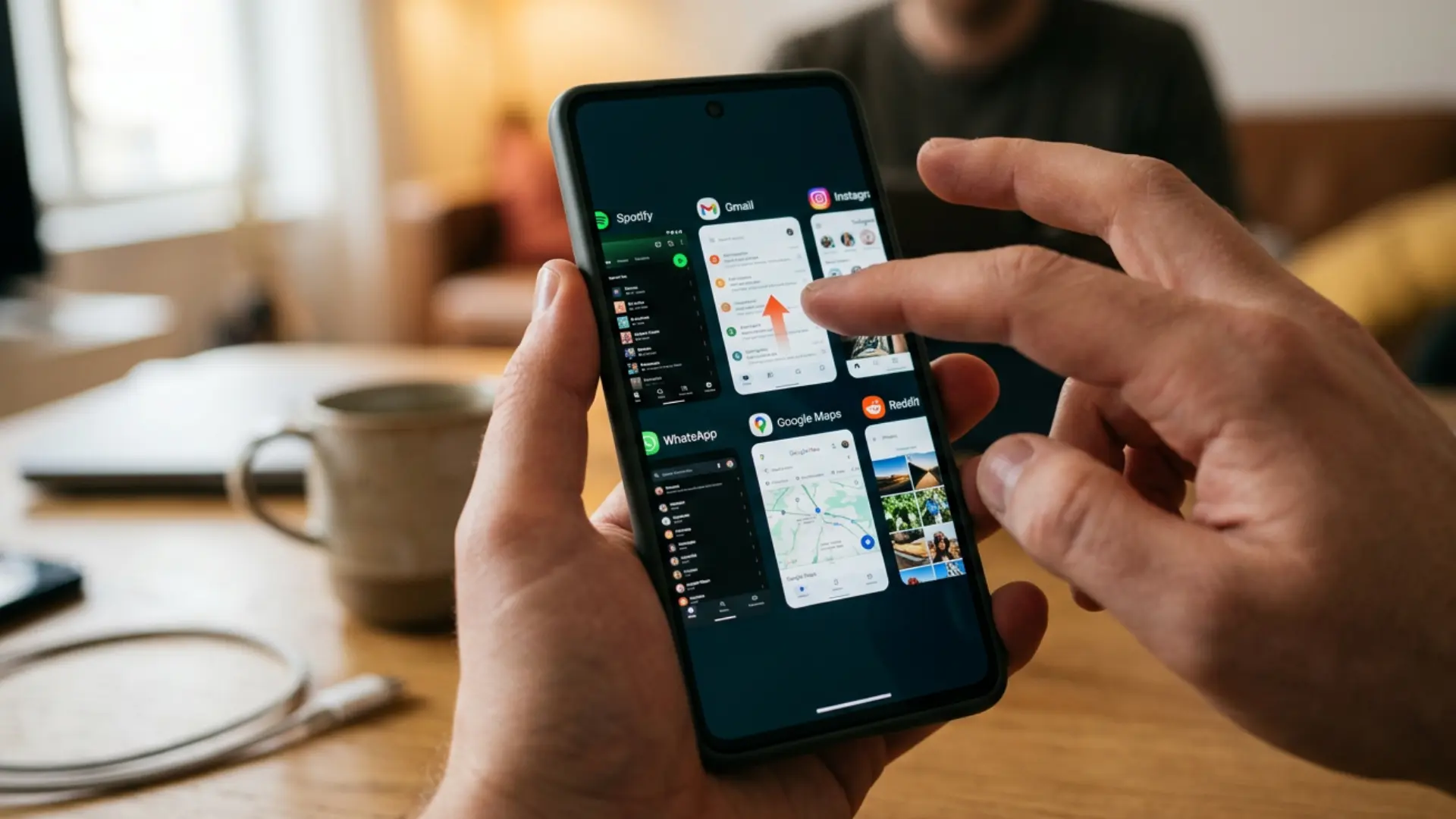
Apps you close can still keep working in the background. They may sync data, refresh content, check for updates, or send notifications even when you’re not using them.
On both iOS and Android, background refresh settings allow this activity, which can use battery while the phone charges. Turning off background refresh for apps you don’t need right away helps the charger work faster because less power is being used at the same time.
8. Take the Case Off and Keep It Cool
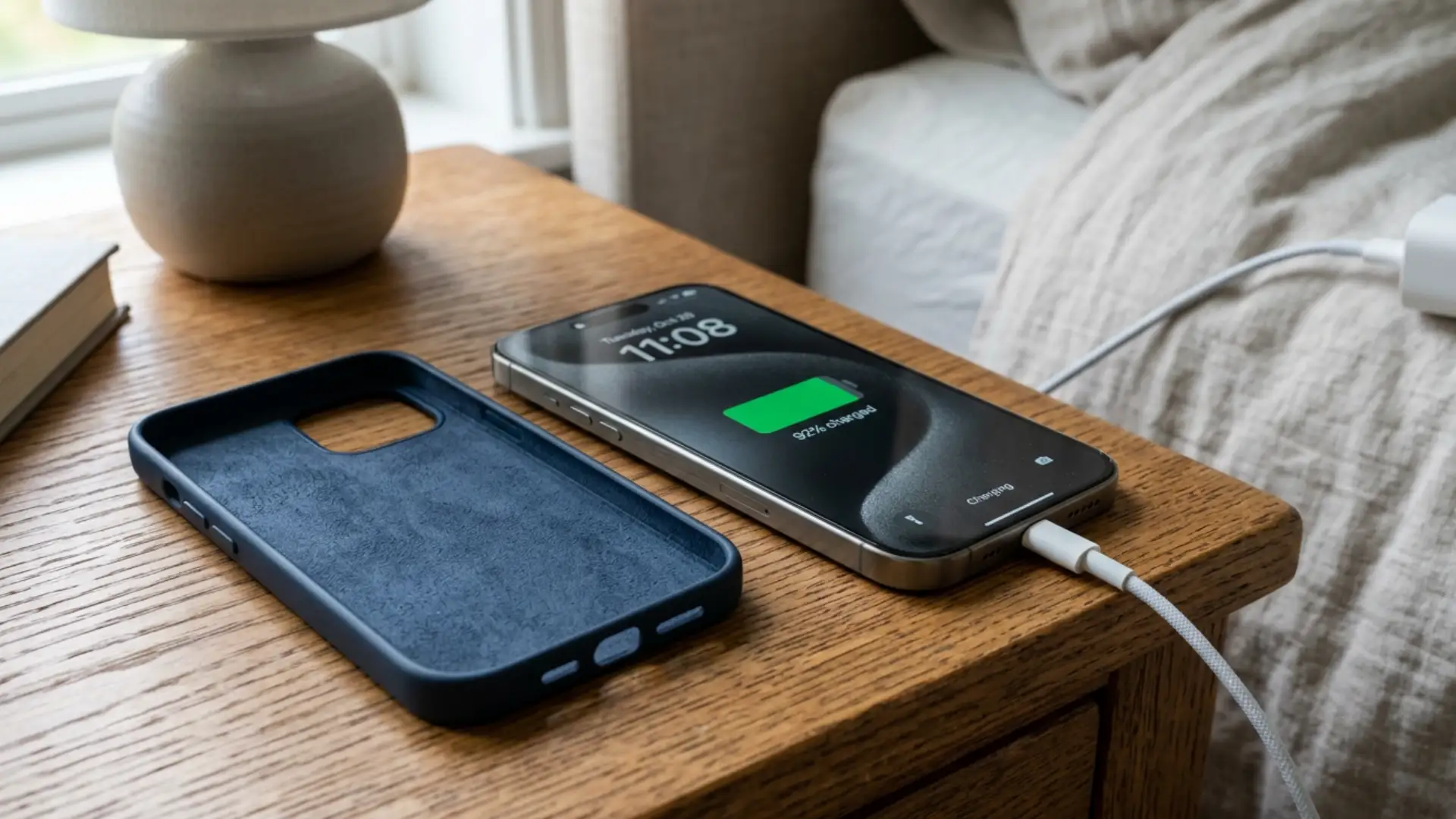
Heat can slow down charging more than most people realize. Lithium-ion batteries are designed to reduce charging speed when the phone gets too warm; this protects the battery from damage, but it also means the phone takes longer to reach full charge.
Apple’s own guidance on thermally limited charging confirms this is a built-in safety behavior, not a fault.
A thick phone case can trap heat around the device, especially during fast charging, and charging in direct sunlight, on a bed, or on any warm surface can worsen the problem.
For faster charging, remove the case while the phone charges; a slim or vented case can also help keep heat from building up.
9. Skip Wireless Charging When You’re in a Hurry

Wireless charging is convenient, but it’s usually not the fastest option. Some energy is lost as heat during wireless transfer, so the phone often charges more slowly than it would with a cable.
For more on how that heat trade-off affects your battery’s long-term health, this breakdown of wireless charging and battery health covers it well.
Wireless works well for overnight charging or casual top-ups during the day. But when you need a battery quickly, a wired charger is the better choice because it delivers power more directly and wastes less energy.
Bonus: Keep Software Updated and Ports Clean. Phone makers often improve charging speed, battery safety, and heat control through software updates, so check Settings for any pending update. Also inspect the charging port. Dust, lint, or small debris can build up inside over time and stop the cable from connecting properly, which can cause slow charging, a loose connection, or charging that keeps stopping without a clear reason.
Common Mistakes That Slow Charging Down
Most of the time, the problem comes from heat, weak cables, or overusing the phone while it charges.
- Using a mismatched charger: A high-wattage charger paired with an old or slow cable still creates a cable-limit bottleneck.
- Charging with a thick case on: Trapped heat forces the battery to throttle its own charge rate.
- Ignoring a worn or fraying cable: Damaged cables lose conductivity and can significantly reduce charging speed before they fail outright.
- Using the phone heavily while plugged in: Gaming or streaming during a charge session can slow the process to a crawl, even on a fast charger.
Fixing these small mistakes can help your phone charge faster and keep the battery healthier over time.
Final Thoughts
A reliable power bank is worth keeping in a bag for days when none of this is an option and there’s no outlet nearby.
Getting a full charge quickly isn’t about a single trick; it’s the combination of the right hardware and a phone that doesn’t work against itself while charging.
Match your charger and cable to your phone’s actual limits, cut unnecessary power draw, and keep things cool, and most of the frustration around how to make your phone charge faster disappears.
Try one or two of these tonight and see how much faster your phone hits full charge by morning. If you’ve found a fix that works better for your setup, drop it in the comments.
Frequently Asked Questions
Does Fast Charging Damage Your Battery?
Fast charging creates more heat than regular charging, which can stress the battery over time. Using a certified charger made for your phone helps keep it safe because the phone and charger regulate the power level automatically.
Is It Bad to Leave Your Phone Charging Overnight?
Modern phones stop drawing extra power once they reach 100 percent, so overnight charging is usually safe. The main risk is heat, so avoid charging under a pillow or blanket and keep the phone on a hard, open surface while it charges.
Why Does My Phone Charge Slower When It’s Hot?
Lithium-ion batteries slow charging when they get too hot to prevent damage. This is a normal safety feature, not a problem, and charging speed usually improves once the phone cools down.
Can a Cheap Charger Damage My Phone?
Uncertified chargers may send uneven power to the battery, which can cause problems over time. Use certified chargers from trusted brands for safer and more reliable charging.