

Network problems can be frustrating, especially when your phone suddenly loses mobile data or shows service errors.
One quick fix many users try is the ##72786# network reset: refresh service and fix errors, a carrier-provisioned code that reloads network settings and reconnects your device to the service.
At the same time, many people search for a master code to unlock a phone, believing it can resolve every network issue.
In this blog, I will explain what the ##72786# network reset actually does, how it refreshes your carrier service, and how it differs from a master unlock code used to remove carrier restrictions.
What Is ##72786# Network Reset?
The ##72786# network reset code is a carrier reprovision command used on certain mobile networks to refresh the connection between your phone and the carrier system.
When you dial this code, the device contacts the carrier servers and reloads important network configuration data such as activation status, mobile data credentials, and service settings.
It is commonly used when users encounter issues such as mobile data not working, activation errors, or a sudden loss of service.
Instead of manually adjusting settings, the ##72786# network reset refreshes the carrier configuration automatically, helping the phone reconnect and quickly fix common service-related errors.
What Happens When You Dial ##72786#?
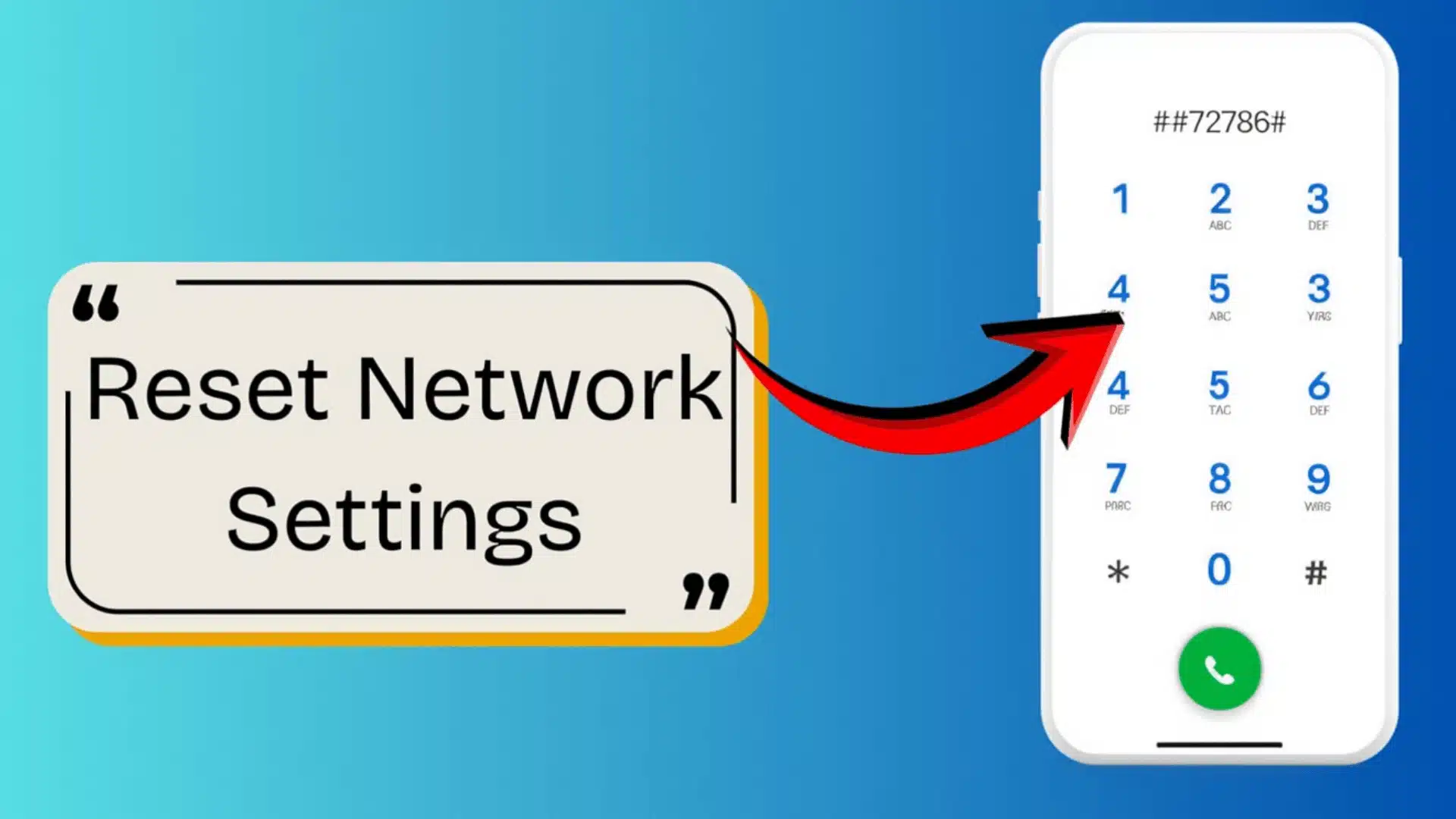
When you dial ##72786#, your phone starts a network reprovisioning process that reconnects the device with the carrier’s activation servers.
During this step, the system verifies your phone number, SIM information, and network permissions to ensure everything is correctly registered on the carrier network.
After verification, the device automatically refreshes carrier configuration settings, including mobile data credentials, service activation details, and network authentication data.
This helps remove outdated or corrupted settings that may cause connection problems.
In some cases, the process may also reset stored network preferences, which can remove saved Wi-Fi passwords or previously paired Bluetooth devices.
Mobile data or signal may briefly disconnect, but once the refresh is complete, the phone reconnects with updated network settings.
Common Problems This Code Fixes
Many network issues come from outdated carrier settings or activation glitches. This code process helps restore proper network communication.
- Mobile data not working: Refreshes carrier data settings so the phone reconnects to the mobile internet network correctly.
- Network authentication errors: Reprovisions your device with the carrier server to fix authorization failures that block network access.
- SIM configuration problems: Updates SIM-related network parameters so the device properly identifies and registers with the carrier.
- Carrier activation errors: Reloads activation data when the phone cannot complete network registration after updates or SIM changes.
- Service connection glitches: Clears outdated network configuration that can prevent calls, texts, or data from working properly.
How to Use ##72786# Network Reset?
If your phone is showing service errors or mobile data problems, using the ##72786# network reset can refresh carrier settings and restore proper network connectivity.
- Check Network Signal: Make sure your phone has at least a partial signal. The reset requires a connection to communicate with the carrier’s servers.
- Open the Phone Dialer: Launch the default calling app on your device to enter phone numbers.
- Enter the Reset Code: Type ##72786# exactly as shown. On some devices, the reset begins automatically without pressing the call button.
- Confirm the Reset: A confirmation dialog may appear, prompting you to approve the network reset. Tap OK or Reset to continue.
- Wait for Reprovision: Your phone may restart. After reboot, wait one to two minutes for the network to reconnect and refresh service settings.
I’d like to give credit to Storm’s Tech Channel for their informative video, which served as a reference for this guide.
When Does This Code Not Fix the Problem?
Although the ##72786# network reset: refresh service and fix errors method can resolve many connectivity issues, it does not solve every network-related problem.
Some issues are caused by factors outside carrier configuration settings. SIM card problems are a common reason.
If the SIM is damaged, improperly inserted, or no longer active, a network reset will not restore service. In this case, replacing the SIM may be required.
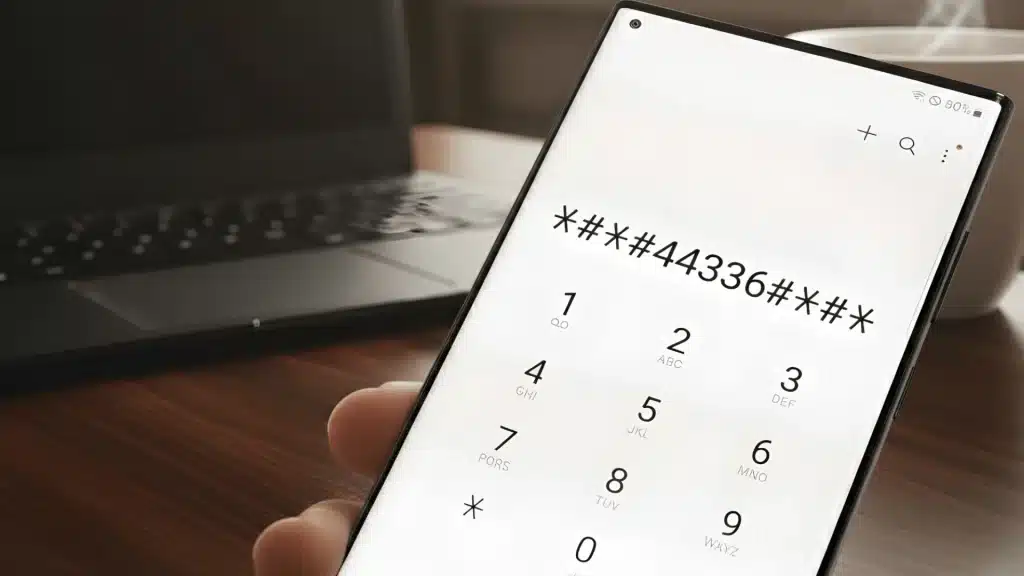
Some users also try troubleshooting codes like *#9900 on Samsung to clear system logs, but this does not fix SIM-related issues.
Carrier outages can also prevent your phone from connecting to the network. When the carrier system itself is down, no reset code can restore service until the provider resolves the outage.
Hardware problems, such as faulty antennas or internal components, may also cause signal loss that a network reset cannot repair.
Alternative Ways to Fix Network Errors
If the ##72786# network reset does not resolve connectivity issues, several simple troubleshooting methods can help restore service by refreshing network settings or reconnecting your device.
- Manual Network Reset: Reset network settings in your phone’s settings to clear saved Wi-Fi, mobile data, and carrier configurations that may cause connectivity conflicts.
- Toggle Airplane Mode: Turn it on for a few seconds, then disable it to force the phone to reconnect to nearby carrier towers.
- Reset APN Settings: Restore the default APN settings so the phone uses the correct carrier’s mobile data configuration.
- Restart the Device: A simple restart clears temporary system glitches that may interrupt signal connection or mobile data services.
- Check for Carrier Updates: Updating carrier settings ensures your phone has the latest configuration needed for stable network communication.
Conclusion
Network issues can interrupt calls, messages, and mobile data when carrier settings stop syncing properly.
Using ##72786# network reset: refresh service and fix errors can help reprovision your device and reconnect it to the carrier network.
This simple process refreshes activation details, restores data connectivity, and resolves many common service glitches without complex troubleshooting.
However, it is important to remember that this code works only with supported carriers and cannot fix hardware or SIM-related problems.
If you still face issues after trying it, further troubleshooting may be required.
If this blog helped you, drop your comments below and share your experience.







One Response
Please help me to remove the password