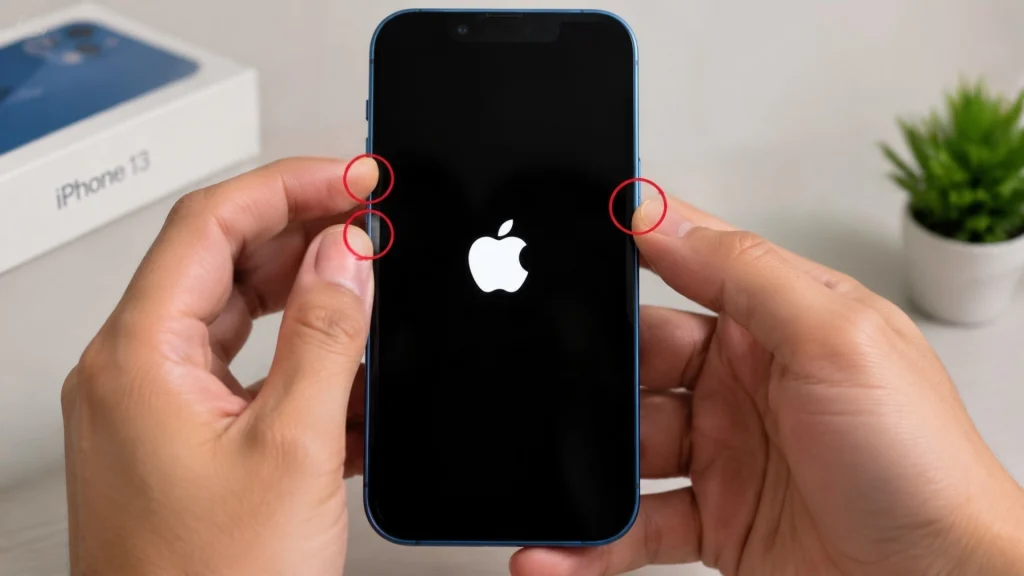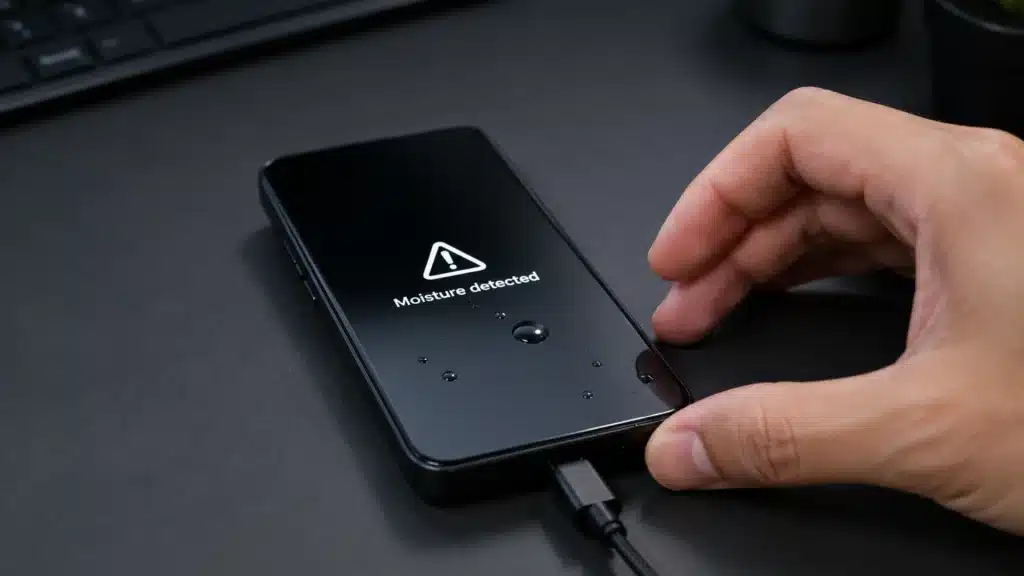
The water-detected charging port alert always shows up at the worst possible time. One minute your phone is ready to charge, and the next it refuses to charge because a warning says liquid may be inside the connector.
The odd part is that your phone may be completely dry. A liquid detected in a lightning connector message can appear because of humidity, pocket dust, condensation, a weak cable, or a sensor reading that gets thrown off.
Some people search for emergency override iPhone charging because they need power fast, but forcing a charge is not always safe.
Before panic sets in, it helps to know why the warning appears and what small checks can separate a real moisture issue from a false alarm.
What Actually Triggers a Water Detected in Charging Port Alert
The Lightning and USB-C ports on modern iPhones have small corrosion-resistant electrodes built into the connector itself. These electrodes continuously monitor changes in electrical conductivity between the pins.
Pure water conducts electricity well, so when moisture forms a bridge between two pins, the resistance drops and the phone flags liquid. That system catches real spills reliably.
The tradeoff is that it cannot always tell the difference between water and anything else that changes conductivity in a similar way.
iPhones have water-resistance limits rather than true immunity to liquid, and the sensor is tuned to be cautious. It would rather block charging by mistake than let a genuinely wet connector damage the logic board.
Common Causes of a False Liquid Detected in Lightning Connector Warning
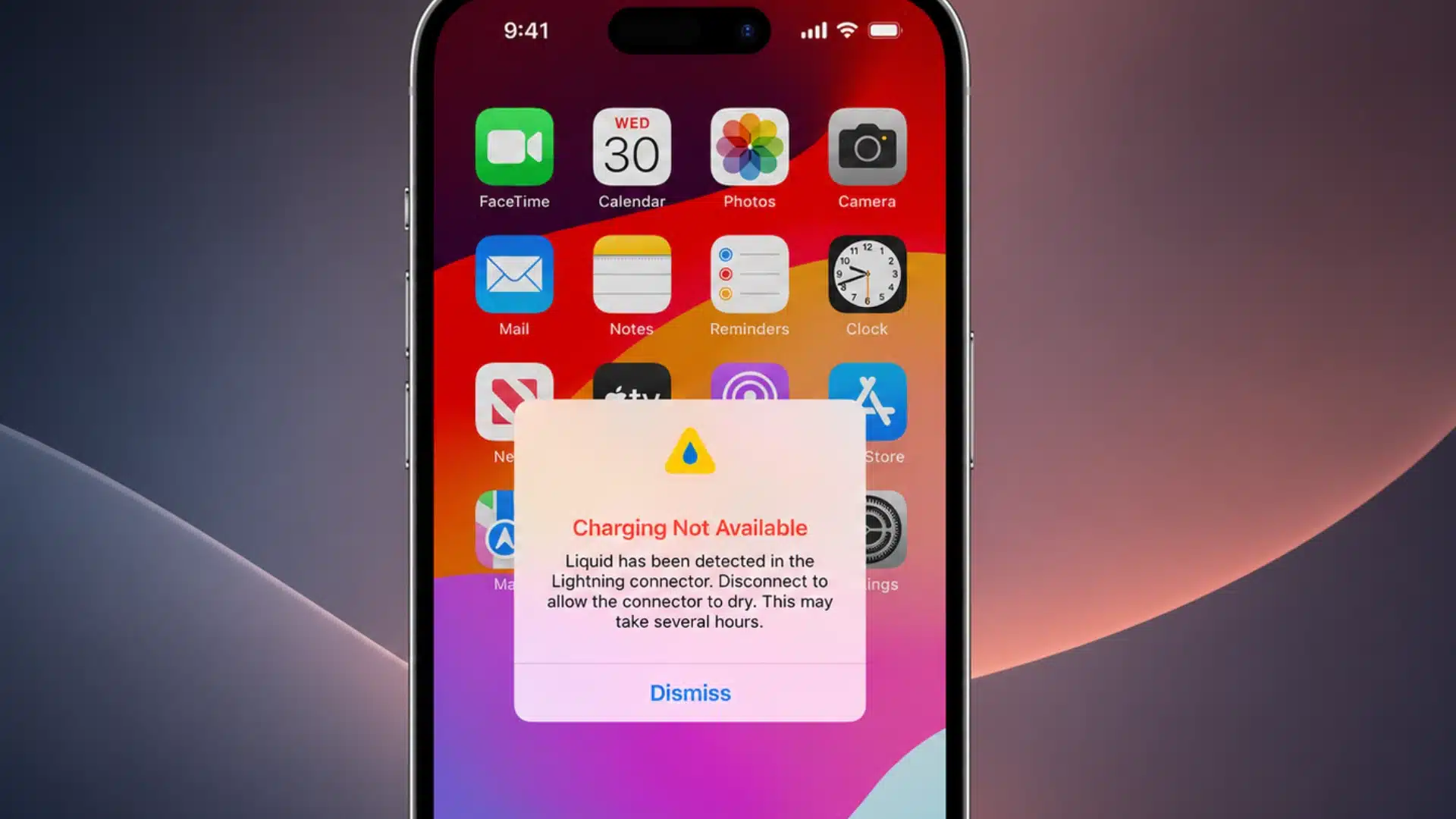
A liquid detected in a lightning connector alert with no visible water usually traces back to one of these:
- Humidity swings: Moving from an air-conditioned room into humid outdoor air, or the reverse, can leave a thin film of condensation inside the port that you would never spot with the naked eye.
- Temperature changes: Pulling your phone out of a cold car or gym bag into a warm room causes water vapor in the air to condense on the cooler metal pins.
- Dust and lint: Pocket lint packed against the pins can hold trace moisture from sweat or humidity and mimic the same resistance pattern as liquid.
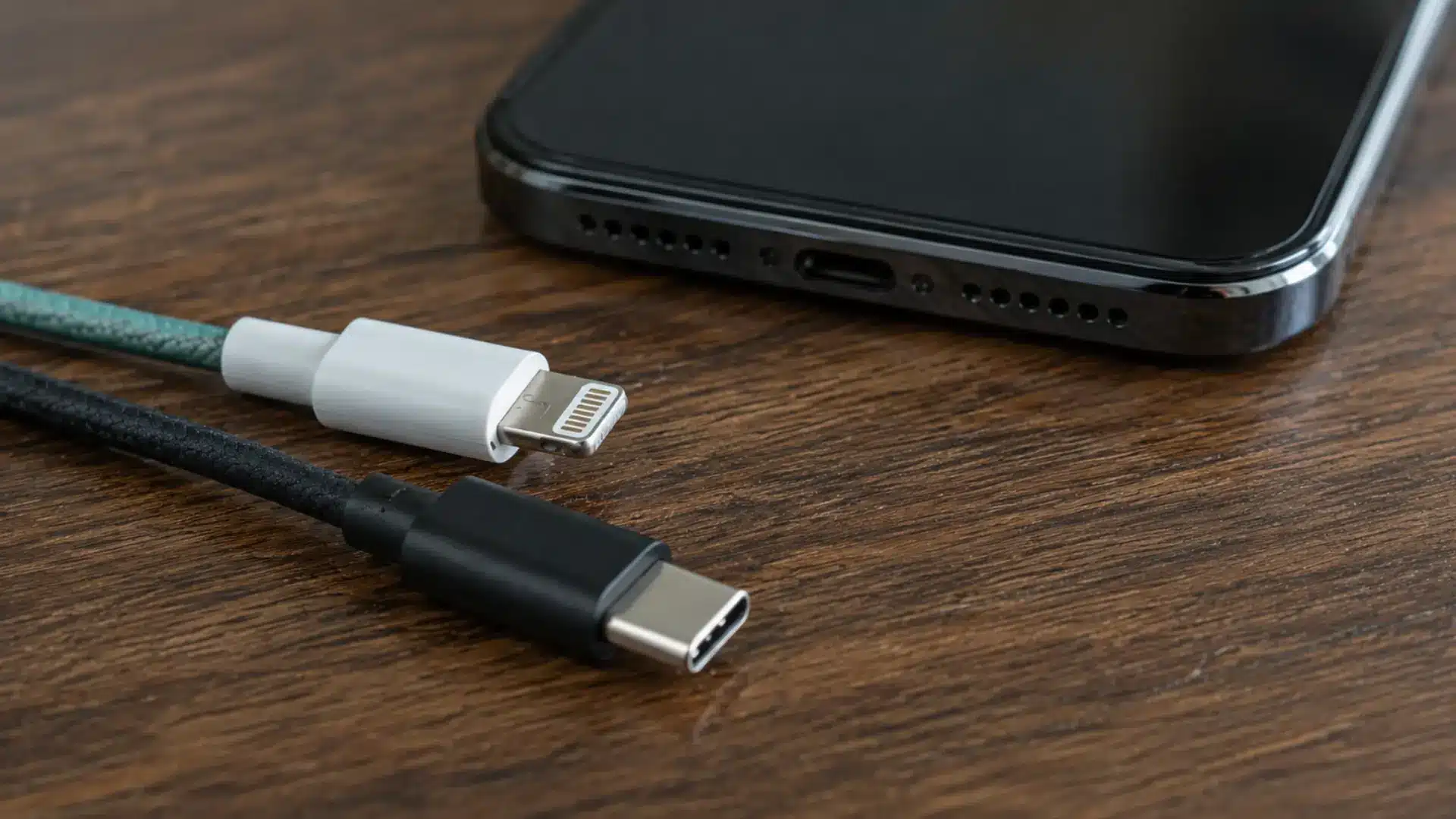
- A worn or uncertified cable: Damaged or non-MFi cables can send irregular electrical signals that the phone reads as a moisture event.
- Residual moisture from earlier exposure: A brief splash days ago can leave trace dampness that lingers in the port far longer than expected.
- A software bug: Less common, but some users report that alerts clear after an iOS update, with no drying required at all. Devices carrying an IP68 water resistance rating are tested under controlled lab conditions, and that seal can loosen slightly with age or minor drops, making the sensor more reactive over time even without a real spill.
These causes are usually easy to check, and spotting the pattern can help prevent the warning from repeating.
Real Moisture vs a False Alarm
Figuring out which situation applies does not require special tools, just patience and a decent light source.
Signs the Alert Might Be Genuine
If the phone recently touched a puddle, a sink, a pool, or got caught in rain, treat the alert as real until proven otherwise.
Look closely at the port under a bright light and check for a visible sheen, water droplets, or a slightly dark, wet-looking tint around the pins.
A cable that comes out damp, or a port that smells faintly musty, is also a strong signal that something actually got in there.
Signs You are Looking at a False Positive
If the phone has not been near any liquid and the port looks clean and dry on close inspection, it is likely a false trigger.
Swapping in a different certified cable and testing at a different outlet is a quick way to rule out a faulty cable as the cause.
Working through the alert methodically, the same way you would approach troubleshooting steps for any device, prevents jumping straight to worst-case assumptions.
What to Do the Moment You See the Alert
When the alert appears, the goal is to stop charging, protect the port, and avoid quick fixes that can push moisture deeper.
- Unplug the cable and any connected accessories right away, rather than trying the connection again.
- Power the phone off if real moisture is suspected, since this cuts the risk of a short while pins are still potentially wet.
- Hold the phone with the port facing down and tap it gently against your palm a few times to dislodge trapped droplets.
- Set it upright in a dry, ventilated spot for at least 30 minutes before attempting to charge again.
- If power is needed in the meantime, wireless charging works through the back of the phone and bypasses the port entirely, making it a safe stopgap while things dry out. If the alert reappears after 30 minutes, give it more time. Light exposure usually clears in under an hour, but a phone that took a real dunking can need up to 24 hours before the port is fully dry.
Once the phone has had time to dry and the cable looks clean, plug it in again only if the warning is gone.
Emergency Override iPhone Charging: When It Is Worth the Risk
Alongside the warning, iOS gives the option labeled Emergency Override. Tapping it forces the phone to charge anyway, moisture or not.
It exists for exactly the situation the name suggests: the battery is nearly dead, a call needs to be made, and waiting is not realistic.
Using emergency override iPhone charging when the port is genuinely wet carries real risk. Current flowing through a damp connector can corrode the pins or short the board, and such damage is rarely covered under standard warranty terms.
If the port looks dry and nothing has been in contact with liquid recently, using the override to test that theory is reasonable.
Treating emergency-override iPhone charging as a routine way to skip the drying process is how phones get damaged. More phones are ruined by repeated overrides than by the original splash that triggered the first alert.
Note: This section covers a feature that can affect device hardware. Consult Apple Support or an authorized repair provider if charging safety is unclear in a given situation.
Keeping the Port from Triggering False Alerts Again
False alerts usually stem from small habits, like using a dusty cable, charging in humid areas, or carrying a phone in lint-filled pockets. A few habits cut down on how often this warning appears:
- Stick to MFi-certified cables and skip unbranded, low-cost options that flood online marketplaces.
- Avoid carrying the phone in a pocket alongside a water bottle or right after a workout, since sweat and condensation both register as moisture to the sensor.
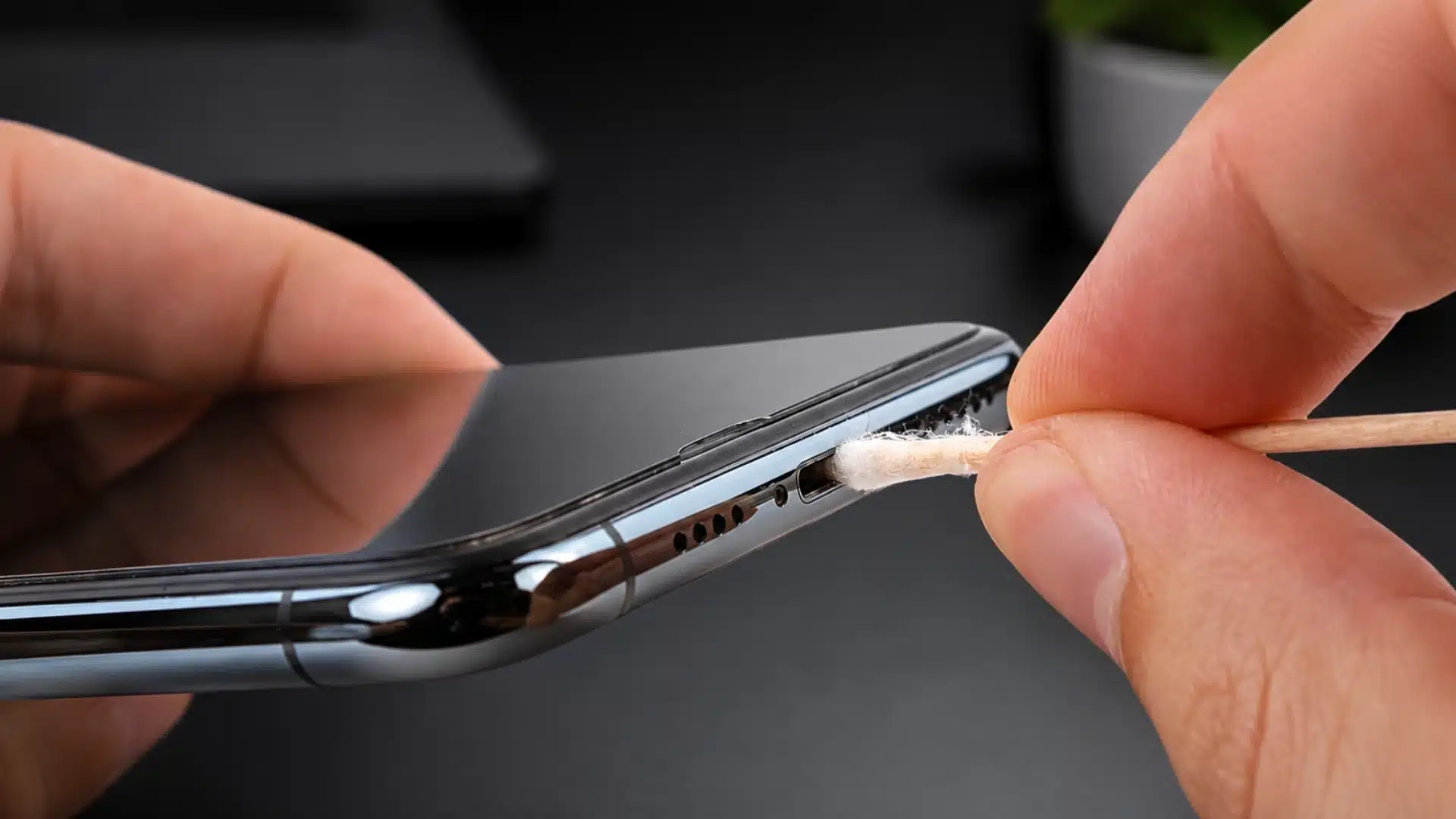
- Check the port occasionally with a flashlight for any built-up lint, and gently clear it with a soft, dry brush.
- Let the phone acclimate for a few minutes after a major temperature change before plugging it in.
A cleaner port, a dry cable, and better charging habits prevent most repeat warnings from interrupting daily use.
Final Thoughts
A water detected in charging port warning can feel frustrating, especially when the phone looks completely dry.
Still, it exists to protect the device from damage, not to cause disruption without reason. In many cases, the alert clears once the port, cable, or connector gets a little time to dry out.
If a liquid is detected in the lightning connector message again, check for lint, moisture, damaged cables, or repeated triggers from the same charger.
Emergency override iPhone charging should only be used when charging is truly necessary, since forcing power through a damp port can cause more serious problems down the line.
Ever dealt with a false alert before? Share what caused it in the comments so others can compare notes.
Frequently Asked Questions
Does a Liquid Detected Alert Mean My Warranty Is Void?
No. The alert alone does not void AppleCare or warranty. But if Apple finds corrosion or liquid damage during inspection, coverage may depend on the cause.
Is the Alert Different Between USB-C and Lightning iPhones?
USB-C and Lightning use similar moisture detection logic. USB-C may show more false alerts because it works with a wider range of cables and accessories.
Can a Hair Dryer Speed Up Drying?
No. Direct heat can warp the port housing or push moisture further inside rather than removing it, and it is not recommended by Apple or repair professionals. Room-temperature air-drying with good ventilation is the safer route.
Will Restarting the Phone Clear a False Alert?
Sometimes. A restart can clear a minor software glitch behind the sensor reading, and it is worth trying once the port already looks and feels dry. If the alert returns immediately after a restart, the cause is more likely physical than software-related.