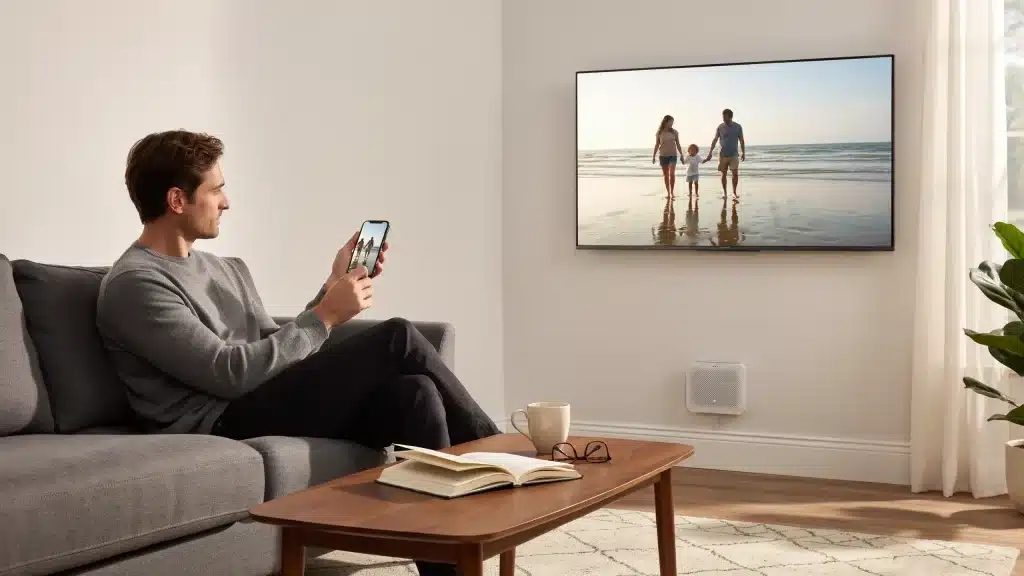
I walked into a client’s home years ago and immediately noticed something: the lights were on, the temperature felt right, and soft music played in the background.
Nobody had touched a switch or a thermostat.
That’s what a smart home looks like when it works. It disappears into the day instead of demanding attention.
Good smart home design is not about filling rooms with gadgets. A well-designed setup runs around your habits, not the other way around.
The ideas below cover everything from simple motion-sensor lights to full AI-based automation, with practical details on what each one does, how much it costs to get started, and where it fits in a real home.
How Smart Home Design Improves Daily Living?
A smart home uses connected devices and automation to handle daily tasks with less friction.
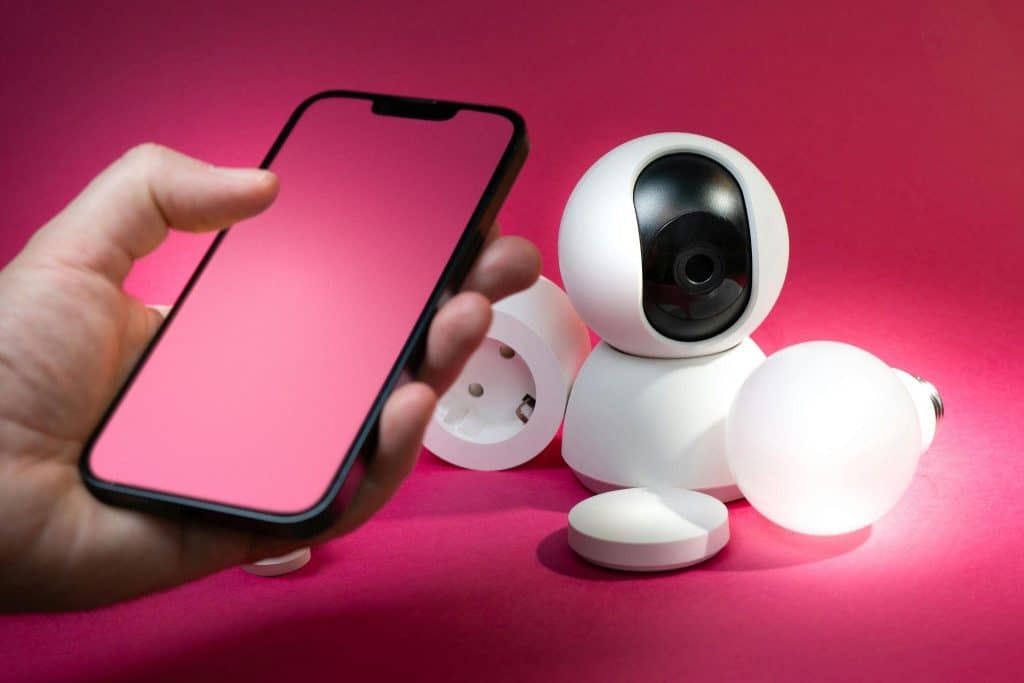
These devices communicate through a hub, app, or shared ecosystem and can run automatically or be controlled remotely.
The gap between a smart home and a traditional one comes down to two things: automation and context-awareness.
In a well-configured setup, the home adjusts itself based on preferences, schedules, and patterns it learns over time.
A thermostat that adjusts before you wake up, lights that dim when a movie starts, a doorbell that lets you screen visitors from anywhere in the house.
What separates a functional smart home from a random gadget setup is intention. The best systems solve real daily problems. The worst ones just add more screens to manage.
Best Smart Home Ideas to Use for Your Build
Smart home upgrades can make daily routines easier, improve comfort, save energy, and create a cleaner, more connected space that feels practical instead of complicated.
1. Smart Lighting for Every Room
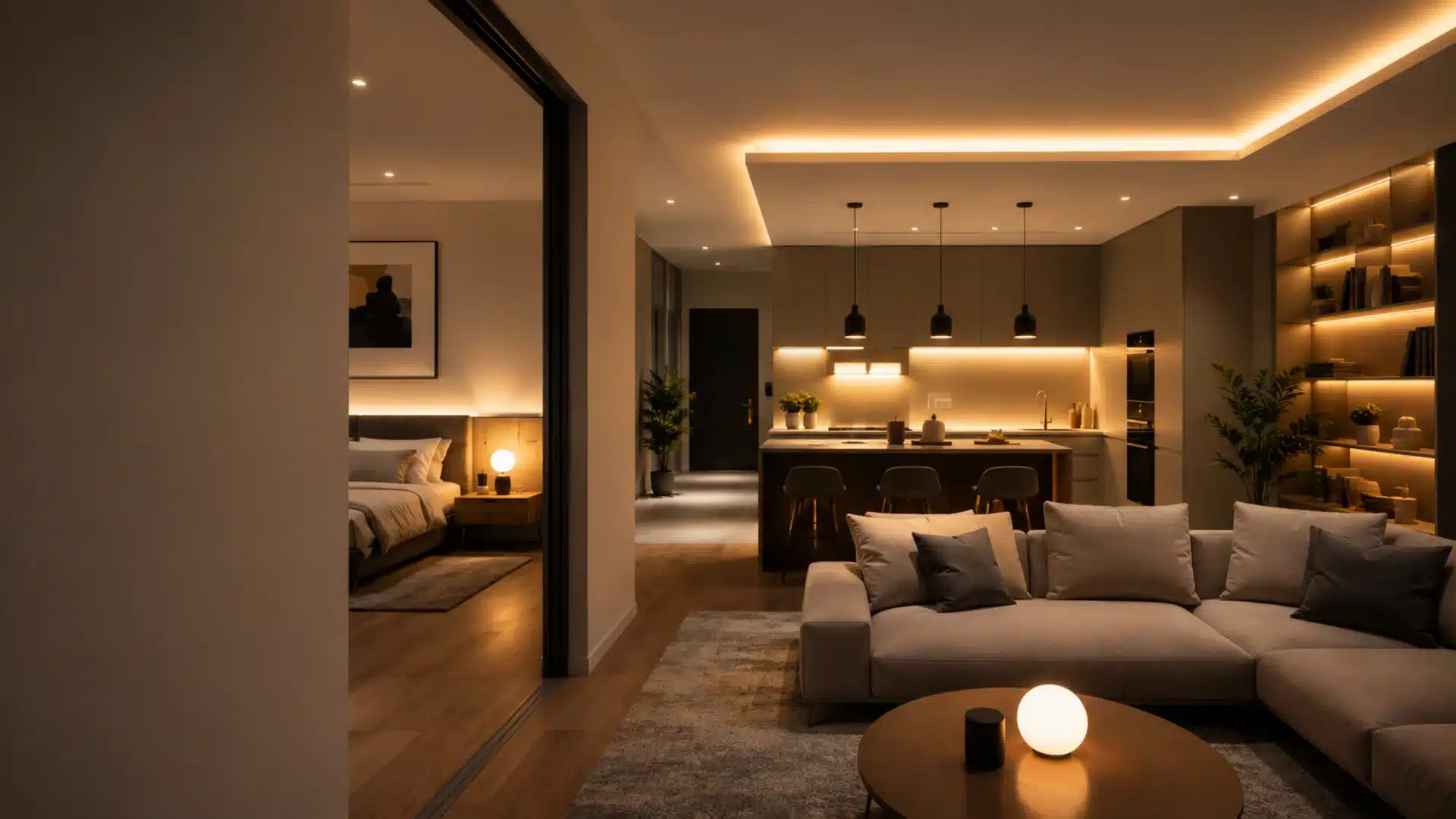
Voice-controlled bulbs and smart switches let homeowners adjust brightness, color temperature, and schedules without touching a wall.
Philips Hue and similar systems create different lighting scenes for mornings and evenings.
Lighting schedules are underrated. Setting lights to turn on at sunset or fade out at bedtime removes one more daily task. Automation also helps prevent lights from being left on.
2. Motion Sensor Hallway Lights
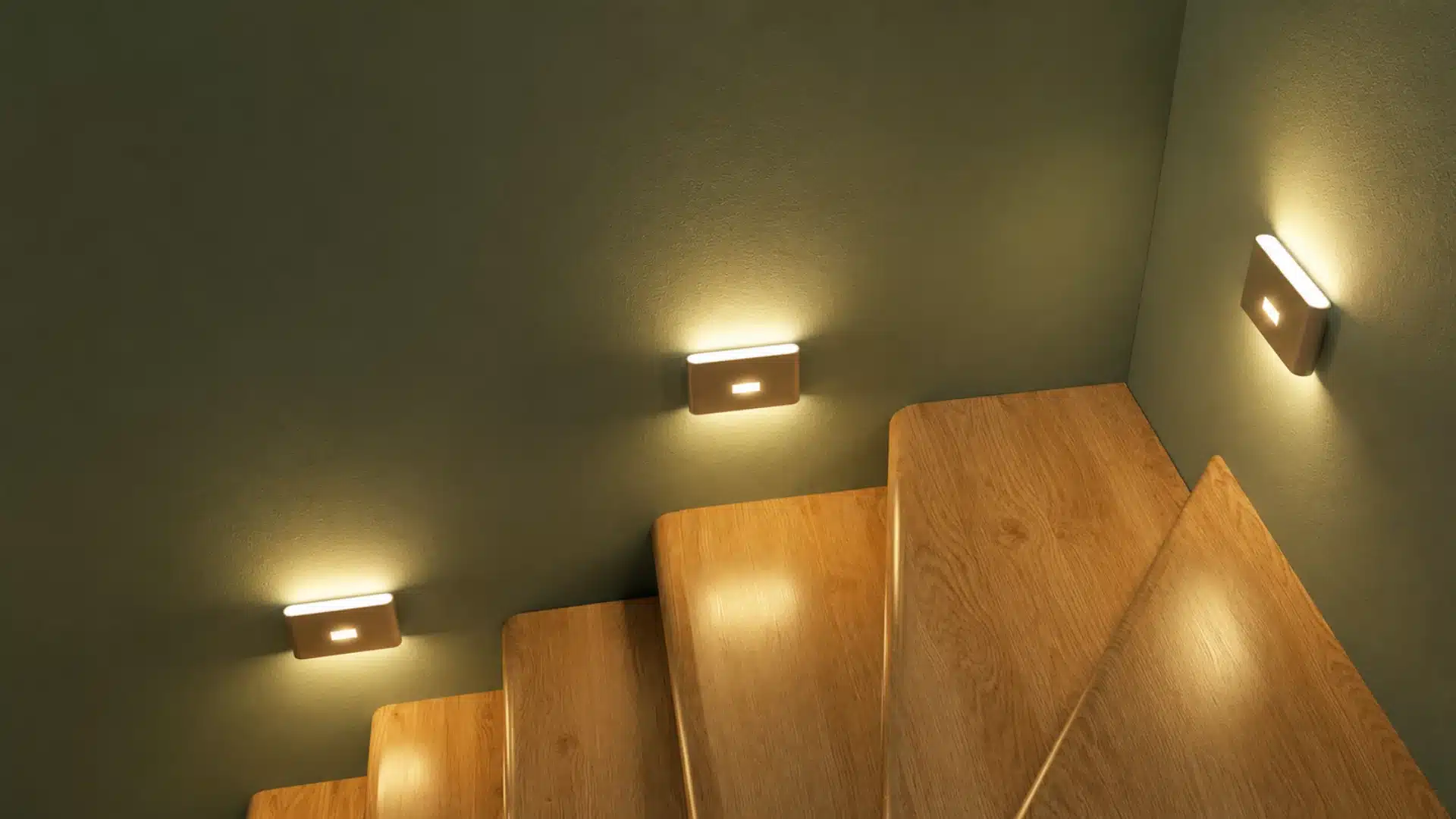
These are one of the most practical and affordable smart home ideas available.
Motion-activated LED stair lights turn on when someone walks through a hallway at night, then switch off automatically.
Beyond convenience, they significantly reduce energy waste. A light that only runs when someone is present uses far less electricity than one left on all evening.
Starting here works well for rooms where lights tend to stay on out of habit.
3. Smart Thermostat Systems
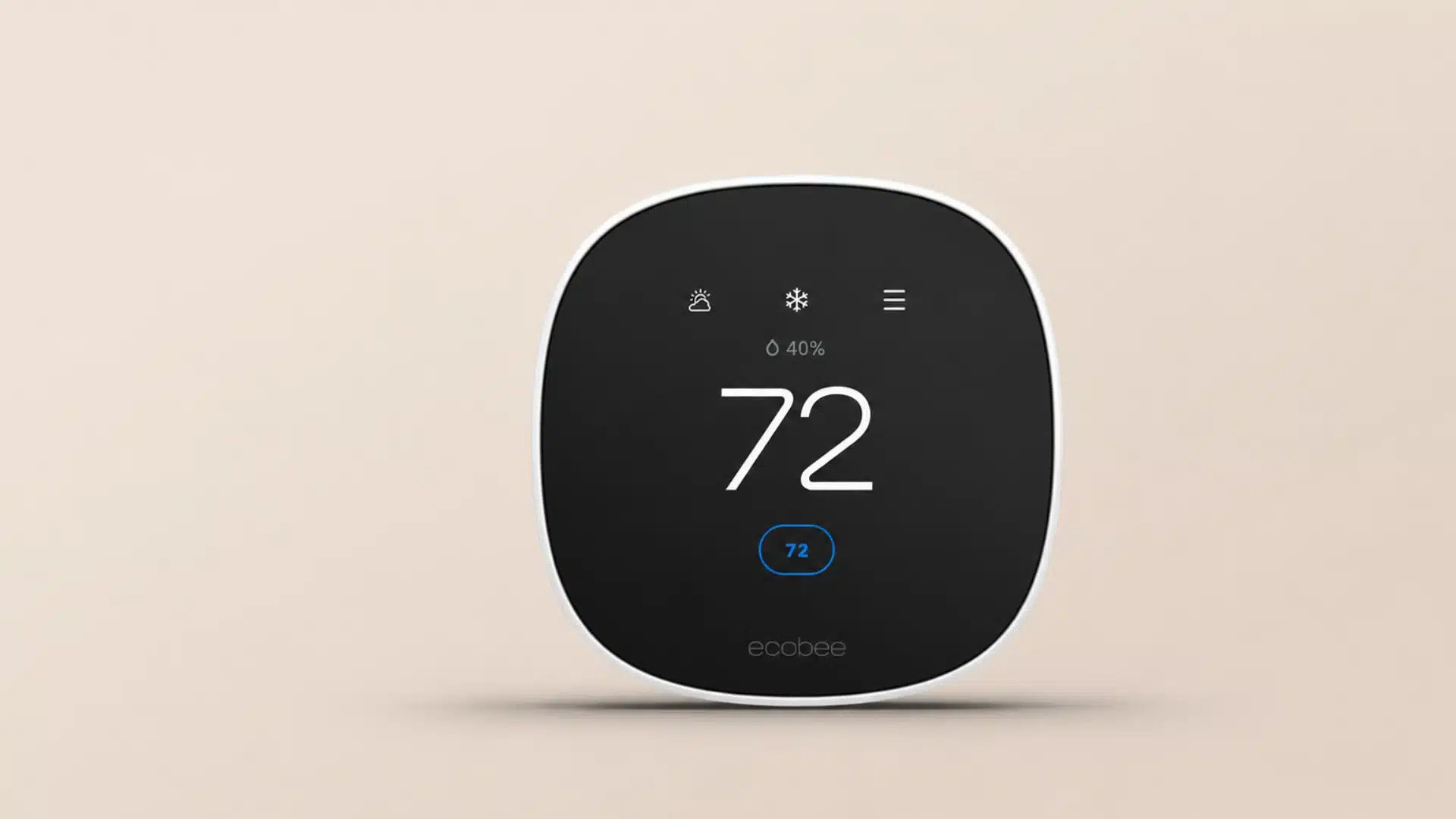
Smart thermostats like Ecobee learn your schedule and adjust temperatures automatically.
They cool down before you arrive home, pull back when you leave, and automatically adapt to seasonal changes.
It found that smart heating and cooling systems can reduce energy bills compared to traditional thermostats.
That makes smart thermostats one of the better long-term investments in this category.
4. Smart Door Locks
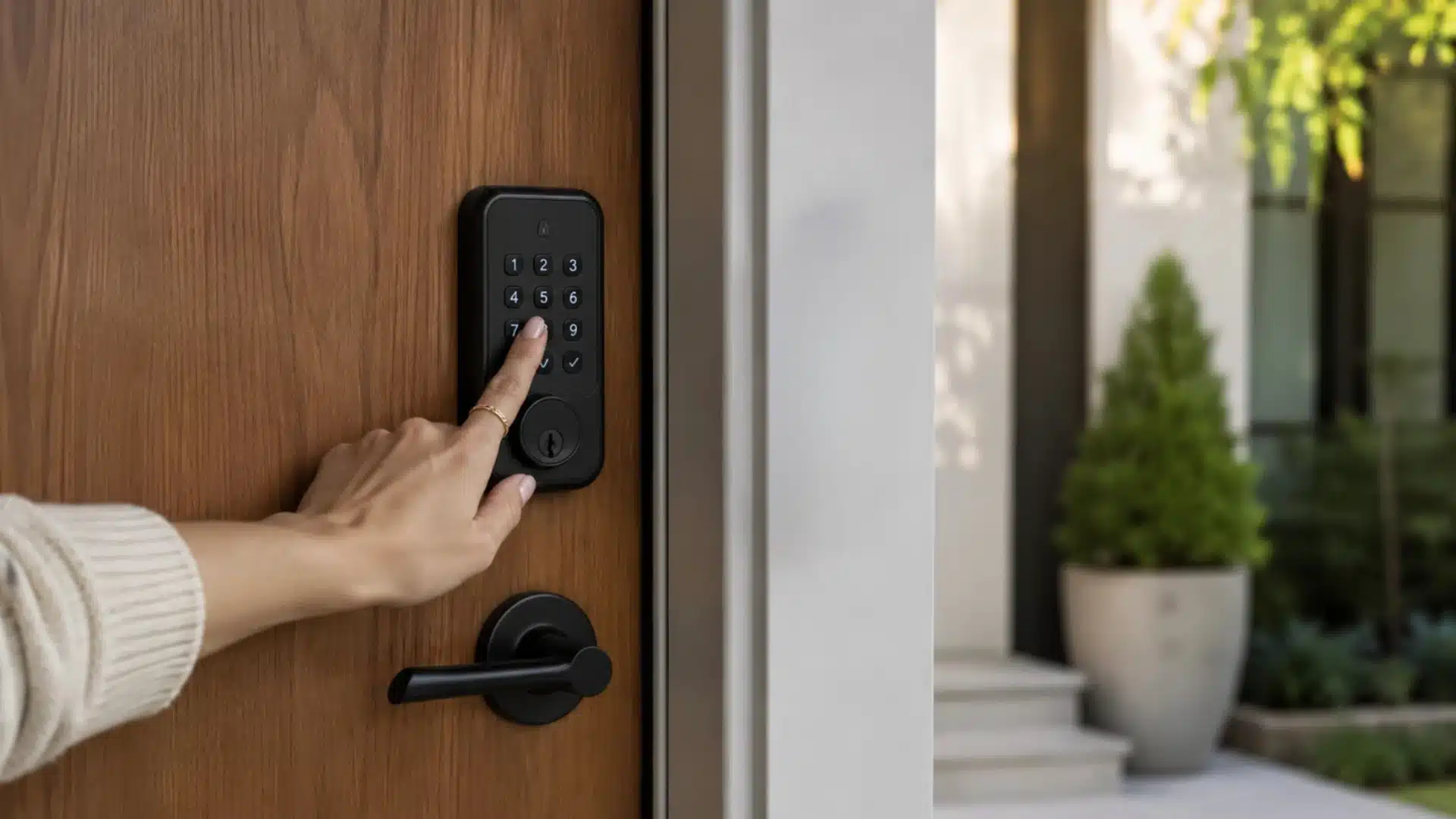
Keyless entry means no more hiding spare keys or worrying about who has a copy.
Smart locks let you create individual codes for family members, guests, or tradespeople, and you can revoke access remotely the moment it is no longer needed.
Most models connect to your phone, so you can lock or unlock from anywhere. The same technology is also reshaping how access control in temporary spaces is.
5. Video Doorbell Systems
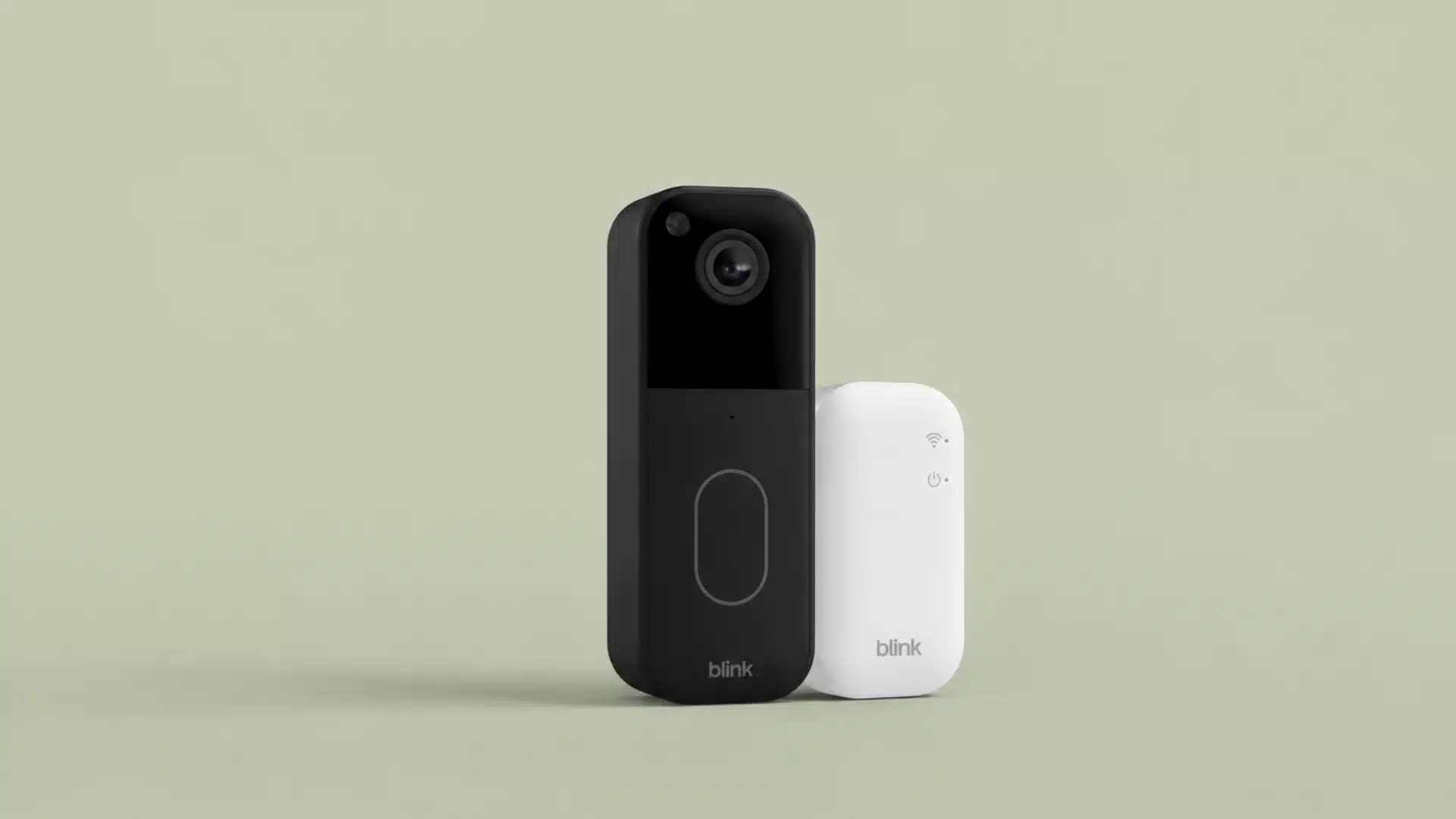
A Blink video doorbell gives you a live view of your front door on your phone, wherever you are.
Real-time alerts let you know when someone arrives, and two-way audio means you can speak to a delivery person without opening the door.
Package monitoring has become one of the most practical uses.
You can watch a delivery happen in real time and even instruct the courier where to leave parcels safely.
For busy households, this is a daily convenience that quickly becomes hard to do without.
6. Smart Blinds and Curtains
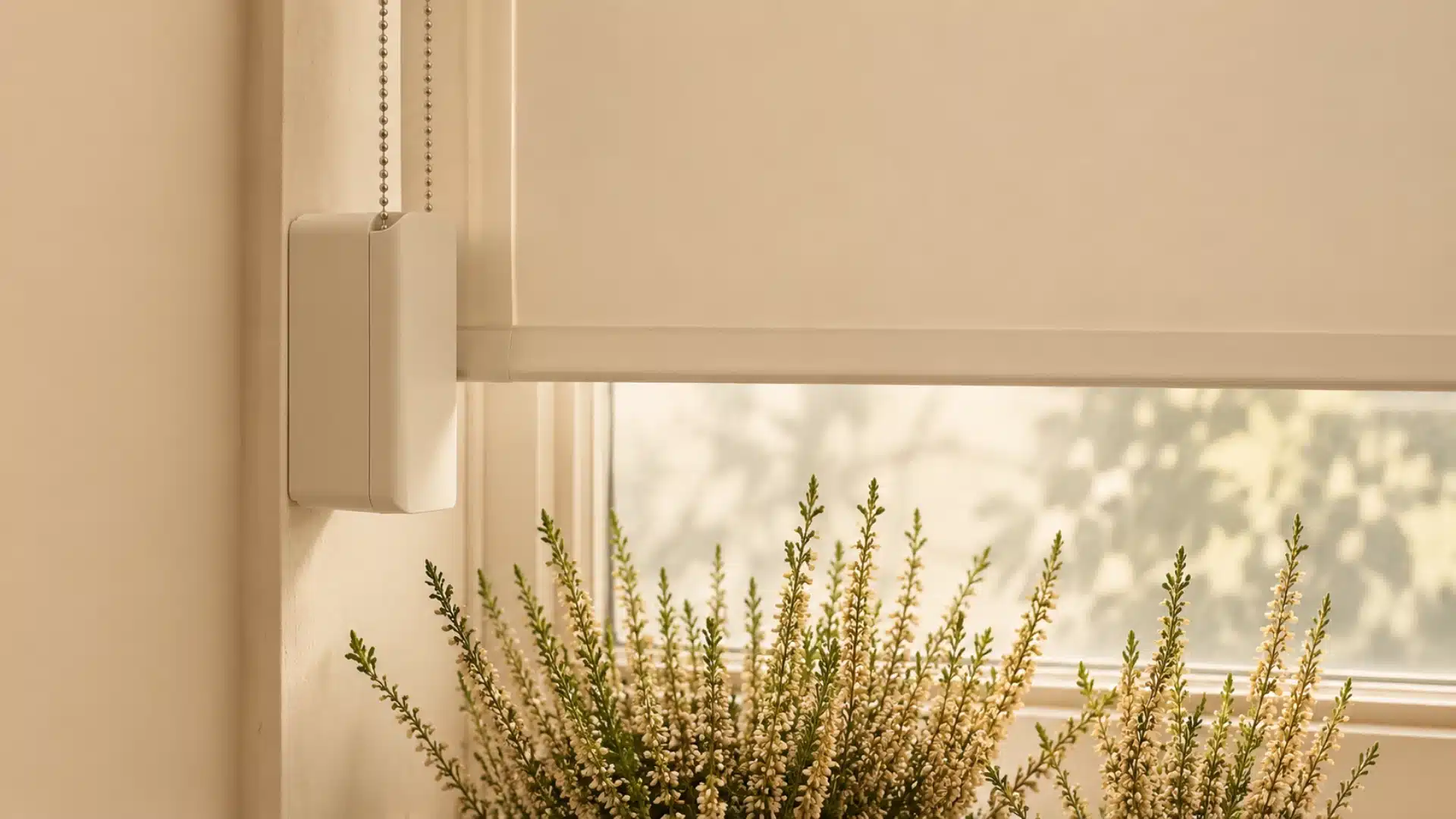
Motorized blinds on a schedule do something subtle but meaningful: they change how a room feels throughout the day without any effort.
Open in the morning to let light in, close in the afternoon to block heat, and draw at sunset for privacy.
For south or west-facing rooms that get intense afternoon sun, automatic blinds also reduce cooling costs.
Some systems connect to your smart thermostat so shades adjust in response to indoor temperature, not just time.
7. Whole Home Speaker Systems
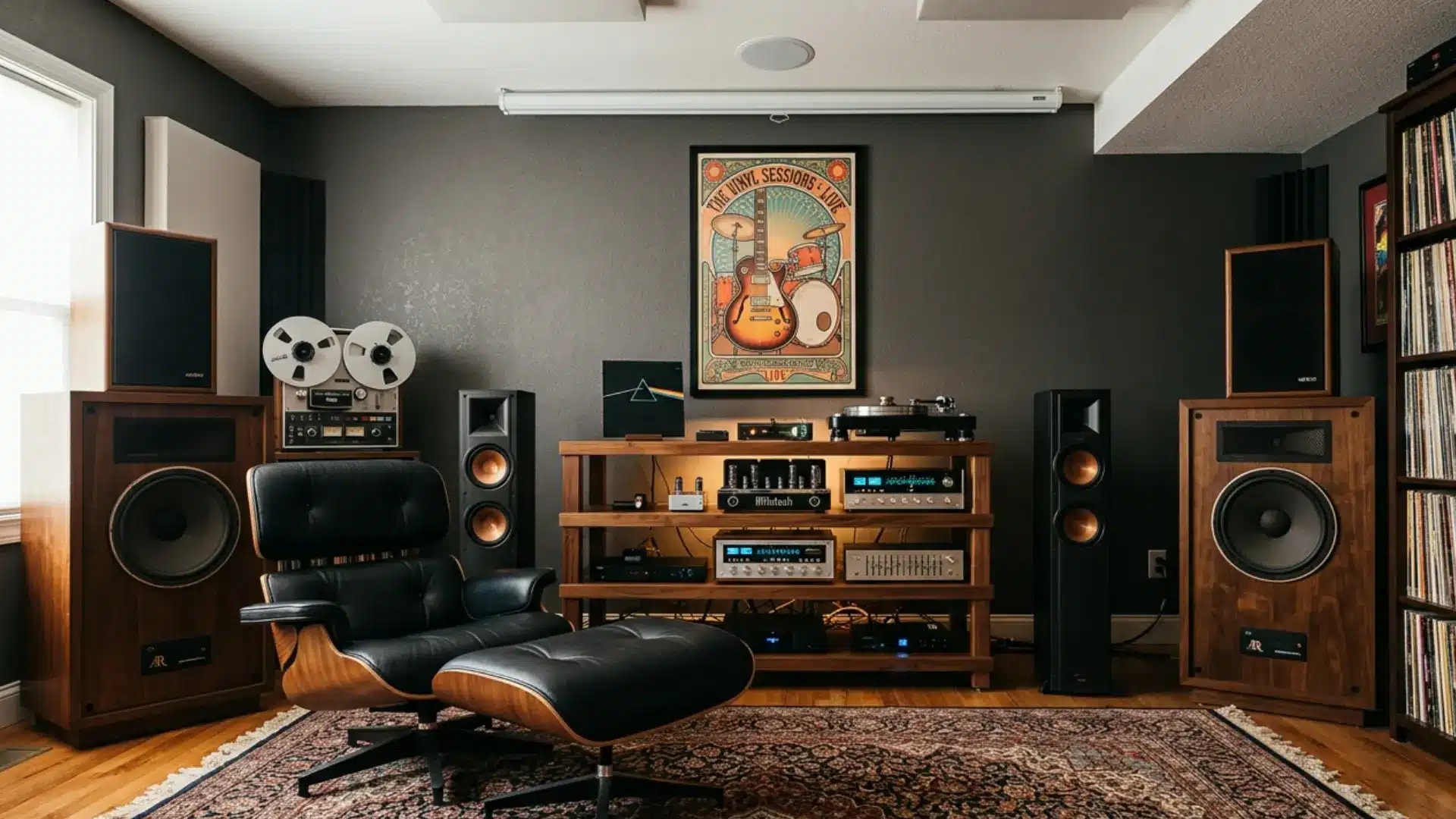
Multi-room audio lets you play music or podcasts through speakers in different rooms simultaneously, or play different audio in each space.
Sonos is the most established system here, but there are more affordable options that integrate with Google Home or Amazon Alexa.
Voice assistant integration means you can switch tracks, adjust volume, or skip between rooms without picking up a phone.
For anyone who moves between rooms throughout the day, this is one of those upgrades that feels effortless within a week.
8. Smart Kitchen Appliances
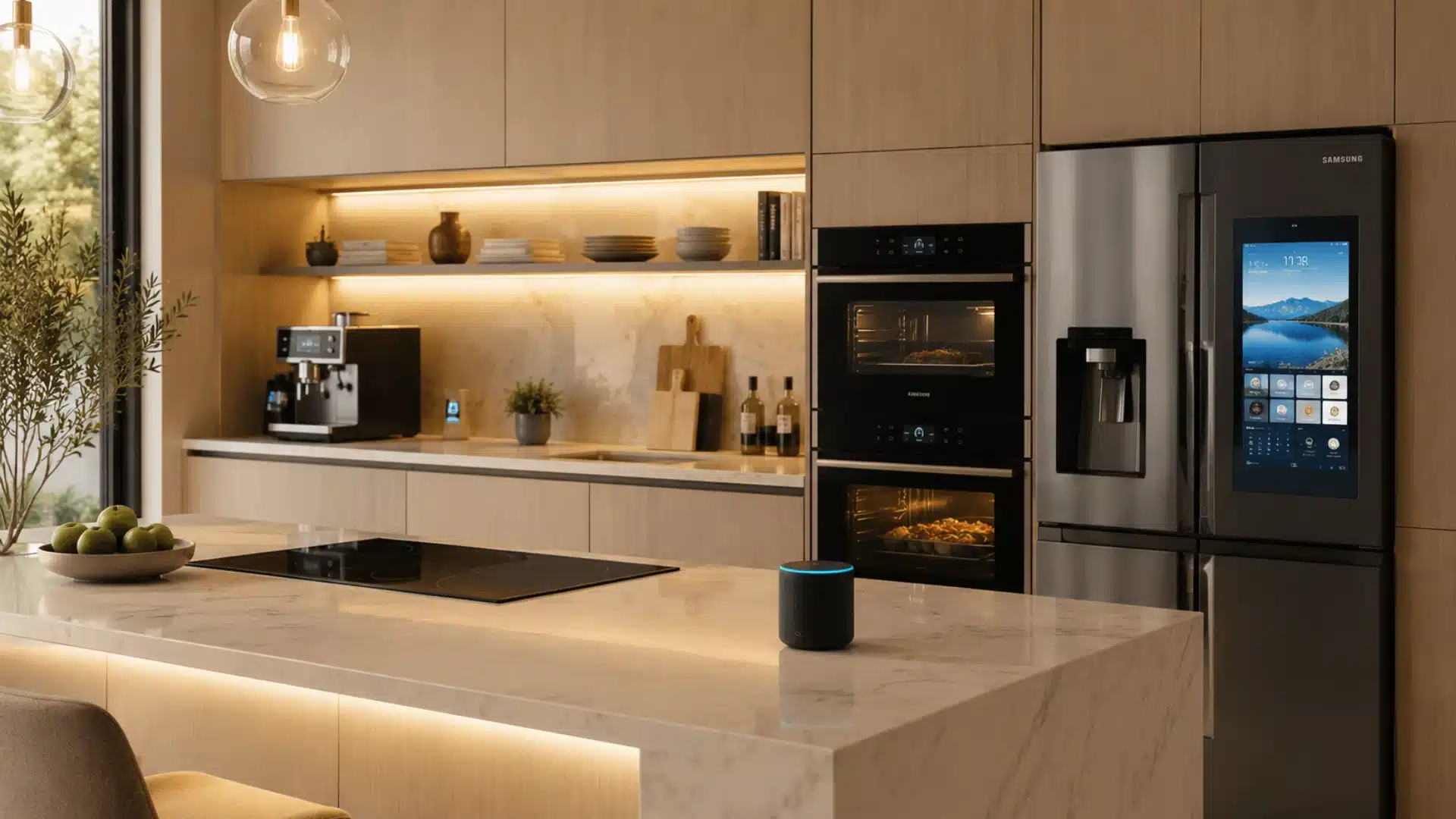
Connected ovens let you preheat remotely so the oven is ready when you walk through the door.
Some models include an internal camera so you can check on your food without opening the door.
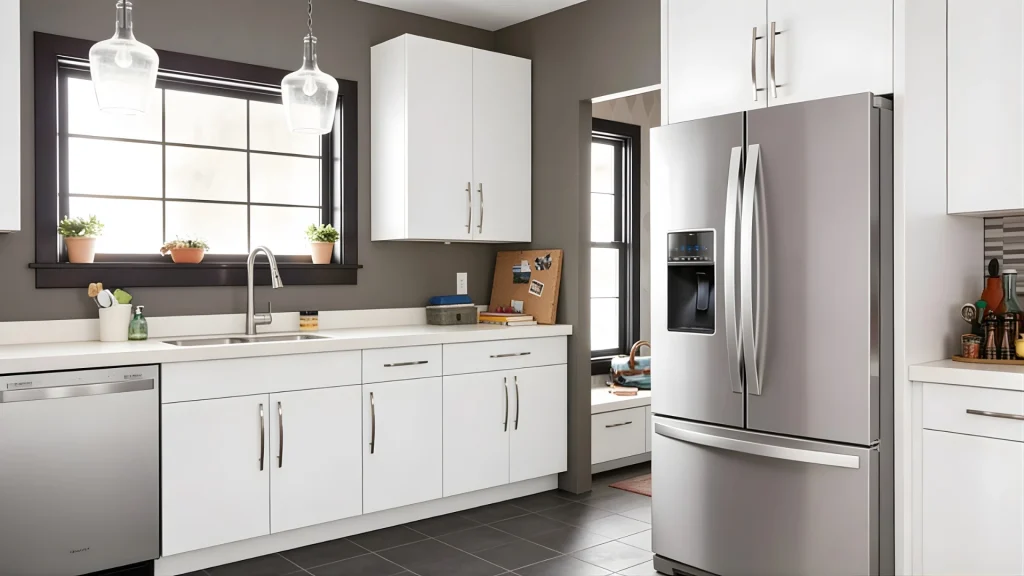
Smart refrigerators track what is inside and can send reminders when items run low or near expiry.
The kitchen is also where most household energy gets used, making smart appliances a practical choice beyond the convenience factor.
9. Touchless Kitchen Faucets
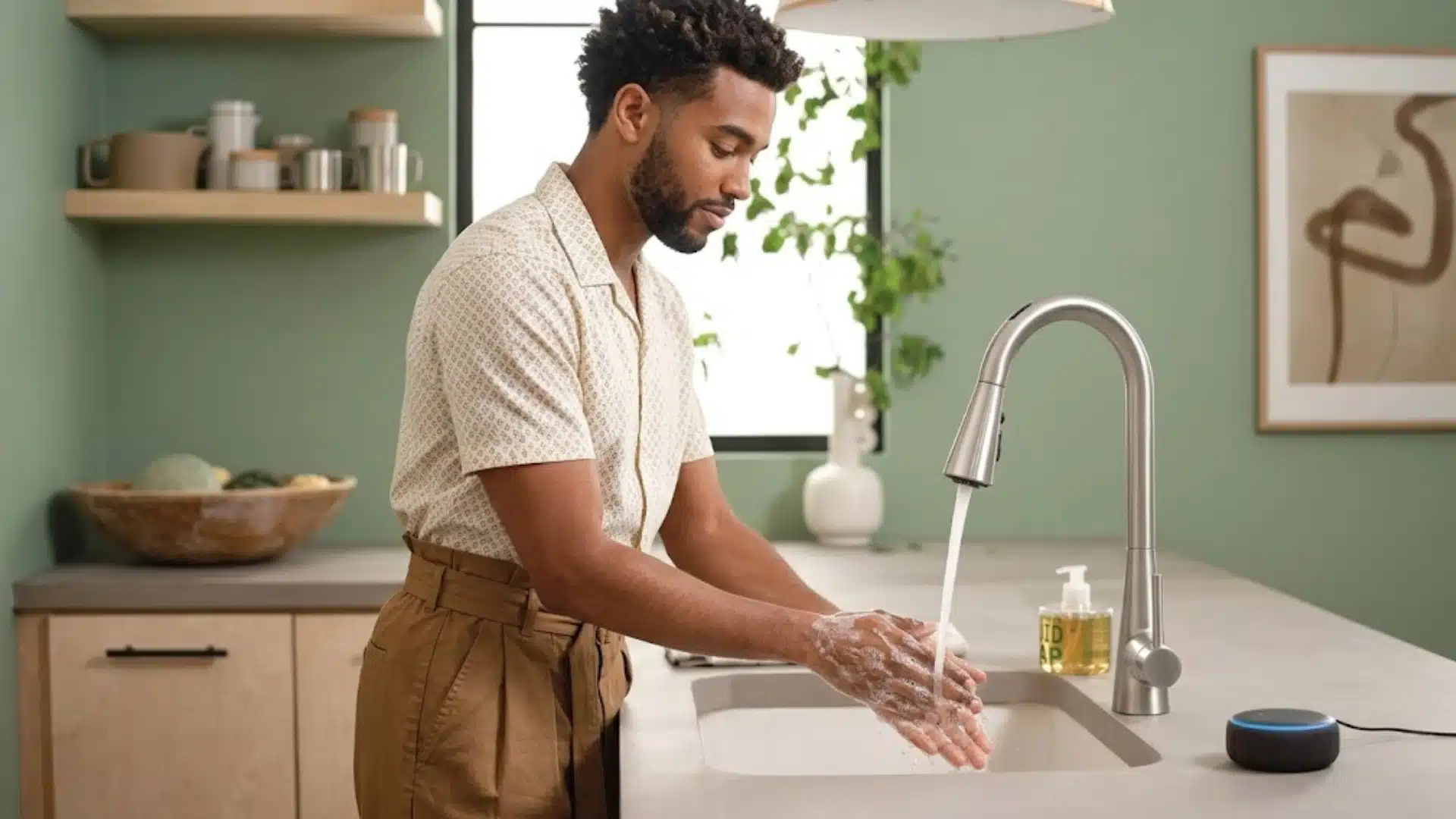
Sensor-activated faucets turn on when your hands are near and shut off the moment you pull away.
For anyone who cooks regularly, the benefit is obvious: no contaminating handles when your hands are covered in raw chicken or dough.
Water savings are a real secondary benefit: touchless faucets reduce water waste from taps left running while hands are being washed or dishes are being rinsed.
Over a year, the reduction in water usage is measurable.
10. Smart Bathroom Mirrors
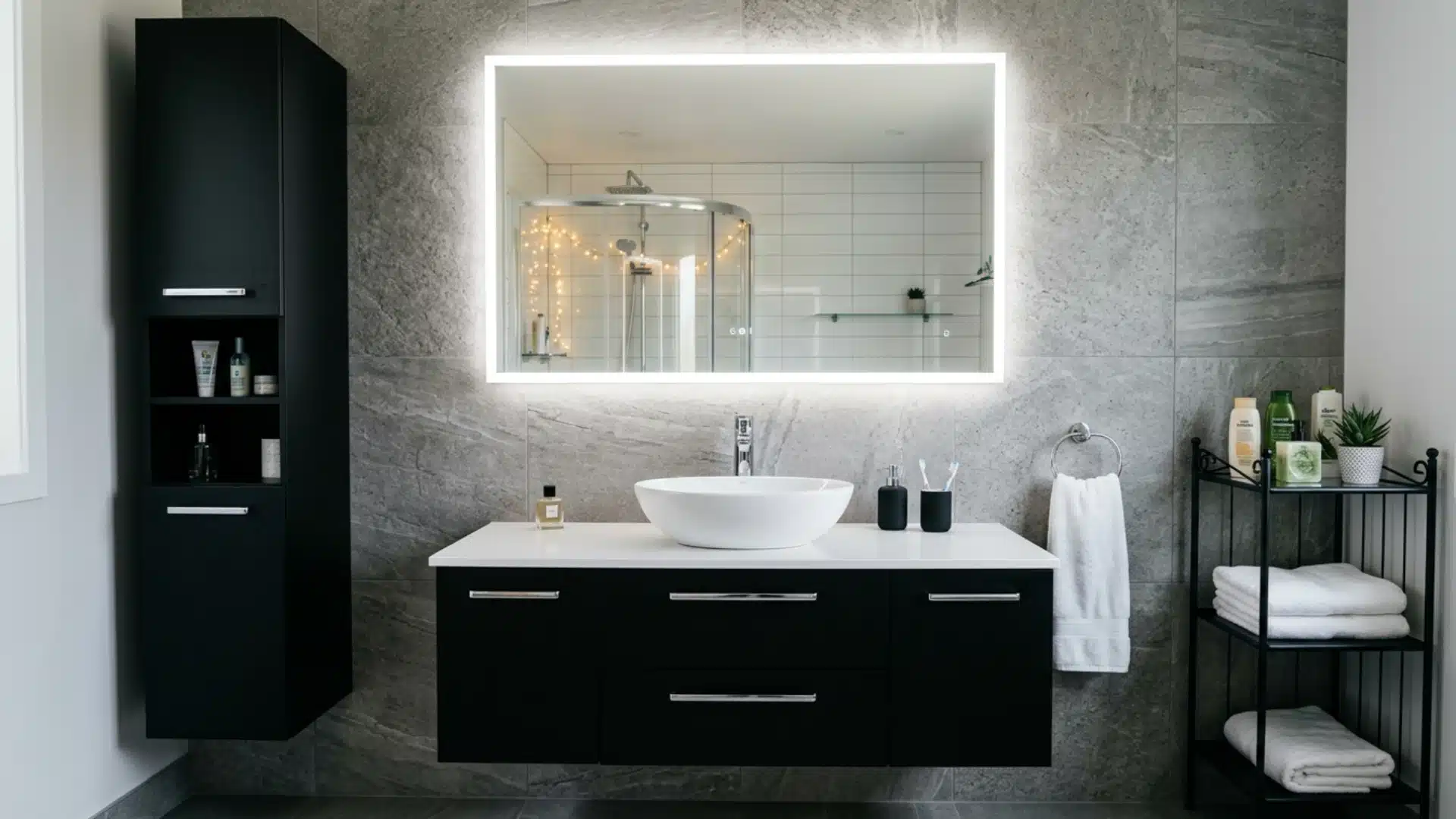
A smart mirror with built-in lighting adjusts brightness depending on the task.
Getting ready in the morning calls for bright, neutral light that accurately shows color. Vening routines call for something softer.
Some mirrors display weather, time, or calendar reminders while you get ready.
For anyone who finds morning routines a little chaotic, having that information visible without picking up a phone is a small but real improvement to how the day starts.
11. Heated Smart Floors

Radiant floor heating with smart controls is one of the more indulgent smart home ideas, but it is genuinely practical in bathrooms and kitchens.
A timer means the floor is warm when you step out of the shower, not twenty minutes later.
Energy efficiency comes from scheduling instead of heating the floor all day; you program it to run only during the times you actually need it.
The comfort-to-energy-cost ratio is good when the system is thoughtfully set up.
12. Smart Showers with Preset Temperatures
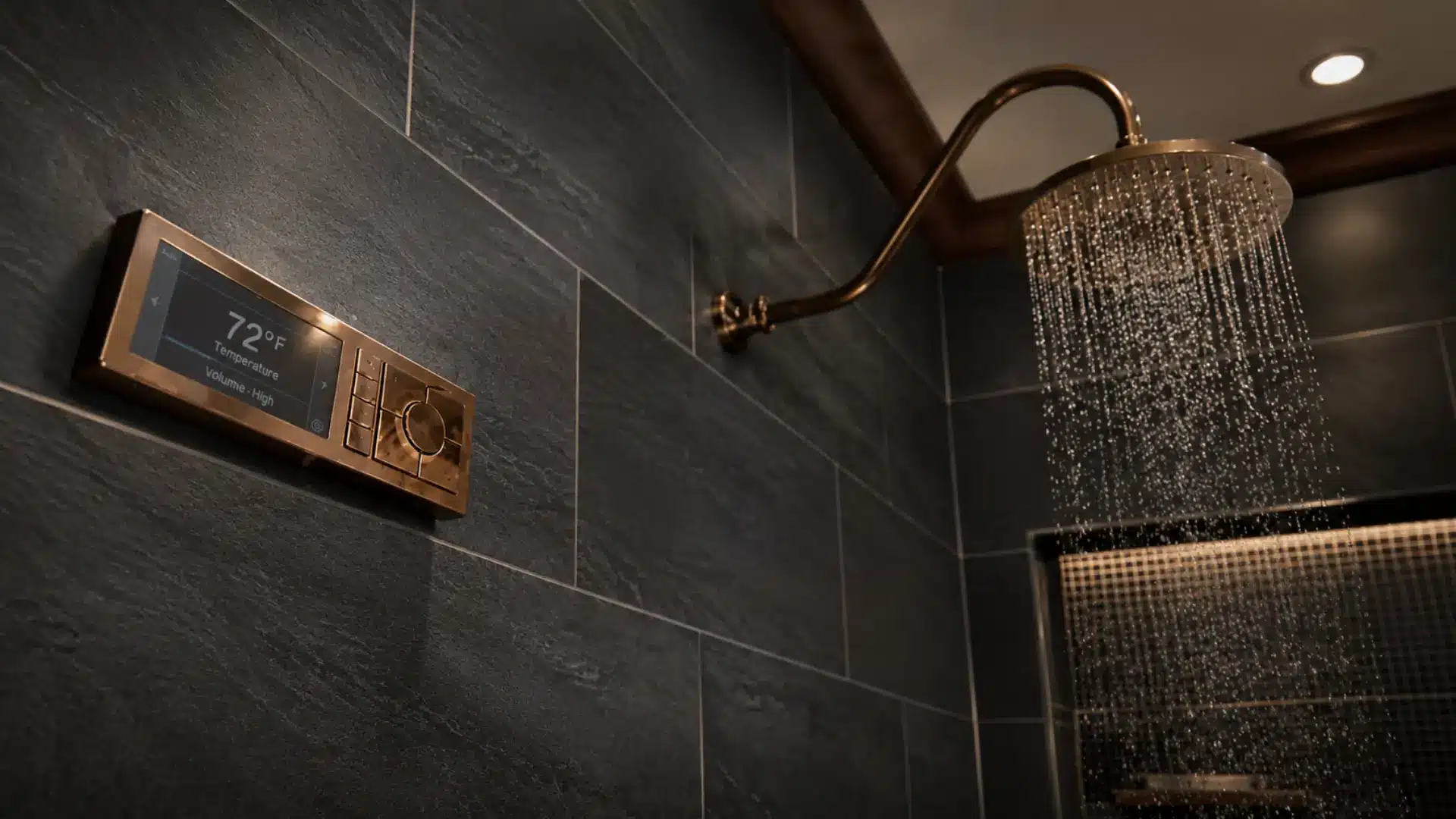
A smart shower system lets each person in the household save their preferred temperature, pressure, and duration.
Press a button, and the shower reaches your setting before you step in.
Water usage tracking is built into most systems, which is useful if you are trying to reduce household water consumption.
Some models alert you when the shower has been running longer than your set limit, gently nudging shorter routines without anyone nagging.
13. Smart Home Office Setup
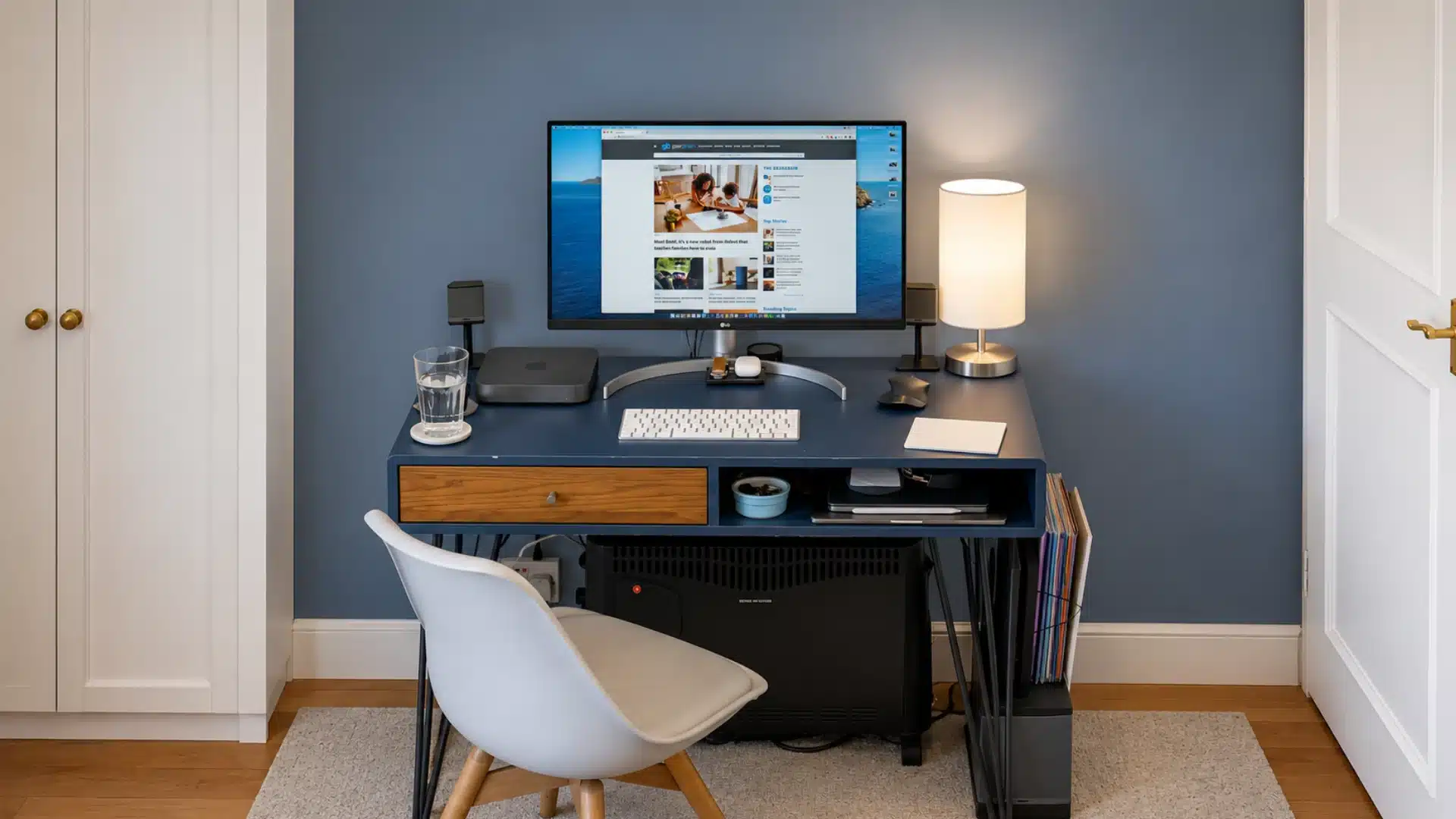
A height-adjustable smart desk lets you switch between sitting and standing with a button or voice command, and most save your preferred heights for each person who uses the space.
For anyone who works from home regularly, this kind of setup reduces physical fatigue throughout the day.
Focus lighting is another useful upgrade. A smart bulb set to cool white during work hours and a warmer tone in the evening can improve concentration and energy levels.
14. Automated Coffee Stations
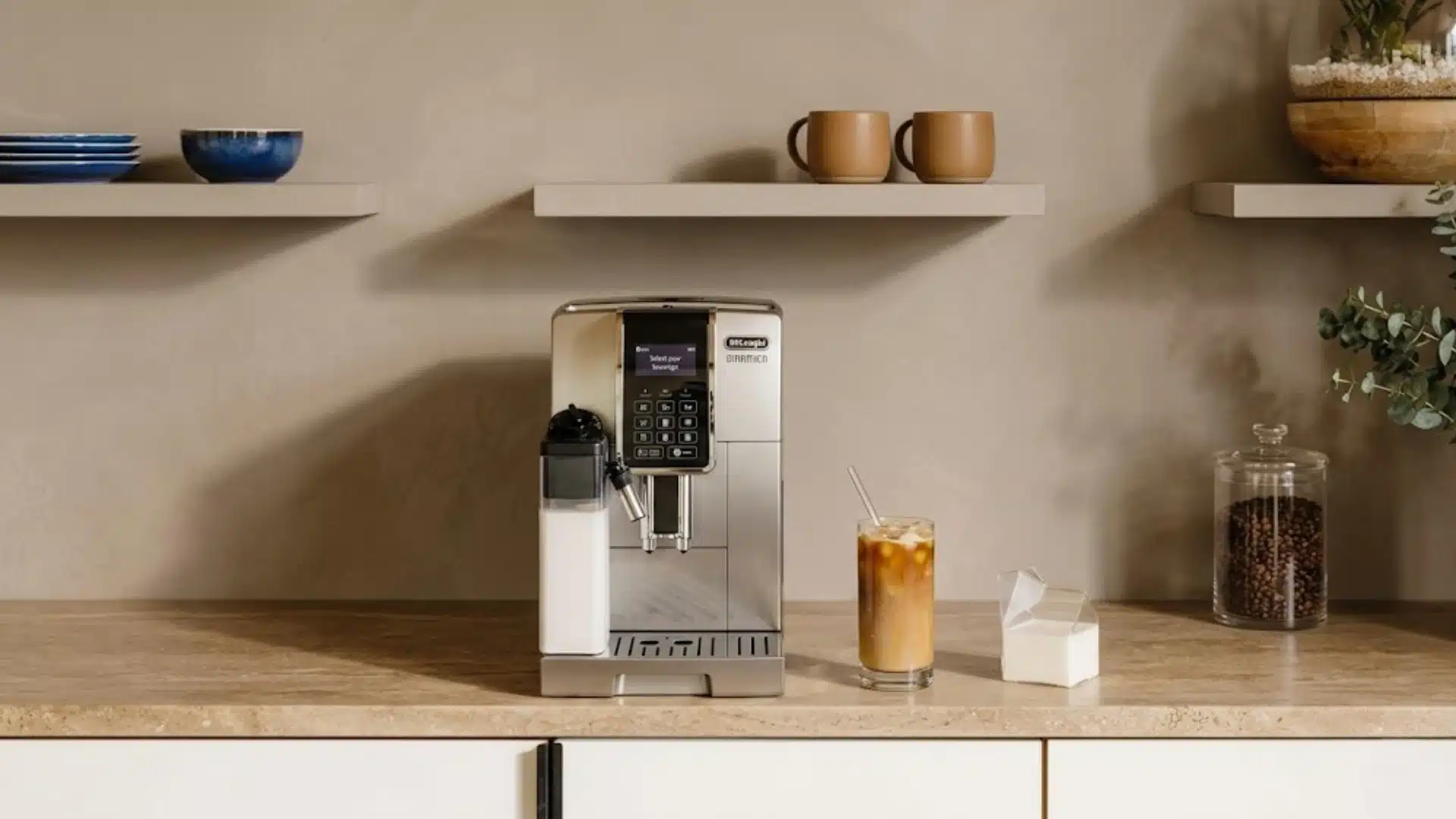
A smart coffee maker on a schedule means coffee is ready when you wake up, not after you have stood bleary-eyed in the kitchen for seven minutes.
Most smart models connect to an app or voice assistant and let you set brew time, strength, and quantity in advance.
For households with consistent morning routines, this is one of the easiest wins. It removes friction from the one moment of the day when most people have the least capacity to deal with it.
15. Smart Garage Door Systems
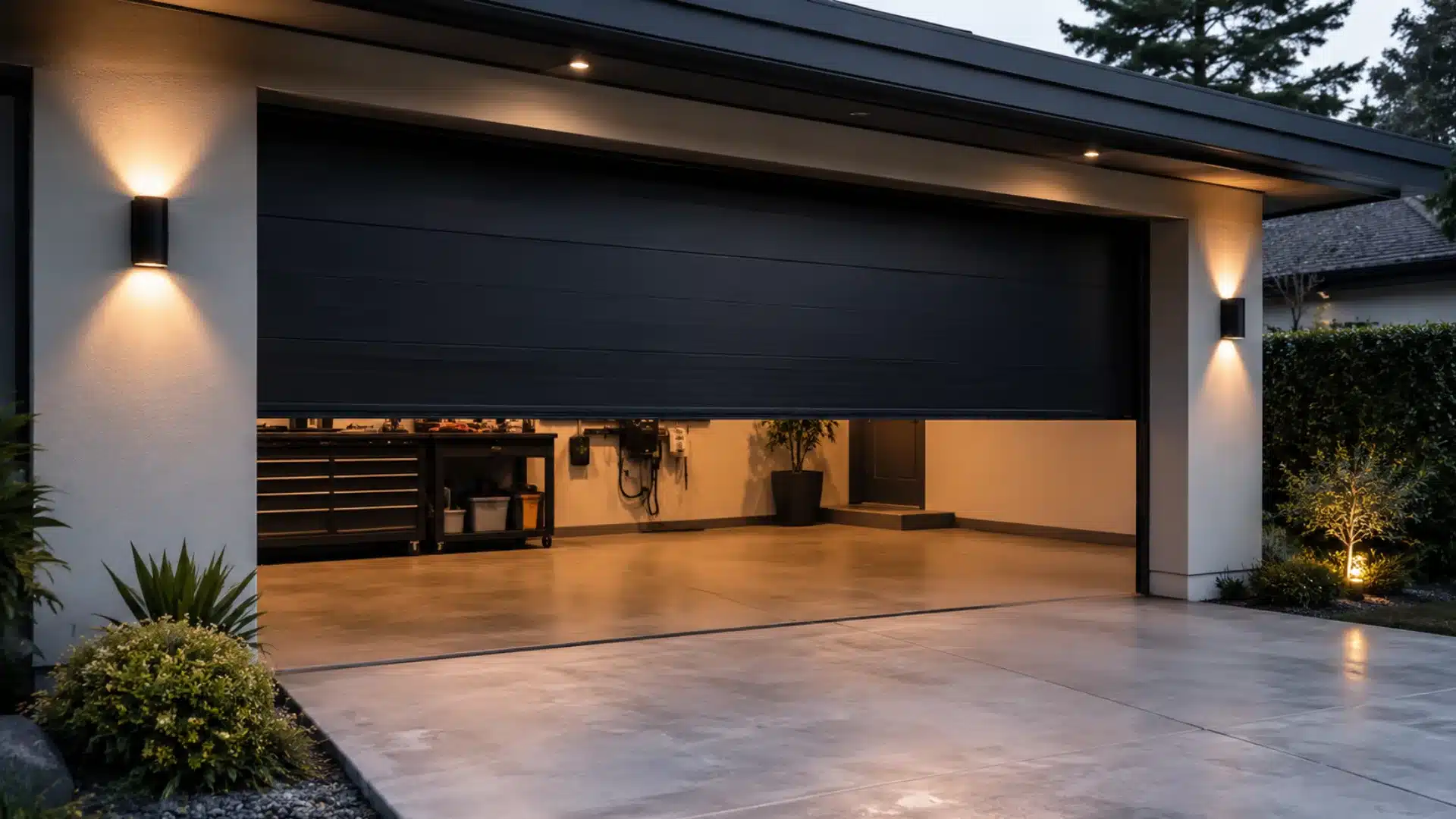
Remote garage access through an app means you can open or close from anywhere.
Security notifications alert you each time the garage opens or closes, so unexpected access does not go unnoticed.
For households with teenagers or frequent deliveries, this level of visibility is genuinely useful.
16. Smart Security Cameras
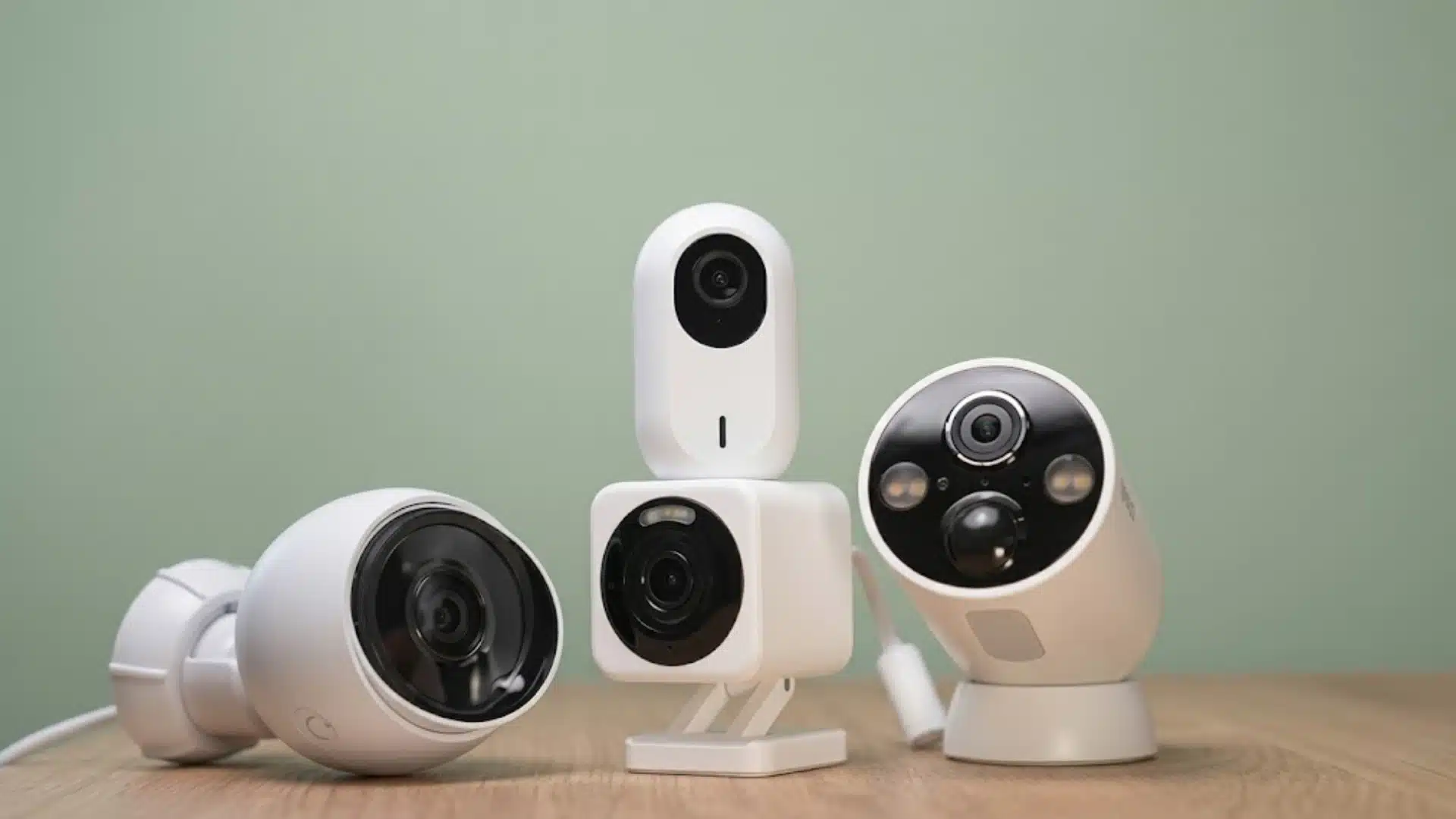
Indoor and outdoor smart cameras record continuously or only when motion is detected, and most send alerts to your phone when activity is detected.
AI-powered models can now distinguish among people, vehicles, animals, and packages, dramatically reducing false alarms.
Homeowners want cameras, sensors, and analytics in a single dashboard rather than separate apps.
17. Hidden Charging Stations
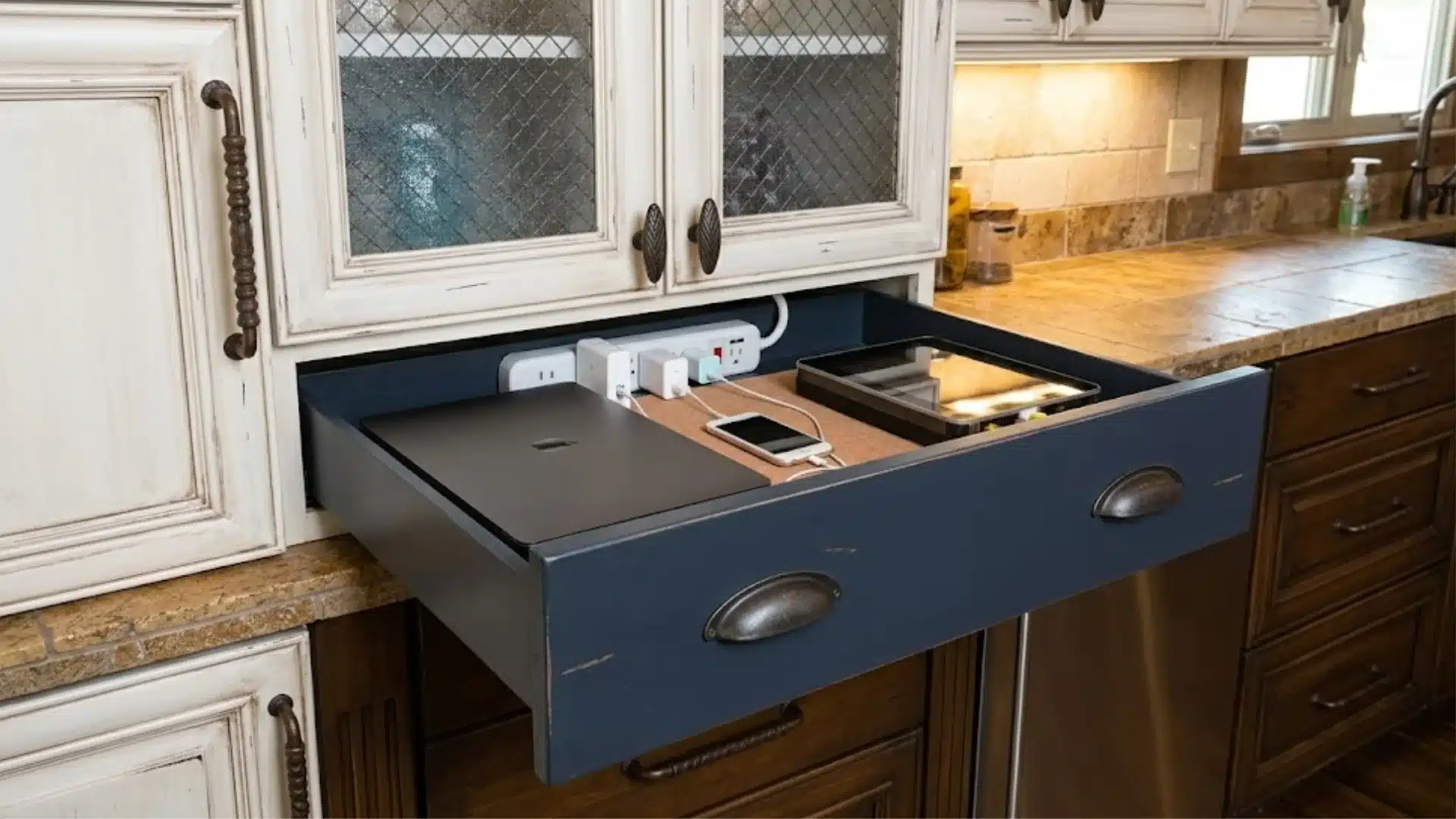
Built-in charging drawers or countertop stations with recessed ports keep cables off surfaces and devices organized.
For kitchens, home offices, and bedrooms, this is one of the tidiest smart home design moves available.
The practical benefit is reduced clutter; chargers hidden inside drawers or flush against surfaces make the room look cleaner without extra effort.
18. Smart Pantry Organization
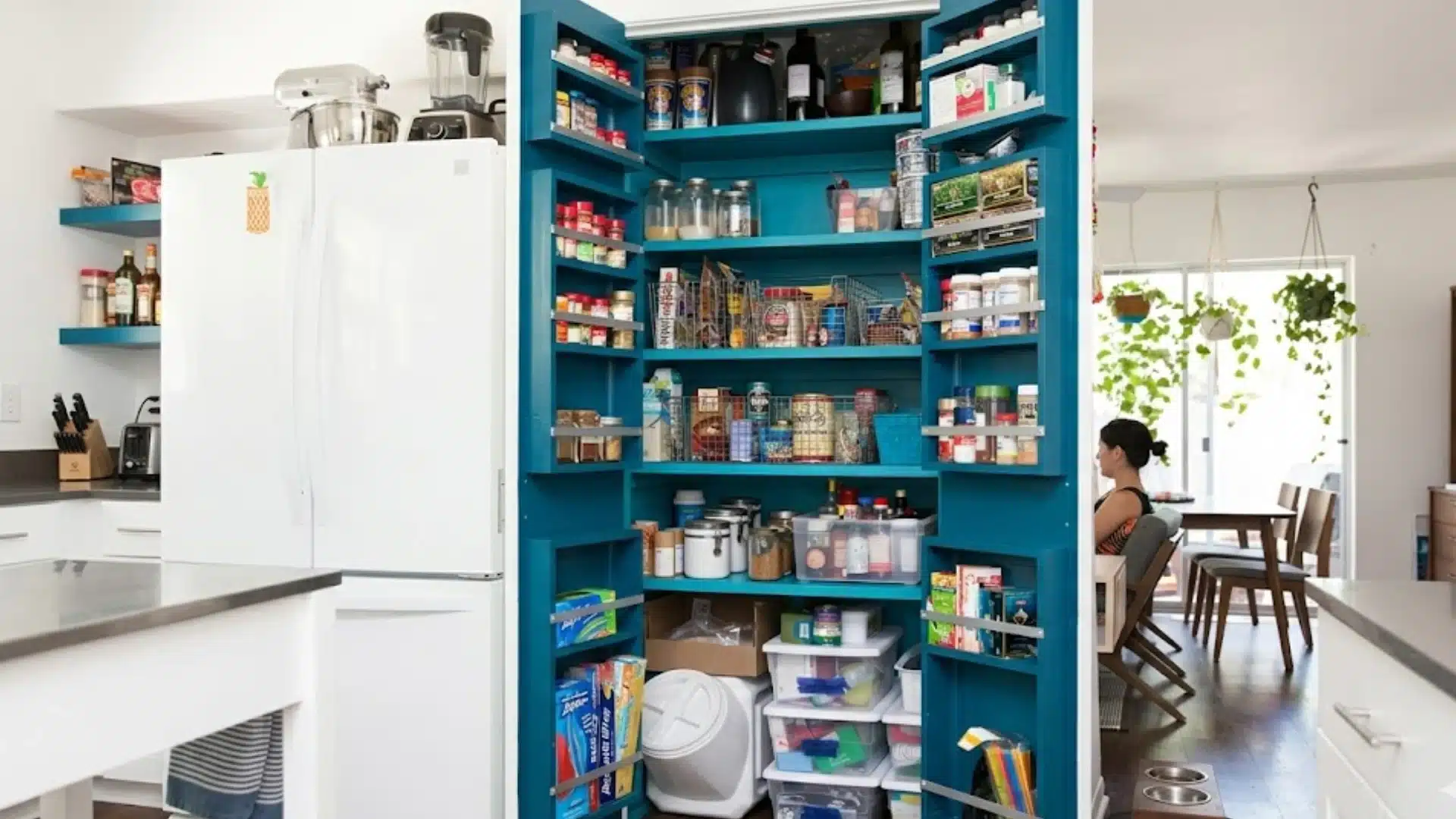
Smart pantry systems use sensors or cameras to track what you have in stock and automatically generate shopping lists.
Some integrate with grocery delivery services so you can reorder staples without checking manually.
Expiration tracking is a related feature worth considering if food waste is a concern in your household.
A system that flags items approaching their use-by date reduces the quiet accumulation of forgotten items at the back of shelves.
19. Smart Irrigation for Gardens
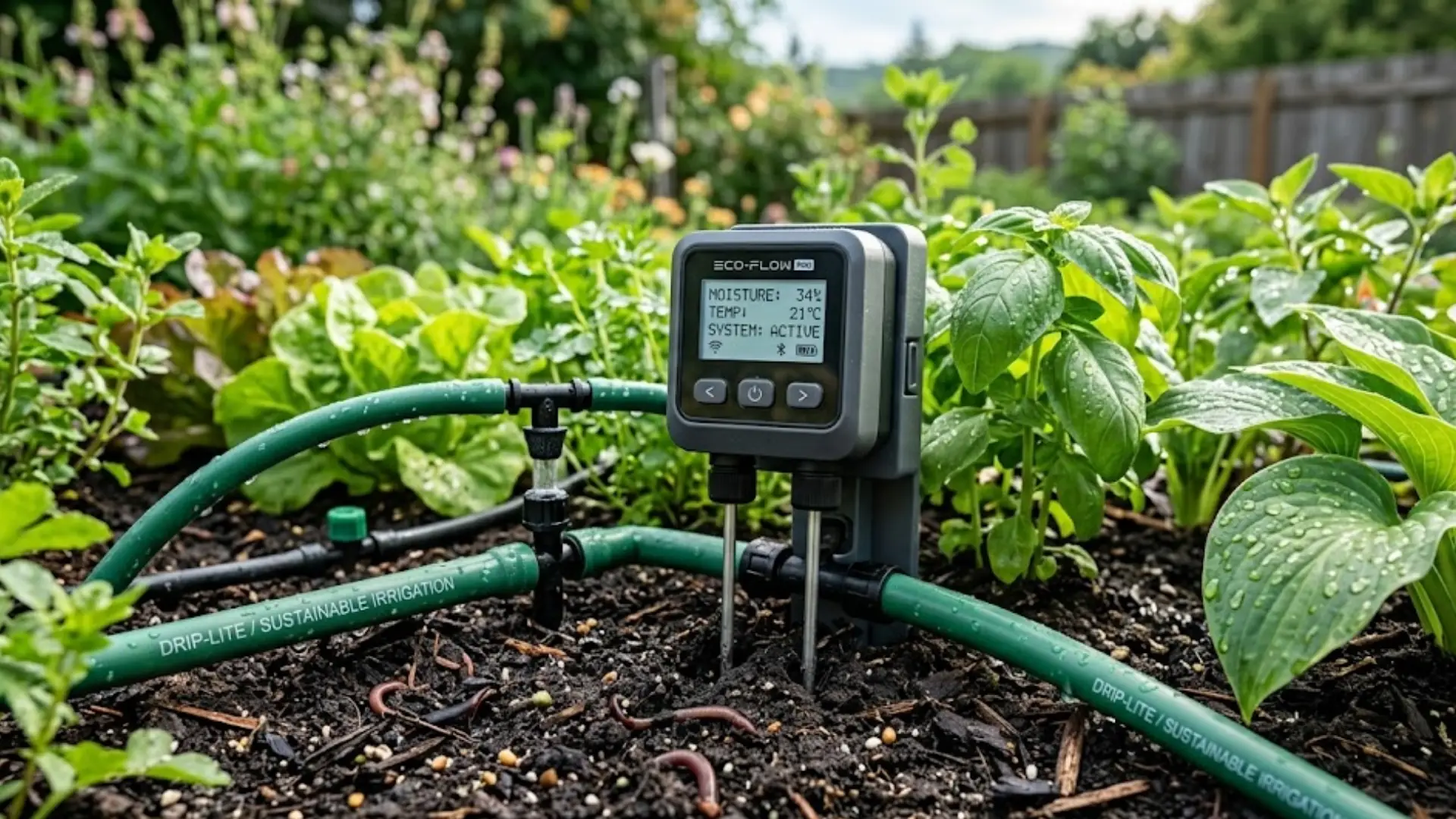
A smart sprinkler controller adjusts watering schedules based on local weather data.
It skips irrigation on rainy days and adapts to seasonal changes without manual reprogramming.
For anyone with a garden that requires consistent care, automation means the lawn and beds stay maintained while traveling or during busy weeks.
It removes the need to rely on a neighbor to keep an eye on things.
20. Pet-Friendly Smart Devices

Automatic feeders with app controls let you schedule meals, adjust portions, and dispense food remotely.
Pet cameras with two-way audio let you check in and speak to an anxious animal while you are out.
These devices reduce the anxiety that comes with leaving pets alone for extended periods.
Which matters more than the convenience element for most pet owners. Knowing an animal is fed, calm, and visible is genuinely reassuring.
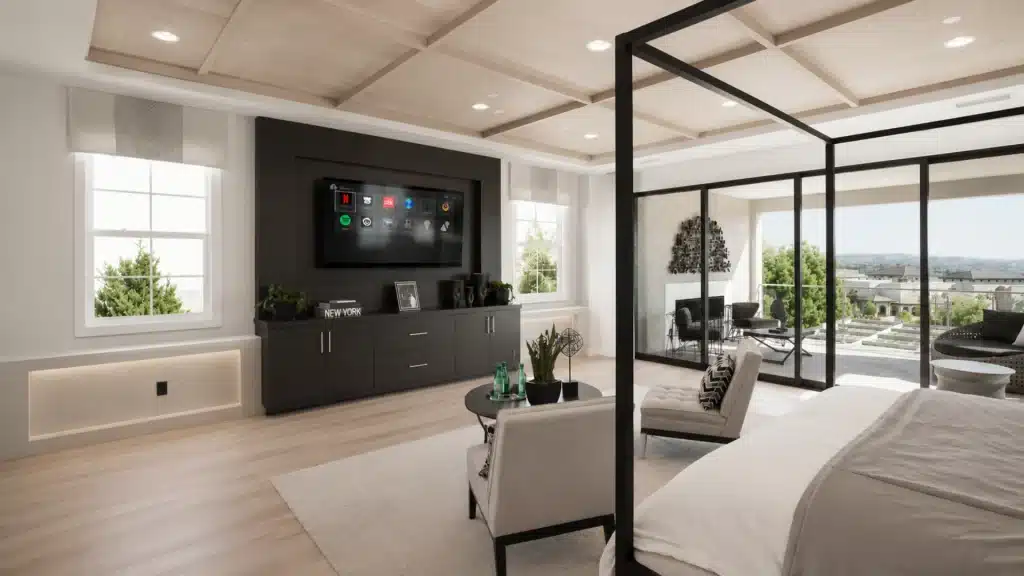
21. Smart Entertainment Rooms
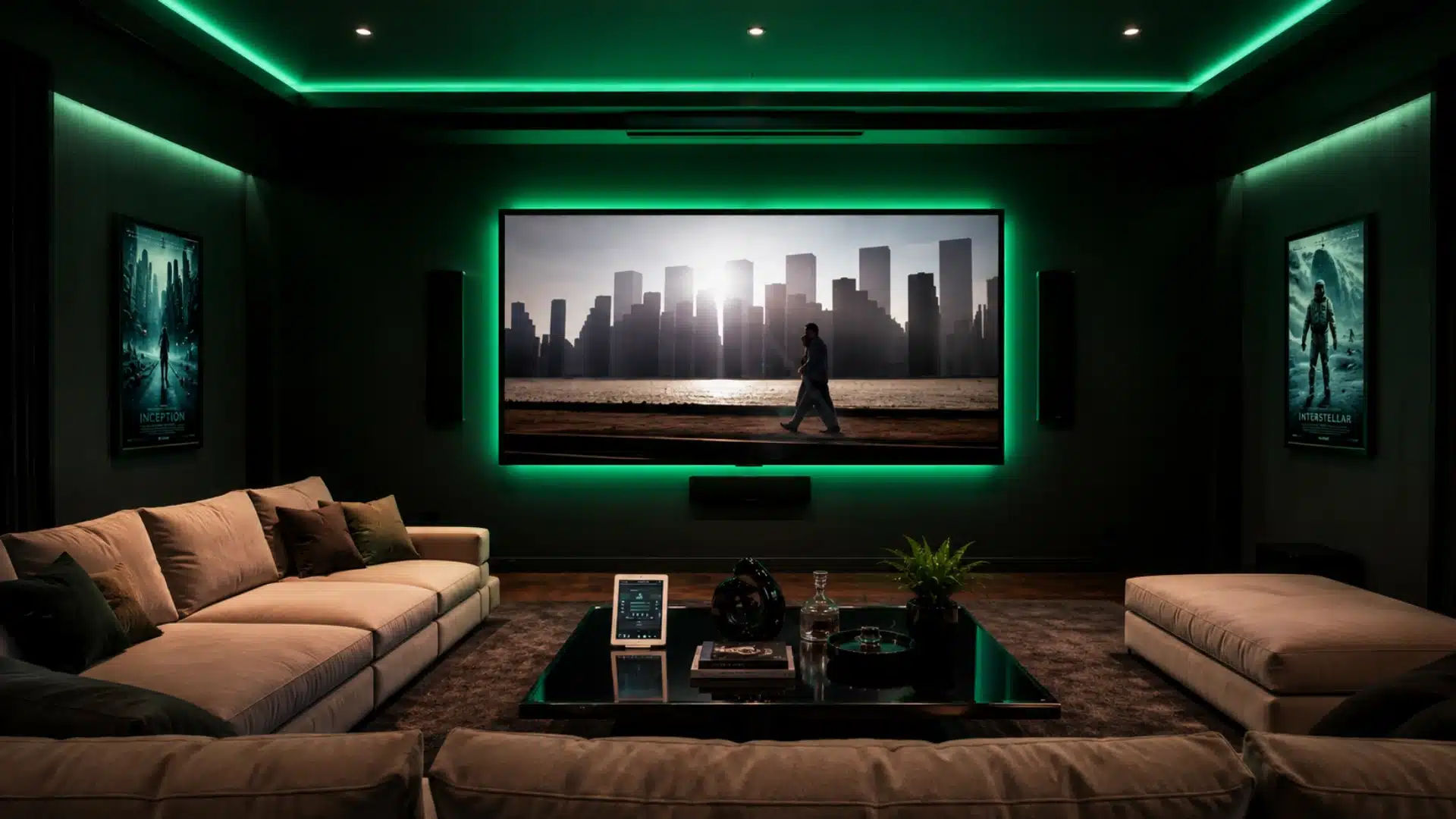
A voice-controlled TV that responds to channel, input, or volume commands creates a smoother experience than juggling multiple remotes.
Paired with automated movie lighting that dims during playback and brightens when paused, the setup feels seamless.
Professional AV conference setup principles, like screen placement and speaker positioning, can improve home theater planning and the conference room setup. These AV fundamentals are discussed in detail.
22. Smart Sleep and Bedroom Automation
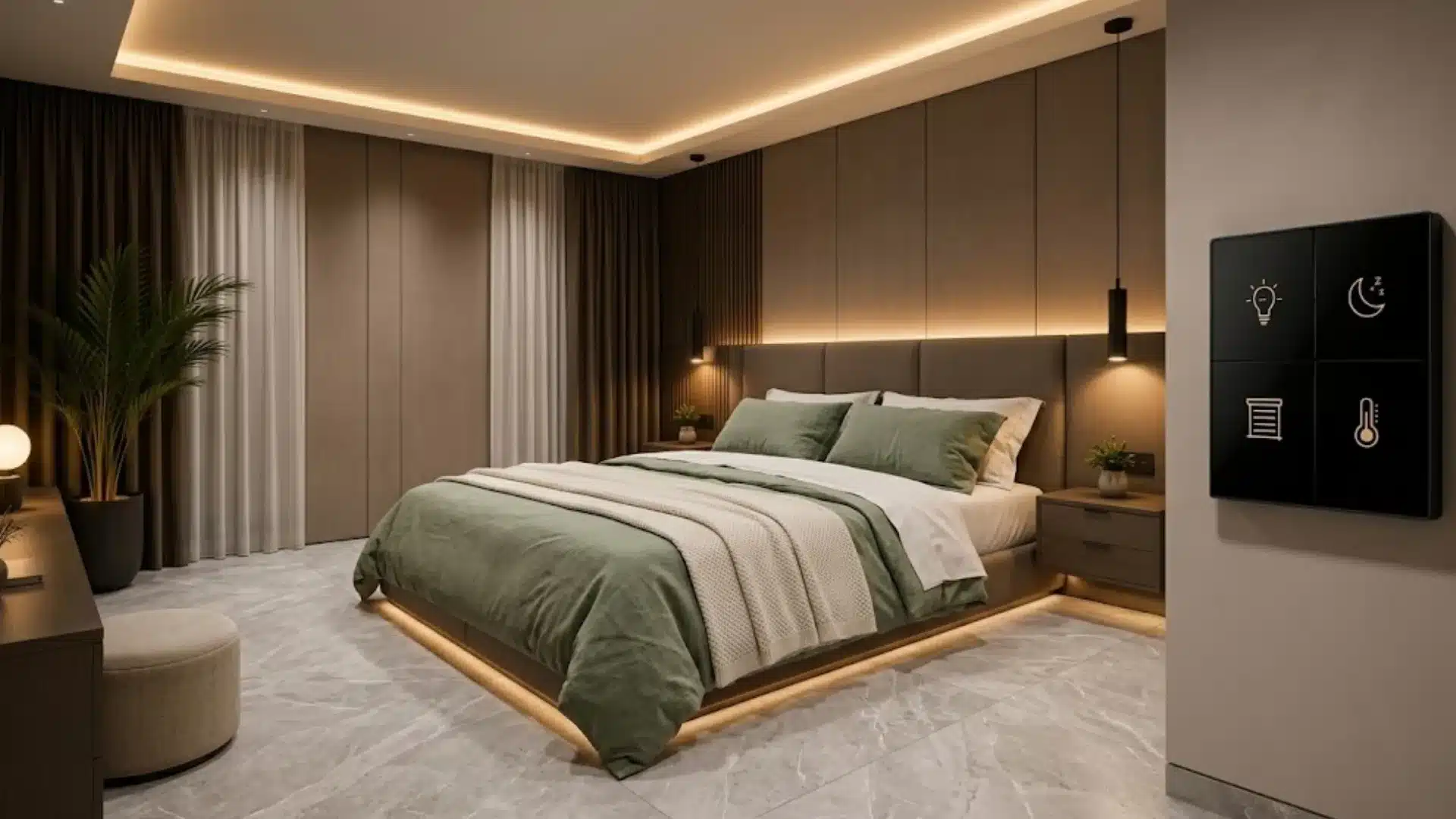
Smart bedrooms are becoming increasingly popular as homeowners focus more on comfort, sleep quality, and healthier routines.
Automated lighting gradually dims before bedtime, smart thermostats adjust room temperature automatically, and blackout blinds close on schedule without manual control.
Some systems even monitor sleep patterns, heart rate, and breathing to improve long-term rest.
Instead of feeling overly technical, these features quietly create a calmer environment that supports relaxation and makes routines feel smoother and easier.
23. Smart Air Purifiers
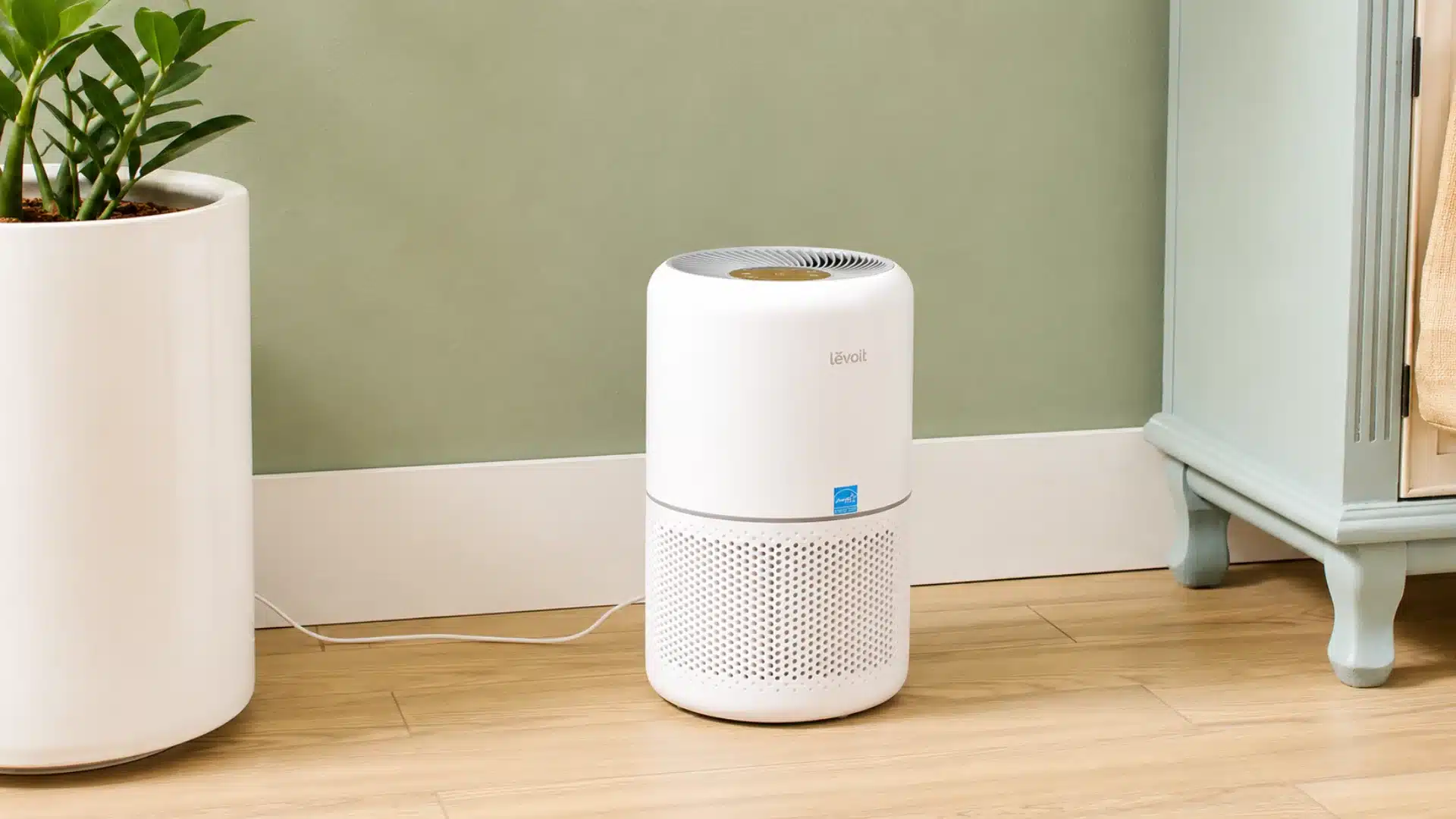
A smart air purifier automatically adjusts its filtration speed based on real-time indoor air quality readings.
Models with PM2.5 and VOC sensors detect particulate matter, allergens, and chemical compounds, then respond without you having to do anything.
For allergy sufferers or anyone living in areas with fluctuating outdoor air quality, an air purifier that responds automatically is far more useful than one that must be turned on manually.
24. Smart Laundry Rooms
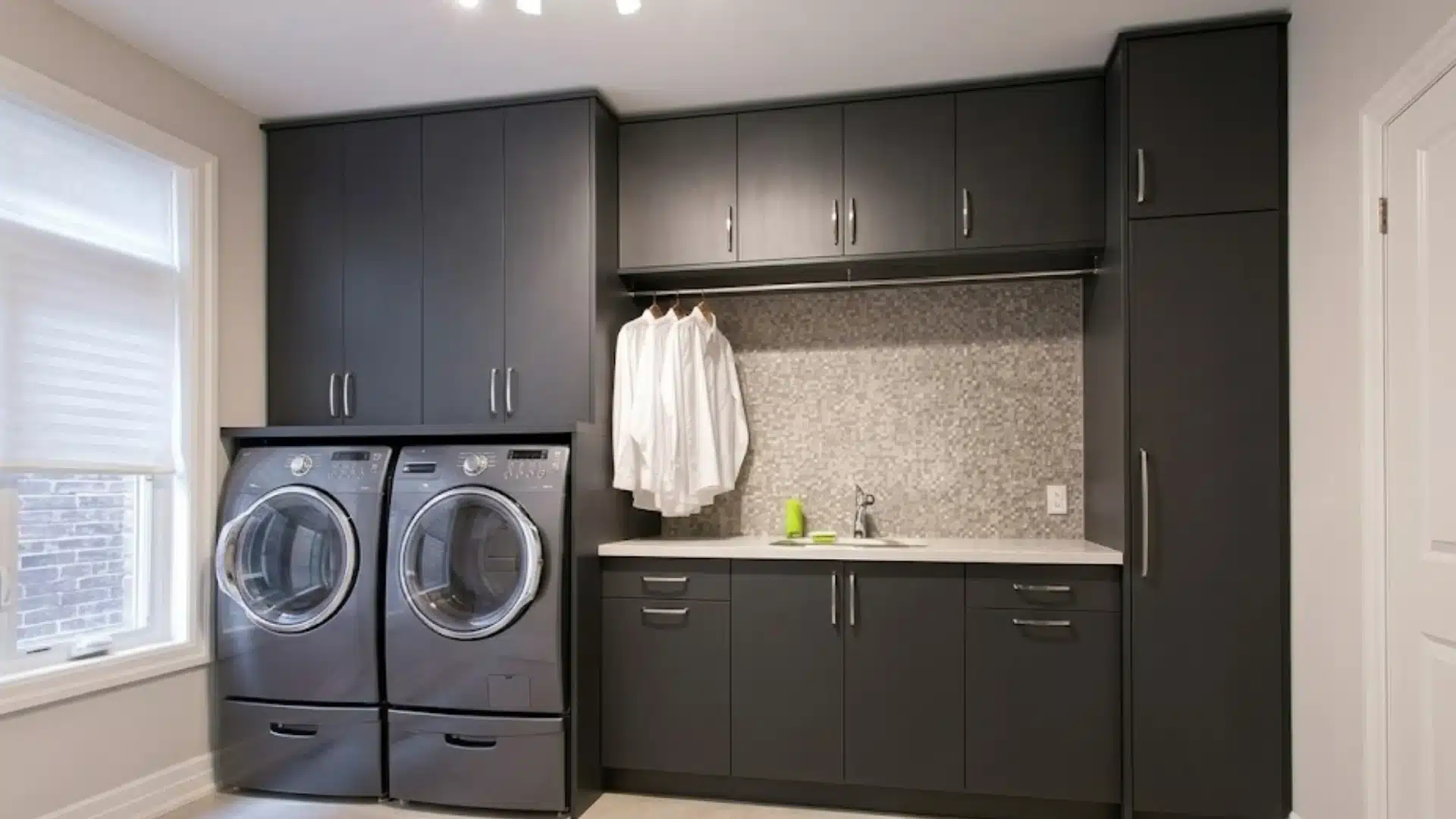
Connected washers and dryers send a notification when a cycle finishes, which means clothes do not sit damp in the drum for hours because you forgot.
Most smart laundry systems also allow remote start, so a load can be running before you get home.
Energy-smart models adjust water temperature and cycle length based on load size and fabric.
This reduces both energy and water use without requiring any input from you after the initial setup.
25. AI-Based Home Automation
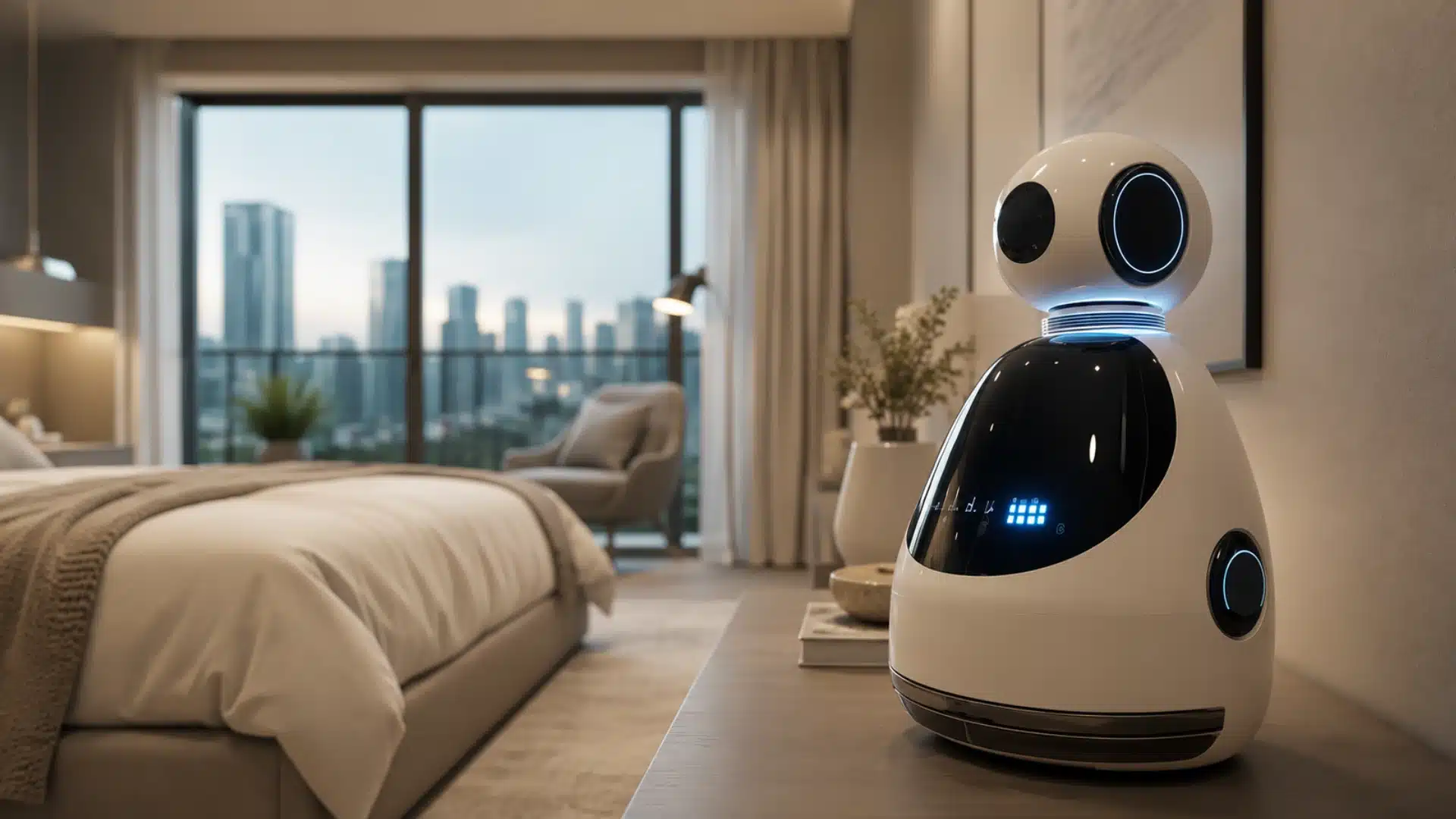
An AI home assistant learns your patterns over time and starts anticipating your needs without you having to set up individual rules.
Your thermostat adjusts before your morning alarm. Your lights shift to a softer tone in the half hour before you usually go to sleep.
This is the direction the whole category is heading. Systems that respond to commands are useful.
Systems that understand habits are becoming genuinely helpful.
Choosing the Right Smart Home Ecosystem
Before buying a device, choose the ecosystem first. Most smart home problems happen when devices cannot communicate properly.
The main platforms are Google Home, Amazon Alexa, and Apple HomeKit. Matter is a newer open standard that helps devices from different brands work together.
| Ecosystem | Best for | Device compatibility | Key strength | Key limitation |
|---|---|---|---|---|
| Amazon Alexa | Budget-friendly setups | Very wide | Most compatible ecosystem | Voice recognition less advanced than Google |
| Google Home | Android users | Wide | Strong natural voice responses | Fewer native smart home devices |
| Apple HomeKit | iPhone users, privacy-focused homes | Narrower but growing | Strong privacy and local processing | Higher cost, fewer third-party devices |
| Matter | Mixed-brand setups | Growing fast | Works across Alexa, Google, Apple, and Samsung | Limited support on some devices |
Practical advice: choose one main ecosystem based on the phones in your home, then look for Matter support when buying new devices.
Smart Home Trends Real People are Actually Using
The conversations across Reddit’s forums and tech communities reflect a few consistent patterns this year.
Smart home technology is becoming more adaptive, with homeowners increasingly choosing systems that automatically respond to their habits rather than relying on constant manual adjustments.
Cost-saving features are also becoming a major priority, as energy monitoring, automated climate control, and smart lighting help reduce everyday utility expenses without sacrificing comfort.
Clean and clutter-free smart interiors are gaining momentum too, with built-in speakers, concealed charging areas, and seamless wall controls helping technology blend naturally into modern living spaces.
Health-centered smart features continue to grow in popularity, especially systems focused on improving sleep, tracking indoor air quality, reducing stress, and lighting designed to support healthier daily routines.
Budget-Friendly Smart Home Ideas
Starting with a few affordable smart devices, like lighting or security systems, makes it easier to build a smart home without spending too much at once.
| Smart home upgrade | Typical starting cost | Why does it work as a first step |
|---|---|---|
| Smart lighting (one room) | $30–$80 | Immediate visible difference; no installation required |
| Video doorbell | $100–$250 | Adds security and convenience; low complexity |
| Smart thermostat | $100–$250 | Best long-term energy ROI; installs in under an hour |
| Motion sensor lights | $15–$40 per fixture | Affordable, practical, zero ongoing maintenance |
| Smart plugs | $15–$30 each | Makes any existing appliance app-controllable instantly |
Smart Home Design Tips That Actually Work
Good smart home design works best when the setup feels simple, useful, and easy to manage in daily life, instead of being packed with unnecessary devices.
- Keep the layout simple: A few well-integrated devices usually work better than filling every room with smart gadgets.
- Use devices that work together: Choosing one ecosystem like Google Home, Apple HomeKit, or Amazon Alexa helps avoid compatibility problems later.
- Focus on daily habits first: Start with the moments in the day that feel repetitive or inconvenient and automate those first.
- Avoid overloading rooms with gadgets: Too many devices running on separate apps can make a smart home harder to manage.
- Blend smart features into the home style: Hidden speakers, flush-mounted controls, and in-wall charging stations help technology feel less visible.
The best smart homes are usually the ones that feel natural to live in. When technology supports routines quietly in the background, the entire home feels more comfortable and organized.
Common Mistakes to Avoid With Smart Home Gadgets
Most smart home regrets stem from a few early decisions, especially buying too many devices, ignoring compatibility, or overcomplicating the setup from the start.
- Buying incompatible devices: Mixing ecosystems means multiple apps, limited automation options, and devices that cannot communicate with each other.
- Using too many apps: A smart home that requires six different apps to manage is not smart. It is just complicated.
- Ignoring internet speed: A household with dozens of connected devices needs a strong, stable Wi-Fi network as its foundation. Smart devices on a weak connection behave unpredictably.
- Overcomplicating automation: Start with simple, reliable routines before building complex trigger chains. Simple automations that work consistently are more valuable than elaborate ones that fail occasionally.
Conclusion
A smart home does not need to feel like a huge project. It can start with one switch, one lock, or one device that makes daily life easier.
The ideas in this list range from simple motion sensors to full AI automation, but the gap between them is smaller than it seems.
The best smart home design is the one that fits real daily life, not someone else’s version of a connected home.
Adding even a few smart features early can save expensive retrofitting later. I would always suggest starting with the idea that solves the biggest daily frustration first.
Which smart home idea would best fit your home? Leave a comment below and share what upgrade feels most useful right now.
Frequently Asked Questions
Do I Need a Smart Home Hub to Get Started?
Not necessarily. Many smart devices connect directly to Wi-Fi and work with Google Home, Amazon Alexa, or Apple HomeKit without a separate hub.
What is the Difference Between a Smart Home and Home Automation?
Home automation controls functions automatically. A smart home goes further by connecting devices and allowing remote control through apps or voice assistants.
Are Smart Home Upgrades Worth It for Renters?
Yes, removable devices like smart plugs, speakers, and battery-powered locks work well for renters without requiring permanent installation or landlord approval.
What Smart Home Idea Gives the Best Return on Investment?
Smart thermostats consistently come up first in this discussion, because the energy savings are ongoing and the upfront cost is relatively low. Video doorbells and smart locks rank second for homeowners, factoring in resale value, since security upgrades are among the features buyers consistently respond to.