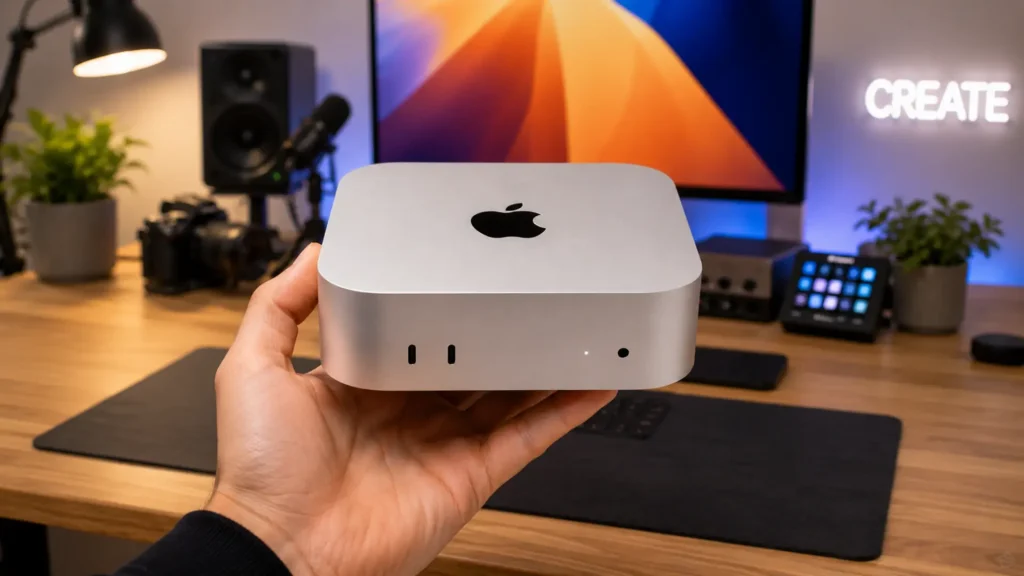
Tiny desktops are no longer just basic office machines. Apple’s latest Mac Mini proves that a compact computer can still deliver high speed, smooth multitasking, and impressive creative performance without taking up much desk space.
In this Mac mini review, readers will get a clear look at what the new M4 model offers, from design and connectivity to editing, gaming, and everyday usage.
Many buyers are also confused about which configuration makes sense for their needs, especially given the different RAM and storage options available.
This guide breaks everything down in simple terms, so choosing the right Mac Mini feels much easier.
Whether the goal is work, content creation, or casual use, understanding the real value of the Mac Mini M4 can help avoid an expensive mistake.
An Overview of Mac Mini M4
The Mac mini has always been Apple’s “bring your own display” desktop. You get the computer; you supply the screen, keyboard, and mouse.
That design philosophy makes it unusually flexible, and the M4 generation leans into that harder than any previous model.
The machine targets a wide band of users: students and first-time Mac buyers, small business owners, creative professionals who want serious power without the MacBook Pro price, and productivity-focused teams that already have monitors and peripherals.
Two configurations are available. The M4 model starts at $599 (frequently available for $499 on Amazon).
The M4 Pro starts at $1,399. Both include 16GB of unified memory as standard, which is double the amount shipped with the M2 generation.
Mac Mini M4: Design and Build Quality
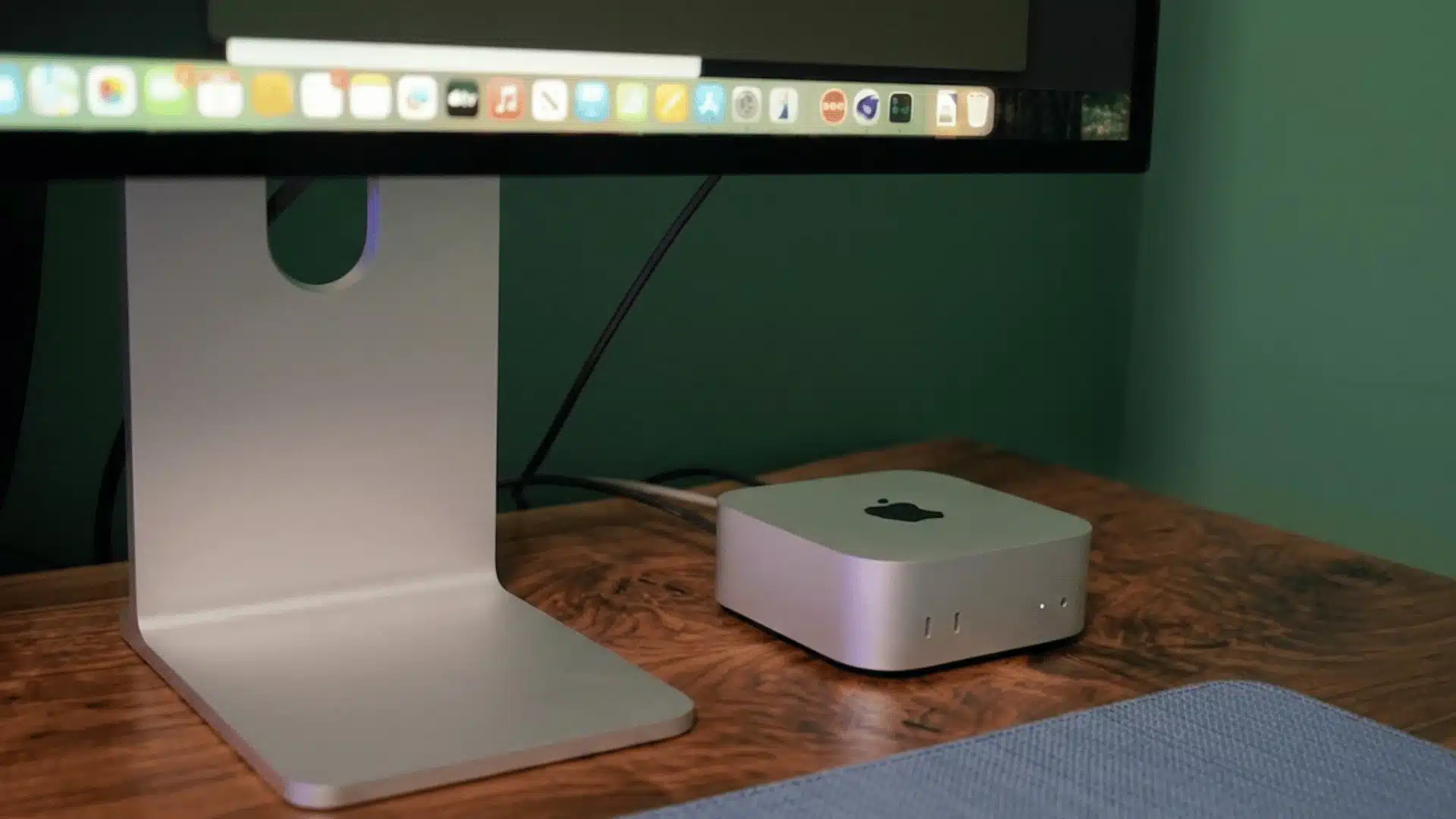
The redesign is the first major form factor change since 2010. The new enclosure measures just 5 inches by 5 inches by 2 inches, a roughly 50% reduction in volume compared to the M2 model.
It feels denser than it looks. Pick it up, and it’s heavier than the size suggests, which is a good sign for thermal management.
Port placement got a meaningful update. For the first time, two USB-C ports and a headphone jack sit on the front of the machine, which makes plugging in peripherals significantly less annoying.
The rear panel carries three Thunderbolt 4 ports (Thunderbolt 5 on the M4 Pro), one HDMI port capable of 8K at 60Hz or 4K at 240Hz, and Gigabit Ethernet (upgradeable to 10Gb).
One thing worth noting: the power button is on the bottom of the unit. Apple confirmed this was a space constraint decision driven by the smaller chassis.
It works, but pressing it requires flipping the machine over or memorizing exactly where it sits by feel. USB-A ports are gone entirely. If your peripherals rely on USB-A, plan for a hub or adapter.
Performance: What the M4 Chip Actually Delivers
The M4 chip delivers fast everyday performance, smoother multitasking, quieter cooling, and strong creative workflow handling, making the Mac Mini feel powerful despite its compact size.
- 10 Core CPU and GPU Performance: The base M4 model comes with a 10 Core CPU and 10 Core GPU, delivering flagship-level desktop performance for daily and professional tasks.
- Strong Benchmark Results: Geekbench 6 scores reach 3,496 in single-core and 14,505 in multi-core testing, matching performance seen in newer MacBook Pro models.
- Major Upgrade Over Older Macs: Apple claims up to 1.8x faster CPU speed than the M1 Mac Mini and more than 13x gaming improvement over Intel models.
- Quiet and Efficient Cooling: Even during Lightroom editing, multitasking, and light video rendering, the Mac Mini stays nearly silent without noticeable fan noise.
- Better Multitasking and Creative Workflow: The upgraded 120GB/s memory bandwidth helps with smoother 4K video editing, coding, browser multitasking, and heavy creative applications.
AI Features and Smart Performance on the Mac Mini M4
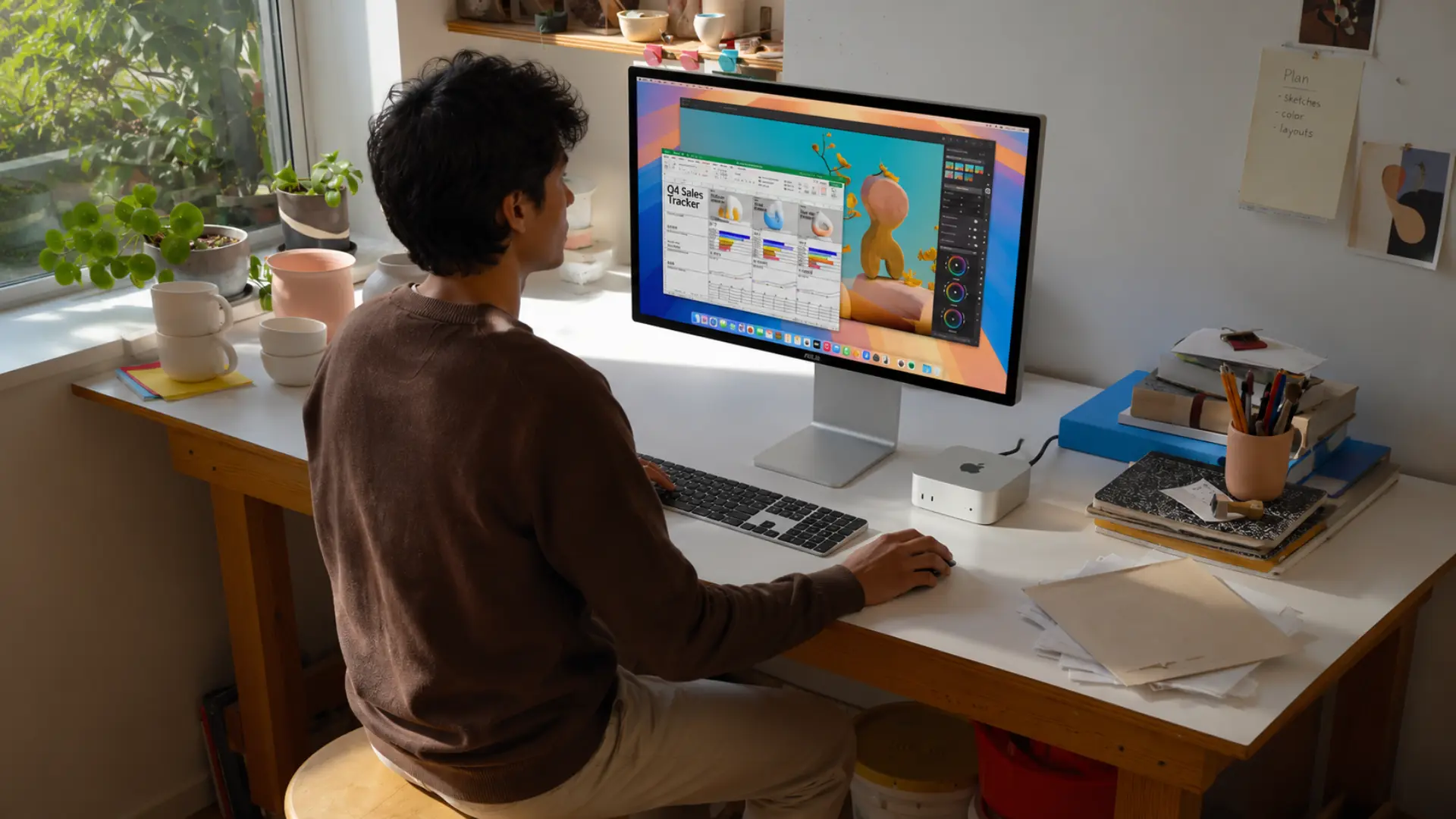
The M4 chip includes a 16-core Neural Engine rated at 38 trillion operations per second. That number matters because it’s what drives Apple Intelligence, the on-device AI system built into macOS Sequoia.
The features include writing tools, email summaries, smart photo search, and on-device text editing assistance, all processed locally without sending data to external servers.
The privacy angle here is real, not marketing language. On-device processing means your documents and messages stay on your machine.
For professionals handling sensitive client information, that’s a meaningful difference from cloud-based AI tools.
The Mac mini M4 also supports the AI productivity tools that are increasingly part of modern workflows, and the Neural Engine gives it more headroom than previous Mac mini generations had.
The AI benchmarks show roughly a 35% improvement in neural engine performance over the M3, making this the Mac mini most likely to stay relevant as on-device AI tasks grow more demanding over the next few years.
Mac Mini M4 vs M4 Pro Comparison
This comparison highlights the biggest differences between the Mac Mini M4 and M4 Pro, helping buyers understand which model delivers the right balance of performance and value.
| Feature | M4 | M4 Pro |
|---|---|---|
| Starting price | $599 | $1,399 |
| CPU cores | 10 (4 performance + 6 efficiency) | 14 (10 performance + 4 efficiency) |
| GPU cores | 10 | 20 |
| Memory bandwidth | 120 GB/s | 273 GB/s |
| Max unified memory | 32GB | 64GB |
| Thunderbolt | Thunderbolt 4 (40Gb/s) | Thunderbolt 5 (up to 120Gb/s) |
| Base storage | 256GB | 512GB |
Mac Mini M4 Real User Feedback

After a month of daily usage, many Reddit users describe the Mac Mini M4 base model as surprisingly powerful for its size and price.
One detailed discussion highlighted how smoothly the system handled multitasking, photo editing, browser-heavy workflows, and even light video editing without noticeable slowdowns.
Users also praised the silent cooling system, with several mentioning they rarely heard the fan during regular workloads.
The compact design and low power consumption were additional positives frequently mentioned in the thread.
Some concerns still appeared around Apple’s expensive storage upgrades and limited upgradeability, but overall sentiment remained highly positive.
Mac Mini M4 Drawbacks You Should Know
No honest Mac mini review skips this part. The machine has real limitations worth knowing before you buy.
- No display included: This is obvious, but catches first-time buyers who budget only for the computer. A decent external monitor adds $150-500 to the total cost.
- Bottom-mounted power button: Functional but awkward, especially for desktops mounted behind monitors or tucked into media centers.
- No USB-A ports: Legacy devices need a hub: This is increasingly a non-issue as peripherals shift to USB-C, but it’s a real short-term friction point.
- Base storage is tight: The 256GB SSD on the entry model fills faster than most users expect. Budgeting for the 512GB upgrade at checkout ($200 more) is worth it for most buyers.
- RAM and storage are not upgradeable: Apple Silicon’s unified memory architecture is soldered. What you buy is what you have for the life of the machine.
- No built-in webcam or microphone: Unlike the iMac, the Mac mini needs external peripherals for video calls.
Is the Mac Mini a Good Value for Money?
For most buyers, the Mac Mini M4 offers excellent value considering the level of performance packed into such a small desktop.
The base model already handles multitasking, creative work, office tasks, and light gaming far better than many Windows mini PCs in the same price range.
Power efficiency is another major advantage, since the system stays cool and quiet without consuming much electricity.
The long software support cycle also adds value over time, making the Mac Mini a reliable long-term investment.
The only area where costs rise quickly is storage and memory upgrades, which can push the price much higher.
Still, for users already inside the Apple ecosystem, the Mac Mini M4 feels like one of Apple’s strongest desktop deals in years.
Conclusion
The Mac Mini M4 proves that a compact desktop can still deliver high speed, quiet performance, and reliable long-term usability without demanding a massive budget.
From creative workloads to office productivity and multitasking, the system handles most modern tasks with surprising ease.
While upgrade limitations and storage pricing may frustrate some buyers, the overall experience still feels polished and future-ready for everyday users and professionals alike.
This Mac mini review shows why the M4 model has become one of Apple’s most practical desktop options in recent years.
Buyers who already use other Apple devices will likely appreciate the smooth ecosystem experience even more.
If you have already tried the Mac Mini M4, drop a comment below and share whether it met your expectations
Frequently Asked Questions
Does the Mac mini M4 support Windows via Boot Camp?
No, Apple Silicon Macs, including the Mac Mini M4, do not support Boot Camp. Windows can still run through virtualization software like Parallels Desktop or VMware Fusion.
Can You Upgrade the RAM or Storage After Purchase?
No, the RAM and storage are soldered into the motherboard. Buyers should choose the right configuration during purchase because internal upgrades are not possible later.
How Does the Mac Mini M4 Handle Heat During Extended Use?
The Mac Mini M4 manages heat very efficiently with its advanced cooling system. Even during long editing sessions or multitasking, the machine usually stays cool and quiet.