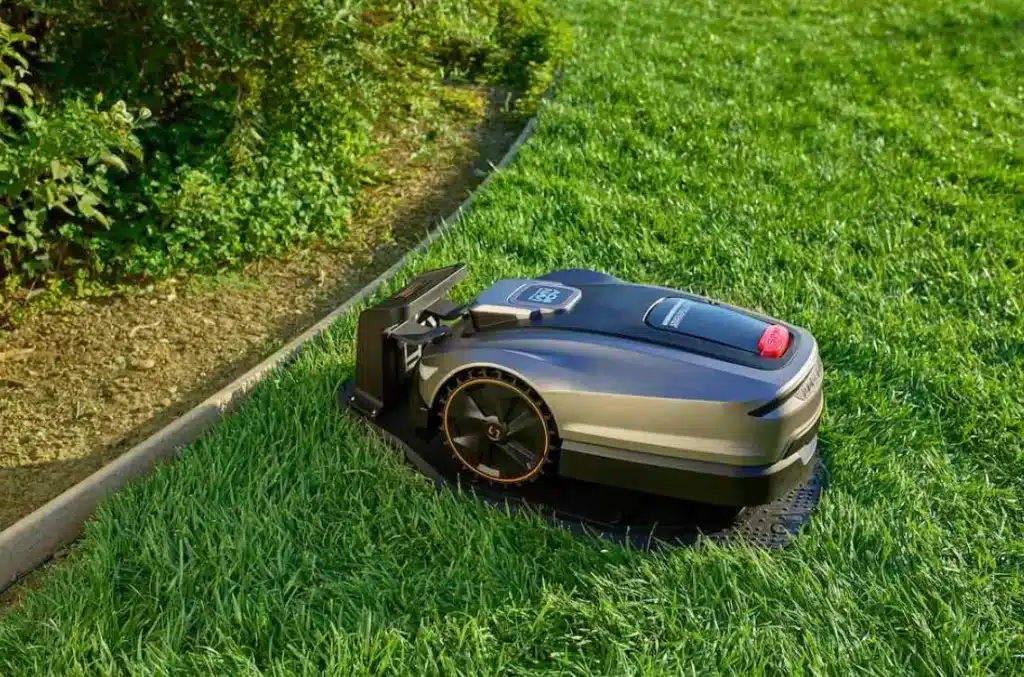
Wire-free robot lawn mowers remove one of the biggest headaches of older robotic models: laying and burying boundary wire around your yard. Instead of wrestling with hundreds of metres of cable, you use onboard GPS, sensors, and smartphone apps to define where the mower can and cannot go.
Many homeowners now handle setup in under an hour, including unboxing, app pairing, and basic lawn mapping. Brands design these mowers for DIY installation, so you do not need special tools or technical skills. If you can use a smartphone and follow a step-by-step guide, you can usually get a wire-free mower cutting quickly and reliably.
How Does the Setup Process Work?
Initial Setup Steps and Unboxing Essentials
Setup starts the moment you open the box. Inside, you usually find the mower, charging station, power cable, a few spare blades, and mounting screws or stakes for the dock. First, place the charging station on a flat, accessible spot near an outdoor power outlet with clear space in front for the mower to enter and exit.
Secure the dock to the ground so it stays stable. Then connect the power cable and confirm the station light turns on. Place the mower on the dock so it can charge to the recommended level before first use. While it charges, download the manufacturer’s app, check the quick-start guide, and note any safety instructions about slopes, obstacles, or restricted zones.
Connecting the Mower to Apps and Wi-Fi
After the mower has enough charge, you pair it with the app. Most brands show a clear on-screen wizard, so you follow each step like setting up a smart speaker or phone. Usually you create an account, select your mower model, then scan a QR code on the mower or enter a serial number.
The app then walks you through connecting to your home Wi-Fi or, on some premium models, activating cellular connectivity. You confirm network details, name your mower, and set your region and time. Once online, the mower can receive firmware updates, weather data, and security improvements.
You can also test remote controls, adjust cutting height, and preview the mowing schedule options directly from the app.
Mapping the Lawn Without Boundary Wires
Wire-free robot mowers define their working area using GPS, camera systems, or virtual boundaries that you set digitally. Many apps let you “draw” the lawn on a satellite map, then refine edges by walking the mower around the yard during an initial mapping run. You guide the mower along fences, flower beds, and driveways so it can record the layout and learn where to stop.
Some systems let you place no-go zones in the app for pools, play areas, or garden beds without installing physical barriers. After mapping, the mower stores a virtual map and uses smart navigation to stay within that space. You can later edit zones, add secondary areas, or adjust corridors without touching any wires.
What Makes Wire-Free Setup Easier Than Traditional Models?
No Boundary Wire Installation and Time Savings
Traditional robot mowers rely on a loop of boundary wire that runs around every edge and obstacle. Homeowners must measure the yard, unroll cable, pin it down every few feet, and sometimes bury it to avoid damage from pets, kids, or aerating tools. This process can take several hours or even a full weekend for larger lawns.
Wire-free mowers remove that entire step. You skip trenching, staking, and troubleshooting broken wires that stop the mower. Setup focuses on simple tasks: placing the dock, connecting power, pairing the app, and running a mapping session. If you move house or redesign the garden, you re-map within the app instead of digging up old cable and laying everything again.
User-Friendly Apps and Guided Setup Features
Modern wire-free systems use apps as the main control center, and brands design these apps for first-time users. When you open the app for the first time, you often see a guided setup checklist with clear icons and short instructions. The app prompts you to position the dock correctly, connect to Wi-Fi, update firmware, and start mapping.
Many apps include tooltips, short videos, and troubleshooting prompts if something fails, like weak signal or blocked access. You can select lawn size, preferred cutting times, and quiet hours with simple sliders or presets. This reduces the need to read long manuals or navigate complex onboard menus. The app keeps everything in one place, from safety alerts to maintenance reminders.
Automatic Calibration and Smart Navigation Setup
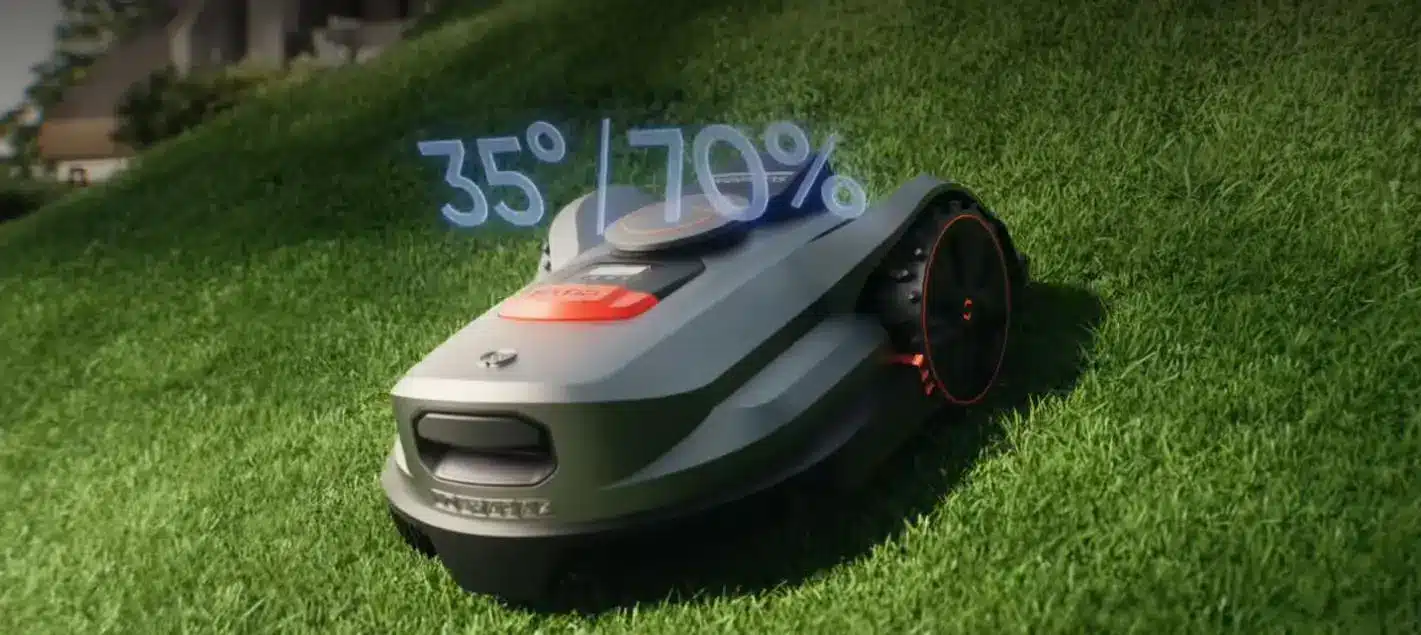
The robot lawn mower without perimeter wire use built-in sensors, GPS, and advanced algorithms to calibrate themselves during early runs. After mapping, you often start an automatic calibration or “learning” mode. The mower tests different paths, learns where slopes and tight corners are, and adjusts its navigation pattern accordingly.
Some models automatically fine-tune cutting paths to avoid over-mowing the same strip and to cover edges more efficiently. The system may also adapt to signal quality and compensate for trees, walls, or other structures that affect positioning. You do not adjust complex parameters manually; the mower handles this in the background.
Over a few runs, it improves route planning, reduces missed spots, and builds a reliable pattern without extra effort from you.
Conclusion
Wire-free robot lawn mowers make setup far more approachable for everyday homeowners. You avoid boundary wires, trenching tools, and long weekends of measuring and staking cable. Instead, you follow a clear app-guided process: set the dock, pair the mower, connect to Wi-Fi, and run a mapping session.
Smart navigation, automatic calibration, and virtual zones handle the technical details for you. If your garden changes, you simply update the map or edit zones in the app. The whole experience feels closer to installing a smart home device than a complex outdoor machine, which helps more people enjoy automatic lawn care with much less time and effort.