A wireless charger should make charging your iPhone quick and convenient, but it can be frustrating when the iPhone 11 refuses to charge or keeps disconnecting
Many users also look for information on wireless charging support and wonder whether an iPhone can charge AirPods.
This blog covers everything you need to know about iPhone 11 wireless charging in one place, from setup and charger compatibility to common problem fixes.
It explains how wireless charging works, the Qi standard it supports, compatible chargers, and the charging speeds you can expect.
You’ll also find a clear answer to the common question, can you charge AirPods with an iPhone, along with helpful battery care tips.
Does the iPhone 11 Have Wireless Charging?
Yes, the iPhone 11 supports Qi wireless charging and works with Qi-certified wireless chargers right out of the box.
The iPhone 11 is compatible with the Qi wireless charging standard, allowing you to charge it on most certified wireless charging pads and stands.
It also works with MagSafe chargers, but it does not include built-in magnetic alignment like the iPhone 12 and newer models.
For the most reliable charging, center the phone on the pad and use a power adapter that actually matches the charger’s rated output
Why Is the iPhone 11 Not Charging Wirelessly?
Wireless charging problems usually trace back to the charger, phone placement, software, or a case getting in the way.
- Use a Qi-certified charger: The iPhone 11 only charges reliably with Qi-certified chargers, which offer better compatibility and more stable power delivery.
- Remove incompatible cases: Thick cases, metal plates, magnetic accessories, or pop sockets can all block wireless charging.
- Position the iPhone properly: Center the phone on the pad so both coils align for uninterrupted charging.
- Keep charging surfaces clean: Dust, lint, and debris reduce efficiency. Wipe both the charger and phone with a dry microfiber cloth.
- Restart your device: This clears temporary software glitches that can prevent wireless charging from starting.
- Install the latest iOS version: Updates fix charging-related bugs and improve accessory compatibility.
- Try a different Qi charger: This helps confirm whether the issue is the charger, the adapter, or the phone.
How to Set up Wireless Charging on iPhone 11?
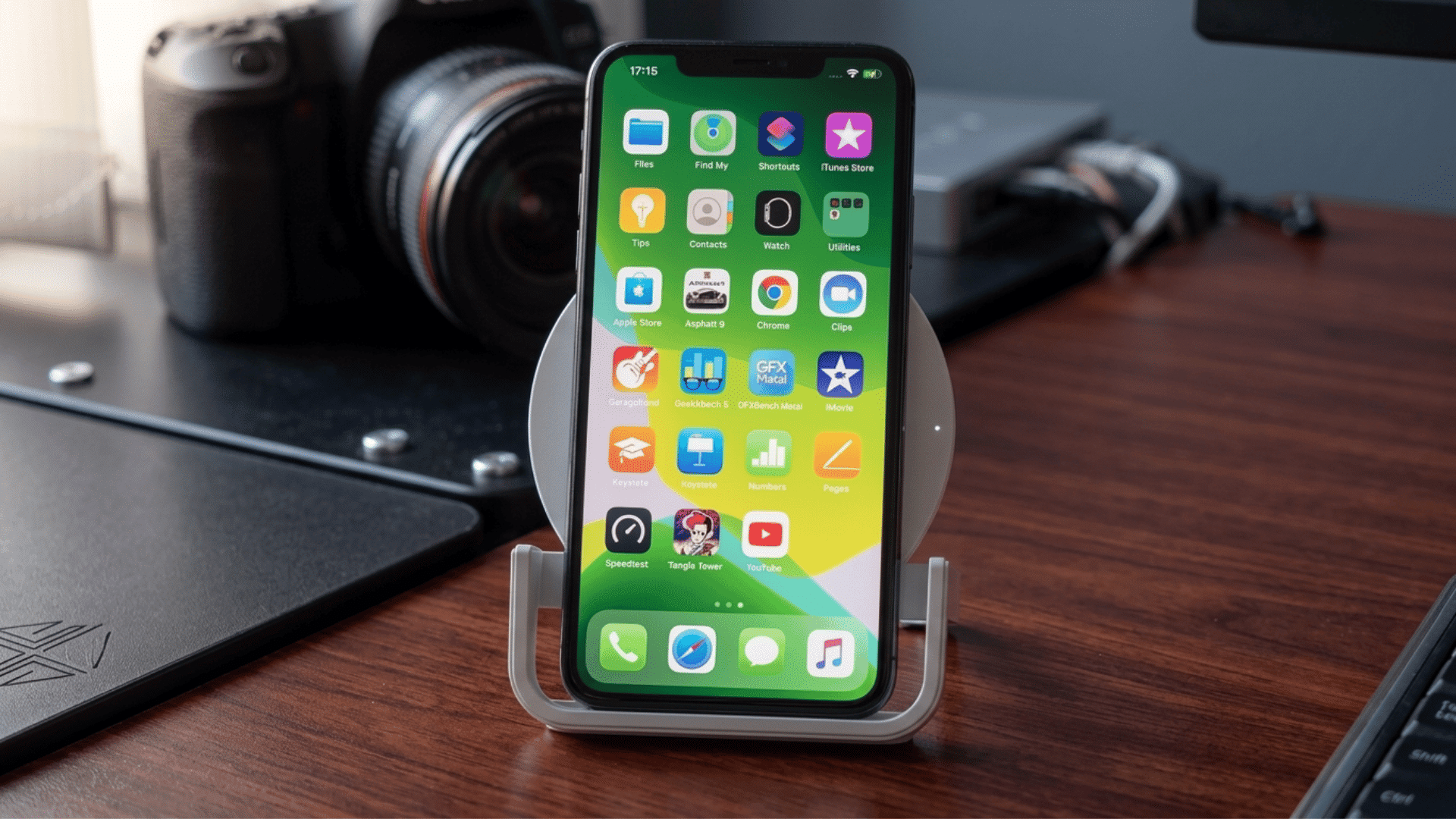
Setting up wireless charging on the iPhone 11 only takes a few simple steps. Following the correct setup helps ensure stable and efficient charging.
1. Plug in the Wireless Charger
Connect your Qi-certified wireless charger to a power outlet before placing your iPhone 11 on it. Use the charging cable and adapter recommended by the charger manufacturer for safe, stable power.
Make sure the cable is firmly connected to both the adapter and the charging pad or stand.
A loose connection may prevent power from reaching the charger, which can keep your phone from charging properly or cause it to start and stop.
2. Use a Compatible Power Adapter
Use a power adapter that matches your wireless charger’s requirements.
The iPhone 11 supports wireless charging up to 7.5W with compatible Qi chargers, so the adapter should provide enough power for steady charging.
Avoid very low-quality or uncertified adapters, as they may charge slowly or disconnect often.
If your charger came with a recommended adapter, use that option first. A proper adapter helps the charging pad deliver stable power to your iPhone 11.
3. Place the iPhone Correctly
Place your iPhone 11 in the center of the wireless charging pad or stand. Wireless charging works when the charging coil inside the phone lines up with the coil inside the charger.
If the phone is too high, too low, or off to one side, charging may not begin. Wait a few seconds after placing it down.
For best results, keep the phone flat and avoid moving it while it is charging on the pad.
4. Check the Charging Indicator
After placing your iPhone 11 on the wireless charger, wait a few seconds and check the screen. The battery icon should turn green, or a charging animation may appear.
You may also feel a slight vibration if vibration is enabled. If the icon does not change, the phone may not be aligned correctly.
Checking the indicator helps confirm that the charger is working and that your iPhone has started receiving power properly.
5. Troubleshoot if Charging Doesn’t Begin
If your iPhone 11 does not start charging, first move it slightly on the charging pad to improve coil alignment. Remove any thick, metal, or magnetic case that may block charging.
Check that the charger is Qi-certified and connected to power. Restart your iPhone if needed, then try again.
You can also test another wireless charger or cable to see whether the problem is with the phone, the charger, the adapter, or the cable.
Which Wireless Chargers Work Best with iPhone 11?
The iPhone 11 supports all Qi-certified wireless chargers and works with MagSafe chargers, but charges only at standard Qi wireless speeds.
| Charger Type | Works with iPhone 11 | Typical Speed | Best For |
|---|---|---|---|
| Standard Qi Charging Pad | Yes | Up to 7.5W | Every day, at home or in the office, charging |
| Qi Wireless Charging Stand | Yes | Up to 7.5W | Viewing notifications or video calls while charging |
| Apple MagSafe Charger | Yes | Up to 7.5W | Reliable charging without full magnetic alignment |
| MagSafe-Compatible Charging Stand | Yes | Up to 7.5W | Desk setups and hands-free use |
| Multi-Device Qi Charger | Yes | Up to 7.5W | Charging iPhone, AirPods, and other Qi devices together |
Which iPhone 11 Models Support Wireless Charging?
Every iPhone 11 model supports Qi wireless charging, while several older iPhone models released before the iPhone 8 do not.
- iPhone 11: Supports Qi-certified wireless charging up to 7.5W with compatible chargers, allowing convenient cable-free charging for everyday use.
- iPhone 11 Pro: Includes built-in Qi wireless charging support and works with compatible charging pads and MagSafe chargers at standard Qi speeds.
- iPhone 11 Pro Max: Offers the same Qi wireless charging capability as other iPhone 11 models, providing reliable wireless charging with certified accessories.
- Older iPhone Models Without Wireless Charging: iPhone 7, iPhone 7 Plus, iPhone 6s series, iPhone 6 series, iPhone SE (1st generation), and earlier models require a wired Lightning cable.
Can You Charge AirPods with an iPhone?
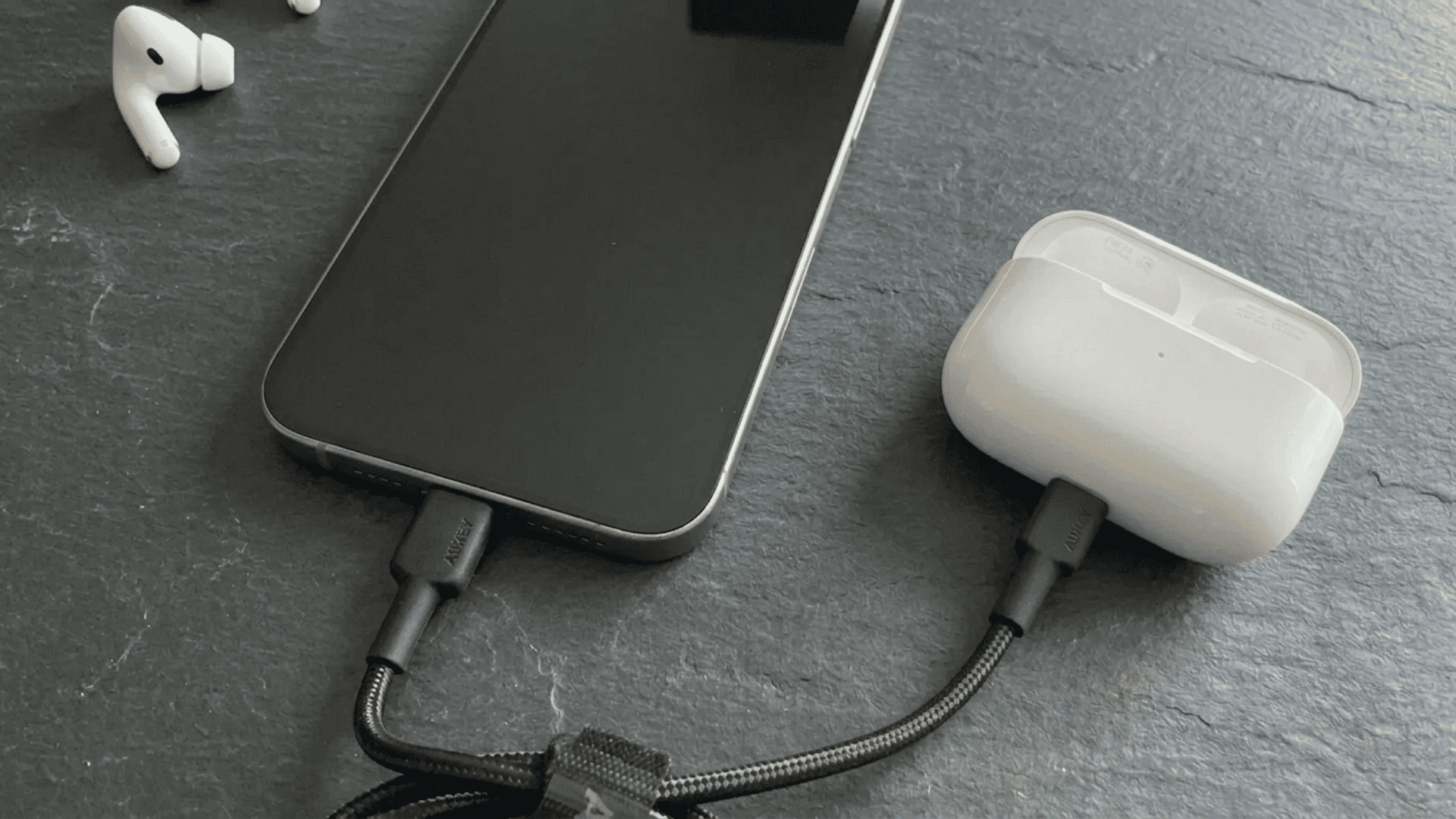
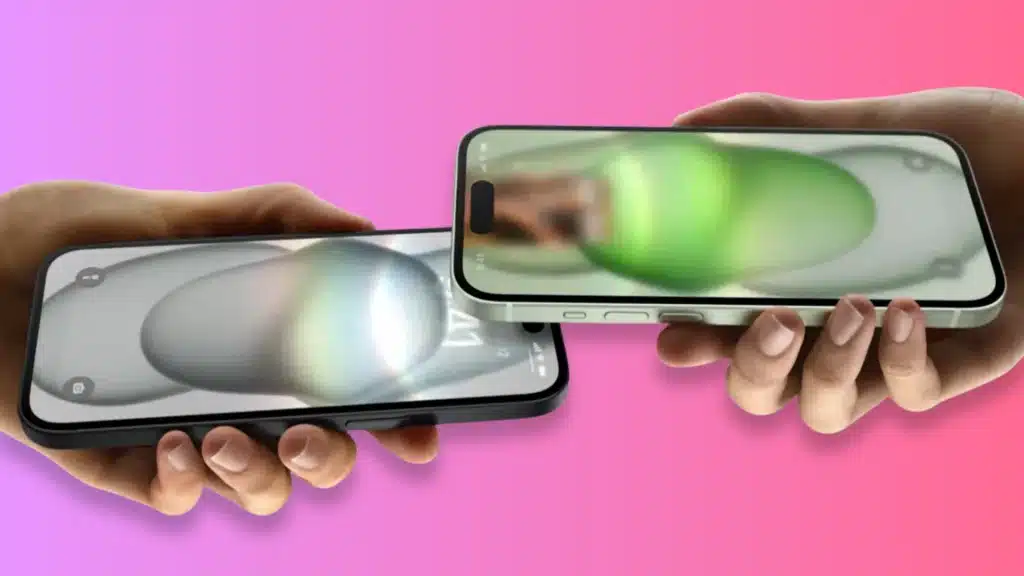
No, AirPods cannot be charged by placing the charging case on the back of an iPhone, including the iPhone 11.
Unlike some Android phones, the iPhone 11 does not support reverse wireless charging, so it cannot transfer power to accessories such as AirPods, an Apple Watch, or another phone.
To charge AirPods, place the case on a Qi-certified wireless charger if your model supports wireless charging; use a Lightning cable for older models; or use a USB-C cable for newer AirPods.
While Apple has the technology to support reverse charging in some hardware, no iPhone currently offers this feature for everyday use.
Does Wireless Charging Affect iPhone 11 Battery Health?
No, wireless charging does not harm the iPhone 11 battery when you use a Qi-certified charger and avoid excessive heat during charging.
Wireless charging is generally as safe as wired charging for everyday use.
Like any charging method, it produces some heat, and prolonged exposure to high temperatures can gradually affect battery health.
Apple includes features such as Optimized Battery Charging to help reduce normal battery aging over time.
You can also run a quick Battery Health Check iPhone to see your battery’s maximum capacity and understand whether charging issues are linked to battery wear.
Wireless Charging Myths and Facts for iPhone 11
Many wireless charging claims are based on outdated information. This table separates common myths from facts to help you charge your iPhone correctly.
| Myth | Fact |
|---|---|
| Leaving the phone on a wireless charger ruins the battery. | Modern iPhones use battery management features that reduce charging once the battery reaches full capacity. |
| Wireless charging is bad for batteries. | Wireless charging is generally safe when you use a Qi-certified charger and avoid excessive heat. |
| Any wireless charger provides fast charging. | Charging speed depends on the charger’s power output, the phone’s supported speed, and a compatible power adapter. |
| Wireless charging damages the phone. | Wireless charging does not damage the phone when you use certified accessories and follow the manufacturer’s guidelines. |
| MagSafe magnets are required for wireless charging. | iPhone 11 supports standard Qi wireless charging without MagSafe magnets. MagSafe chargers work but charge at regular Qi speeds on iPhone 11. |
iPhone 11 Battery and Charging Tips
Small charging habits can help protect battery health and keep wireless charging more consistent over time.
- Use Certified Qi Chargers: Choose a Qi-certified wireless charger that supports iPhone charging to reduce compatibility and safety issues.
- Avoid Excessive Heat: Keep the iPhone and charging pad away from direct sunlight, blankets, or hot surfaces while charging.
- Remove Metal Accessories: Take off metal cases, magnetic plates, card holders, or pop grips before placing the phone on the charger.
- Keep the Charging Pad Clean: Wipe dust, dirt, and debris from the charging surface so the phone can sit flat and charge properly.
- Update iOS: Install the latest iOS updates to fix software bugs that may affect charging performance or battery management.
- Use Optimized Battery Charging: Turn on Optimized Battery Charging to help reduce battery aging during overnight or long charging sessions.
Conclusion
Wireless charging on the iPhone 11 works best when the right charger, power adapter, and placement are used together.
Most charging issues come from small problems, such as poor alignment, thick cases, weak adapters, dust, or heat buildup.
Using Qi-certified accessories and checking the charging indicator can help avoid repeated charging failures. It is also important to remember that the iPhone 11 cannot share power with AirPods or other devices.
So, if you were asking, does iPhone 11 have wireless charging, the answer is yes, but setup still matters.
If these tips helped solve your charging problem, share your experience in the comment section to help other iPhone 11 users.
Frequently Asked Questions
What Is the Oldest iPhone that Supports Wireless Charging?
The iPhone 8 and iPhone 8 Plus were the first iPhones to support Qi wireless charging. The iPhone X also supports wireless charging.
Is the iPhone 11 Magnetic Charging?
No. The iPhone 11 supports Qi wireless charging but does not have built-in MagSafe magnets. MagSafe chargers work at standard Qi speeds.
Which iPhones Support Reverse Charging?
No iPhone currently supports reverse wireless charging for AirPods or another phone. Apple has not enabled this feature on any iPhone model.