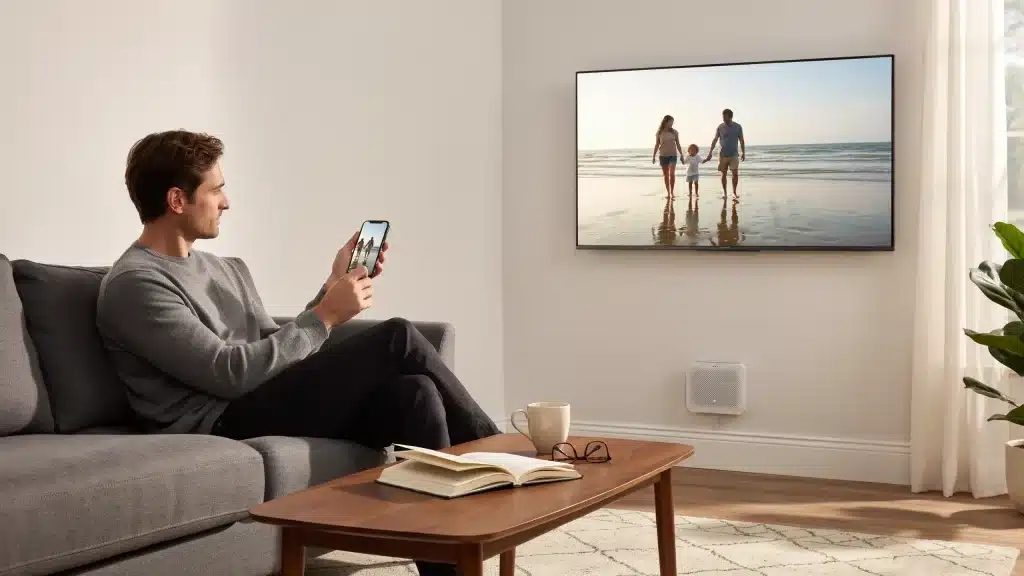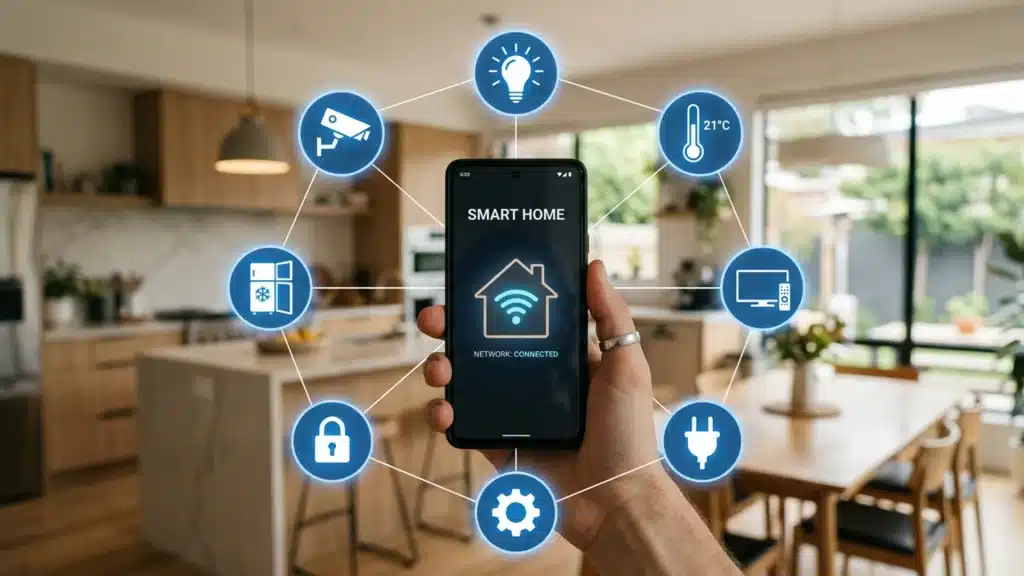
The idea of a house that responds to your routines has been around for decades. What changed is that it actually works now, at prices most households can already justify.
In more than a decade of helping readers wire up their own connected homes, I have watched that promise finally catch up to reality.
A connected home is a space where smart devices such as lights, locks, cameras, and thermostats connect via Wi-Fi or protocols like Zigbee, Z-Wave, Thread, and Matter to enable automation and remote control.
These devices automate everyday tasks, enable remote control via a smartphone or voice assistant, and provide homeowners with better visibility into energy use and home security.
This post covers what the technology actually does, which devices matter most, how to choose an ecosystem, and what a realistic setup looks like at different budgets.
What Makes a Home “Connected”?
A connected home uses wireless communication to link devices so they can share data and respond to one another.
A smart thermostat that detects when the house is empty and adjusts the temperature is one example. Another is a motion sensor that triggers your outdoor lights and sends a notification to your phone.
Most systems use a mix of protocols: Wi-Fi for common connectivity, Zigbee and Z-Wave for low-power mesh networks that extend coverage, and Thread as a newer smart-home-focused mesh protocol.
Matter is the newest standard that lets devices from different brands work together without compatibility issues, so platforms like Amazon, Apple, and Google can control the same devices.
A hub often connects everything, with options like SmartThings or Echo devices that support built-in hubs. Many systems can also be controlled through smartphone apps.
Cloud processing runs commands on remote servers, while local processing keeps control within the home for faster response times and better privacy. Most advanced setups combine both for flexibility.
Learn more about setting up the infrastructure for this smart home system in the installation guide.
Benefits of a Connected Home
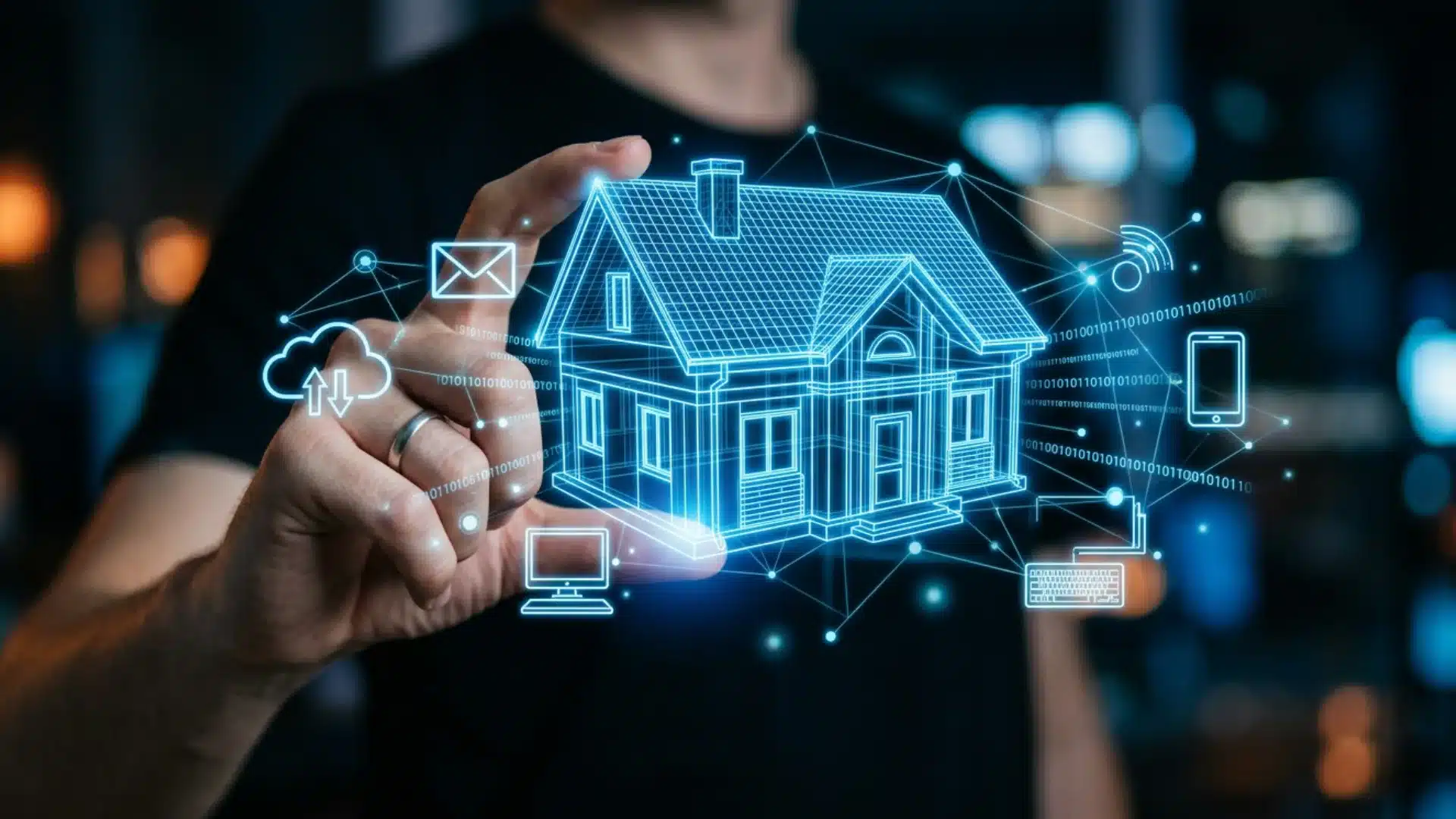
A connected home improves everyday living by combining automation, efficiency, and security through smart, internet-enabled devices.
- Easy control access: Manage lights, locks, cameras, and appliances from a single app or simple voice commands.
- Energy-saving efficiency: Automate heating, cooling, and lighting to reduce unnecessary power use and lower electricity bills.
- Better home security: Receive real-time alerts and monitor your home remotely through connected security devices anytime.
- Time-saving automation: Set routines for daily tasks such as lighting schedules, cleaning cycles, and climate control.
- Remote home access: Control and check your home systems from anywhere using your smartphone or tablet.
- Smart device automation: Devices work together to respond automatically based on your habits, location, and preferences.
- Improved living comfort: Maintain ideal lighting, temperature, and ambiance without needing constant manual adjustments.
- Future-ready ecosystem: Easily add new compatible devices over time as standards like Matter improve interoperability, reduce compatibility issues, and ensure seamless integration across brands.
- Accessibility support: Voice commands and automated routines make daily tasks easier for elderly residents and people with mobility limitations.
The U.S. Department of Energy estimates that smart thermostats can save households around $150 per year on utility bills.
For a broader look at how these categories come together in practice, our smart home setup ideas guide walks through 25 real examples room by room.
Essential Connected Home Devices
A connected home is built around smart devices that work together to improve convenience, security, and energy efficiency through automation and remote control.
1. Smart Security Devices
Smart locks replace physical keys with digital access using codes, fingerprints, or smartphone proximity for secure entry.
Advanced models like the Aqara U400 use ultra-wideband technology to unlock automatically as you approach. Video doorbells provide a live view of your front door with HD video, two-way audio, and real-time motion alerts.
Modern systems can differentiate between people, vehicles, and animals to reduce unnecessary notifications.
2. Smart Lighting Systems
Smart bulbs are the simplest entry point into a connected home, requiring only a basic replacement of existing bulbs.
Brands like Philips Hue, LIFX, and Govee offer Matter-compatible options that work across platforms.
Smart lighting allows users to adjust brightness, color temperature, and schedules automatically throughout the day. Lights can shift from cool white in the morning to warm tones at night for better comfort.
3. Smart Thermostats and Climate Control
Smart thermostats automatically adjust heating and cooling based on user habits and schedules. They reduce energy waste by avoiding unnecessary climate control, recognized by ENERGY STAR’s smart thermostat program.
Devices like Google Nest and ecobee connect easily with major smart home platforms and voice assistants.
They can also integrate with sensors and locks for automated responses. I have installed several models myself, and the temperature swing before wake-up time is usually the first upgrade people notice.
If you are ready to put one in, our thermostat installation walkthrough covers the wiring checks most guides skip.
4. Smart Hubs and Voice Assistants
Smart hubs act as the central system that connects and manages all devices in a home.
Without a hub, users often need multiple apps for different products. A hub simplifies control and improves overall system coordination.
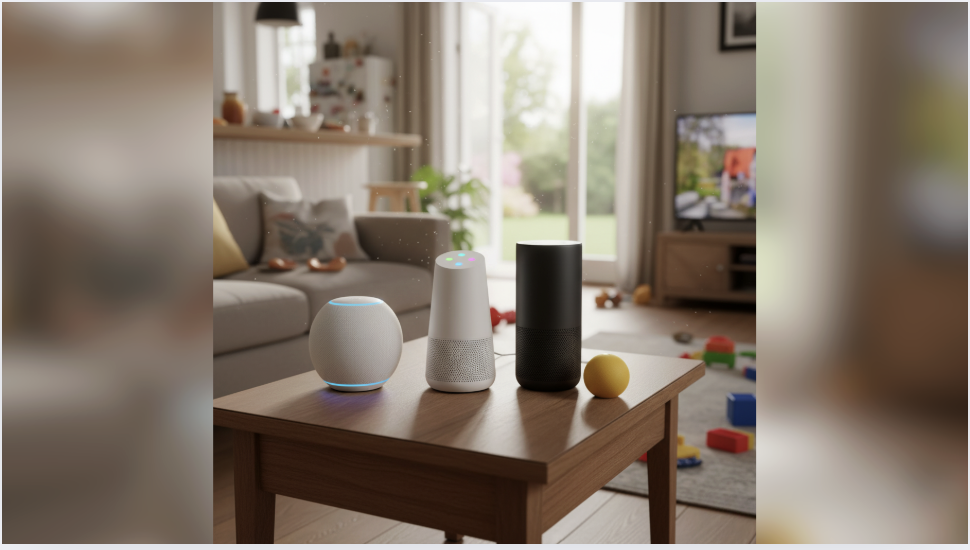
Amazon Alexa offers the widest compatibility with third-party smart home devices. Echo devices can also function as Zigbee hubs, reducing the need for extra hardware.
This makes it a flexible choice for mixed-device setups.
5. Smart Appliances and Energy Management
Smart appliances include refrigerators, washing machines, and ovens that can be controlled remotely or monitored in real time. They provide convenience through alerts and automation features.
Smart plugs allow traditional appliances to become remotely controllable without replacement.
They can schedule devices like coffee makers or monitor energy usage. This makes them an easy and affordable entry point.
EPA’s ENERGY STAR program recognizes that this kind of monitoring helps identify high-consumption appliances, giving the owner better control over monthly energy costs.
How to Choose the Right Connected Home Ecosystem?
Choosing the right ecosystem is important because it determines how well your smart devices connect, communicate, and scale over time.
- Device compatibility focus: Prioritize ecosystems that support the widest range of smart devices you plan to use now and in the future.
- Easy setup process: Choose a platform that offers simple installation and user-friendly setup without requiring technical expertise.
- Voice assistant preference: Select based on whether you prefer Alexa, Google Assistant, or Siri for daily hands-free control.
- Privacy and security level: Compare how each ecosystem manages user data, encryption, and overall home network security.
- Automation capability strength: Look for systems that support flexible, advanced routines and smart-device interactions.
- App experience quality: Ensure the mobile app is intuitive, responsive, and easy to use for managing all devices.
- Budget and future scaling: Pick an ecosystem that fits your current budget and can expand smoothly as you add more devices.
Connected Home Examples and Real-Life Setups
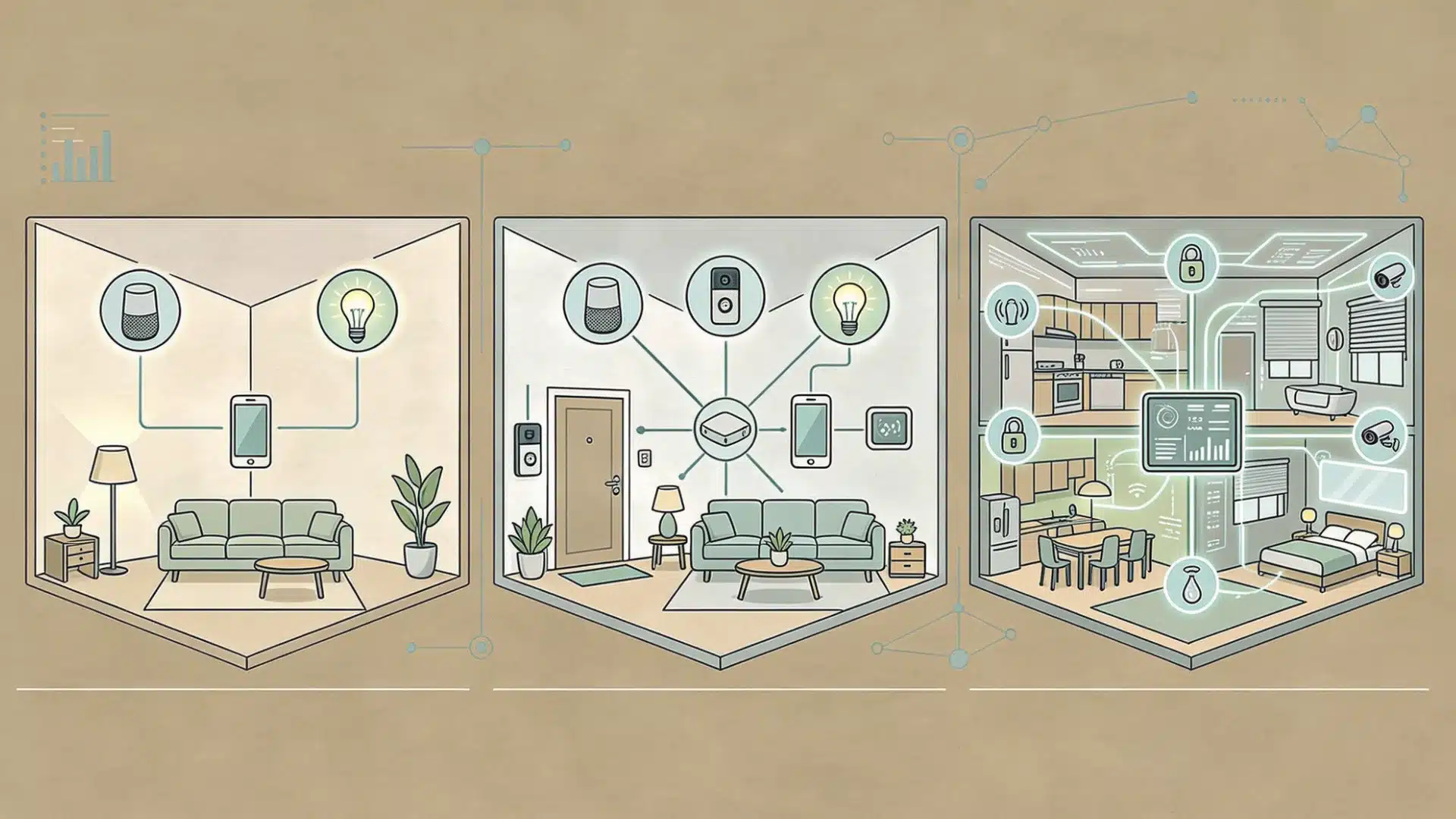
Real-world smart home setups show how connected devices work together to automate daily routines, improve comfort, and simplify home management.
According to Networx, the average cost to install a smart home system is about $2,117, including both materials and labor.
1. Beginner Setup
A beginner setup usually starts with a smart speaker or hub, a set of smart bulbs, and a basic automation or two. An Amazon Echo Dot paired with Philips Hue bulbs can be running in under an hour.
Set lights to turn on at sunset and off at midnight, and you will notice the convenience immediately.
From there, adding a smart plug for a lamp or coffee maker is a natural next step. This may cost from $100-$400.
2. Mid-Level Setup
A mid-level setup adds a security layer and climate control.
A video doorbell, a smart lock, two or three cameras, and a smart thermostat all working through a single app put you at a genuinely different level of home awareness.
Budget in the $500-$1,500 range. At this stage, automations start connecting devices across categories. The thermostat shifts when the door unlocks.
The camera sends a clip when motion is detected at the back door.
These cross-device responses are where a connected home stops feeling like a collection of gadgets and starts functioning as a system.
3. Advanced Smart Home
A fully integrated setup covers lighting, climate, security, energy management, and appliances across the whole home.
AI routines adjust automatically based on time, occupancy, and learned behavior.
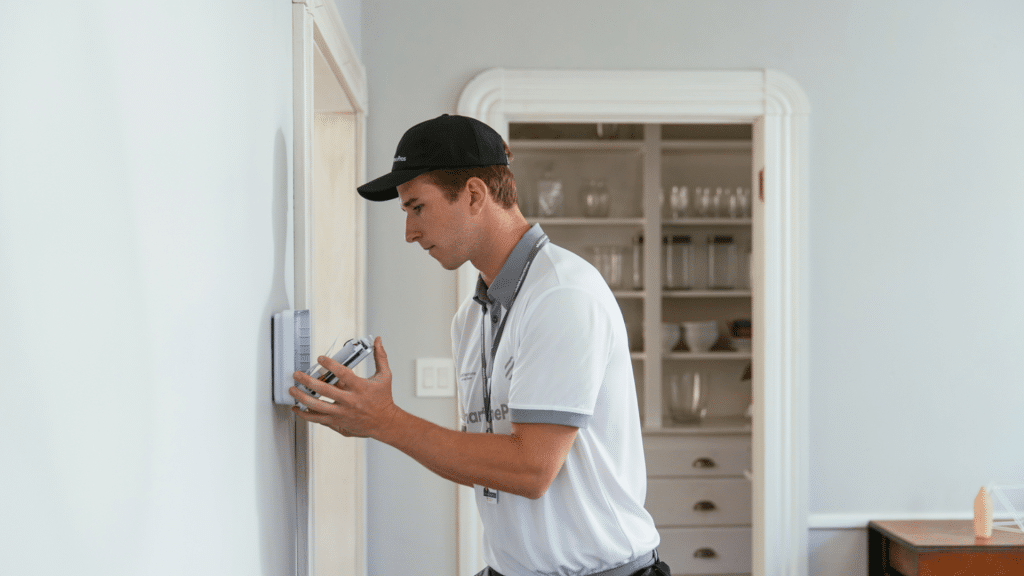
Professional full-home setups can cost $3,000 to tens of thousands of dollars, while DIY systems achieve similar results for much less.
Voice control becomes more useful as device count grows, since app control becomes impractical. A single command like “goodnight” can lock doors, dim the lights, adjust the temperature, and arm the cameras instantly.
How to Build a Connected Home: Step-by-Step
Building a connected home works best when you treat it as a system designed over time, not just a list of devices you buy randomly.
- Choose one ecosystem first: Select Alexa, Google Home, or Apple HomeKit early so all your devices stay compatible and easy to manage together.
- Pick high-value devices first: Start with essentials like a video doorbell or smart thermostat that deliver immediate, noticeable benefits in daily use.
- Expand by category only: Add devices by type, such as security or lighting, so your automations stay organized and easy to control.
- Prioritize compatibility: Choose devices that work natively with your ecosystem, rather than mixing multiple apps or unnecessarily complex hub setups.
- Upgrade network infrastructure: Invest in a robust router or mesh system to ensure consistent, stable connectivity across all smart home devices.
For complete setup guidance, the energy-saving smart devices guide is a useful resource for identifying which devices give you the best return on investment early in a build.
Connected Home Costs Explained
Connected home costs vary widely depending on how many devices you install, the level of automation you want, and whether you choose DIY or professional setup.
| Setup tier | Typical cost | What’s included |
|---|---|---|
| Starter DIY | $100-$400 | Smart speaker, smart bulbs, one or two smart plugs |
| Mid-range | $500-$1,500 | Security camera, smart lock, thermostat, multi-room lighting |
| Full home | $3,000-$10,000+ | Whole-home automation, integrated security, professional configuration |
Ongoing costs are worth factoring in. Cloud video storage for security cameras typically costs $3 to $10 per camera per month, depending on the retention period and resolution.
Professional monitoring plans for full security systems typically range from $20 to $60 per month.
Many devices work fine without subscriptions, storing footage locally on a microSD card or network storage device, which is worth checking before committing to a camera brand.
Best Devices to Start with
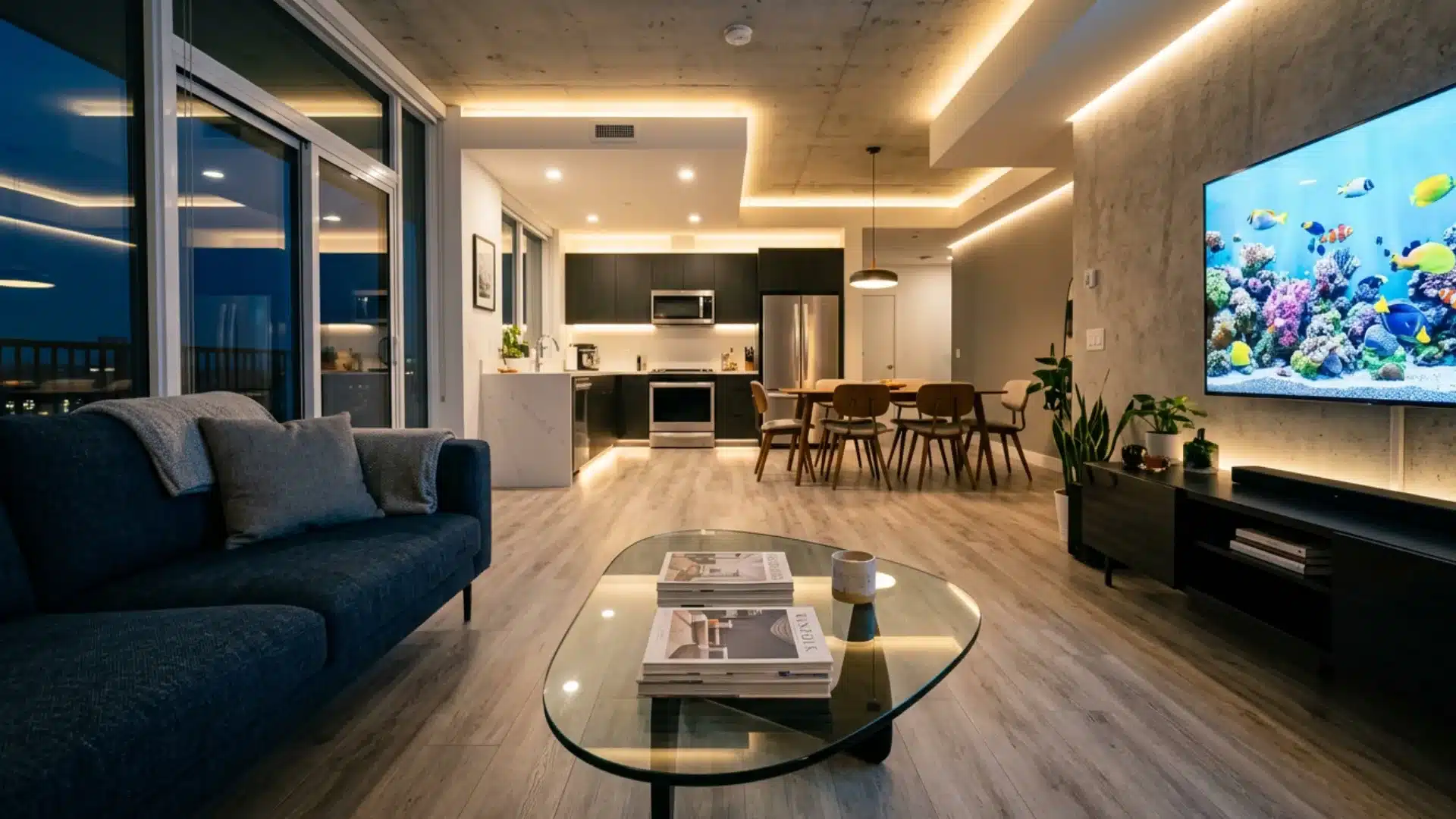
When people ask me where to start, I point them to whichever device solves an annoyance they already have, not whichever one looks most impressive in a demo.
- Smart speaker or display: The most useful first device, serving as a central hub for controlling other devices, setting routines, and using voice commands.
- Smart bulbs or switches: An easy upgrade that instantly changes how you control lighting, with adjustable brightness, schedules, and simple scenes.
- Video doorbell: A strong starting point that gives real-time visibility and alerts for your front door with very little setup.
- Smart plug: A quick way to make regular appliances smart, letting you control and automate everyday devices without replacing them.
Starting small is key because the real value comes from automation, not the number of devices. A few well-set-up devices can improve daily life more than a large, unused system.
Common Connected Home Problems
Even though connected homes offer convenience and automation, they often present technical and usability challenges that users encounter in real-world settings.
- Device incompatibility issues: Different brands may not work together smoothly, especially when Matter support is lacking across newer ecosystems.
- Weak network performance: Too many connected devices can overload Wi-Fi networks, slowing overall home connectivity.
- App fragmentation problems: Multiple devices often require separate apps, making control confusing, scattered, and less efficient overall.
- Setup complexity challenges: Initial installation and configuration can be difficult for non-technical users without proper guidance or support.
- Cloud dependency failures: Devices relying on cloud servers may stop working during outages, delays, or internet connectivity issues.
- Automation glitch issues: Routines may fail or trigger incorrectly due to poor configuration, syncing delays, or system conflicts.
In my own testing, weak network performance is the complaint I hear most often once a household has more ten 10 connected devices.
The Federal Trade Commission publishes a useful walkthrough for securing a router and each connected device during that initial setup window.
Privacy and Security in a Connected Home

Security concerns are one of the main reasons people hesitate to adopt connected home devices.
According to a 2024 survey by the Connectivity Standards Alliance, 85% of consumers are concerned about data privacy in smart homes .
Following proper security practices can reduce the real risks associated with smart home devices.
Start by choosing devices with AES-128 or higher encryption and regular firmware updates, because cheap devices without security patches can create weak spots.
Turn on two-factor authentication for smart home apps and router settings, especially for devices like locks and cameras.
It also helps to choose systems that support local processing, such as Apple HomeKit or local hubs, because more data stays within your home rather than going to cloud servers.
You should also separate smart devices from phones and laptops via network segmentation, so that a single hacked device cannot easily affect everything else.
Finally, change all default passwords because factory credentials are among the easiest ways for attackers to gain access.
Conclusion
A connected home works best when it solves real problems instead of filling every room with random smart devices.
You should start with one clear need, like safer entry, better lighting, lower energy use, or easier daily routines.
I would also choose one main platform early on, because that makes future devices easier to connect and manage.
The best setup is not always the biggest one, but the one you actually use every day. Start small, test what helps, then add devices only when they make your home easier to live in.
Which room would you make smart first, and what problem do you want to fix there? Tell us, share with us in the comments below.
Frequently Asked Questions
What is the Difference Between a Smart Home and a Connected Home?
The terms are used interchangeably and refer to the same thing: a home in which internet-enabled devices communicate with one another and can be controlled remotely.
“Connected home” tends to emphasize the network and interoperability layer, while “smart home” is the more common consumer term.
Do I Need a Hub for a Connected Home?
Not always. Many Matter-certified devices connect directly to your router and are controlled through a smartphone app without any intermediate hub.
A hub like Samsung SmartThings or a Home Assistant server offers better control and local processing, but it is not essential for most beginner or mid-range setups.
Are Connected Home Devices Worth the Cost?
For most households, yes.
Smart thermostats alone can recover their cost within two to three years through energy savings, and devices like video doorbells and smart locks add security value that does not have a direct dollar equivalent.
The strongest cases are for devices that reduce recurring costs or automate tasks you do every day.
Can I Mix Devices from Different Brands in the Same Connected Home?
Yes, especially if you buy Matter-certified devices.
Matter was built specifically to allow devices from Amazon, Apple, Google, Samsung, and hundreds of smaller manufacturers to work within the same ecosystem without requiring a separate hub or workaround for each brand.