Your phone can do the job of a paper map, a gas price board, a hotel front desk, and a radio station, all at once.
The trick is knowing which best road trip apps deserve a spot on your home screen before you pull out of the driveway. A good road trip runs on 4 to 6 apps, not 20.
The picks below focus on route planning, directions, gas savings, food stops, overnight stays, and entertainment for the miles in between.
Most of them are free, and every single one works on both iPhone and Android.
These apps are chosen for real driving situations, from cross-country highways to weekend getaways, helping travelers spend less time managing details and more time enjoying the road.
What Makes a Good Road Trip App
The best road trip apps make travel easier by helping drivers handle common challenges without adding unnecessary complexity.
A reliable app should provide accurate information, respond quickly to changing conditions, and remain easy to use while traveling.
Features such as offline maps, real-time traffic updates, route planning, fuel price comparisons, and simple navigation can save both time and money.
Cross-platform support for iPhone and Android is also important, especially when multiple travelers use different devices.
The most useful apps solve real problems, reduce travel stress, and help keep the focus on enjoying the journey instead of managing trip details.
Many of these features are also found in travel apps, which help organize accommodations, transportation, and activities beyond the drive itself.
Best Road Trip Apps for Every Journey
Planning a road trip becomes easier when the right apps handle routes, fuel stops, food, hotels, and entertainment. These best road trip apps help travelers save time, stay organized, and make every mile more comfortable.
1. Roadtrippers
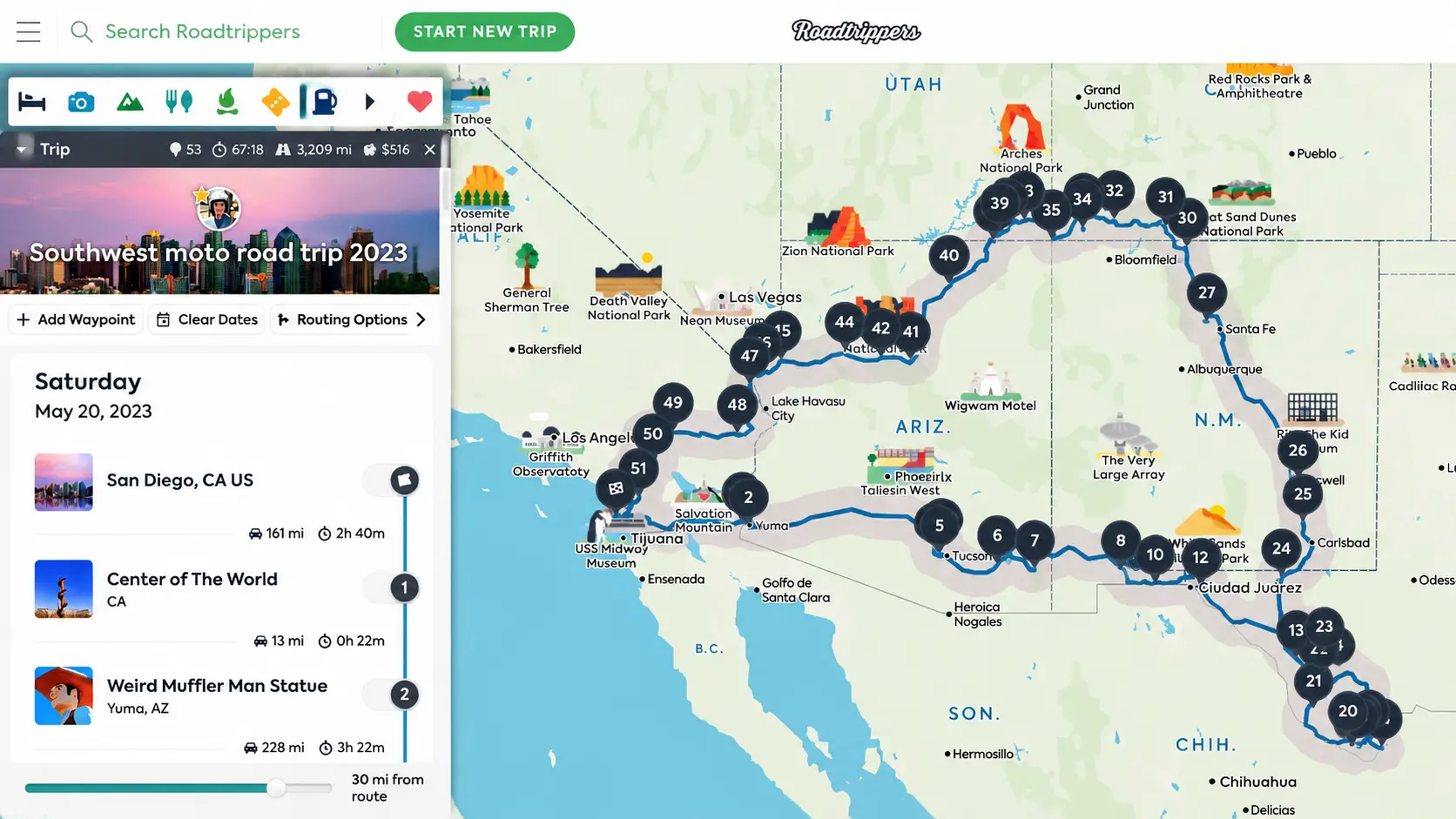
Roadtrippers is designed for travelers who want to plan a complete road trip route.
Add your starting point and destination, and the app suggests roadside attractions, scenic stops, restaurants, and unusual places worth visiting along the way.
The free version allows up to 7 stops, while longer trips require the paid plan, which starts at around $60 per year.
Best For: Route planning
Main Feature: Plans routes with up to 7 stops
2. Wanderlog
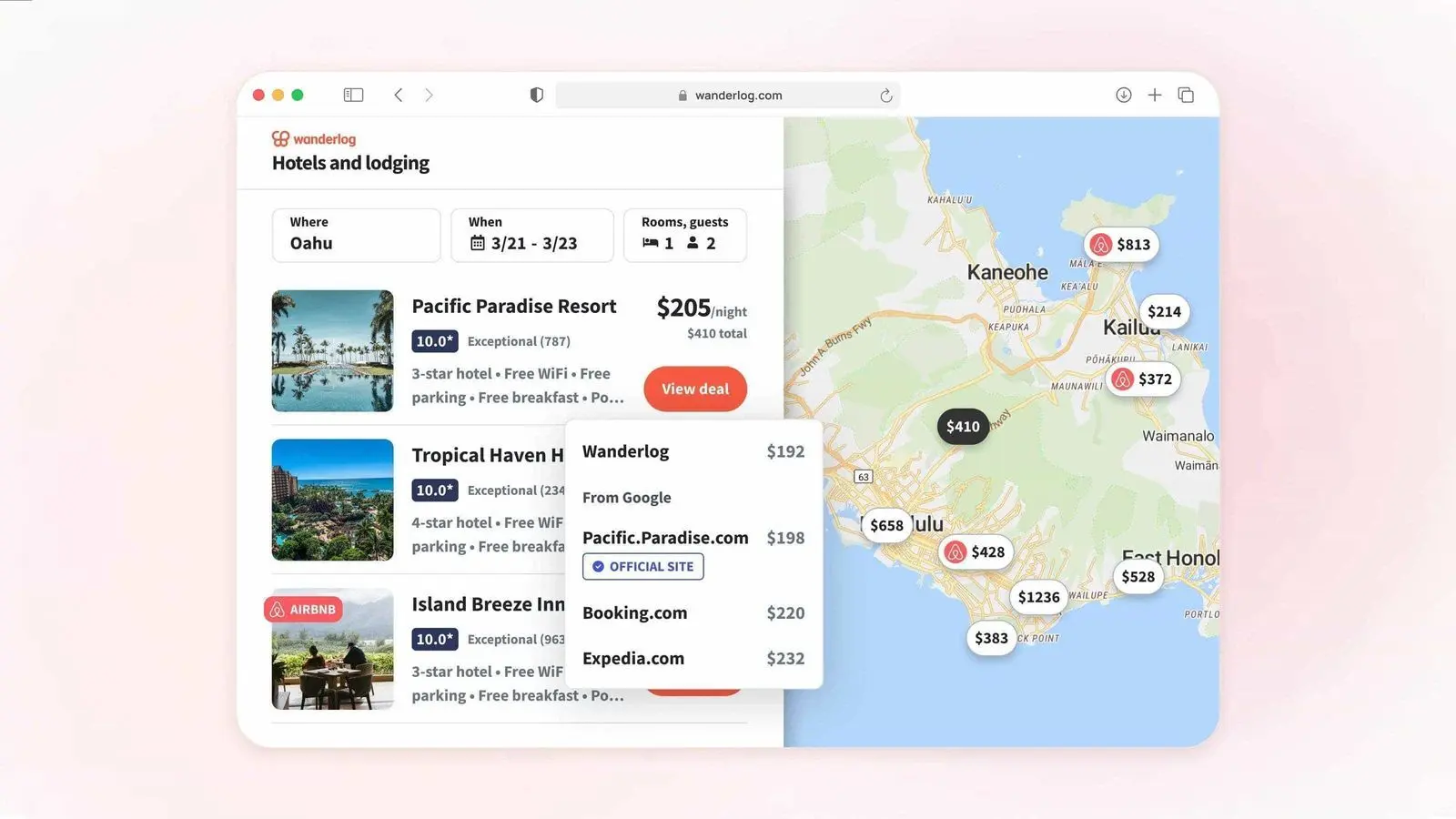
Wanderlog is a popular choice among travelers who want an organized trip planner.
You can also send your route directly to Google Maps, which saves time when moving between planned stops.
It works well for group trips because everyone can view the same itinerary and suggest updates before departure.
Travelers comparing different travel planners and itinerary apps may also find it helpful to explore how other planning tools organize trips.
Best For: Trip itineraries
Main Feature: Full trip planner available for free
3. Google Maps
Google Maps is one of the most commonly used driving apps because it offers reliable directions and easy-to-use features.
It provides real-time traffic updates, automatic rerouting, and accurate arrival estimates during daily drives and long road trips.
One of its most useful road trip features is offline maps. Download areas before leaving home, and directions can still work when mobile service becomes unavailable.
Best For: Directions
Main Feature: Free driving directions and traffic updates
4. Waze
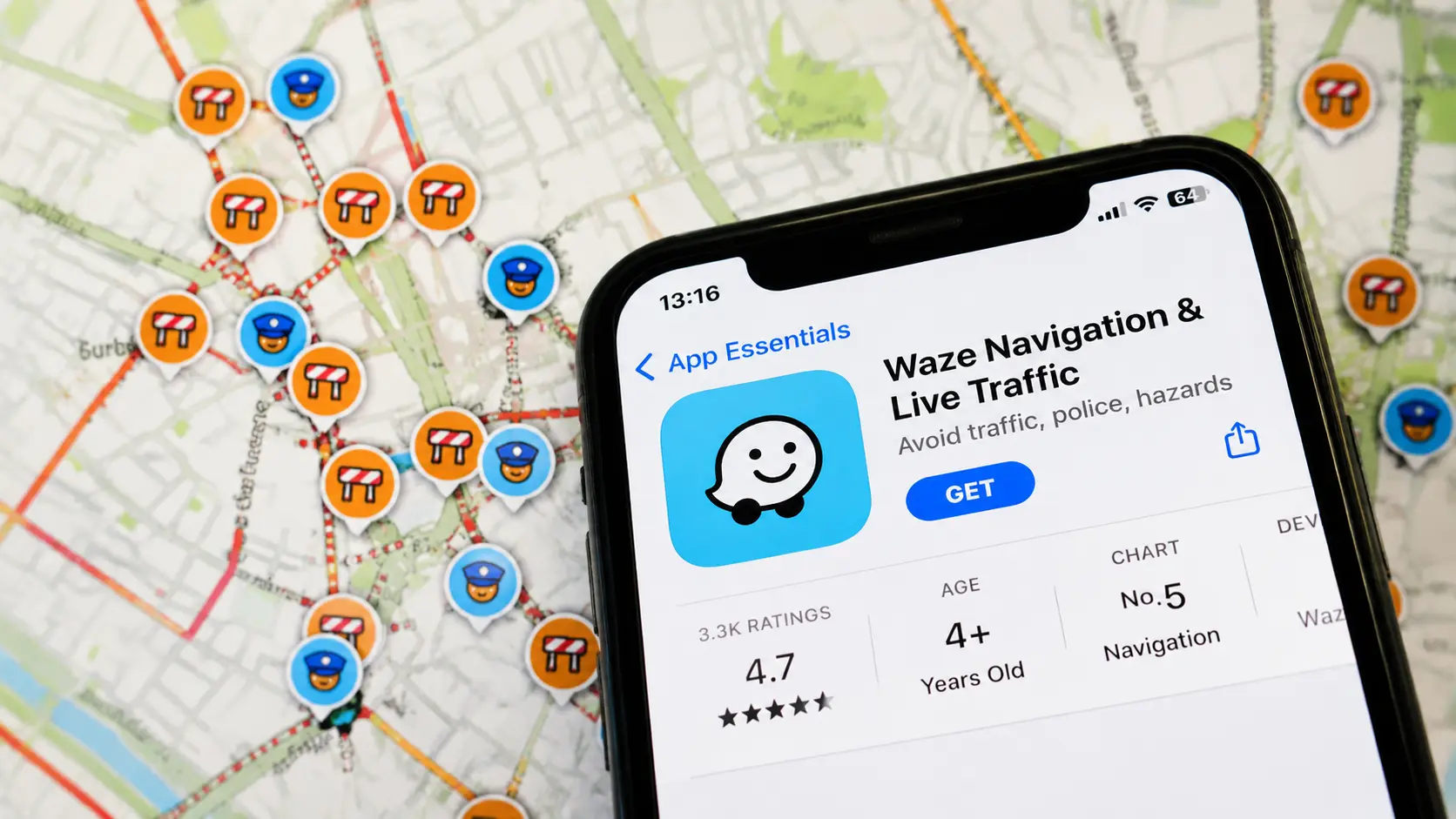
Waze is designed for drivers who want live updates about road conditions. The app uses reports from other drivers to show accidents, traffic slowdowns, road hazards, and other issues happening nearby.
Drivers who prefer community-based updates may find Waze more helpful than traditional map apps when dealing with unexpected road conditions.
Best For: Traffic alerts
Main Feature: Real-time updates from drivers
5. Maps.me
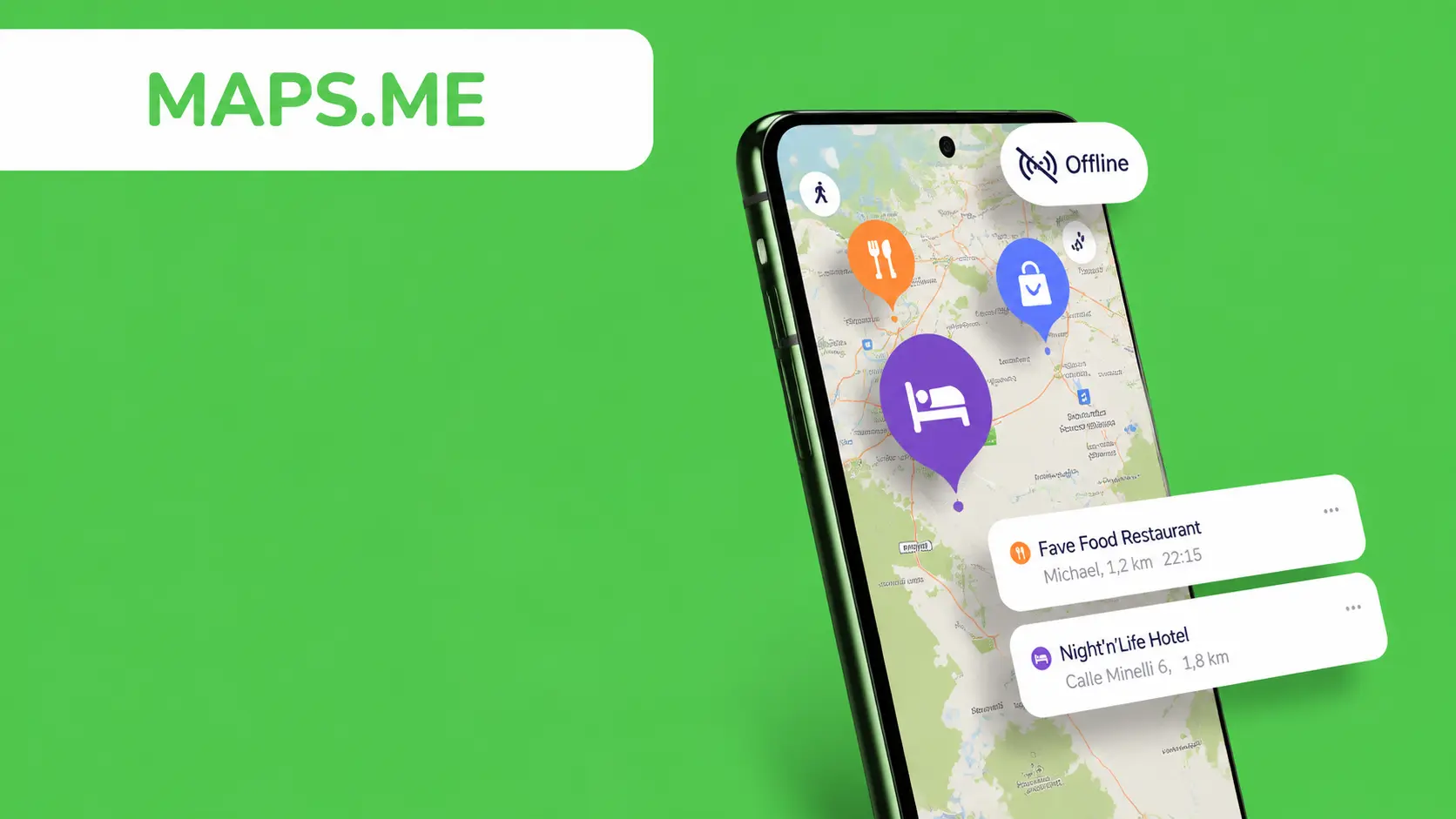
Maps.me provides offline maps that you can save directly on your phone. This makes it useful for remote areas, mountain roads, and locations where mobile service is limited or unavailable.
Download the regions along your route before leaving, and you can still access maps without an internet connection. It is a practical option for travelers visiting rural areas or national parks.
Best For: Offline maps
Main Feature: Fully offline map access
6. GasBuddy
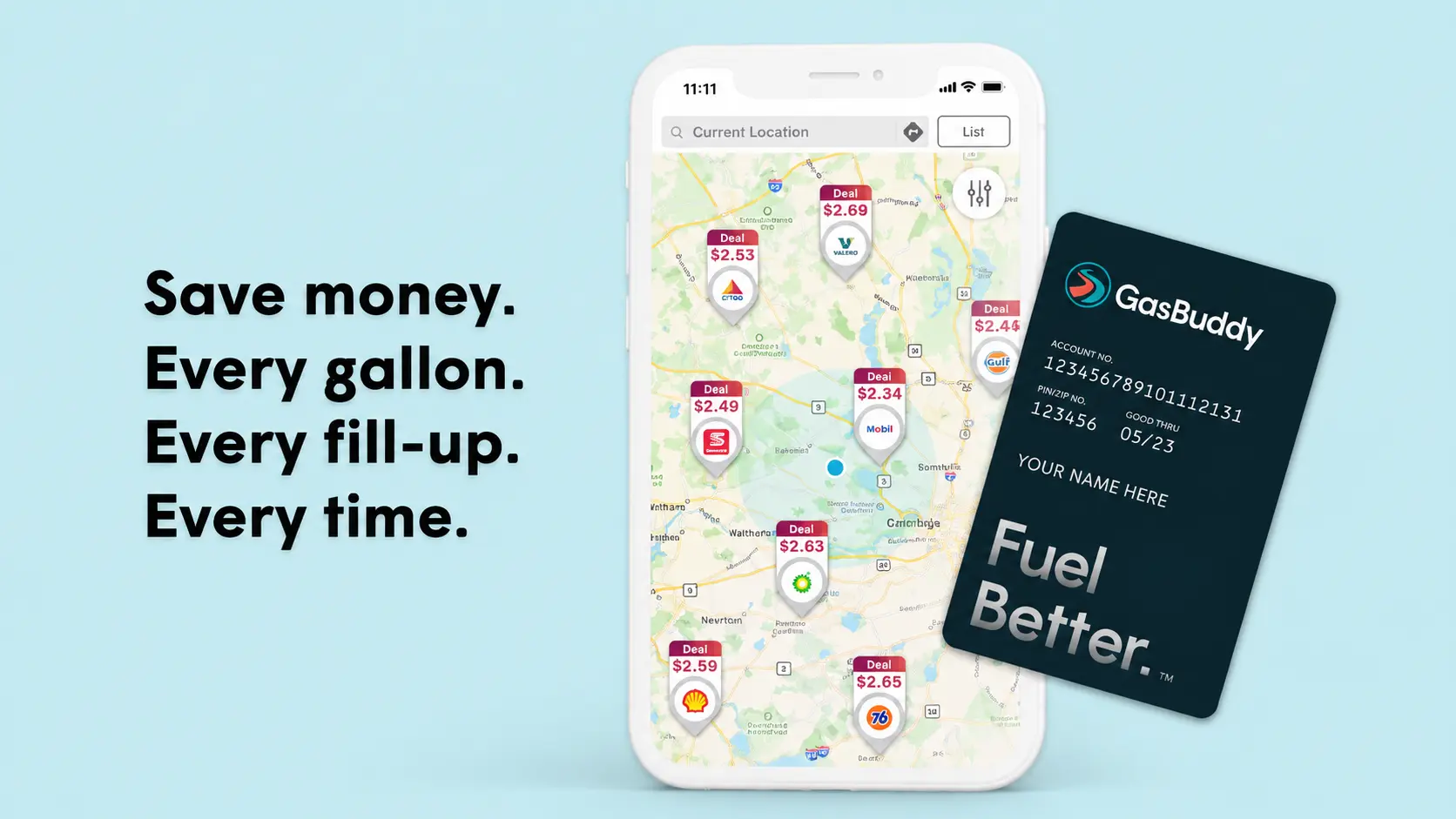
GasBuddy helps road trippers find lower fuel prices while traveling. Gas prices can vary significantly between stations, especially on long highway routes, and the app helps compare nearby fuel options.
Prices are shared by drivers, making it easier to choose affordable stops before reaching a gas station. On longer trips, selecting better-priced stations can reduce overall fuel costs.
Best For: Cheap gas
Main Feature: Finds lower fuel prices
7. Upside
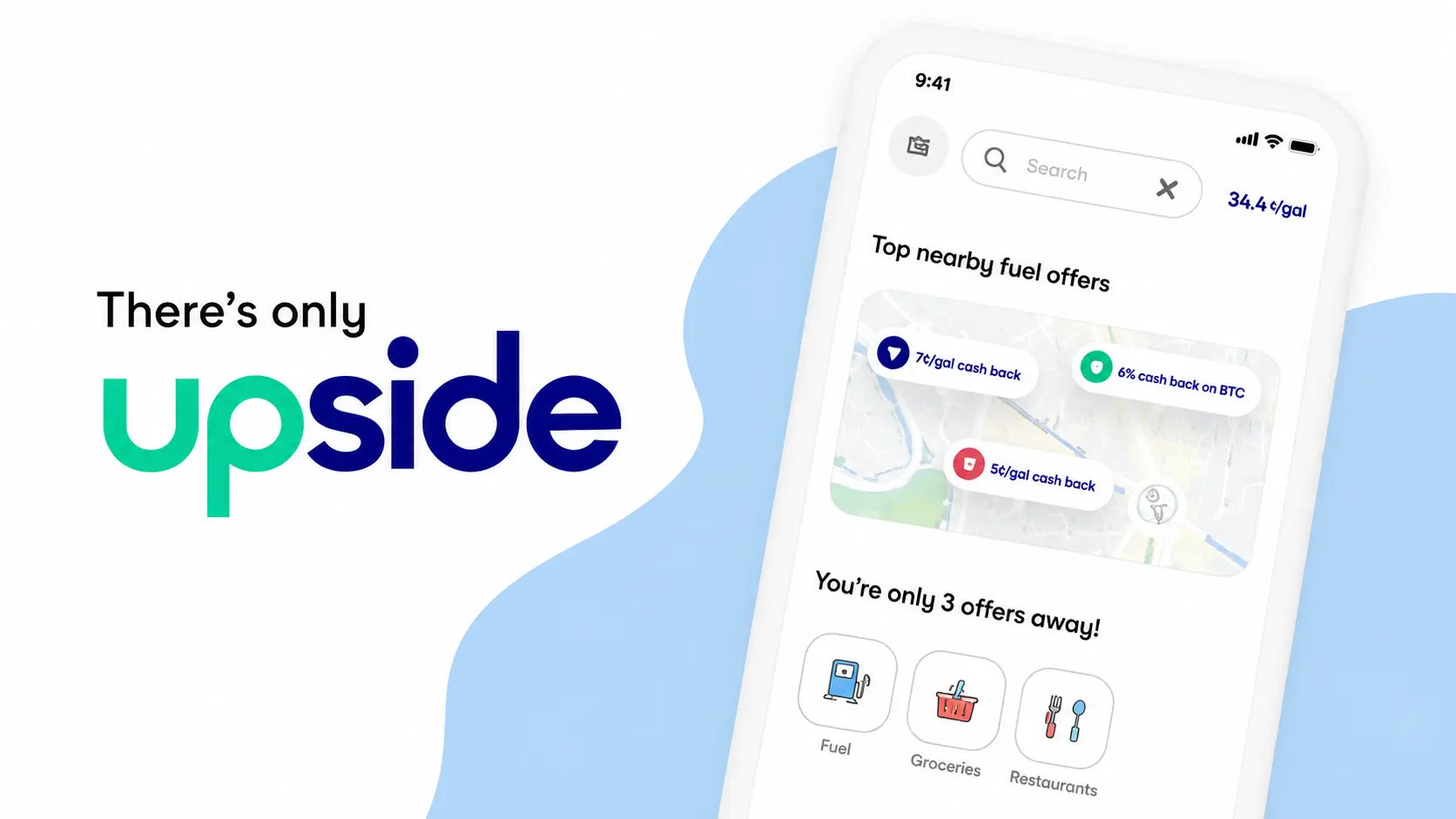
Upside helps travelers earn cash back on fuel purchases at participating stations. Users can claim offers through the app, pay normally, and receive rewards after completing the purchase.
It works well alongside fuel price apps because travelers can first find affordable stations and then earn money back on their fuel spending.
Best For: Gas cash back
Main Feature: Rewards on fuel purchases
8. iExit
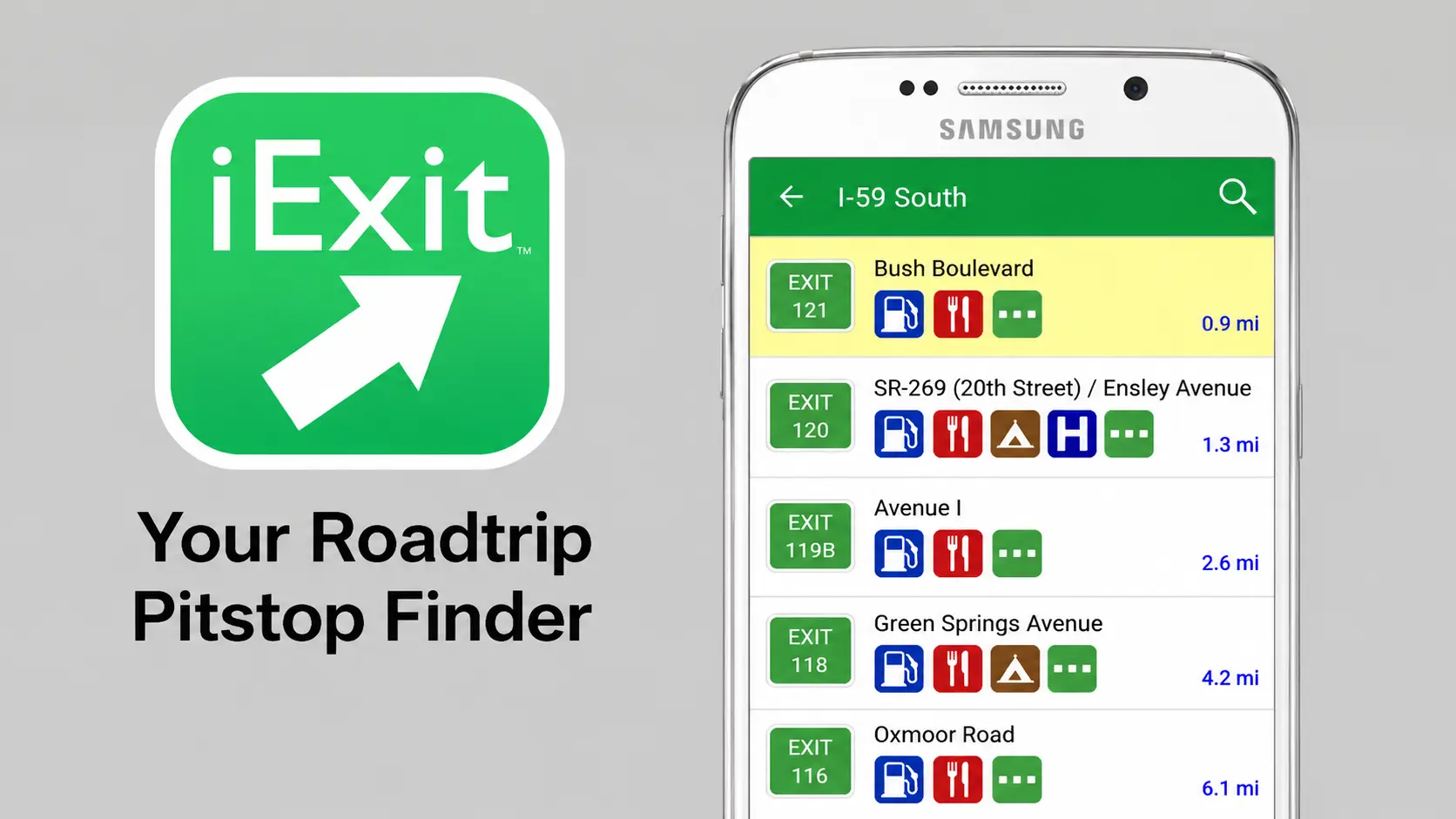
iExit helps drivers know what services are available at upcoming highway exits. The app shows nearby restaurants, gas stations, hotels, and other stops based on the current route.
Instead of waiting until the last moment, drivers can check upcoming options and decide where to stop. It is especially useful during long highway drives where exits can be far apart.
Best For: Highway exits
Main Feature: Shows upcoming exit services
9. Yelp
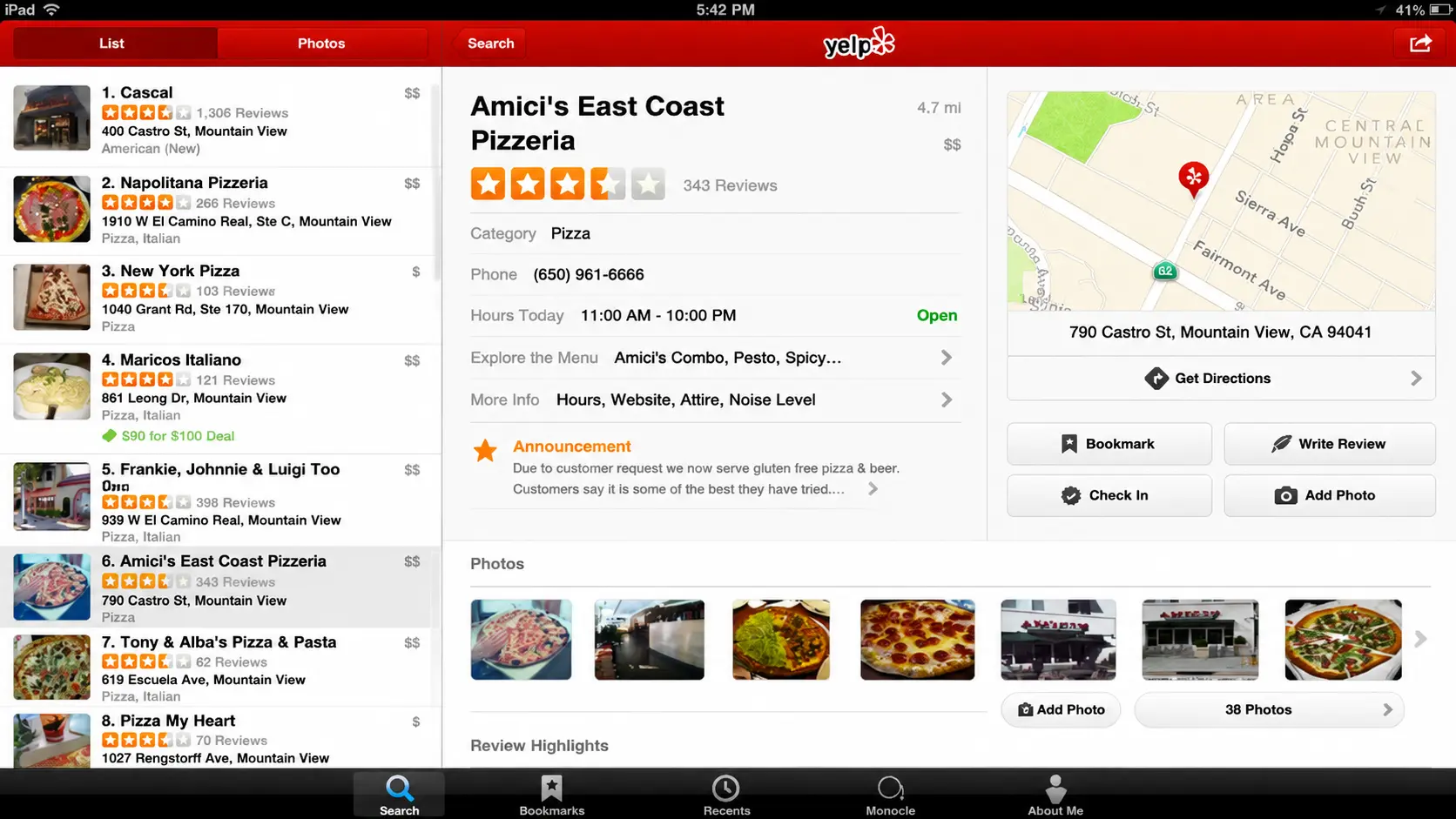
Yelp helps travelers find restaurants and local businesses during road trips. Users can check ratings, photos, reviews, and opening hours before choosing a place to stop.
It is useful when passing through unfamiliar towns and trying to avoid poor food choices. Filtering results by distance and ratings can help find better options near the highway.
Best For: Food reviews
Main Feature: Restaurant ratings and reviews
10. Hipcamp

Hipcamp is a booking platform for outdoor stays, including campsites, RV spots, cabins, and private land stays. It offers options that may not appear on traditional hotel or campground websites.
It is useful for travelers who want to spend nights outdoors or find quieter places during scenic trips. The app provides more choices beyond standard accommodation options.
Best For: Camping stays
Main Feature: Browse outdoor accommodations
11. Hotel Tonight

Hotel Tonight helps travelers find last-minute hotel rooms during road trips. It is designed for situations where plans change, and a driver needs a place to stay without booking far ahead.
The app often features discounted rooms because hotels want to fill available spaces. It can be useful when deciding to stop driving earlier than planned.
Best For: Last-minute hotels
Main Feature: Browse available hotel deals
12. All Trails
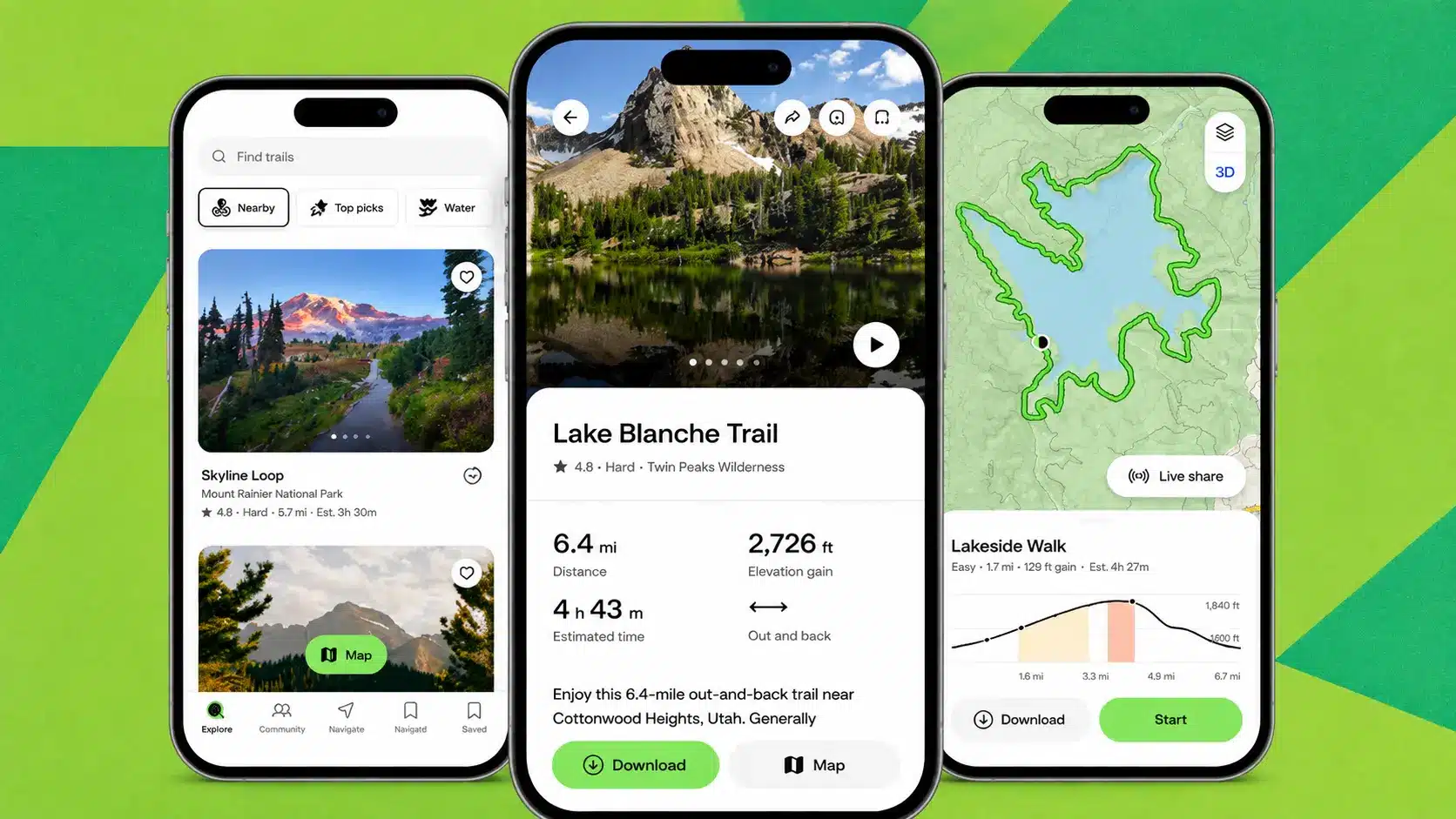
All Trails helps travelers find hiking trails near their road trip route. The app includes trail maps, difficulty levels, distances, elevation details, photos, and reviews from other hikers.
It is a useful option for adding outdoor breaks during long drives. The paid version includes offline trail maps, which can help in areas with limited service.
Best For: Hiking trails
Main Feature: Trail maps and outdoor information
13. NPS App
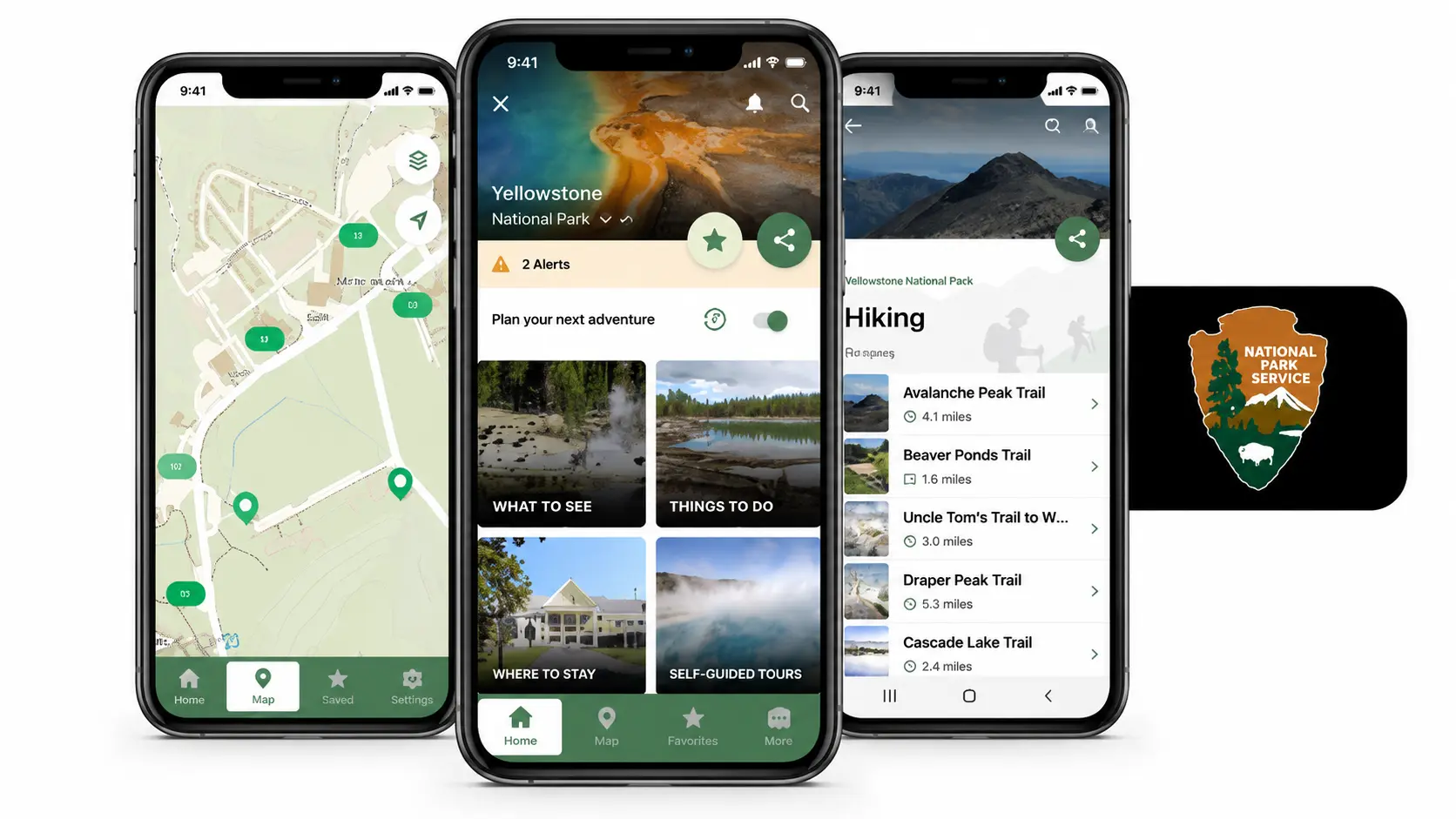
The official National Park Service app provides information for more than 400 National Parks. It includes maps, alerts, opening information, and self-guided activities.
Many national parks have limited mobile service, so downloading information before arrival can make visits easier. The app is free and comes directly from the National Park Service.
Best For: National parks
Main Feature: Free Park information and maps
14. Spotify
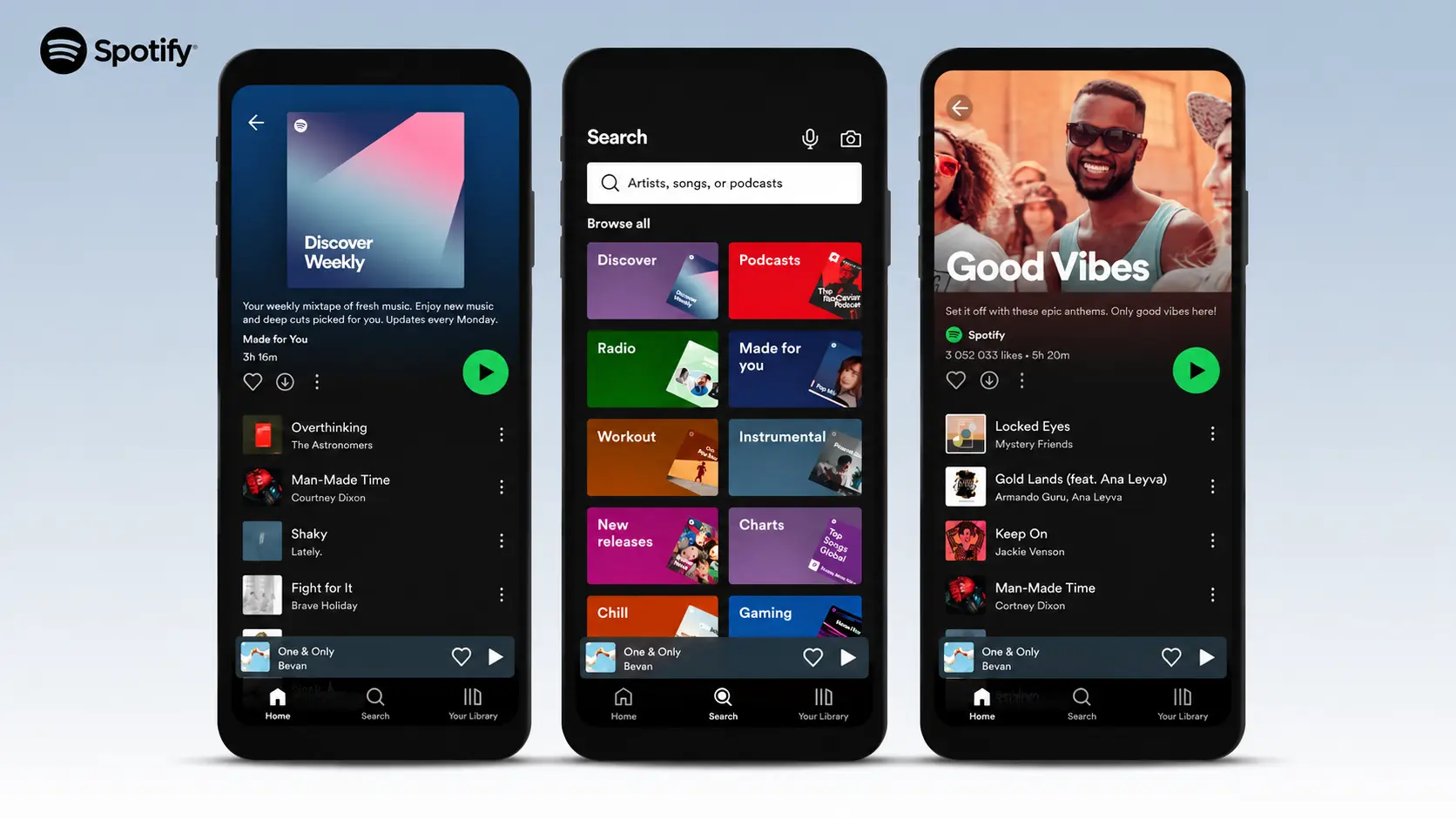
Spotify provides music and podcasts that can make long drives more enjoyable. Travelers can create playlists, listen to podcasts, and download content for offline use with Premium.
Preparing playlists before leaving can help avoid interruptions when traveling through areas with weak service. It is a simple entertainment option for drivers and passengers.
Best For: Music and podcasts
Main Feature: Audio entertainment with offline downloads
15. Audible

Audible offers audiobooks that are useful during long hours behind the wheel. Its library includes fiction, history, comedy, and many other categories suitable for different listeners.
Downloaded audiobooks can be played offline, making them useful when traveling through areas without reliable internet. One audiobook can provide entertainment for an entire day of driving.
Best For: Audiobooks
Main Feature: Large audiobook library with offline listening
The right road trip apps can simplify every part of your drive, from preparing your route to finding fuel, food, stays, and entertainment along the way. Pick the apps that fit your travel plans, set them up before leaving, and enjoy a more organized and comfortable trip.
The Right App Stack for Your Trip Type
Different road trips need different apps. The best combination depends on your travel style, budget, destination, and the type of experience you want on the way.
| Trip Type | Recommended Apps | Why These Apps Help |
| Family Trip | Google Maps, iExit, Yelp, Spotify, and a road trip game app | Helps find stops, food options, and entertainment for passengers. |
| Solo Drive | Waze, GasBuddy, Audible, and Hotel Tonight | Provides traffic updates, fuel savings, audio entertainment, and hotel options. |
| RV and Camping Trip | Roadtrippers, Hipcamp, All Trails, and the NPS App | Helps with routes, campsites, trails, and park information. |
| Budget Trip | GasBuddy, Upside, Maps.me, and Hipcamp | Helps save on fuel, access offline maps, and find affordable stays. |
Choosing a few apps that match your trip can keep your phone useful without filling it with unnecessary tools. Pick the ones that fit your plans and make your drive easier.
Tips for Using These Apps on the Road
A few simple steps before and during your drive can help these apps work better. Preparing settings, downloads, and essentials ahead of time can prevent common travel issues.
- Download offline maps before you leave home, not at a gas station with one bar of signal.
- Follow the 3-3-3 rule to stay fresh: drive no more than 300 miles a day, arrive by 3 p.m., and stay 3 nights when a place deserves it.
- Keep a car charger and a spare cable within reach, because five running apps drain a battery fast.
- Check free-tier limits before your trip, since Roadtrippers caps free routes at 7 stops and All Trails saves offline maps only on the paid plan.
- Finally, set up accounts and payment details at home so you are not filling out forms at a rest area.
Using these apps wisely helps keep your trip organized and reduces unnecessary stops or delays. A little preparation before leaving can make the drive more comfortable.
Final Thoughts
The best road trip apps are not just about getting from one place to another. They can become reliable travel companions that help make every mile more enjoyable and less stressful.
From spontaneous stops to unexpected changes in plans, having the right apps ready can make a big difference during your trip.
While there are many options available, choosing a few that match your driving style is often better than filling your phone with too many tools.
Save this list before your next adventure and share it with the person sitting beside you for the ride.
Frequently Asked Questions
Is It Safe to Depend Only on Road Trip Apps?
No, travelers should not depend only on apps during a trip. Keeping offline maps, important addresses, and basic travel information available is helpful if the phone loses signal or battery power.
What Is the 3-3-3 Rule for Road Trips?
Drive no more than 300 miles a day, stop driving by 3 p.m., and stay at least 3 nights in places you want to enjoy. It keeps the trip relaxed instead of rushed.
Can I Use Road Trip Apps While Driving In Different States?
Yes, most road trip apps work across all U.S. states. They can help travelers manage long-distance trips, find local services, and adjust plans while crossing state lines.