Managing a small company involves multiple daily operations such as customer handling, project coordination, invoicing, and task tracking.
Without proper digital systems, these activities can become complex and reduce efficiency.
Free business management software offers practical solutions that help organize workflows, improve communication, and support smoother operations without extra cost.
These platforms are designed to simplify work for startups and growing companies by centralizing key functions.
Many small businesses now depend on software to save time, reduce manual effort, and improve overall productivity and decision-making.
Quick Answer: Top Free Business Management Software
Free business management software helps small businesses handle daily tasks without increasing costs.
Many tools include features for project management, invoicing, customer tracking, team collaboration, and scheduling.
Popular options include Zoho One, Bitrix24, Odoo, HubSpot CRM, and Trello.
Each platform serves different needs, so it is important to compare features before choosing one. Some tools focus on customer relationships, while others help manage projects and business operations.
Starting with a free plan allows business owners to test the software and see if it fits their workflow.
This makes it easier to improve efficiency while staying within budget.
Why Do Small Businesses Need Business Management Software?
Small businesses often face challenges in managing multiple operations simultaneously, especially when resources are limited.
- Operations: Managing daily tasks from a single centralized system improves speed and accuracy while reducing reliance on manual work.
- Collaboration: Teams can communicate more effectively and share project files in real time for better coordination.
- Growth: Scalable systems help businesses handle increasing workloads without disrupting existing processes or performance.
- Efficiency: Automated workflows reduce repetitive tasks and allow teams to focus on higher-priority business activities.
- Cost: Free plans eliminate the need for multiple paid tools, making it easier for small businesses to control expenses.
Business management software helps simplify workflows, improve coordination, and support structured growth by bringing key functions into a single platform.
It reduces operational confusion and enables teams to work more efficiently with better visibility of tasks and progress.
Key Features in Free Business Software
A well-structured platform should simplify workflows, improve visibility, and support better decision-making without adding complexity.
| Feature Area | Key Functions | Value for Small Businesses |
|---|---|---|
| CRM Tools | Contact handling, lead monitoring, sales tracking | Helps organize customer data and improve conversion flow |
| Project Control | Task allocation, progress updates, deadline management | Keeps work structured and ensures timely delivery |
| Collaboration System | Messaging, shared access, file exchange | Improves coordination between team members |
| Analytics Module | Performance review, data insights, output measurement | Supports informed decisions using clear reports |
| Automation Setup | Smart workflows, alerts, task reduction | Saves time by reducing repetitive actions |
Choosing the right software depends on the features it offers for daily tasks, customer management, and team collaboration.
Free business management software helps small businesses manage these tasks in one place without extra costs. A strong software for small businesses should balance usability with essential features, allowing teams to manage
Top Free Business Software for Small Businesses
Choosing the right platform helps small businesses manage customers, tasks, and operations in a structured way.
1. HubSpot CRM
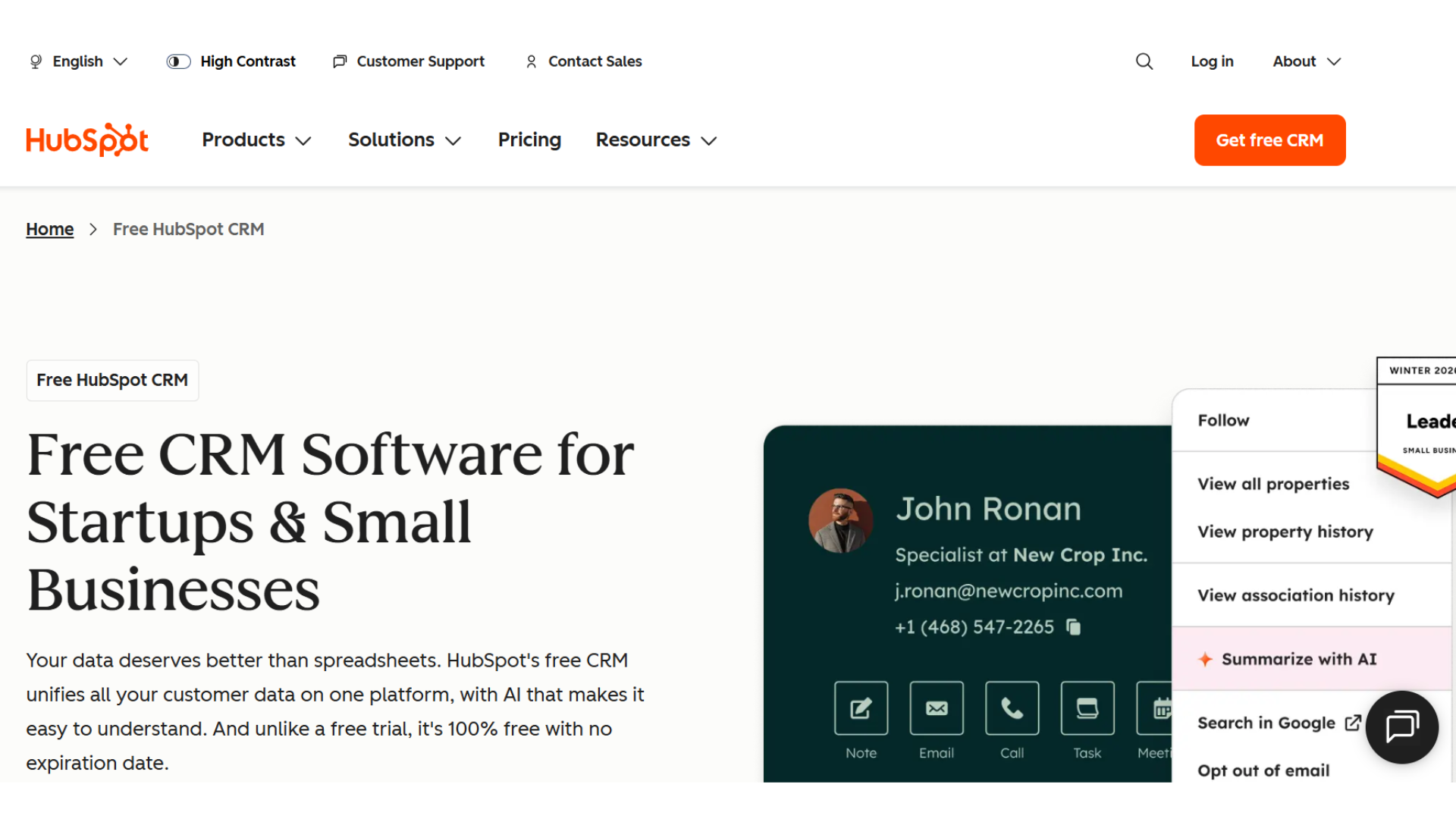
HubSpot CRM helps small teams manage contacts, track sales activity, and monitor customer communication in one system.
It is designed for simple onboarding and smooth daily use, making it suitable for beginners. Businesses can organize leads, follow up efficiently, and view pipeline progress clearly.
It supports better customer handling without complex setup or technical knowledge.
- Key: Contact management, sales tracking, email integration, pipeline monitoring
- Best for: Small sales-focused teams and service providers
- Advantage: Easy setup, clean interface, strong free CRM features
- Disadvantage: Advanced automation requires paid upgrade
2. Bitrix24
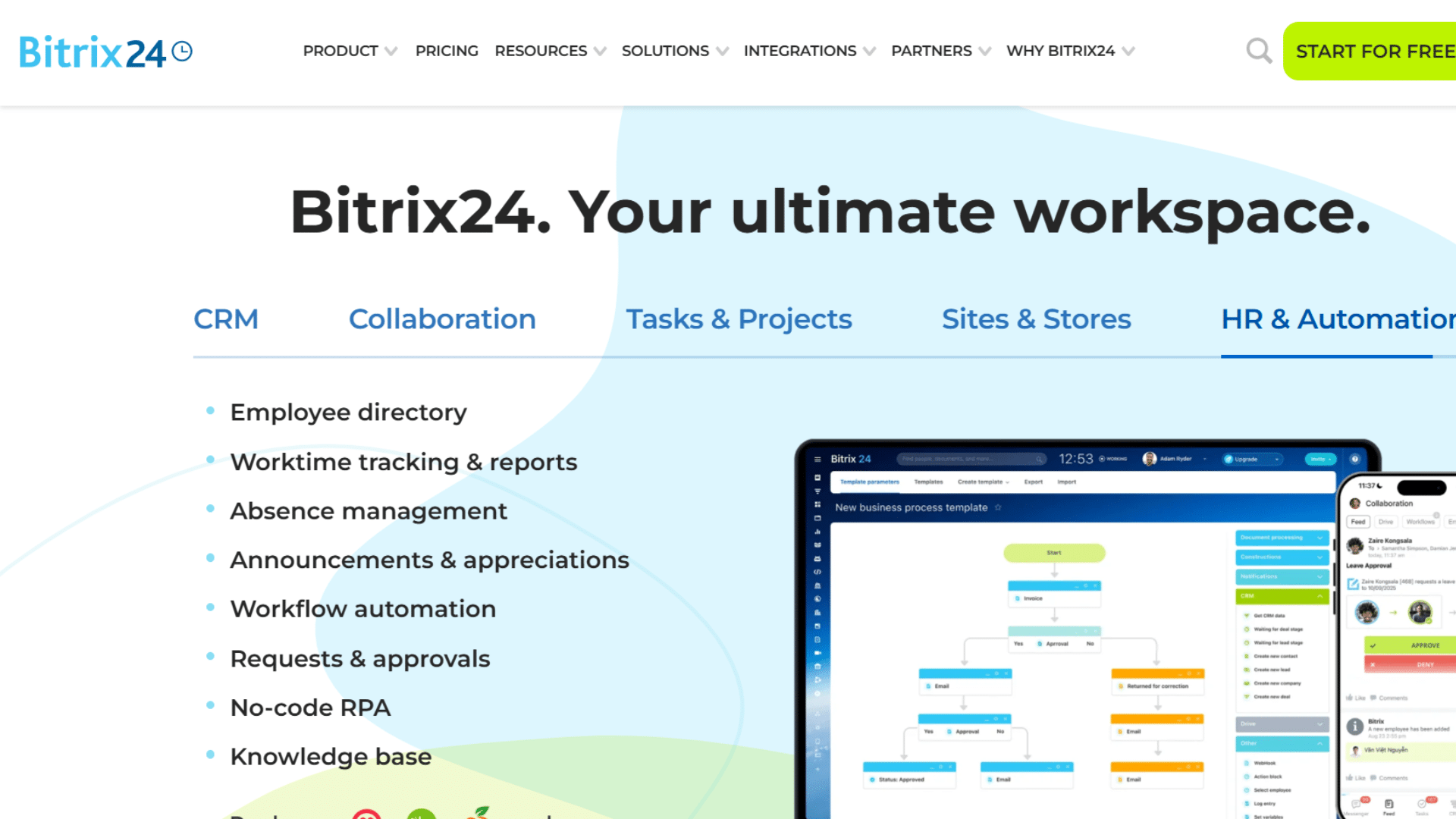
Bitrix24 offers an all-in-one workspace that combines CRM, project management, communication, and task tracking.
It allows teams to collaborate in real time and manage workflows from a single dashboard.
This reduces dependency on multiple tools and improves operational clarity for growing businesses that need centralized control over activities and communication.
- Key: CRM system, project tracking, team communication, workflow tools
- Best for: Businesses needing unified platform
- Advantage: Multiple features in one system
- Disadvantage: Complex interface for new users
3. Zoho CRM Free Edition
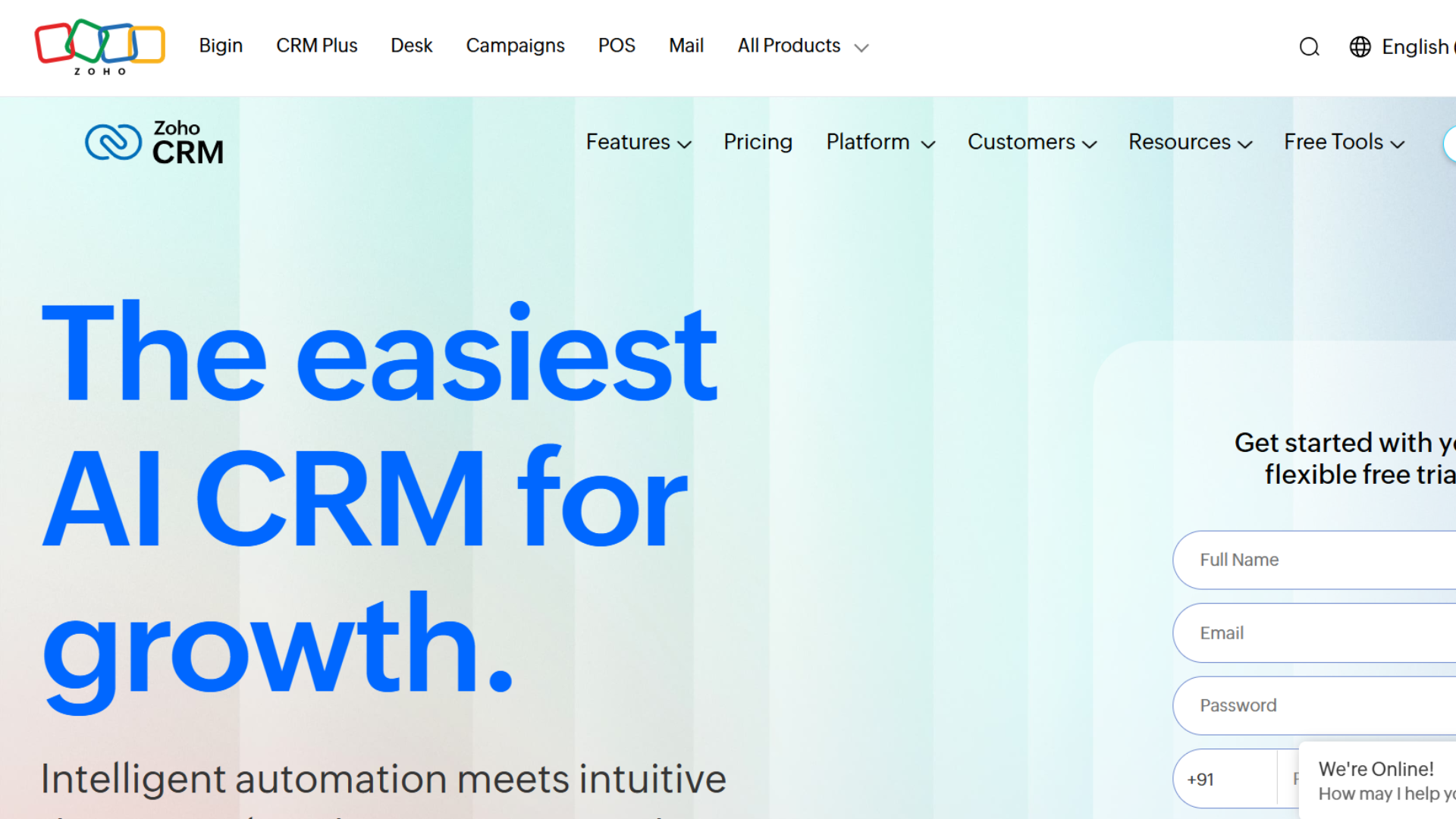
Zoho CRM Free Edition supports structured customer management by helping businesses track leads, manage contacts, and monitor sales progress.
It is designed for startups that need organized data handling without additional cost.
The system improves customer relationship flow and supports basic workflow automation for better efficiency.
- Key: Lead tracking, customer management, workflow support, sales monitoring
- Best for: Startups and small sales teams
- Advantage: Simple interface with core CRM tools
- Disadvantage: Limited users and features in free plan
4. ClickUp
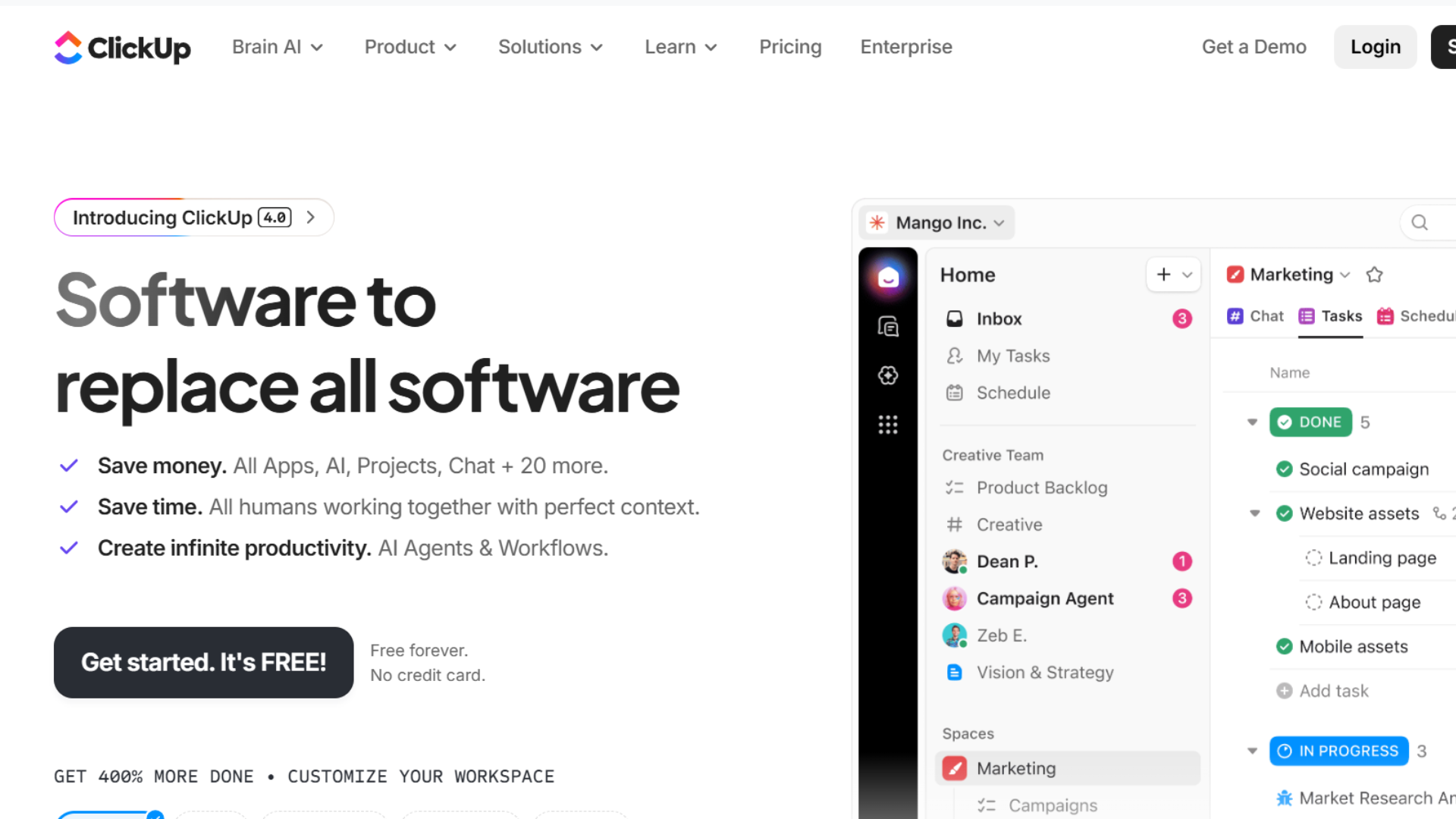
ClickUp is a flexible productivity tool that supports task management, goal tracking, and team collaboration. It allows customization of workflows based on business needs, making it useful for managing multiple projects.
Teams can assign tasks, track progress, and organize work in different formats like lists or boards.
- Key: Task management, goals, collaboration tools, workflow customization
- Best for: Multi-project teams
- Advantage: Highly flexible workspace
- Disadvantage: Learning curve for beginners
5. Trello
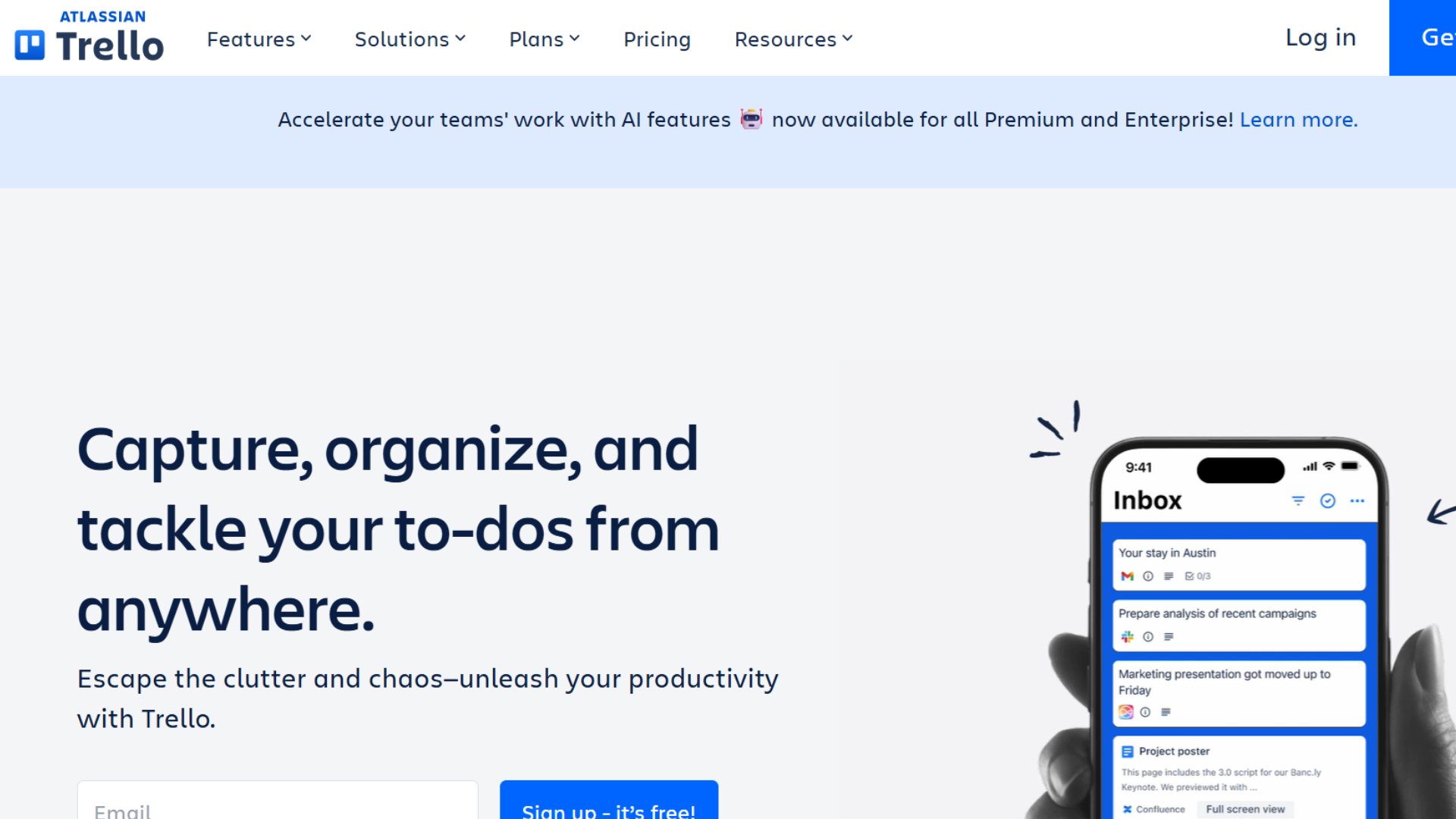
Trello uses a visual board system to manage tasks and workflows in a simple and organized way. Users can create cards, move them across stages, and track project progress easily.
It is ideal for small teams that prefer a lightweight and visual approach to managing work without complexity or heavy setup.
- Key: Visual boards, task tracking, workflow stages, team collaboration
- Best for: Small teams handling simple projects
- Advantage: Very easy to use
- Disadvantage: Limited advanced reporting features
6. Asana
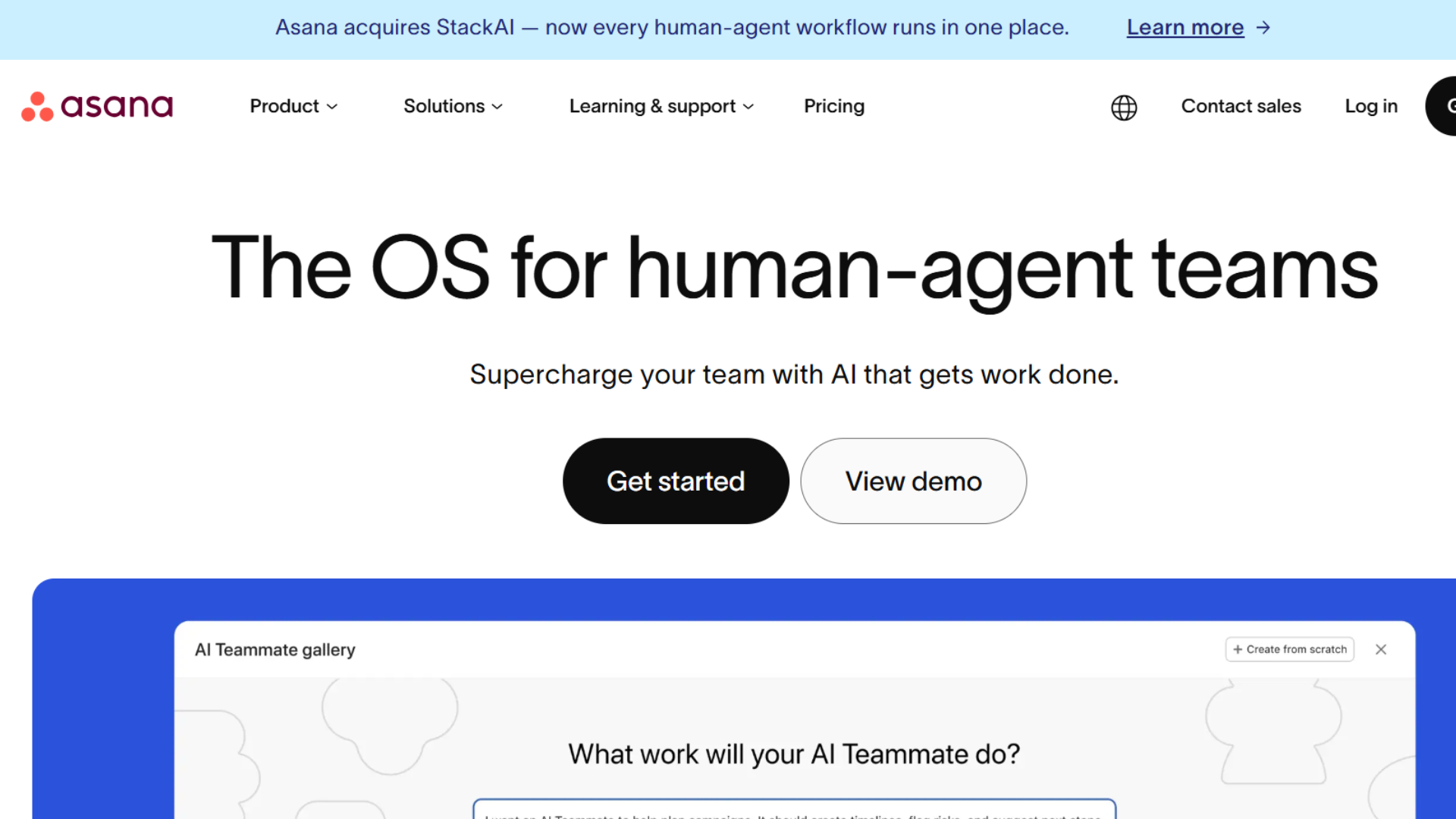
Asana helps teams organize projects, assign tasks, and track progress in a structured format. It improves clarity in workflows and ensures deadlines are met efficiently.
The platform is widely used in marketing and creative teams for better planning and execution of tasks across multiple departments.
- Key: Project planning, task assignment, progress tracking, collaboration
- Best for: Creative and marketing teams
- Advantage: Clean and structured interface
- Disadvantage: Some features restricted in free plan
7. Airtable
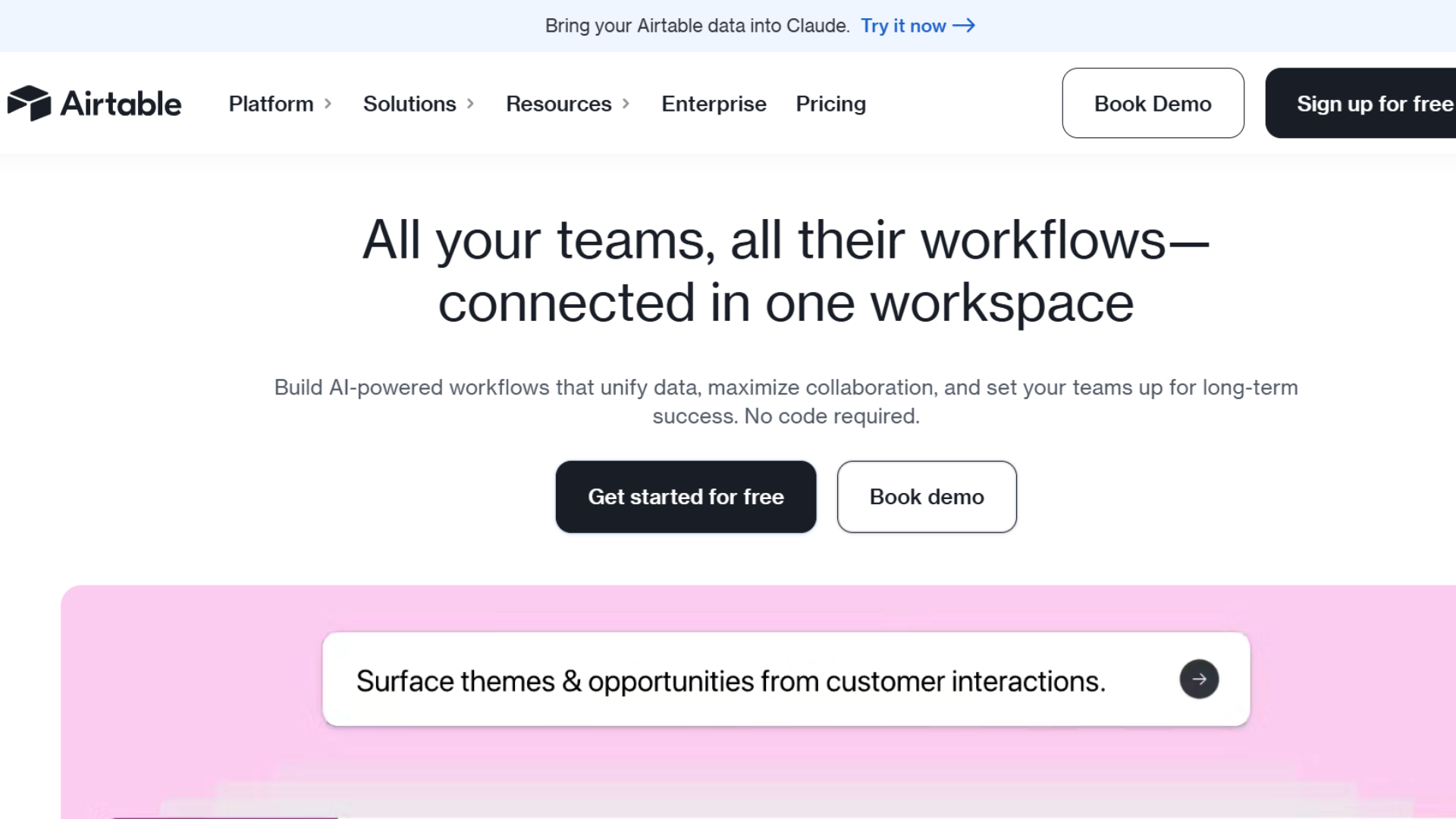
Airtable combines spreadsheet simplicity with database functionality for managing projects and structured data. It allows businesses to customize workflows, track information, and collaborate efficiently.
It is widely used for planning, content organization, and operational tracking in a flexible environment that adapts to different use cases.
- Key: Database system, project tracking, collaboration tools
- Best for: Data-driven workflows
- Advantage: Highly customizable structure
- Disadvantage: Free plan limitations on records
8. Pipedrive: Sales-Focused CRM
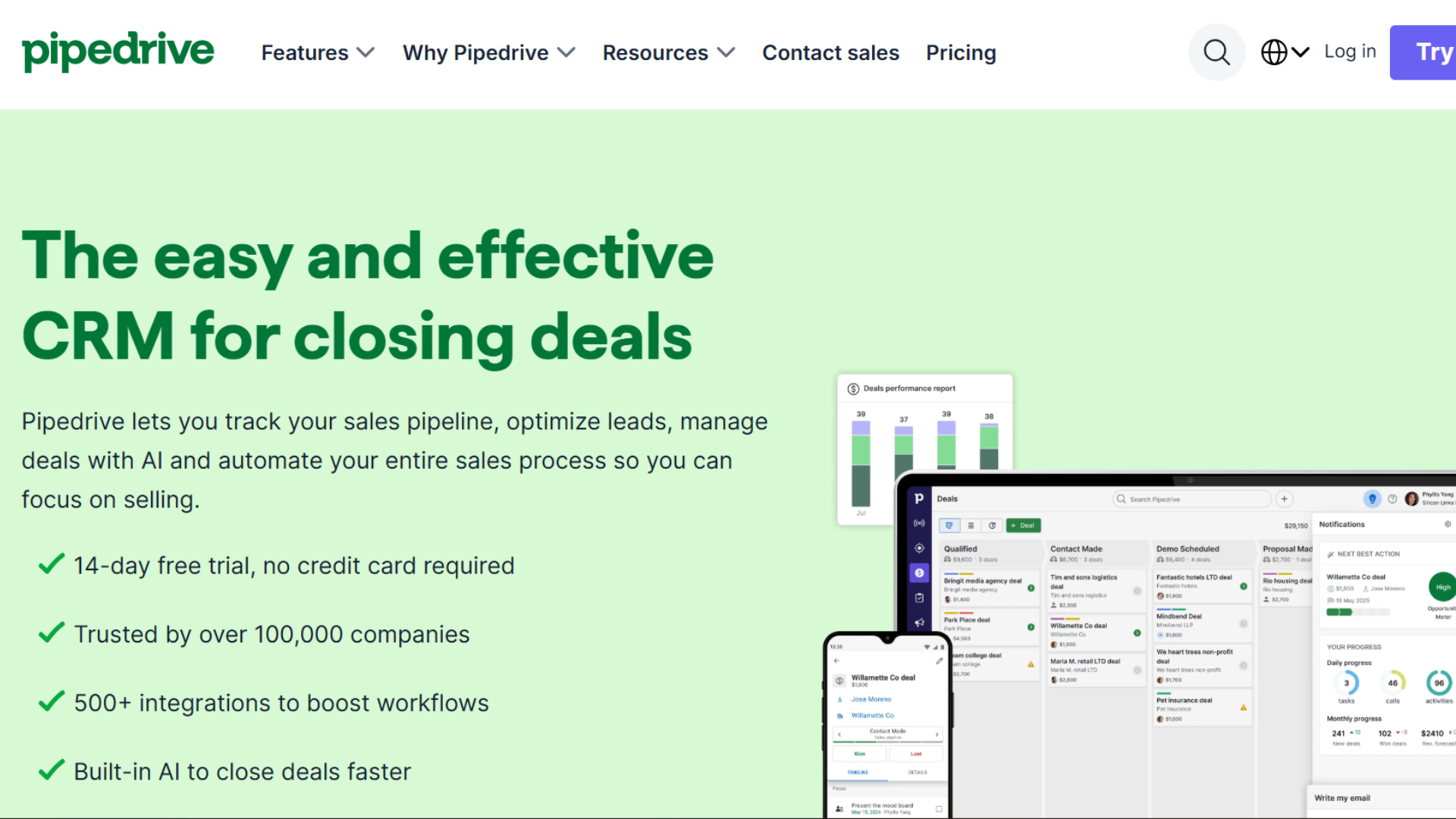
Pipedrive is a sales-driven CRM designed to simplify deal tracking and pipeline management. It is widely appreciated for its visual sales funnel that helps teams focus on closing deals efficiently.
While it mainly operates on a paid model, it is often included in comparisons due to its strong usability and sales-focused design.
Making it a popular choice for growing sales teams evaluating CRM tools.
- Key: Visual sales pipeline, deal tracking, activity management, CRM automation
- Best: Sales teams focused on conversion and deal management
- Advantage: Clean interface, strong visual pipeline system
- Disadvantage: No permanent free plan, only trial-based access
9. Freshsales: CRM for Small Businesses
Freshsales is a US-focused CRM by Freshworks, designed for small and growing businesses that want simple lead management, sales tracking, and automation in one platform.
It offers a clean interface, built-in email tracking, and basic pipeline management, making it a strong alternative to HubSpot and Zoho in the American SMB market.
- Key: Lead management, sales pipeline, email tracking, contact organization
- Best: Small US businesses needing simple CRM with automation features
- Advantage: Easy to use, strong automation tools, good free/freemium entry
- Disadvantage: Advanced features require paid upgrade
These tools reduce manual effort, improve coordination, and support better workflow visibility without upfront investment.
Free Business Management Software by Use Case
Selecting the right one depends on the specific function your company wants to improve, such as sales, projects, finance, or overall operations.
| Use Case | Recommended Tool(s) | Why It Fits |
|---|---|---|
| CRM & Sales Tracking | HubSpot CRM, Zoho CRM, Freshsales, Pipedrive | Helps manage leads, track deals, and improve customer communication through structured pipelines |
| Project Management | ClickUp, Trello, Asana | Supports task planning, deadlines, and team coordination across different workflows |
| All-in-One Business Management | Bitrix24 | Combines CRM, communication, and task management in one centralized system |
| Data & Workflow Organization | Airtable | Provides flexible database-style structure for planning and tracking business data |
Free business management software based on their specific operational needs and choose tools that support productivity, scalability, and long-term growth.
Small Business Software: Choice & Benefits
Selecting the right platform and understanding its advantages helps small businesses improve operations, reduce complexity, and support sustainable growth.
| Selection Criteria | Key Considerations | Benefits for Small Businesses |
|---|---|---|
| Requirements | Sales handling, customer support, project planning | Ensures the tool matches actual operational needs |
| Ease | Simple interface, low learning effort | Saves time and improves team adoption speed |
| Integration | Accounting sync, marketing tools, email connection | Creates a smooth workflow across platforms |
| Scalability | Upgrade options, future expansion support | Supports business growth without system change |
| Security | Data protection, user roles, backup system | Protects business information and access control |
| Cost Benefit | Free access to core features, reduced software spending | Helps lower operational expenses for startups |
| Productivity | Organized workflows, task tracking, automation support | Improves efficiency and task completion rate |
| Customer Handling | Interaction tracking, sales monitoring tools | Strengthens client relationship management |
| Decision Support | Reports, performance insights, activity tracking | Helps in better planning and business decisions |
Free business management software provides an affordable way for small companies to manage core operations without heavy investment.
Limits and Optimization of Free Business Software
Free tools offer useful functionality for startups, but they also come with certain restrictions that can affect long-term usage and scaling.
- Features: Limited access to advanced automation, analytics, and premium functions can restrict deeper operational control.
- Users & Storage: Team size limits and restricted storage capacity may impact scaling and data handling needs.
- Support: Assistance is usually limited to documentation and community forums instead of direct customer support.
- Upgrades: Expanding business requirements often lead to paid plan adoption for additional capabilities.
- Optimization: Focus on essential features, train teams properly, use automation tools, and regularly review performance data to improve outcomes.
At the same time, smart usage can improve efficiency and maximize value for growing teams.
Future Trends in Business Management Software
Emerging technologies are reshaping how teams handle workflows, data, and decision-making in modern environments.
| Trend | Key Development | Business Impact |
|---|---|---|
| Artificial Intelligence | Smart suggestions, task automation, predictive assistance | Improves decision-making and reduces manual workload |
| Cloud-Based Systems | Online access, real-time syncing, remote collaboration | Enables flexible work from any location |
| Workflow Automation | Automated processes, reduced manual steps, smart triggers | Saves time and increases operational accuracy |
| Mobile-First Solutions | App-based management, on-the-go access, instant updates | Supports business control from anywhere |
| Data-Driven Insights | Advanced analytics, reporting, forecasting tools | Helps in strategic planning and performance tracking |
Business management platforms are evolving rapidly to support faster, smarter, and more flexible operations for small and growing companies.
Conclusion
Free business management software offers small businesses an effective way to organize operations, manage customers, and improve workflow efficiency without upfront investment.
These tools combine CRM, project tracking, and reporting in one place, helping teams stay organized and productive.
Free versions have limits, but they can still offer great value for startups and growing businesses.
By choosing the right solution and adapting it to business needs, organizations can improve performance, reduce costs, and support long-term growth effectively.
Have you used any of these free business management tools? Share your experience or favorite option in the comments below.
Frequently Asked Questions
Which CRM Is Completely Free for Small Businesses?
HubSpot CRM and Zoho CRM offer strong free plans suitable for small teams, covering basic customer tracking and sales management features.
Is Salesforce Suitable for Small Businesses?
Salesforce can be used by small businesses, but it is more complex and better suited for scaling companies with advanced requirements.
What Is the Easiest CRM for Beginners?
Tools like HubSpot CRM and Trello-based workflows are considered easy due to simple setup and user-friendly interfaces.
Can Free Business Management Software Support Long-Term Use?
Yes, but growing businesses may need to upgrade to paid plans for advanced features and higher capacity.
Do Free Tools Include Automation Features?
Most free plans offer limited automation, while advanced workflow automation is usually available in paid versions.