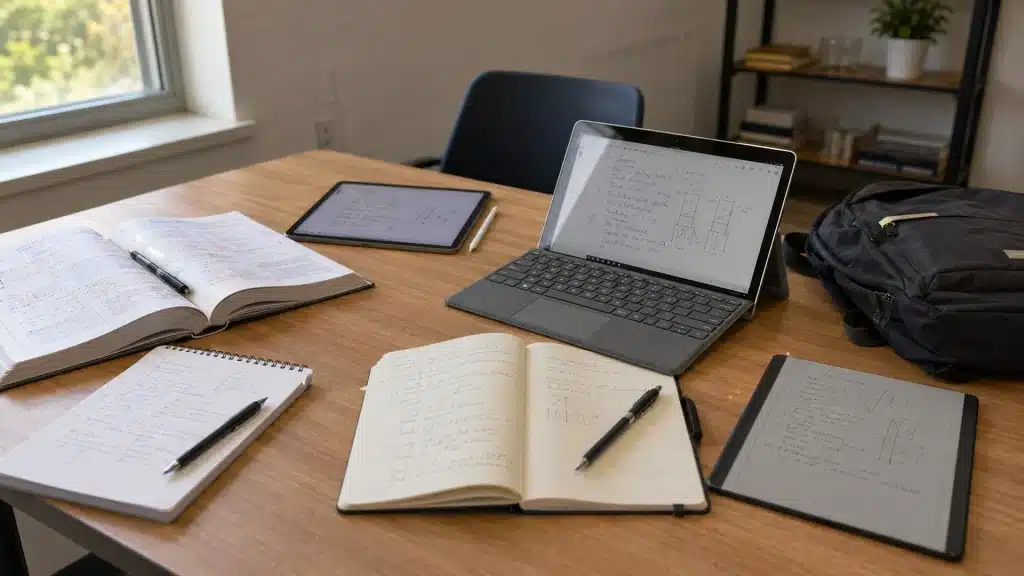
Finding a tablet that feels comfortable for handwritten notes can be difficult when small details like pen response, screen feel, and app support affect daily use.
The best note-taking tablet depends on how notes are created, organized, and used for study, work, or personal projects. A good device should make writing feel natural while keeping notes easy to manage and access.
Here, important factors such as stylus performance, display quality, battery life, and note-taking features are highlighted, along with options for different users.
Understanding these differences can help narrow down suitable choices and make the buying decision easier without focusing only on specifications.
What Makes a Good Note-Taking Tablet?
Choosing a note-taking tablet involves more than checking its screen size or processor. Reviewing those areas first can help students avoid limitations that become frustrating after regular daily use.
- Low-Latency Writing: A good note-taking tablet should register pen strokes accurately without visible delay or broken lines.
- Reliable Palm Rejection: Reliable palm rejection matters because it lets your hand rest naturally on the screen while writing.
- Comfortable and Readable Display: The surface should remain comfortable during long classes, while the display must be readable under classroom lights and outdoors.
- Strong App Support: App support is equally important, especially for handwriting, PDF markup, cloud storage, and course platforms.
- Battery life: The tablet should cover a full academic day without frequent charging.
- Easy Export and File Sharing: Students also need simple export options for opening notes on phones, computers, or shared learning systems.
Finally, calculate the complete cost, including the stylus, keyboard, case, replacement nibs, and subscriptions. The right tablet must match your handwriting habits, the apps you trust, and your academic workload.
Quick List: Best Note-Taking Tablets at a Glance
With several tablets offering different writing experiences, choosing the right one can be difficult. This quick comparison highlights key differences in features, stylus support, battery, and pricing
| Tablet | Best For | Stylus | Battery Life | Price Range |
|---|---|---|---|---|
| Apple iPad Air M4 | Best overall note-taking experience | Apple Pencil Pro / Apple Pencil USB-C | Up to 10 hours | Premium |
| Samsung Galaxy Tab S10 FE | Students and Android users | S Pen included | Up to 10+ hours | Mid-range |
| Microsoft Surface Pro 12-Inch | Laptop replacement and professional work | Surface Slim Pen | Up to 10 hours | Premium |
| reMarkable Paper Pro | Paper-like handwriting and focused writing | Marker Plus | Up to 2 weeks | Premium |
| Amazon Kindle Scribe | Reading and basic handwritten notes | Premium Pen | Up to several weeks | Mid-range |
| BOOX Note Air5 C | Android apps with E-Ink writing | BOOX Pen | Up to several weeks | Premium |
| Apple iPad 11-Inch A16 | Affordable Apple note-taking setup | Apple Pencil USB-C / 1st Gen Pencil | Up to 10 hours | Budget to Mid-range |
| reMarkable Paper Pure | Simple distraction-free writing | Marker Plus | Up to 2 weeks | Mid-range |
| Kobo Elipsa 2E | Book annotation and document notes | Kobo Stylus 2 | Up to several weeks | Mid-range |
Best Note-Taking Tablets for Students
Each model below suits a particular student need, from handwritten lectures and textbook annotation to creative projects, reading, Windows applications, and budget-friendly study.
1. Apple iPad Air M4
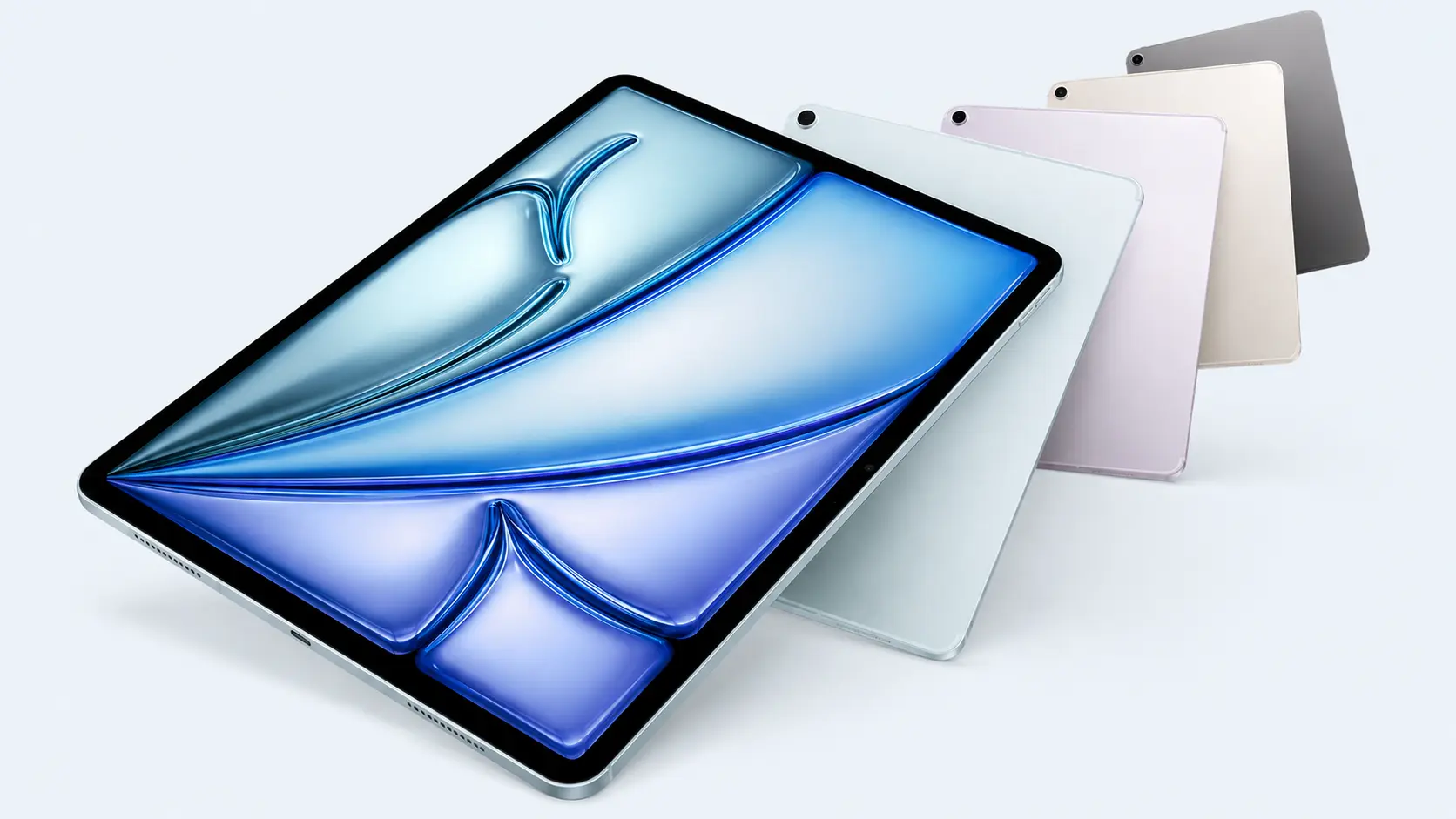
The iPad Air M4 is a strong all-round choice for students who want handwritten notes, creative apps, PDF tools, media, and smooth multitasking in one device.
It supports Apple Pencil Pro and Apple Pencil USB-C, while apps such as GoodNotes, Notability, Apple Notes, OneNote, and Adobe Acrobat cover lectures, assignments, document markup, and study planning.
- Best For: Students needing study apps, creative tools, and high performance
- Main Feature: Wide support for note-taking and creative applications
2. Samsung Galaxy Tab S10 FEx
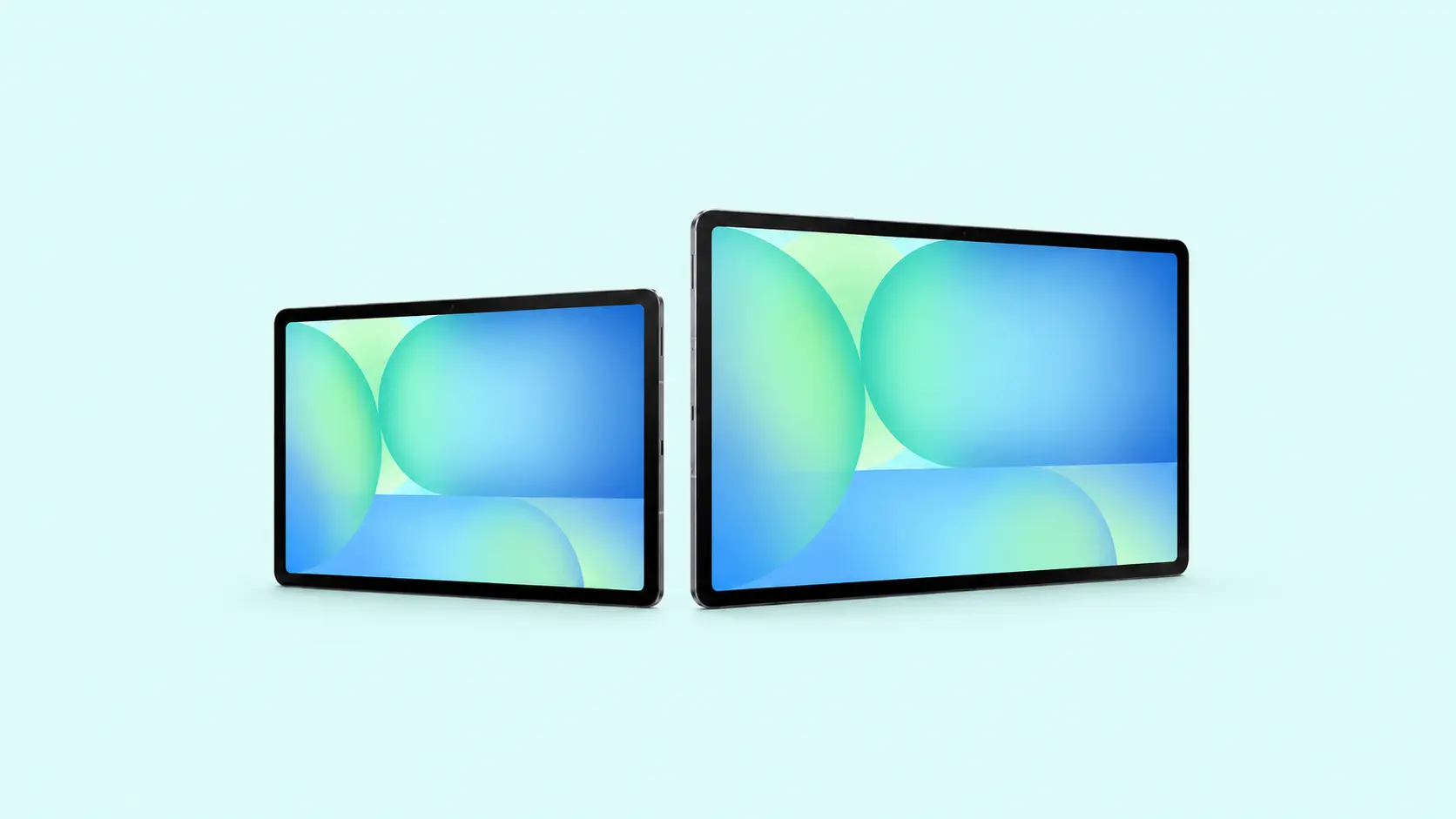
The Galaxy Tab S10 FE offers a practical student package because the S Pen is included, reducing the need to buy a separate accessory, though some shoppers still compare it with the previous generation model. Samsung Notes supports handwriting, PDF annotation, organized notebooks, and split-screen study.
Its 10.9-inch display provides enough room for lecture notes and textbooks while remaining manageable for daily travel between classes.
- Best For: Students seeking good value with a stylus included
- Main Feature: Included S Pen with useful Samsung Notes tools
3. Microsoft Surface Pro 12-Inch
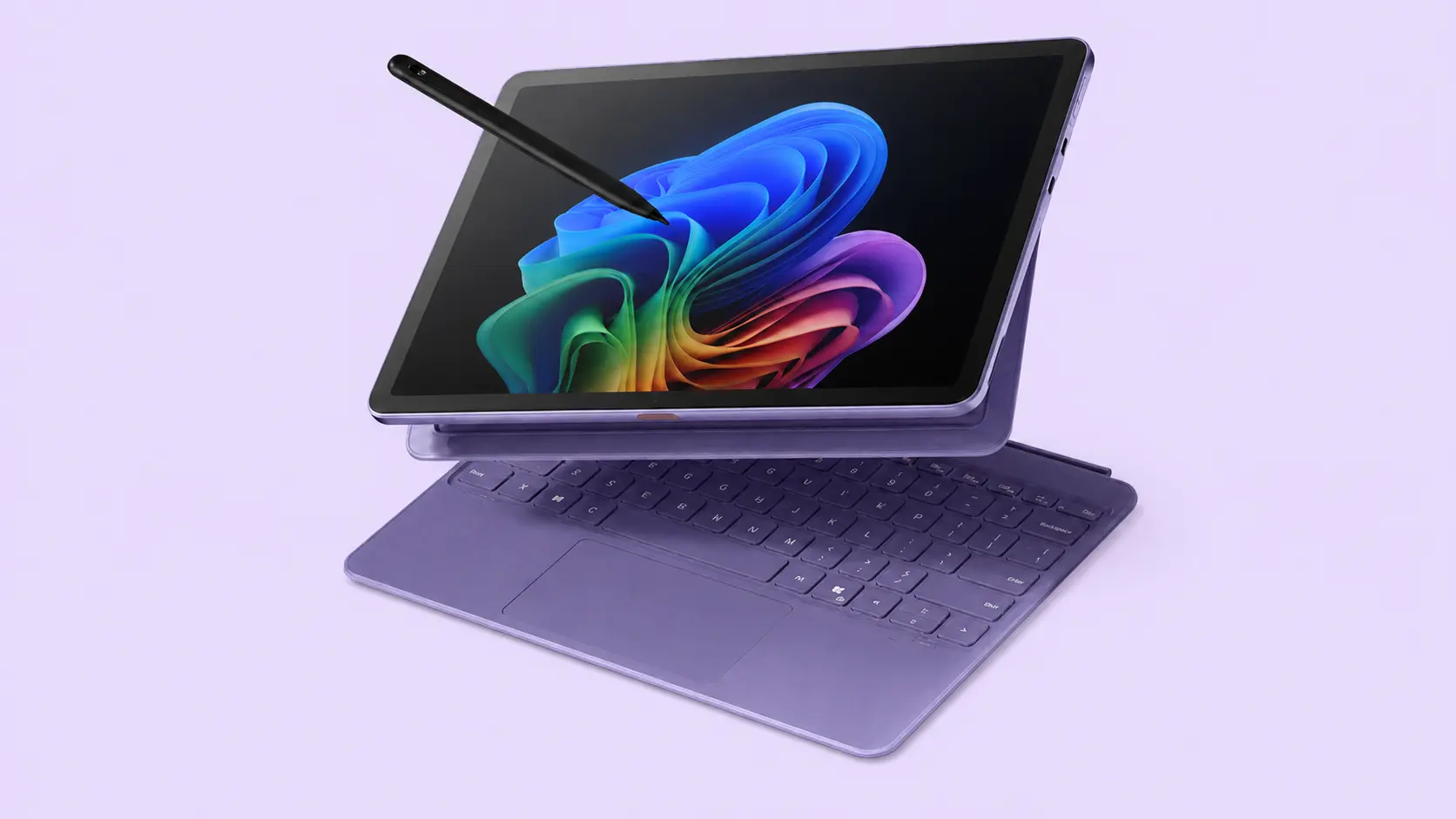
The Surface Pro 12-inch suits students who need one device for handwriting, research, assignments, and full desktop software.
Windows supports OneNote, Microsoft 365, programming tools, browser-based learning platforms, and course-specific applications that may not work properly on mobile tablets. Its convertible format allows users to switch between pen input, touch controls, and keyboard-based work during classes.
- Best For: Students replacing both a laptop and tablet
- Main Feature: Full Windows software in a compact convertible design
4. reMarkable Paper Pro
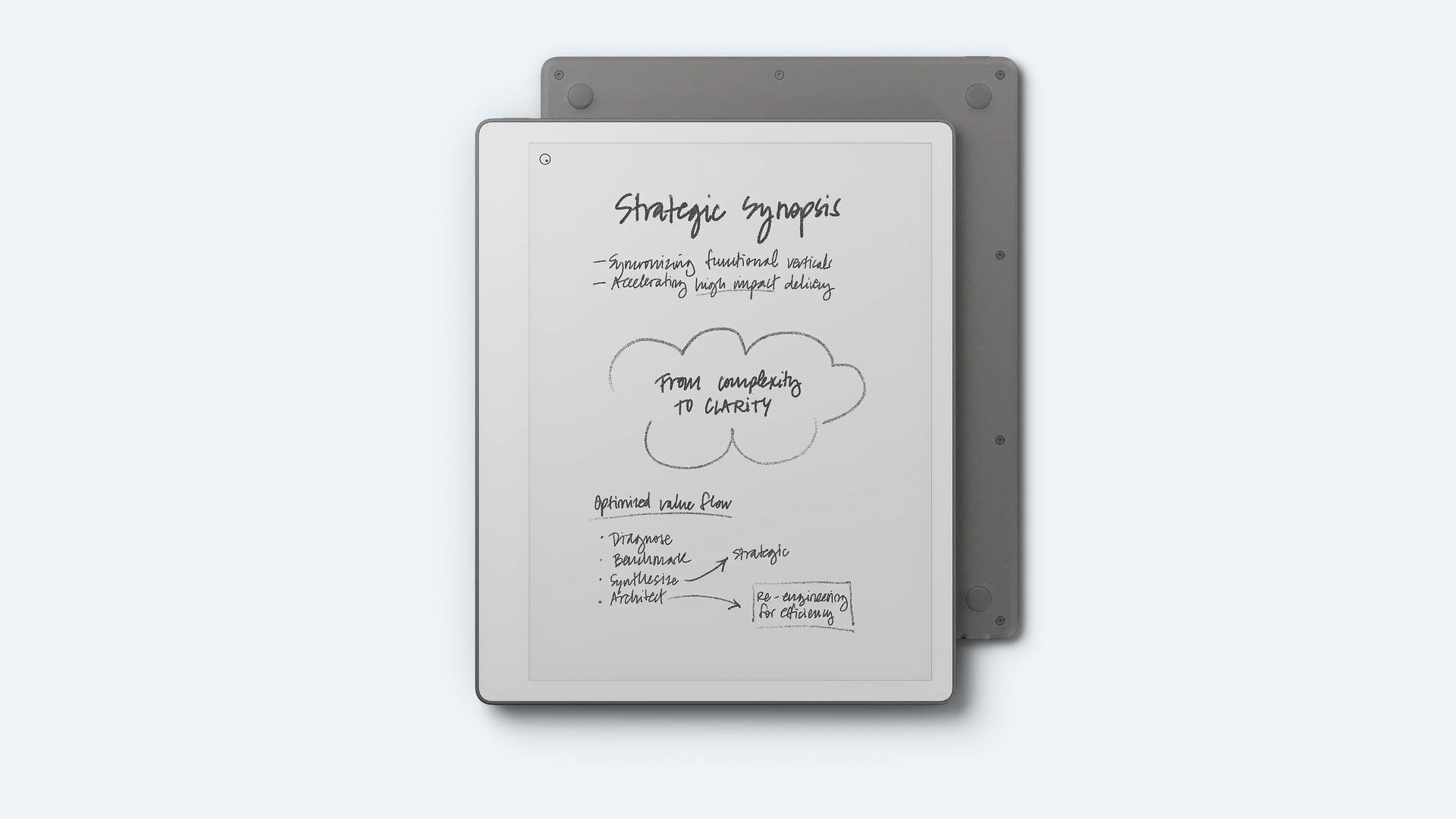
The reMarkable Paper Pro is designed for students who prioritize writing comfort, focused study, and fewer digital distractions, often weighing against similar paper-style readers before deciding. Its 11.8-inch color E Ink display has a textured surface that provides more resistance than smooth glass.
A built-in adjustable reading light improves visibility during evening study, while the large screen provides ample space for notes, textbooks, and PDFs.
- Best For: Focused handwritten notes and long reading sessions
- Main Feature: Paper-like writing on a large color E Ink display
5. Amazon Kindle Scribe
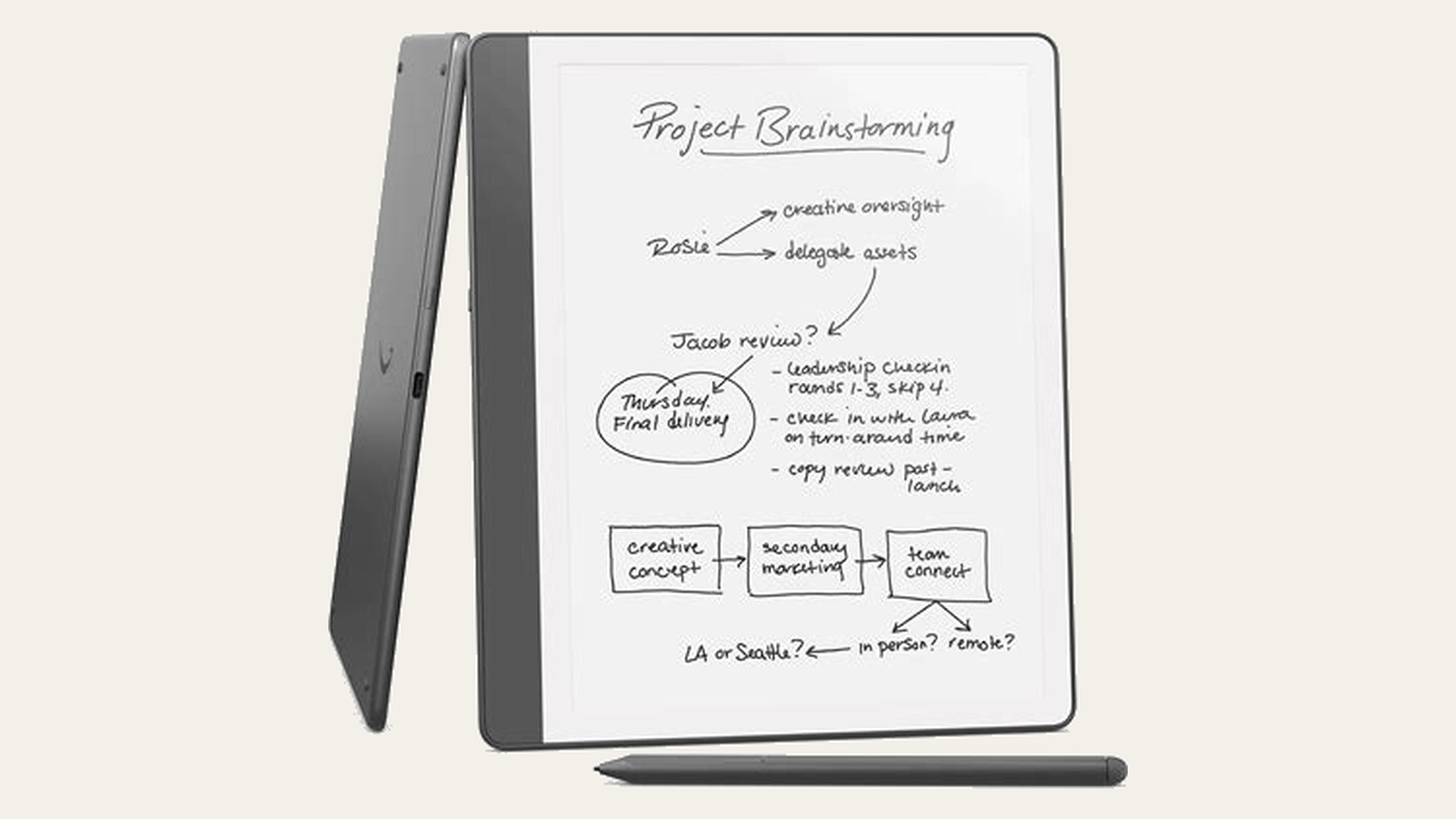
The current Kindle Scribe combines an 11-inch E Ink reader with a digital notebook, making it useful for students who spend more time reading and reviewing documents than running complex study apps.
Users can write notes, annotate supported content, and organize ideas on one device. Its front light also supports comfortable evening reading in dim spaces.
- Best For: Students who regularly read and annotate books
- Main Feature: Reading and handwritten notes on one E Ink device
6. BOOX Note Air5 C
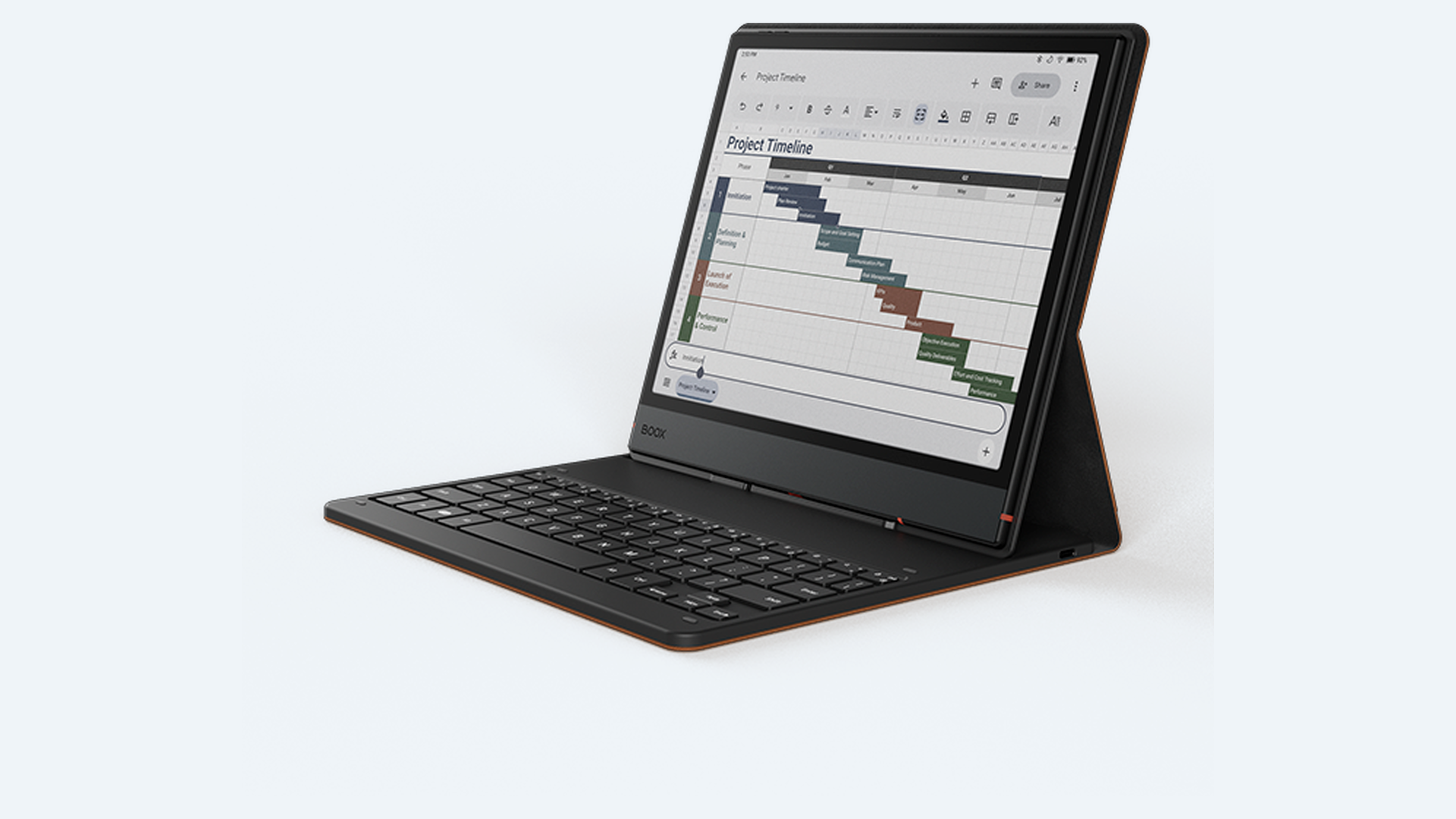
The BOOX Note Air5 C combines a 10.3-inch Kaleido 3 color E Ink display with Android 15 and access to Google Play. Students can install compatible reading, cloud storage, PDF, and productivity apps rather than relying only on built-in tools.
This flexibility suits users who want paper-like viewing without giving up a broader selection of study applications.
- Best For: Students wanting Android apps on an E Ink screen
- Main Feature: Android app access with color E Ink
7. Apple iPad 11-Inch A16
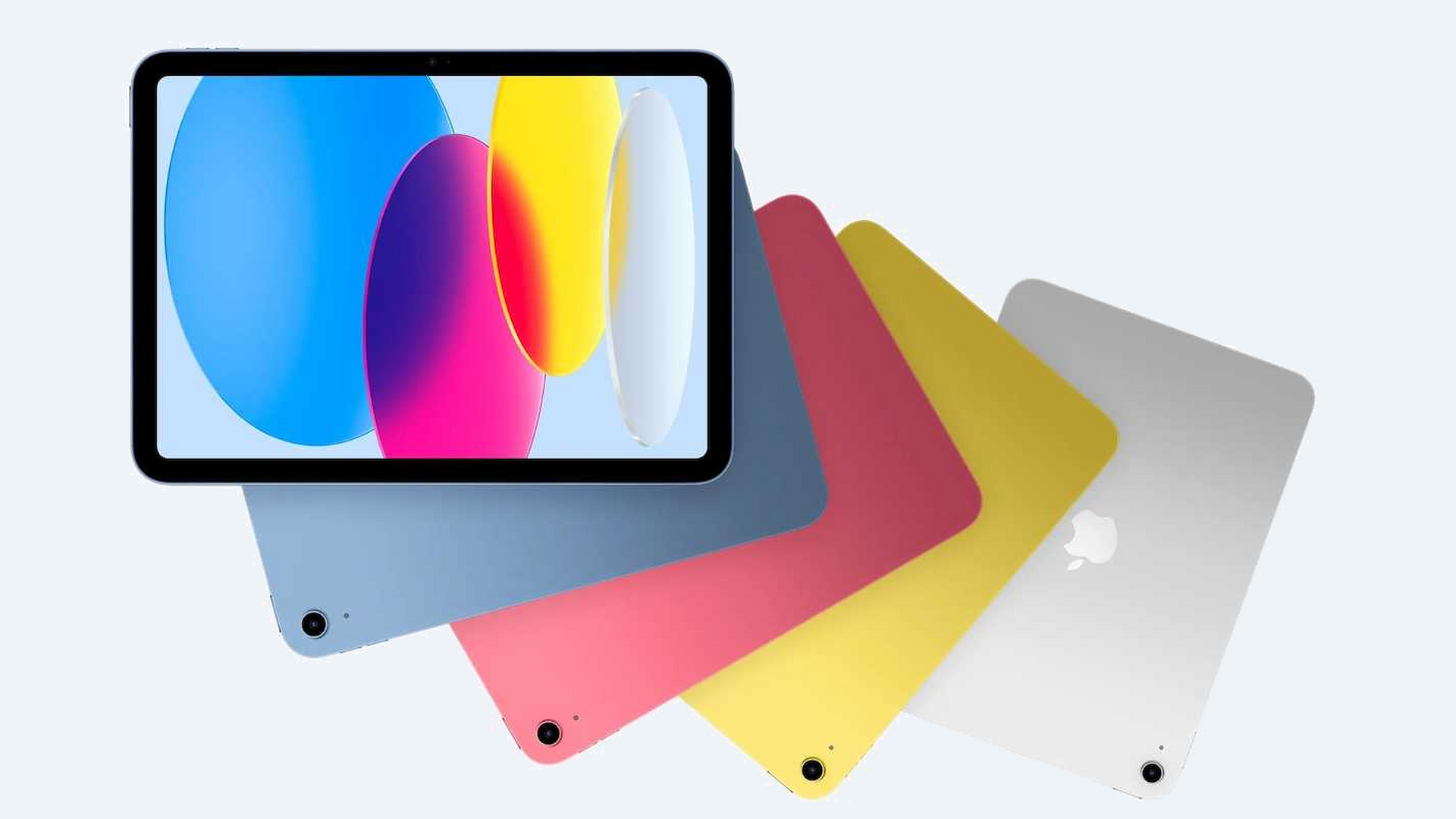
The iPad 11-inch with A16 provides a more affordable entry into Apple’s large selection of note-taking and study apps. It supports Apple Pencil USB-C and the first-generation Apple Pencil when used with the required adapter.
Students can access Apple Notes, GoodNotes, Notability, OneNote, PDF tools, learning platforms, and media apps for daily coursework.
- Best For: Students seeking an affordable iPad setup
- Main Feature: Core iPad study apps at a lower starting price
8. reMarkable Paper Pure
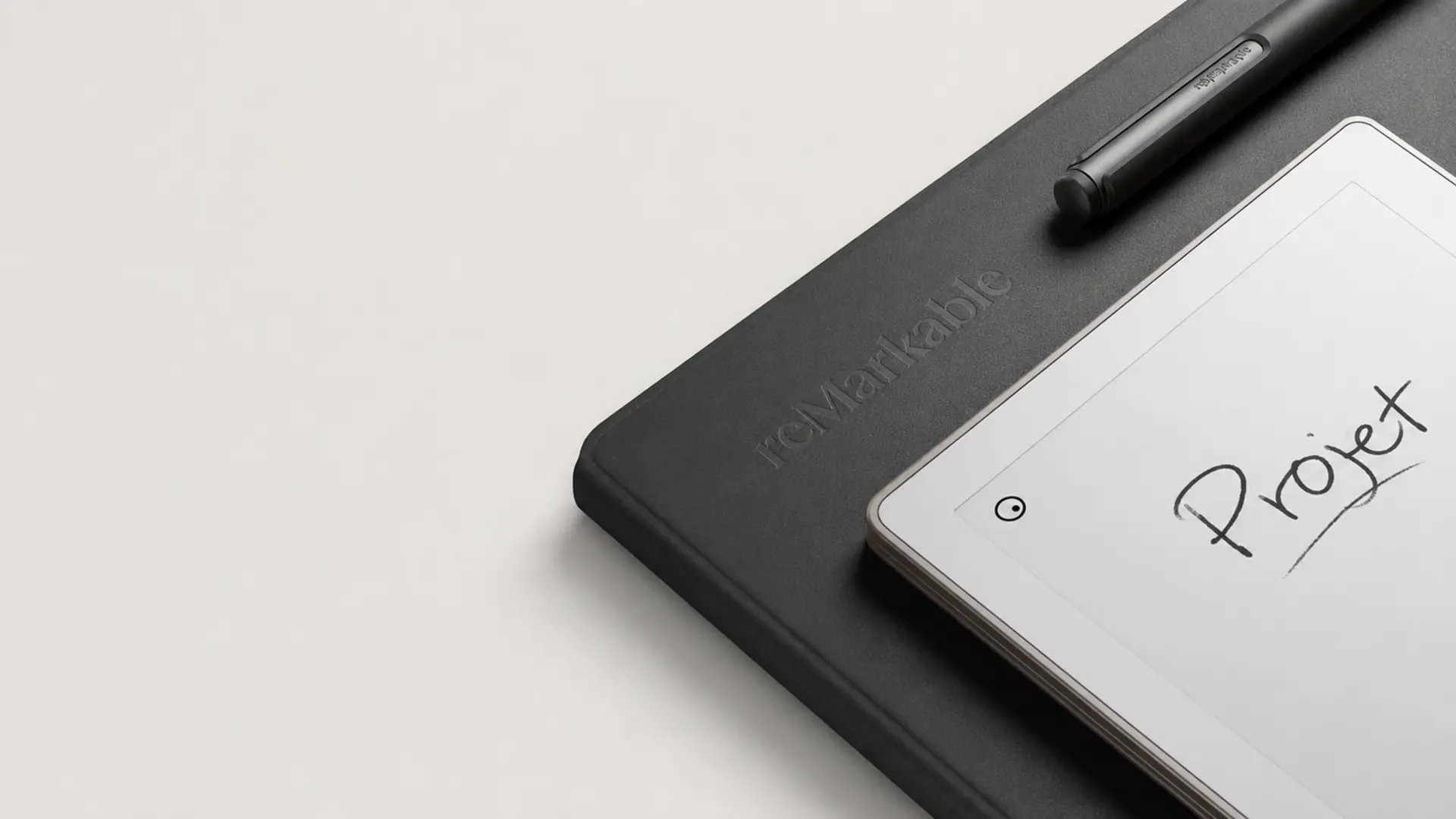
The reMarkable Paper Pure is a 10.3-inch monochrome paper tablet made for focused writing, document reading, and distraction-free study. Its high-contrast display and textured surface make extended note-taking sessions feel closer to working in a traditional notebook.
The lightweight body is easy to carry between classes, while the simple interface keeps attention on notes, readings, and assignments.
- Best For: Basic handwritten notes with fewer digital distractions
- Main Feature: Focused monochrome E Ink writing
9. Kobo Elipsa 2E
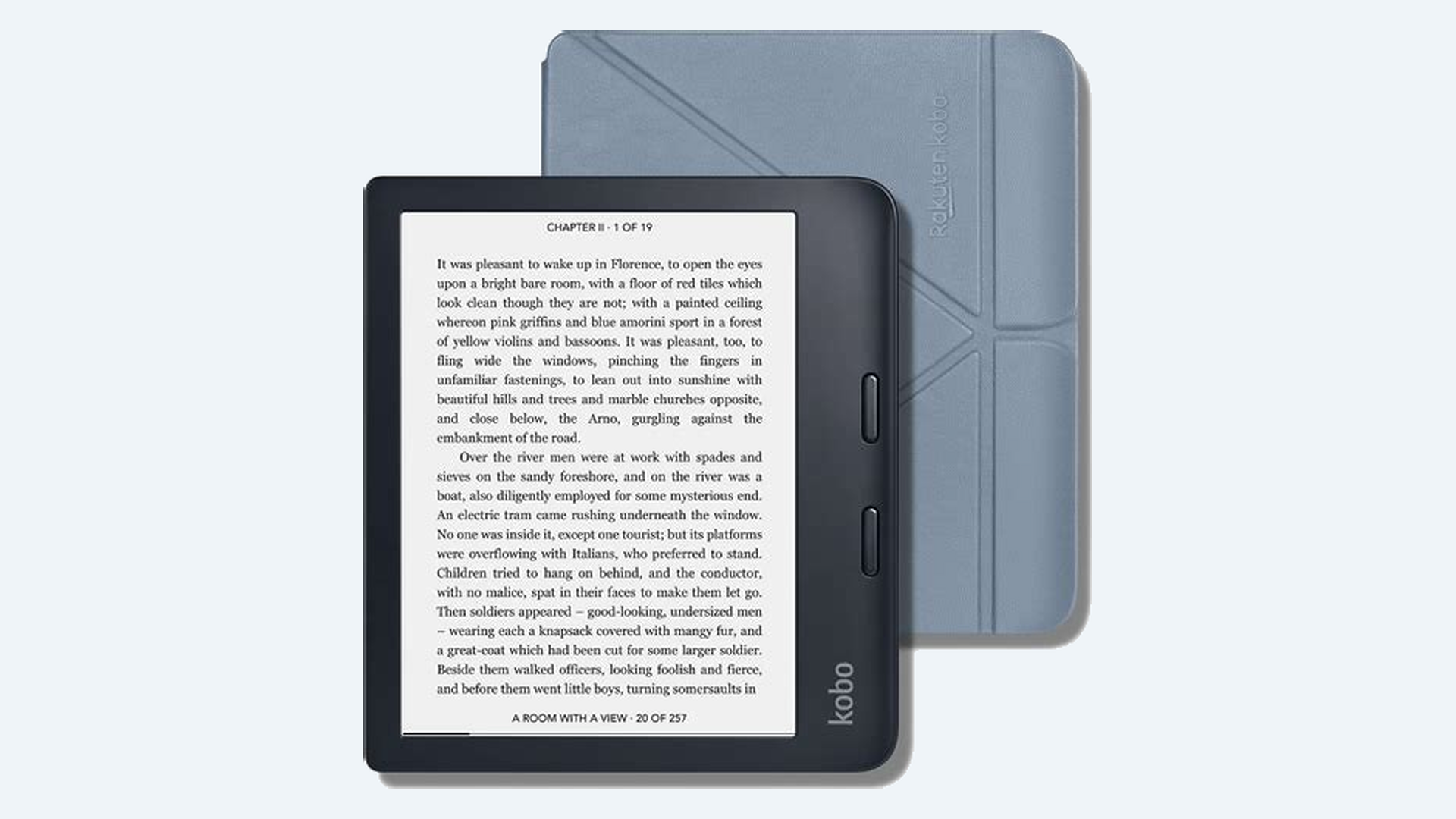
The Kobo Elipsa 2E is a reading-focused 10.3-inch E Ink device supplied with the Kobo Stylus 2. Students can annotate compatible e-books, mark up PDFs, create digital notebooks, and use Advanced Notebooks to convert handwriting into typed text.
It works well for coursework centered on reading, document review, written comments, and organized study notes.
- Best For: Students annotating books and study documents
- Main Feature: Handwritten notes on compatible books and PDFs
LCD Tablets vs E-Ink Note Taking Tablets
LCD and E-Ink tablets offer different writing experiences. Understanding their differences in speed, apps, comfort, and battery life helps you choose the right note-taking device.
| Feature | LCD Tablets | E-Ink Tablets |
|---|---|---|
| Writing Speed | Faster | Natural feel |
| Apps | More options | Limited |
| Eye Comfort | Average | Better |
| Battery | Days | Weeks |
| Best For | Work and study | Reading and writing |
The right choice depends on your priorities. LCD tablets suit users needing apps and performance, while E-Ink tablets work better for focused writing and reading.
What Users Say About Note-Taking Tablets
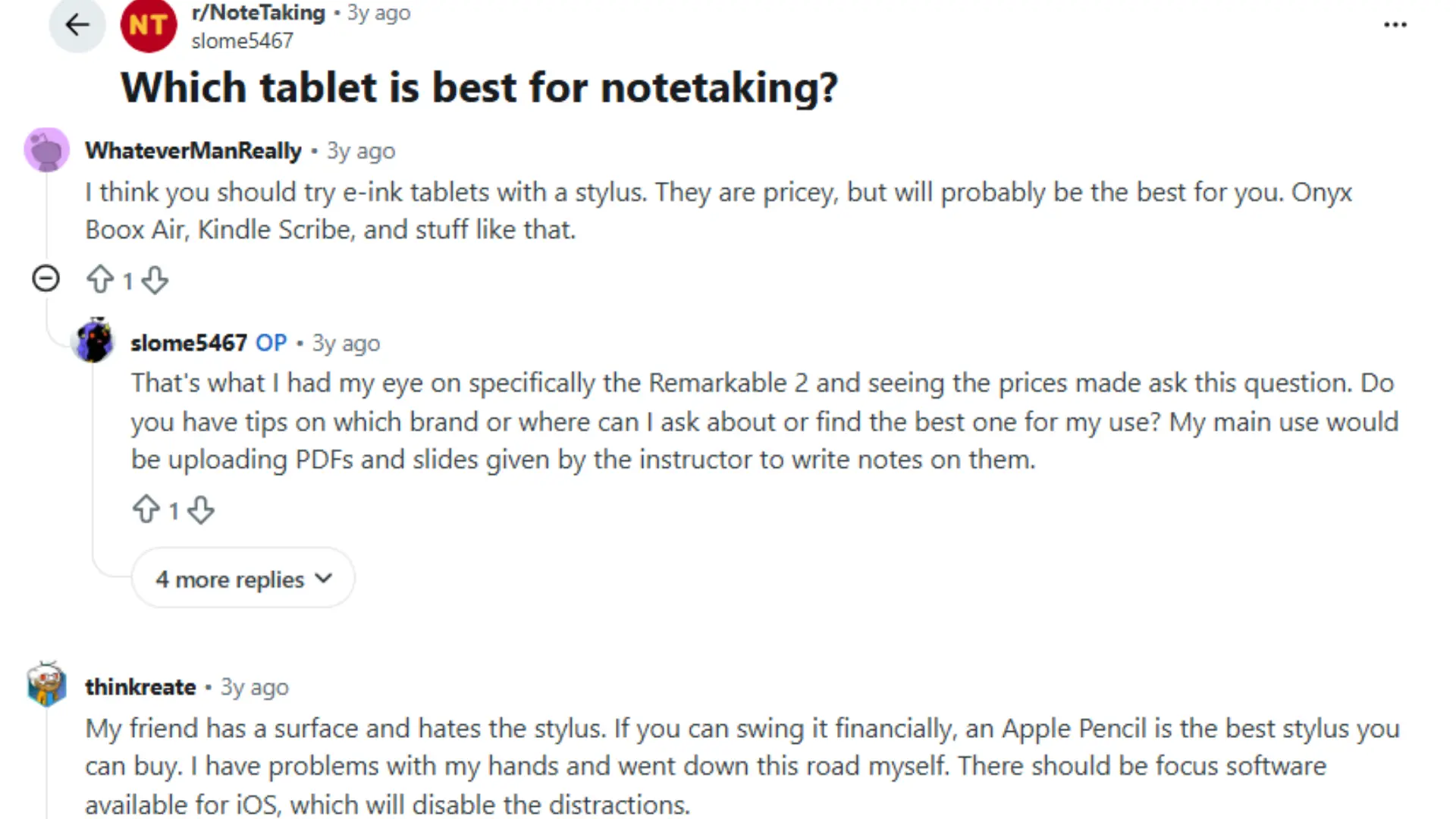
Reddit users often discuss that the best note-taking tablet depends heavily on personal workflow, writing preferences, and the features needed for daily use.
Many users compare options like iPad models, Samsung Galaxy Tab devices, reMarkable tablets, and other e-ink options based on handwriting feel, app support, battery life, and portability.
Some prefer tablets with full app ecosystems for studying, PDF annotation, and multitasking, while others value distraction-free writing and a paper-like experience.
Discussions also highlight the importance of stylus quality, palm rejection, syncing options, and long-term usability. Overall, user experiences suggest that choosing a note-taking tablet requires focusing on writing habits rather than only hardware specifications
Things to Consider Before Buying a Note-Taking Tablet
Before buying a note-taking tablet, check the features that affect daily use. This checklist covers key factors for writing, studying, and professional tasks.
- Does it include a stylus?
- Does it support handwriting conversion?
- Can it annotate PDFs?
- Does it sync notes across devices?
- Is the screen comfortable for long sessions?
- Does it fit your budget after accessories?
A tablet should match your note-taking habits, not just offer impressive specifications. Checking these points can help you choose a device that feels practical for everyday use.
Key point: A suitable app setup, clear folder system, and regular backups make digital notes easier to find and manage throughout the semester.
Common Mistakes When Buying a Note-Taking Tablet
Buying a note-taking tablet requires more than checking specifications. Avoiding these common mistakes helps you choose a device that matches your writing habits, needs, and daily use.
| Mistake | Why It Matters |
|---|---|
| Choosing only by screen size | Writing feel depends on more than display size |
| Ignoring stylus cost | Accessories can increase total price |
| Buying without checking apps | Some tablets have limited note software |
| Prioritizing specs over writing experience | A powerful tablet may not feel good for notes |
A good note-taking tablet should fit how you write, study, or work. Looking beyond basic specifications can help you find a device that feels comfortable and practical.
One Last Note
Choosing a note-taking tablet comes down to finding a device that matches your writing style, study needs, and daily routine. I have covered the features that matter most, including stylus support, display comfort, apps, battery life, and overall usability.
You can use these points to avoid focusing only on specifications and choose a tablet that feels practical in real situations.
The best note-taking tablet is the one that makes writing, organizing, and reviewing notes easier over time. I hope these details help you make a more confident choice.
Share your experience with note-taking tablets in the comments or check out related guides for more helpful tips.
Frequently Asked Questions
Can a Note-Taking Tablet Record Audio with Handwritten Notes?
Yes. Apps such as OneNote, Notability, and GoodNotes can record audio, but availability and note-audio synchronization vary by device, app version, and subscription.
Can Two Students Keep Separate Notes on One Tablet?
Separate user profiles are available on many Android and Windows devices. iPads have limited multi-user support, so separate notebooks and app accounts may be necessary.
Will an E Ink Tablet Work with Online Exam Software?
Usually not. Many online exam platforms require Windows, macOS, iPadOS, or Android security features that focused E Ink systems may not support.
Can Handwritten Equations Be Converted Into Typed Math?
Some note-taking and scanning applications can recognize handwritten equations, but accuracy depends on handwriting clarity, equation complexity, language support, and the application used.
Is a Refurbished Note-Taking Tablet Worth Buying?
It can be, provided the seller offers a warranty and return period. Check battery health, stylus compatibility, screen damage, charging ports, and software support first.