The best finger for Ultrahuman Ring sounds simple, but it depends on your hand, your routine, and what you want to track.
Finger choice affects comfort and how well the data is picked up. A small change here can make a real difference over time.
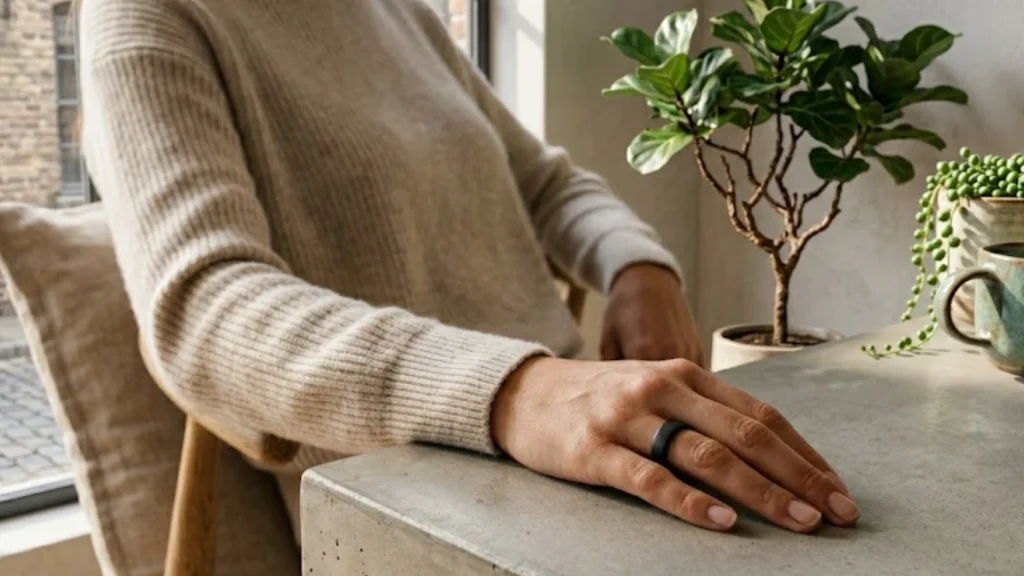
If you want a quick answer, go with the index or middle finger. Use your non-dominant hand. Keep the sensor ridge facing your palm.
This setup works well for most people and keeps things easy for daily wear. If your usage is a bit different, the details ahead will help you figure out what suits you better.
Why Finger Placement Matters
Smart rings use sensors that stay in contact with your skin to track heart rate, temperature, blood oxygen, and movement. The quality of this data depends on steady contact.
The Ultrahuman Ring AIR includes a PPG sensor for blood flow, along with temperature and motion sensors.
If you want a deeper look at what this device does, this Ring Air review provides an internal breakdown of how each feature performs in real,everyday use.
The PPG sensor is highly sensitive. Even slight movement during sleep can affect readings. This is where the best finger for the Ultrahuman Ring matters.
The right placement helps keep the signal stable and reduces data gaps. A loose fit leads to poor contact.
The wrong finger can cause inconsistent readings. Fingers like the index and middle fingers usually provide better accuracy due to stronger blood flow than the pinky.
Best Finger for Ultrahuman Ring
Choosing the right ultrahuman ring size and finger is not just about comfort; it directly affects how accurate and consistent your tracking data will be throughout the day and night.
1. Index Finger
This is the most reliable option for most users. It has strong blood flow, which helps the sensors stay in steady contact with your skin. It also remains stable during sleep, improving overnight tracking quality.
Make sure the sensor ridge is facing the palm side. This position helps the PPG sensor read accurately and avoids signal issues.
2. Middle Finger
This is a strong second option. The middle finger is usually thicker, so the ring fits more securely and moves less. Blood circulation is also good here, which supports consistent readings.
It works well for people who focus more on workouts. The reduced movement makes it better for activities like lifting or cycling. For sleep tracking, the index finger still performs slightly better.
3. Ring Finger
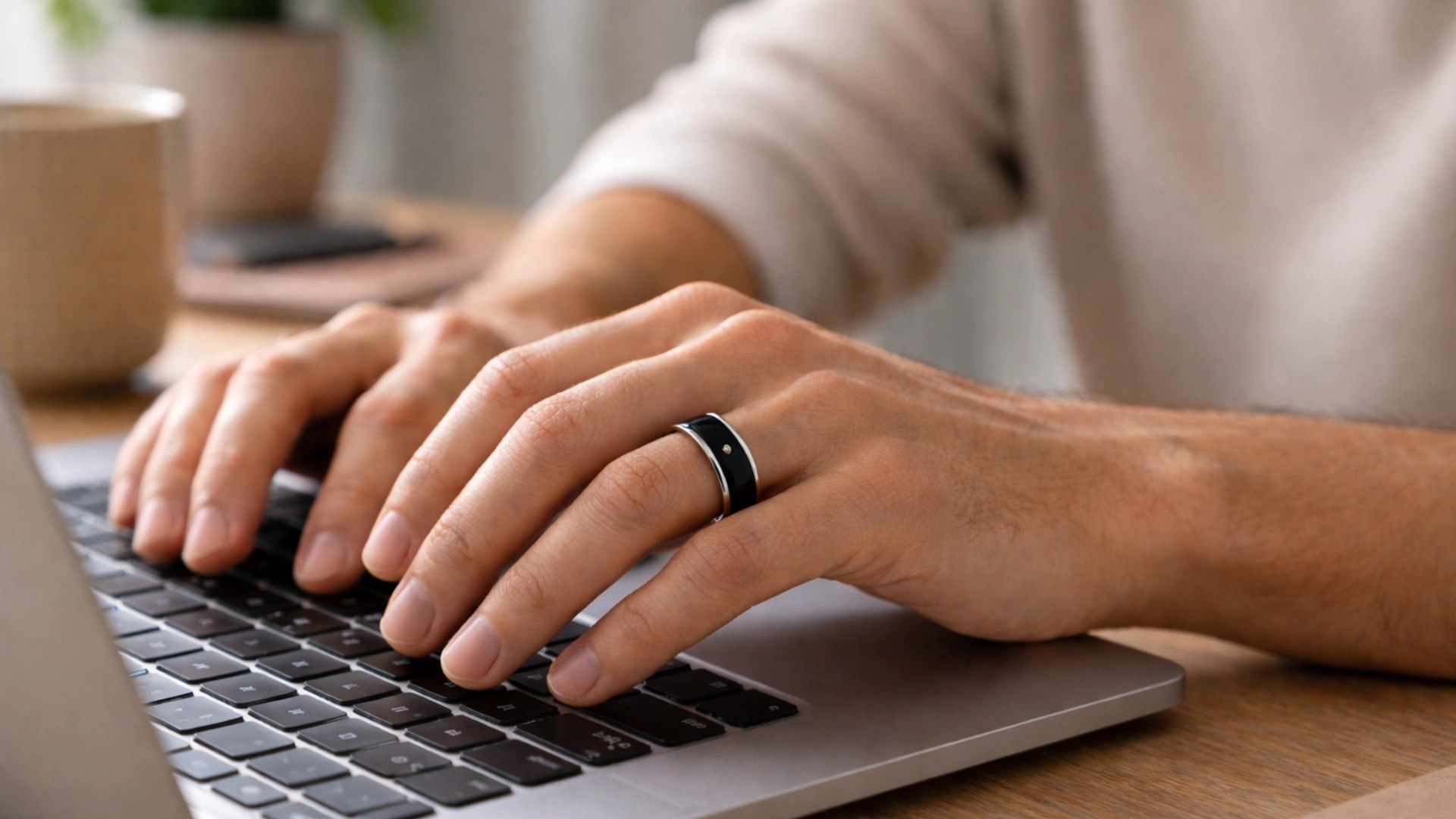
This option is more about comfort. It works well if wearing rings here already feels natural. Tracking is still reliable, though slightly less consistent than the index or middle.
Sizing matters more here. If the knuckle is wider than the base, the ring may feel loose where it needs to stay firm.
4. Thumb and Pinky
These are not ideal. The thumb moves too much, preventing stable readings. The pinky is often too small, which causes the ring to shift frequently.
Both can lead to inconsistent data, so they are best avoided for regular use.
5. Tattoo Note
Dark tattoos can affect how the sensors read signals. Light or fine designs usually do not cause issues, but dense ink can reduce accuracy regardless of the finger used.
Dominant vs Non-Dominant Hand
Choosing the right hand can improve both comfort and data accuracy. Here is a clear comparison to help decide:
| Aspect | Non-Dominant Hand | Dominant Hand |
|---|---|---|
| Accuracy | More stable and clean readings | Slightly inconsistent due to movement |
| Movement | Less daily motion | Constant activity like typing and lifting |
| Sensor Contact | Stays steady on skin | Can shift during use |
| Comfort | Takes time to adjust | Feels natural at first |
| Workouts | The middle finger feels secure | More motion can affect tracking |
| Sleep | Index finger stays stable | Movement may affect data |
| Wear and Tear | Lower over time | Higher due to frequent use |
Common Mistakes to Avoid
Small mistakes can affect tracking quality more than expected. Keeping these in check helps maintain consistent data:
- Worn on the wrong finger: The thumb and pinky fingers often give unstable readings due to lower blood flow and greater movement. The index or middle finger provides better circulation and stability, which helps sensors deliver more accurate and consistent data.
- Ignoring fit issues: A loose ring can move around and lose proper skin contact, while a tight ring can restrict blood flow and feel uncomfortable. The ideal fit should be snug enough to stay in place without leaving marks or causing pressure.
- Switching fingers too often: Frequent finger changes compromise data consistency because each finger has slightly different blood flow patterns. Sticking to one finger helps the device build a more reliable long-term data baseline.
- Wearing it on the dominant hand: Your dominant hand moves more and experiences more impact during daily tasks. This can interfere with readings and reduce accuracy. Wearing it on the non-dominant hand helps maintain more stable tracking.
- Not keeping the sensors clean: Sweat, dirt, and oils can block the sensors and reduce accuracy. Regular cleaning ensures proper contact with your skin and improves overall performance.
A simple way to get better results is to test a couple of fingers for a few days, then stick with the one that gives steady readings and feels comfortable.
Conclusion
Getting the placement right can improve both comfort and tracking quality over time. The right finger keeps the sensors stable, reduces data gaps, and makes daily wear easier.
Small factors like fit, hand choice, and movement patterns all play a role in how well the ring performs. The best finger for the Ultrahuman Ring is the one that feels secure while still maintaining steady contact with your skin.
Index and middle fingers work well for most people, especially on the non-dominant hand. Once a good setup is found, sticking with it helps maintain consistent results across sleep, recovery, and activity tracking.
What finger are you planning to try first, or have you already tested one? Drop your thoughts below and share what worked best for you.