I spent way too long staring at two Apple Watch sizes in the store. Sound familiar?
The Apple Watch 40mm vs 44mm debate sounds simple, but it trips up even the most decisive buyers. Both sizes run the same software, track the same health stats, and pair with the same iPhone.
So the real question comes down to fit, screen size, battery, and price.
This blog breaks down every key difference between the two. From battery clarity to wrist comfort, you get the real details needed to make a smart call.
No fluff, no filler, just a clean comparison of what actually matters before you spend your money.
How Do the Apple Watch 40mm vs 44mm Differ in Size?
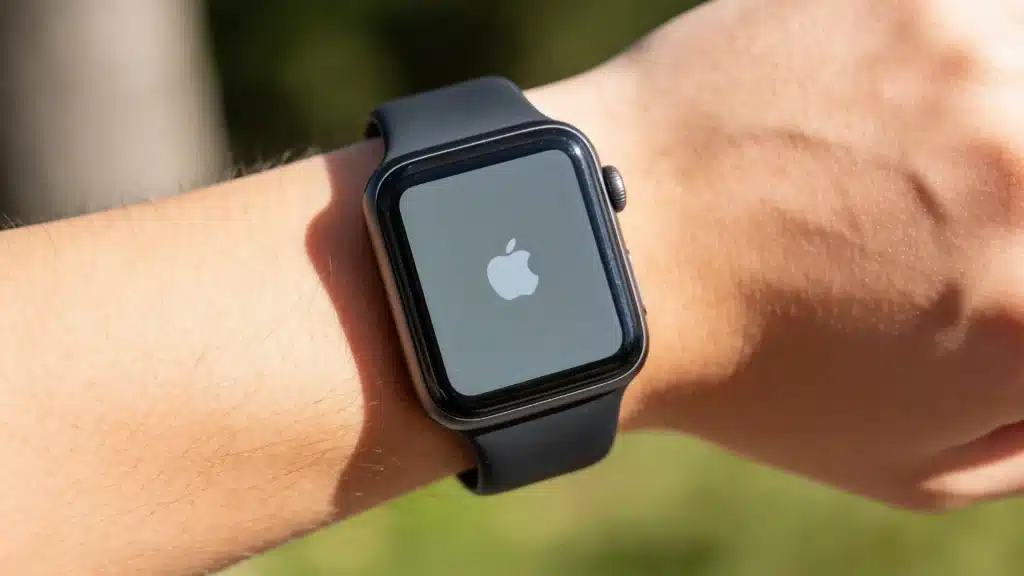
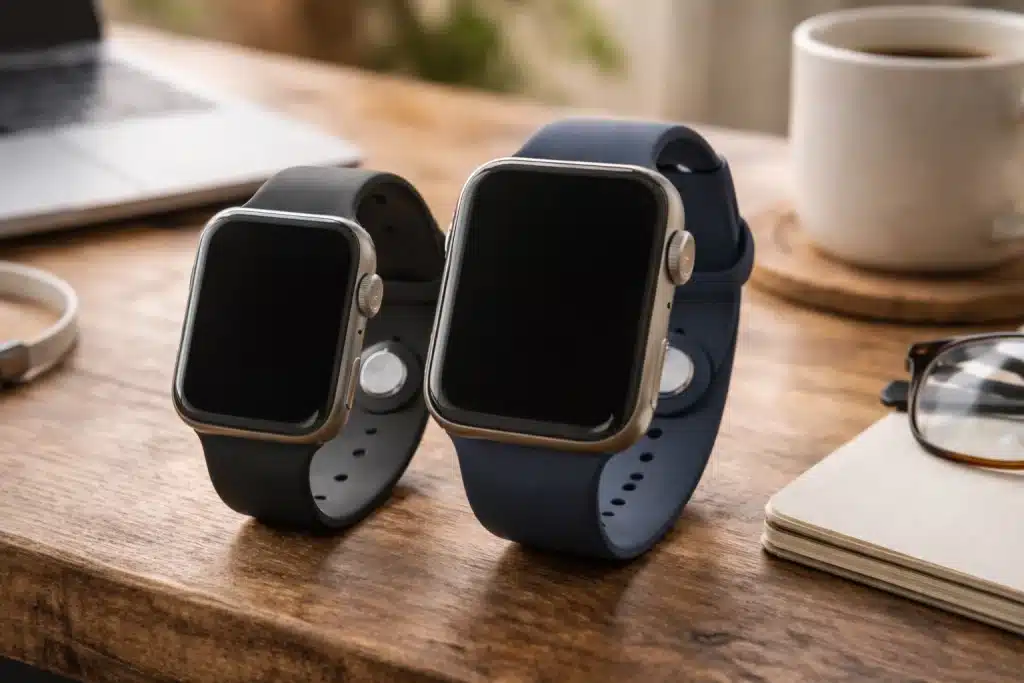
Apple measures its watches vertically. The 40mm model is 40 x 34 x 10.7mm and weighs about 26.3 grams, while the 44mm model measures 44 x 38 x 10.7mm and weighs roughly 32.9 grams to 47.8 grams. Both have the same thickness.
- 40mm fits wrists between 130mm and 200mm
- 44mm fits wrists between 140mm and 220mm
That overlap (140mm to 200mm) means many people can comfortably wear either the Apple Watch 40mm vs 44mm size. Trying both on at an Apple Store before buying is always a solid move.
Ease of Use in Daily Life
The Apple Watch 40mm vs 44mm gap becomes most obvious during daily tasks.
The 44mm makes tapping small buttons, reading notifications, and checking workout stats mid-run noticeably easier.
The Digital Crown and side button also sit slightly larger on the 44mm case, which helps during sweaty gym sessions or when wearing gloves in cold weather.
The 40mm works better for sleep tracking because it sits lighter on the wrist and causes less shifting at night.
It slips under shirt cuffs easily, which is important for office or formal settings. Those with wrist sizes under 150mm often find the 40mm more balanced throughout the day.
Choosing between a sport loop and a sport band depends on comfort and workout intensity. The nylon loop is ideal for daily wear, while the rubber band is better for handling sweat.
Battery Life on the Apple Watch 40mm vs 44mm
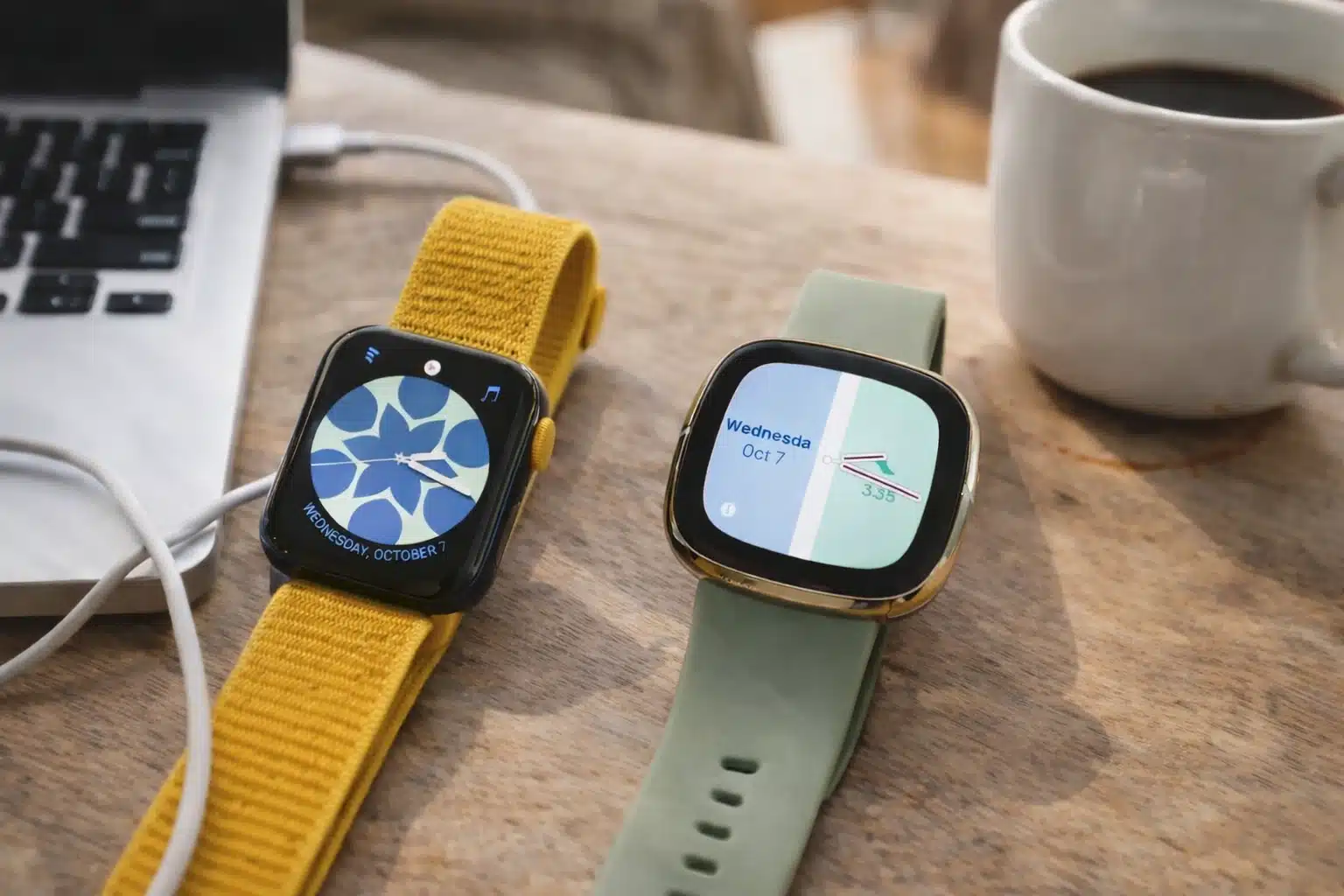
Apple rates both sizes at up to 18 hours. In real use, the 44mm tends to last longer thanks to its slightly larger battery.
The bigger case holds a bigger cell inside.
Users report the 44mm SE 3 can hit close to 20 hours with the always-on display active. The 40mm lasts around 16 hours under similar conditions.
Both sizes support Low Power Mode, pushing battery life up to 32 hours on the SE 3. Heavy fitness users comparing the Apple Watch 40mm vs 44mm will notice this gap more.
Band Options and Compatibility
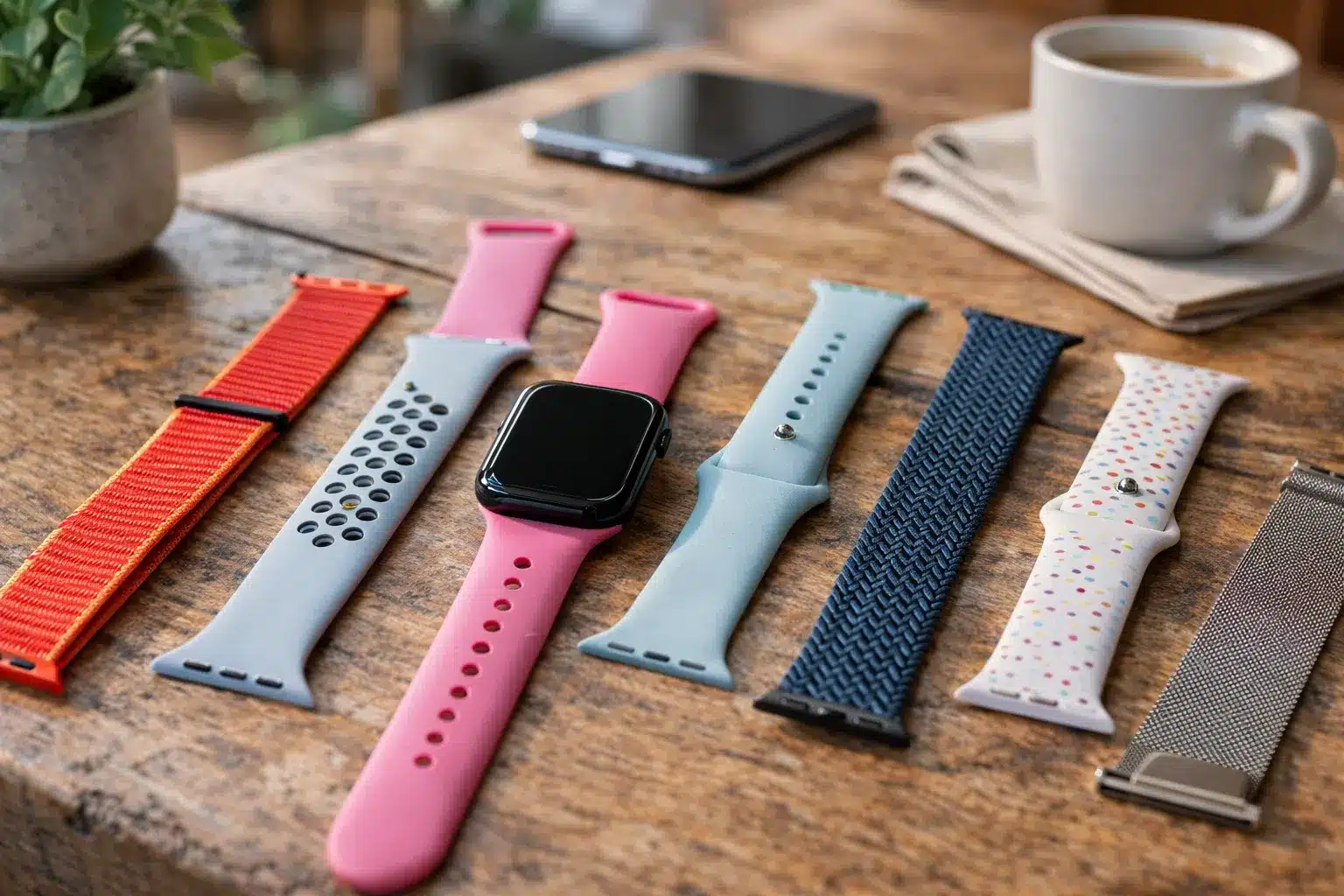
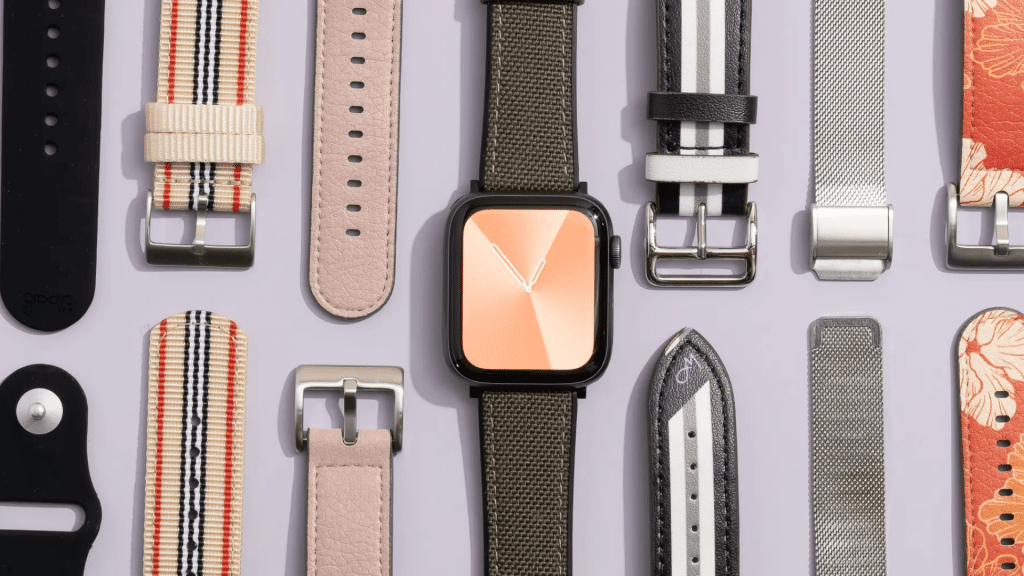
Older bands from a previous Apple Watch should fit the SE 3 if they match the size. However, switching from a 40mm to a 44mm Apple Watch will require replacing all bands. Band compatibility is straightforward:
- 38mm, 40mm, and 41mm bands all work together
- 42mm, 44mm, and 45mm bands all fit each other
When comparing a sport band to a solo loop, consider adjustability and material feel.
Price Difference Between the Two Sizes
The Apple Watch SE 3 is currently available in two sizes, with the pricing structured as follows: the 40mm GPS model is priced at $249, while the 44mm GPS model costs $279.
For those who want cellular capabilities, the 40mm GPS + Cellular variant is available for $299, and the 44mm GPS + Cellular model is priced at $329.
The upgrade to the larger size costs an additional $30 across all options, which translates to roughly $1.25 per month over a two-year ownership period, offering a larger screen and improved battery life.
Consequently, price alone often doesn’t sway buyers when comparing the Apple Watch 40mm and 44mm models.
What Real Users Are Saying?
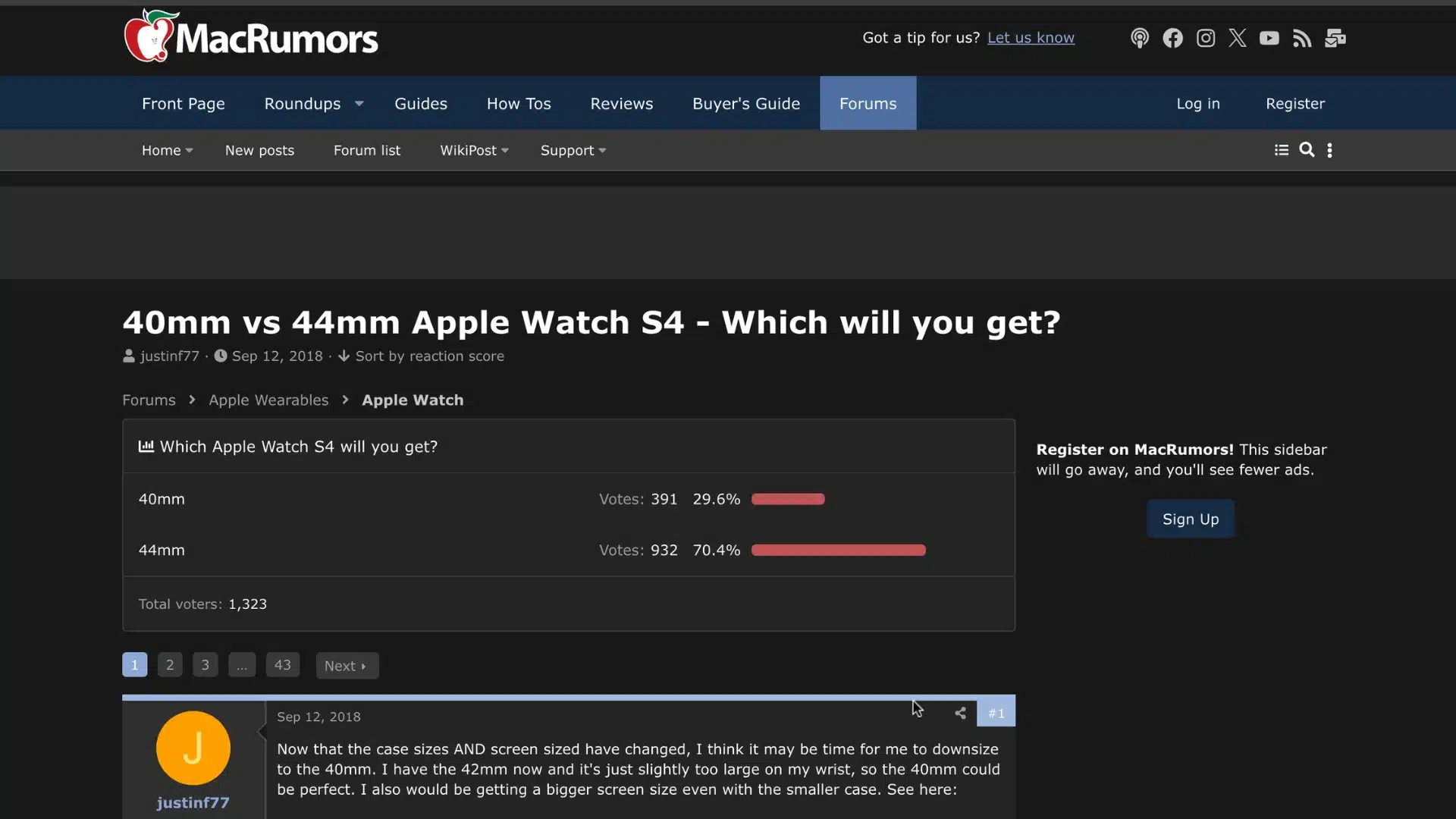
Online forums are full of strong opinions on both sizes.
On MacRumors, one user said, “I have a small wrist and went with the 44mm. I’d be more concerned about usability than looks.” Another added, “The 40mm fits better.The 44mm looks a little oversized to me.“
On AppleVis, a user noted, “The larger screen makes it easier for my big fumbling fingers to perform gestures.” The community pattern is clear.
Screen-focused and battery-focused buyers pick the 44mm. Comfort-first and compact-loving users lean toward the 40mm.
Conclusion
Choosing between the Apple Watch 40mm vs 44mm comes down to your wrist size and daily priorities.
I think both options deliver a solid experience, and neither is a wrong pick. The 44mm offers more screen space, a better battery, and easier touch targets for just $30 extra.
The 40mm brings a lighter, more compact feel that works well for smaller wrists and sleep tracking.
Try both on at an Apple Store if possible. Your wrist will tell you which one feels right before your brain does.
Already made your pick or still on the fence? Drop your experience in the comments below to help other readers decide.
Frequently Asked Questions
Is the Apple Watch 40mm Too Small for Men?
Men with wrist sizes under 170mm often find 40mm watches comfortable. Size preference varies by wrist circumference and personal taste, regardless of gender.
Do the 40mm and 44mm have the Same Features?
Both sizes run the same S10 chip and watchOS, offering identical health and fitness tracking. The differences are in dimensions, display size, battery capacity, weight, and price.
Can You Use 40mm Bands on a 44mm Apple Watch?
40mm bands (compatible with 38mm and 41mm) do not fit the 44mm model (compatible with 42mm and 45mm). Each size group requires its own bands, so switching watch sizes means getting new bands.