Choosing the right blogging platform is essential for building a successful online presence.
The platform you choose can directly affect your SEO rankings, website speed, monetization opportunities, and long-term growth potential.
With WordPress powering 43% of websites, bloggers now have more platform choices than ever.
However, not every platform is suitable for every goal. Beginners focus on affordability and ease of use, while professionals prioritize scalability, SEO, and performance.
Selecting the wrong platform can make growth and monetization much harder later.
This guide covers the best blogging platforms, their pros and cons, pricing, and which options work best for different blogging goals and experience levels.
What to Look for in the Best Blog Hosting Platform?
The right blogging platform should offer strong SEO features, easy customization, reliable performance, and flexible monetization options to support long-term growth.
- Ease of Use: Drag-and-drop builders make blog creation simple for beginners without coding skills. Platforms with user-friendly dashboards help manage content, settings, and plugins more efficiently.
- SEO Features: Strong SEO tools like custom URLs, metadata optimization, schema support, and mobile responsiveness help improve search rankings and website visibility.
- Pricing and Hidden Costs: Free platforms often have limitations, while paid plans provide better flexibility and features. Always check renewal rates, not just introductory pricing; costs often double or triple after the first year.
- Monetization Options: The best blogging platforms support ads, affiliate marketing, memberships, sponsored posts, and product selling to help bloggers generate revenue.
- Customization and Scalability: Themes, templates, and plugins allow bloggers to personalize their websites, while scalable platforms can handle growing traffic and content demands.
- Security and Performance: Features like SSL certificates, CDN integration, backups, and strong uptime improve website security, loading speed, and overall performance.
Best Blog Hosting Sites for Different Needs
The best blogging platforms offer the right balance of customization, SEO features, ease of use, and monetization options for different blogging needs.
1. WordPress.org: Best Overall Blogging Platform
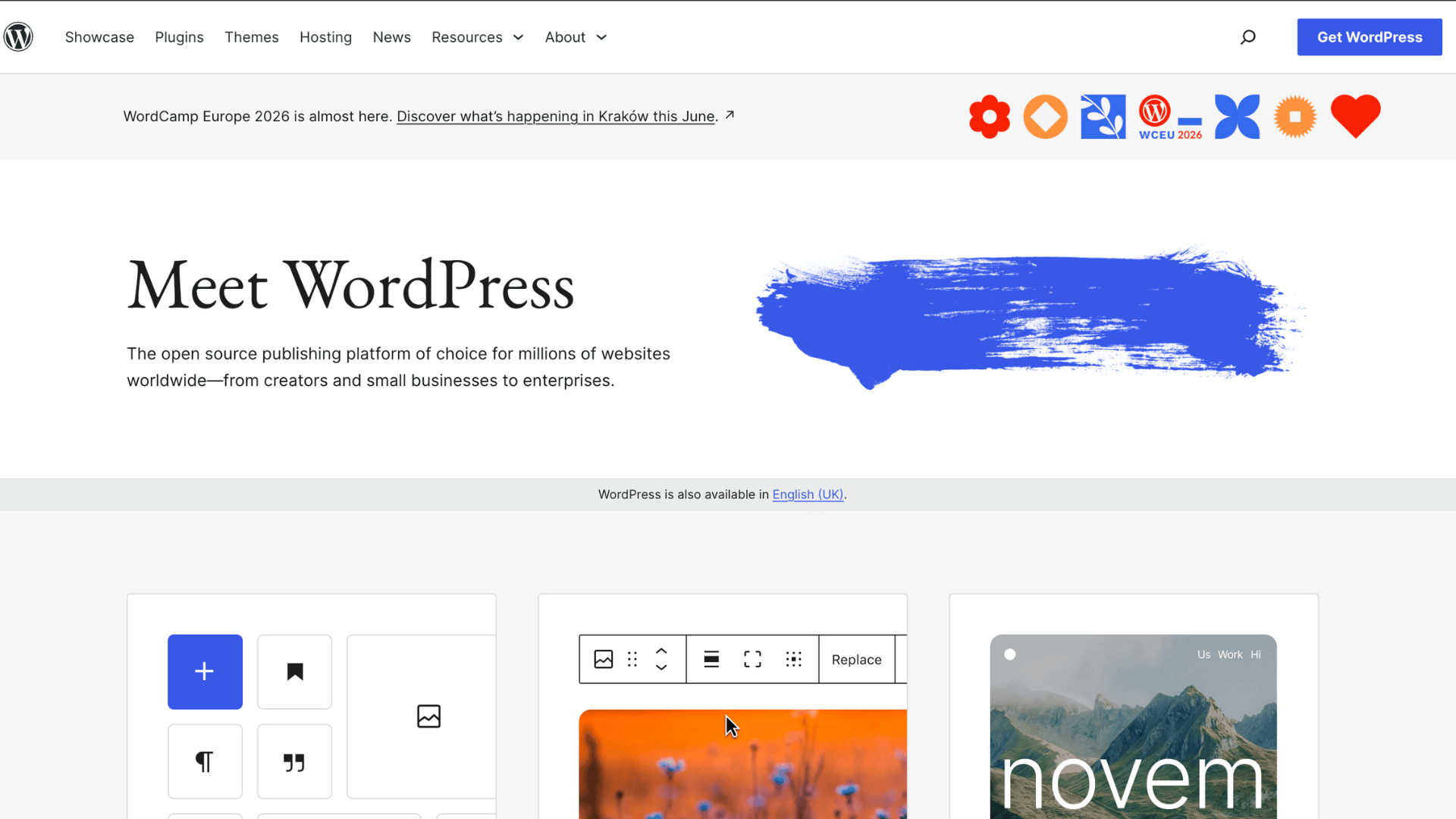
WordPress.org is one of the most trusted blogging platforms and is widely used by bloggers, businesses, and publishers worldwide.
It stands out for offering complete website ownership, advanced customization options, and powerful SEO features that support long-term website growth.
Key Features:
- Full website ownership
- Thousands of plugins and themes
- Advanced SEO customization
- Highly scalable for growing blogs
Best For: Professional bloggers, affiliate marketers, businesses, publishers, and users who want complete control over their websites.
| Pros | Cons |
|---|---|
| Excellent SEO capabilities | Requires separate hosting |
| Massive plugin ecosystem | Slight learning curve for beginners |
| Full control over customization | Maintenance and updates are user-managed |
| Strong monetization flexibility | Some plugins/themes are paid |
Pricing: Hosting usually starts around $3–$10/month, plus domain and optional premium plugin costs.
SEO Capabilities: Supports advanced SEO plugins like Yoast SEO and Rank Math, custom URLs, schema markup, caching plugins, and full optimization flexibility for higher rankings.
In my experience, WordPress.org gives the best balance between SEO control, monetization flexibility, and scalability. It has a learning curve in the beginning, but once you understand plugins and themes, it becomes much easier to grow a serious content website.
2. Wix: Best for Beginners
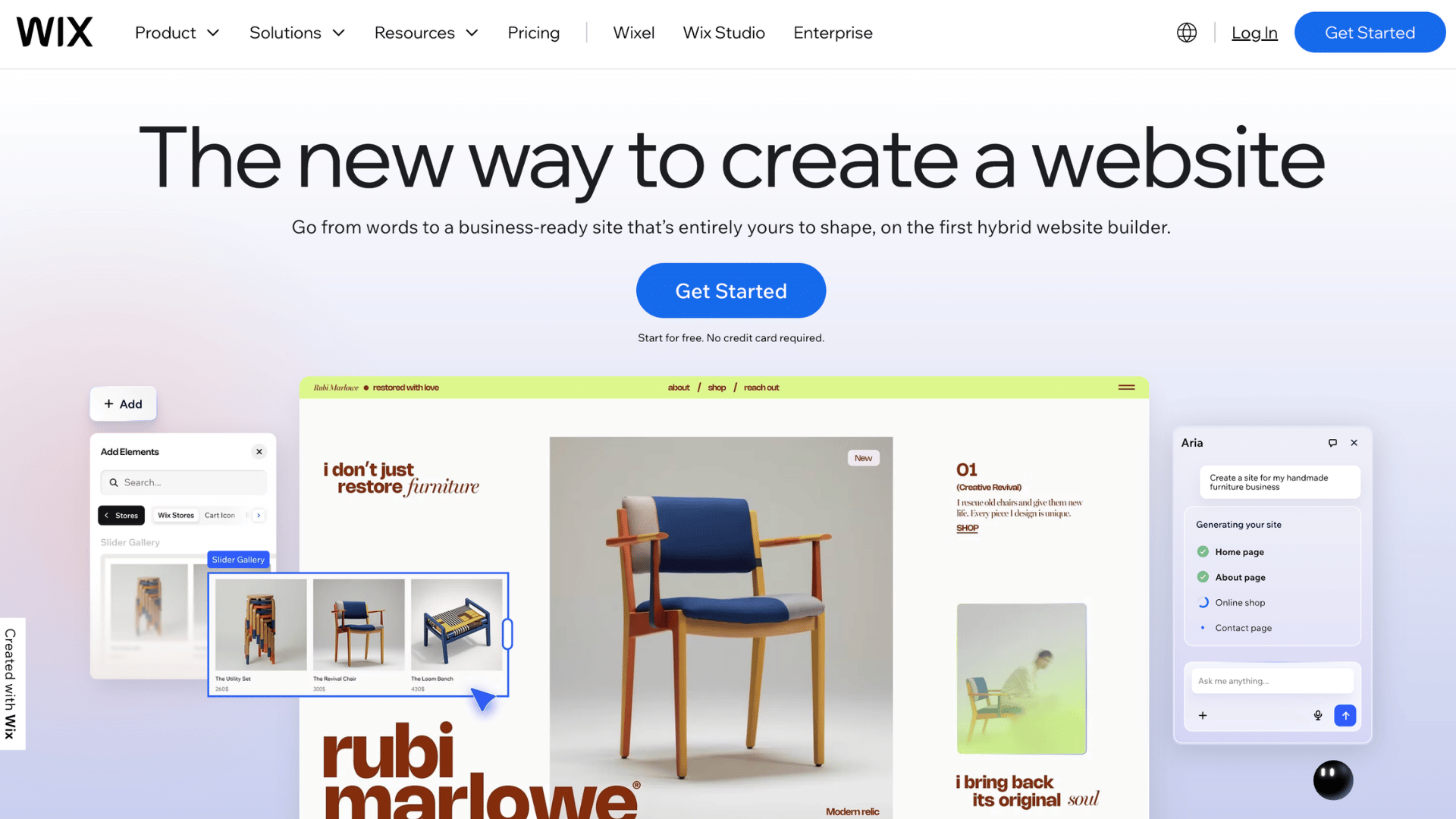
Wix is a beginner-friendly blogging platform known for its simple drag-and-drop editor and AI-powered website builder. It allows users to create professional blogs quickly without technical skills.
Key Features:
- AI website builder
- Easy drag-and-drop editing
- Beginner-friendly dashboard
- Built-in hosting and templates
Best For: Beginners, personal bloggers, freelancers, creatives, and small business owners wanting an easy website setup.
| Pros | Cons |
|---|---|
| Very easy to use | Limited advanced customization |
| No coding required | Less flexible than WordPress |
| Attractive templates | Premium plans can get expensive |
| Fast website setup | Fewer advanced SEO controls |
Pricing: Free plan available, while premium plans start around $16/month with hosting included.
SEO Capabilities: Offers beginner-friendly SEO tools, automated SEO setup, mobile optimization, customizable meta tags, and built-in optimization features for improved visibility.
3. Squarespace: Best for Beautiful Designs
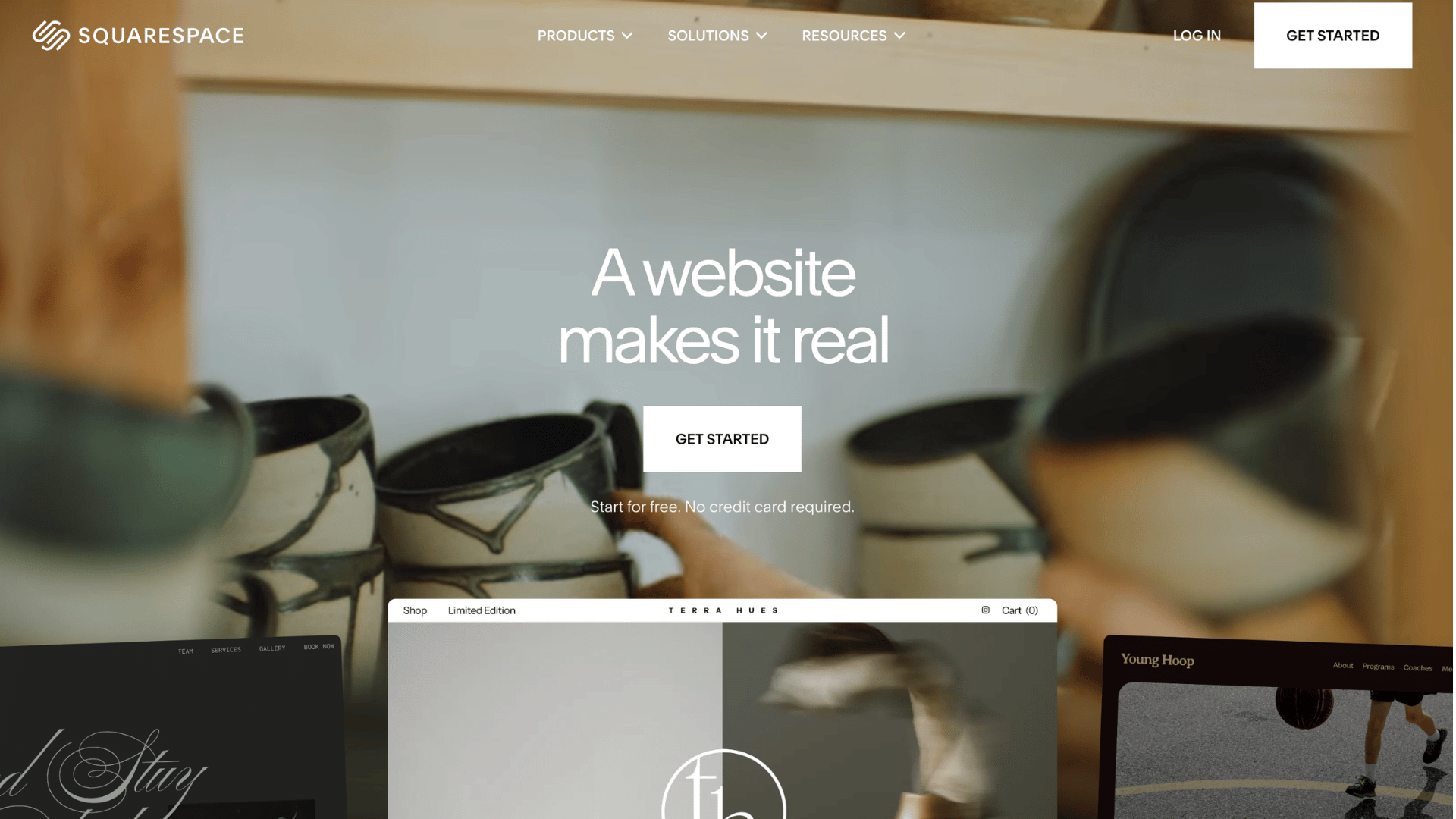
Squarespace is a premium blogging platform known for its classy templates and visually polished website designs.
It is especially popular among creatives, photographers, designers, and portfolio websites looking for an all-in-one solution.
Key Features:
- Professionally designed templates
- Built-in hosting and security
- Visual drag-and-drop editor
- Integrated blogging and ecommerce tools
Best For: Creatives, photographers, artists, portfolio websites, and lifestyle bloggers focused on design quality.
| Pros | Cons |
|---|---|
| Stunning modern templates | Limited third-party integrations |
| Beginner-friendly interface | Less flexible than WordPress |
| Built-in website features | Higher pricing than some competitors |
| Strong mobile responsiveness | Fewer advanced customization options |
Pricing: Premium plans typically start around $16/month with hosting and templates included.
SEO Capabilities: Includes clean site architecture, responsive templates, automatic XML sitemaps, SSL security, and built-in SEO settings for optimized visibility.
4. Blogger: Best Free Blogging Platform
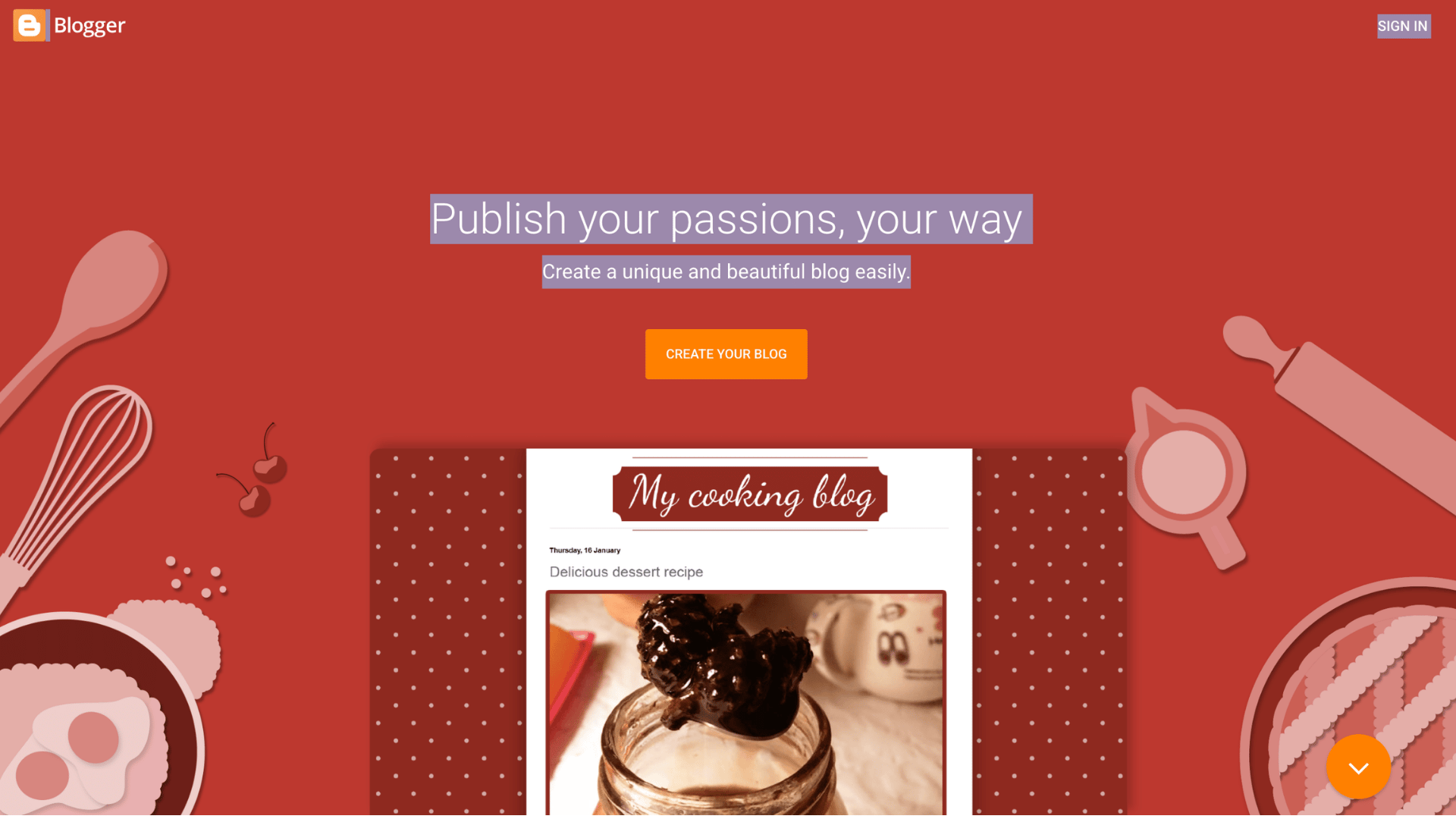
Blogger is a free blogging platform owned by Google that allows users to start blogging quickly without hosting costs. It remains a simple option for hobby bloggers and beginners wanting a basic online presence.
Key Features:
- Completely free platform
- Google integration
- Free Blogspot subdomain
- Simple publishing dashboard
Best For: Hobby bloggers, personal journals, beginner writers, and users wanting a free blogging solution.
| Pros | Cons |
|---|---|
| Free to use | Limited customization |
| Easy Google account integration | Outdated design options |
| Simple content management | Fewer professional features |
| Reliable Google hosting | Limited scalability |
Pricing: Free platform with optional custom domain purchase.
SEO Capabilities: Benefits from Google infrastructure, supports custom domains, basic metadata editing, and mobile-friendly themes for simple SEO optimization.
5. Medium: Best for Writers and Audience Reach
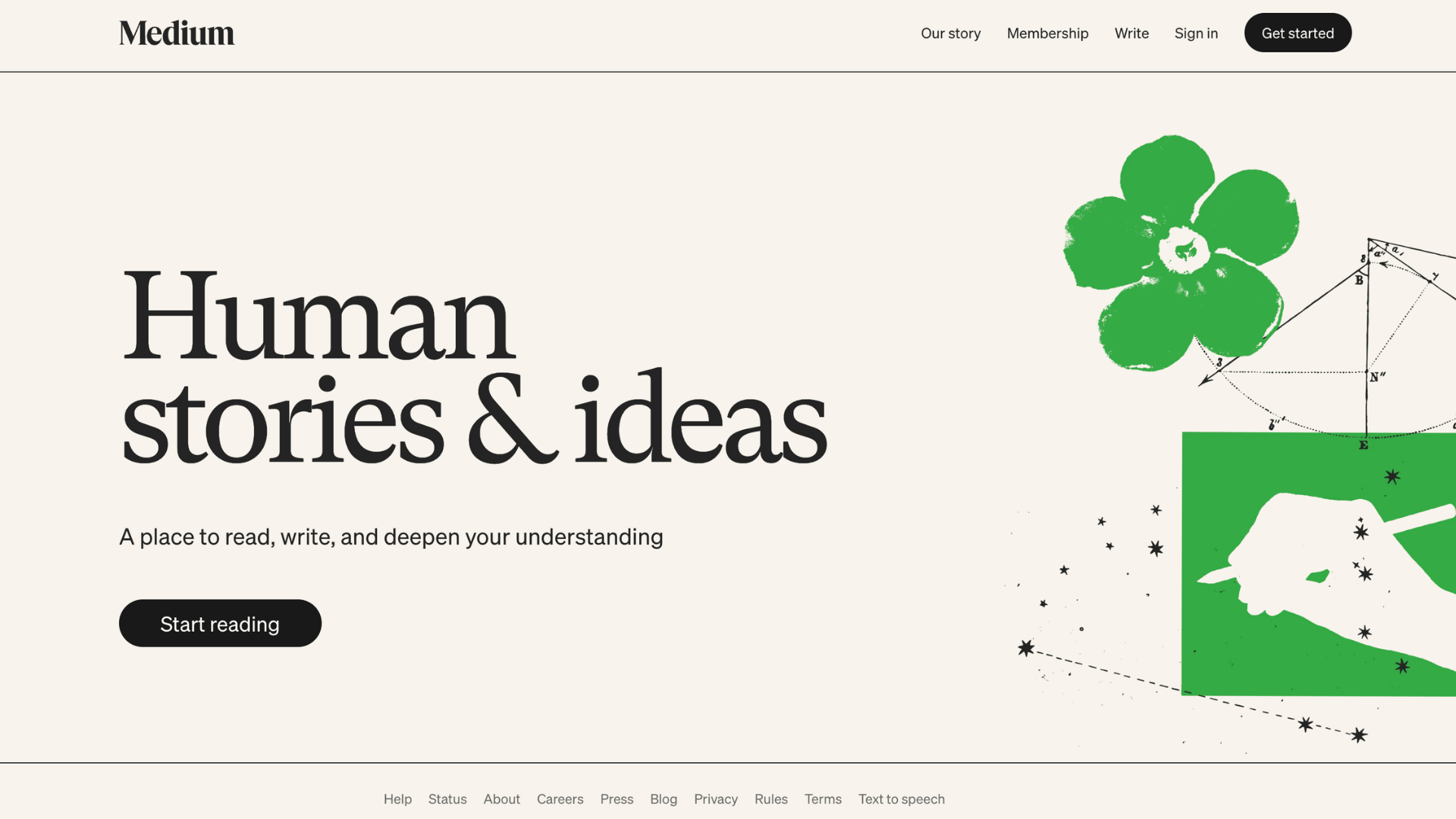
Medium is a content publishing platform designed for writers who want immediate audience exposure without managing a website. Its clean interface makes publishing articles fast and distraction-free.
Key Features:
- Built-in reading audience
- Minimalist writing editor
- Easy article publishing
- Medium Partner Program
Best For: Writers, journalists, storytellers, and bloggers focused on content reach rather than website customization.
| Pros | Cons |
|---|---|
| Access to the built-in audience | Weak branding control |
| Extremely easy publishing | Limited monetization options |
| Clean reading experience | No full website ownership |
| Strong community engagement | Restricted design customization |
Pricing: Free to publish, with optional Medium membership plans for readers.
SEO Capabilities: Medium articles often rank well because of the platform’s authority, but users have limited control over technical SEO and custom optimization.
6. Ghost: Best for Membership and Newsletter Blogs
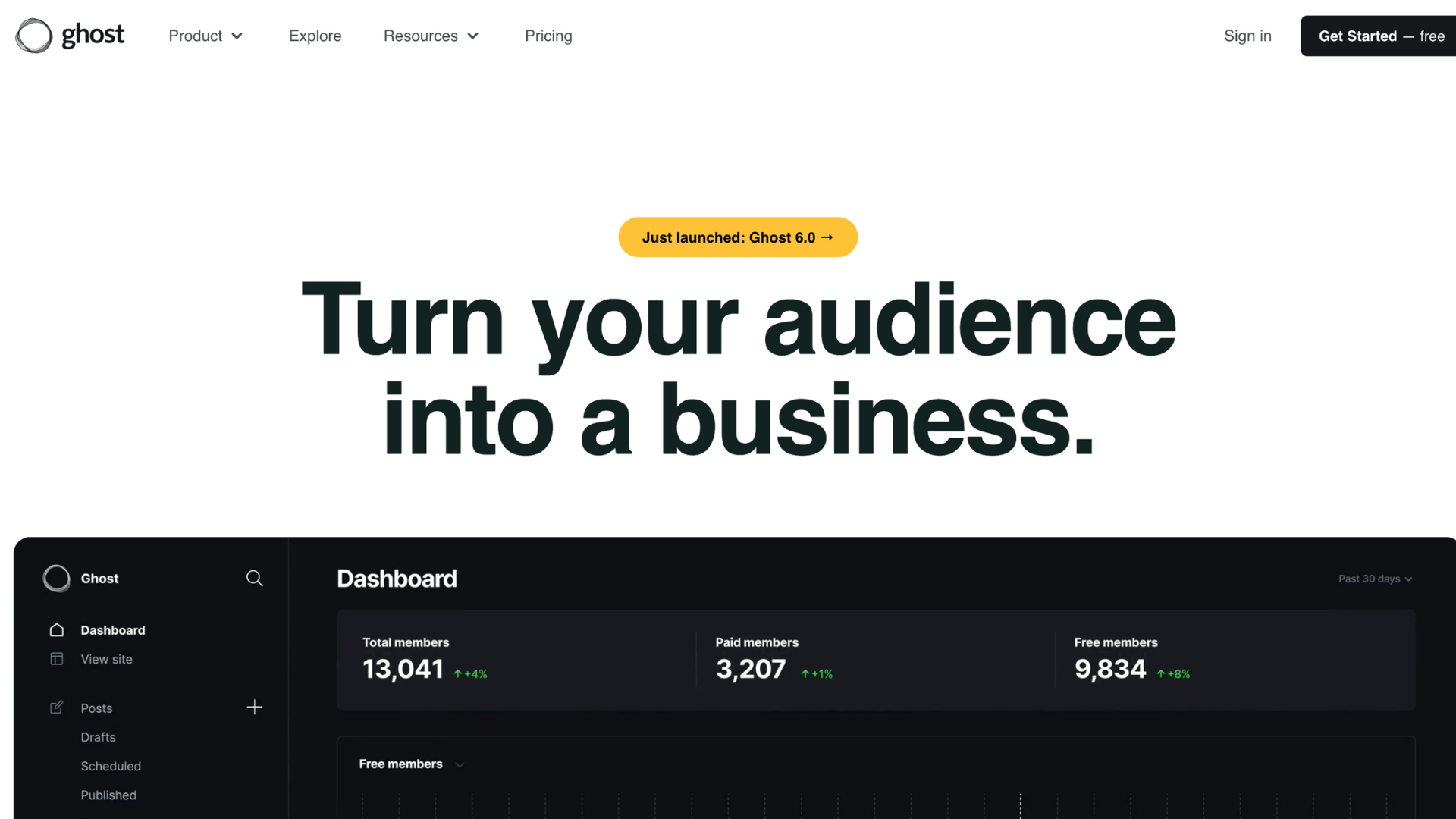
Ghost is a modern publishing platform focused on professional blogging, memberships, and newsletter monetization. It is known for fast performance, minimal design, and creator-focused tools.
Key Features:
- Built-in email newsletter tools
- Membership and subscription features
- Lightweight publishing system
- Fast-loading architecture
Best For: Independent creators, newsletter publishers, membership websites, and professional content creators.
| Pros | Cons |
|---|---|
| Excellent website speed | Smaller plugin ecosystem |
| Clean and distraction-free interface | Requires technical setup for self-hosting |
| Strong newsletter monetization | Fewer themes than WordPress |
| Modern publishing tools | Advanced customization may require coding |
Pricing: Ghost Pro plans start around $9/month, while self-hosted options vary by hosting provider. Ghost charges zero transaction fees on paid memberships.
SEO Capabilities: Offers clean code structure, fast page speeds, canonical tags, XML sitemaps, and strong Core Web Vitals performance for modern SEO optimization.
7. Webflow: Best for Designers
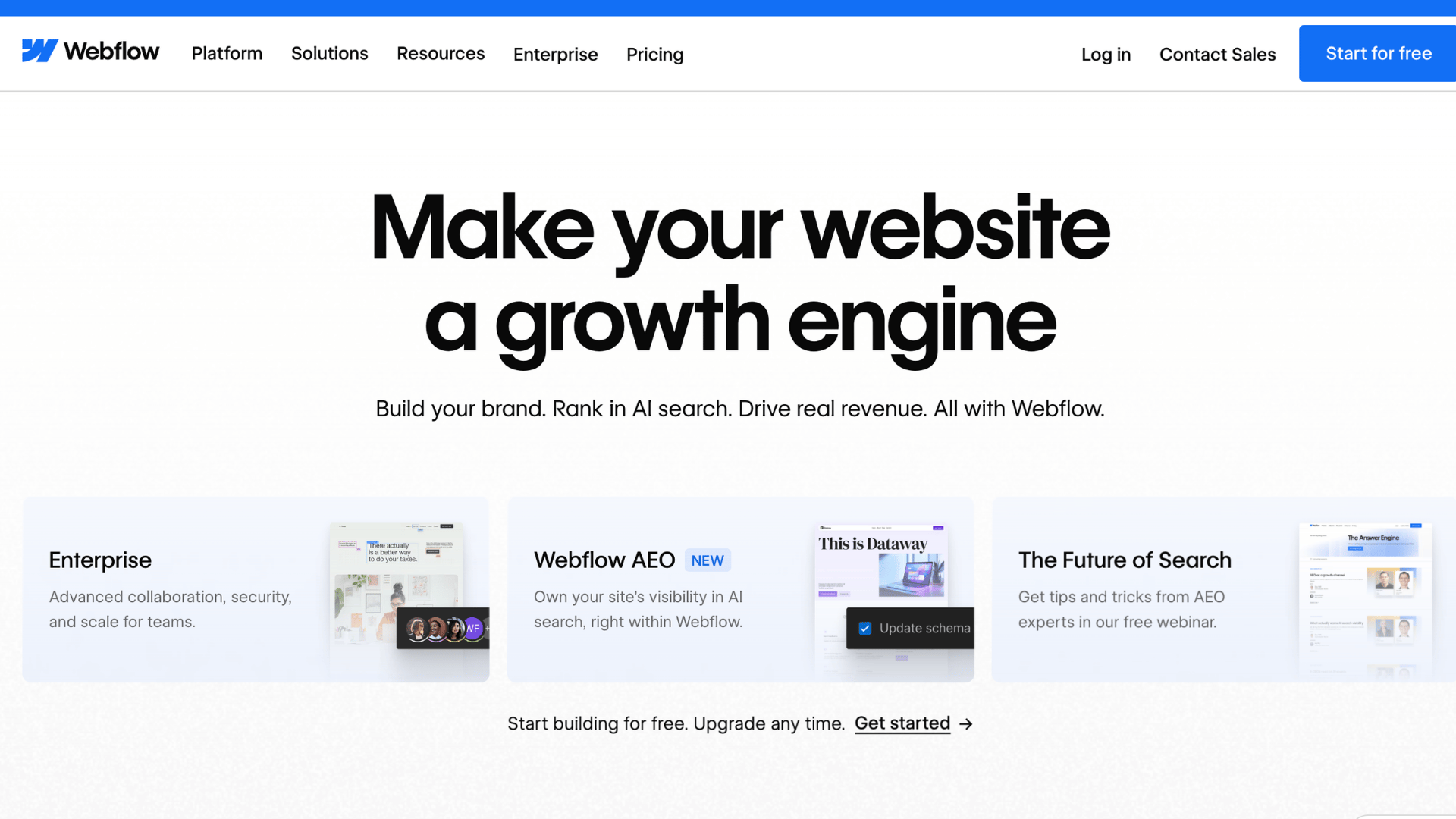
Webflow combines advanced visual design tools with CMS functionality, making it a popular choice for designers who want creative freedom without relying heavily on developers.
Key Features:
- Visual website builder
- Advanced design customization
- Built-in CMS
- Clean semantic code output
Best For: Web designers, agencies, creative professionals, and advanced users wanting design flexibility.
| Pros | Cons |
|---|---|
| Highly customizable layouts | Steeper learning curve |
| Produces clean code | More complex for beginners |
| Strong animation tools | Limited plugin ecosystem |
| Flexible CMS capabilities | Pricing increases with advanced needs |
Pricing: Paid plans generally start around $14/month, depending on CMS and hosting needs.
SEO Capabilities: Supports advanced technical SEO customization, fast hosting, clean semantic HTML, custom metadata, redirects, and responsive performance optimization.
8. Hostinger Website Builder: Best Budget Option
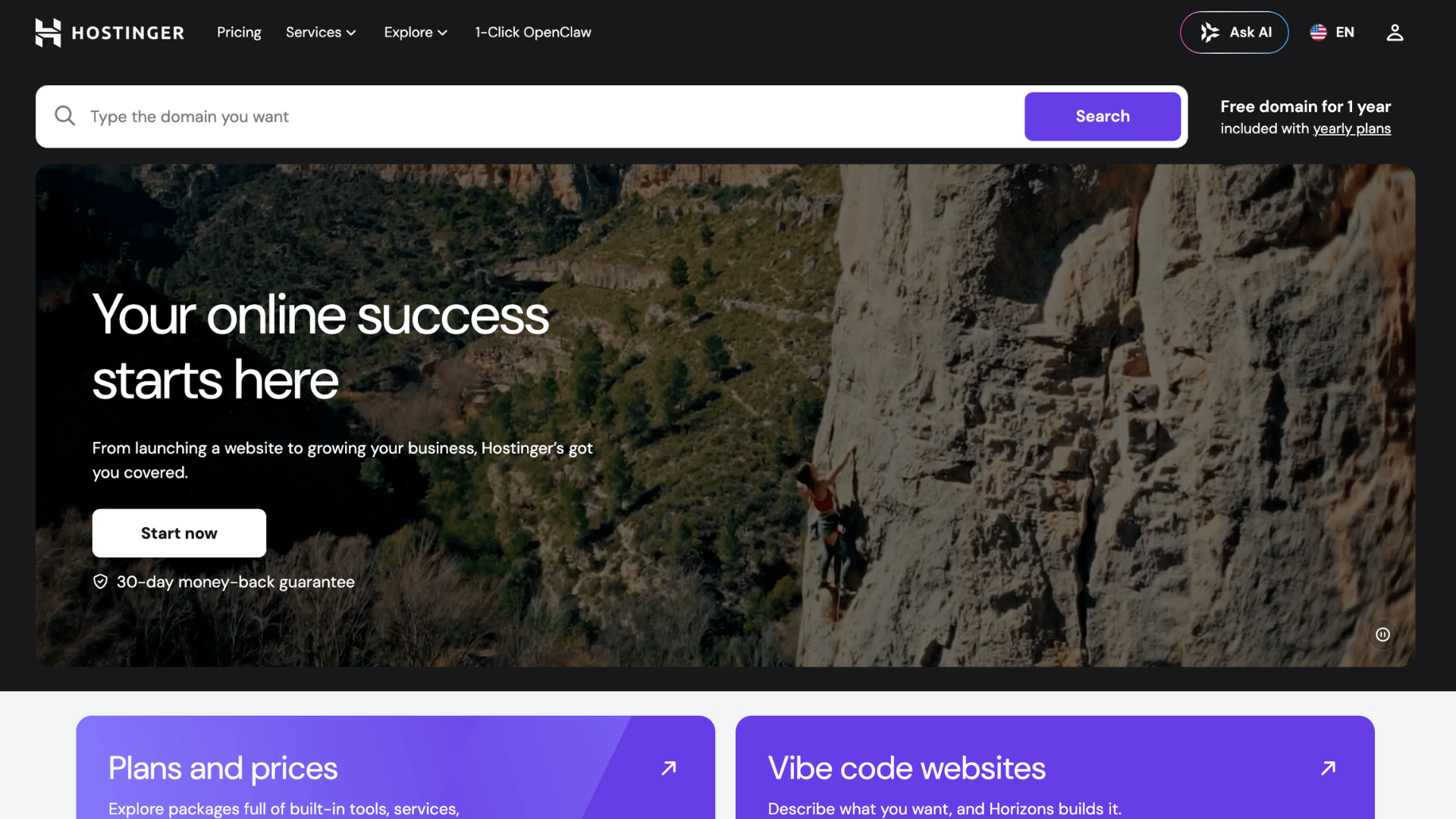
Hostinger Website Builder is an affordable platform designed for users who want quick website creation with AI-powered tools and integrated hosting services.
Key Features:
- AI website builder
- Affordable hosting plans
- Drag-and-drop editor
- Integrated domain and hosting
Best For: Budget-conscious beginners, freelancers, startups, and personal bloggers wanting low-cost website creation.
| Pros | Cons |
|---|---|
| Very affordable pricing | Limited advanced blogging features |
| Fast website setup | Smaller app ecosystem |
| Beginner-friendly interface | Less flexibility for developers |
| AI content and design tools | Fewer customization options |
Pricing: Plans typically start around $2–$4/month with hosting included.
SEO Capabilities: Includes mobile optimization, SEO settings, fast hosting infrastructure, image optimization, and beginner-friendly optimization tools for small websites.
9. Weebly: Best Simple Website Builder
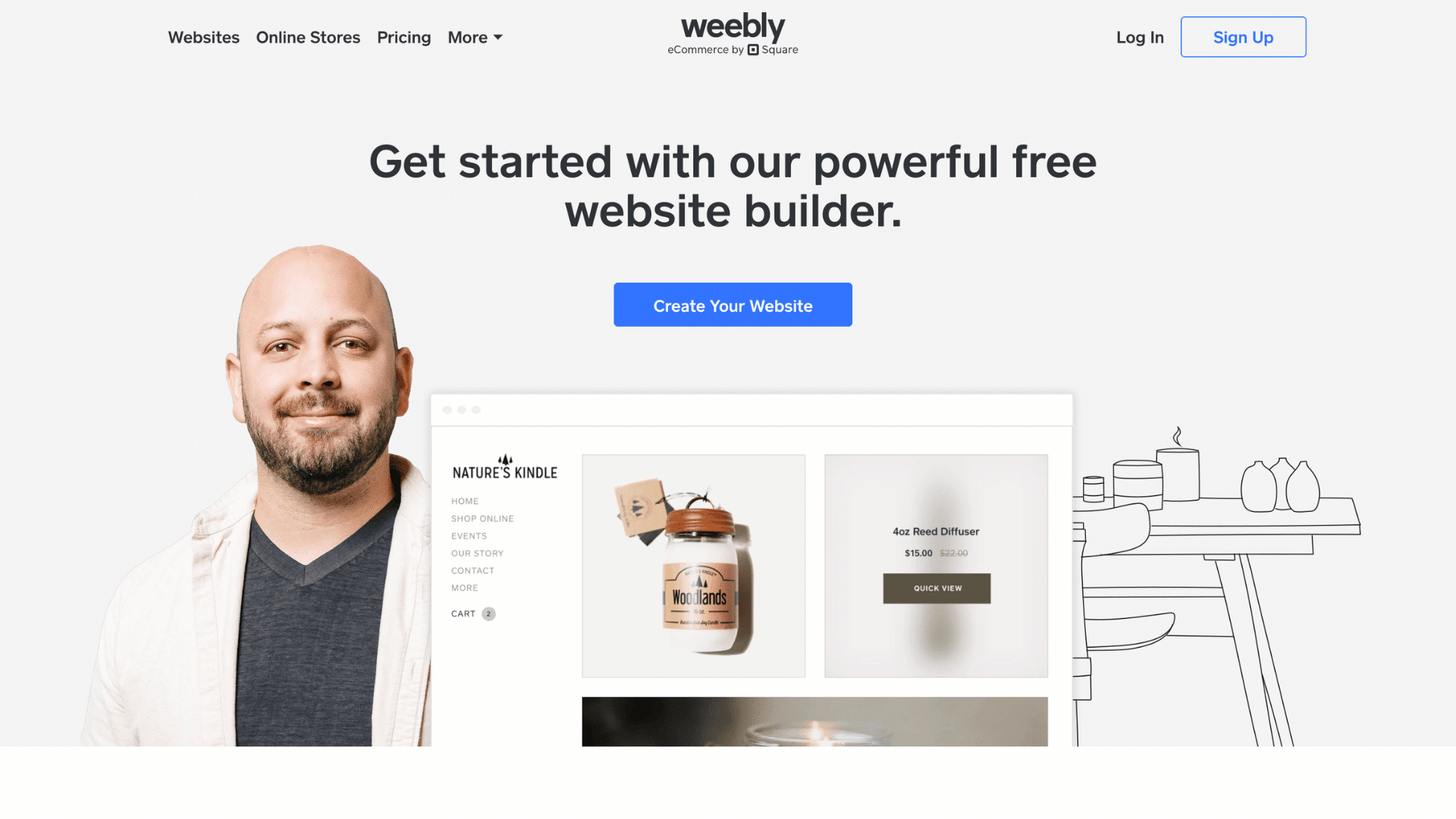
Weebly is an easy-to-use website builder focused on simplicity and small business websites. Its straightforward editor makes website creation accessible for beginners.
Key Features:
- Drag-and-drop builder
- Integrated ecommerce features
- Beginner-friendly dashboard
- Mobile-responsive themes
Best For: Small businesses, personal websites, local stores, and beginner bloggers wanting a simple setup process.
| Pros | Cons |
|---|---|
| Easy website management | Limited blogging tools |
| Simple drag-and-drop editing | Fewer design options |
| Good for small businesses | Less scalable for large blogs |
| Ecommerce integration | Advanced customization is restricted |
Pricing: Free plan available, with paid plans starting around $10/month.
SEO Capabilities: Provides customizable URLs, mobile-responsive themes, basic metadata editing, and integrated analytics for entry-level SEO management.
10. Shopify: Best for Ecommerce Blogging
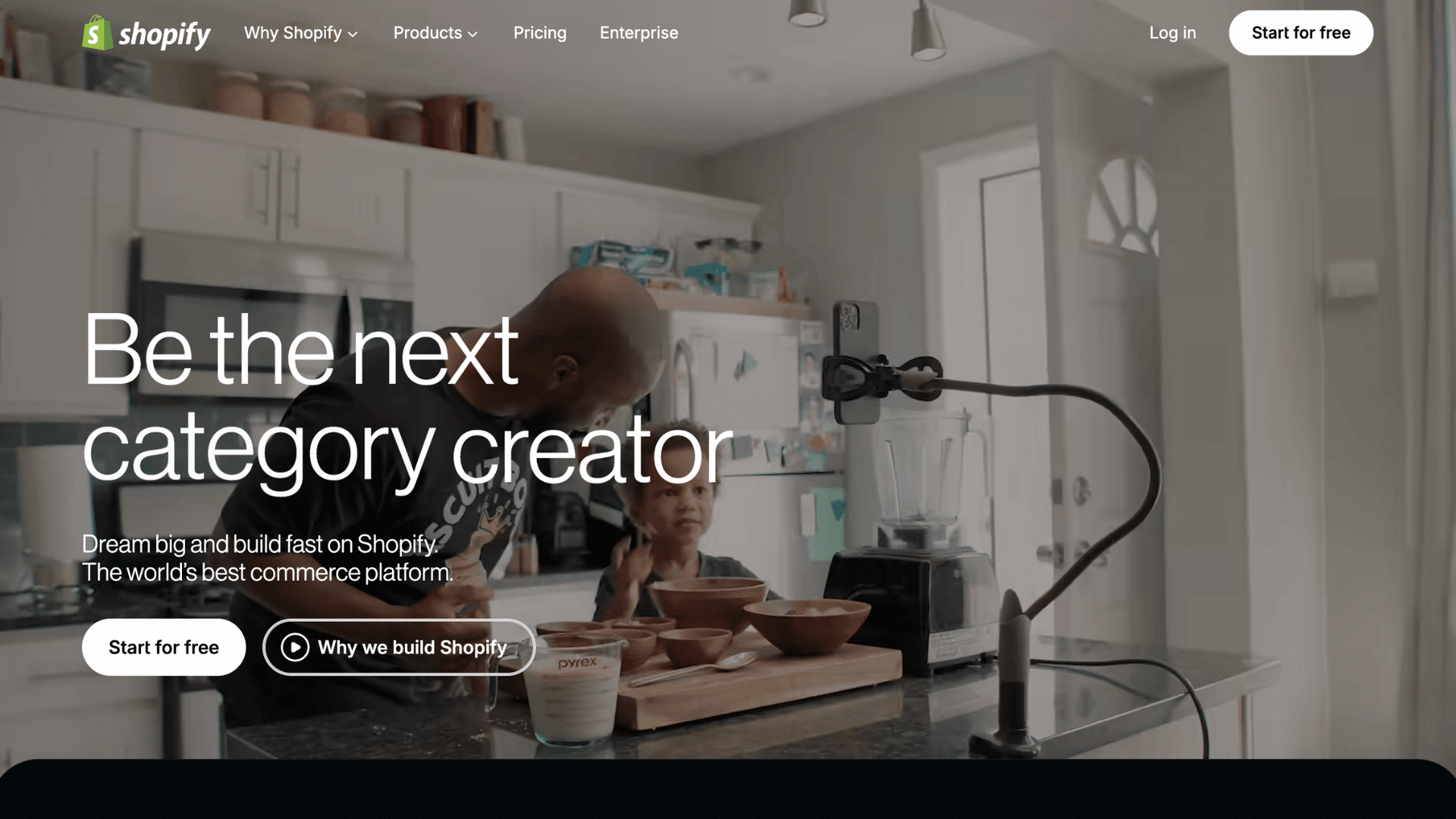
Shopify is primarily an ecommerce platform, but it also offers powerful blogging features for businesses wanting to combine content marketing with online selling.
Key Features:
- Integrated online store
- Product-focused blogging
- Payment processing tools
- Ecommerce marketing features
Best For: Ecommerce businesses, online stores, dropshipping websites, and brands using content marketing to increase sales.
| Pros | Cons |
|---|---|
| Excellent ecommerce integration | Higher monthly pricing |
| Secure payment system | Blogging tools are less advanced |
| Strong sales features | Transaction fees on some plans |
| Large app marketplace | Limited content-focused flexibility |
Pricing: Shopify plans usually start around $39/month with hosting included.
SEO Capabilities: Supports optimized product pages, customizable meta tags, mobile-friendly themes, blogging tools, and ecommerce-focused SEO integrations.
11. Bluehost: Best WordPress Hosting for Beginners
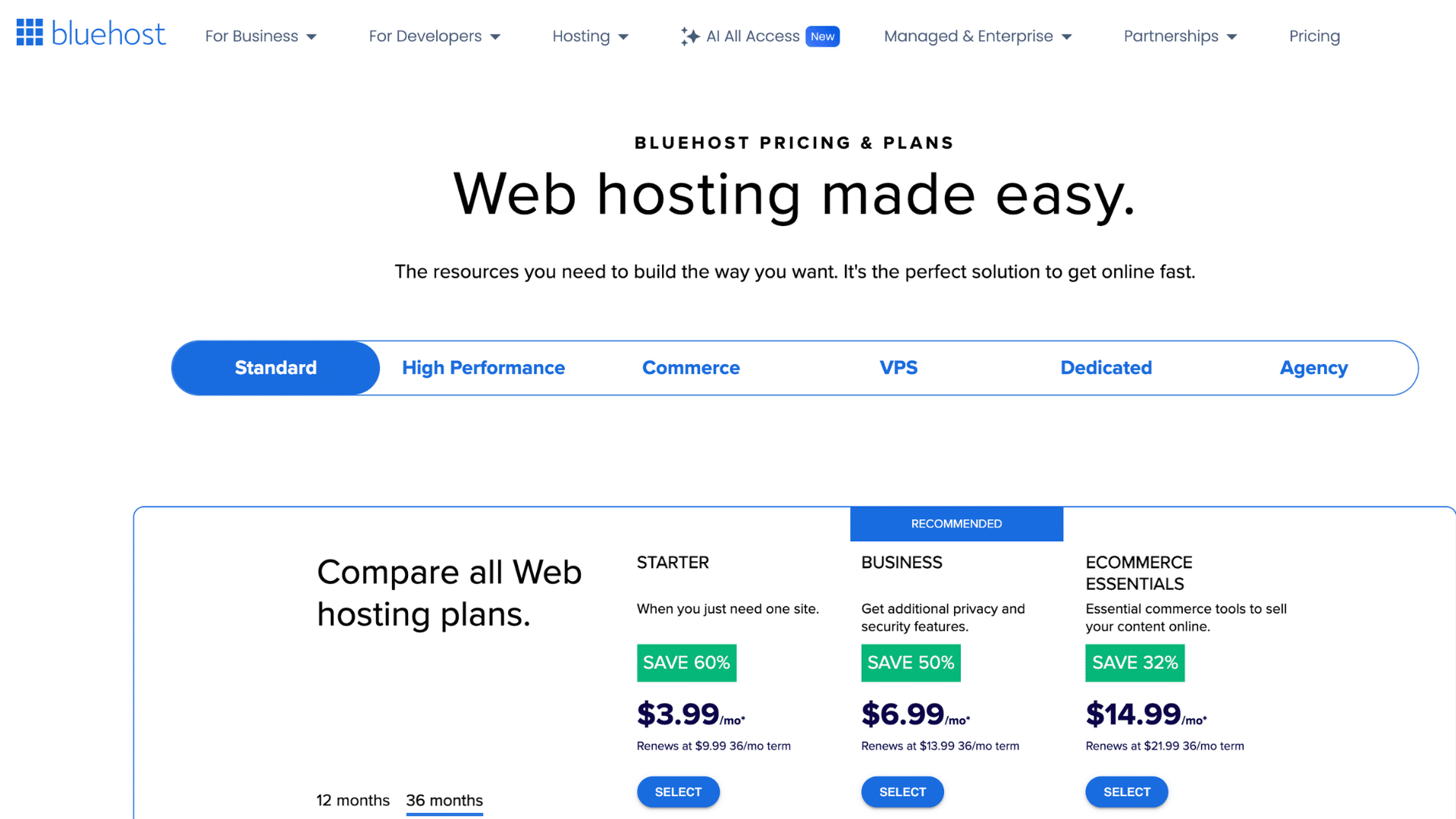
Bluehost is a beginner-friendly hosting provider officially recommended for WordPress websites. It simplifies the setup process with one-click WordPress installation, built-in tools, and affordable hosting plans.
Key Features:
- One-click WordPress installation
- Free domain for the first year
- Beginner-friendly hosting dashboard
- 24/7 customer support
Best For: New bloggers, WordPress beginners, small business websites, and users looking for affordable hosting.
| Pros | Cons |
|---|---|
| Easy WordPress setup | Higher renewal pricing |
| Free SSL and domain | Basic plans have limited storage |
| Beginner-friendly interface | Extra features cost more |
| Reliable customer support | Performance may vary on shared hosting |
Pricing: Shared hosting plans generally start around $2–$4/month for introductory offers. Renewal rates vary by host, Bluehost renews at $10–$18/month after the intro period, so factor that into your first-year budget.
SEO Capabilities: Provides fast hosting, free SSL certificates, CDN integration, WordPress SEO compatibility, and optimized performance for improved search rankings.
12. HubSpot CMS: Best for Marketing Blogs
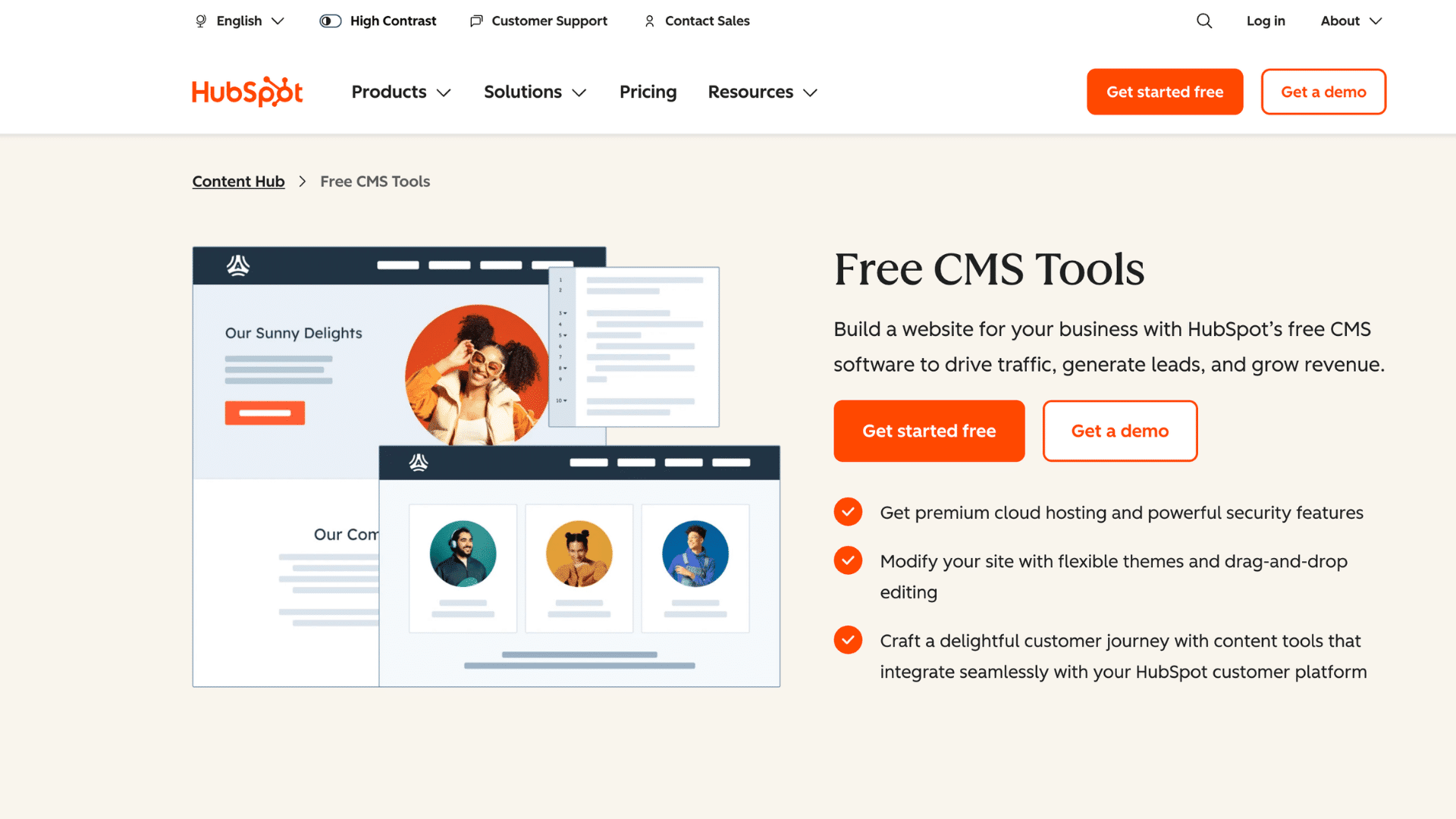
HubSpot CMS is a business-focused platform designed for companies that want to combine blogging with CRM tools, lead generation, and marketing automation.
Key Features:
- CRM integration
- Lead capture tools
- Email marketing automation
- Built-in analytics dashboard
Best For: Marketing teams, agencies, SaaS businesses, and companies focused on lead generation and customer management.
| Pros | Cons |
|---|---|
| Powerful marketing tools | Expensive for beginners |
| Built-in CRM integration | Limited template flexibility |
| Strong analytics and reporting | Learning curve for advanced features |
| Excellent lead generation features | Higher long-term costs |
Pricing: Paid CMS plans typically start around $25/month, with advanced marketing features costing significantly more.
SEO Capabilities: Includes SEO recommendations, topic clustering tools, fast hosting, metadata optimization, and integrated analytics for content performance tracking.
13. Substack: Best for Newsletter Blogging
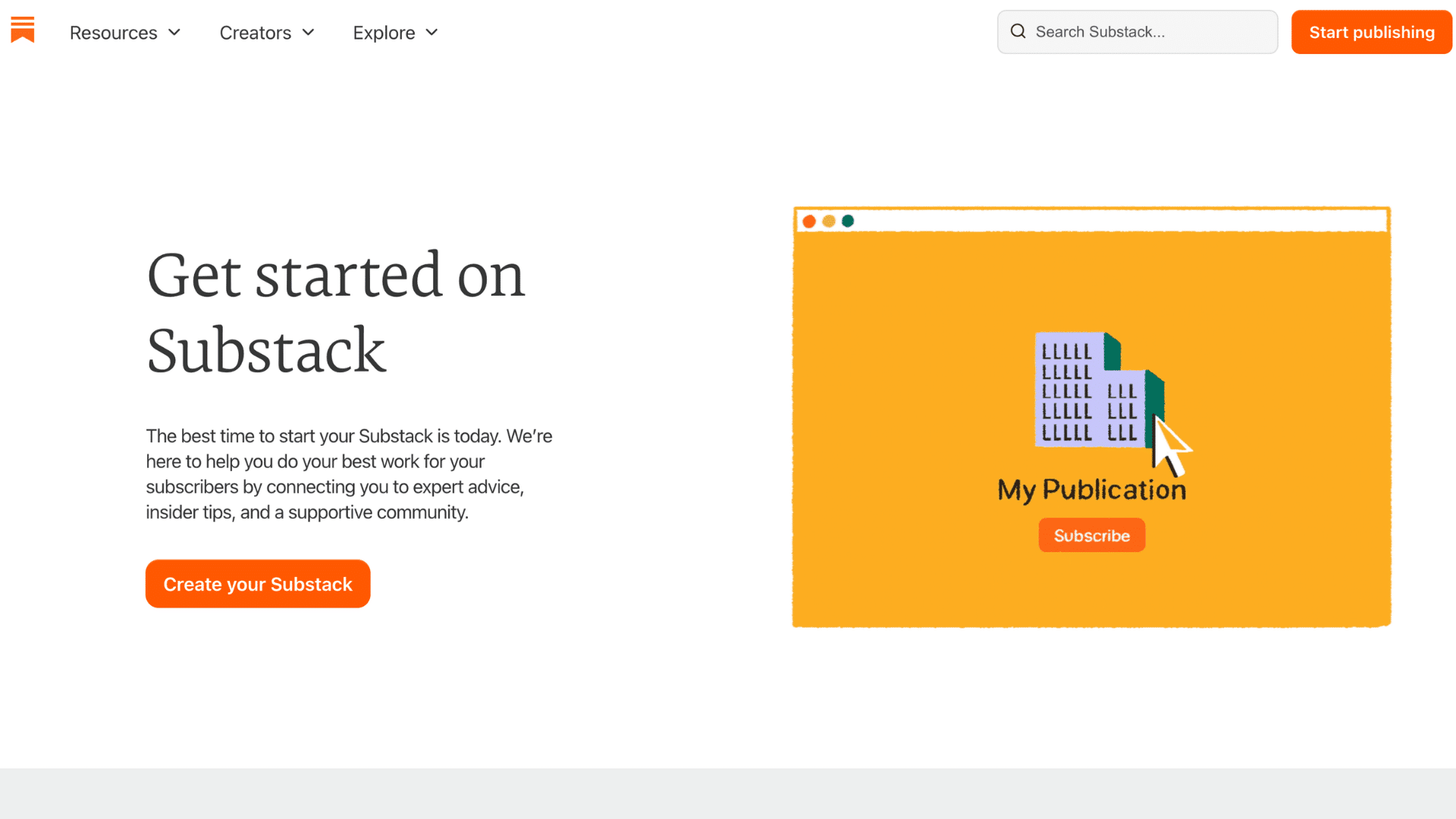
Substack is an email-focused publishing platform that allows writers to build paid newsletter subscriptions and connect directly with readers.
Key Features:
- Email newsletter publishing
- Paid subscription options
- Built-in subscriber management
- Minimal publishing interface
Best For: Newsletter creators, independent writers, journalists, and creators focused on subscription-based content.
| Pros | Cons |
|---|---|
| Easy newsletter monetization | Limited website customization |
| Built-in subscriber system | Basic SEO flexibility |
| No technical setup required | Platform branding remains visible |
| Simple publishing workflow | Limited design control |
Pricing: Free to start, while Substack takes a percentage of paid subscription revenue. Substack takes 10% of paid subscription revenue.
On a $10/month newsletter with 500 subscribers, that’s $600 yearly in platform fees. Ghost Pro charges none.
SEO Capabilities: Offers clean article layouts, indexable content pages, and email distribution benefits, though technical SEO customization remains limited.
14. Joomla: Best for Advanced Users
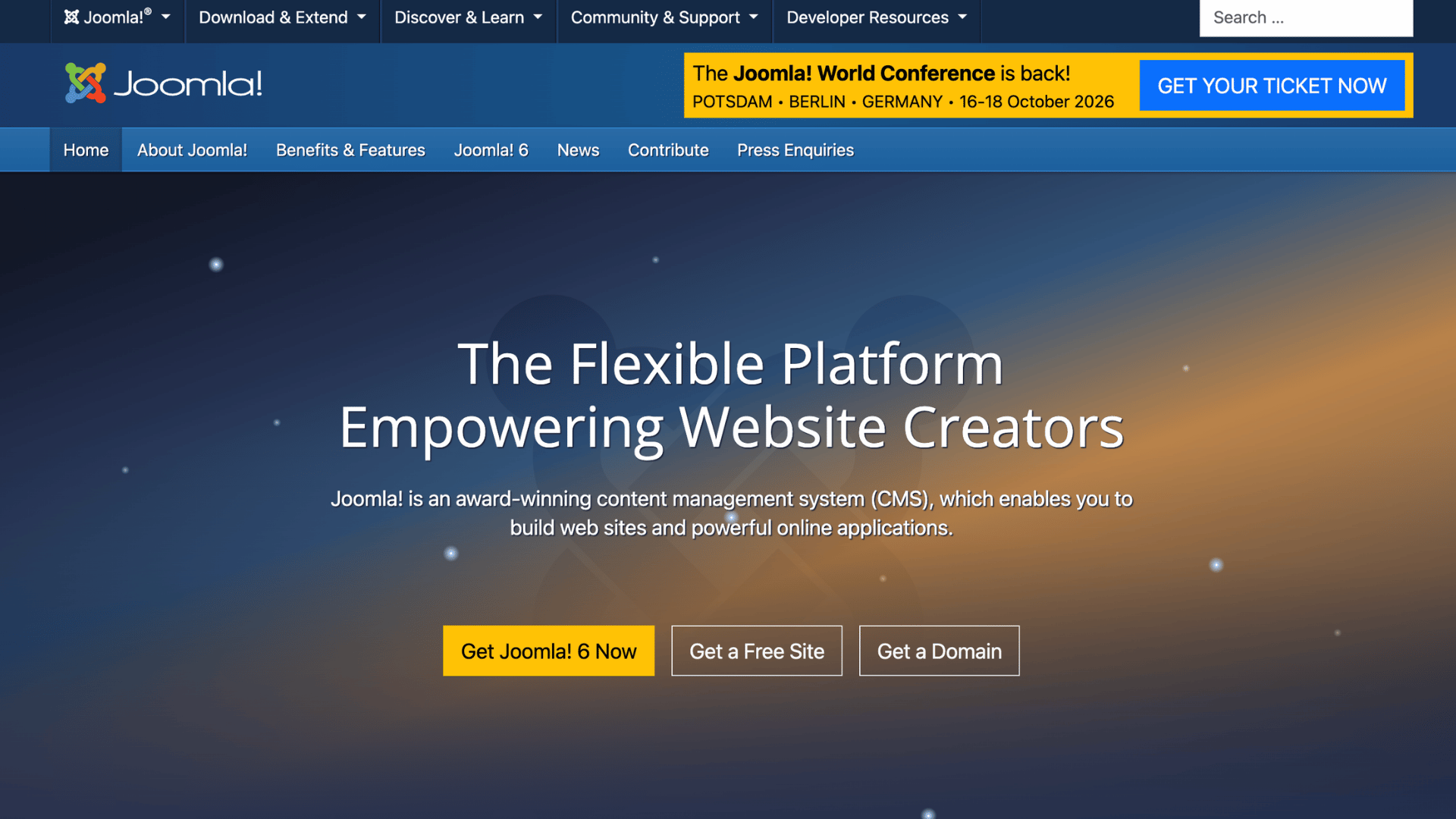
Joomla is a flexible content management system offering advanced website functionality and strong customization for experienced users and developers.
Key Features:
- Advanced CMS structure
- Extensive extension library
- User management controls
- Multilingual website support
Best For: Developers, advanced website owners, membership websites, and users needing complex site structures.
| Pros | Cons |
|---|---|
| Strong content management features | Steeper learning curve |
| Flexible user permissions | Requires technical knowledge |
| Large extension ecosystem | Smaller community than WordPress |
| Good multilingual support | More complex maintenance |
Pricing: Free CMS software with separate hosting, domain, and premium extension costs.
SEO Capabilities: Supports SEO-friendly URLs, metadata management, caching extensions, and multilingual SEO optimization for complex websites.
15. Drupal: Best for Enterprise Blogging
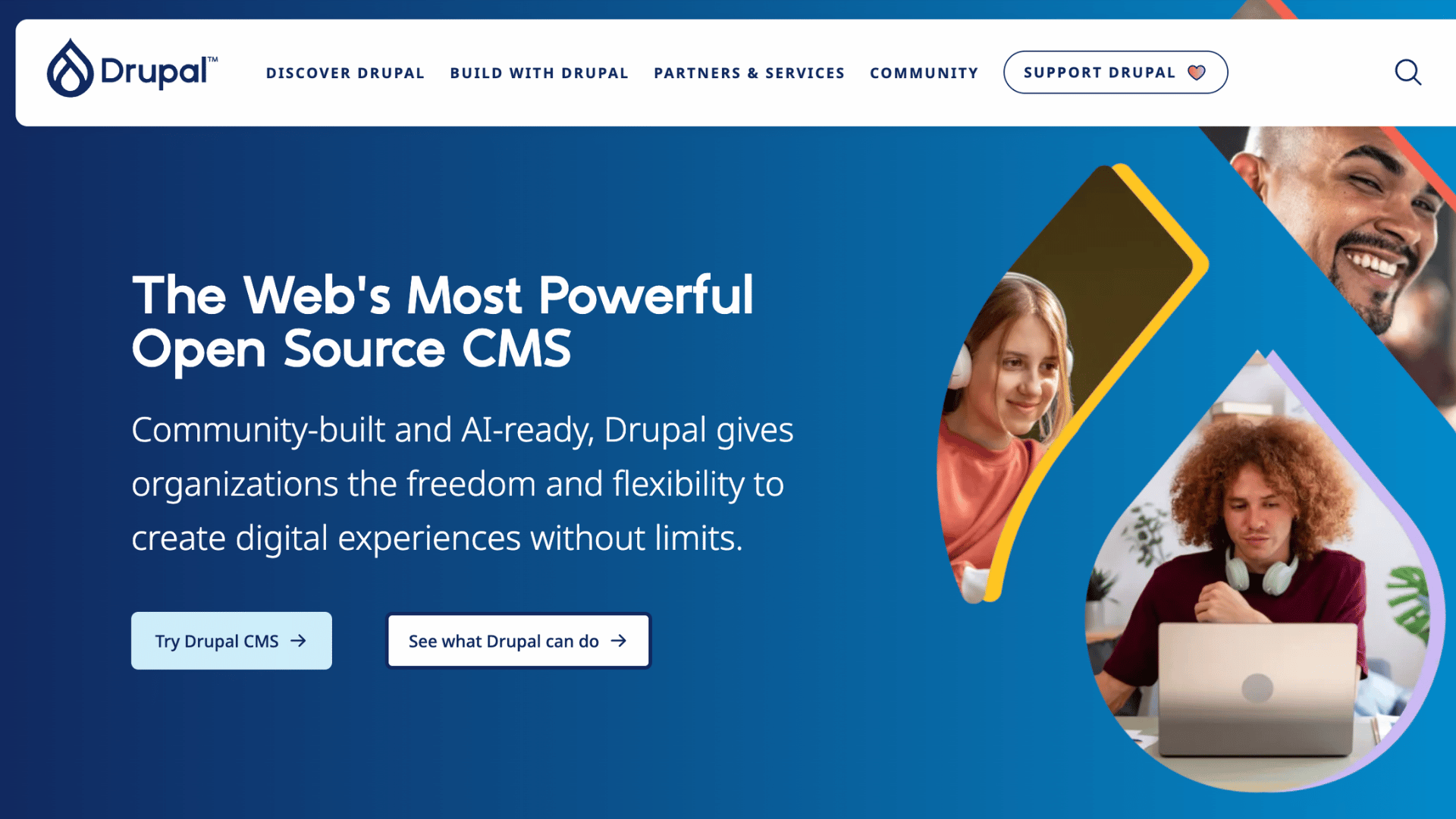
Drupal is an enterprise-level content management system known for advanced security, scalability, and highly customizable website architecture.
Key Features:
- Enterprise-grade security
- Advanced content management
- Scalable website architecture
- Custom development flexibility
Best For: Large organizations, enterprise websites, government platforms, and developers building complex websites.
| Pros | Cons |
|---|---|
| Extremely secure platform | Requires technical expertise |
| Highly scalable | Difficult for beginners |
| Advanced customization options | Expensive development costs |
| Strong enterprise performance | Smaller theme ecosystem |
Pricing: Free open-source software with separate hosting and development expenses.
SEO Capabilities: Provides advanced technical SEO customization, structured content architecture, caching tools, and strong scalability for high-traffic websites.
16. Tumblr: Best for Casual and Micro Blogging
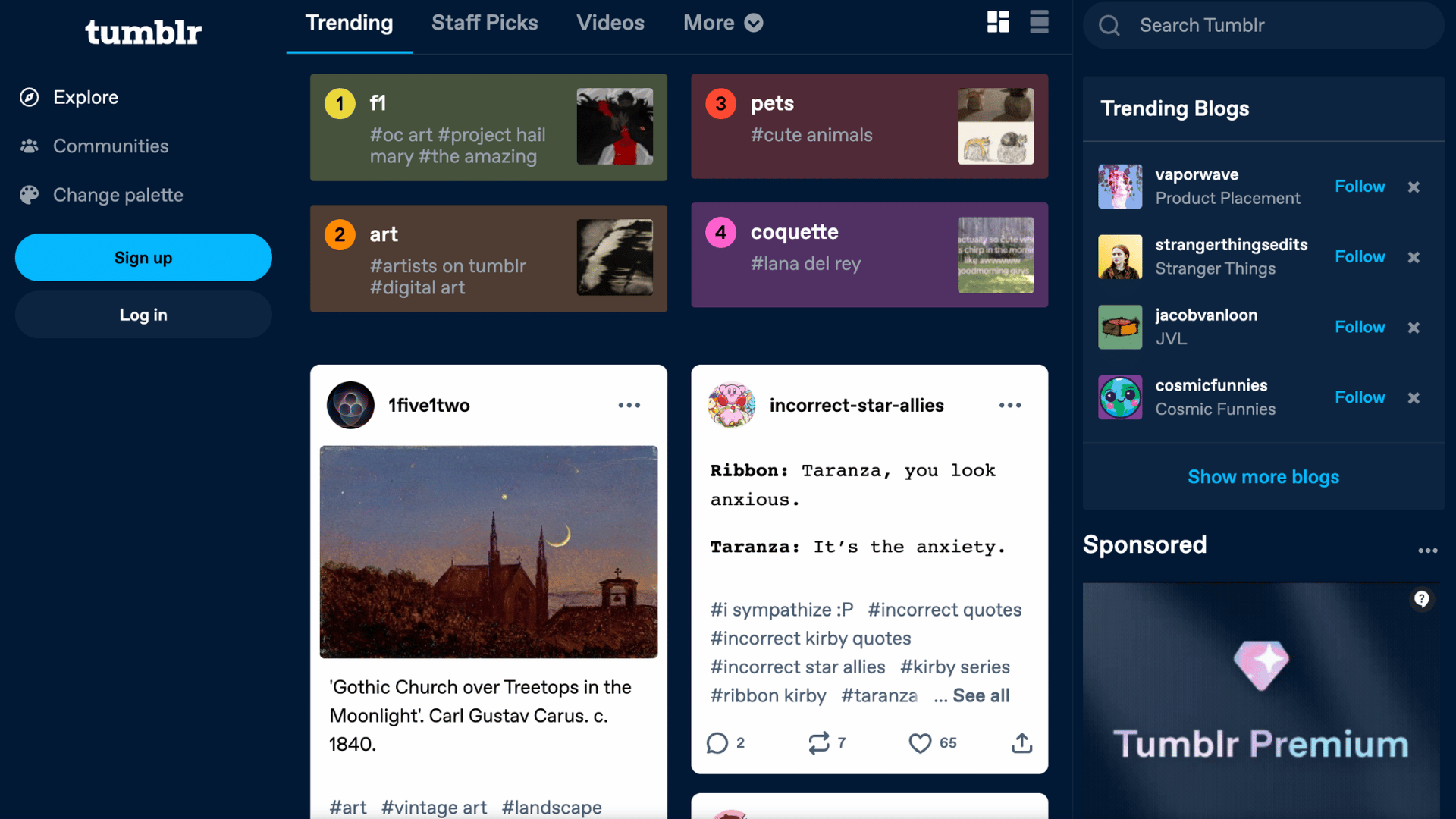
Tumblr is a social blogging platform designed for short-form content, creative communities, and multimedia sharing with a social media-style experience.
Key Features:
- Social blogging community
- Multimedia content sharing
- Easy post publishing
- Built-in audience engagement
Best For: Casual bloggers, fandom communities, artists, meme creators, and users focused on short-form content.
| Pros | Cons |
|---|---|
| Strong community interaction | Limited professional features |
| Easy multimedia posting | Weak monetization options |
| Simple content sharing | Limited customization |
| Fast publishing process | Less suitable for business blogs |
Pricing: Free platform with optional premium themes and domains.
SEO Capabilities: Supports indexed blog posts, hashtags for discoverability, and mobile-friendly layouts, though advanced SEO controls are minimal.
17. SITE123: Best for Fast Website Setup
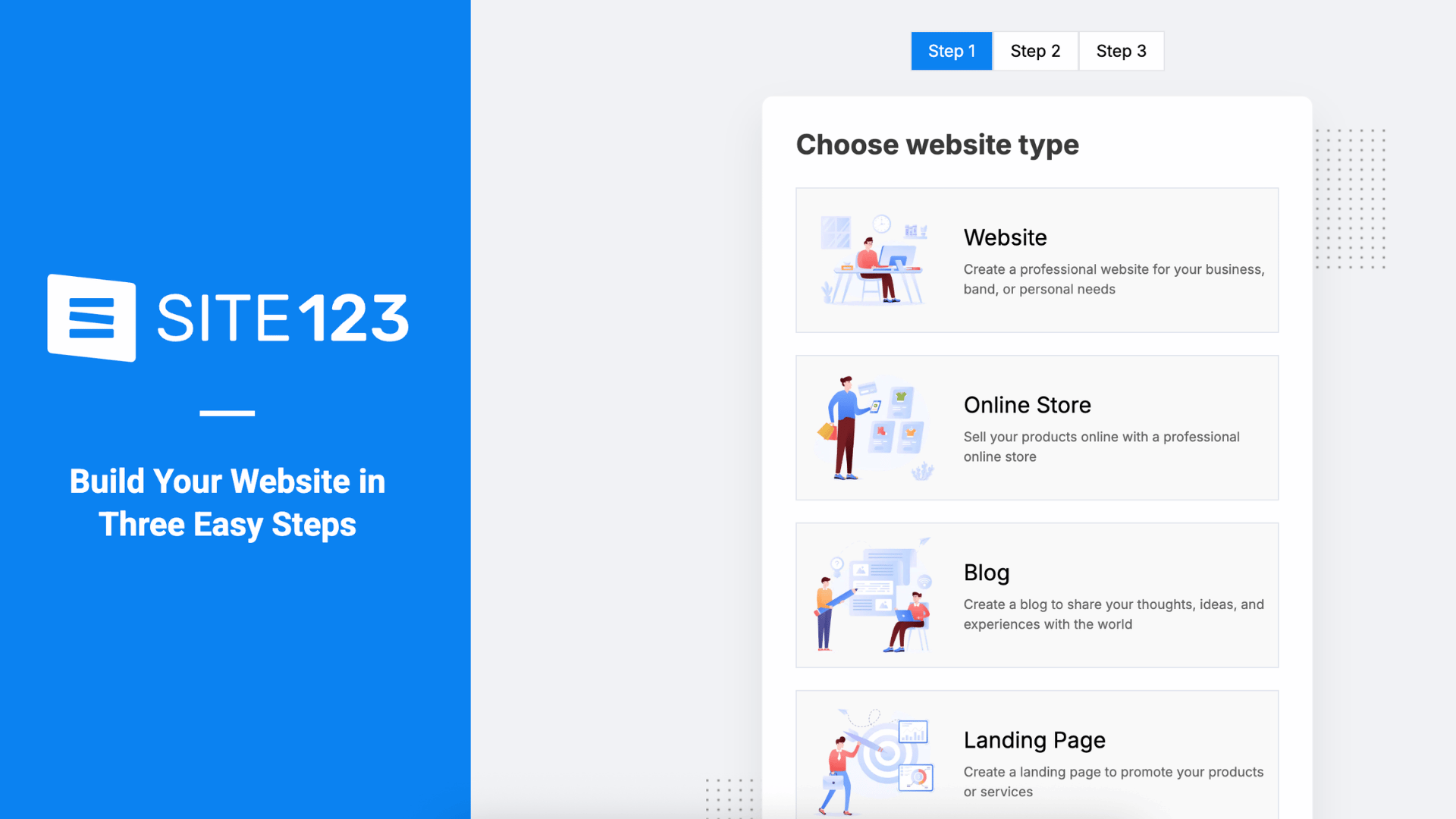
SITE123 is a beginner-friendly website builder focused on simplicity and quick website creation with minimal setup requirements.
Key Features:
- Guided website setup
- Beginner-friendly editor
- Mobile-responsive templates
- Built-in hosting services
Best For: Beginners, local businesses, personal websites, and users wanting a fast and simple website setup process.
| Pros | Cons |
|---|---|
| Very easy to use | Limited scalability |
| Fast website publishing | Restricted customization |
| Hosting included | Basic blogging functionality |
| Beginner-focused interface | Fewer advanced integrations |
Pricing: Free plan available, while premium plans generally start around $12/month.
SEO Capabilities: Includes responsive templates, metadata editing, automatic mobile optimization, and basic SEO tools suitable for small websites and beginner blogs.
Best Blog Hosting Sites Comparison at a Glance
The most popular blogging platforms offer different strengths in SEO, monetization, customization, and ease of use. Choosing the right one depends on your content goals, budget, and long-term growth plans.
| Platform | Best For | Starting Price | SEO Score | Ease of Use | Monetization |
|---|---|---|---|---|---|
| WordPress.org | SEO & full control | $3/month | 10/10 | Moderate | Excellent |
| Wix | Beginner blogging | $16/month | 8/10 | Very Easy | Good |
| Squarespace | Design-focused blogs | $16/month | 8.5/10 | Easy | Good |
| Blogger | Free blogging | Free | 6.5/10 | Very Easy | Basic |
| Medium | Writers & audience reach | Free | 7/10 | Very Easy | Limited |
| Ghost | Membership blogs | $9/month | 9/10 | Moderate | Excellent |
| Webflow | Designer websites | $14/month | 9/10 | Moderate | Good |
| Hostinger Website Builder | Budget websites | $2/month | 7.5/10 | Easy | Good |
| Weebly | Simple website setup | $10/month | 6.5/10 | Easy | Basic |
| Shopify | Ecommerce blogging | $39/month | 8.5/10 | Easy | Excellent |
| Bluehost | WordPress hosting | $2.95/month | 8/10 | Easy | Good |
| HubSpot CMS | Marketing blogs | $25/month | 8.5/10 | Moderate | Excellent |
| Substack | Newsletter publishing | Free | 6.5/10 | Very Easy | Good |
| Joomla | Advanced CMS websites | Free | 8/10 | Difficult | Good |
| Drupal | Enterprise websites | Free | 9/10 | Difficult | Good |
| Tumblr | Casual blogging | Free | 5.5/10 | Very Easy | Limited |
| SITE123 | Fast website setup | $12/month | 6.5/10 | Very Easy | Basic |
WordPress.com vs WordPress.org: Know the Difference
These two platforms may share the WordPress name, but they serve very different purposes. WordPress.org is the self-hosted, open source version that gives you complete control over your website.
You can install any plugin, customize your design freely, improve SEO, and fully monetize your content without platform restrictions.
It is the preferred choice for businesses, bloggers, and anyone serious about growing traffic and revenue online.
WordPress.com, on the other hand, is a hosted website service managed by Automattic.
It offers free and paid plans with built-in hosting and easier setup, making it suitable for beginners who want a simple blogging experience.
However, lower-tier plans come with limitations on plugins, themes, branding, and monetization options. For long-term flexibility and ownership, WordPress.org is usually the better option.
Blogging Monetization Options
The right blogging platform should support multiple ways to earn money while giving bloggers flexibility and long-term growth opportunities. Monetization features can significantly impact your blogging income potential.
- Affiliate Marketing: A good blogging platform should allow easy affiliate link integration, SEO optimization, and product-focused content creation.
- Display Advertising: Platforms with ad network compatibility help bloggers monetize traffic through Google AdSense, Mediavine, Ezoic, and similar programs.
- Memberships and Paid Subscriptions: Some platforms offer built-in membership systems and newsletter tools for generating recurring income from subscribers.
- Selling Products and Services: E-commerce-friendly platforms support digital downloads, physical products, online services, and integrated payment gateways.
- Sponsored Content Opportunities: Platforms with strong branding and customization features are better suited for sponsored posts and brand collaborations.
- Monetization Restrictions: Certain free blogging platforms limit ad placements, branding control, and revenue options, reducing long-term earning potential.
Reddit Opinions About Blogging Platforms
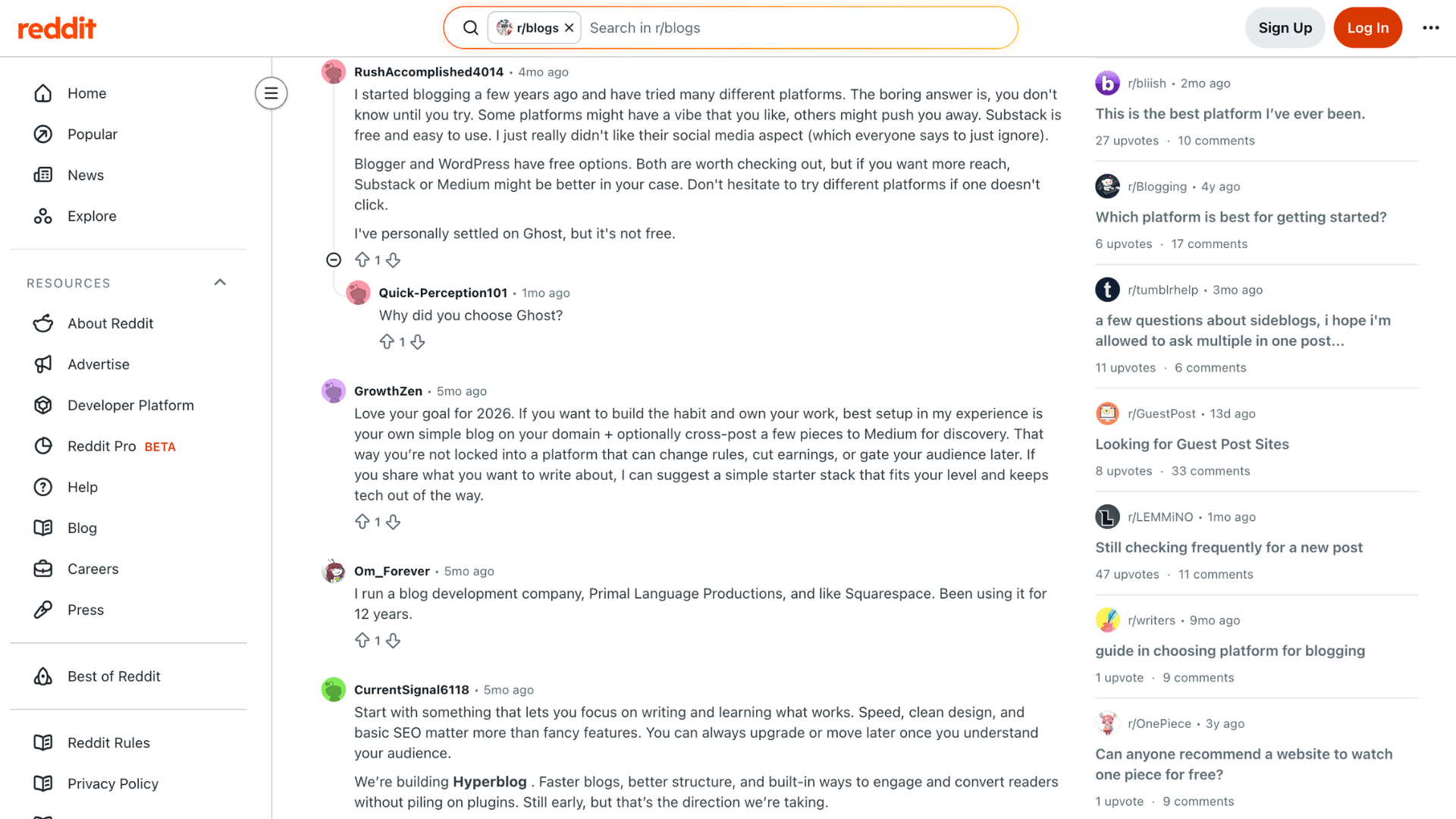
Reddit users discussing blogging platforms often suggest focusing on long-term goals instead of simply choosing the most popular option.
Many bloggers recommend WordPress.org because it offers full ownership, advanced SEO flexibility, and better monetization opportunities compared to most beginner-friendly platforms.
Many users say WordPress has a steeper learning curve but offers better control and scalability. Beginners often prefer Wix and Squarespace for their simple setup, drag-and-drop editors, and ready templates.
Ghost is also popular for newsletters and membership blogs because of its clean interface and fast speed.
Most bloggers agree that speed, SEO, simplicity, and content quality matter more than flashy design. That’s why many creators eventually migrate toward WordPress or Ghost as their websites grow.
How to Choose the Right Blogging Platform for Your Goals?
The best blogging platform depends on your goals, experience, monetization plans, and future growth needs.
1. For Building a Strong Brand
Platforms like Squarespace, WordPress.org, and Webflow are great for creating a professional online presence with advanced customization and modern website designs.
These platforms help bloggers build credibility with custom domains, flexible layouts, and strong branding.
Better design control also helps websites stand out in competitive niches and improve audience trust over time.
They are ideal for bloggers, businesses, and creators focused on long-term brand growth and professional website presentation.
2. For Earning Passive Income
WordPress.org, Ghost, and Shopify are popular for monetization and long-term passive income.
These platforms support affiliate marketing, display ads, memberships, sponsored posts, digital products, and ecommerce sales.
Strong SEO features and fast performance help increase organic traffic, which can improve overall earning potential.
Scalable monetization options also make it easier to grow multiple income streams without major platform limitations later.
3. For Quick and Easy Setup
Platforms like Wix, Blogger, SITE123, and Hostinger Website Builder are great for simple, beginner-friendly blogging.
They include drag-and-drop editors, built-in hosting, and ready-made templates that simplify website creation for non-technical users.
User-friendly dashboards make managing content, settings, and website design much easier for beginners.
These platforms are especially useful for personal blogs, small websites, and creators wanting fast website setup with minimal effort.
4. For Full Control and Flexibility
Self-hosted platforms like WordPress, Joomla, and Drupal offer more flexibility for SEO customization and growth.
These platforms offer plugin access, advanced design control, and fewer restrictions on monetization and content ownership.
Complete ownership allows bloggers to manage branding, website performance, and future development more freely.
They are better suited for long-term website growth, advanced customization, and users wanting maximum control over their websites.
5. For Ecommerce and Online Selling
Shopify, WooCommerce, and Squarespace are strong choices for bloggers wanting to combine content creation with online selling features.
These platforms support product pages, payment gateways, inventory management, and e-commerce-focused website functionality.
Blog content can boost product visibility, improve SEO traffic, and increase conversions for businesses.
They are ideal for digital creators, ecommerce stores, service providers, and brands focused on combining blogging with sales.
Common Mistakes to Avoid when Choosing a Blogging Platform
Many beginners choose a blogging platform without considering long-term SEO, monetization, and scalability needs. Avoiding these common mistakes can save time, money, and future website migration issues.
- Choosing Based Only on Price: Cheap or free platforms may lack important features needed for long-term blogging growth and monetization.
- Not Checking Scalability: Some platforms struggle to handle increasing traffic, advanced features, or growing content demands.
- Using Platforms With Limited Ownership: Certain platforms restrict customization, branding, and control over your website content.
- Forgetting Monetization Rules: Some blogging platforms limit ads, affiliate links, sponsored content, or ecommerce functionality.
- Not Planning for Migration: Switching platforms after building traffic can be difficult and expensive. Choose a platform that supports your long-term blogging goals from the start.
Conclusion
The best blog hosting site depends on your goals, monetization plans, and how quickly you want to get started.
If SEO and long-term growth are your priorities, WordPress.org is the clear choice. If you want the fastest path to publishing, Wix or Hostinger will get you there.
If your business depends on email and subscriptions, Ghost offers a clean setup with no revenue cuts.
I have also noticed that many bloggers regret choosing convenience over long-term flexibility once their traffic starts growing.
A common mistake is choosing the easiest platform instead of the best long-term option.
A little research upfront saves a painful migration later. Pick the platform that fits where you’re going, not just where you are today.
Frequently Asked Questions
What Is the 80 20 Rule for Blogging?
The 80 20 rule means spending 80 percent of your time promoting content and 20 percent writing it to increase traffic and audience growth.
How Long Does It Take to Make $1000 per Month Blogging?
Most bloggers take 6 to 24 months to earn $1000 monthly, depending on niche, content quality, SEO strategy, and traffic consistency.
Do and Don’ts of Blogging?
Write helpful content, use SEO, and stay consistent. Avoid keyword stuffing, copying content, and ignoring your audience’s needs and search intent.
What Type of Blog Makes the Most Money?
Blogs about finance, technology, health, marketing, and online business often make the most money through ads, affiliate marketing, sponsorships, and products.
What Is the One Disadvantage of Blogs?
One disadvantage of blogging is that it takes time and consistent effort before generating steady traffic income and audience trust.