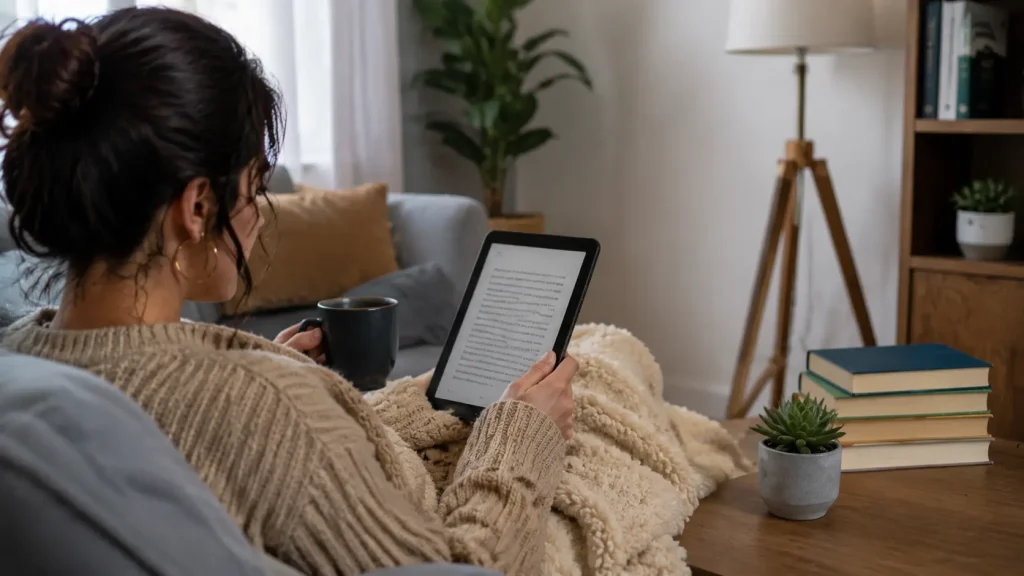
Reading books no longer depends on carrying physical copies or owning a dedicated e-reader.
Modern reading apps make it easy to access thousands of titles on a phone, tablet, or computer, allowing people to read at home, while traveling, or between daily tasks.
The growing number of platforms has also made choosing the right app more challenging. Features, reading experience, offline access, and content availability can vary from one option to another.
Taking time to compare these differences helps readers find an app that matches their habits and preferences.
This comparison of the best apps for reading covers their features, pricing, and ideal users to help find the right fit.
What Makes Reading Apps Popular Among Modern Readers?
Reading habits are changing as more people use smartphones and tablets for everyday activities, including reading books.
Reading apps make it easier to carry thousands of titles, access audiobooks, borrow digital books from libraries, and adjust reading settings for a comfortable experience.
Features like offline access, progress tracking, and personalized recommendations have made digital reading more practical for many users.
From casual readers to dedicated book lovers, these apps offer flexible ways to enjoy books based on different preferences, schedules, and devices.
Best Apps for Reading Books
Some apps focus on large e-book libraries, while others offer free borrowing, audiobook support, or advanced reading features. The options below cover different reading needs, from casual readers looking for convenience to regular book lovers who want more control over their digital library.
1. Kindle: Best Overall E-Book Reading App
Amazon’s Kindle app gives you instant access to one of the largest e-bookstores in the world, covering everything from bestsellers to niche self-published titles.
If you read heavily, Kindle Unlimited offers a subscription model where you can borrow from a rotating library of over a million titles for a flat monthly fee.
The reading experience itself is highly customizable; you can adjust fonts, themes, brightness, margins, and layout until the page looks exactly the way you like it.
Readers who prefer a dedicated reading and note-taking device instead of a phone or tablet may also want to compare the reMarkable and Kindle Scribe before choosing an ecosystem.
Best For:
- Regular e-book readers who want a polished, reliable experience
- Existing Amazon users already invested in the ecosystem
2. Libby: Best Free Reading App with Library Access
Libby might be the best-kept secret in the reading world, except it’s not really a secret anymore. Built by OverDrive, Libby connects directly to your local public library.
All you need is a library card, and suddenly you have free access to thousands of e-books and audiobooks.
Borrowing works just like a physical library: you check out a title for a set loan period, and it returns itself automatically when time is up (no late fees, ever).
Best for:
- Budget-conscious readers who don’t want to pay per book
- Casual readers who don’t need instant access to every new release
3. Audible: Best Audiobook App
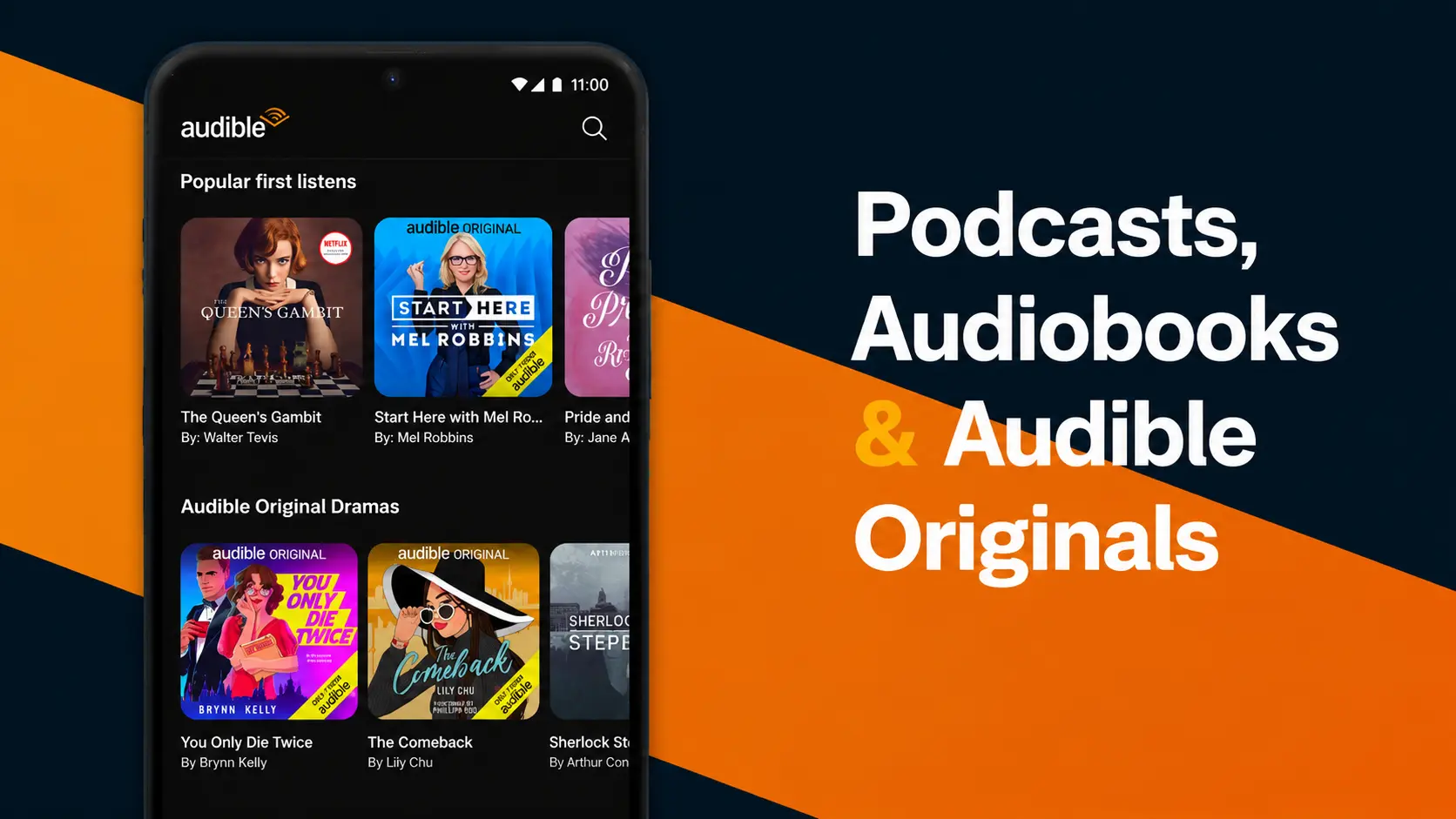
For audiobook lovers, Audible is still the app to beat. Many users on Reddit shared their experiences with the app. Its catalog is enormous, covering nearly every genre, and its home to Audible Originals.
Playback speed controls let you slow down dense material or speed through familiar territory, and bookmarks let you mark memorable passages.
Offline downloads mean your library works on planes, subways, and anywhere else without a signal.
Audible runs on a subscription model: a monthly fee typically includes one credit redeemable for any audiobook, regardless of its retail price, plus access to a rotating catalog of included titles. New users can usually start with a free trial to test the waters before committing.
Best for:
- Commuters who want to turn drive time into reading time
- People who prefer listening over reading
4. Moon+ Reader: Best Android Reading App for Customization
Moon+ Reader supports a wide range of formats, i.e.,EPUB, PDF, MOBI, TXT, and more, which makes it ideal for readers who collect books from many different sources.
Highlighting and annotation tools make it a favorite for readers who like to mark up their books, and cloud backup options keep your library and notes safe across devices.
The free version covers most needs, while the paid Pro version unlocks extras like ad removal and additional features.
Best for: Android users who want complete control over their reading experience and don’t want to be locked into a single bookstore.
5. Kobo Books: Best Kindle Alternative
Kobo offers its own extensive e-book and audiobook store, and like Kindle, it syncs your library, progress, and annotations seamlessly across phones, tablets, and Kobo e-readers.
Kobo adds a few thoughtful touches of its own: built-in reading statistics show how long you’ve read and how fast you turn pages, and its recommendation engine surfaces books based on your actual reading habits.
It also supports a wide range of reading preferences, from adjustable typography to comfortable night-reading modes.
Best Free Reading Apps
You don’t need to spend money to read well. Many apps offer completely free books through public libraries, public-domain collections, or community-written content. Here are the standouts:
1. Wattpad
A massive community platform where writers publish original stories and readers enjoy them for free. It’s especially strong for fiction such as romance, fantasy, thrillers, and fan-favorite serialized stories, many of which have gone on to become published novels and films.
2. Project Gutenberg
Project Gutenberg hosts tens of thousands of public-domain classics like Austen, Dickens, Tolstoy, Doyle, and more, which are all completely free. Various apps and readers connect to its collection, making classic literature endlessly accessible.
3. BookBub
Not a reading app itself, but an essential companion: BookBub sends you daily alerts about free and heavily discounted e-books matched to your favorite genres. It’s the easiest way to build a large digital library on a small budget.
Best Apps for Summaries and Reading Progress and Tracking
Some readers want to finish more books, while others prefer understanding key ideas quickly or keeping track of their reading habits.
Blinkist: Best App for Quick Book Summaries
- Provides short summaries of popular non-fiction books in text and audio formats
- Covers topics like business, psychology, productivity, and personal development
- Summaries are usually around 15 minutes, making them suitable for quick learning.
Headway: Best for Daily Learning Habits
- Offers short book summaries in text and audio formats
- Includes daily goals, streaks, and progress tracking features
- Focuses mainly on personal development, productivity, and self-improvement topics
Goodreads: Best for Tracking Books and Reading Goals
- Organizes books into shelves like Read, Currently Reading, and Want to Read
- Allows users to write reviews, rate books, and create personal reading lists
- Includes annual reading challenges to set and track yearly reading goals
Basmo: Best Personal Reading Tracker
- Helps users set daily and yearly reading goals
- Includes reading timers and progress statistics
- Allows readers to write notes and journal thoughts while reading
These apps serve different purposes: Blinkist and Headway help readers learn faster, while Goodreads and Basmo focus on tracking progress and building consistent reading habits.
Best Reading Apps at a Glance
Each app serves a different purpose, from accessing large e-book libraries and borrowing free books to listening to audiobooks or tracking reading progress.
Here’s a quick comparison of the top reading apps and what each does best:
| App | Price | Key Features |
|---|---|---|
| Kindle | Free app, paid books | Large catalog, customization, offline reading |
| Libby | Free | Library borrowing, e-books, audiobooks |
| Audible | Subscription / free trial options | Large audiobook collection, offline listening |
| Kobo Books | Free app, paid books | Device syncing, recommendations |
| Moon+ Reader | Free / paid | EPUB, PDF support, deep customization |
| Goodreads | Free | Reviews, shelves, reading goals |
| Blinkist | Paid | Short non-fiction summaries |
| Headway | Paid | Text and audio summaries |
The best reading app depends on how you prefer to enjoy books. Readers who want a large e-book collection may prefer Kindle, while those looking for free access can choose Libby.
Audiobook listeners, book trackers, and summary-focused readers can find apps designed around their specific needs.
Which Reading App Works Best for Your Device?
The device used for reading can affect how comfortable and convenient a reading app feels. Some apps work well across smartphones, tablets, computers, and dedicated e-readers, while others offer extra features on specific platforms.
Checking device support, syncing options, and available features helps readers choose an app that fits their setup and makes reading easier across different screens.
iPhone and iPad users are well served by nearly every major app, while Android users get the bonus option of Moon+ Reader’s deep customization.
Tablet readers benefit most from apps with strong layout controls, and if you own a dedicated e-reader (Kindle or Kobo device), sticking with the matching ecosystem gives you the smoothest syncing.
Readers who prefer a distraction-free writing and reading experience may also be interested in the reMarkable 2 digital paper tablet, which focuses on handwritten notes and document reading instead of traditional apps.
Are Reading Apps Worth Using?
Reading apps offer a convenient way to access books, audiobooks, and reading tools from one device. However, they also have some limitations to consider.
Benefits of Reading Apps:
- Carry thousands of books on a single phone, tablet, or e-reader
- Adjust font size, brightness, themes, and layouts for comfortable reading
- Download books instantly and read offline anytime
- Track reading progress, set goals, and organize digital libraries
Limitations of Reading Apps:
- Long screen sessions may cause eye fatigue for some users
- Many popular books still require payment or subscriptions
- Digital libraries can become expensive over time
- Features and book availability vary between apps
Reading apps make books easier to access and carry, but the best choice depends on personal reading habits, preferred formats, and device preferences.
Final Thoughts
There’s no single “best” reading app; only the best one for you. If you buy and read lots of e-books, start with Kindle.
If you want great books without spending a rupee, get a library card and download Libby. If your reading time happens in the car or at the gym, Audible will change your life.
And if you want to read more consistently, pair any of them with Goodreads or Basmo to track your progress.
The best part? Almost every app on this list is free to try. Download two or three, spend a week with each, and see which one turns you into the reader you want to be.
Start exploring these reading apps today and find the one that makes every reading session easier and more enjoyable.
Frequently Asked Questions
Can Reading Apps Work Without an Internet Connection?
Yes, many reading apps allow offline access after downloading books or audiobooks. This feature is useful for travel, areas with limited connectivity, or reading without using mobile data.
Do Reading Apps Support Multiple Languages?
Yes, various reading apps support books in different languages, but availability depends on the platform and library. Apps like Kindle, Kobo, and Libby offer titles across various languages and regions.
Are Reading Apps Safe for Children?
Many reading apps include parental controls, age filters, and kid-friendly libraries. Parents should review app settings and available content before allowing children to use them independently.