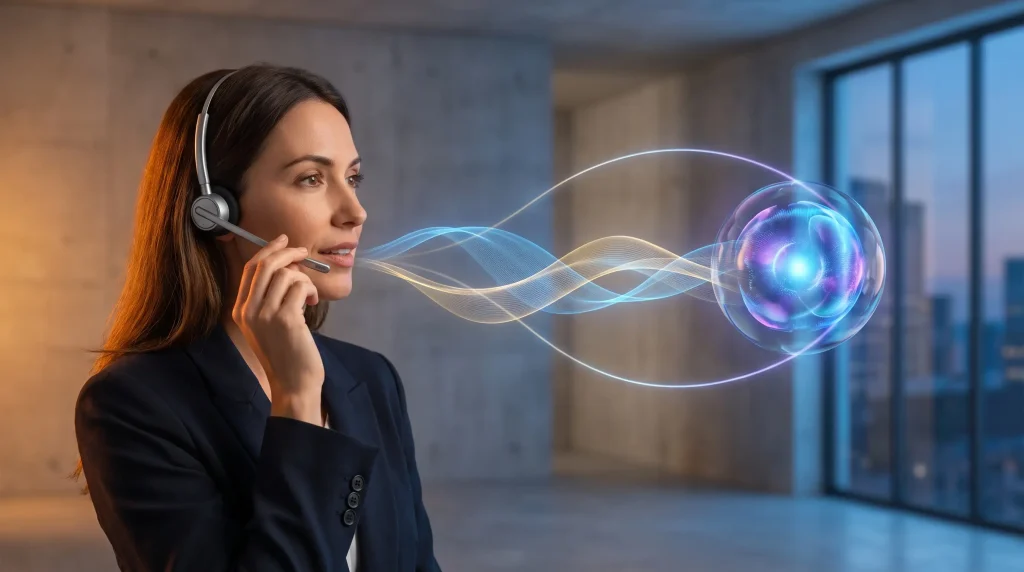
Event marketers write constantly under tight deadlines. Invites, landing pages, reminders, and recaps all need sharp copy. AI tools now help teams produce that far faster. The speed matters most in the final push before an event. A browser-based AI writing extension like Clico can draft and rewrite copy inside any text box. It brings ChatGPT and Claude to your CMS, email tool, and forms. This guide shows how to use AI for better event copy, faster. It also covers the human edit that keeps your campaigns accurate and on-brand.
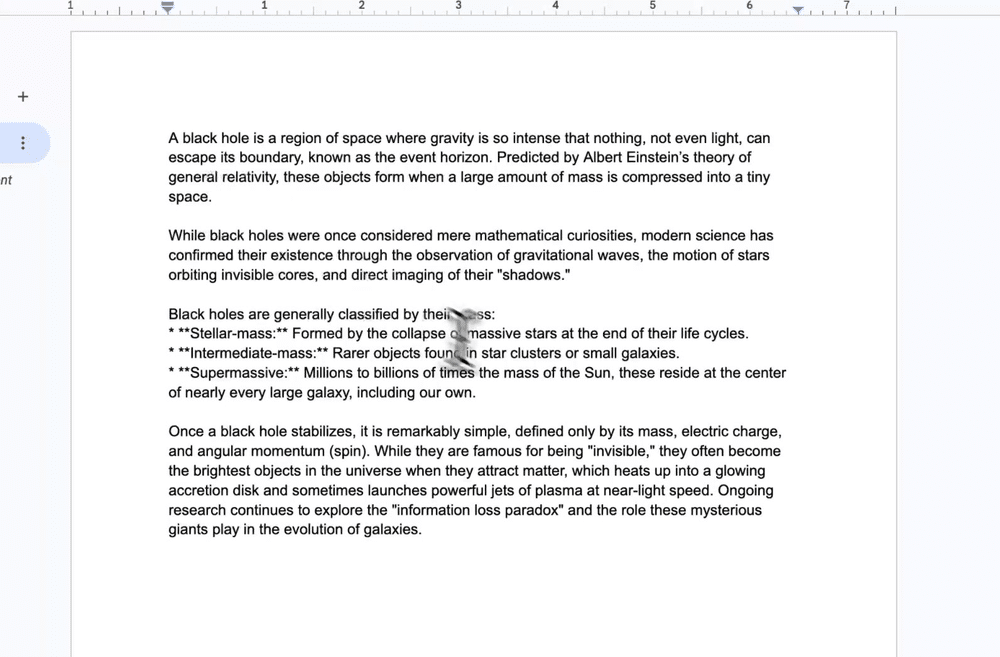
Clico drafting copy directly in Google Docs.
Why event copy is a perfect AI use case
Event marketing runs on repeatable formats with high volume. You write many short pieces under pressure. That pattern suits an AI assistant well.
Speed matters most in the days before an event. A tool that drafts in place saves precious hours. You move from idea to published copy faster.
AI in marketing has gone mainstream
Using AI for content is now standard practice, not an experiment. The Content Marketing Institute’s 2025 B2B research found that 81% of B2B marketers say their teams use generative AI tools, up from 72% the year before. For event promotion, that speed is a real advantage. The teams that adopt it ship more, faster. The rest spend their final days rewriting from scratch.
Copy tasks AI can speed up
- First drafts of invite and reminder emails
- Punchy landing-page headlines and CTAs
- Social posts tailored to each platform
- Post-event recaps and thank-you notes
- Rewrites that match your brand tone
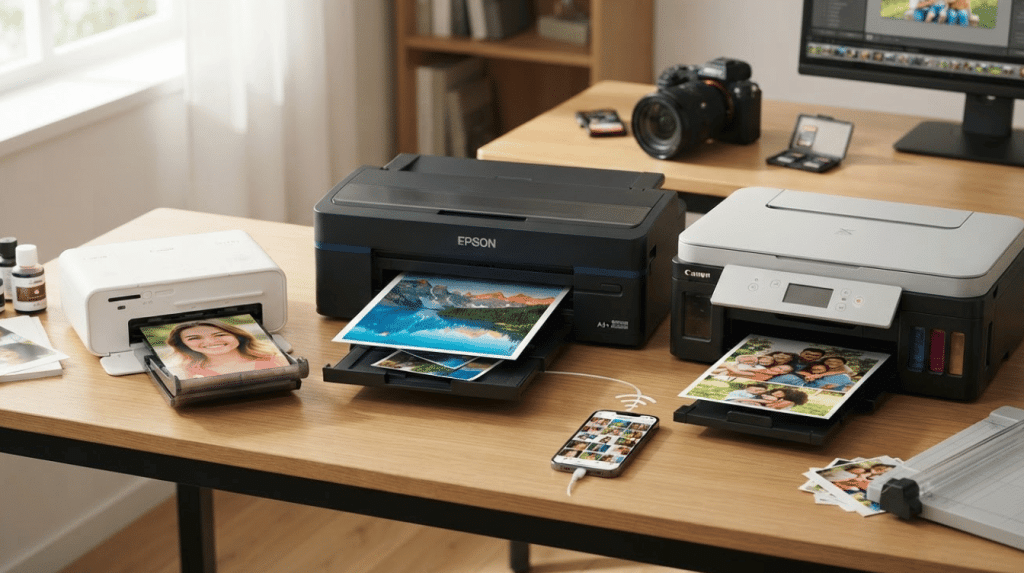
These tasks cluster around a few core formats. The diagram below shows where faster copy comes from.
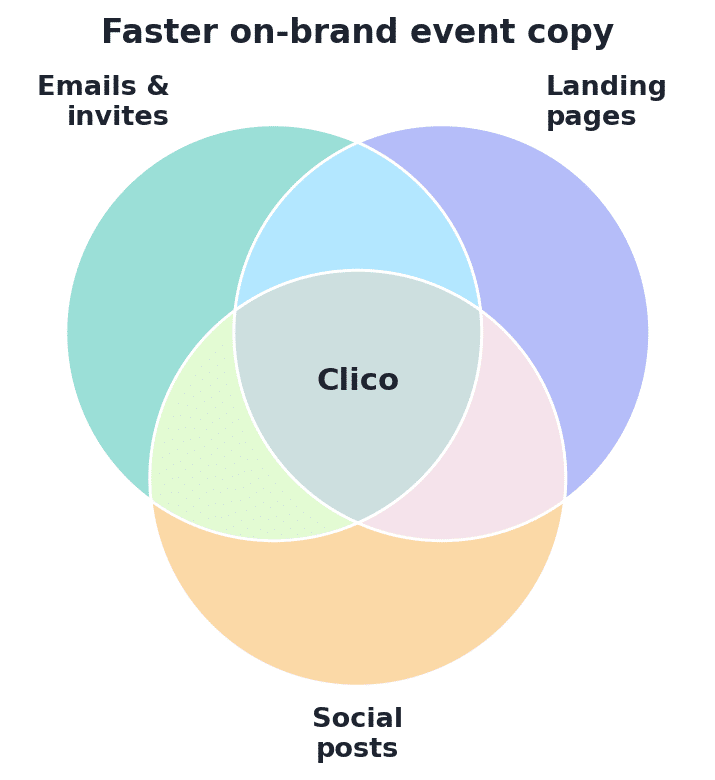
Faster on-brand event copy comes from emails, landing pages, and social posts — all in Clico’s reach.
Keep the human edit
AI gives you a strong start, not a finished asset. Check facts, dates, and links before you publish. Add the human warmth that makes events feel personal.
Always confirm every name, time, and venue detail. A fast draft is no excuse for an error.
A quick workflow for crunch time
Build a small prompt library before launch week. Save your best invite, reminder, and recap prompts. Reuse them across every event.
When deadlines hit, drafting becomes near-instant. You tweak instead of starting cold. The human edit then adds the final polish.
Keep brand rules in a shared note. Paste them into prompts for consistent tone. Speed and consistency can rise together.
Finally, log which prompts performed best. Reuse the winners for your next campaign. A small library of proven copy saves hours every event cycle.
In the end, great event copy still needs a human touch. AI gets you to a strong draft quickly, especially under deadline. You then add the warmth, accuracy, and brand voice that convert. Build a prompt library, reuse what works, and edit every detail. Speed and quality can coexist when the workflow is clear. That combination is what fills rooms and inboxes alike.
How to Use Clico
Clico works right inside the tools your team already uses. Here is the quick flow for event copy.
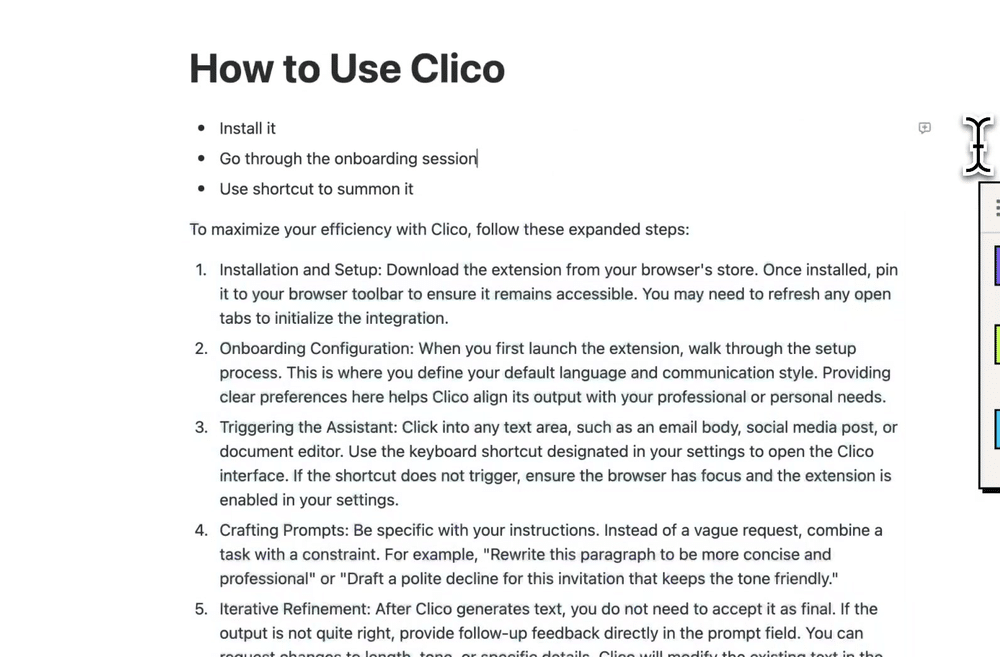
Clico generating a step-by-step guide inside a Notion doc.
Source: official Clico product demo (tryclico.com).
- Install Clico from the Chrome Web Store on your browser
- Press ⌘O or Ctrl+O inside your CMS or email composer
- Draft an invite, headline, or recap from a short prompt
- Rewrite the result to match your brand voice
- Edit the details, then publish with confidence
The free plan includes 100 generations a month with no API key. Clico activates only on the shortcut and skips sensitive fields. That keeps fast drafting safe across your team.
Conclusion
Event marketers win by shipping clear copy on time. AI tools help by drafting and rewriting inside the tools you already use. Lean on them for speed, then edit with a human eye. In 2026, faster copy can mean fuller events.