Printing a photo used to mean dropping a memory card at a drugstore counter and hoping the colors matched what showed up on a phone screen. Home printers solve that, but only when the model fits how someone actually shoots and shares.
Over several weeks, our team ran seven machines side by side, from a pocket-sized option built for parties to a 17-inch studio printer meant for gallery walls.
That hands-on testing shaped this list of the best photo printers worth buying, including a genuinely reliable best portable photo printer for anyone who travels light. Every pick below earned its spot for solving one specific printing problem well.
How These Photo Printers Were Tested
Every printer here went through the same three-week testing routine, not a quick unboxing and a press-release spec sheet.
Our reviewer, who also prints and sells framed work on the side, ran each machine through identical files: a portrait for skin tone, a landscape for color range, and a black-and-white shot for contrast, so results could be compared side by side rather than pulled from marketing copy.
Setup was timed from opening the box to a finished first print, because a frustrating first hour sinks more printer reputations than a mediocre print does.
Running cost was calculated using each manufacturer’s real ink or film pricing divided by an actual print count, not the yield claimed in ads. Each machine produced roughly 40 test prints over the three weeks, split evenly across all three test images. Getting a clean shot in tricky indoor light mattered just as much as the printer itself, since a soft or overexposed file makes any print look weaker than it should.
Every unit was also connected straight from a phone, since that is how the bulk of everyday printing happens now, well ahead of anyone plugging in a laptop.
Quick Comparison at a Glance
|
Printer |
Best For |
Ink / Film Type |
Max Print Size |
Approx. Price |
|---|---|---|---|---|
|
Canon PIXMA PRO-200 |
Best overall |
8-color dye |
13×19 in |
$450 to $550 |
|
Canon Selphy CP1500 |
Best portable photo printer |
Dye-sublimation |
4×6 in |
$130 to $150 |
|
HP Sprocket Studio Plus |
Easiest phone printing |
Dye-sublimation |
4×6 in |
$170 to $200 |
|
Epson SureColor P900 |
Best for professionals |
10-color pigment |
17 in wide |
$1,200 to $1,300 |
|
Epson EcoTank Photo ET-8550 |
Best refillable ink |
Dye-based + pigment black |
13×19 in |
$700 to $800 |
|
Fujifilm Instax Link Wide |
Best instant printer |
Instax Wide film |
3.9×2.4 in |
$150 to $200 + film |
|
Epson Expression Photo XP-8700 |
Best all-in-one |
6-color Claria dye |
8.5×11 in |
$250 |
Best Photo Printers for Every Use Case
These printers made the cut after side-by-side testing, chosen because each one clearly wins a specific use case rather than trying to do everything. Each pick below covers what it does well, what to watch for, and the essentials at a glance.
1. Canon PIXMA PRO-200
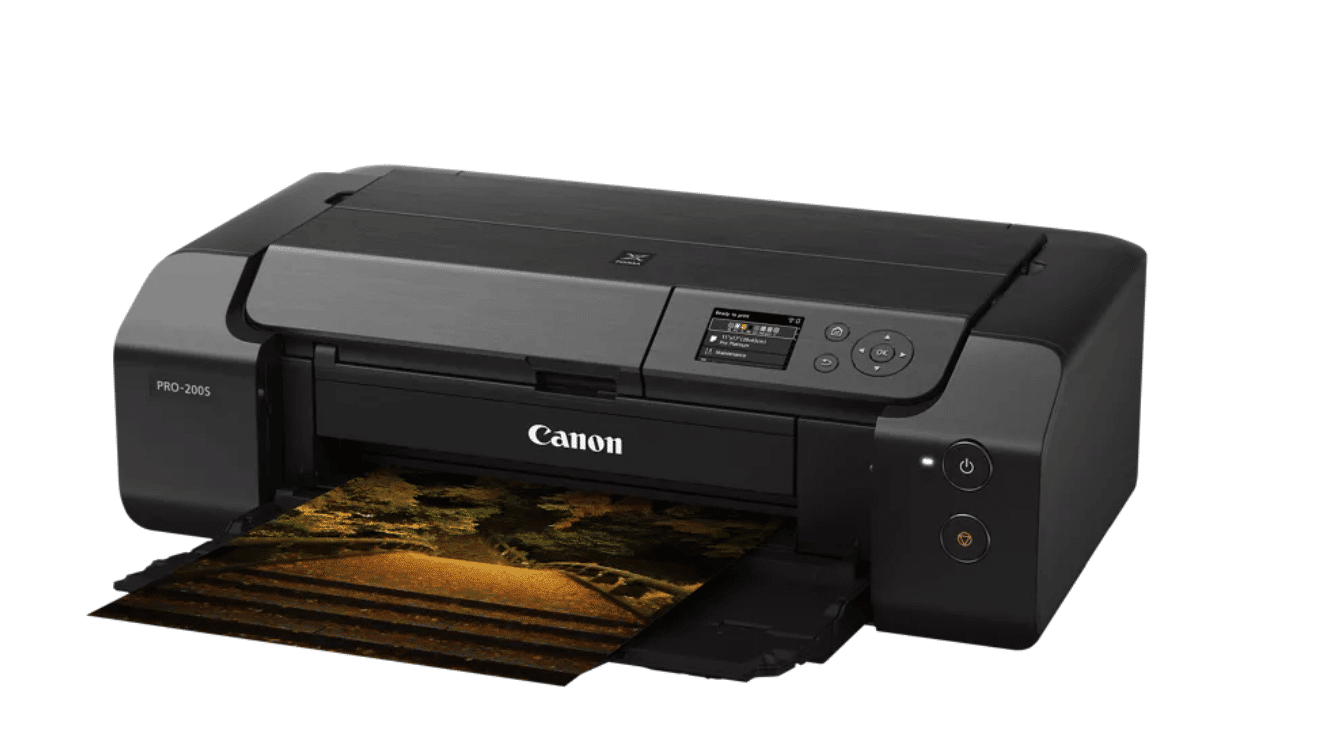
Color accuracy is the standout here, with skin tones staying natural rather than oversaturated, a common flaw on cheaper inkjets.
Setup is straightforward, and owners consistently praise its paper handling, though prints won’t hold up to years of direct sunlight the way pigment ink does. It’s built for photographers who care more about tone than volume.
- Best For: Hobbyists and small print sellers working at 8×10 or smaller
- Ink Type: 8-color dye
- Max Print Size: 13×19 inches (up to 13×39 custom)
- Approx. Price: $450–$550
- Watch For: Upfront cost is the most common owner complaint
2. Canon Selphy CP1500
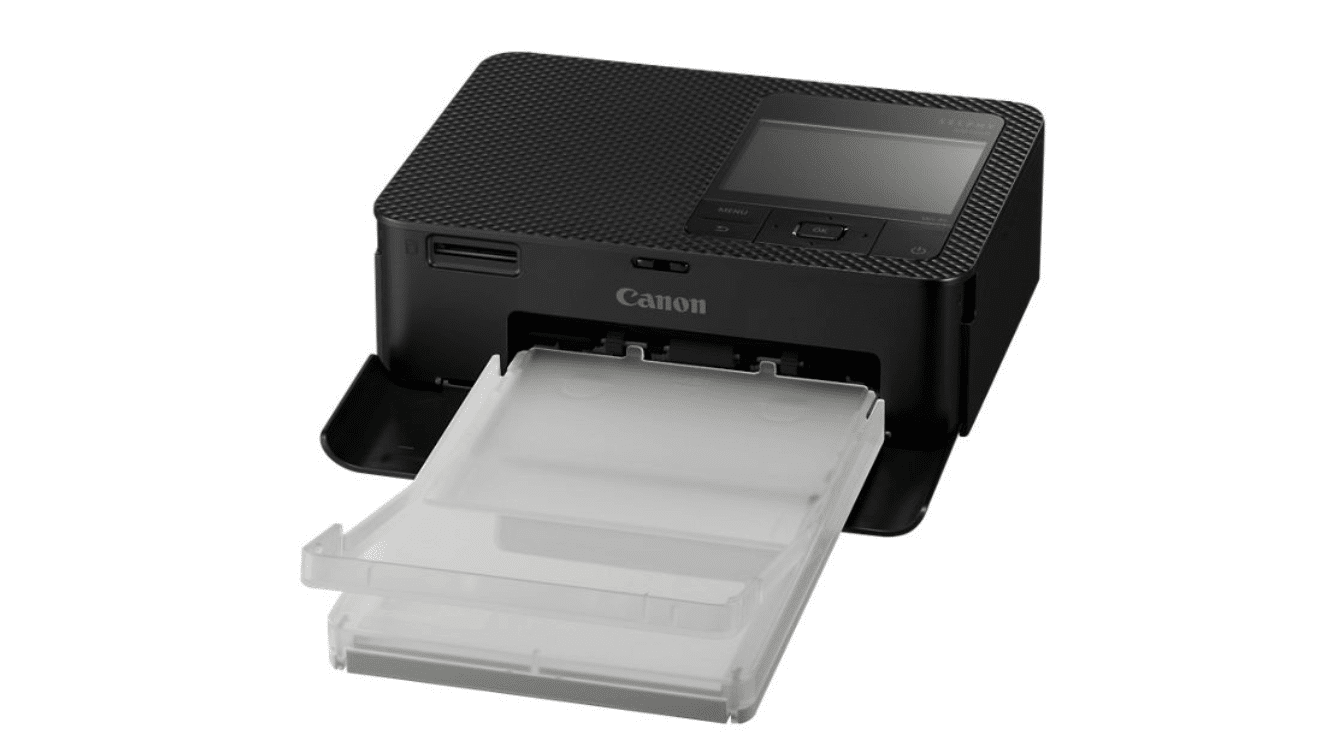
Print quality holds up well for casual sharing, and setup takes minutes even for first-time users. It pairs naturally with a compact camera for weekend trips, since neither one needs a laptop along for the ride.
The optional battery pack makes it a true grab-and-go option for events, though it adds real cost on top of the printer itself. Owners generally rate it highly for convenience, docking it mainly on running expense over time.
- Best For: Snapshot printing and travel, not large-format work
- Ink Type: Dye-sublimation
- Max Print Size: 4×6 inches
- Approx. Price: $130 to $150 (plus roughly $30 to $50 for the optional battery)
- Watch for: Cost per print runs higher than a standard inkjet
3. HP Sprocket Studio Plus
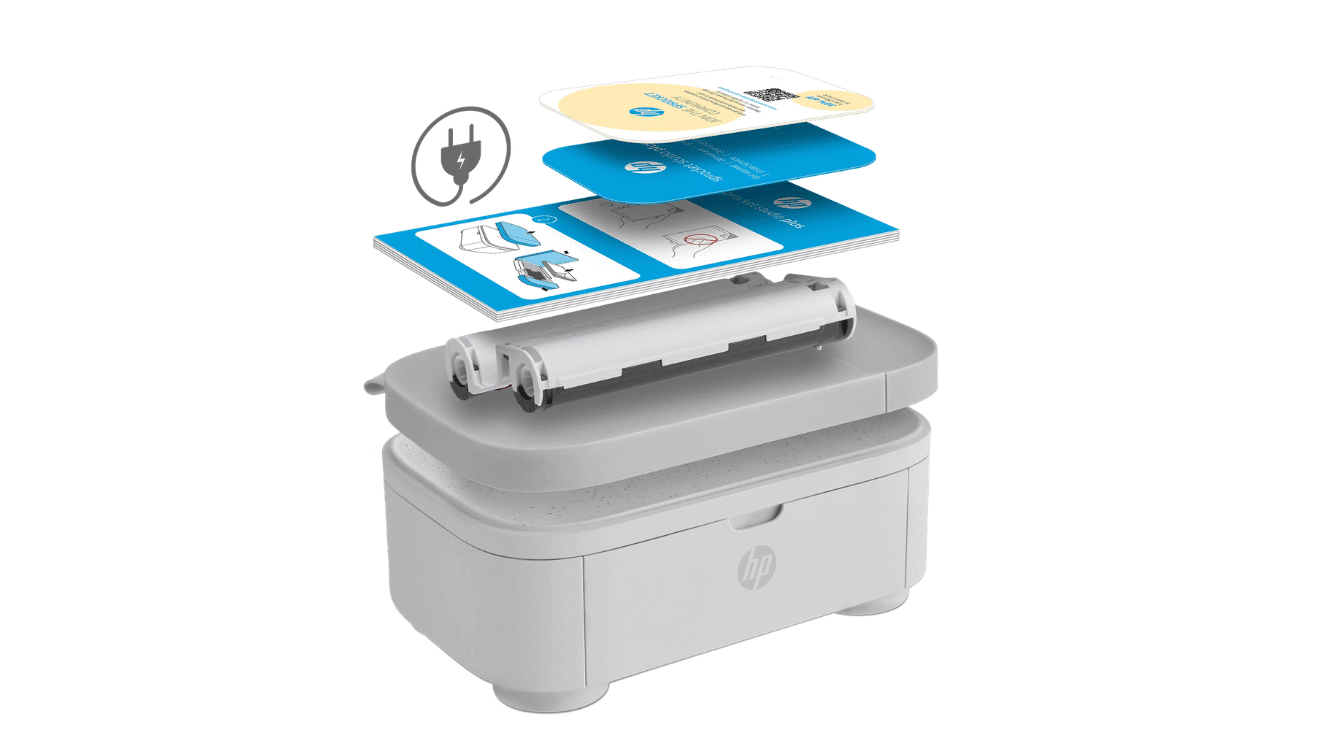
Setup is the selling point, since prints come straight off a phone without touching a computer. The companion app’s filters and templates suit casual, playful projects rather than color-critical work.
A few owners report prints curling if several come out back-to-back, which is worth watching during longer print runs.
- Best For: Easy phone-to-print setup over precision
- Ink Type: Dye-sublimation
- Max Print Size: 4×6 inches
- Approx. Price: $170–$200
- Watch For: Paper curling after several prints in a row
4. Epson SureColor P900
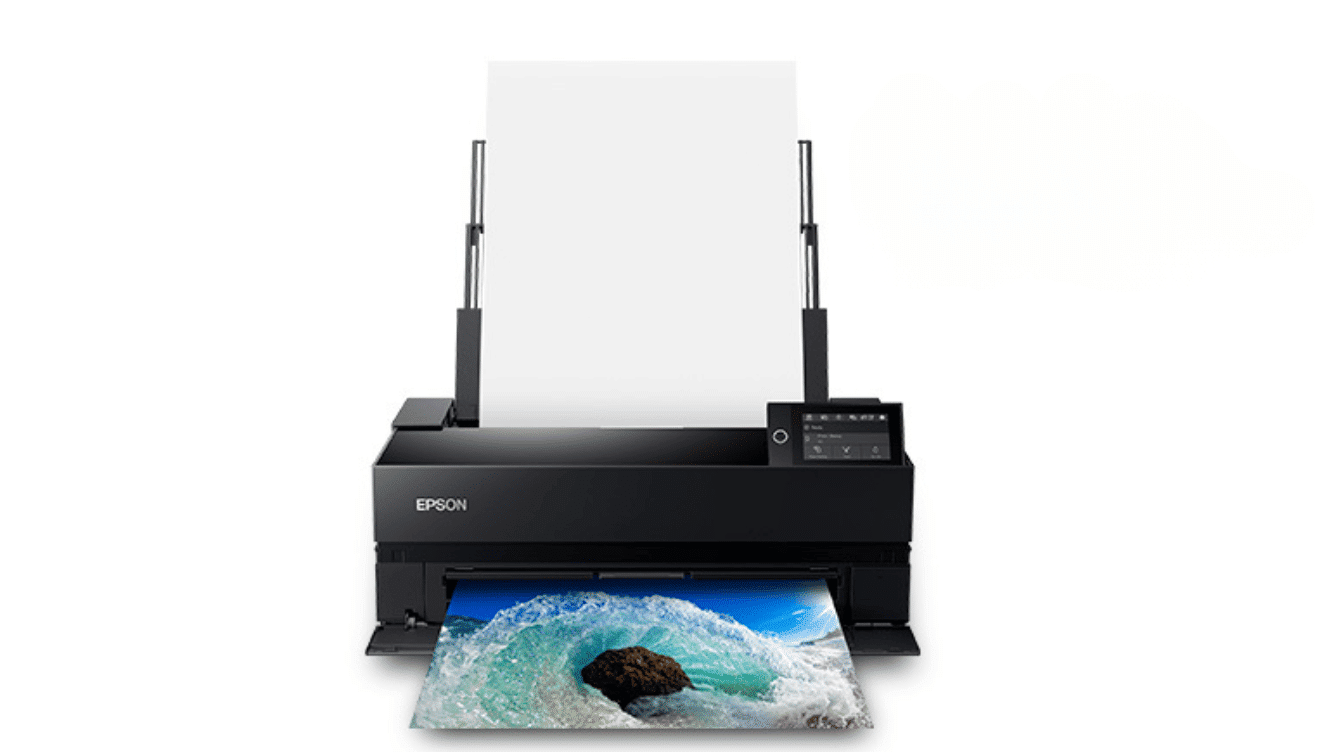
Print longevity is the headline strength, holding color and detail far longer than consumer-grade printers under normal display conditions. It rewards images shot on a camera suited to wide-open scenes, since the extra resolution actually shows up once a print stretches to 17 inches wide.
Separate photo and matte black nozzles keep transitions between paper types smooth without manual swaps. The trade-off shows up early, since the included ink doesn’t stretch through more than a handful of full-size prints.
- Best For: Professionals and serious hobbyists needing gallery-sized output
- Ink Type: 10-color pigment
- Max Print Size: 17 inches wide
- Approx. Price: $1,200–$1,300
- Watch For: Budget for a full cartridge replacement soon after buying
5. Epson EcoTank Photo ET-8550
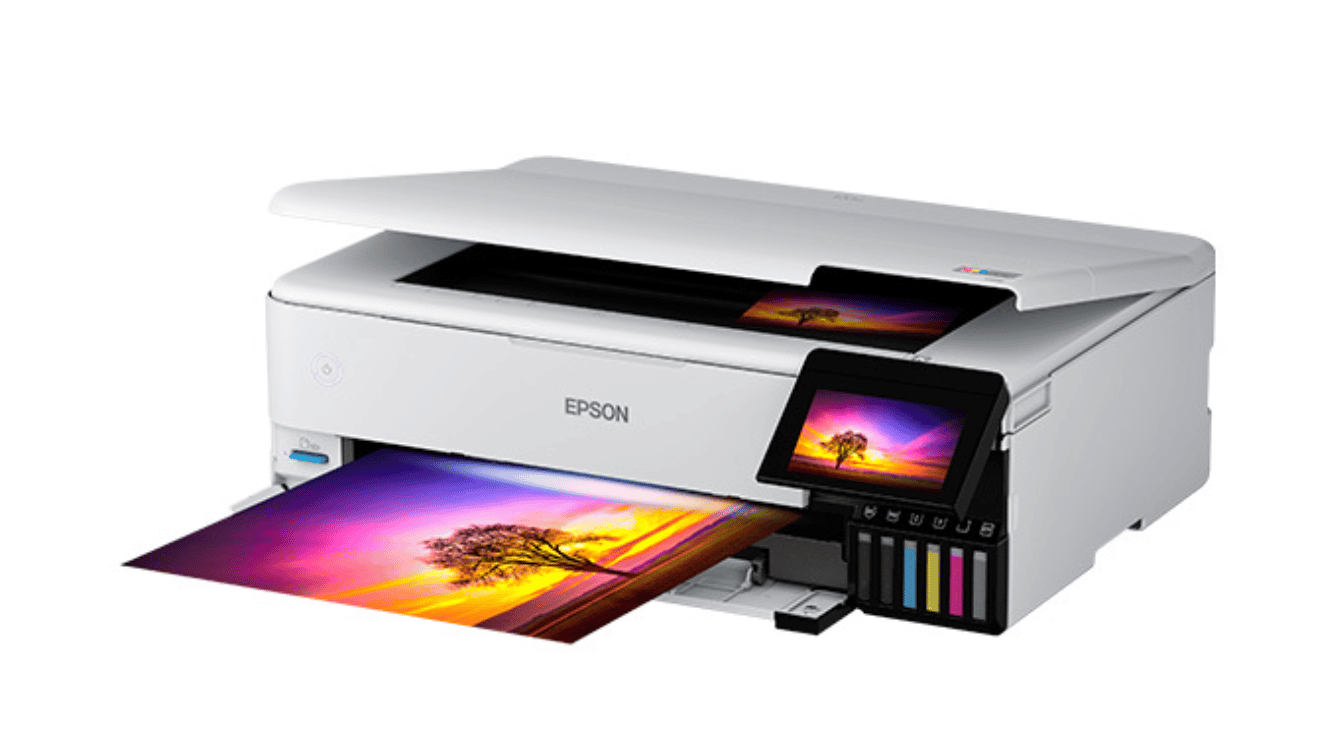
Running cost is the reason to consider this one, since ink refills bring the price of each print down dramatically over time. It doubles as a scanner and copier, so one machine covers both photo and document needs. The upfront investment is the main hurdle for buyers who print only occasionally.
- Best For: Frequent printers who want the lowest running cost
- Ink Type: Dye-based, with a separate pigment black
- Max Print Size: 13×19 inches
- Approx. Price: $700–$800
- Watch For: Higher upfront price than cartridge-based models
6. Fujifilm Instax Link Wide
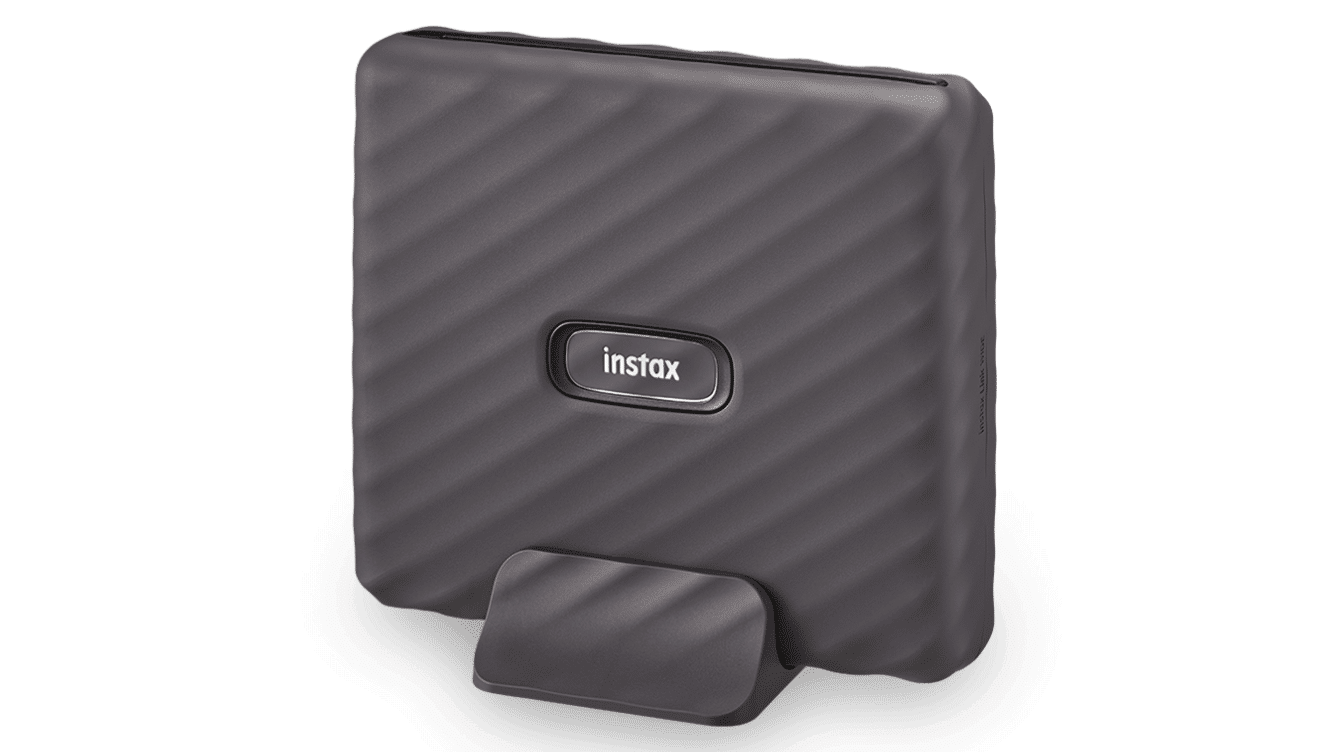
This one skips ink and paper entirely, developing each shot chemically inside a self-contained film cartridge the moment it prints. Setup takes seconds over Bluetooth, and the companion app adds templates, stickers, and a QR mode for embedding audio or links. The trade-off is per-print cost, since film runs out faster than standard photo paper.
- Best For: Instant prints for parties, gifts, and photo albums
- Film Type: Instax Wide instant film (no separate ink)
- Max Print Size: 3.9 x 2.4 inches
- Approx. Price: $150–$200 (plus film packs)
- Watch For: Per-print film cost adds up faster than paper-based printers
7. Epson Expression Photo XP-8700
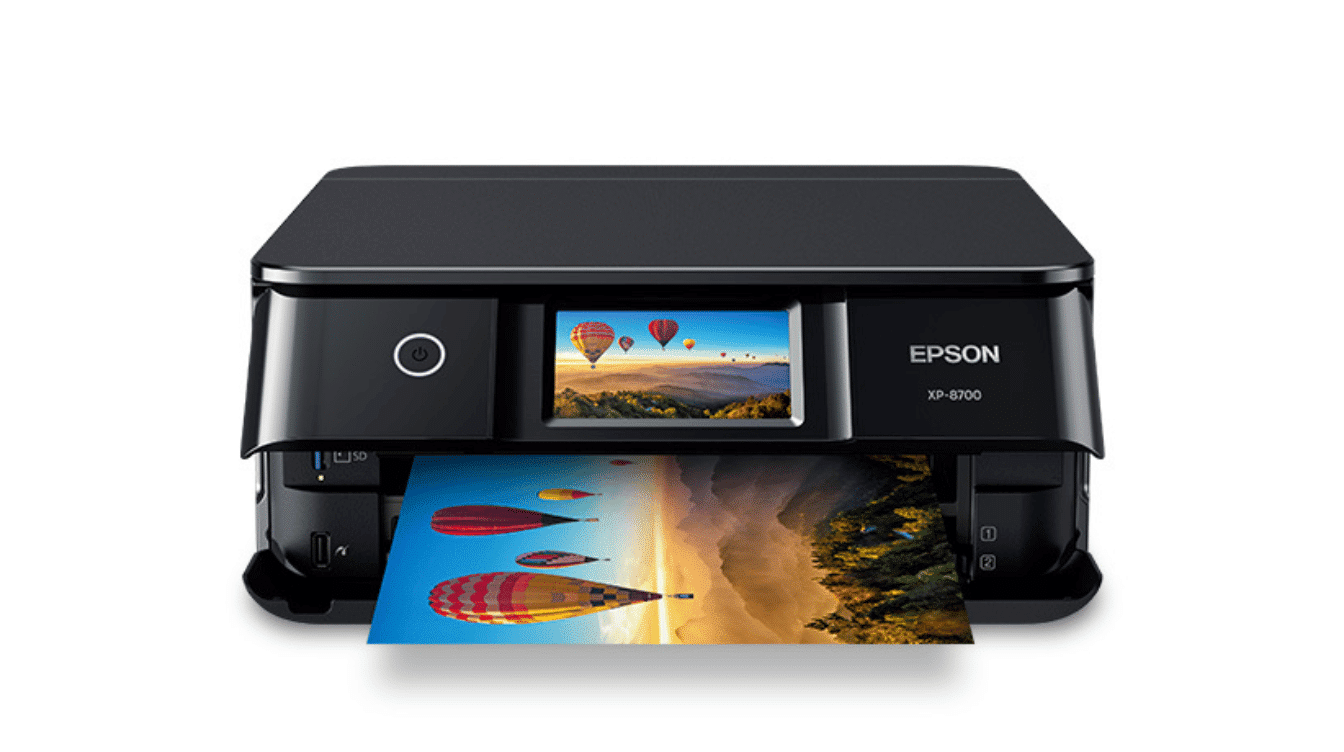
This model brings photo-quality output into a standard home printer that also scans and copies everyday paperwork. The touchscreen keeps menu navigation simple, and separate trays for photo stock and plain paper prevent mix-ups mid-project.
Text printing lags behind dedicated document printers, so it works best as a photo-first machine that handles paperwork on the side.
- Best For: Families wanting one printer for photos and documents
- Ink Type: 6-color Claria Photo HD dye
- Max Print Size: 8.5 x 11 inches (borderless)
- Approx. Price: $250
- Watch For: Text print quality lags behind dedicated document printers
Common Photo Printer Mistakes to Avoid
A handful of avoidable mistakes account for most buyer regret with photo printers, and nearly all of them come down to skipping one of these checks before checkout, often the ones that seem too obvious to matter.
- Buying based on price alone, without checking real print samples or reviews
- Ignoring running cost, which adds up faster than the printer’s sticker price
- Choosing a size larger than what gets printed regularly
- Skipping compatibility checks between the printer and a phone, camera, or memory card type
- Using off-brand paper or ink that wasn’t built for the printer’s technology
Checking these points before checkout takes a few extra minutes, and it usually prevents the printer from sitting unused in a closet within a few months of purchase, long before the ink even runs low.
Photo Printer Buying Guide: What Actually Matters
Choosing the right printer comes down to a few practical questions: what kind of ink it uses, how much it costs to keep running, and how large you actually need to print. Each one is worth understanding before comparing models, since the wrong choice here costs more than the printer itself over time.
- Dye ink or pigment ink: Dye-based ink produces bright, saturated color on glossy paper and costs less per cartridge, which is why most consumer and portable printers use it. Pigment ink resists fading and water damage far better, which is why professional and archival printers use it.
- Cartridges or refillable tanks: Cartridge-based printers cost less to buy but more to run, since replacement cartridges are priced for a small volume of ink. Refillable tank printers, sometimes marketed as supertank or EcoTank models, cost more upfront but bring running costs down by a wide margin once the included ink runs out.
- Print size: Buying a printer built for a size larger than what gets printed regularly adds cost, desk space, and running expense without a real benefit for most households.
- Connectivity: Most current models print over Wi-Fi, Bluetooth, or a direct phone connection through apps like Canon’s, HP’s, or Epson’s own printing software. Check that a printer supports AirPrint or Mopria before buying if you regularly switch between an iPhone and an Android device.
Buying a printer built for a size larger than what gets printed regularly adds cost, desk space, and running expense without a real benefit for most households.
What Reddit Users Say About Photo Printers
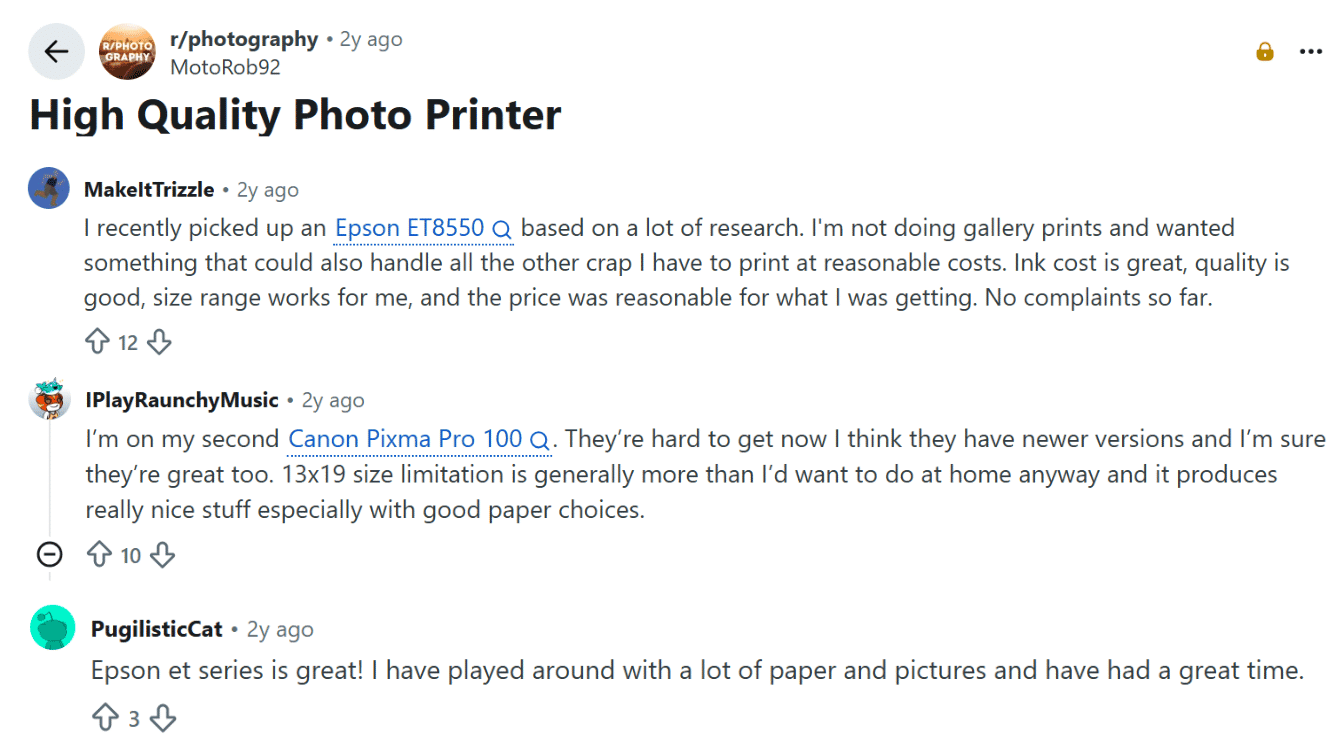
Reddit users feedback in the r/photography photo printer discussion often comes down to what you print regularly rather than spec sheets alone.
One buyer who researched heavily before choosing the Epson EcoTank ET-8550 says ink cost, print quality, and size range have all held up well, with no complaints after ownership.
Long-time Canon PIXMA Pro 100 owners say the 13×19 size ceiling rarely gets in the way at home, and results improve further with better paper choices.
Owners running the Epson ET series report similar satisfaction, describing good results while testing different papers and images. The thread’s consensus leans toward running cost and paper quality mattering more than print size.
Are Photo Printers Worth Buying?
Home printing isn’t automatically cheaper or better than a lab or online service. The right choice depends on how often you print photos and how much control over color actually matters.
|
Option |
Cost Pattern |
Turnaround |
Color Control |
|---|---|---|---|
|
Home printer |
Higher upfront, lower per print over time |
Instant |
Full control |
|
Online print service |
Low per print, shipping adds time |
A few days |
Limited |
|
Professional lab |
Highest per print |
Same day to a few days |
High, with expert input |
None of these three options is the wrong choice on its own. Matching the decision to print volume and how much editing control matters keeps both cost and quality reasonably balanced over time.
Wrapping It Up
Choosing well here comes down to matching ink type and size to how often prints actually get made, not finding a flawless machine.
Anyone chasing the best portable photo printer for gifts and travel gets the most from a compact dye-sublimation model, while frequent printers save real money with a refillable tank.
Professionals after the best printer for photos meant for framing should budget for pigment ink and a wider carriage. Across all seven picks tested here, the best photo printers for today are simply the ones matched to real printing habits.
Compare running cost against a year of use, then order the one that fits. Questions on a model? Drop them below.
Frequently Asked Questions
How Long Do Prints from a Home Photo Printer Actually Last?
It depends on ink type and how you store the print. Pigment-based prints, like those from the Epson SureColor P900, are rated to resist fading for decades when kept out of direct sunlight and behind glass. Dye-based prints from portable and budget inkjets typically start showing noticeable fading within 5 to 15 years under normal display conditions, faster if they sit in direct sun.
Do Photo Printers Need Special Paper?
Dye-sublimation printers like the Selphy and Sprocket require their matched paper-and-ink packs, since the ribbon and paper are calibrated together. Inkjet models like the PIXMA and EcoTank work with a wider range of glossy or matte photo papers from multiple brands.
Should I Buy a Photo Printer, or Use an Online Photo Book Service Instead?
A photo printer makes more sense for anyone who prints individual photos regularly, wants it-now event prints, or makes gifts throughout the year. An online photo book service is usually the better call for a single big project, like a wedding album or annual family book, where bulk pricing and professional binding matter more than instant turnaround.
How Do I Clean a Photo Printer?
Inkjet printers like the PIXMA and EcoTank run a built-in nozzle-check and cleaning cycle from their menu or software when prints look streaky. Dye-sublimation printers need only an occasional wipe of the paper rollers with a dry, lint-free cloth.
Do Portable Photo Printers Need Wi-Fi to Work?
No. The Selphy CP1500 and Sprocket Studio Plus both print over Bluetooth or a direct phone connection, without needing a home Wi-Fi network. These models only need Wi-Fi for cloud printing or firmware updates.