CRM software centralizes customer data, sales activity, service history, and team tasks. It helps sales, marketing, and support teams track interactions and automate routine work.
I have seen teams lose hours switching between spreadsheets, inboxes, and sticky notes before they even get to the actual customer work. That is why choosing a CRM can feel confusing. The real challenge is not finding software. It is finding a system that fits how your team already works.
The three main types of CRM are operational, analytical, and collaborative. Each supports a different need: automation, customer insights, or better team visibility.
Once you understand these categories, choosing the right CRM becomes much easier.
What is CRM Software?
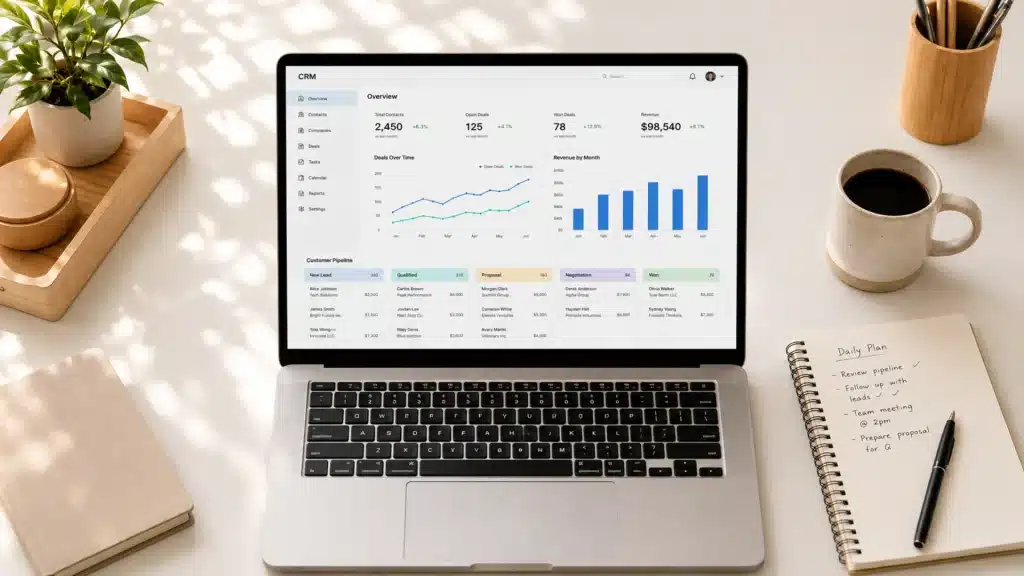
CRM software is a central platform for managing customer and prospect details. It tracks each touchpoint, from first contact to sale and long-term retention.
It stores contact details, saves communication history, automates follow-ups, and shows how your sales pipeline is performing.
For small and growing teams, a CRM can make daily work easier. Instead of chasing notes, checking inboxes, or updating spreadsheets by hand, everyone gets the same view of each customer.
Some CRM tools are simple. Others are more advanced. But the goal is the same: spend less time on admin and more time building stronger customer relationships.
If you’re still getting familiar with the term itself, this breakdown of the CRM Acronym is a good place to start before getting into the specific tools.
Main Types of CRM Software
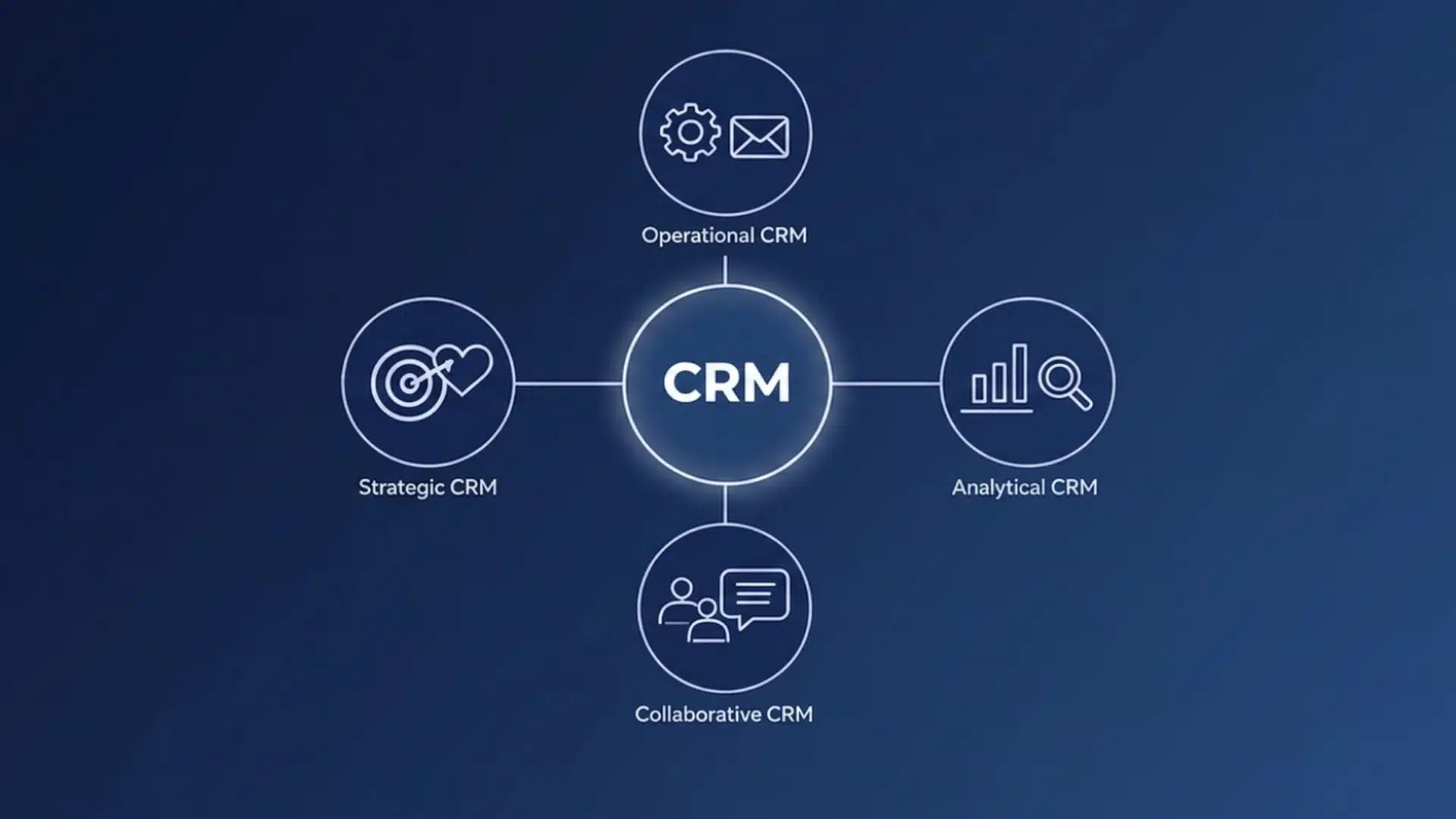
Most CRM platforms fit into three main types: operational, analytical, and collaborative. Some businesses also use strategic CRM when customer retention and long-term planning matter most.
Knowing these categories before you compare tools can help you avoid picking a CRM that looks feature-rich but doesn’t align with how your team works.
1. Operational CRM
An operational CRM handles the repetitive tasks your team does every day, such as sending follow-up emails, scoring leads, updating deal stages, and logging calls. Its main goal is efficiency.
If your team spends too much time on manual data entry or misses follow-ups due to a lack of a clear system, an operational CRM can fix that.
According to CRM.org, operational CRM is often the best starting point for small businesses because it is easy to use right away. You do not need a data analyst to see value from it on day one.
Common examples include:
- HubSpot: A popular free-tier CRM with email automation and pipeline management.
- Zoho: A flexible mid-market CRM with strong automation workflows and mobile support.
- Pipedrive: A sales-focused CRM with simple visual pipelines, ideal for small teams that want easy deal tracking.
2. Analytical CRM
An analytical CRM helps teams understand customer data. It can show patterns in customer behavior, segment audiences, forecast sales, track campaign results, and turn raw data into useful reports.
This type works best for teams that already collect enough customer data but struggle to use it well.
The main downside is setup time. Analytical CRMs often need extra configuration before the dashboards become useful. If your company has a sales ops or marketing analytics team, that setup can be worth it. But if your team only needs a cleaner sales pipeline, an analytical CRM may feel too complex.
Examples in this category include:
- Salesforce Sales Cloud: A powerful CRM with detailed reporting, AI-powered forecasting, and advanced analytics. It is often used by mid-size and enterprise teams.
- Microsoft Dynamics 365: A strong option for companies already using Microsoft tools. It connects well with Teams, Outlook, and Power BI.
3. Collaborative CRM
A collaborative CRM is best for teams where sales, marketing, and support all touch the same customer account. It keeps everyone working from one shared customer record, so important details do not get lost between departments.
This matters when one team closes a deal, another handles onboarding, and support steps in later. Without shared context, customers may have to repeat themselves, follow-ups get missed, and teams lose time searching for basic account history.
If your team often asks, “Who last spoke to this customer?” or “What was promised during the last call?”, a collaborative CRM is likely the right fit.
Examples include:
- Monday.com: extends the project management interface into shared pipelines, giving cross-functional teams a familiar visual workspace.
- Freshsales: combines sales and support touchpoints in a single view with built-in phone, email, and chat.
4. Strategic CRM
Strategic CRM differs from operational, analytical, and collaborative CRM.
While the other three focus on daily tasks, data, or team coordination, strategic CRM focuses on long-term customer relationships.
It helps businesses understand customer lifetime value, identify high-value segments, and build stronger retention programs. This type is usually more useful for larger companies with mature sales, marketing, and customer success teams.
Most dedicated strategic CRM tools are enterprise-focused, but platforms like Salesforce and HubSpot include strategic features in higher-tier plans.
What to Look for in CRM Software
The best CRM is not the one with the most features. It is the one your team will use daily without extra admin work.
- AI features can help with lead scoring, smart follow-ups, task suggestions, and sales forecasting. You do not need advanced AI right away. Start with tools that save time and make the next steps clearer.
- Mobile access matters, especially if your team works from meetings, events, or the road. A CRM should feel easy to use on a phone, not just on a desktop.
- Integration is crucial. Your CRM should connect to email, calendar, marketing tools, and any other software your team relies on. For event-focused teams, this can also include event technology trends and tools that automatically collect attendee data and send it to the CRM.
- Ease of use is where many CRM rollouts fail. CRM.org found that 42% of businesses name a lack of training or expertise as the biggest barrier to successful CRM implementation. A tool your team can use consistently will beat a feature-heavy platform that nobody wants to open.
CRM Software Examples by Business Size
Once you know the CRM type you need, match it to your team size, budget, and setup needs. A solo consultant does not need the same system as a 200-person sales team.
| CRM | Best for | Starting price |
|---|---|---|
| HubSpot | Small teams (1–100) | Free tier available |
| Zoho CRM | Small to medium (1–50) | ~$14/user/month |
| Pipedrive | Small sales teams | ~$14.90/user/month |
| Freshsales | Small to medium | Free tier available |
| Salesforce Sales Cloud | Mid-market and enterprise | ~$25/user/month |
| Microsoft Dynamics 365 | Enterprise | ~$65/user/month |
Pricing sourced from vendor pages: confirm directly with vendors before purchasing.
Small businesses (under 25 people): Keep the setup simple. Look for easy onboarding, a free or low-cost entry point, and features your team can use without dedicated training. HubSpot’s free plan covers contacts, deal tracking, and basic automation. Zoho and Freshsales offer more room to grow without a steep price increase.
Mid-market companies (25–200 people): The focus shifts to integrations, reporting, and automation that can scale with headcount. Salesforce, HubSpot’s paid plans, and Zoho Enterprise are common choices. Avoid purchasing advanced modules your team won’t use in the first six months, as they slow adoption and inflate your bill.
Enterprise teams (200+ people): CRM becomes a full business system. Salesforce, Microsoft Dynamics 365, and SAP Customer Experience support complex sales cycles, territory management, advanced analytics, and ERP integrations.
How CRM Software Connects to Your Event Management Stack
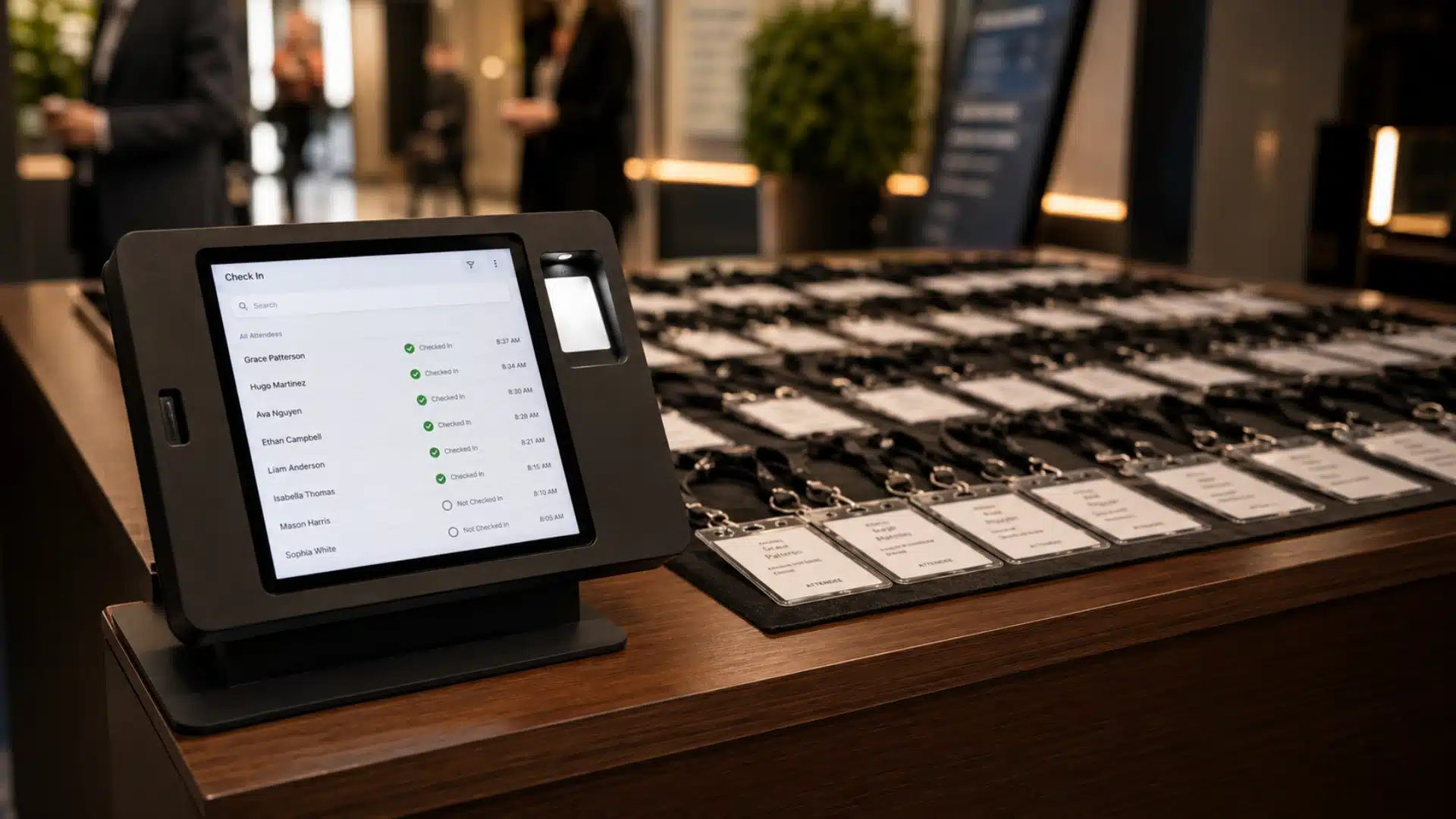
Event teams gather valuable data at conferences, expos, and corporate events through registration, badge scans, session attendance, and booth leads.
Often, this data stays in the event platform and never reaches the CRM in a usable form.
When your event management platform connects with your CRM, attendee data is automatically added to contact records. Leads from event lead retrieval can be synced to your pipeline, tagged by interest, and routed to the right sales rep soon after they are scanned.
That turns event data into a real follow-up workflow, not just a spreadsheet of business cards.
The same applies to event registration data. Every form submission is a customer record. If that data stays only in your event tool, your team ends up managing two separate databases for the same person.
When registration data flows into your CRM, you can track the full journey from first sign-up to long-term relationship. For teams running multiple events per year, this integration is essential.
Event planning best practices should include a CRM integration plan in advance of the event. Decide how attendee data will be captured, synced, and who will manage follow-ups. A clean CRM workflow is far more valuable than leads sitting untouched in a spreadsheet.
Conclusion
Choosing a CRM is not about chasing the “best” tool. From my experience with software workflows, the right CRM is the one that fits how your team already works.
If deals keep slipping, choose an operational CRM. If data feels messy, go analytical. If teams work in silos, a collaborative CRM may be the better fit.
For event teams, the strongest results often come when the CRM connects with your event management system. That one step can turn scattered customer data into timely follow-ups and stronger relationships.
Which CRM type does your team use, and is it actually working for you? Drop your experience in the comments.
Frequently Asked Questions
What is the Difference Between Crm and ERP?
CRM manages customer relationships and sales activity. ERP handles internal operations like finance, supply chain, and HR. They often integrate but serve different purposes and teams.
Can Small Businesses Use Free CRM Effectively?
Yes. HubSpot’s free tier covers contact management, deal tracking, and basic automation. Limits usually involve contacts, users, or automations. Free plans often meet small teams’ needs for the first year.
How Long Does CRM Implementation Take?
Small business setups take days to weeks. Enterprise deployments with complex data, integrations, and training can take 3–6 months. Clean, structured data speeds up the process.