A dead doorbell always seems to happen at the worst time. Someone comes to the door, a package gets dropped off, or motion happens outside, and the camera is not ready when it matters.
That can be annoying, especially when the whole point of a smart doorbell is to help you see what is happening in real time.
That is why battery life is such a big question before buying or using one.
If you are wondering how long a Ring Doorbell lasts, the answer depends on the model, your settings, the weather, Wi-Fi strength, and how much activity happens near your door.
In this blog, you will learn the usual battery life under normal use, why some batteries drain faster, how long the device itself can keep working, when replacement makes sense, and simple ways to get more time between charges without making the doorbell less useful.
How Long Does a Ring Doorbell Last on One Charge?
Ring battery-powered models last 6 to 12 months per charge. That estimate is based on around 3 to 5 motion events per day in mild weather with settings kept at defaults.
In real use, most people charge every 3 to 6 months. If your doorbell faces a busy street, a shared building hallway, or a driveway with constant car movement, the battery will drain faster
Motion events are the biggest draw on power, and a doorbell that records 15 or more events a day can drop to under two months per charge.
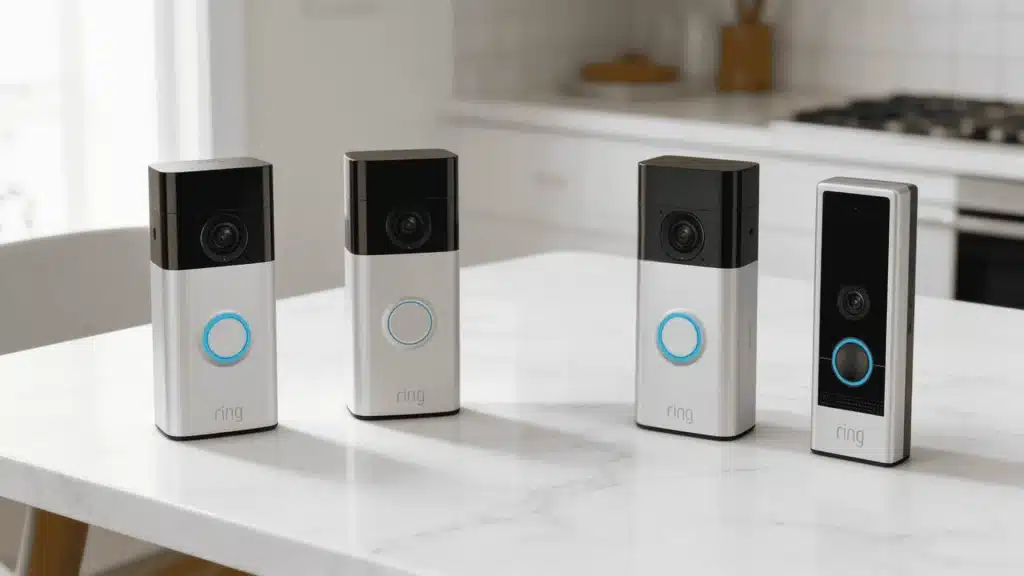
Wired models like the Ring Wired Doorbell Pro work differently. It connects to your existing doorbell wiring and does not depend on a battery for main power.
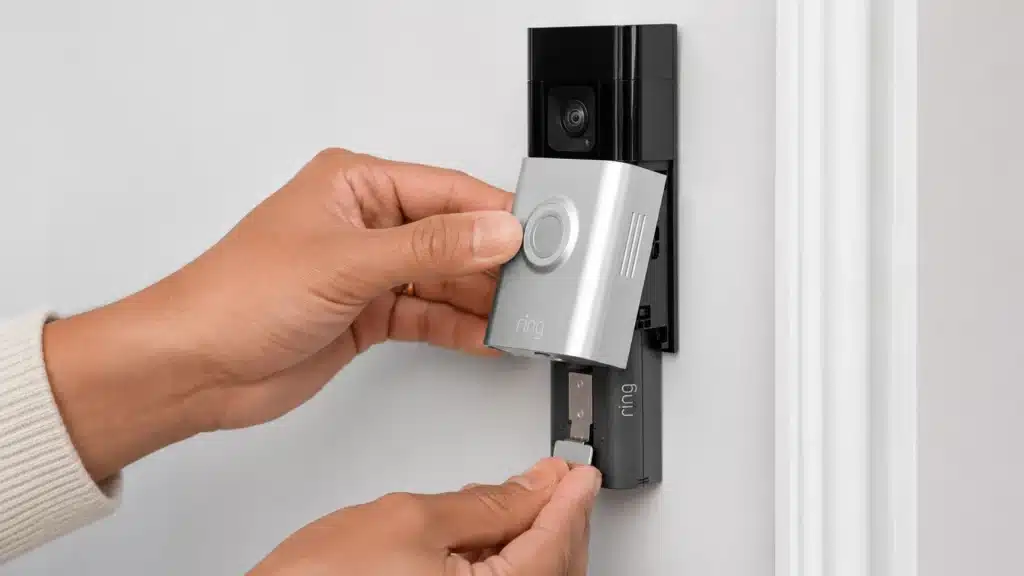
Even on some hardwired Ring models, the battery still powers the camera itself.
The wired connection primarily enables your existing home chime and provides a trickle charge.
If wiring is an option for your home, it removes most of the charging concern, but check your specific model’s documentation to confirm how power is distributed.
If you are thinking about the broader setup, it helps to integrate it with your home security system from the start so your settings are tuned correctly.
What Drains a Ring Doorbell Battery Faster?
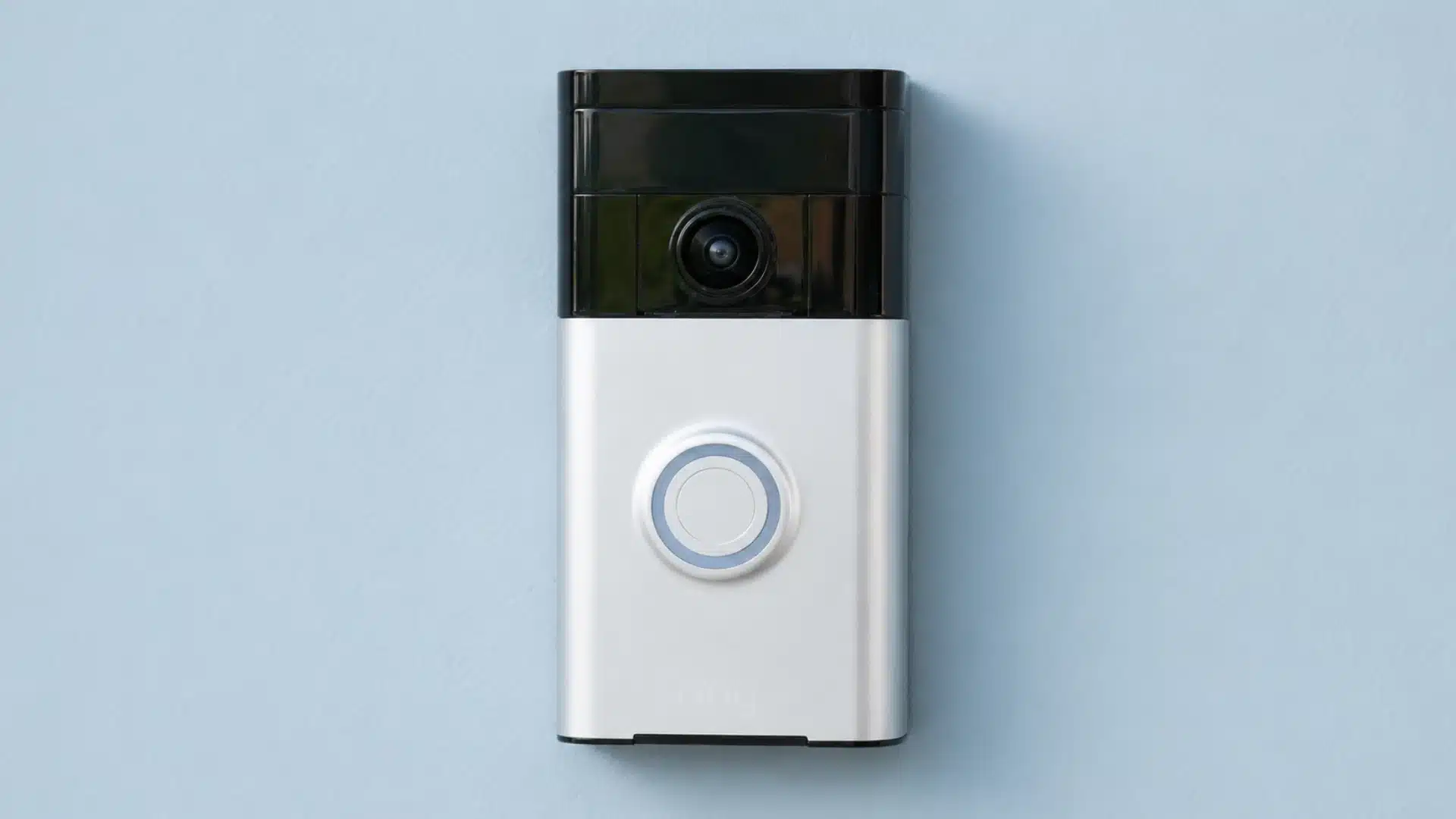
Several daily settings and environmental factors can make a Ring Doorbell battery run out much faster than expected during normal use.
- Too Many Motion Alerts: Constant motion notifications force the camera to wake up and record more often, which increases battery use throughout the entire day.
- Wide Motion Zones: Large motion-detection areas capture passing cars, people, and animals more frequently, leading to unnecessary recordings and faster battery drain over time.
- Frequent Live View Use: Opening the Live View feature many times each day keeps the camera active longer and uses more battery than regular alerts.
- Weak Wi-Fi Signal: A poor internet connection makes the Ring Doorbell work harder to stay connected, which can slowly degrade battery performance every day.
- Cold or Hot Weather: Extreme temperatures can affect battery efficiency and shorten charge life, especially during freezing winters or very hot summer conditions outdoors.
- High Motion Frequency: Apartment building hallways, busy driveways, and street-facing doors see far more triggers per day than a quiet residential entrance. That difference in recording frequency is often the real explanation when battery life feels shorter than expected.
How Long Does the Ring Doorbell Device Itself Last?
Separating the battery lifespan from the device lifespan matters because they are not the same thing. The camera, speaker, motion detection, and alert system can all work normally long after the battery starts to degrade.
Most Ring Doorbells last 3 to 5 years in daily use, and the original 2014 Ring Doorbell is still compatible with the current Ring app.
The battery is usually what fails first. Lithium-ion batteries degrade after 500 to 1,000 charge cycles. After that point, capacity drops and the battery holds less charge per cycle.
If your doorbell has been in use for 2 or more years and starts dying every week despite low activity, the battery is the likely cause, not the device.
Ring’s standard warranty covers battery defects within the first year.
Keeping the lens clean, updating the firmware regularly, and installing the unit in a sheltered spot, away from direct sun and heavy rain, all extend the device’s physical life.
Ring is one of several affordable home security gadgets that hold up well beyond the warranty period with basic care.
How Long Does a Ring Doorbell Last in Real Use?

Reddit users give a more realistic picture of how long a Ring Doorbell lasts outside of normal product claims.
Some say the battery lasts at least a month, while others get around two to three months with battery-saving settings turned on.
A few users also mention that keeping two batteries helps a lot, since one can stay in the doorbell while the other stays fully charged.
The weather seems to make a big difference, too. In warmer months, some users get about six to eight weeks per charge, but colder weather can cut that down to two or three weeks.
One condo user said the battery lasted about two months with around a dozen recordings per day. So, real battery life depends heavily on usage, temperature, and settings.
How to Make a Ring Doorbell Battery Last Longer?
A few simple setting changes can help the battery last much longer without affecting daily alerts, recordings, or the overall performance of the doorbell.
- Reduce Motion Zones: Smaller motion areas stop the camera from recording passing cars, distant movement, or unnecessary activity that can slowly drain battery life.
- Lower Motion Frequency: Reducing how often the camera checks for movement can decrease battery use while still keeping important motion alerts active during the day.
- Use Live View Less: Opening the camera feed too often keeps the device running longer, which can shorten the time between full battery charges significantly.
- Improve Wi-Fi Signal: Stronger Wi-Fi helps the doorbell stay connected more easily, reducing extra power use caused by weak or unstable internet connections.
- Keep Firmware Updated: Software updates can improve battery efficiency, fix small performance issues, and help the Ring Doorbell run more smoothly over time.
- Use a Spare Battery or Solar Charger: Extra battery packs or compatible solar chargers can reduce charging interruptions and help keep the doorbell powered for longer periods.
When Should You Replace the Battery or Doorbell?
A Ring Doorbell does not always need a full replacement right away, but some warning signs can show when the battery or device is starting to fail.
If the battery drains unusually fast even after a full charge, the battery itself may be wearing out from long-term use.
Some users also notice the doorbell shutting down randomly or losing power more often than before.
Charging problems can also be a warning sign, especially when the battery takes much longer to reach a full charge.
In some cases, the device may start missing motion alerts, fail to record activity properly, or stop sending notifications consistently.
Before replacing the whole unit, it is worth trying a reset and checking for software updates.
If the problems continue after updates and troubleshooting, replacing the battery or the entire Ring Doorbell may be the better long-term solution.
Conclusion
A Ring Doorbell battery can last anywhere from a few months to nearly a year, while the device itself can keep working for several years with proper care.
If you had also wondered how long a Ring Doorbell lasts, the answer is different for every setup, but small changes in settings can make a noticeable difference over time.
It is also important to remember that battery problems do not always mean the full device needs replacement.
Before buying a new battery or doorbell, checking motion settings, Wi-Fi strength, and software updates can help avoid unnecessary spending.
How often do you usually charge your Ring Doorbell at home? Share your experience or tips in the comments below.
Frequently Asked Questions
Can You Overcharge a Ring Doorbell Battery?
No, Ring batteries are made to stop charging once they are full. Still, it is better to remove the battery from charging after it reaches 100 percent instead of leaving it plugged in for days.
Does Turning off Motion Detection Save Ring Doorbell Battery?
Yes, turning off motion detection can save battery, but it also limits what the doorbell can record. A better option is to adjust motion zones instead of turning the feature off completely.
Can a Ring Doorbell Work While the Battery is Charging?
Most battery-powered Ring Doorbells cannot keep working while the battery is removed for charging. If your model has a removable battery pack, keeping a spare battery ready can help avoid downtime.