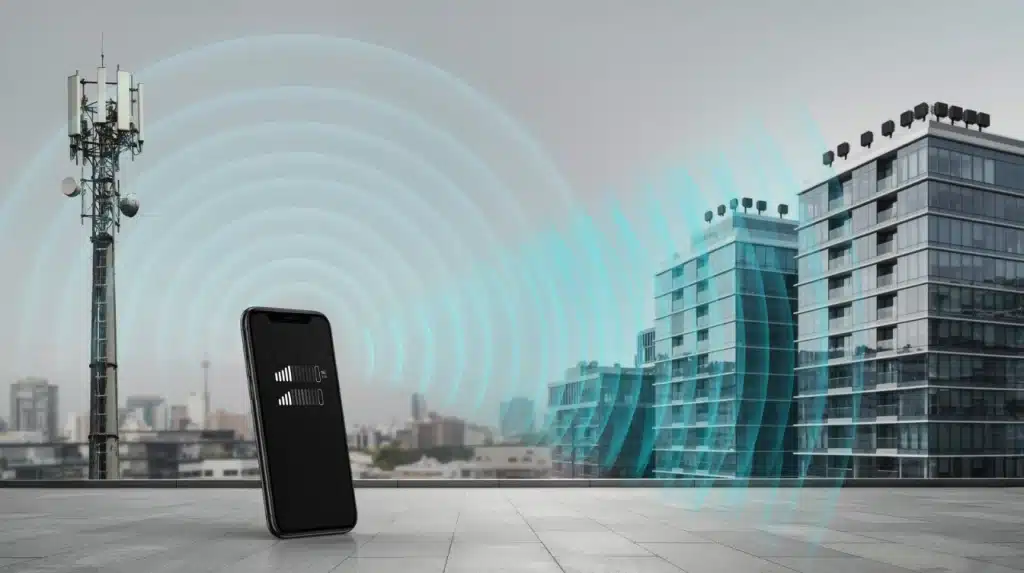
Seeing a new network symbol on a phone screen can leave many users wondering what has changed. The question “What does 5G UC mean?” often comes up when the 5G UC icon appears beside the signal bars.
It refers to T-Mobile’s Ultra Capacity network label, which indicates a different level of 5G connection. Understanding the meaning behind this symbol helps you make sense of your phone’s network status.
The details ahead cover how 5G UC works, why it appears on devices, how it differs from other 5G labels, and what it means for everyday mobile use.
Clear explanations can help you understand the connection shown on your screen and choose settings with greater confidence when managing your mobile experience too.
What Does 5G UC Mean and How Does It Work?
Understanding 5G UC meaning becomes easier when you break down the term. 5G refers to the fifth generation of wireless technology.
It improves mobile connections with better speeds, lower latency, and support for more connected devices, shaping everyday mobile experiences along the way.
Unlike standard 5G, which focuses on wider coverage, 5G UC mainly uses mid-band spectrum to deliver faster performance in areas with heavy network usage.
The icon appears automatically when your phone connects to an available Ultra Capacity network. You do not need to enable any setting.
It simply shows that your device is using a faster layer of T-Mobile’s 5G network, depending on coverage, device support, and signal conditions.
5G UC vs Regular 5G: What Changes
Regular 5G and 5G UC are not two separate networks. They are different layers of the same one, and here is how they compare.
| Layer | Spectrum Used | Typical Speed Range | Best For |
|---|---|---|---|
| Regular 5G (Extended Range) | Low-band | Up to 150–200 Mbps | Wide-area coverage, rural and highway use |
| 5G UC (Ultra Capacity) | Mid-band and mmWave | Up to 1 Gbps+ in ideal conditions | Dense urban areas, stadiums, indoor hotspots |
Knowing this gap helps set expectations before you check your phone screen. This is largely possible because the FCC has steadily opened up mid-band spectrum for 5G across the country, the same spectrum layer carriers use to power these faster connections. So, it can feel a bit inconsistent depending on where you are.
5G UC vs 5G UW vs 5G+: Carrier Labels Compared
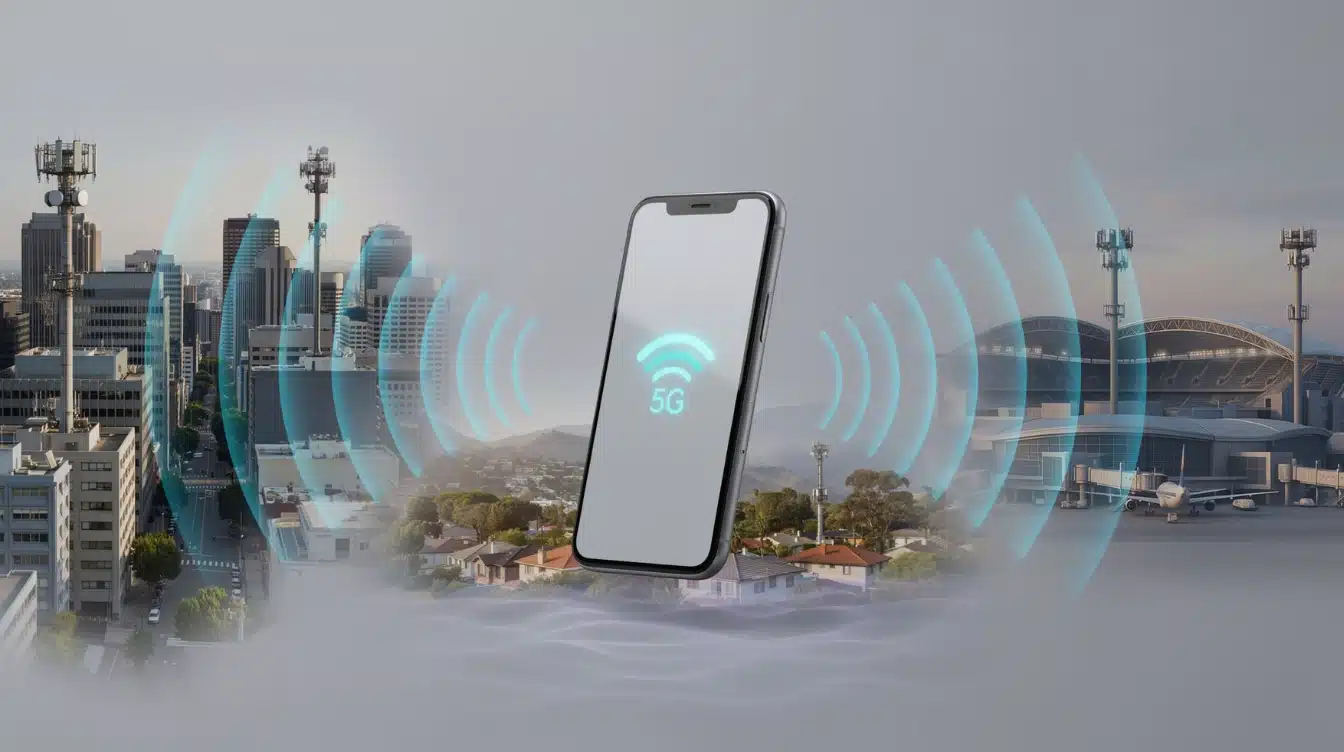
Each major US carrier names its faster 5G layer differently, even though the underlying idea is close to identical across all three.
1. T-Mobile: 5G UC
T-Mobile calls its faster layer 5G UC, short for Ultra Capacity. It covers mid-band and mmWave spectrum and reaches more cities and towns than Verizon’s or AT&T’s equivalent networks right now.
T-Mobile built its mid-band footprint earlier and at a larger scale. This label appears on more devices in more places, which is why it has been the main focus throughout this piece.
2. Verizon: 5G UW
Verizon calls its version 5G UW, short for Ultra Wideband. It runs on C-band and mmWave spectrum and works the same way as 5G UC, since a phone shows it only while connected to that specific layer of Verizon’s network.
Coverage is strongest in major metro areas, stadiums, and airports where Verizon has invested heavily. Outside those areas, Verizon phones typically show a standard 5G icon.
3. AT&T: 5G+
AT&T calls its faster layer 5G+, covering mid-band and mmWave spectrum in select cities, stadiums, and airports.
Coverage is more limited than T-Mobile’s or Verizon’s equivalent networks, so plain 5G still shows up more often for AT&T customers outside dense areas.
AT&T has focused its mid-band rollout on larger metro markets first, which means smaller towns may not see the 5G+ icon for some time.
Despite the different names, all three labels point to the same idea: your phone is using the faster, higher-capacity part of a carrier’s 5G network rather than the standard layer.
Is 5G UC Actually Faster than Regular 5G?
The 5G UC icon usually indicates a higher-capacity connection, but it does not guarantee the same speed in every situation. Your actual experience depends on several real-world conditions that affect mobile performance.
Factors that influence performance include:
- Distance from the nearest network equipment
- Indoor obstacles like walls and buildings
- Number of users connected nearby
- Phone hardware and supported bands
- Network traffic during busy periods
For example: someone using 5G UC outdoors in a busy city area may notice a major speed improvement. Another person indoors with a weak signal may see little difference, not unlike issues you’d trace back to a home network setup.
The network icon shows what type of connection you have, but your location and conditions determine how well it performs.
Which Phones Show the 5G UC Icon?
Not every 5G phone can display the 5G UC symbol. The device needs compatible hardware and support for the network bands used by T-Mobile’s Ultra Capacity service
| Brand | Compatible Models | Band Support Needed |
|---|---|---|
| Apple | iPhone 12 series and newer | Mid-band and mmWave (model dependent) |
| Samsung | Galaxy S20 series and newer, most Galaxy A 5G models | Mid-band and mmWave (model dependent) |
| Pixel 4a 5G and newer Pixel models | Mid-band and mmWave (model dependent) |
This list covers the most common models, but band support kinda shifts around by carrier version and country, even if it’s basically the same phone generation. Checking your own model number against T-Mobile’s compatibility page, the same way you’d dig into overlooked smartphone features before an upgrade. It’s a small step, but it saves time.
Why the 5G UC Icon Might Not Appear
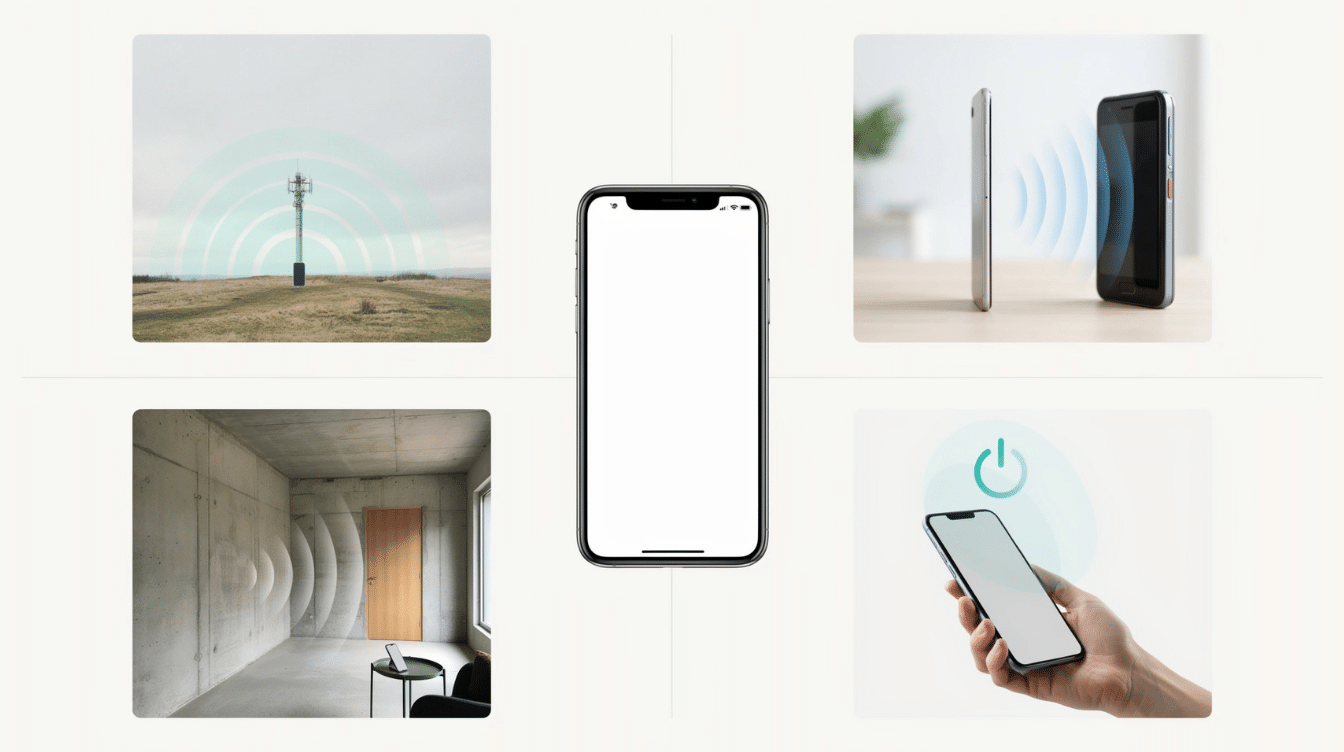
A 5G-capable phone won’t always throw up the 5G UC label, and honestly, the reason is usually one of a few usual culprits, tied to location, hardware, or just a short-lived hiccup
- Limited 5G UC coverage: Your phone displays 5G UC only in supported areas. Moving indoors or away from coverage zones can switch it back to regular 5G or LTE.
- Unsupported device bands: Your phone may support 5G but lack the specific frequency bands required for Ultra Capacity connections.
- Outdated software or settings: Pending carrier updates or software versions can affect network connectivity and feature availability.
- Weak network signals: Walls, underground locations, and physical barriers can reduce signal strength and prevent the icon from appearing.
A missing 5G UC symbol does not always indicate a device problem. Checking coverage, updates, and compatibility can quickly identify the reason.
Is 5G UC Available Everywhere?
5G UC availability depends on where T-Mobile has deployed its Ultra Capacity network. The icon is more common in locations where higher network capacity is needed.
You are more likely to see 5G UC in:
- Large cities
- Shopping districts
- Airports
- Universities
- Stadiums
- Business areas
Outside these locations, your phone may connect to regular 5G or LTE instead.
Coverage also changes over time as carriers expand their networks. A location without 5G UC today may receive coverage improvements later.
The symbol appearing occasionally is normal because your phone automatically selects the best available connection based on signal quality and network availability.
Can You Turn Off 5G UC?
There is no separate switch for 5G UC alone, but you can still control how your phone connects to the network overall by changing one setting.
On iPhone:
- Open Settings, then Cellular, then Cellular Data Options, then Voice & Data.
- Choose LTE instead of 5G Auto to stay off 5G entirely, including the Ultra Capacity layer.
On Android:
- Open Settings, then Network & Internet, then SIMs or Mobile Network.
- Change the preferred network type to LTE only.
Turning off 5G this way also removes access to regular 5G, not just the UC layer, so any battery savings come paired with a noticeable drop in data speed.
Common Mistakes Users Make with 5G UC
Many users misunderstand what the 5G UC icon actually represents. This table highlights common mistakes and the reality behind them to set clearer expectations.
| Common Mistake | Reality |
|---|---|
| 5G UC always means maximum speed | Speed depends on coverage, signal, and network traffic. |
| Every 5G phone supports 5G UC | Devices need compatible bands and hardware. |
| 5G UC means unlimited data | The icon only shows network type, not your plan. |
| Speed comparisons ignore location | Performance changes based on signal and surroundings. |
| Missing 5G UC means phone damage | Coverage or compatibility issues may hide the icon. |
The 5G UC symbol is only one part of your mobile experience. Understanding these details helps you judge performance based on real network conditions.
Final Takeaway
5G UC is simply a sign that your phone has connected to T-Mobile’s higher-capacity 5G network layer. I find that understanding these small network labels makes mobile technology feel much less confusing, and you can make better decisions when checking your device or plan.
The main things to remember are that 5G UC does not mean unlimited data, it does not guarantee identical speeds everywhere, and it depends on coverage and phone support. Knowing what 5G UC means helps you understand what your phone is actually using.
I hope this clears up the confusion behind the icon and helps you get more value from your connection. Share your experience with 5G UC in the comments, or check related mobile technology topics for more useful information
Frequently Asked Questions
Does 5G UC Affect Phone Calls?
No, 5G UC mainly improves data performance rather than changing regular phone call quality. Calls usually depend on your carrier’s voice network, VoLTE support, and signal strength in your area.
Do I Need a Special Plan to Use 5G UC?
Most T-Mobile 5G plans with compatible devices can access 5G UC. Still, availability depends on your carrier plan, device compatibility, and whether Ultra Capacity coverage is available in your location.
Why Does My Phone Switch Between 5G UC And LTE?
Your phone automatically changes network connections based on signal strength, coverage, battery settings, and network availability. It may switch to LTE when 5G UC is unavailable or when LTE provides a more reliable connection.