AI tools are changing how people manage daily work by offering faster and smarter solutions for different tasks.
As AI technology grows, more platforms are becoming available to help with writing, research, task management, automation, and idea generation.
These tools work like digital assistants that can save time and reduce manual effort in both personal and professional work.
Many businesses, students, and creators use AI to work faster and improve productivity.
Since every platform offers different features, trying multiple AI tools can help you find the right fit for your workflow, making everyday work easier, more organized, and far more productive.
Why Use Different AI Tools?
No single AI platform is suitable for every task. Some tools perform better for content creation, while others simplify design, automate workflows, or improve data analysis.
Using different AI solutions helps you select the right tool for each requirement, increase productivity, and create a more efficient workflow.
Combining specialized features from multiple platforms can also streamline daily tasks and deliver better results.
Trying a range of AI tools provides access to unique capabilities, advanced automation, and innovative features that may not be available on a single platform.
Testing different AI tools can help improve efficiency, stay organized, reduce effort, and get faster results.
Best ChatGPT Competitors to Boost Productivity & Work Efficiency
By using the right combination of AI tools and agents, you can reduce repetitive work, stay on top of deadlines, and focus on what truly matters.
1. Notion AI
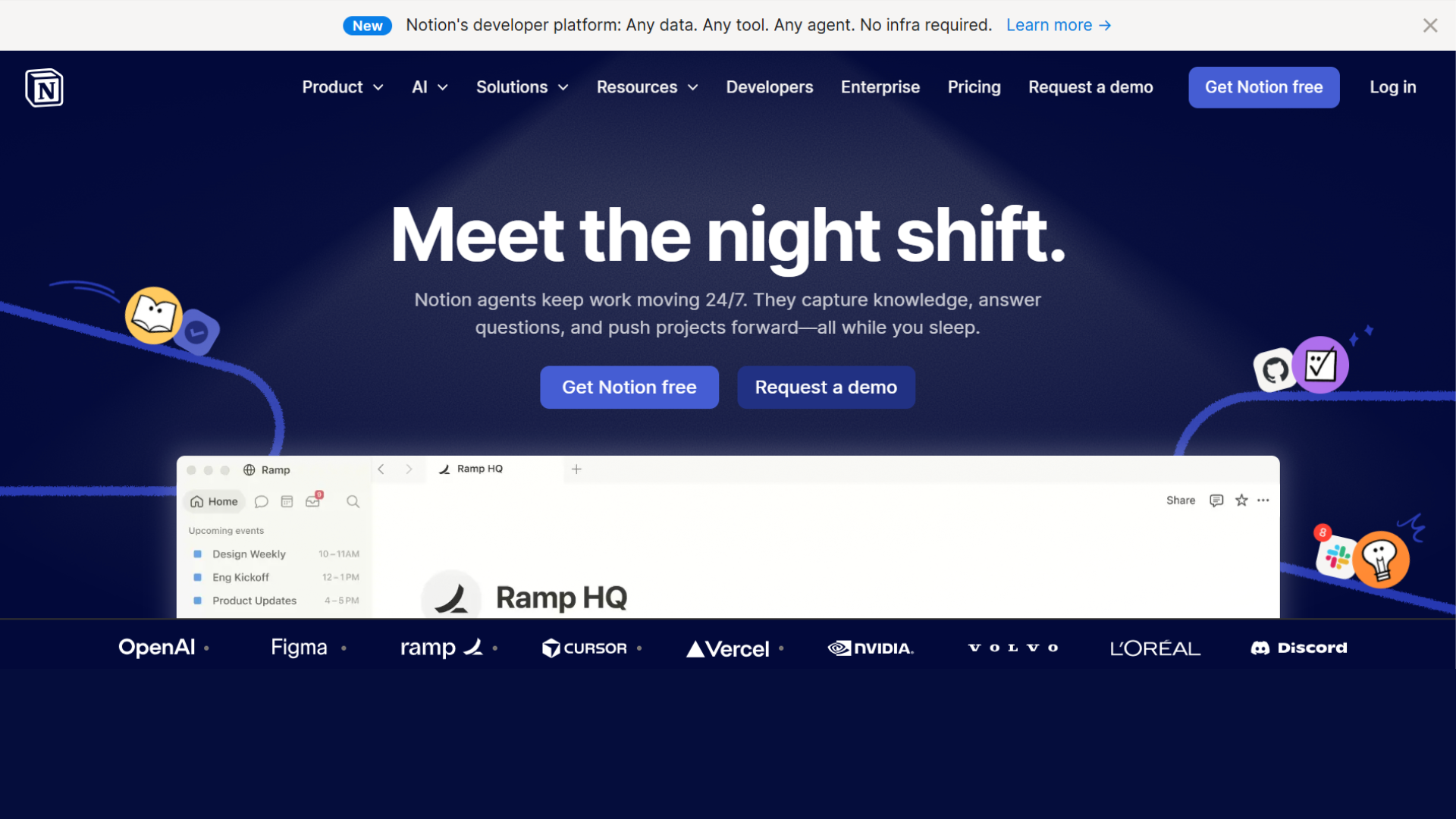
Notion AI changes your note-taking and task management by turning ideas into actionable plans. It helps brainstorm topics, summarize content, and structure projects efficiently.
You can draft meeting notes, create to-do lists, and organize your workflow in one platform. For anyone juggling multiple responsibilities.
It acts as a smart assistant, ensuring nothing falls through the cracks while saving time on repetitive organization tasks. It’s ideal for personal projects, study planning, or team collaboration.
- Summarization: AI-powered note and document summaries
- Organization: Smart task and project management tools
- Meetings: Automatic meeting note generation
- Collaboration: Team workspace and sharing support
- Usage: Best for productivity and planning
2.Motion
Motion is a dynamic scheduling assistant that automatically prioritizes and arranges your day. It integrates your calendar, tasks, and deadlines to ensure your most important work gets attention first.
By intelligently reallocating free time, Motion helps reduce stress and keep you focused.
Whether managing personal projects or work commitments, it eliminates the hassle of manual planning.
Users report gaining hours each week while maintaining control over priorities, making it a perfect companion for productivity-driven professionals.
- Scheduling: Automatic calendar management
- Prioritization: Smart task arrangement features
- Deadlines: Workflow and deadline tracking
- Focus: Dedicated focus-time planning
- Usage: Best for busy professionals
3. Otter.ai
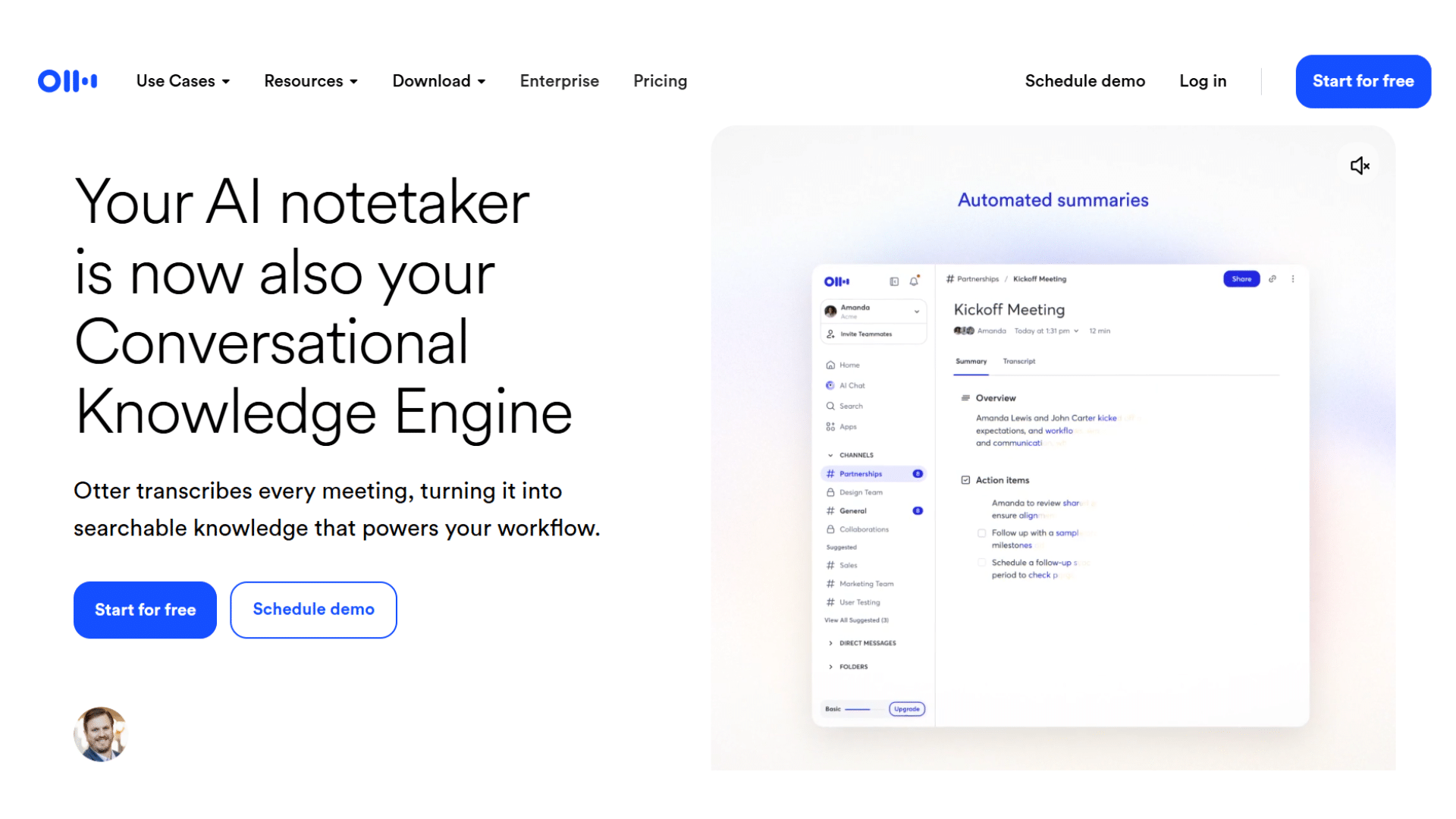
Otter.ai is a transcription and note-taking tool designed for busy professionals and students. It records conversations, meetings, and lectures, then converts them into searchable, shareable notes.
Action items, highlights, and summaries are automatically generated, reducing the time spent reviewing discussions.
Whether you’re in a team meeting, attending webinars, or brainstorming with a group, Otter.ai captures every detail accurately.
It’s a practical tool for staying organized and improving productivity without missing critical information.
- Transcription: Real-time speech-to-text conversion
- Notes: Searchable conversation records
- Summaries: AI-generated meeting highlights
- Identification: Speaker recognition support
- Usage: Best for meetings and lectures
4. Lindy
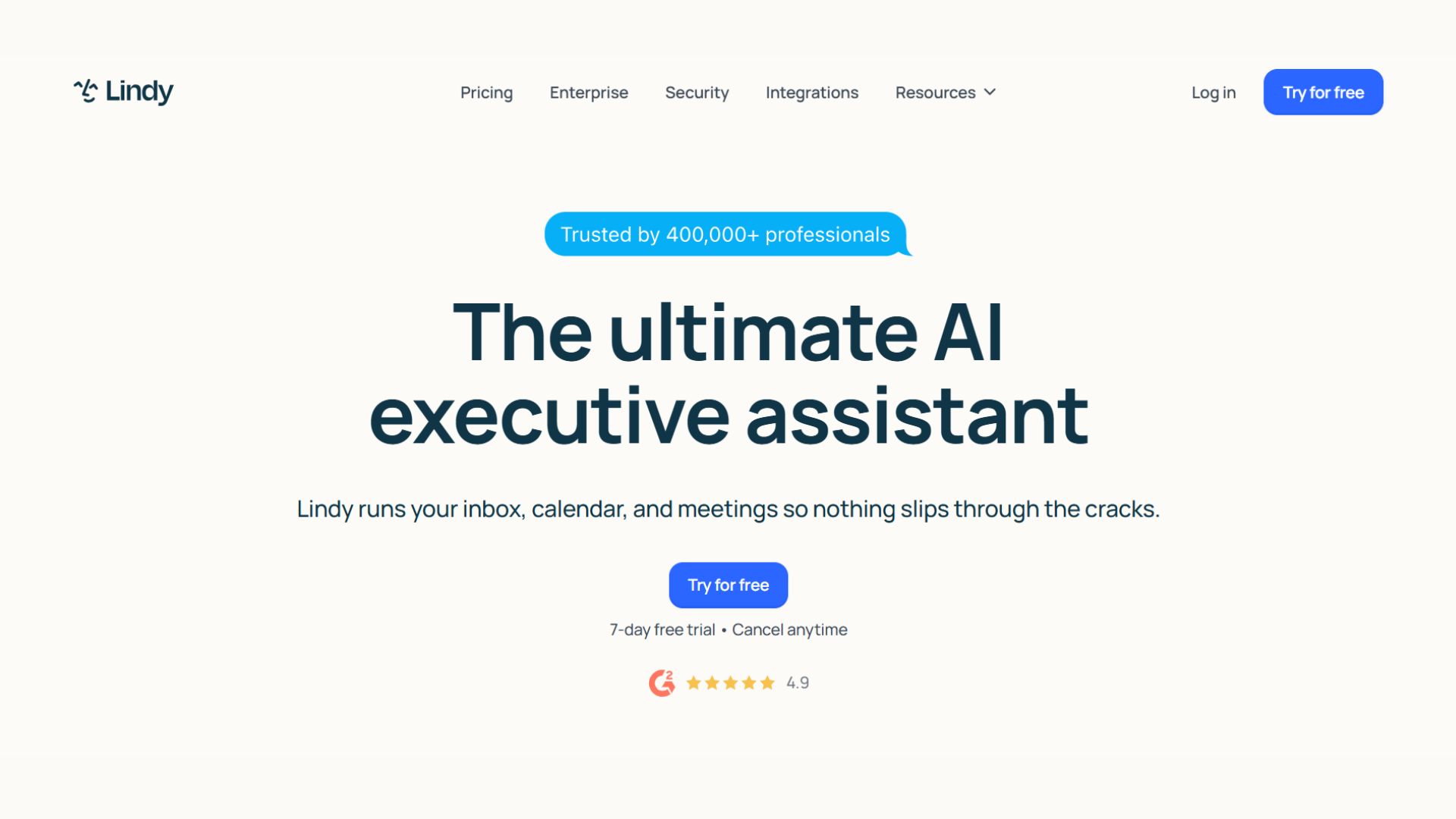
Lindy is a no-code AI agent that acts like a personal digital employee. It can manage emails, schedule appointments, and follow up with clients autonomously.
Ideal for individuals or small businesses, Lindy handles repetitive tasks that typically consume hours each week.
By automating routine operations, users can focus on strategic work and creative projects.
Its intuitive interface makes setup simple, even for those without technical expertise, allowing anyone to leverage AI to reduce daily workload and improve time management.
- Automation: AI-powered workflow management
- Emails: Inbox and communication handling
- Scheduling: Appointment booking support
- Setup: No-code automation tools
- Usage: Best for small businesses
5. Jasper AI
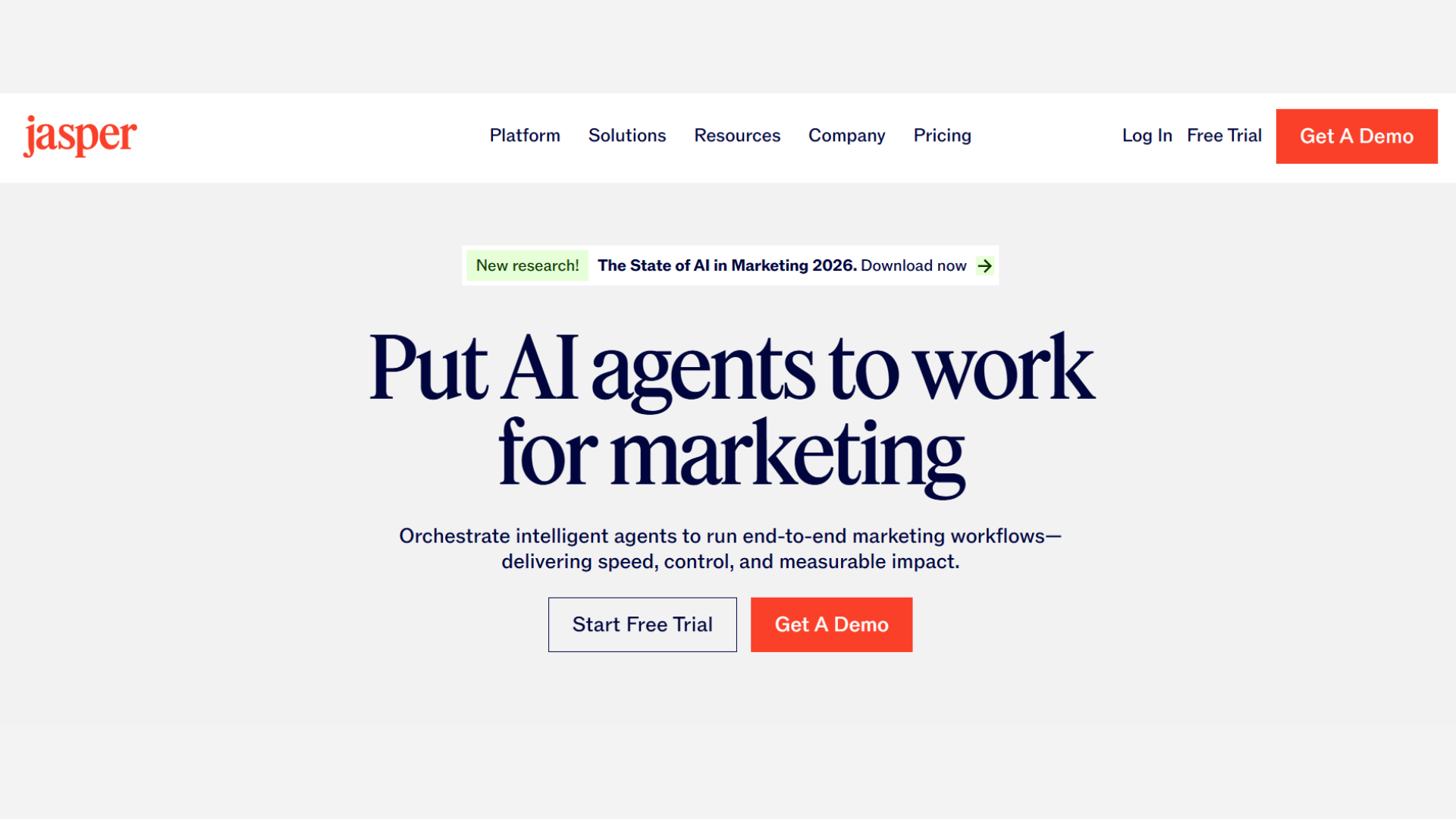
Jasper AI is a powerful content-generation tool for marketers, writers, and business professionals. It creates blog posts, social media captions, emails, and ad copy in seconds, eliminating writer’s block.
By understanding context and tone, it tailors content to your brand voice, saving hours of drafting and editing.
Teams can collaborate within the platform, making it suitable for small businesses and agencies alike.
Jasper AI streamlines content creation, increases output, and ensures consistent messaging, helping you stay ahead in a fast-paced digital world.
- Writing: AI blog and article generation
- Marketing: Ad copy and campaign support
- Social Media: Caption and post creation
- Branding: Custom brand voice settings
- Usage: Best for content creators
6. CrewAI
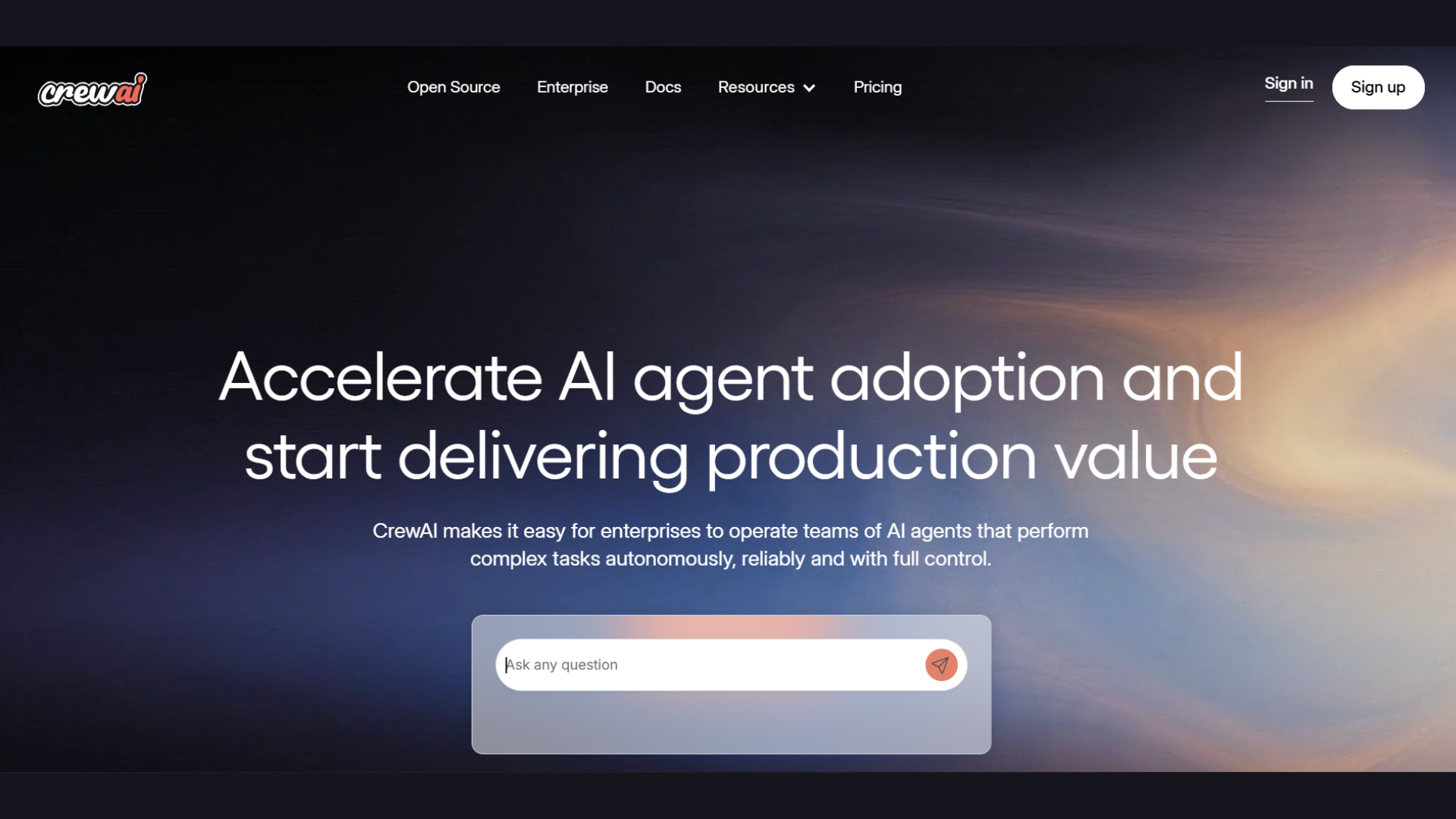
CrewAI is designed for teams that require collaboration among multiple AI agents. It allows developers and project managers to create specialized agents that handle different tasks simultaneously, from research to project execution.
This system can simplify workflows, reduce errors, and improve team efficiency.
CrewAI is perfect for businesses managing large initiatives or creative projects requiring coordination across departments.
Automating repetitive components frees up human team members to focus on decision-making and innovation.
- Agents: Multi-agent AI coordination
- Research: Workflow and analysis support
- Collaboration: Team project management
- Automation: Complex task execution
- Usage: Best for enterprise workflows
7. Zapier
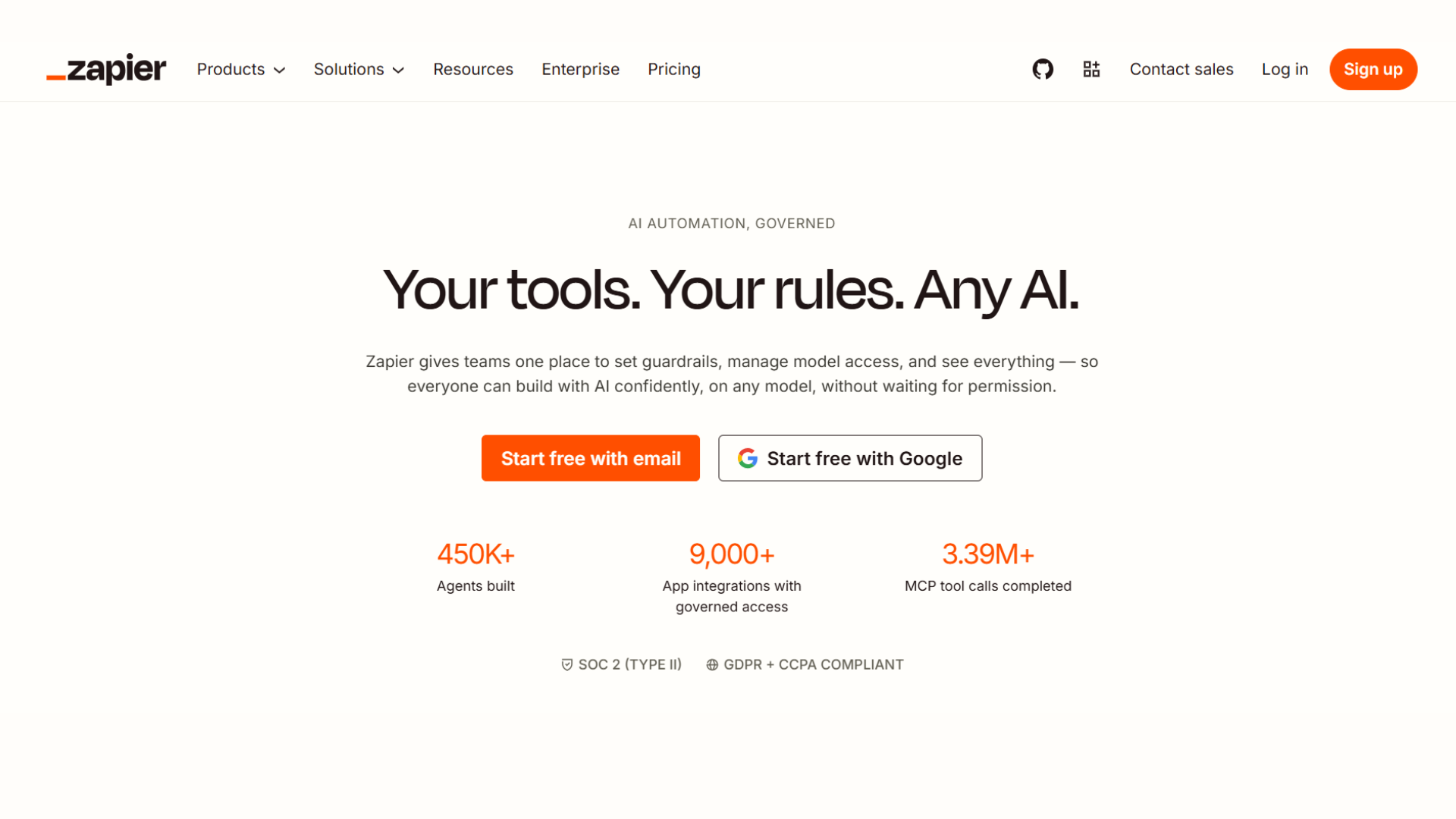
Zapier connects thousands of apps to automate repetitive workflows without coding knowledge. You can trigger actions across platforms such as Gmail, Slack, Trello, and more, creating seamless workflows that save hours each day.
From moving data between apps to automating notifications and reports, Zapier eliminates manual tasks.
For businesses and individuals alike, it ensures consistency, reduces errors, and increases efficiency.
Its visual workflow builder is easy to use, allowing anyone to set up automations that would normally require complex programming skills.
- Integration: Connects thousands of apps
- Automation: Trigger-based workflow creation
- Syncing: Automatic data transfer support
- Builder: Visual workflow management tools
- Usage: Best for workflow automation
8. AgentGPT
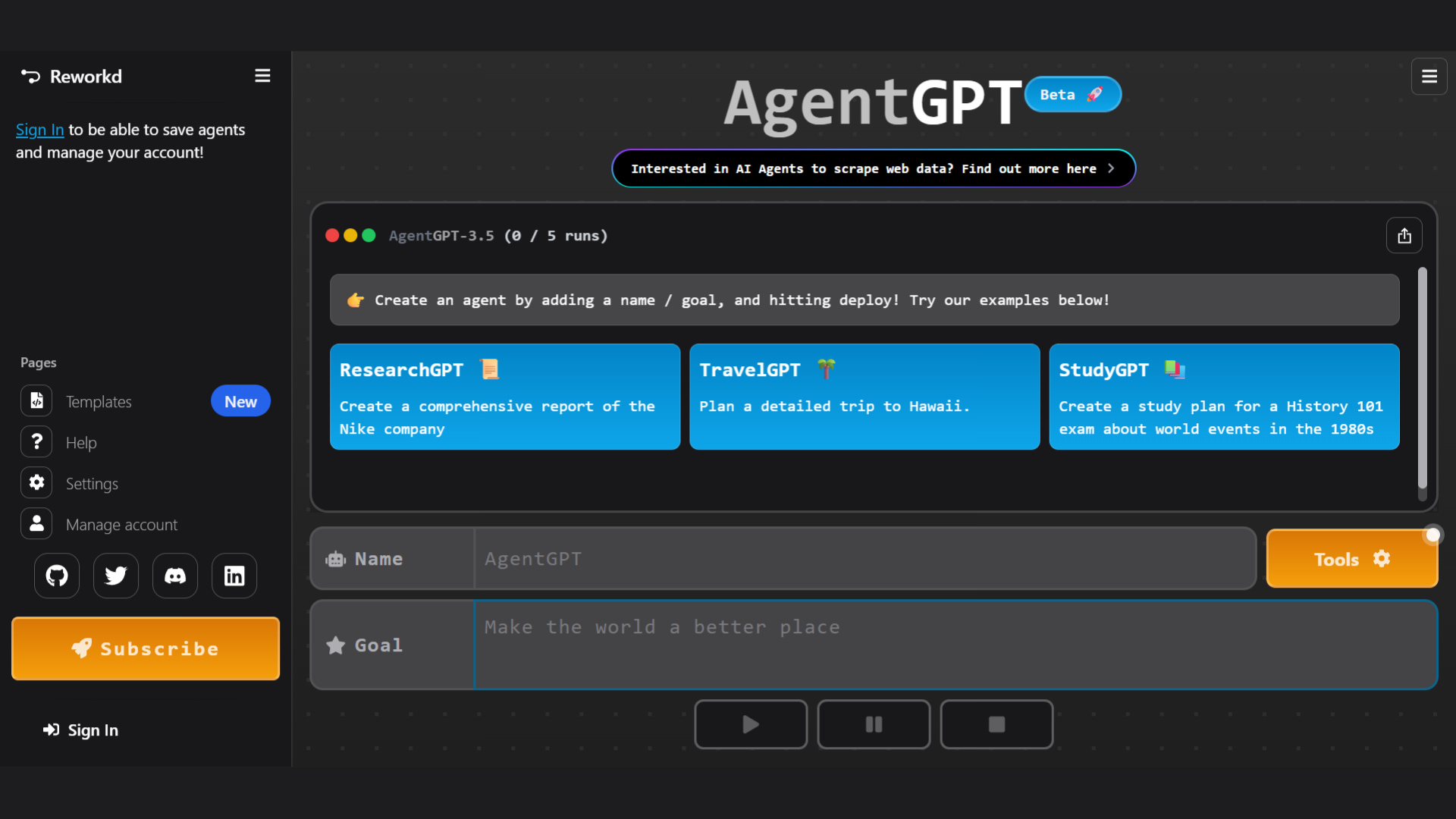
AgentGPT allows users to deploy fully autonomous agents that plan, research, and execute multi-step tasks. It’s ideal for handling projects that require ongoing decisions without constant supervision.
Agents can gather data, analyze trends, and implement solutions across workflows, effectively acting as digital team members.
From marketing research to software testing, AgentGPT improves speed and accuracy with less manual work.
Its browser-based setup ensures accessibility, making it easy for professionals to leverage autonomous AI for a variety of complex tasks.
- Autonomy: Independent AI task execution
- Research: Automated information gathering
- Planning: Multi-step workflow handling
- Accessibility: Browser-based platform support
- Usage: Best for automation projects
9. Perplexity AI
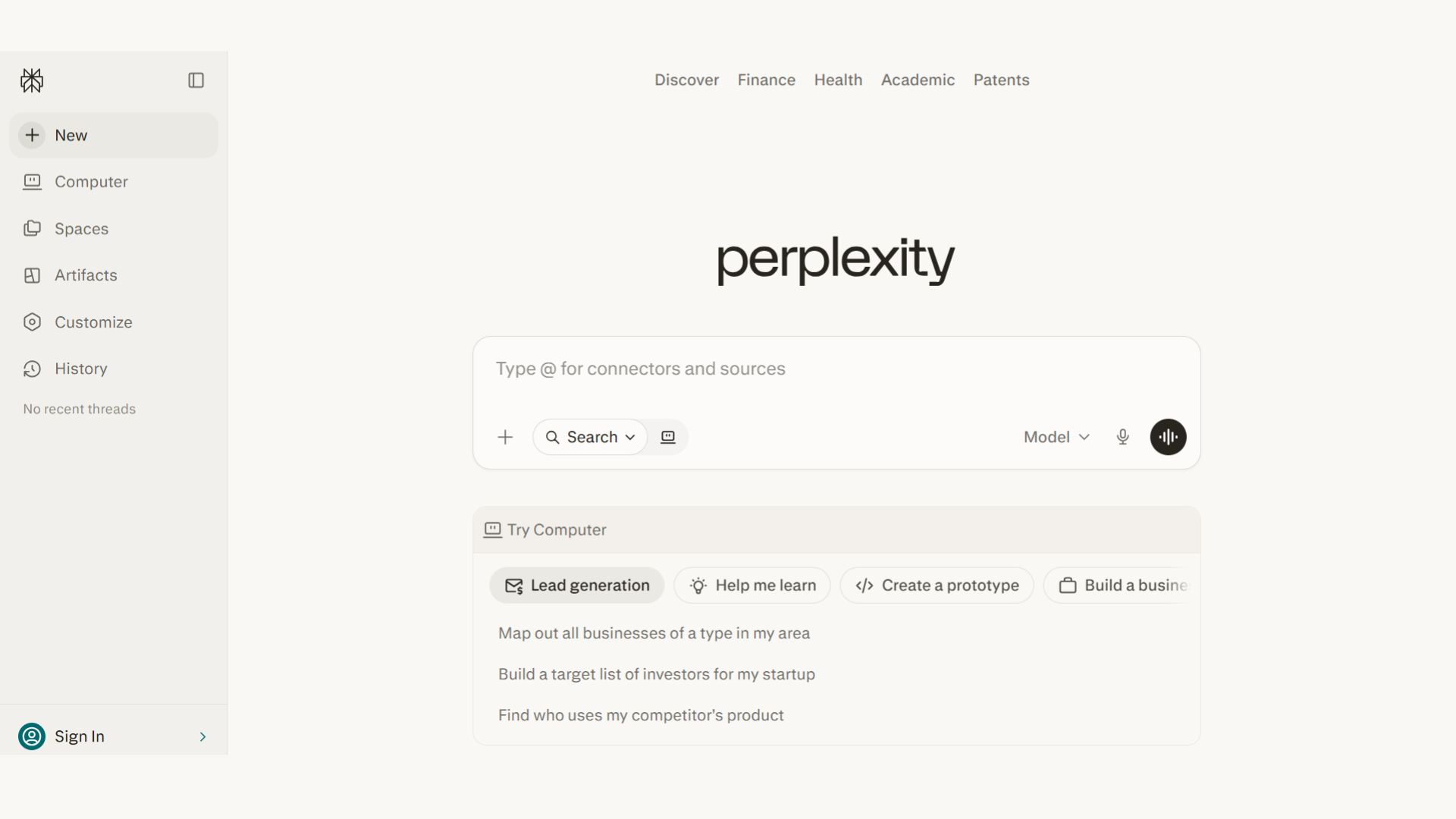
Perplexity AI is a free AI tool designed for fast research, question answering, and fact-checking.
Unlike traditional search engines, it provides concise answers with reliable sources, making it ideal for students, bloggers, and professionals.
Users can quickly generate content ideas, explore topics, and verify information.
Its intuitive interface allows easy access to AI-powered insights, making research and learning more efficient. Perplexity AI’s free tier makes it one of the best AI agents for accurate, real-time knowledge discovery.
- Search: AI-powered answer engine
- Research: Fast information discovery
- Sources: Source-backed responses
- Learning: Topic exploration assistance
- Usage: Best for students and researchers
10. Gemini
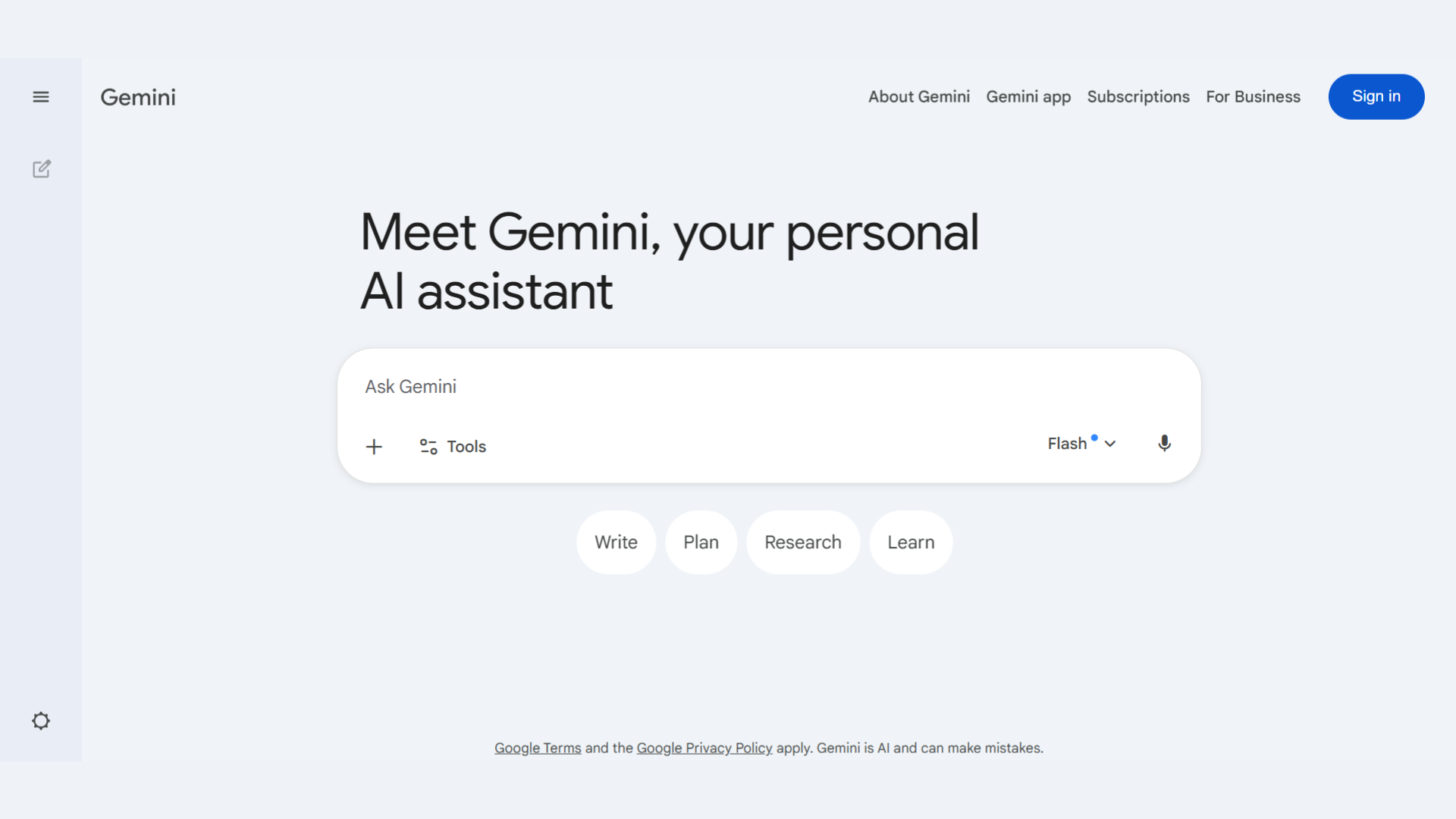
Google Gemini is a free AI tool that helps users summarize articles, brainstorm content, and generate writing outlines.
Integrated with Google services, it improves workflow efficiency for students, content creators, and professionals. Gemini’s AI understands context and provides structured suggestions for reports, blog posts, and creative projects.
Its free tier supports learning, research, and productivity without any cost.
This makes Google Gemini one of the best AI agents for generating ideas, simplifying content creation, and enhancing writing quality for anyone seeking smart AI support.
- Brainstorming: Content idea generation
- Summaries: Article and document summaries
- Writing: Outline and writing support
- Integration: Google ecosystem connectivity
- Usage: Best for productivity tasks
11. Microsoft Copilot
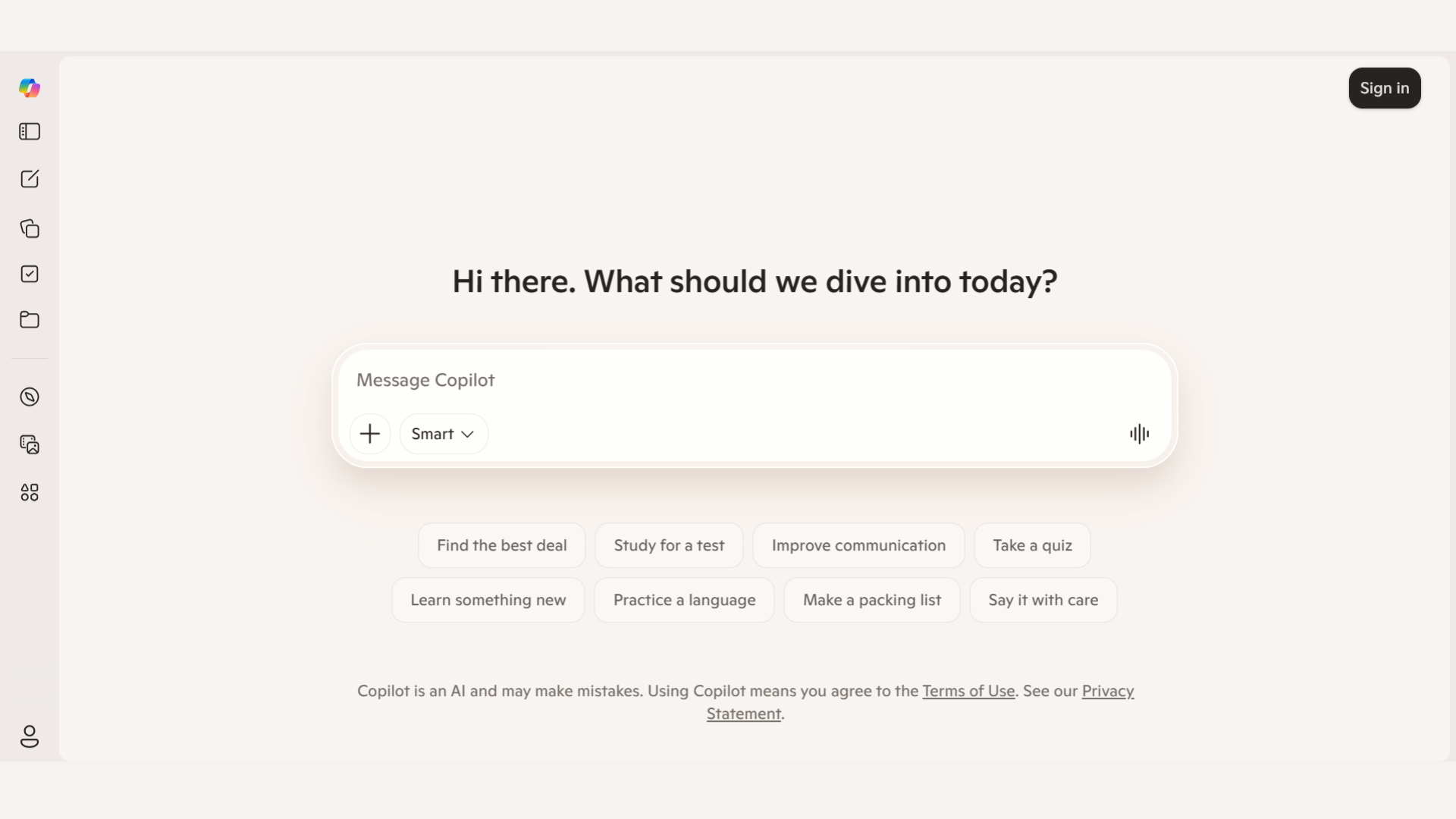
Microsoft Copilot is a free AI assistant available in Microsoft 365 online apps, designed to improve productivity.
It helps draft documents, create summaries, and organize data efficiently. Users can enhance writing, streamline workflows, and complete repetitive tasks faster.
Copilot gives accurate suggestions for reports, presentations, and emails, making it useful for students and professionals.
Microsoft Copilot offers smart automation and writing support at no extra cost.
- Documents: AI drafting assistance
- Spreadsheets: Data and formula support
- Emails: Smart email writing tools
- Organization: Workflow management features
- Usage: Best for office productivity
12. Blackbox AI
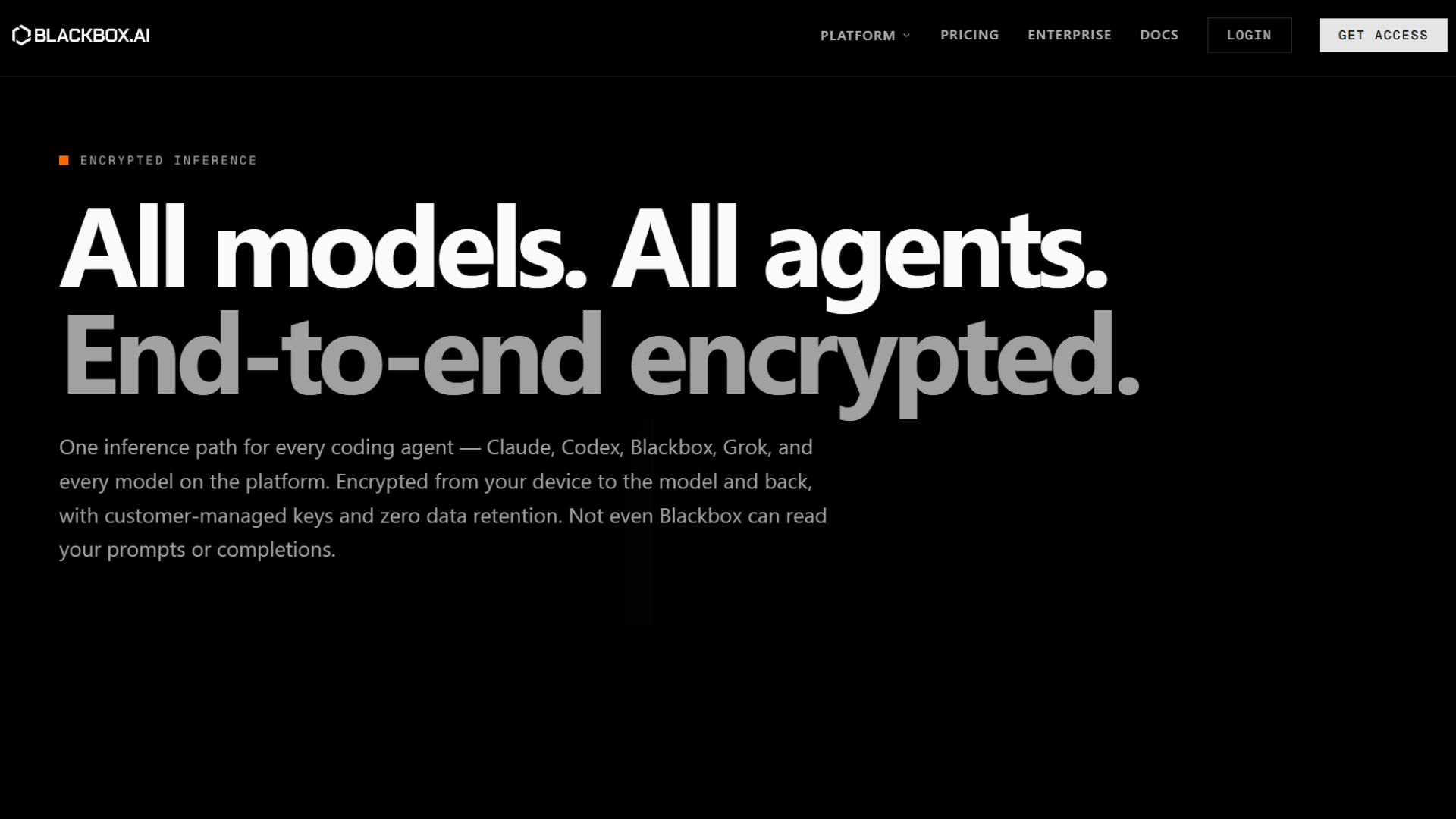
Blackbox AI is a free AI tool designed to assist developers and programmers with coding tasks.
It provides code generation, debugging help, and solutions across multiple programming languages.
Users can get instant code snippets, explanations, and workflow suggestions, making it ideal for learners, professionals, and hobbyists.
Its free features streamline coding projects and reduce development time.
Blackbox AI helps improve coding skills, boost efficiency, and manage software tasks without extra cost.
- Coding: AI-generated code snippets
- Debugging: Error-solving assistance
- Languages: Multi-language programming support
- Learning: Coding explanation features
- Usage: Best for developers and students
13. DeepSeek
DeepSeek is a free AI platform designed for content discovery, research, and information extraction. It allows users to efficiently search through PDFs, documents, and websites.
Bloggers, students, and researchers can quickly summarize content, extract key points, and find relevant information for projects.
Its AI-powered search helps reduce time spent analyzing data and enhances productivity.
DeepSeek’s free access ensures that anyone can explore, organize, and use knowledge at no cost, making it a top choice among AI agents for research, content creation, and learning.
- Analysis: PDF and document review
- Summaries: AI-powered content summaries
- Extraction: Key information retrieval
- Research: Knowledge management support
- Usage: Best for researchers and bloggers
14. Claude
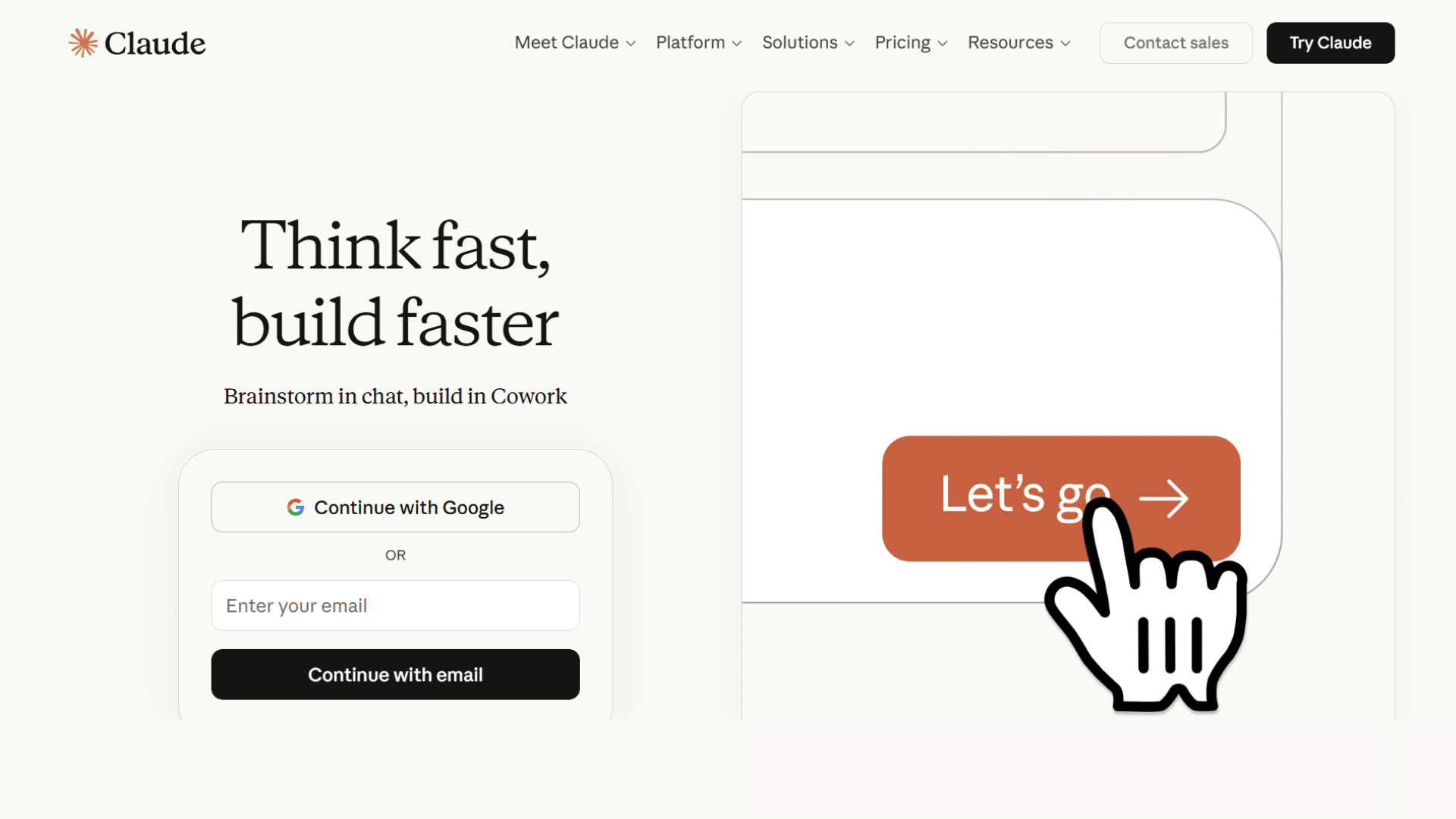
Claude, developed by Anthropic, is a free AI assistant that provides conversational support for writing, research, and learning.
Users can generate content, ask questions, and receive detailed explanations on various topics. Claude emphasizes safe and reliable AI responses, making it suitable for professionals, students, and bloggers.
Its free tier allows experimentation, brainstorming, and content creation without cost.
As a versatile AI agent, Claude is ideal for anyone looking to enhance productivity, improve writing, and get accurate insights from a conversational AI platform.
- Conversation: Natural AI interaction support
- Writing: Content drafting assistance
- Research: Information and learning help
- Brainstorming: Creative idea generation
- Usage: Best for content and research
15. Meta AI
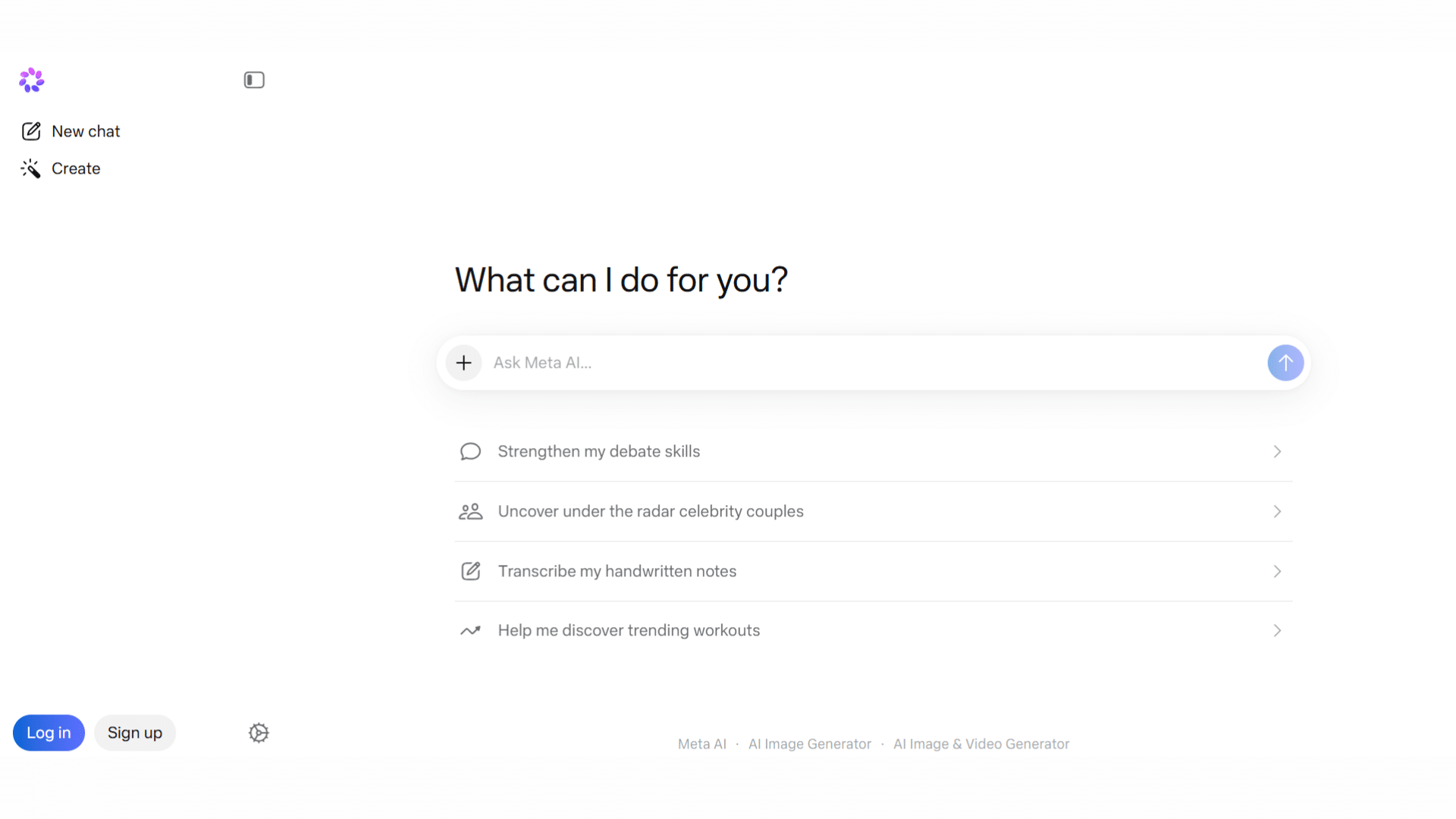
Meta AI, developed by Meta, offers free AI tools and frameworks for research, natural language processing, and computer vision.
Users can access datasets, pre-trained models, and AI tools for learning and development projects.
It is ideal for students, developers, and researchers exploring AI technologies without cost. Meta AI helps accelerate projects, generate insights, and enhance understanding of complex AI tasks.
Its free resources make it one of the best AI agents for research, content analysis, and innovative AI experimentation.
- Research: AI model and dataset access
- Language: Natural language processing tools
- Vision: Computer vision resources
- Development: Open-source AI frameworks
- Usage: Best for AI development and research
Free vs Paid AI Tools
Free AI tools are useful for basic tasks like writing, research, and simple automation. Paid plans usually offer advanced features, faster performance, integrations, and higher usage limits.
| Feature | Free AI Tools | Paid AI Tools |
|---|---|---|
| Cost | No subscription required | Monthly or yearly subscription |
| Features | Basic tools and limited access | Advanced features and premium tools |
| Usage Limits | Daily or monthly restrictions | Higher or unlimited usage |
| Speed | Standard response speed | Faster processing and priority access |
| Integrations | Limited app integrations | Wider integration support |
| Customization | Basic personalization | Advanced customization options |
| Support | Community or limited support | Priority customer support |
| Best For | Students, beginners, casual users | Businesses and professionals |
| Examples | Gemini Free, Claude Free, Perplexity AI | Jasper AI, Motion, Notion AI Premium |
Tips to Get Better Results from AI Tools
Using AI effectively often depends on how clearly tasks and instructions are given. A few simple habits can improve accuracy, save time, and make daily workflows smoother.
- Clear Prompts: Write simple and specific instructions so the AI understands exactly what you need.
- Multiple Tools: Combine different AI platforms for writing, research, design, and automation to improve results.
- Fact Checking: Always review AI-generated information before using it for professional or academic work.
- Task Automation: Use AI to handle repetitive tasks like scheduling, summaries, and email drafting.
- Regular Testing: Try different prompts and features to understand which tools fit your workflow best.
- Organized Inputs: Provide detailed context, keywords, or examples to receive more accurate responses.
- Human Editing: Edit AI-generated content to add a personal touch and improve clarity.
- Updates: Keep track of new AI features and updates to improve productivity over time.
Conclusion
The best free AI tools are not the ones with the longest feature list. They are the ones you actually use.
After nearly a decade of helping professionals improve their workflows, the pattern I see most often is that the highest-impact tool is whichever one removes your most painful daily friction point.
Test one tool, build the habit, and layer in others only once the first one is working for you.
The platforms on this list collectively cover writing, research, coding, automation, scheduling, and design, which means there is a practical starting point here for almost any workflow.
Frequently Asked Questions
What Are the Best Free AI Tools for Productivity?
Perplexity AI, Google Gemini, Microsoft Copilot, Blackbox AI, DeepSeek, Claude, Canva Magic Studio, Grammarly, and Meta AI are top free productivity tools.
Which AI tool Is Best for Writing and Content Creation?
Google Gemini, Claude, and Grammarly are best for writing, editing, and content improvement.
Are There Free AI Tools Available for Coding?
Blackbox AI is a free tool that helps with coding, debugging, and programming support.
Which AI Tool Is Best for Designing Graphics and Visuals?
Canva Magic Studio is best for creating AI-powered graphics and visual content.
Who Are the Big 4 in AI?
The big four in AI are Google, Microsoft, OpenAI, and Meta. These companies lead in AI research, tools, cloud services, and large language models.