You run a full drying cycle, open the door, and the clothes are still cold and damp. The drum spins. The timer moves. The display looks normal.
When a Samsung dryer is not heating, the problem is usually hidden in the airflow, power supply, or heating circuit. The symptom looks identical regardless of which component failed, which is what makes it frustrating.
A blocked vent, a tripped breaker, a blown thermal fuse, a bad thermistor, or a failed heating element can all produce the same symptom.
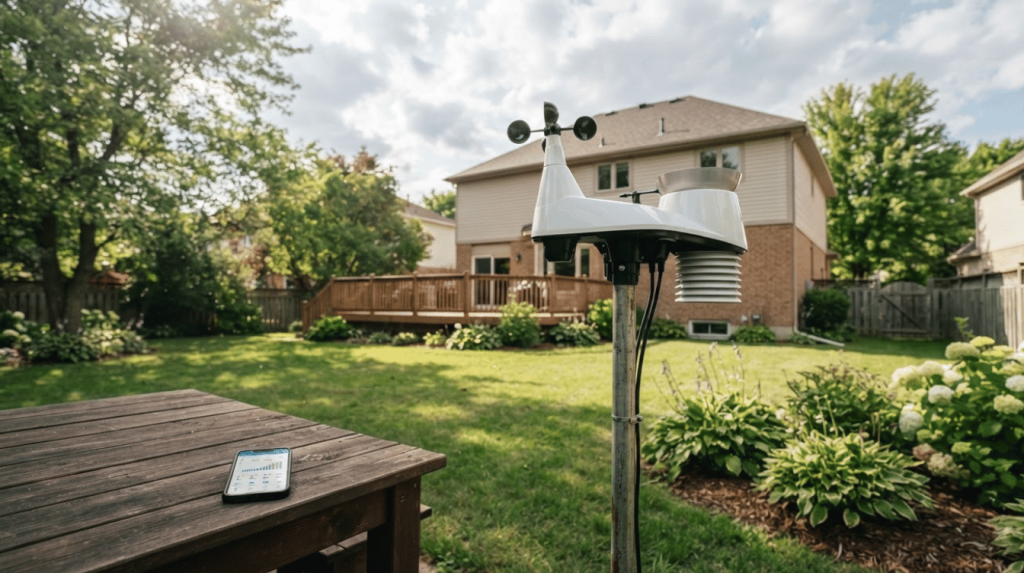
If your dryer connects to the SmartThings app, it may already be logging temperature-sensor errors before a full shutdown.
This guide starts with the simple checks, then moves through part testing and real owner experiences to help you confirm what to look at next, without wasting time on random repairs.
Common Causes at a Glance
| Cause | Applies to | DIY fix? |
|---|---|---|
| Blown thermal fuse | Electric and gas | Yes, with a multimeter |
| Tripped circuit breaker | Electric only | Yes |
| Blocked exhaust vent | Electric and gas | Yes |
| Failed heating element | Electric only | Yes, with a multimeter |
| Faulty high-limit thermostat | Electric and gas | Yes, with a multimeter |
| Bad gas valve solenoid coils | Gas only | Moderate difficulty |
| Failed igniter | Gas only | Moderate difficulty |
| Control board relay failure | Electric and gas | Usually needs a technician |
Why Does Your Samsung Dryer Spin but Won’t Heat?
Electric Samsung dryers run on two separate circuits. The drum motor runs on 120 volts. The heating element needs the full 240 volts from both legs of the supply.
If one side of the double breaker trips, the drum keeps spinning and the display stays active, but the heating element gets no power at all.
It’s one of the more confusing symptoms because the dryer appears to be running normally.
Gas models work differently. They use an igniter, gas valve solenoid coils, a burner assembly, and a flame sensor instead of a heating element.
If any one of those components fails, the dryer tumbles through a full cycle without producing heat.
If your dryer connects to the SmartThings app, it may already be logging temperature-sensor errors before a full shutdown.
Understanding how smart appliances handle remote diagnostics can help you spot these warnings early.
Common Symptoms to Look for
- The dryer completes a full cycle, but the clothes come out cold and wet
- Display shows “Drying… Cooling,” but the drum never warms up
- Multiple cycles are needed to dry a normal-sized load
- No heat, even on Timed Dry with High Heat selected
- No error code is showing, despite the heating system being offline
Quick Fixes Before Opening the Dryer
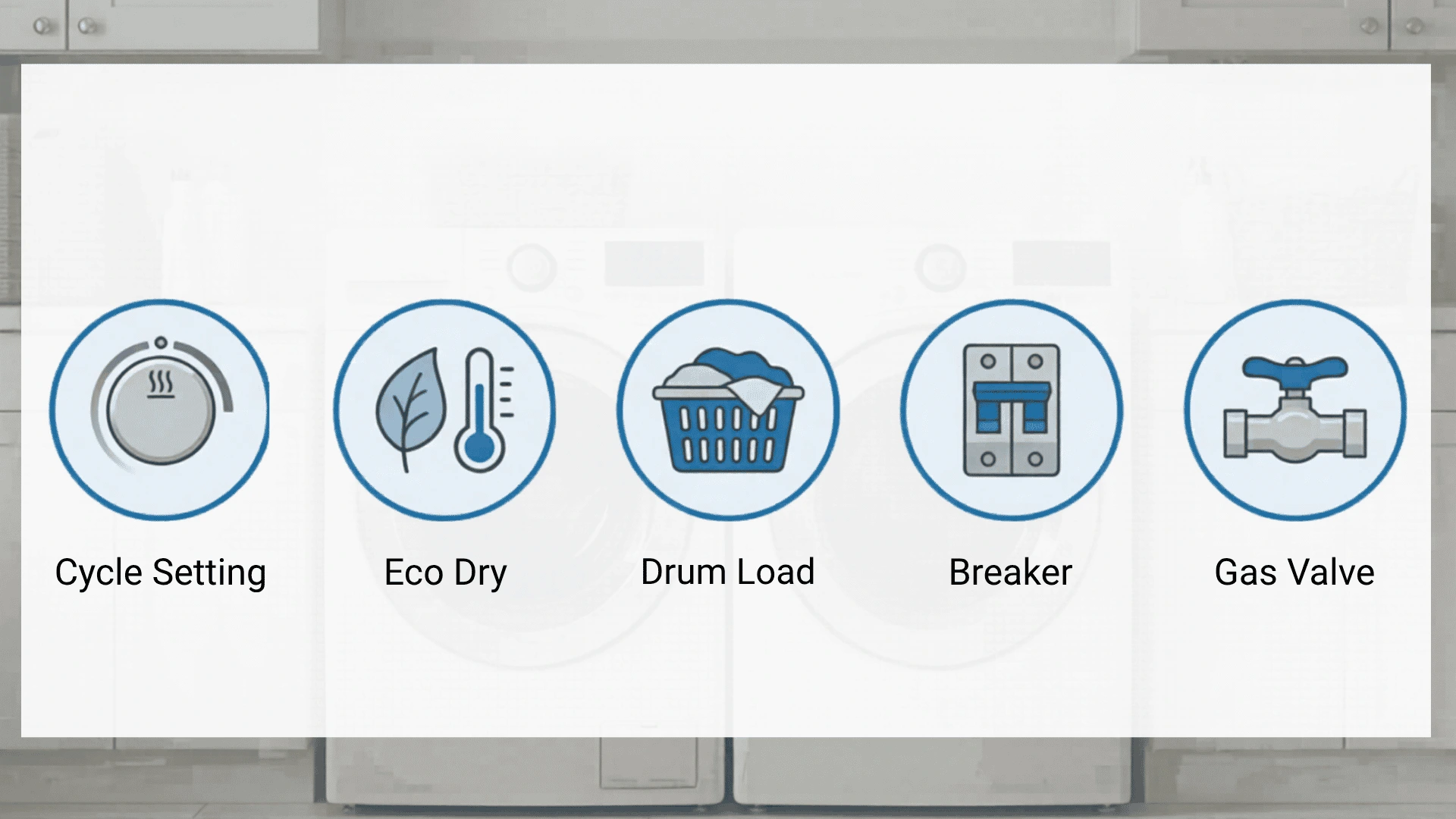
Run through these checks first. Some no-heat problems stem from settings, airflow, power, or the gas supply, not from broken dryer parts.
- Cycle setting: Confirm Heat is selected. Air Dry and certain Delicate cycles run cool by design.
- Eco Dry mode: Turn Eco Dry off in settings. It reduces heat to save energy and can leave clothes damp at the end of a cycle.
- Drum load: Remove half the load and run Timed Dry on High Heat. A packed drum restricts airflow and slows drying even when everything is working.
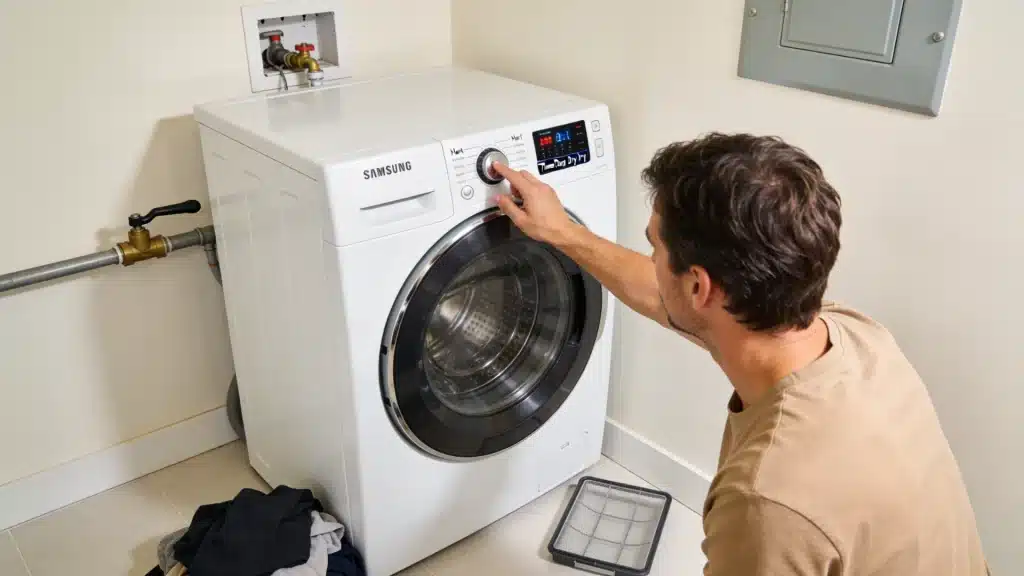
- Circuit breaker (electric models): Flip both sides of the double breaker fully OFF, wait 60 seconds, then push both firmly back ON. A half-tripped breaker won’t show on the panel but will cut power to the heating element.
- Gas supply valve: The handle behind the dryer should sit parallel to the pipe. Perpendicular means the valve is closed.
Samsung Dryer Not Heating: Troubleshooting Steps in Order
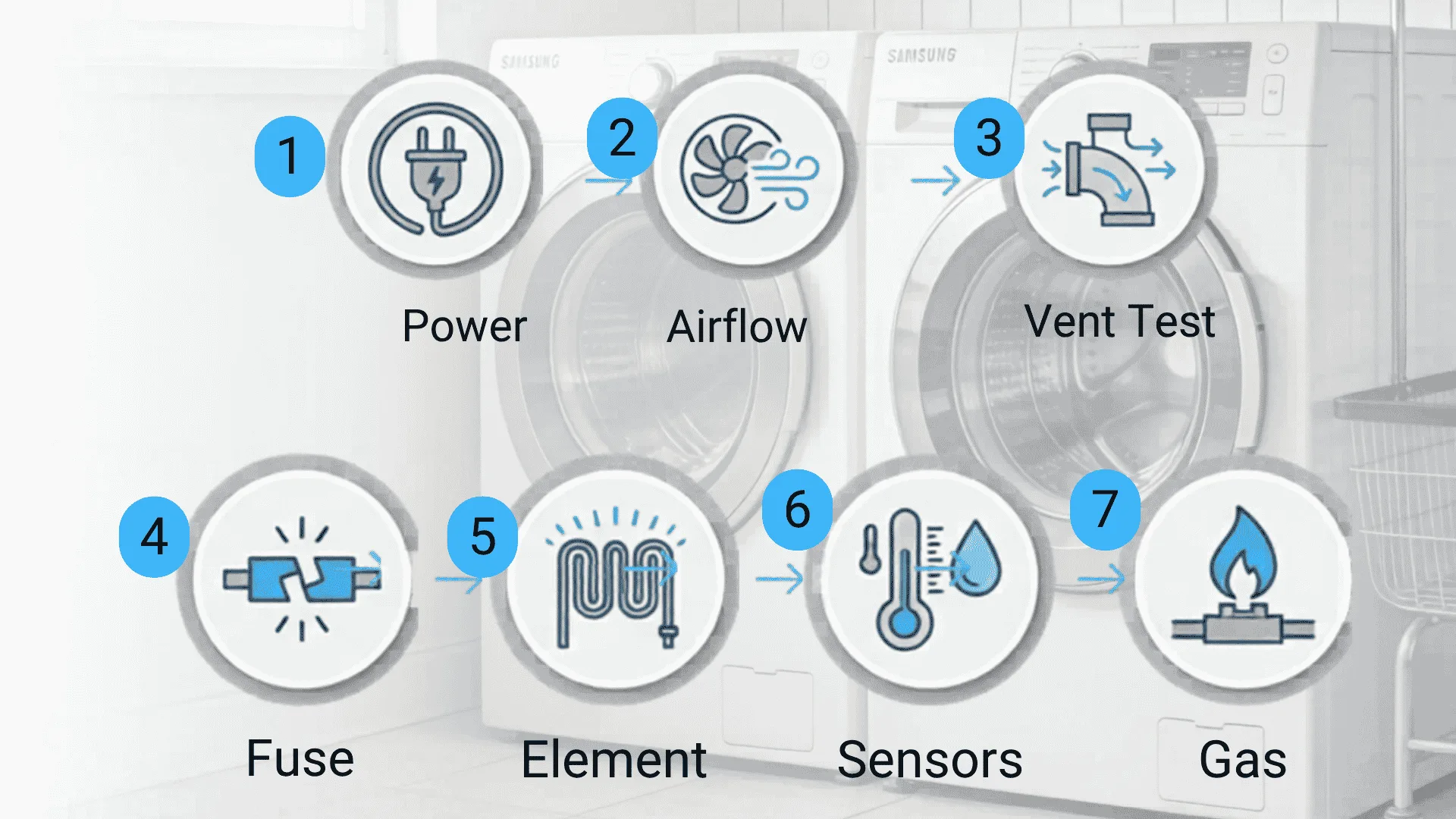
The order here matters. The most common mistake is replacing an expensive part before identifying the actual cause. Follow these steps in sequence and test before buying anything.
Step 1: Reset the Power Supply
Unplug the dryer, wait 5 minutes, then plug it back in. This can clear a stored control board error.
Next, reset the double breaker fully. Electric dryers may still spin if one side of the breaker trips, but the heating element will not get full power.
Run Timed Dry on High Heat and check for warmth after two minutes.
Step 2: Check Airflow Restrictions
Clean the lint screen first. If it has fabric softener buildup, rinse it under running water and dry it fully.
Then remove the vent hose from the back of the dryer and check for packed lint. Look at the outside vent flap while the dryer runs.
It should open freely. A crushed hose or duct with too many bends can block airflow and shut the heat down.
Step 3: Run Samsung’s Built-in Vent Blockage Test
On supported Samsung dryers, press Adjust Time Up and Dry Level together to start the vent blockage test.
The dryer checks airflow and may display codes such as C80 (or C8), C90 (or C9), CLg (or Cg). These all point to restricted airflow.
Clear the blockage and run the test again before replacing any parts. Poor airflow is behind a large share of Samsung dryer not heating complaints, and it will blow a new thermal fuse just as fast as the original one.
Samsung’s official dryer not heating troubleshooting guide covers these vent codes in detail if you need the full reference.
Step 4: Test the Thermal Fuse
Before you start: This step requires removing the dryer’s back or front panel to reach internal components. Unplug the dryer completely before opening it. If you are not comfortable working around appliance wiring, skip to the “When to call a technician” section below.
The thermal fuse cuts off heat when the dryer overheats. It does not reset after blowing. Set a multimeter to continuity mode, remove the fuse wires, and touch the probes to both terminals.
A beep means the fuse still works. No beep means it needs replacement.
Always clear the vent system before installing a new fuse. A clogged exhaust duct is the most common reason the fuse blows in the first place, and a fresh fuse will fail again quickly if that root cause isn’t fixed.
Step 5: Test the Heating Element
On electric models, the heating element is usually located behind the drum or the rear panel. Set a multimeter to ohms and touch the probes to the element terminals.
A reading around 10 to 30 ohms generally means the element is good. No reading or infinite resistance means the coil is burned out.
Many replacement kits include the element, fuse, and thermostat together.
Step 6: Check Thermostats and Sensors
Samsung dryers use thermostats and sensors to control heat. The cycling thermostat manages the normal drying temperature.
The high-limit thermostat cuts heat if the dryer gets too hot. A bad thermistor can also confuse temperature readings.
Test these parts with a multimeter after checking airflow, fuse, and heating element. If the thermal fuse blew, check the high limit thermostat too.
For smart Samsung models connected to the SmartThings ecosystem, the app can surface temperature-sensor alerts before a full shutdown occurs.
Pairing your dryer with broader home automation setups that surface appliance alerts makes it easier to catch these issues before they become a repair.
Step 7: Gas Dryer-Specific Checks
Gas Samsung dryers can run normally yet stay cold when the burner system fails. Start with the gas valve solenoid coils, since weak coils can stop gas from reaching the burner.
Next, check the igniter. A glow without flame often points back to the coils, while no glow usually means a bad igniter.
The flame sensor can also stop ignition. Test the thermal fuse and high limit thermostat before replacing bigger burner parts.
Setting up a smart home monitoring system can also help catch recurring dryer faults before they get this far.
Safety note: This step involves 240V electrical components on electric models and gas line connections on gas models. If you are not comfortable working around high-voltage wiring or gas fittings, stop here and call a qualified appliance technician.
Real Experiences by Samsung Dryer Owners
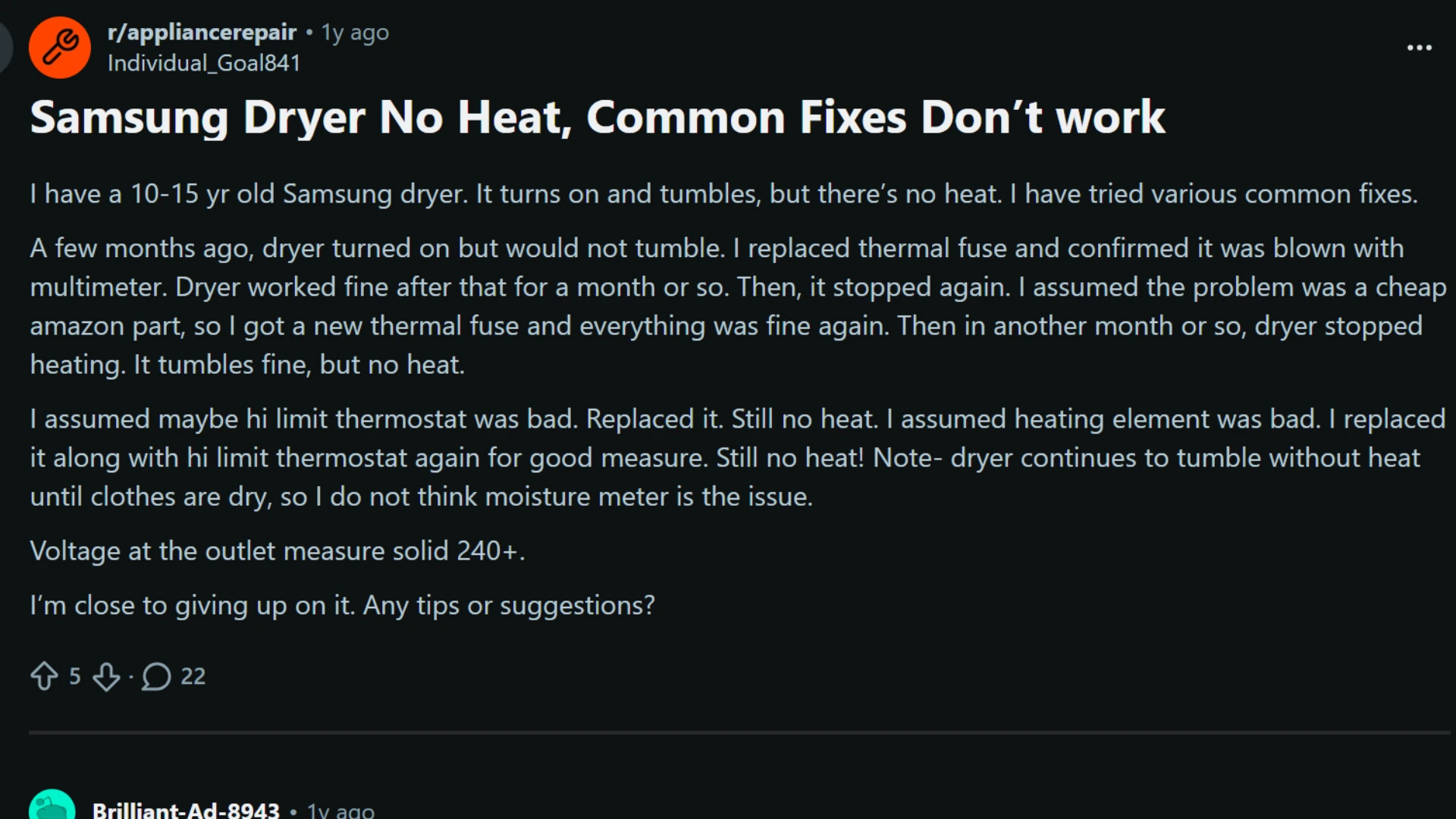
A Reddit discussion about a Samsung dryer with no heat highlights a situation many owners face.
The dryer tumbled normally, showed proper power at the outlet, and had already received a new thermal fuse, heating element, and high-limit thermostat.
Despite replacing the most common failure points, the dryer still produced no heat.
The responses focused on causes that many repair guides barely mention. Users suggested checking wiring connections, inspecting the terminal block for heat damage, verifying voltage under load, and testing the control board relay.
The discussion also showed how repeatedly replacing parts without finding the root cause can become expensive and frustrating.
Repair or Replace Your Samsung Dryer?
A repair is worth it if the dryer is under eight years old and the fix costs less than half the price of a new unit. If it is ten or more years old and needs a control board or full heating assembly, replacement is usually the better call.
| Scenario | Recommendation |
|---|---|
| Under 5 years old, single part failure (fuse, element) | Repair |
| 5 to 8 years old, repair cost under $200 | Repair |
| 8 to 10 years old, multiple failed components | Weigh repair cost against replacement price |
| Over 10 years old, control board failure | Replace |
| Repair cost exceeds $400 | Replace |
When to Call a Technician?
Call a qualified appliance technician if any of the following apply:
- Replaced parts already: You changed the thermal fuse, heating element, and thermostat, but the dryer still produces no heat.
- Burn marks or melted wiring: You see heat damage around the terminal block, wires, connectors, or nearby dryer parts.
- Correct outlet voltage but no heat: The outlet tests correctly, but the heating element still gets no power when the dryer runs under load.
- Possible control board issue: The control board relay may not be sending power to the heating system properly.
- Safety concern: You are not comfortable working around 240V wiring, gas lines, or internal dryer components.
A technician has the tools to test voltage under load and check control board outputs, two diagnostics that are difficult to run safely without professional equipment.
How to Prevent Samsung Dryer Heating Problems
Most heating issues come from lint buildup, poor airflow, or overloading. A simple routine helps prevent the same problem from recurring.
- Clean the lint screen: After every load, clean the screen. This prevents airflow problems and lowers the chance of thermal fuse failure.
- Every three months: Disconnect the vent hose and remove lint. Check that the outside vent flap opens freely.
- Once a year: Clean the full duct run to the outside wall, especially if the duct has bends or long sections.
- Stay in the drum limit: During each load, always avoid overfilling the drum. Clothes need space to tumble, release moisture, and dry with proper airflow.
- Use the right cycle: Choose High Heat for towels, Medium for synthetics, and Air Dry only for items that need no heat.
- Watch early signs: Longer drying times or a hot dryer cabinet usually mean the vent needs cleaning before a fuse blows.
- Smart monitoring: SmartThings-supported models can send maintenance reminders and display error codes early.
SmartThings-supported models can also send maintenance reminders and show error codes, which may help catch airflow warnings earlier.
Conclusion
A Samsung dryer not heating is easier to handle when the repair process stays practical instead of rushed.
The best next step is to notice the pattern, avoid repeated trial and error, and decide when a simple home check ends and professional help makes more sense.
Small warning signs can point to bigger problems, especially when drying performance changes again after a temporary fix.
Treat the dryer as part of regular home maintenance, not just an appliance that gets attention after it fails. That mindset helps protect clothes, reduce repair stress, and keep laundry days predictable.
Have you dealt with a Samsung dryer that stopped heating? Share your experience in the comments to help other readers compare symptoms and solutions.
Frequently Asked Questions
Can I Use My Samsung Dryer While Waiting for a Replacement Part?
Use air-only mode only. Do not run the dryer if the wiring, heating element, or electrical parts look burned or damaged. Fire risk matters.
Why Does My Samsung Dryer Take Two or Three Cycles to Dry a Normal Load?
Two or three drying cycles usually mean weak heat or poor airflow. Clean moisture sensors, check the vent, and run Samsung’s blockage test.
Can a Samsung Dryer Not Heating Be Covered Under Warranty?
Samsung’s standard warranty usually covers manufacturing defects for one year. A failed part may qualify, but clogged vents or normal wear usually do not.
How Do I Know if It’s the Thermal Fuse or the Heating Element?
Test both with a multimeter. A blown thermal fuse shows no continuity. A failed heating element shows infinite resistance on the ohms setting. Both tests take under five minutes and remove the guesswork from ordering parts.
What Error Codes Appear when a Samsung Dryer Overheats?
Codes C80, C90, and CLg/Cg all indicate restricted airflow or overheating. If any of these appear, clear the vent system fully and run the built-in vent blockage test before continuing with any part replacement.