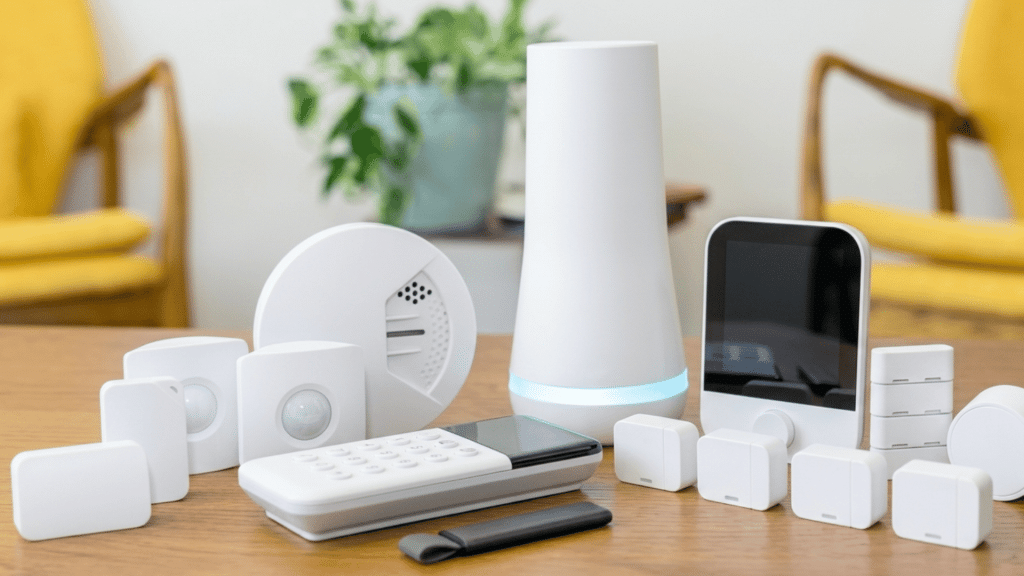
Making your home smarter doesn’t have to be complicated or expensive.
I know it can feel overwhelming with so many gadgets on the market, and you might be wondering which ones are actually worth buying.
In this article, I’ll walk you through the best smart home upgrades that fit different needs and budgets.
You’ll learn about essential devices for security, lighting, climate control, and everyday convenience.
I’ll also share tips on what makes a gadget reliable and why experts and users recommend them.
By the end, you’ll have a clear idea of which smart home accessories and gadgets can make your life easier, safer, and more comfortable, without guessing or spending on things you don’t need.
What Makes a Home Smart?
A smart home is a residence with connected devices you can monitor and control remotely using a phone app, voice assistant, or central hub.
These devices communicate through the internet, so you can manage things like lights, temperature, locks, cameras, and appliances even when you’re not at home.
What makes a home smart is not just individual gadgets, but how they work together as an Internet of Things system.
These devices use sensors, Wi-Fi, and Bluetooth to detect changes, share data, and respond automatically.
The newer Matter protocol, launched in 2022, has made cross-brand compatibility far more reliable than it used to be. If you’re starting fresh, prioritize Matter-certified devices.
A smart home offers greater convenience, security, comfort, and energy efficiency by automating tasks and providing real‑time control over daily functions.
What to Look for in Smart Home Devices?
When choosing smart home devices, it’s important to focus on features, compatibility, and reliability to make your home truly connected.
- Compatibility with your system: Ensure the device works with your existing smart home platform, like Alexa, Google Home, or Apple HomeKit.
- Ease of setup and use: Devices should be simple to install and operate, with intuitive apps or controls for all household members.
- Reliability and performance: Look for devices that respond quickly, maintain stable connections, and function consistently without frequent errors or interruptions.
- Security and privacy: Strong encryption and data protection are essential to prevent unauthorized access to your home and personal information.
- Energy efficiency and savings: Smart devices that optimize power usage help reduce electricity costs and support sustainable living.
- Automation and integration options: Devices should allow routines, triggers, and seamless communication with other smart gadgets for convenience and efficiency.
Compatibility Quick Reference
Before buying, check which ecosystem your devices support. This table covers the main smart home platforms and what works with each.
| Device Category | Works with Alexa | Works with Google Home | Works with Apple HomeKit | Matter Certified Options |
|---|---|---|---|---|
| Smart Speakers | Amazon Echo | Google Nest Hub | HomePod | Limited |
| Smart Lights | Philips Hue, LIFX | Philips Hue, LIFX | Philips Hue, Nanoleaf | Philips Hue (v3+), Nanoleaf |
| Smart Locks | August, Schlage | August, Schlage | August, Schlage | Schlage Encode Plus |
| Thermostats | Ecobee, Nest | Nest, Ecobee | Ecobee | Ecobee (select models) |
| Video Doorbells | Ring, Eufy | Nest Hello | Ring (limited), Logitech | Growing support |
| Smart Plugs | Wemo, TP-Link | Wemo, TP-Link | Eve Energy | Eve Energy, TP-Link EP25 |
Smart Home Gadgets You Should Have
Upgrade your daily life with these smart home gadgets that bring convenience, efficiency, and modern comfort to every room.
1. Smart Speakers
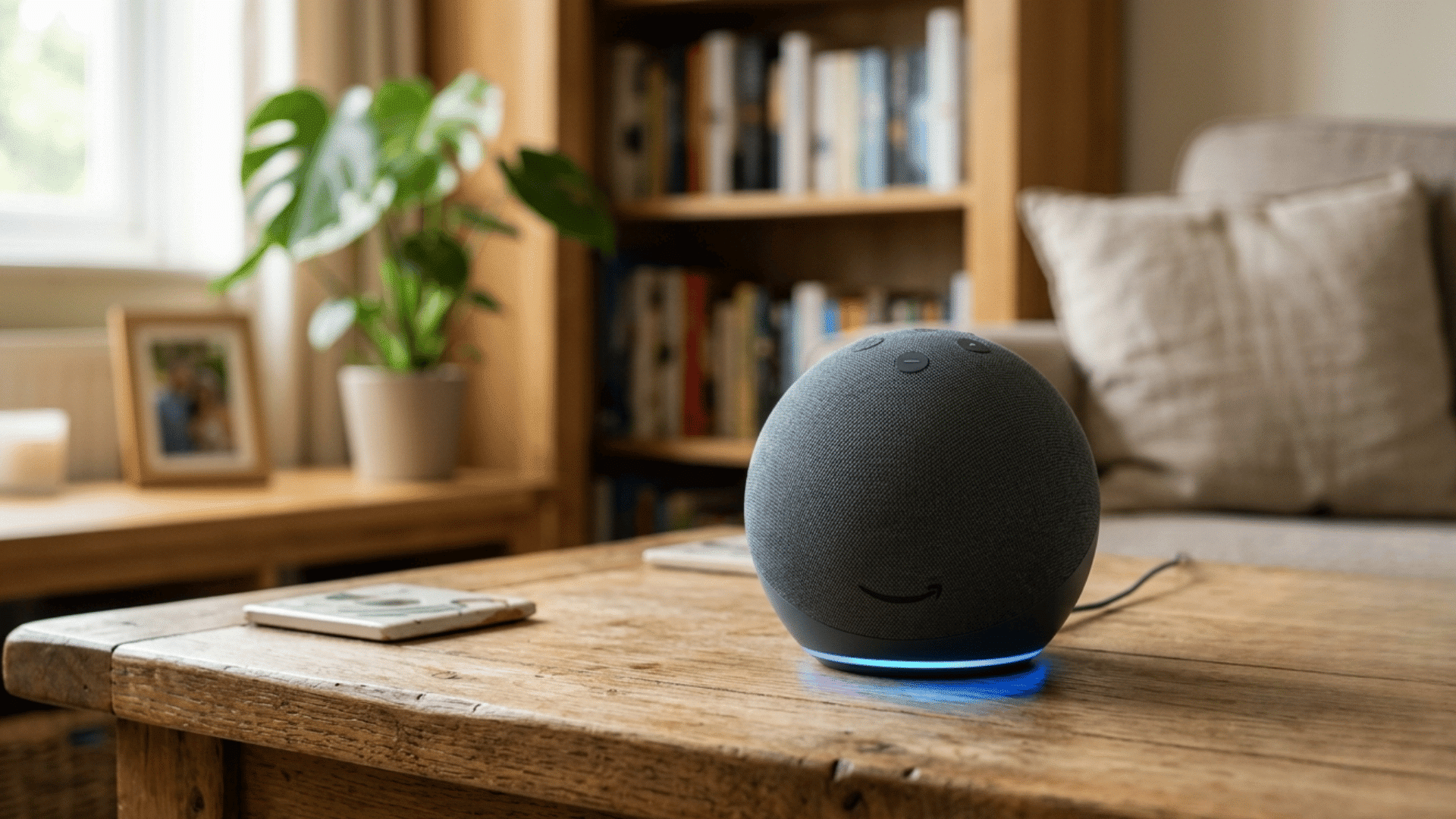
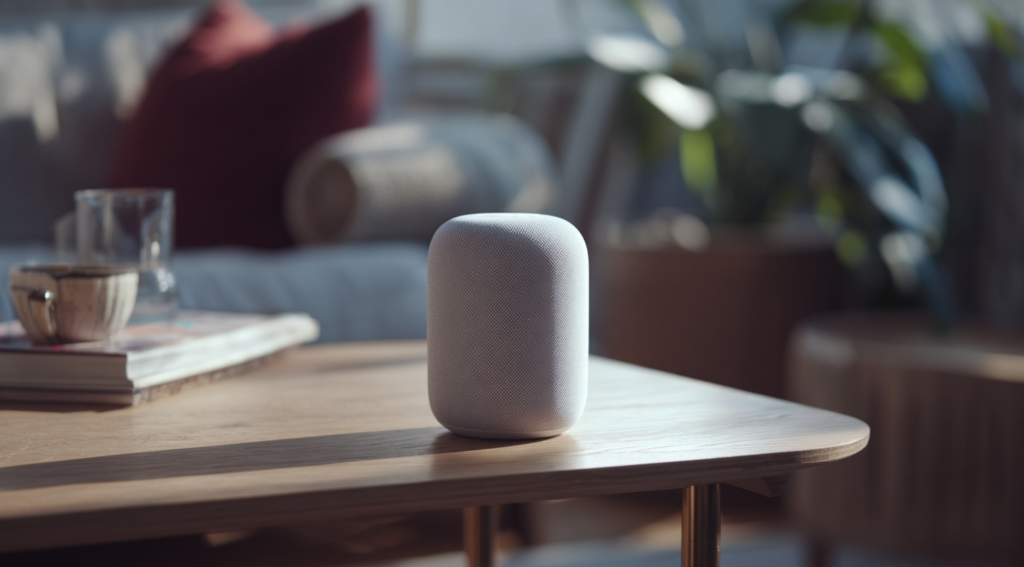
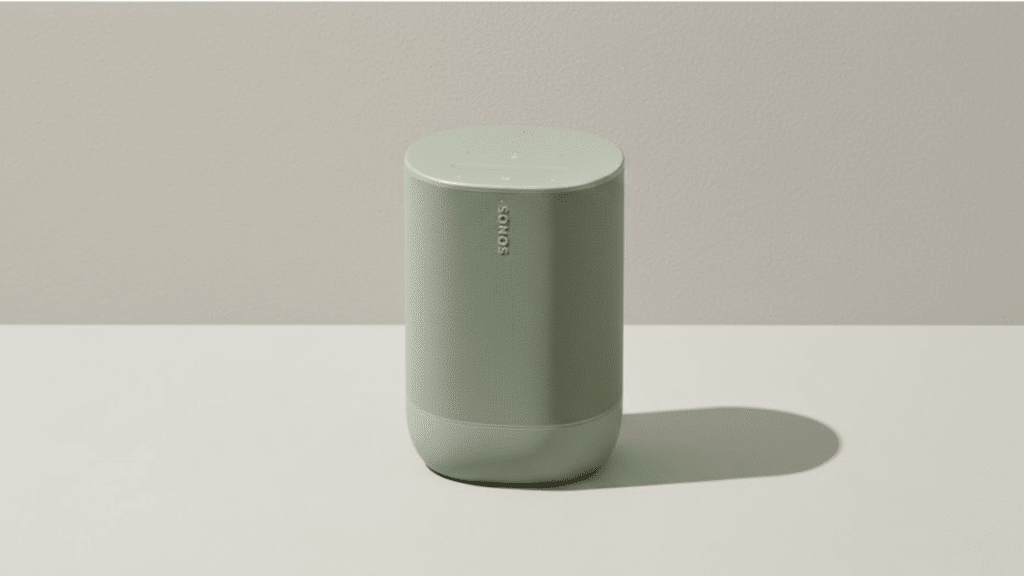
Smart speakers like the Amazon Echo and the Google Nest Hub act as the brains of your smart home.
You can play music, set reminders, get weather updates, and control other smart devices with simple voice commands.
They also integrate with many smart home systems, making it easy to adjust lights, thermostats, and security gadgets without lifting a finger. I always recommend starting here before anything else.
Once your household gets comfortable with voice commands, the adoption of other smart devices becomes much faster. The Echo Dot (4th gen) is the best entry point at under $50.
2. Thermostats
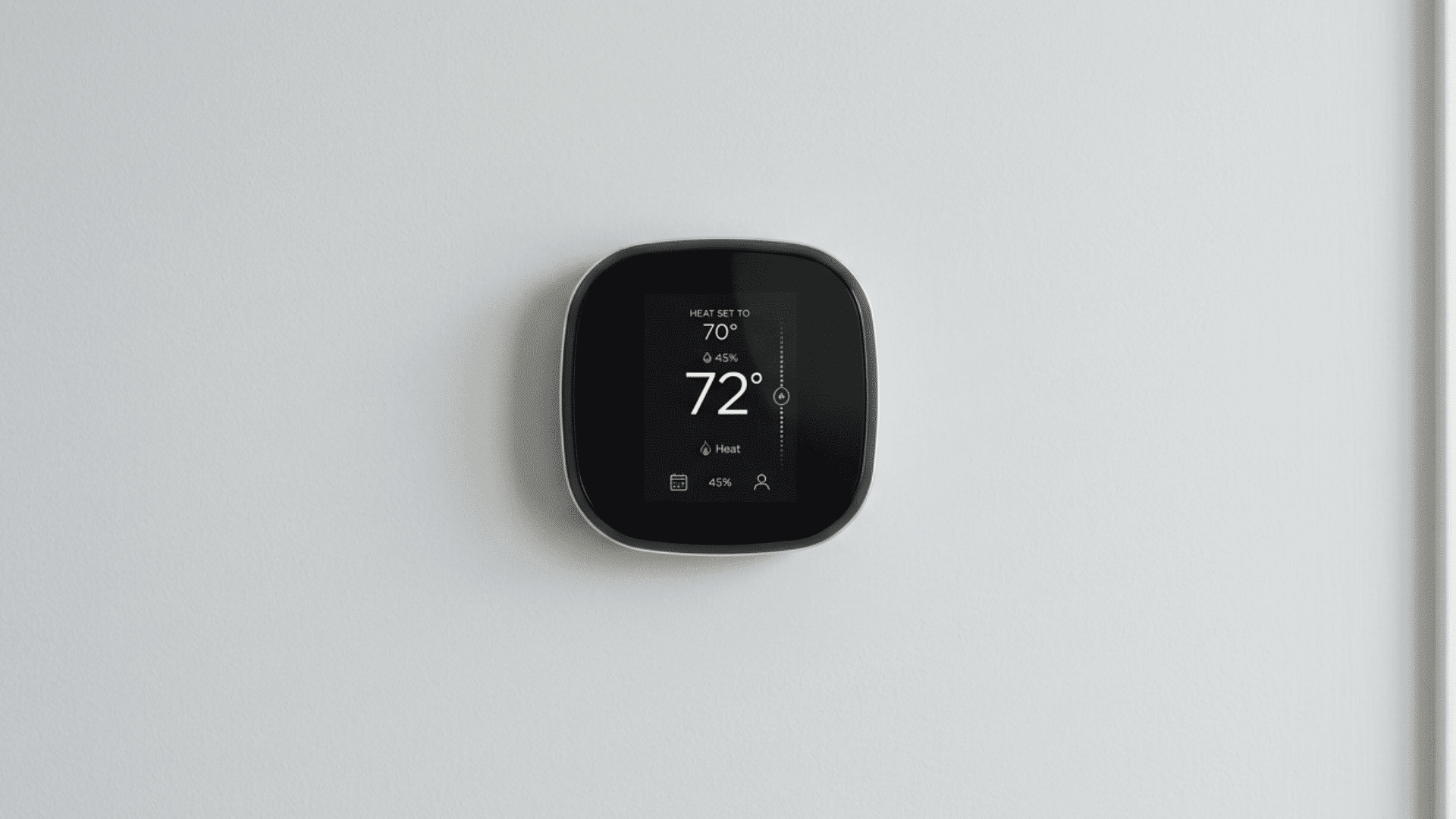
Smart thermostats such as Nest and Ecobee learn your daily schedule and automatically adjust the temperature to save energy.
They allow remote control through your smartphone, so you can warm up or cool down your home before arriving.
Many models provide energy usage reports, helping you reduce bills and carbon footprint. Integration with smart home assistants means you can change settings using voice commands.
They are both eco-friendly and convenient, offering comfort while effortlessly optimizing efficiency.
3. Smart Lights
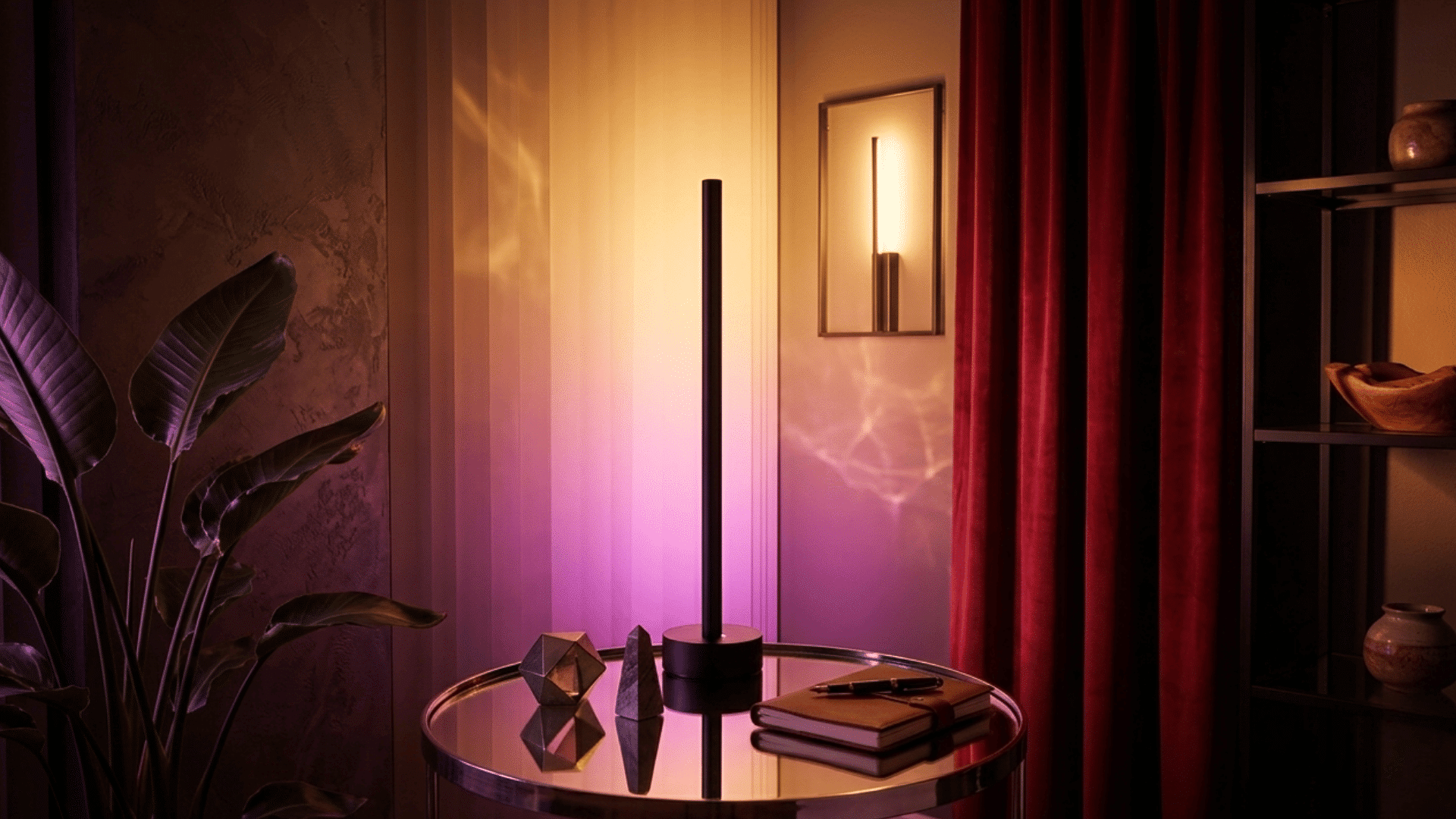
Smart lights, including Philips Hue and LIFX, let you control brightness, colors, and schedules via apps or voice commands.
You can create moods, automate lighting when you arrive or leave, and even sync lights with music or movies.
They improve energy efficiency by allowing precise control over usage. Many smart bulbs work with popular assistants like Alexa and Google Assistant, making it simple to adjust your home’s lighting remotely.
They combine convenience, style, and energy savings in one gadget.
4. Smart Plugs
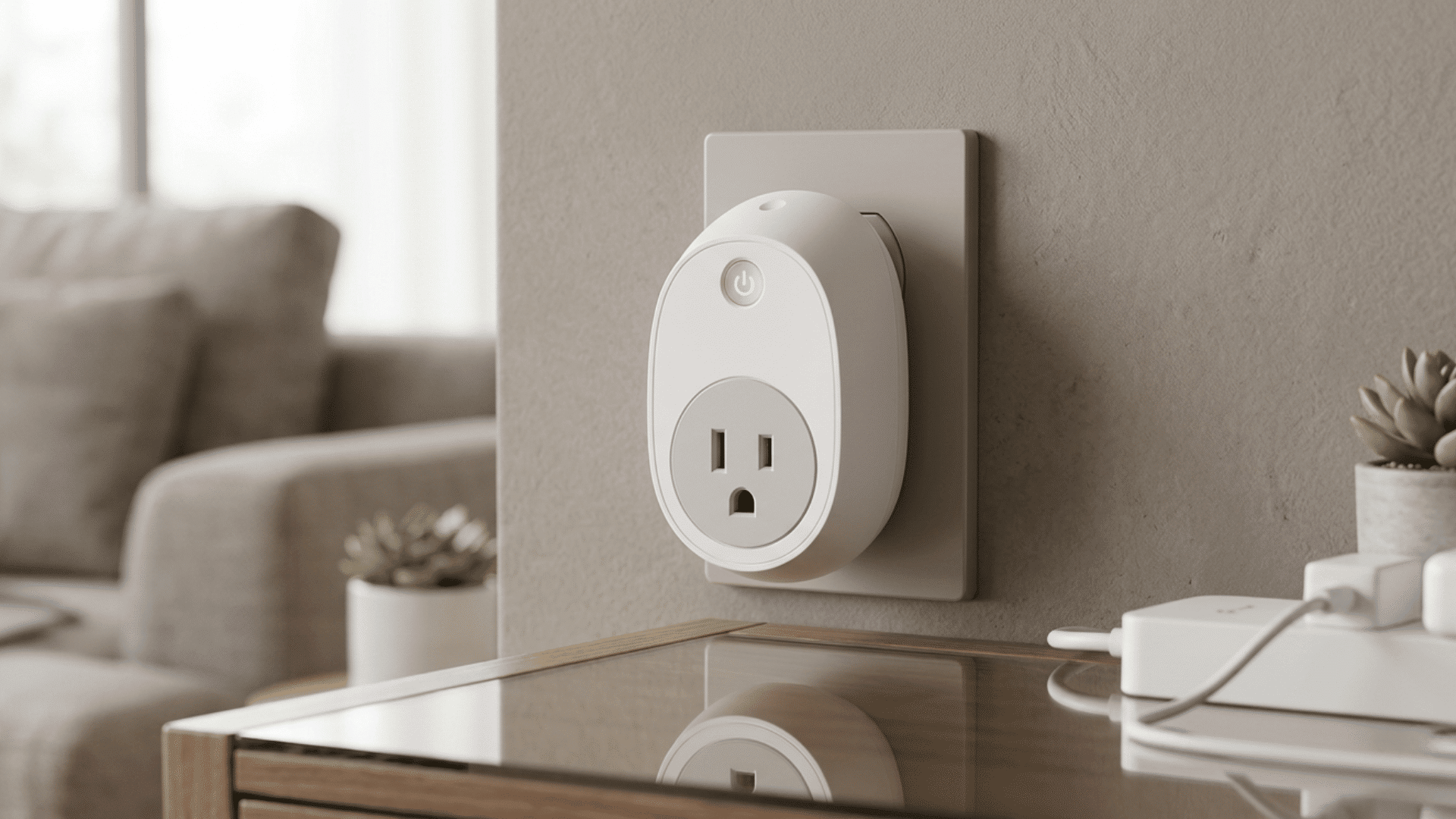
Smart plugs like Wemo and TP-Link turn regular appliances into smart devices.
You can control them remotely using a smartphone app, schedule devices to turn on or off, and even monitor energy usage.
They are compatible with smart home assistants, allowing voice control for lamps, fans, or coffee makers.
Smart plugs are perfect for making older devices “smarter” without replacing them.
They enhance convenience, energy efficiency, and security, giving you control over your home’s electronics from anywhere.
5. Video Doorbells
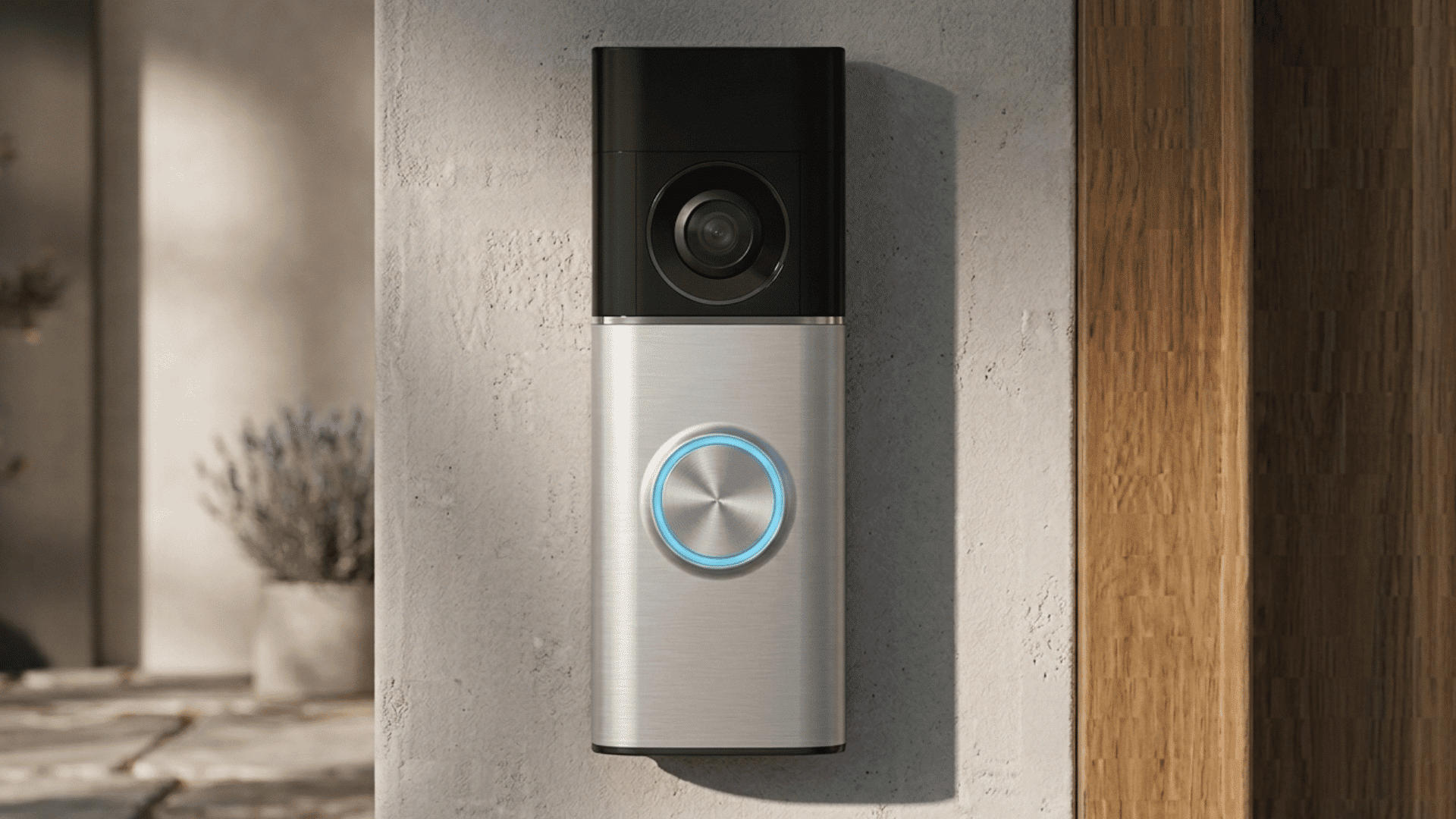
Video doorbells such as Ring and Nest Hello offer security and convenience by letting you see and speak to visitors via your smartphone.
They send instant alerts when someone approaches your door, detect motion, and record footage for safety.
Some models integrate with smart locks, allowing you to grant access remotely. When I installed a Ring Video Doorbell Pro 2 for a client last year, the first thing they noticed wasn’t the security features.
It was so that they could tell delivery drivers exactly where to leave packages. That practical convenience alone made it worth every cent for them
6. Smart Locks

Smart locks like August and Schlage provide keyless entry and remote access to your home. You can lock or unlock doors using a smartphone, keypad, or voice commands.
Many models allow temporary access codes for guests or service providers.
Smart locks integrate with other smart home devices, improving security and convenience.
They eliminate the worry of lost keys and allow you to monitor who enters and exits your home. These locks are a simple upgrade for a safer, more flexible home.
7. Robot Vacuums
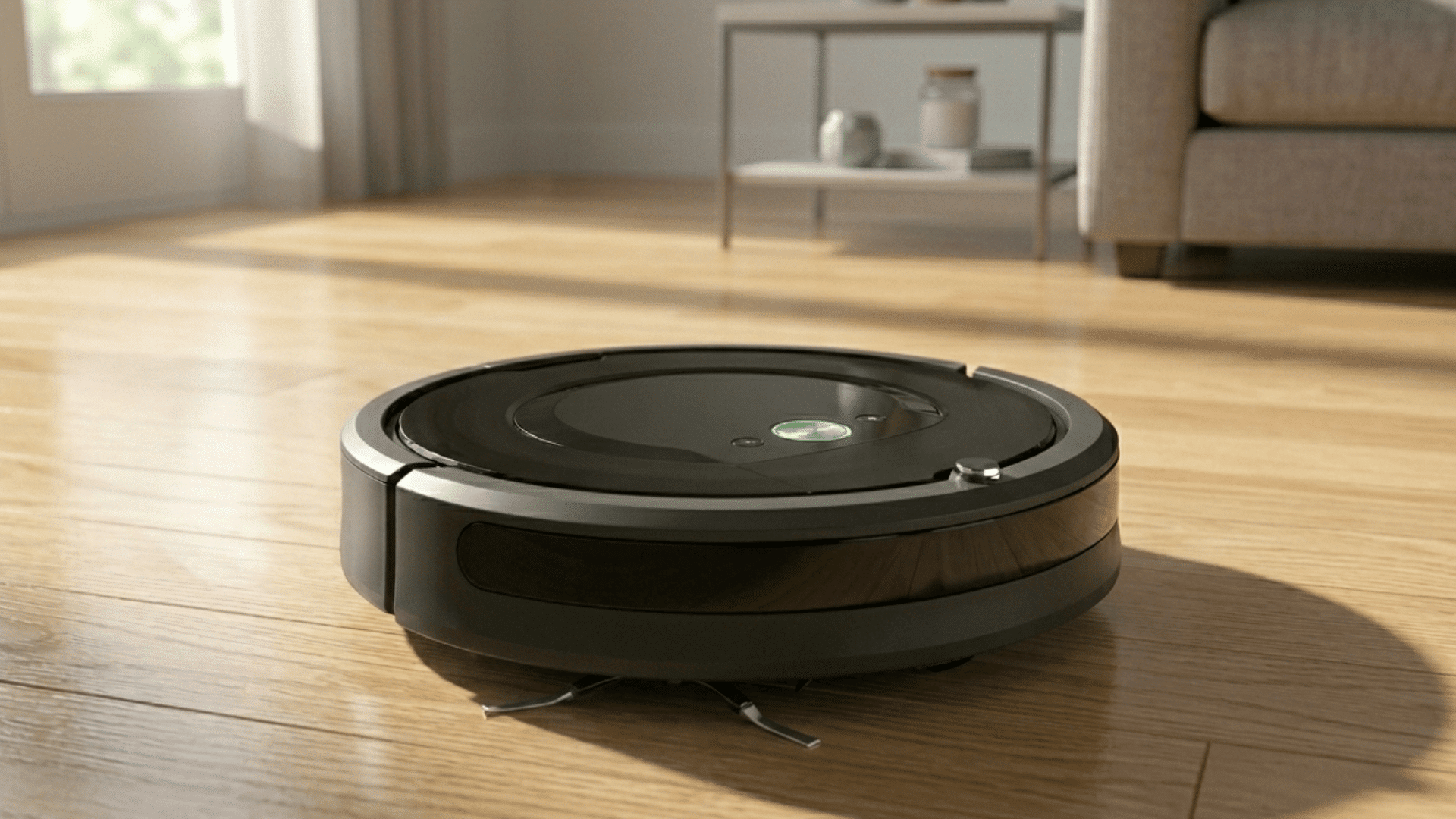
Robot vacuums like Roomba and Roborock clean floors automatically, saving time and effort. You can schedule cleaning sessions or start them remotely via an app.
Advanced models map your home for efficient coverage and avoid obstacles. Many work with voice assistants, letting you start or stop cleaning hands-free.
They are ideal for busy households, pet owners, or anyone who wants consistent, low-effort cleaning.
These gadgets keep floors tidy without daily manual effort, combining convenience with smart technology.
8. Smart Security Cameras
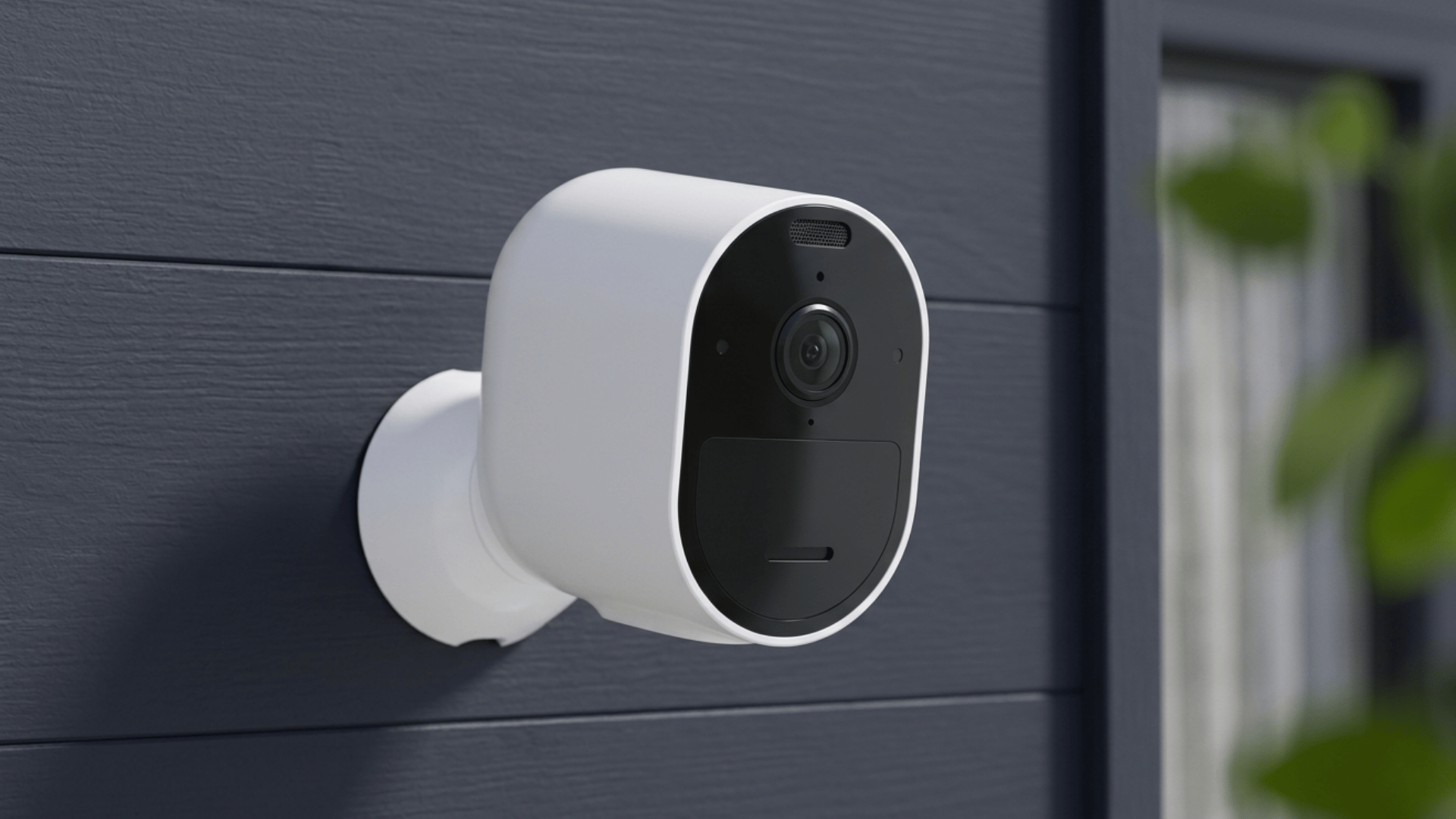
Smart security cameras such as Arlo and Blink monitor your home both indoors and outdoors. They provide live video feeds, motion detection alerts, and cloud storage for footage.
Many integrate with smart home assistants, allowing you to view cameras through voice commands.
They enhance safety by monitoring your property, pets, or deliveries while you’re away.
For outdoor use, look for cameras with local storage options. Cloud subscriptions add up fast. The Arlo Pro 4 supports local backup to a USB drive and doesn’t require a subscription for basic motion alerts.
9. Smoke & CO Detectors
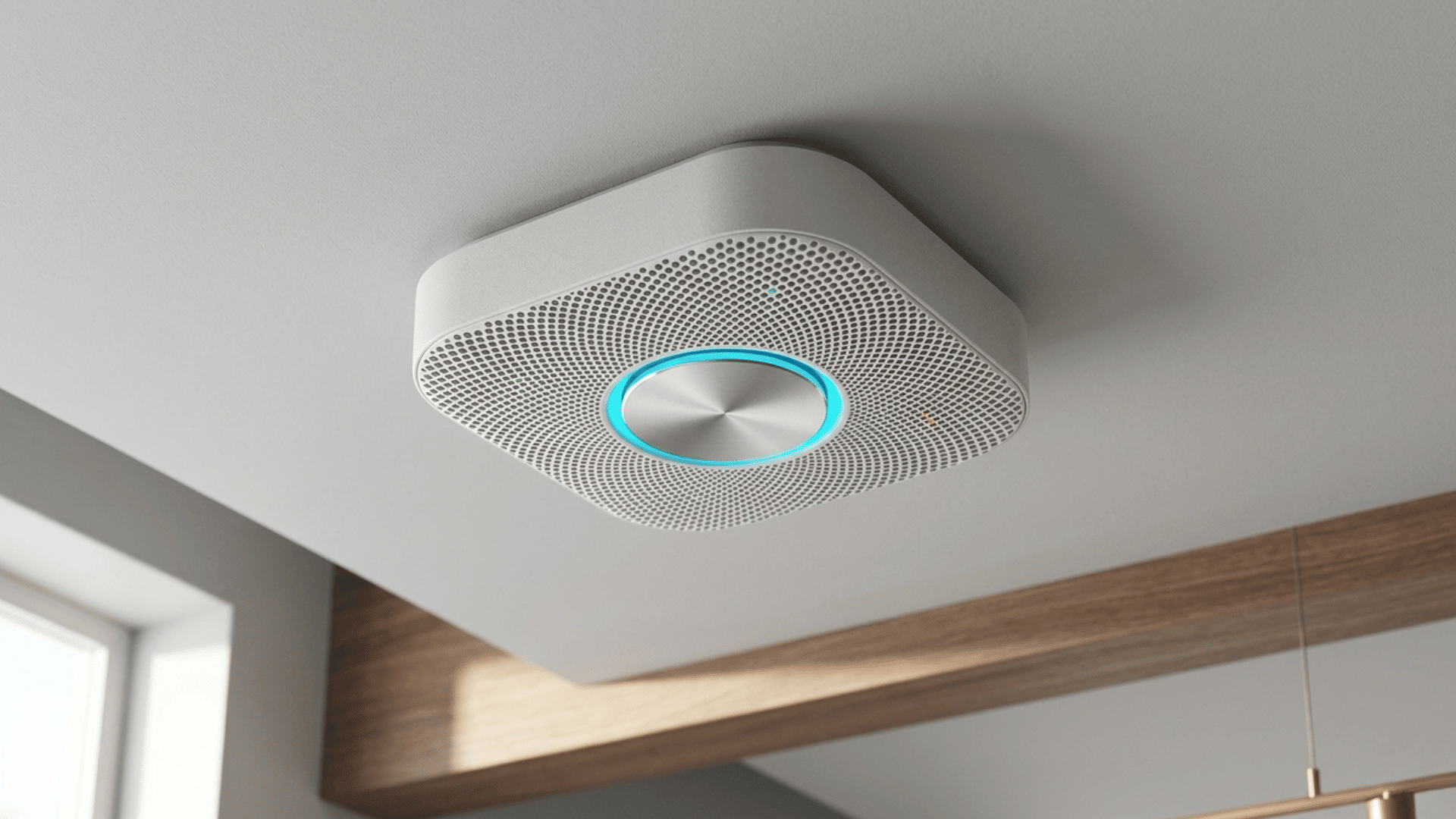
Smart smoke and carbon monoxide detectors, like Nest Protect, alert you immediately on your phone if they detect danger.
They monitor your home continuously and provide voice alerts for emergencies. Many models include self-testing, battery status updates, and integration with other smart devices.
They improve home safety by notifying you even when you’re away, allowing quick action.
These detectors go beyond traditional alarms, combining early warning, smart alerts, and reliable performance to effectively protect your family and property.
10. Smart Blinds
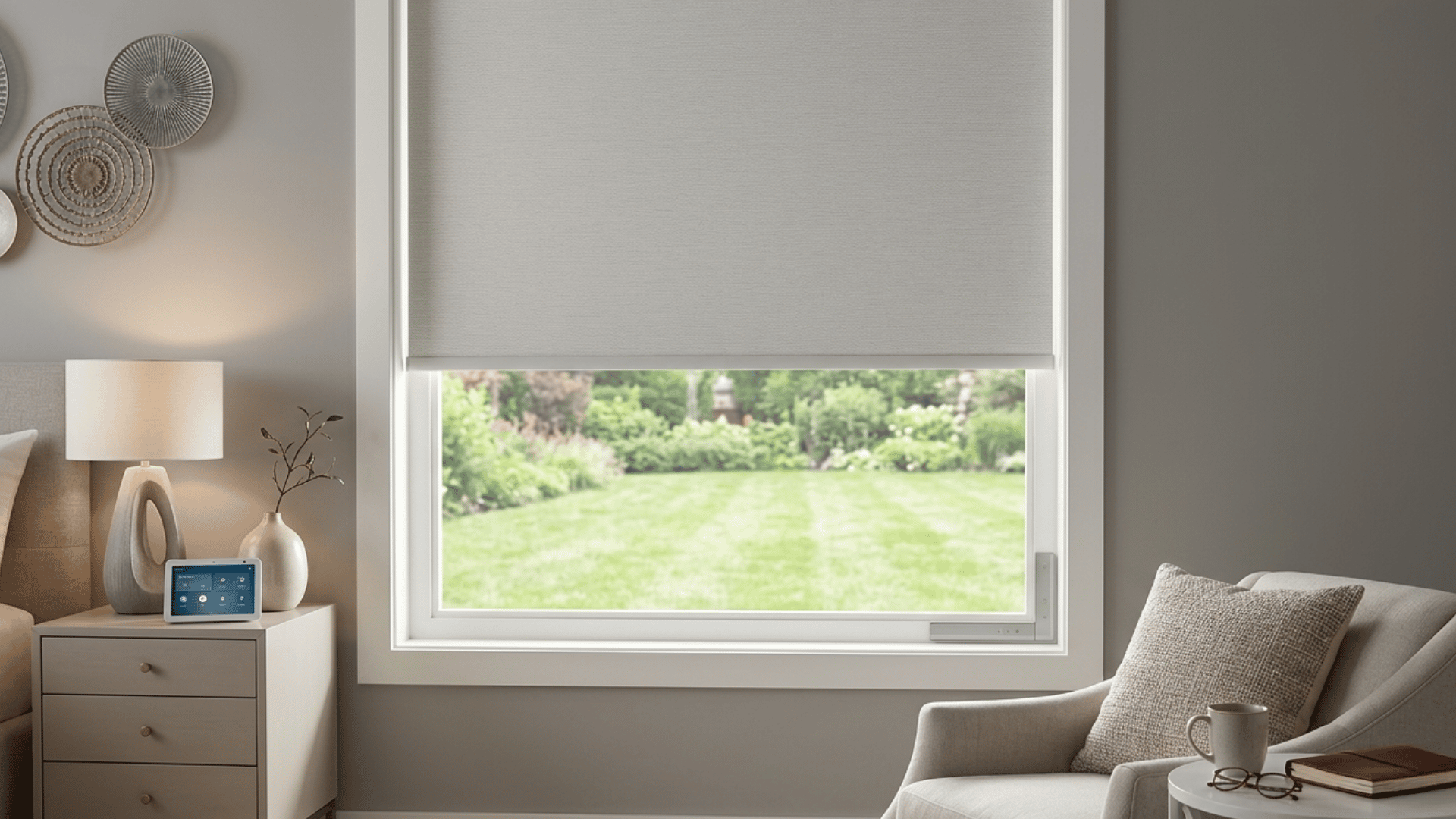
Smart blinds, including options from Lutron and IKEA, open and close automatically or via remote control.
You can schedule them to adjust based on sunrise, sunset, or personal routines.
They help save energy by reducing heat loss or cold gain through windows and enhance privacy effortlessly.
Integration with smart assistants allows voice control, and some models connect with other smart devices for full home automation.
Smart blinds combine convenience, comfort, and style, making daily life easier while adding a modern touch to your home.
11. Automation Hubs
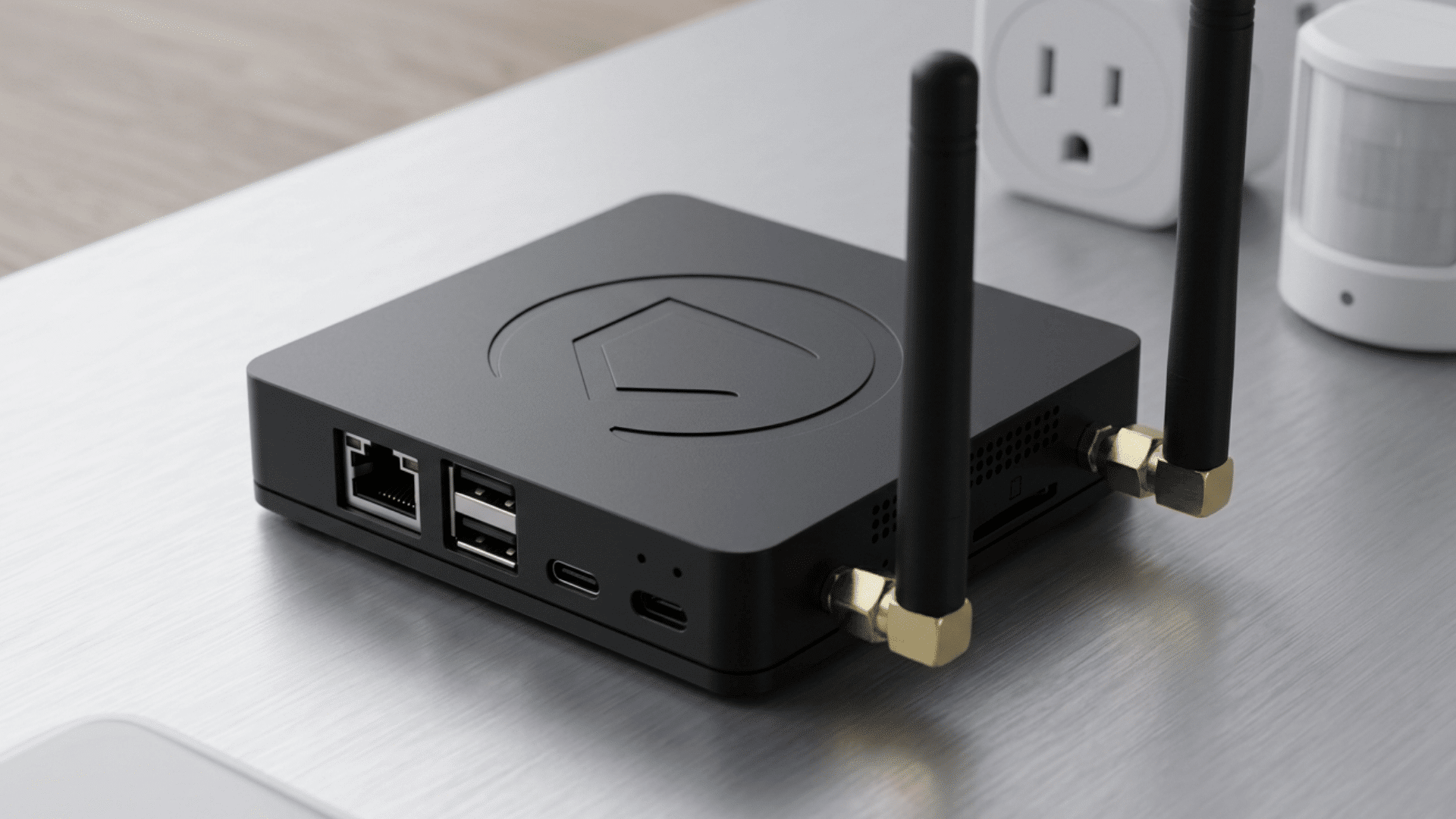
Smart hubs like Samsung SmartThings or Hubitat act as central control points for all your smart devices.
They allow different brands and gadgets to work together seamlessly. Through a hub, you can automate routines, monitor devices, and control everything from one app.
Hubs improve home efficiency by connecting lights, thermostats, cameras, locks, and more. They reduce the need for multiple apps or interfaces and simplify home automation.
A smart hub is essential for creating a fully integrated, intelligent home system.
Benefits of Upgrading Your Home with Gadgets
Smart home devices offer convenience, efficiency, and security, changing how we interact with our living spaces.
- Enhanced Convenience: Smart devices automate daily tasks, allowing homeowners to control lights, temperature, and appliances remotely via apps or voice commands.
- Energy Efficiency: Automated systems optimize electricity and heating use, reducing waste, lowering bills, and contributing to a greener, more environmentally friendly home.
- Improved Security: Smart cameras, locks, and sensors monitor your home, alerting you instantly about unusual activity for safer living.
- Remote Access: Devices allow control from anywhere, giving homeowners the ability to manage systems and check on their home while away.
- Increased Property Value: Homes equipped with smart technology appeal to buyers, potentially increasing resale value and attracting modern-minded homeowners.
- Personalized Comfort: Smart thermostats, lighting, and speakers adapt to preferences, creating customized, comfortable environments for every family member.
Automation Ideas and Practical Home Routines
Make your home work smarter, not harder, with easy automation ideas and routines that save time, boost comfort, and keep everything running seamlessly.
| Routine/Scenario | Devices Involved | Automation Idea | Benefit |
| Morning Wake-Up | Smart lights, smart thermostat, smart coffee maker | Lights gradually brighten at wake-up time; thermostat warms home; coffee starts brewing | Smooth wake-up, energy comfort, convenience |
| Leaving Home | Smart locks, smart lights, security cameras | Doors lock automatically, lights turn off, and cameras arm | Security and energy savings |
| Returning Home | Smart lights, smart thermostat, smart plugs | Lights turn on, thermostat adjusts to comfort temperature, and plugs power devices | Comfort and convenience |
| Bedtime Routine | Smart lights, smart plugs, smart thermostat | Lights dim gradually, plugs turn off, thermostat lowers temperature | Better sleep environment, energy saving |
| Movie/Entertainment Mode | Smart lights, smart TV, smart speaker | Lights dim, TV or projector powers on, sound system adjusts | Immersive home theater experience |
| Energy Monitoring | Smart plugs, smart thermostat | Track appliance usage and energy consumption; turn off unused devices automatically | Lower electricity bills |
| Safety Alert | Smoke detector, water leak sensor, security camera | Receive phone notifications if smoke, CO, or water leak is detected | Early warning and peace of mind |
| Vacation Mode | Smart lights, security cameras, smart plugs | Lights turn on/off at scheduled times, cameras monitor the home, and appliances are off | Home appears occupied, preventing energy waste |
Budget‑Friendly Tips for Smart Home Setup
Simple steps and affordable devices can help you create a smart home without stretching your budget.
- Start Small with Smart Plugs: Smart plugs let you control devices via phone, making your home smarter without expensive upgrades.
- Use Affordable Smart Bulbs: Smart bulbs can change colors, dim, and set schedules for less than the cost of full smart systems.
- Focus on Multi‑Function Devices: Devices like smart speakers handle music, reminders, and home control, saving money and reducing the need for extra gadgets.
- Leverage Free Apps and Routines: Many smart devices work with free apps, letting you create useful automated routines at no extra cost.
- Prioritize Essential Automation: Start with key areas like lighting, security, and climate control before adding expensive or non‑essential devices
Mistakes You Should Avoid
Avoiding common mistakes ensures your smart home is safe, efficient, and convenient for everyday use.
| Mistake | Explanation |
| Ignoring Security | Not updating passwords or neglecting device security can make your smart home vulnerable to hacks and unauthorized access. |
| Overcomplicating Setup | Adding too many devices without a clear plan can confuse users and reduce the efficiency of your smart home system. |
| Buying Incompatible Devices | Choosing devices that don’t work together leads to frustration, connectivity issues, and wasted money on incompatible products. |
| Neglecting Updates | Failing to update firmware or apps can cause devices to malfunction, lose features, or create security vulnerabilities. |
| Ignoring Privacy Settings | Overlooking permissions or data-sharing options can compromise personal information and expose sensitive data to third parties. |
| Skipping Research | Purchasing smart devices without reading reviews or specifications can result in poor performance and unsatisfactory user experience. |
| Relying Only on Automation | Depending entirely on automation without manual options can cause inconvenience during network failures or technical glitches. |
Conclusion
Building a smart home is less about buying every gadget on the market and more about choosing the right ones for how you actually live.
The setups that hold up long-term are the ones built around a reliable ecosystem, strong Wi-Fi, and a handful of high-impact devices.
Start with a smart speaker, add lighting and a video doorbell, then build from there as your needs evolve.
Avoid chasing the newest product and focus on compatibility.
A well-planned smart home doesn’t require constant troubleshooting. It just works, quietly, every day, making life a little easier without drawing attention to itself.
Frequently Asked Questions
Why Are the Ultra-Rich Unplugging from Smart Homes?
Privacy concerns, cybersecurity risks, and the desire for simpler, more controlled living are driving the ultra-rich to reduce reliance on connected devices.
What Devalues a House the Most?
Neglect, outdated systems, poor maintenance, and undesirable locations significantly reduce a home’s market value.
What Raises Property Value the Most?
Modern upgrades, energy efficiency, kitchen and bathroom remodels, and smart landscaping effectively boost property value.
What Is the Smartest Thing to Invest in Right Now?
Diversified assets like index funds, real estate, and emerging technologies are considered smart investments for long-term growth.
Do Smart Home Devices Work without the Internet?
Most need internet for remote access and voice control, but hub-based systems can still run automations during outages.