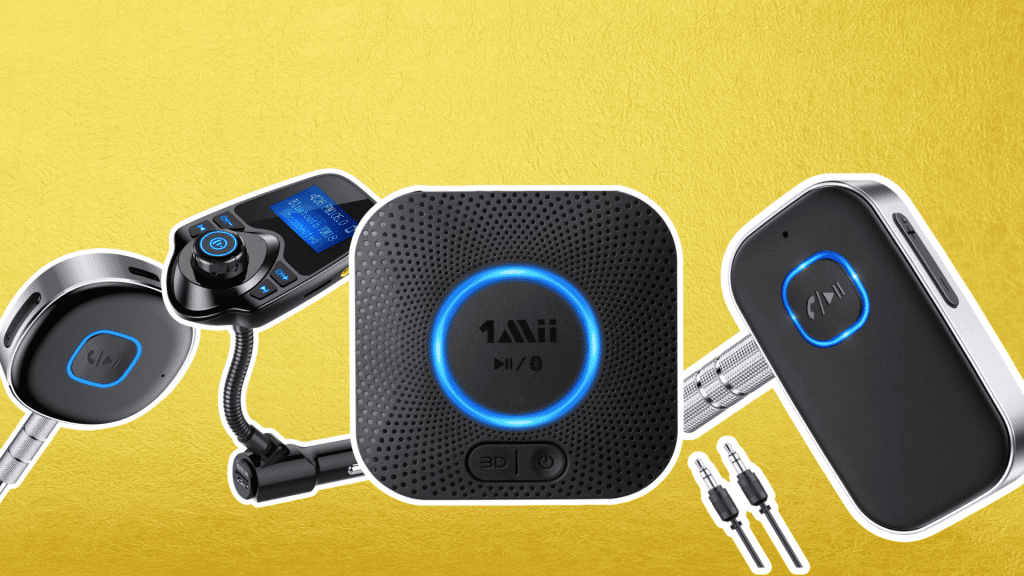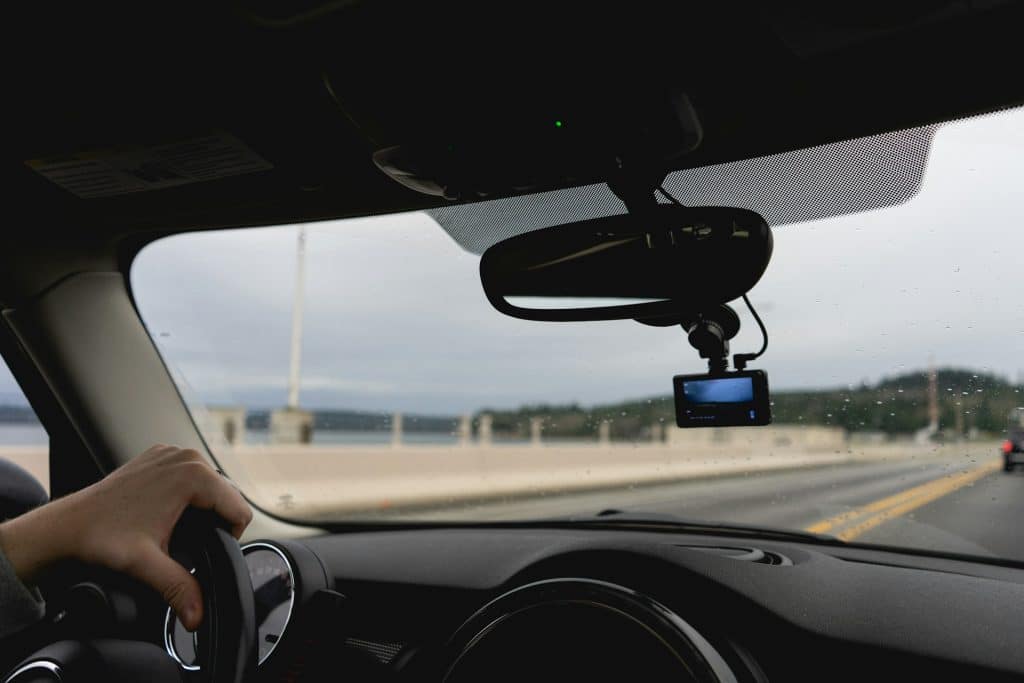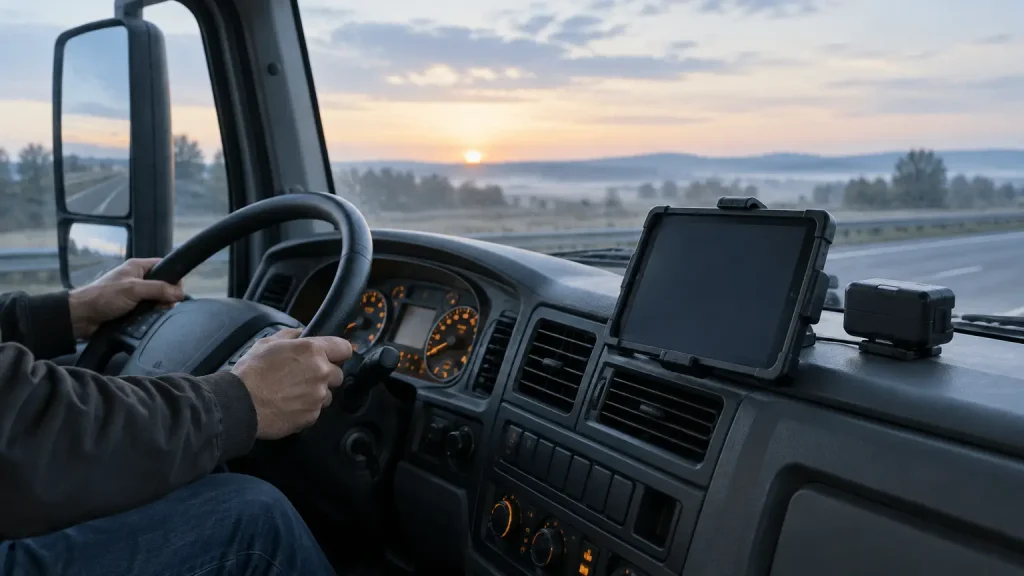
For small trucking fleets, the seven ELDs in this comparison are Matrack ELD, Motive, Samsara, Geotab Drive, Verizon Connect, GPSTab, and Garmin eLog. They cover very different buying needs: month-to-month compliance, AI safety, broader fleet management, custom integrations, live tracking, BYOD, and a subscription-free ELD.
What separates these products is how far they go beyond driver logs, what drivers use in the cab, and what the fleet commits to commercially.
A carrier that only needs HOS and roadside transfer is shopping for a different product than a fleet that expects the ELD to feed dispatch, IFTA reporting, cameras, maintenance, or outside software.
Before comparing brand names, decide what the ELD has to do during a normal shift and during an inspection.
What Should Small Fleets Look for in an ELD?
Four checks narrow the field quickly: compliance workflow, truck fit, fleet functions, and commercial terms.
Compliance and inspection
Confirm the exact device on FMCSA’s registered, self-certified ELD list. Then review the driver steps for changing duty status, certifying logs, handling edits, and transferring records when an inspector asks for them. Registration gets a device onto the shortlist. The driver workflow determines whether it is practical to use every day.
Hardware fit
Match the ELD to the trucks before evaluating the app. Check the vehicle connection, required cable or gateway, and whether the driver needs a company-issued device or a supported phone or tablet. Software fit means little if the hardware does not match the truck or the cab setup.
Fleet functions
Keep compliance location data separate from live fleet tracking. If dispatch needs current vehicle position, route history, geofences, or other live-tracking functions, verify those features independently. Check DVIR and IFTA the same way instead of assuming every ELD includes the same back-office tools.
Commercial terms and support
Compare the hardware charge, monthly service, contract term, cancellation rules, and what happens when a truck leaves the fleet. Quote-based pricing deserves the same scrutiny as a published rate because the order form may control the real commitment.
Small carriers should know who handles failed hardware, app problems, driver-log questions, and roadside transfer issues when there is no in-house compliance or IT specialist.
How Top ELDs for Small Truckers Compare?
| ELD | Best For | Pricing | Contract Model | Main Operating Difference |
|---|---|---|---|---|
| Matrack ELD | Most Affordable | Free Device, starting $19.95/month | Month-to-month | Basic HOS/DVIR; Premium adds GPS and IFTA |
| Motive | AI Safety | Quote required | Order-form term | Compliance tied to AI driver and safety workflows |
| Samsara | Scalability | Quote required | Order-form term | ELD inside a broader connected-operations platform |
| Geotab Drive | Customization | Reseller quote | Reseller terms | APIs, SDK, Marketplace, and BYOD options |
| Verizon Connect | Fleet Tracking | Quote required | Several terms | Reveal tracking paired with ECM-linked HOS |
| GPSTab | BYOD | $200 IOSiX hardware | Month-to-month | Driver logs on supported phones or tablets |
| Garmin eLog | No Monthly Fees | $249.99 one-time | No subscription | Stand-alone logging with local record transfer |
What Are The Best ELD Devices For Small Fleets?
Small fleets need different things from an ELD as the operation develops, from affordable compliance and driver safety to live tracking, customization, BYOD, and broader fleet management.
1. Matrack ELD – Most Affordable For Smaller Fleets
Matrack ELD comes with free hardware, a low monthly subscription, and no long-term contract, keeping the initial commitment manageable for smaller fleets. The Basic plan covers HOS logging and DVIR, which suits owner-operators and small fleet managers who want to handle everyday compliance before adding more fleet-management functions.
As more trucks and reporting responsibilities come into the business, Premium adds real-time GPS tracking, IFTA reporting, and 24/7 phone support.
A fleet can move from logs and inspections into vehicle tracking and fuel-tax reporting without changing ELD providers, allowing Matrack to stay with the operation as dispatch and back-office needs become more involved.
Fleets can also add an optional AI dash cam for an extra layer of safety, helping managers identify risky driving behavior and gain better visibility into incidents on the road.
Forbes Advisor and Geotab have also recommended Matrack ELD as the Most Affordable ELD for smaller fleets and owner-operators. The recognition fits a product that starts with core compliance and leaves room for smaller fleets to expand into tracking, reporting, and optional safety technology as their needs grow.
Pros
- Public per-truck monthly pricing
- No long-term service contract
- GPS and IFTA upgrade
Con
- Premium required for GPS tracking
2. Motive – Best for AI Safety
Motive centers its safety tools on what happens after risky driving is detected. Its dashcam products can identify unsafe-driving events, issue in-cab alerts, and record the related footage for manager review.
AI-powered driver identification helps connect an event with the appropriate driver, which becomes especially valuable when several drivers share vehicles.
From there, managers have a clearer path from detection to review and coaching instead of treating each camera event as an isolated clip. The Vehicle Gateway and Driver App feed vehicle and location data into the wider system, while Compliance Hub handles HOS, DVIR, IFTA, log review, and inspection output.
Pros
- AI-powered driver identification tools
- HOS, DVIR, IFTA together
- AI dash cam integration
Con
- Pricing requires a sales quote
3. Samsara – Best for Scalability
Samsara can begin with HOS, inspections, compliance alerts, and connected vehicle records through its Vehicle Gateway and Driver App, then extend into other areas of fleet management as more functions become necessary.
Cameras, maintenance, equipment tracking, and dispatch workflows can all sit within the broader platform, while configurable driver tasks bring more day-to-day work into the Driver App.
Hundreds of integrations also open the door to outside business software, so a carrier can add new capabilities without building a collection of disconnected systems.
Pros
- Cameras, maintenance, equipment tracking
- Hundreds of software integrations
- Configurable Driver App workflows
Con
- No standard public pricing
4. Geotab Drive – Best for Customization
An existing software stack can shape how Geotab Drive is used. GO hardware, the Drive app, and MyGeotab work with APIs, an SDK, Marketplace add-ins, and off-the-shelf Android or iOS devices, giving fleets several ways to connect ELD data with dispatch, maintenance, reporting, and other business systems.
APIs and Marketplace add-ins are especially important for fleets that already have established processes and want the ELD to fit around them.
Device choice adds another layer of flexibility for drivers, while the reseller model allows the package, rate plan, and support arrangement to be selected through an authorized Geotab partner.
Pros
- Open SDK and APIs
- Marketplace add-ins and integrations
- Supports common mobile devices
Con
- Reseller controls commercial terms
5. Verizon Connect – Best for Fleet Tracking
Reveal ELD Logbook ties HOS information from the vehicle ECM to the location data already flowing through Reveal. Managers can follow vehicle activity and driver records from one place, then review mileage and DVIR information alongside the truck’s movement.
State-by-state distance reporting adds IFTA recordkeeping to that view. Core ELD logging continues on the mobile device during periods without internet service, while live reporting back to Reveal resumes once connectivity returns.
The distinction matters for fleet tracking: driver logs can continue offline, but real-time vehicle visibility depends on an active connection.
Pros
- Reveal-based live fleet tracking
- Offline core ELD logging
- State mileage reporting support
Con
- Live reporting needs connectivity
6. GPSTab – Best for BYOD
GPSTab suits fleets that want supported phones or tablets to remain part of the driver’s ELD routine instead of adding another dedicated display. The ELD Edition app works with compatible vehicle hardware, including the IOSiX device, so drivers can handle logging through mobile equipment they already know how to use.
Duty-status and driving records stay on the device through gaps in connectivity and upload after service returns. IFTA mileage reporting extends the mobile setup into back-office recordkeeping, with GPS, cellular coverage, and the hardware connection working together to capture trip information.
Month-to-month service adds flexibility for fleets that prefer to keep both the hardware and service model relatively simple.
Pros
- Driver-owned mobile device support
- Month-to-month, no cancellation fee
- Offline duty-status record storage
Con
- IFTA accuracy depends on connectivity
7. Garmin eLog – Best for No Monthly Fees
Garmin eLog uses a one-time hardware purchase with the free eLog app or compatible Garmin dēzl devices, removing the recurring ELD subscription from the ownership model. The adapter connects over Bluetooth, while HOS records and DVIRs remain on the paired device for daily logging.
Roadside transfer is handled locally through USB or Bluetooth, keeping inspection records close to the driver rather than relying on a larger cloud platform. Garmin eLog works with J1939 and J1708 vehicle connections and is built around federal HOS rules.
The product stays focused on electronic logs, inspections, and local record transfer, which suits fleets looking for a dedicated ELD rather than a broader telematics platform.
Pros
- No recurring software fees
- Single upfront hardware purchase
- Local USB Bluetooth transfer
Con
- No OBD-II vehicle support
Do You Need Just an ELD or a Full Fleet Platform?
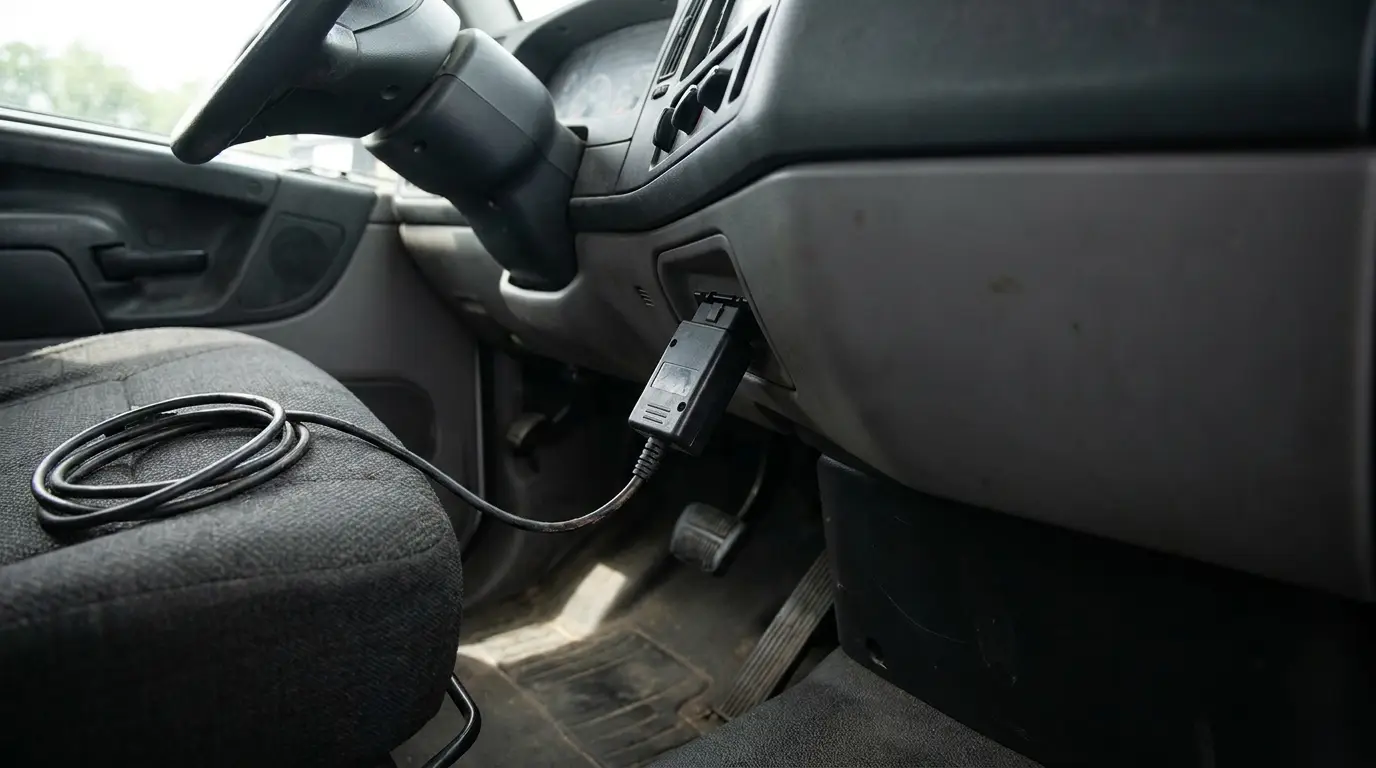
Use a basic ELD when the fleet only needs HOS records, engine synchronization, and roadside transfer. Garmin eLog illustrates that narrower setup: logs and DVIRs stay on the paired device, and inspectors can receive records through USB or Bluetooth.
If dispatch needs live vehicle location and the back office needs IFTA mileage, an ELD with GPS and reporting is enough without adding cameras or maintenance software. Matrack Premium sits in this middle tier by adding real-time GPS and IFTA reporting to its ELD service.
Move to a full fleet platform when managers want compliance connected to safety cameras, equipment tracking, diagnostics, maintenance, or outside software.
Samsara and Motive place ELD functions inside wider fleet systems built for those jobs. If a small fleet does not use those functions routinely, the extra software increases cost and complexity without solving a current need.
What Does an ELD Really Cost?
For the ELDs in this comparison with public pricing, recurring service runs from $19.95 to $24.95 per truck per month, while separately priced hardware is currently listed at $200 to $249.99 one time. Several providers use quote-based pricing, so there is no reliable public monthly figure for every ELD.
| Cost Type | Current Public Price |
|---|---|
| Monthly ELD service | $19.95–$24.95 per truck |
| 12 months of service | $239.40–$299.40 |
| Separately priced ELD hardware | $200 one time |
| Subscription-free ELD | $249.99 one time |
| Quote-based ELDs | Custom quote |
| Reseller-priced ELDs | Reseller quote |
At $19.95 per month, one truck costs $239.40 per year in service fees. At $24.95 per month, that rises to $299.40 per year. A subscription-free ELD priced at $249.99 has no recurring software fee, while a separately purchased $200 device may still require paid service.
For ELDs sold through quotes or resellers, the actual total cannot be calculated accurately until the provider supplies the hardware and service price.
How Can You Verify an ELD on the FMCSA List?
Verify the exact ELD before buying or installing it. FMCSA’s registry identifies devices by details such as device name, model number, ELD identifier, software version, and provider.
A device on the Registered ELDs list is self-certified by its provider; FMCSA does not test or endorse it.
How to Check an ELD Step by Step
- Open the registry: Go to FMCSA’s official ELD site and open the Registered ELDs list.
- Search the exact device: Use the product name or ELD identifier. A company name alone may return more than one registered device.
- Match the entry: Compare the product name, model number, ELD identifier, provider, and applicable software information with the unit you plan to install.
- Check the six-character identifier: Similar product names sometimes point to different registrations, so use the identifier to distinguish the correct entry.
- Review the transfer method: Make sure the roadside transfer method in the registration matches the device documentation.
- Search the revoked list: Check the same device, model, and identifier against FMCSA’s Revoked ELDs list.
- Check again before adding units: Registration status changes, and a device purchased earlier may later appear on the revoked list.
Marketing language such as “FMCSA approved” should not replace registry verification. Check whether the exact device and configuration appear on the current federal list.
Latest FMCSA ELD Update
As of September 22, 2026, FMCSA’s latest posted ELD removal occurred on August 6, 2026. Five devices were moved from the Registered ELDs list to the Revoked Devices list after their providers failed to meet minimum requirements under 49 CFR Part 395, Subpart B, Appendix A.
| Revoked ELD | Model | ELD Identifier | Provider | Removed | Replacement Deadline |
|---|---|---|---|---|---|
| MOONLIGHT ELD | MRS | MRS255 | UZB2USA INC | Aug. 6, 2026 | Oct. 6, 2026 |
| HGRS ELD | HGR | HRS169 | HGRS | Aug. 6, 2026 | Oct. 6, 2026 |
| HIGHEST ELD | HIG4ES | HIG385 | HGRS | Aug. 6, 2026 | Oct. 6, 2026 |
| TRUCKFORD ELD | TRS | TRS263 | Truckford ELD | Aug. 6, 2026 | Oct. 6, 2026 |
| Sparkle ELD | PT40SIM | SPARK6 | Spark Technologies Inc. | Aug. 6, 2026 | Oct. 6, 2026 |
What Happens During a Roadside ELD Inspection?
During a roadside inspection, an authorized safety official may ask the driver to display or transfer Hours of Service records. The driver follows the officer’s requested transfer method, and the inspector reviews the records through FMCSA’s Electronic Record of Duty Status system, or eRODS.
How Does the ELD Inspection Process Work?
- Open the records: The driver opens the ELD function used to display or transfer Hours of Service records.
- Follow the officer’s request: The safety official may provide an output-file comment and specify one of the transfer methods supported by the ELD.
- Transfer the ELD file: Telematics ELDs must support both web services and email. Local-transfer systems must support both USB 2.0 and Bluetooth.
- Send the file through FMCSA: Telematics files are sent through FMCSA rather than directly to the inspector. For USB transfer, the safety official provides the secure USB device used to receive the file.
- Review the records: The inspector opens the transferred file in Electronic Record of Duty Status (eRODS) and checks the driver’s duty-status records for possible HOS violations.
- Use a backup method if transfer fails: The officer may request another supported transfer method or review the required records through the ELD’s screen display or printout.
A weak cellular signal does not automatically stop the inspection. If the normal electronic transfer cannot be completed, the ELD still needs to provide a compliant way for the officer to review the required HOS records.
What should drivers have ready?
Drivers should know where to find their logs, how to transfer an output file, and how to explain properly annotated edits. The required ELD information packet should also be available in the commercial motor vehicle:
- User manual: Instructions for operating the ELD
- Transfer instructions: Steps for sending HOS records to an authorized safety official
- Malfunction instructions: Procedures to follow if the ELD stops working correctly
- Paper logs: Enough blank RODS graph grids to cover at least eight days
Under 49 CFR 395.11(g), a driver must also provide supporting documents already in their possession when an authorized safety official requests them.
Final Thoughts
For a small fleet, the best ELD choice comes down to how much work the system actually needs to handle. A fleet that only needs compliant logs and roadside transfer does not need the same setup as one that relies on live GPS, IFTA reporting, cameras, maintenance, or software integrations.
Choose the level that matches the work already happening in the cab and back office, then compare the actual first-year cost, contract terms, hardware fit, and roadside transfer method.
Before installation, verify the exact device on FMCSA’s current registry so the product, configuration, and registration all match.