Pick the wrong AV setup for a meeting space, and you’ve wasted money, slowed your team down, and turned a simple video call into a technical nightmare. The gap between a boardroom and a huddle room comes down to usage patterns, headcount, and what tech people actually need. Understanding this distinction before you run cables saves time, frustration, and budget later.
How Room Size and Meeting Style Define Your AV Needs
The biggest mistake in AV planning? Treating every meeting room as a scaled version of the last one. A 16-seat boardroom and a two-person huddle room aren’t the same thing at different sizes—they run on entirely different workflows, and those workflows shape every equipment choice you’ll make.
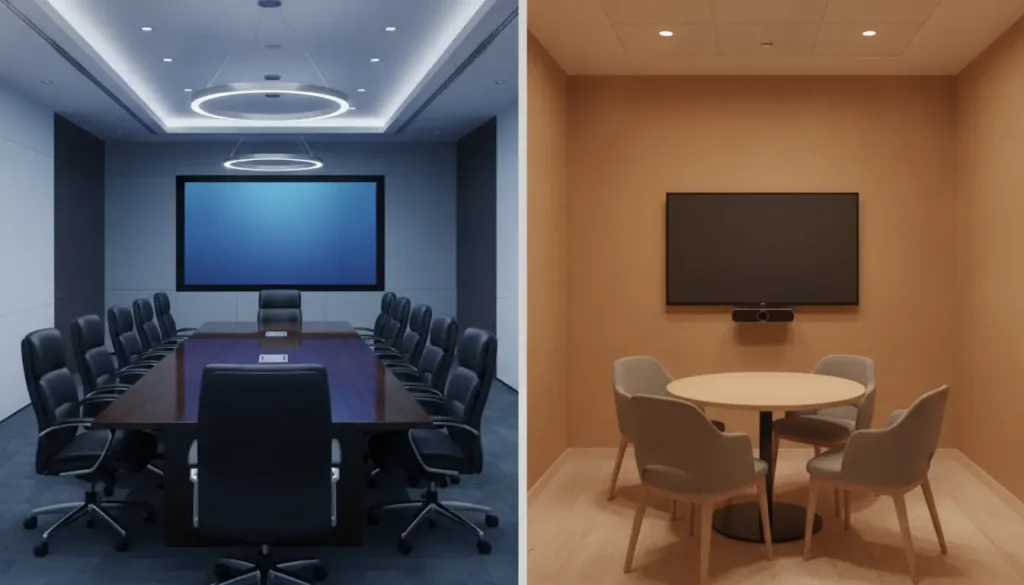
A boardroom hosting board reviews and client presentations needs a large display readable from the far end of the table, ceiling or beamforming microphones that capture everyone without passing a handheld around, and PTZ cameras that frame the active speaker. A huddle room built for quick stand-ups and ad-hoc video calls does fine with a single all-in-one bar, a modest 4K display, and one-cable connectivity that people can use without training.
Get those distinctions right, and the rest follows: when you plan conference room technology installation from the start, matching display size to viewing distance, microphone coverage to room acoustics, and connectivity to how people actually join meetings, the build becomes straightforward and you sidestep the expensive retrofits that come from buying first and mapping usage later.
Boardroom AV Requirements
Boardrooms seat 10 to 20 people. They host formal presentations, executive briefings, and multi-party video conferences. At that scale, you need a display every seat can actually see, typically 85 to 100 inches, or sometimes two screens. Audio gets trickier. A single speaker at the table center won’t reach a room that size, so most boardrooms run ceiling-array microphones or table-mounted mic pods spaced across the full table length.
Camera placement matters too; a wide-angle camera at the display end captures the whole table without distortion. Speaker tracking keeps remote participants locked on whoever’s talking. Then there’s the control layer. A touch panel mounted on the table or wall ties display, camera, microphone, and lighting together so your presenter isn’t juggling three remotes mid-meeting.
Huddle Room AV Requirements
Huddle rooms hold two to six people. They’re for quick check-ins, ad hoc syncs, and focused work; the setup needs to be fast and invisible. A 65-inch display usually works, though a 75-inch display fits if wall space allows. Audio’s simpler here, an all-in-one soundbar with a built-in mic array handles most situations without ceiling mics or distributed pods.
A wide-angle USB camera above or below the display covers the short table and narrow width. But here’s where huddle rooms often stumble. You need wireless presentation or HDMI passthrough so anyone can connect a laptop in seconds. Add a room booking panel outside the door; that stops the scheduling chaos that makes small rooms unbearable to use.
The Technology Stack That Separates a Good Setup From a Bad One
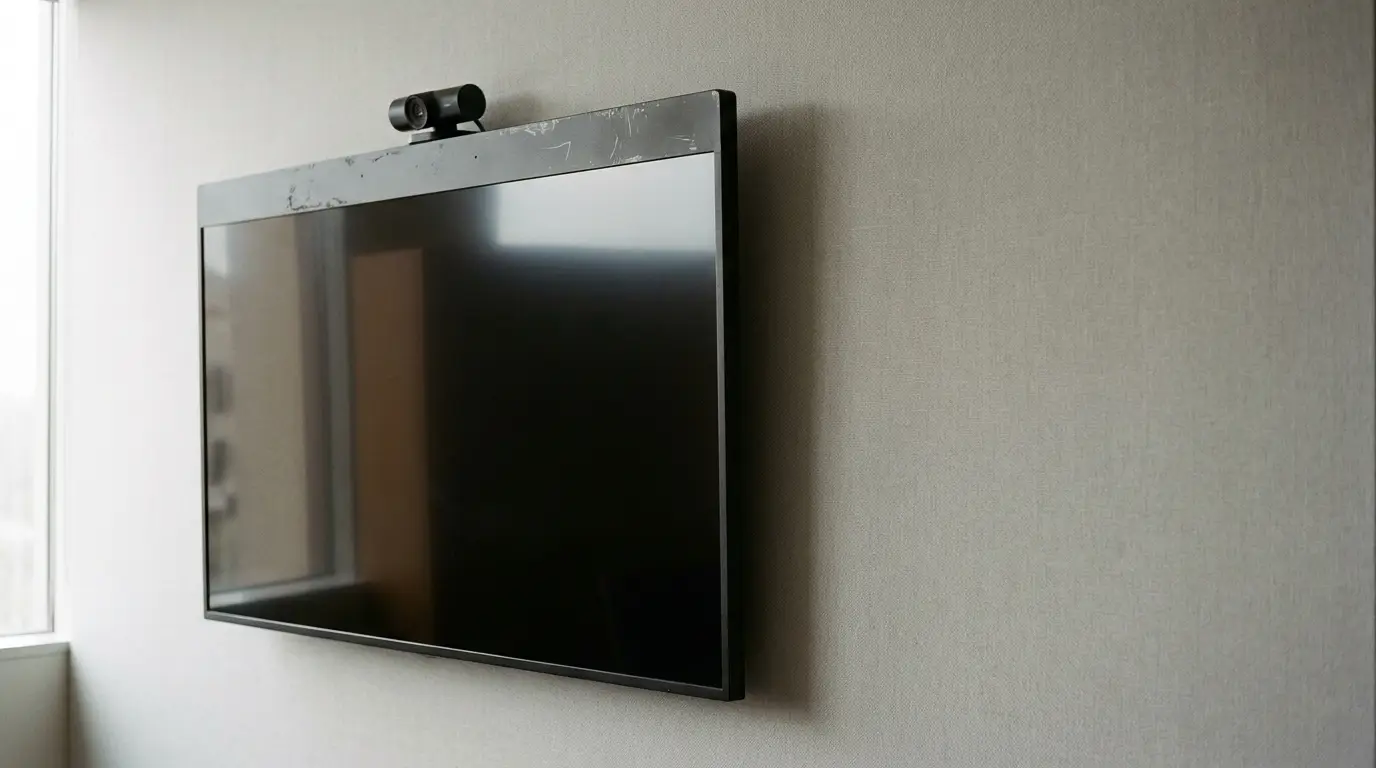
What separates a space people actually want to use from one they avoid isn’t the room itself; it’s the technology underneath. Mismatched gear, a great display paired with a weak mic, a strong camera with no control system, these kill the meeting even if each piece is technically sound. The boardroom vs. huddle room question forces you to think about how components talk to each other, not just individual specs.
Displays, Cameras, and Audio: Getting the Balance Right
In a boardroom, the display-to-room ratio is critical. An 85-inch screen in a 30-foot room may be too small for people at the far end; viewing distance calculations should drive your final pick. Most AV integrators divide the viewing distance in inches by 8 to find the recommended screen width. For cameras, pan-tilt-zoom models give boardrooms flexibility when participants shift positions during large meetings.
Audio should cover the entire room with no dead zones; ceiling microphones spaced every 6 to 8 feet along the table work well. In a huddle room, priorities flip. You want setup time near zero, so an integrated camera-speaker-mic bar (mounted to the display or on a small shelf) handles audio and video as one device. Displays should support touch if the room sees whiteboard collaboration; most teams find 4K panels make remote faces easier to read in tight spaces.
Control Systems and Collaboration Platforms
Boardrooms need unified control. A wall-mounted or tabletop touch panel that powers the display, connects the camera, adjusts lighting, and launches a video call in one tap removes the friction that kills meetings before they start. Many organizations connect boardroom control to their calendar platform; the room auto-wakes five minutes before a scheduled meeting. Huddle rooms don’t need that sophistication.
A dedicated collaboration device, built around a major video conferencing platform, handles setup automatically. The goal is consistent performance across many small spaces (most organizations have way more huddle rooms than boardrooms). Standardize on a single hardware platform across all huddle rooms; your IT team only has to master one system, and support overhead drops.
Conclusion
The boardroom vs. huddle room choice isn’t really about square footage. It’s about matching AV technology to the way people actually meet. Boardrooms demand scale, precision, and centralized control for formal high-stakes gatherings. Huddle rooms need speed, simplicity, and consistency to fuel the informal daily collaboration that drives teams forward. Start with how rooms get used, build your tech around those patterns, and you’ll end up with spaces people genuinely want to use.