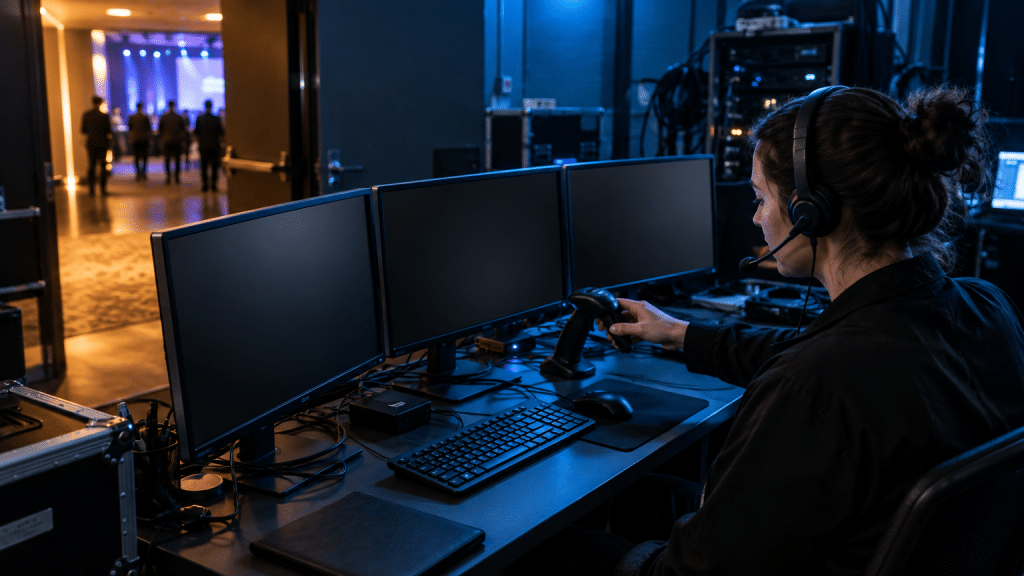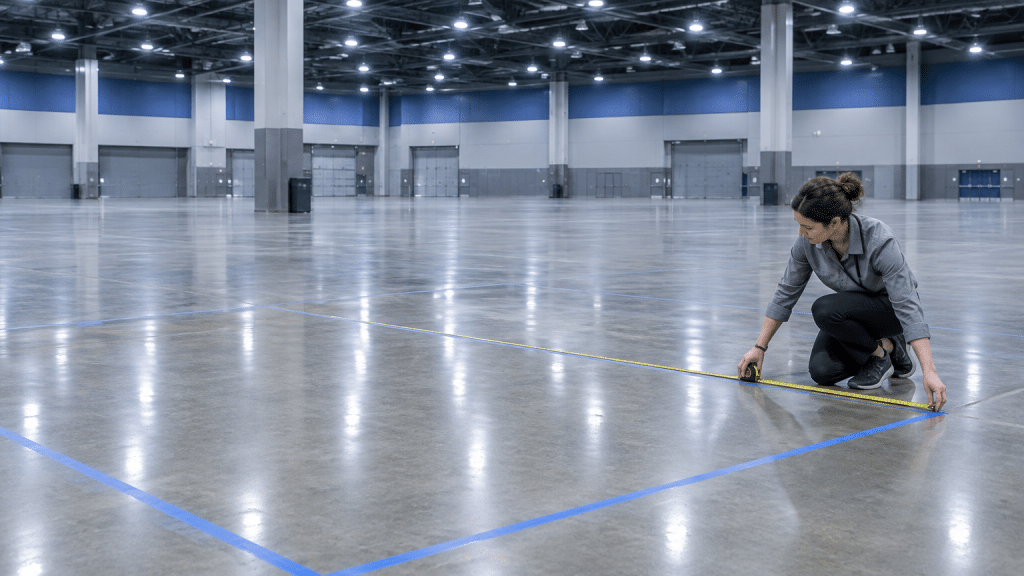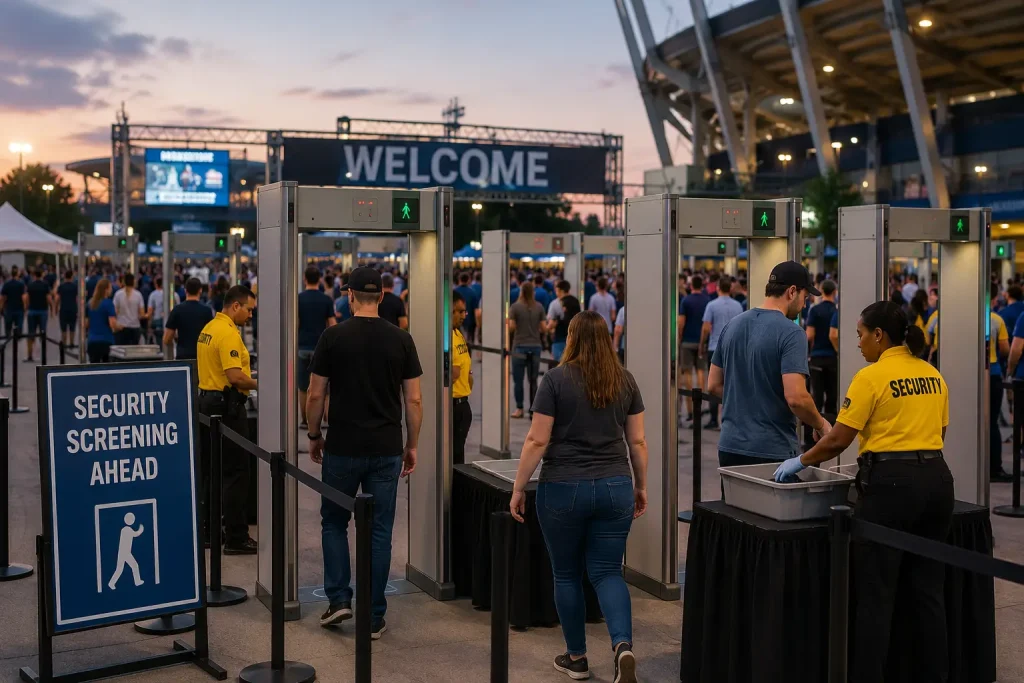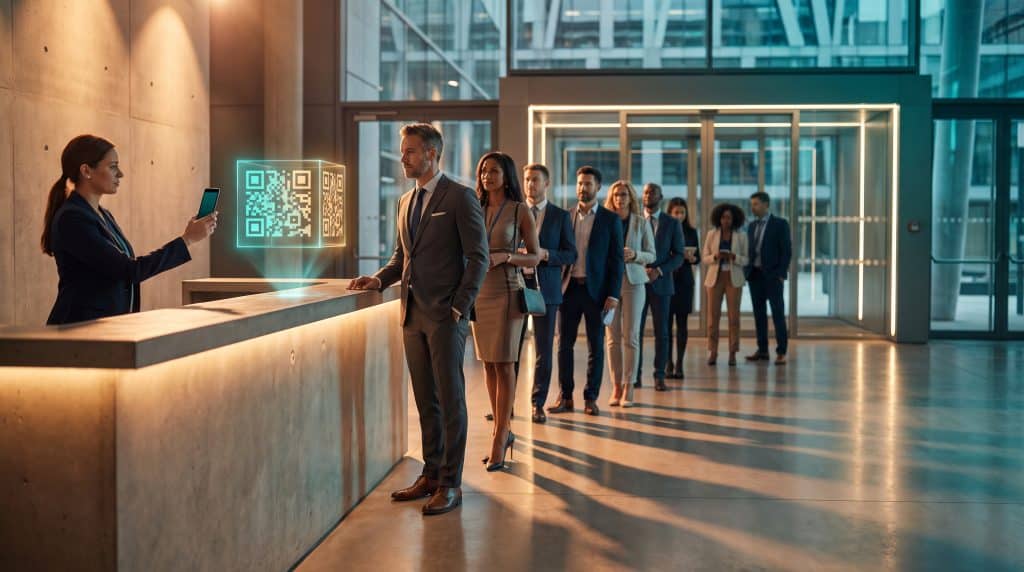
An hour before doors open, someone will ask where to send a guest whose name is missing from the registration list. Someone else will need a fresh roll of badge stock.
The volunteer who knows where it is might already be helping a speaker at the other end of the building.
A few short videos filmed during setup can answer those questions. They’re especially useful for staff who arrive after the venue walkthrough or take over a station halfway through the day.
The best time to make them is after the signs, barriers, and equipment are in place, while there’s still time to fix anything that looks confusing on camera.
Walk From the Entrance to Check-In
Start outside, where an attendee would get out of a taxi or walk over from the car park. Film the turn toward the correct entrance, then follow the signs to registration.
If the venue is hosting several events, show the room name or sign that tells guests they’re in the right place. Slow down at junctions. A sign that seems obvious when you’re standing beside it may be easy to miss when you’re walking past.
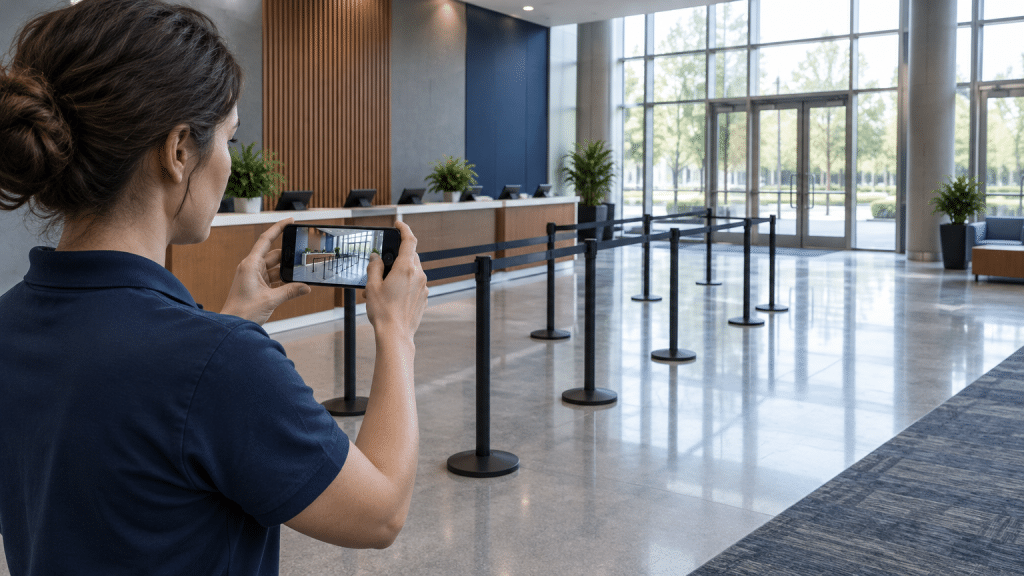
If the person filming needs both hands free to open doors or point out signs, camera-enabled frames with AI technology can capture the route from their point of view.
Ask someone who hasn’t walked the venue to watch the clip and explain where they would turn. If they hesitate, check whether the sign needs moving or the route needs a clearer marker.
Film a separate clip for the step-free route if it starts at a different entrance or uses another lift.
Show where that route joins the main check-in area so staff can give directions all the way to the desk.
Show Where the Queue Goes When It Gets Busy
An empty lobby can make any queue plan look good. Film the route once the barriers and tables are in position. Stand where guests will first slow down and show which way the line turns, where it ends, and which areas need to stay clear.
Walk through what happens when the queue reaches a specific point, such as a pillar or a set of doors.
Show where the next barrier goes and where the staff member directing arrivals should stand. This gives the team a clear signal to act on when the lobby starts to fill.
Use the same area to film a short check-in rehearsal with a test registration. Show how a volunteer can direct someone to the help desk if their badge won’t print.
Start the clip from the volunteer’s position so it’s clear what they can point to without leaving their station. A guest who has already waited in one line will appreciate knowing exactly where to go next.
Record the Jobs People Inherit Mid-Shift
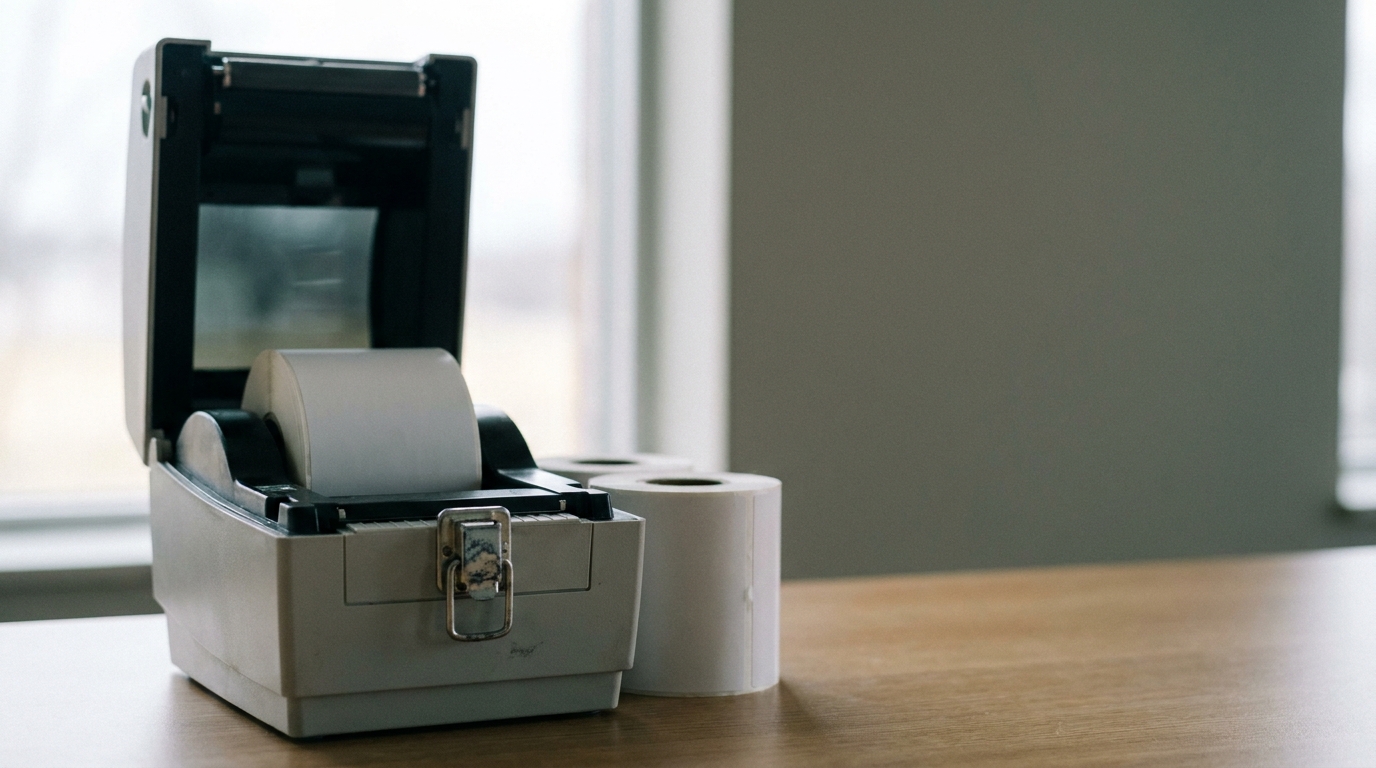
A staff handover usually happens while the next guest is waiting. That leaves little time to explain which way the badge stock feeds into the printer or where to find another roll. Film the refill during setup, using the printer and supplies that will be at the station on the day.
If a team member uses a second model of AI glasses, have them wear it for the demo so both hands are free to open the printer and load the stock. Pause with the cover open long enough for the viewer to see which side of the stock faces up.
Finish by printing a test badge and showing what a clean print looks like. Watch the clip on a phone before sharing it. If the latch or feed slot is hard to see, add a close-up from the side.
The same approach works for swapping a scanner battery or connecting a spare tablet. Include where the supplies are kept. Show the drawer under the help desk or the labeled box behind registration.
That detail can save more time than the demo itself.
Film the Routes Guests Rarely See
Speakers, exhibitors, and deliveries may all use different entrances. If the person covering the main doors also gets questions about those routes, a few short clips can spare them a call to the event lead.
Start each clip where the person you’re guiding is likely to be. For a speaker, that might be the registration desk. Show the way to the speaker room, including the corridor or door people tend to walk past.
For an exhibitor carrying boxes, start at the unloading point and show the route to the hall, including the goods lift if they’ll need it.
Name each clip after the direction someone is likely to need, such as “Registration to speaker room” or “Loading bay to exhibition hall.” If a route includes a staff-only area, share the clip with the team responsible for that route.
Make the Clips Easy to Find on the Day
Put the videos in the same place as the shift schedule or event briefing. Group them by station so a volunteer at registration can find the printer demo without scrolling through clips for the stage crew.
A short caption can help someone follow a step in a busy room where they can’t hear the audio.
Review the footage before sharing it. A test badge should use a made-up name, and the camera should stay clear of live registration screens, access codes, and security controls.
If the venue moves a desk or changes an entrance after filming, replace the affected clip before the team starts using it. Ask a staff member to open the videos on their phone from the venue floor to check that the links work where they’ll need them.
Before doors open, give someone who missed the setup one clip and ask them to follow it. Can they find the help desk from the entrance? Can they load the badge stock and print a test badge without calling the person who filmed it?
If they stop to ask a question, you’ve found the part worth filming again. That extra minute during setup is easier to find than a spare minute once the queue has formed.