Antennas are having a real comeback, with roughly 36 million U.S. households now using one to watch free local channels instead of paying for cable.
That resurgence is exactly why Tablo TV reviews keep popping up everywhere cord-cutters gather online.
After spending real time with the fourth-generation Tablo, hooked up to an actual antenna rather than just reading the spec sheet, this review covers what setup, recording quality, streaming, and daily use actually feel like.
If you’ve been asking yourself if Tablo TV is worth it before spending your money, this breaks down exactly where it shines, where it falls short, and who it’s actually built for.
Quick Verdict: Is Tablo TV Worth It?
Tablo TV is an over-the-air (OTA) DVR that lets cord-cutters record and stream free local channels without paying a monthly DVR fee. Yes, it’s worth it for the right kind of viewer.
The fourth-generation model backs that up with easy setup, dependable recording quality, and support across most major streaming devices.
It does lack a few advanced features found in pricier alternatives, and there’s no desktop app for Windows or macOS, but for cord-cutters focused on local television, it delivers real value at a fair price.
Tablo TV Specs at a Glance
Before getting into the hands-on details behind these Tablo TV reviews, here’s a quick look at what the 4th-gen Tablo actually offers on paper.
| Feature | Tablo TV 4th Gen |
|---|---|
| Device Type | Over-the-Air (OTA) DVR |
| Tuners | 2-Tuner ($99.95) or 4-Tuner ($150) |
| Built-in Storage | 128 GB (about 114.9 GB usable) |
| Expandable Storage | Yes, via USB hard drive up to 8TB |
| Subscription Fee | None for core DVR features |
| Streaming Devices | Roku, Fire TV, Apple TV, Google TV, Android TV |
| Remote Viewing | Not supported outside the home network |
You can check current pricing and bundle options directly on the official Tablo TV website before deciding which tuner count fits your household.
Setting Up Tablo TV: How Easy Is It?
Setup is one of the clearest signs of how far the trade-offs of cord-cutting have narrowed, since the process breaks into a few simple stages that most people finish shortly after unboxing.
- Connect the antenna and device: plug the antenna cable into the Tablo unit, connect the power adapter, and link it to your home network over Wi-Fi or Ethernet, all in just a few minutes
- Install the app and scan channels: download the Tablo app on your streaming device or phone, pair it over the same network, then run a channel scan to detect local broadcasts
- Set up your first recordings: open the built-in 14-day guide, select a show, and let Tablo handle the scheduling automatically without any further input needed
- Reposition the antenna if needed: missing channels after a scan usually point to antenna placement rather than a problem with the device itself
None of these steps require technical knowledge, which is exactly why most reviewers, including this one, rank setup as one of Tablo’s strongest points.
Tablo TV Performance: What It’s Actually Like to Use
Specs only tell part of the story, so here’s how Tablo actually performed across regular daily use, the part most Tablo TV reviews skip in favor of repeating the spec sheet.
1. Live TV Viewing Experience
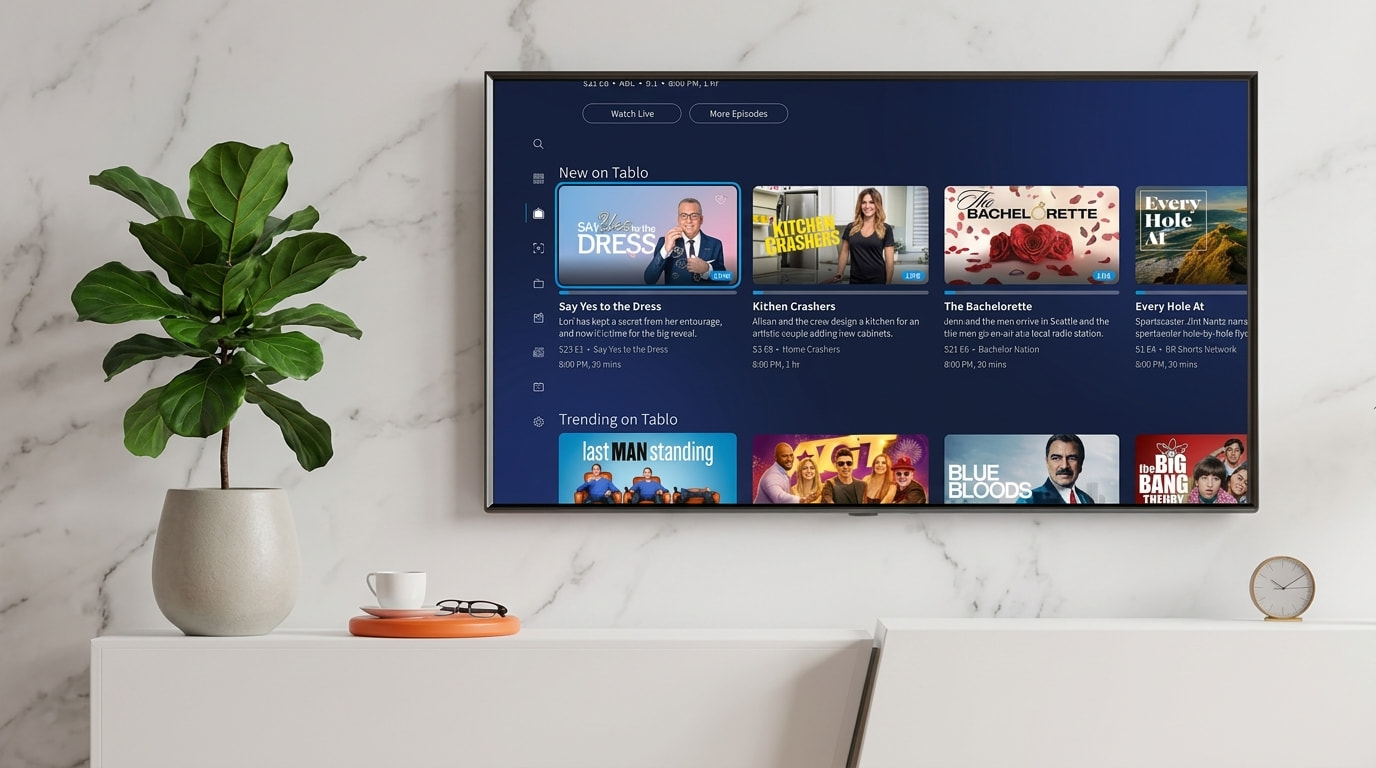
Live TV came through smoothly whenever the antenna had a strong signal, with channels loading quickly and picture quality matching whatever the broadcast itself provided.
Minor delays showed up occasionally when switching between channels, though nothing severe enough to disrupt normal viewing.
Overall, the live viewing experience felt close to what you’d expect from a standard cable box, one more sign of the shift toward OTT, provided the antenna signal stayed consistent throughout testing.
2. Recording Performance
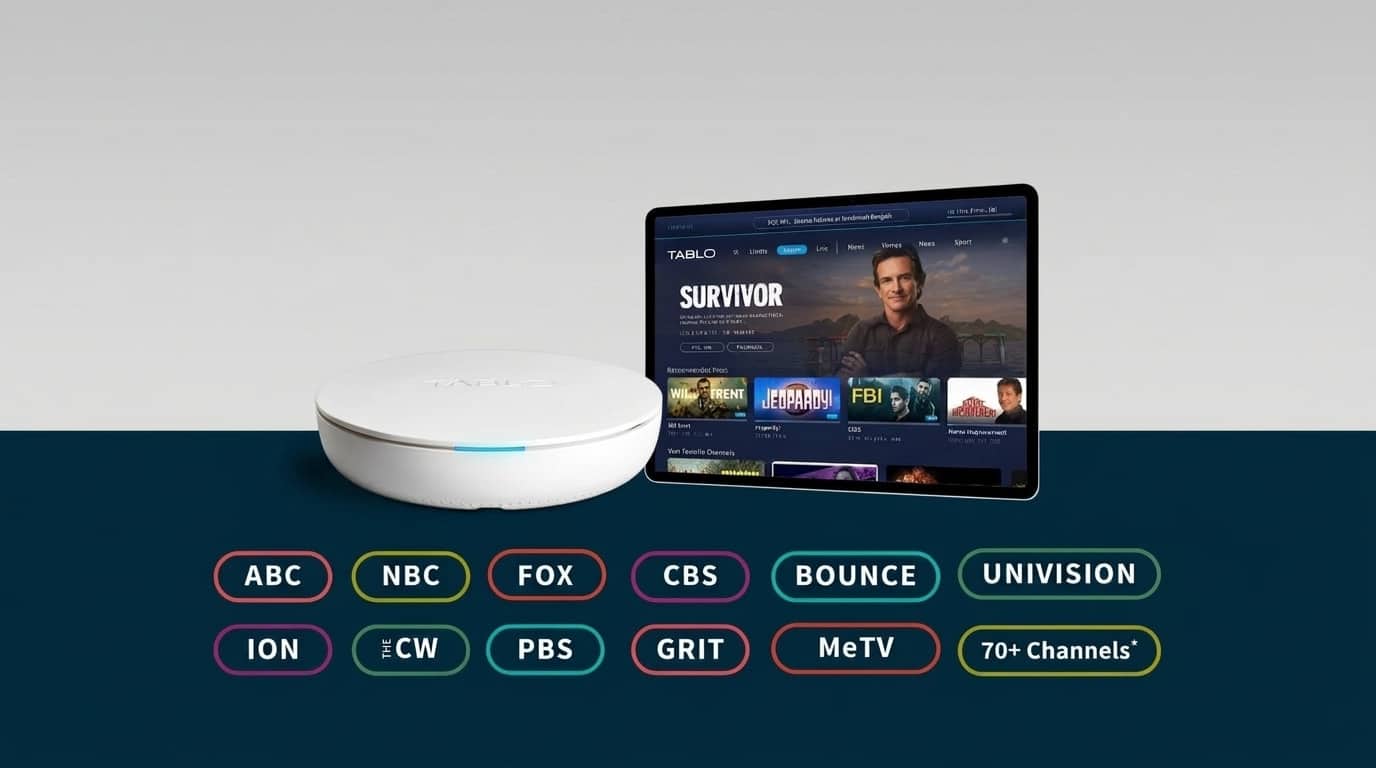
Recording performance stayed consistently reliable throughout testing, with scheduled shows saving correctly and playback holding up well against the original broadcast quality.
Nothing failed to record as scheduled during the testing period, and scrubbing through saved shows felt responsive rather than sluggish.
Given there’s no monthly fee attached to this feature at all, this kind of recording performance is arguably where Tablo delivers the most genuine value for the price.
3. Streaming Stability
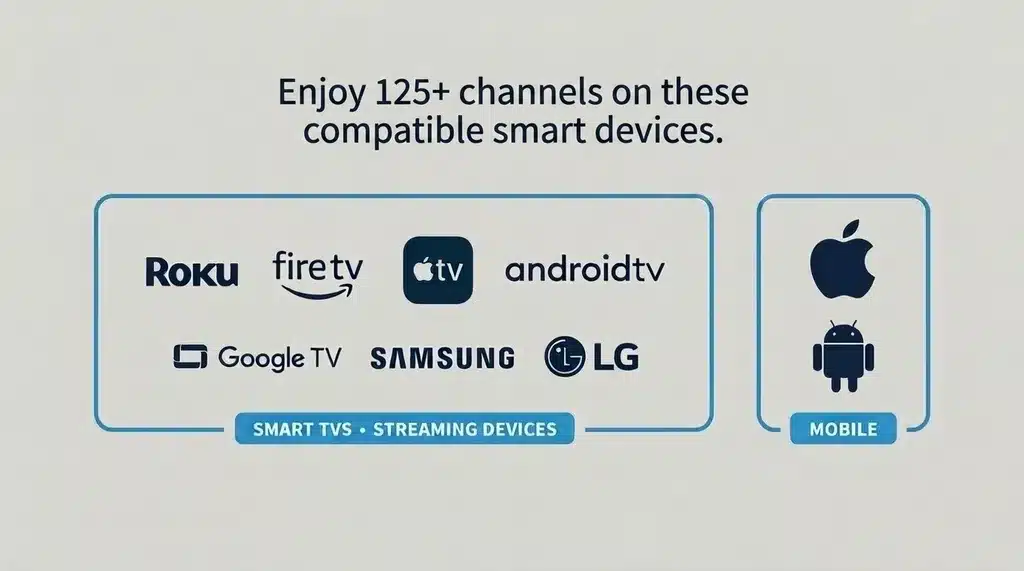
Streaming across Roku, Fire TV, and Google TV stayed stable as long as the home network itself was solid, with smooth playback and minimal buffering during regular use.
Weaker Wi-Fi connections did introduce occasional loading delays, particularly when multiple devices streamed at once.
For most households with a decent router, this shouldn’t cause noticeable problems, but weaker networks may want to prioritize a stronger connection before relying on Tablo daily.
Because Tablo pairs its free FAST channels with antenna access, it also sidesteps some of the streaming subscription overload many households deal with today.
4. Antenna and Signal Performance
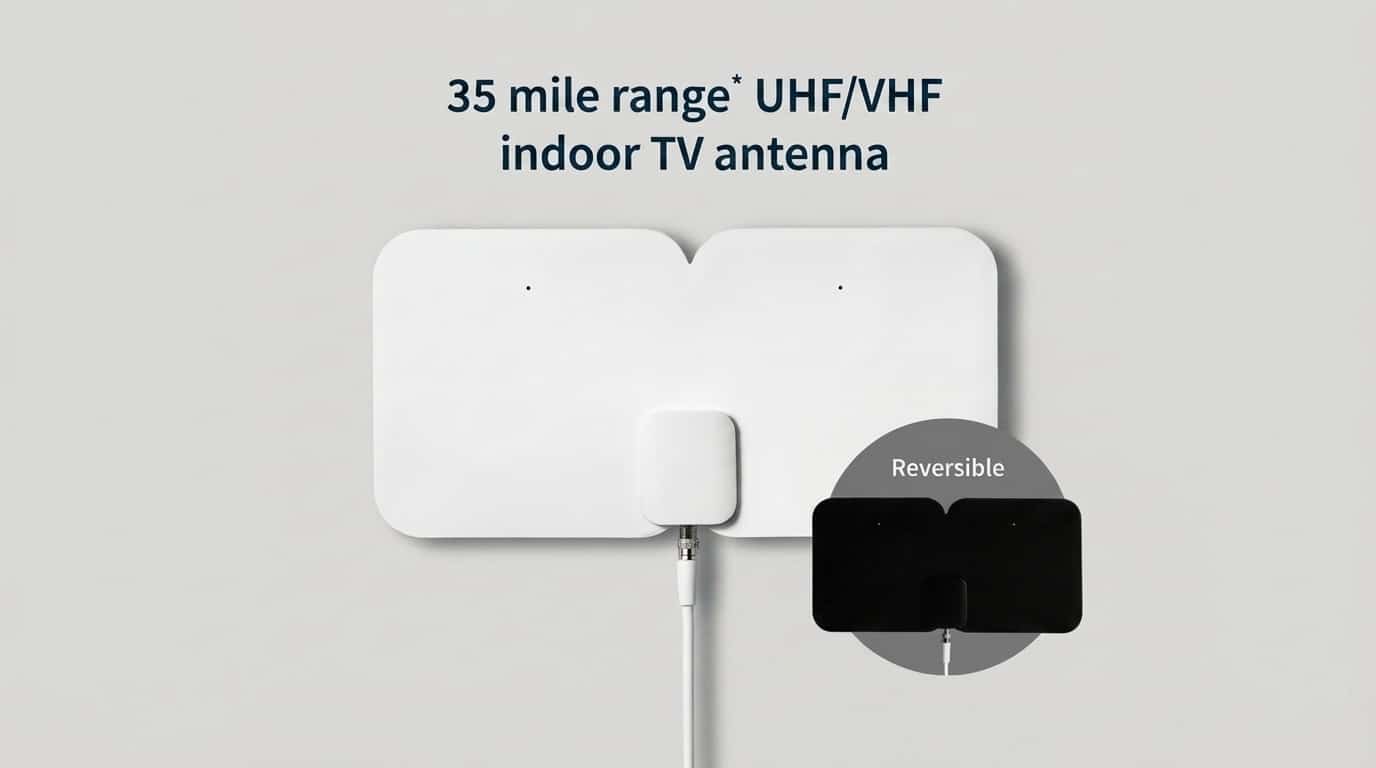
Antenna placement had the single biggest impact on the entire experience during testing.
Repositioning the antenna noticeably improved channel availability and cut down on interruptions, confirming Tablo’s performance is only ever as good as the antenna feeding it.
Anyone experiencing weak channels should treat placement as the first troubleshooting step, and the FCC’s antenna and reception guide is a useful starting point before assuming the unit itself is at fault.
Pros and Cons of Tablo TV
Comparing what Tablo does well against where it falls short makes it easier to decide if it fits your specific setup.
Pros:
- No monthly DVR subscription required for core recording features
- Simple setup process that most people can finish without technical help
- Streams live TV and recordings to multiple devices around the home
- Reliable recording quality when antenna reception is strong
- Includes 40+ free FAST streaming channels alongside local broadcasts
Cons:
- No desktop app for Windows or macOS
- No remote viewing supported outside your home network on this generation
- Advanced DVR controls are more limited than premium alternatives
- Channel availability depends heavily on antenna placement and local signal strength
None of these cons are dealbreakers on their own, but they’re worth comparing against your specific viewing habits before you commit to buying one.
Tablo Model Comparison
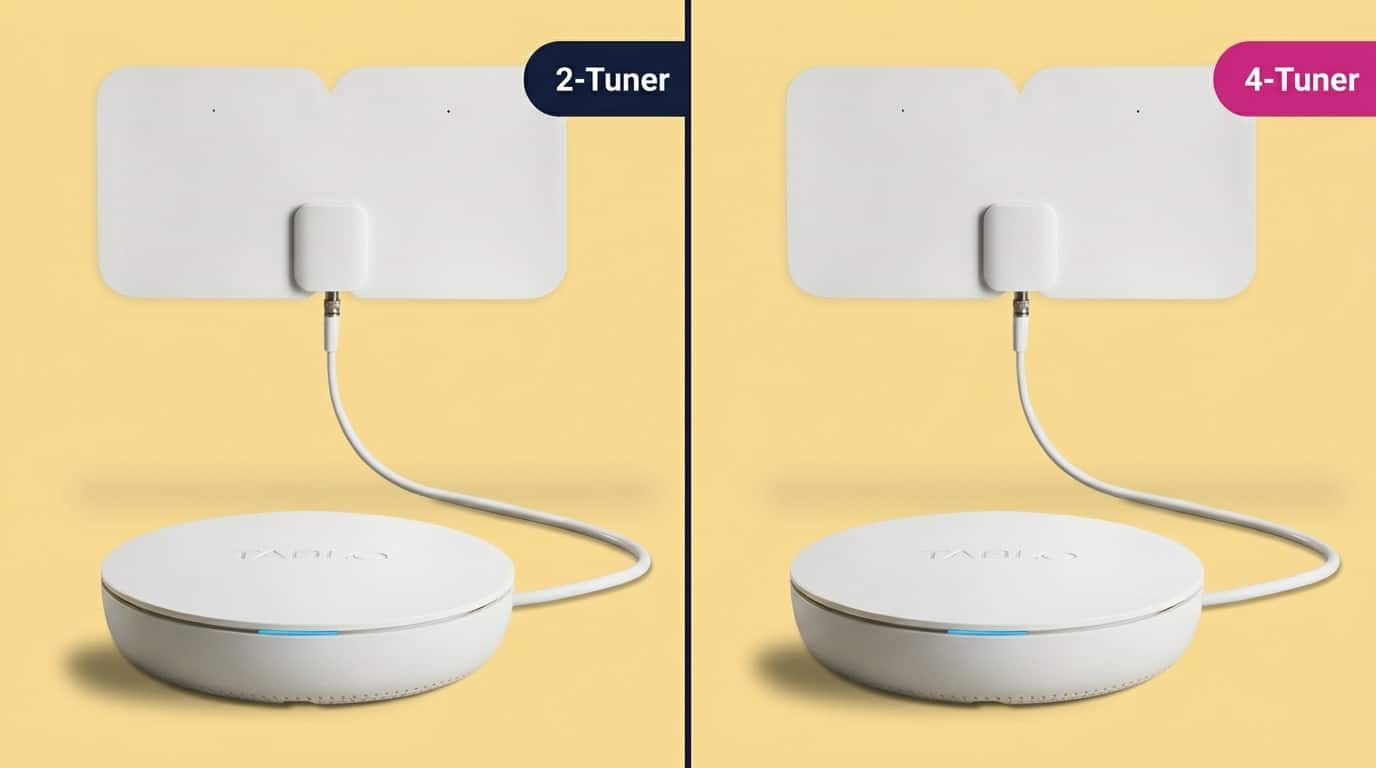
The 4th-gen model isn’t Tablo’s only option, and knowing how the lineup breaks down helps if you’re deciding between tuner counts or considering an older model still available secondhand.
| Model | Tuners | Storage | Best For |
|---|---|---|---|
| 4th Gen 2-Tuner | 2 | 128GB built-in | Single households wanting the newest hardware |
| 4th Gen 4-Tuner | 4 | 128GB built-in | Families recording multiple shows at once |
| Tablo Quad (legacy) | 4 | Internal HDD bay or USB | Buyers wanting whole-home DVR with internal storage |
| Tablo Dual Lite (legacy) | 2 | USB expansion only | Budget buyers comfortable with slightly older hardware |
The 4th-gen models represent Tablo’s current hardware, but the legacy Quad and Dual Lite units still receive software updates and remain workable options if you find one at a lower price.
What Other Reviewers are Saying About Tablo TV
Independent Tablo TV reviews of the 4th-gen model have been mixed, which is worth knowing before you buy. Cult of Mac’s hands-on review praised the device’s simplicity and value but stopped short of a perfect score specifically because of the missing macOS and Windows apps.
On the more critical end, PCWorld’s review reported stability issues and bugs at launch serious enough that they recommended alternatives like Channels DVR for some users, and their full report goes into more detail on exactly which bugs they ran into.
For more of their day-to-day testing notes, Cult of Mac’s full write-up and PCWorld’s full review are both worth a read.
Tablo TV vs. HDHomeRun: Which Should You Buy?
Tablo isn’t the only OTA DVR worth considering, and HDHomeRun is the comparison that comes up most often among cord-cutters.
| Factor | Tablo TV | HDHomeRun |
|---|---|---|
| Best For | Beginners wanting simplicity | Advanced users wanting control |
| DVR Fees | Included, no monthly cost | Often requires a separate subscription |
| Setup | Straightforward, app-guided | More technical, less beginner-friendly |
| Storage | Built-in plus USB expansion | External storage required |
For most cord-cutters who just want reliable local TV without a technical learning curve, Tablo is the easier recommendation, while HDHomeRun suits anyone who wants deeper customization and doesn’t mind a steeper setup.
Who Should (and Shouldn’t) Buy Tablo TV
Answering whether Tablo TV is worth it for your specific household comes down to a few clear patterns.
- Cord-cutters wanting free local TV get real value here, especially anyone relying on an antenna for channels like ABC, CBS, NBC, and FOX who wants DVR features without a subscription
- Families with multiple TVs benefit from streaming one Tablo unit to several devices instead of buying separate DVR boxes for each room
- Viewers wanting a full cable replacement should look elsewhere, since Tablo only covers antenna and free streaming channels, not premium cable networks
- Households with weak antenna reception may struggle regardless of the device, since Tablo’s performance is directly tied to signal strength
Tablo TV is a strong fit for free TV and DVR users, but it depends on your antenna signal and whether you need more than local channels.
Final Thoughts
Tablo TV earns its place among the better OTA DVR options for anyone who mainly watches local channels and wants recording features without an ongoing fee.
Setup is genuinely simple, recording quality held up well during testing, and the lack of a subscription makes the upfront cost easy to justify over time.
The missing desktop apps and limited remote viewing are real drawbacks worth knowing about upfront, but they won’t matter to most cord-cutters focused on everyday local TV.
If you’ve been asking if Tablo TV is worth it for your household, free local channels and simple recording are a strong enough case to add it to your cart; just make sure your antenna reception is solid before you do.
Frequently Asked Questions
Does Tablo TV Work Without Internet?
Not fully. Tablo needs to be connected to your home network, Wi-Fi or Ethernet, to stream to your devices, and internet access is required for setup, guide data, and most everyday functions, so it isn’t designed to run completely offline.
Can I Watch Tablo TV Away from Home?
No, not on the fourth-generation model. Unlike some earlier Tablo devices, remote viewing outside your home network currently isn’t supported.
How Many Devices Can Use Tablo TV at the Same Time?
Multiple devices can connect to the same Tablo unit, but how many can stream simultaneously depends on your tuner count and your home network’s strength.
Does Tablo TV Support External Hard Drives?
Yes. Compatible models support USB hard drive expansion up to 8TB, which is useful for households that save many recordings instead of deleting them after watching.