Smart home technology has become easier to use, but choosing the right setup can still feel confusing. I know how hard it is to compare different systems when every brand claims to be the best.
If you want a setup that works well with your devices, fits your budget, and simplifies daily life, this guide will help you.
In this article, I’ll compare the best home automation system setups and explain what makes each one different. You’ll learn about features, device support, ease of use, pricing, and who each system is best for.
I’ll also share a few simple tips to help you avoid common mistakes before buying.
By the end, you’ll have a clear idea of which home automation system setup best fits your home and needs.
What Is a Home Automation System?
A home automation system connects smart devices such as lights, locks, cameras, and thermostats into a single network.
It lets you control and automate these devices through an app, voice assistant, or smart hub.
These systems are designed to make daily life easier, safer, and more energy-efficient.
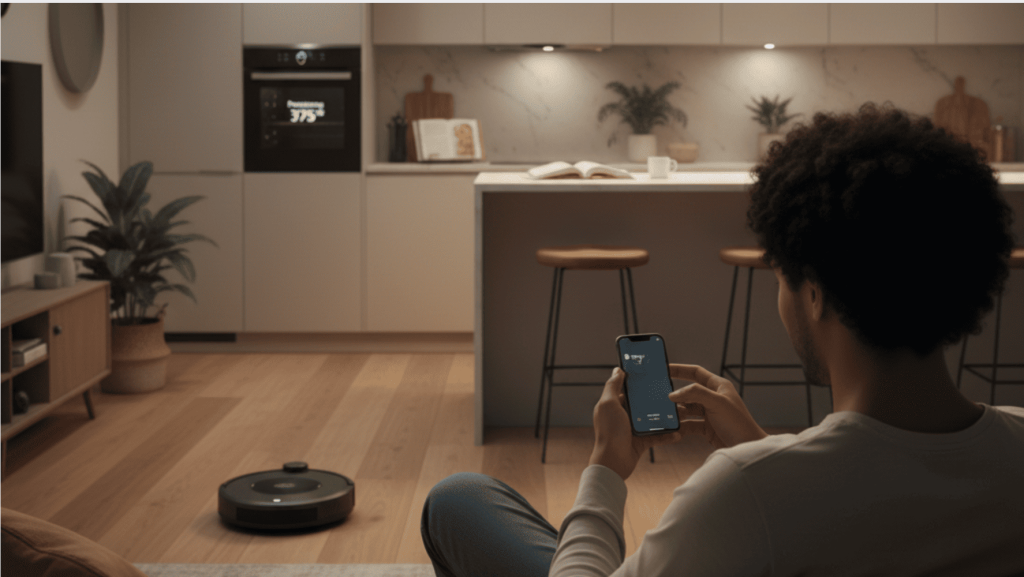
For example, you can schedule lights to turn off automatically, lock doors remotely, or adjust room temperature without touching a switch.
Many smart home systems also support voice commands through Alexa, Google Assistant, or Siri. Some setups are simple for beginners, while others offer advanced features for larger homes and custom automation.
Choosing the right system depends on your budget, device compatibility, and the level of control you want.
A good setup should work smoothly and fit your everyday needs without making things complicated.
Key Benefits of Smart Home Automation
Smart home automation helps make daily tasks easier, faster, and more convenient. It also improves home security, saves energy, and gives you better control over your devices.
- Convenience: Control lights, smart locks, thermostats, and home appliances from your phone or through simple voice commands.
- Better Security: Monitor security cameras, receive motion alerts, and manage smart locks remotely, even when you are away from home.
- Energy Efficiency: Reduce energy use by automating lighting, temperature settings, and device schedules to match your daily routine.
- Comfort: Create a more comfortable living space by easily adjusting lighting, room temperature, and entertainment systems.
- Time Saving: Automate everyday household tasks and manage multiple smart devices from one simple and connected system.
- Remote Access: Control your smart home devices from anywhere with a mobile app or connected dashboard.
- Device Compatibility: Connect multiple smart devices and brands together for smoother automation and easier home management.
Top Home Automation Systems Comparison
Choosing the right smart home setup depends on your budget, device compatibility, and automation needs. Comparing options can help you choose a smart home system that fits your lifestyle, home size, and daily needs.
1. Samsung SmartThings
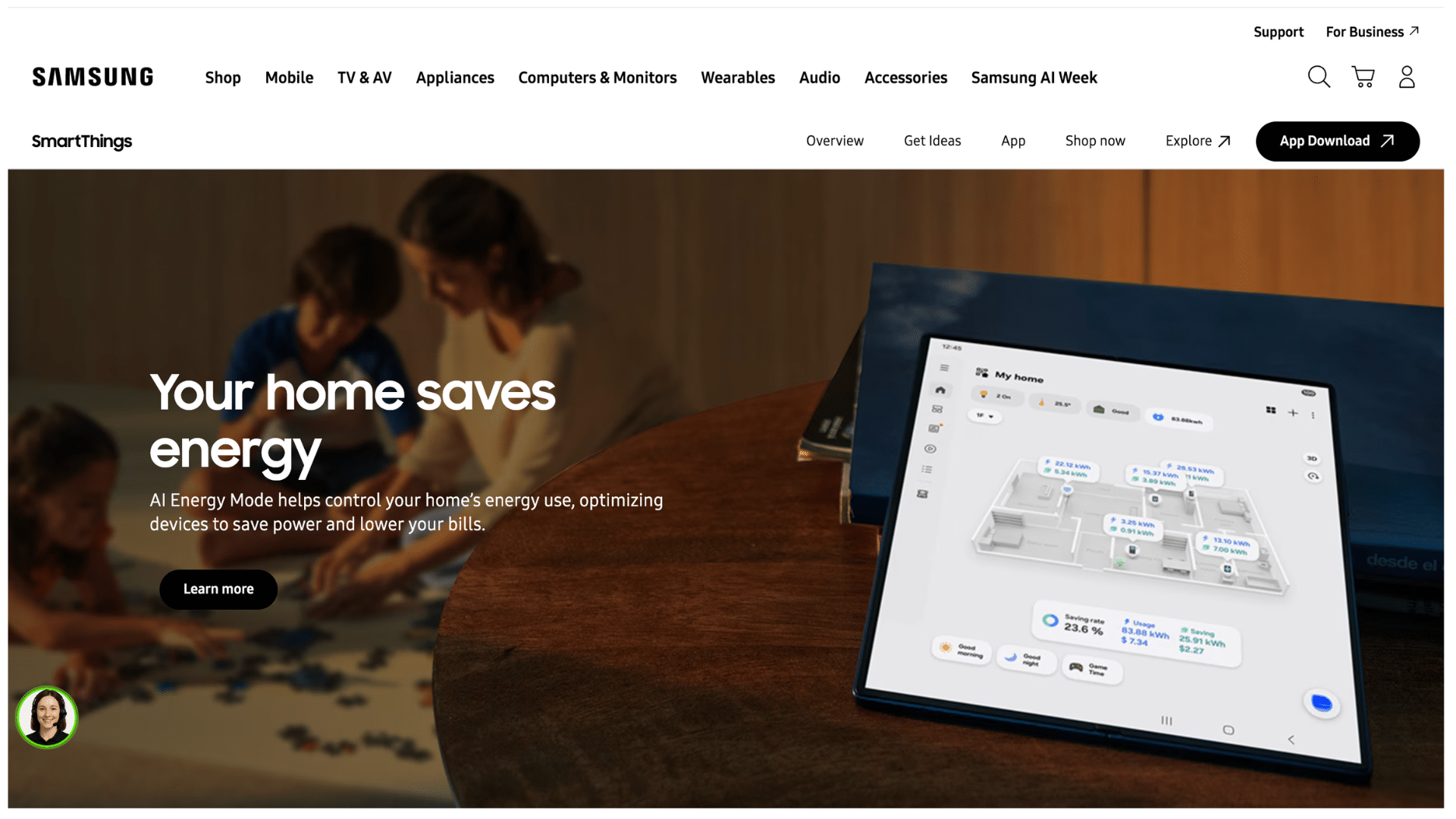
Samsung SmartThings is known for its flexibility and wide device compatibility. It supports multiple smart home brands and works well for users who want a single platform to manage multiple devices.
The system also supports Matter integration and advanced automation features while keeping the setup process simple and beginner-friendly.
One thing I consistently notice with SmartThings is how well it handles mixed-brand households.
Clients who already own a mix of Philips Hue, Ring, and older Zigbee sensors rarely have to replace anything when switching to this platform.
It is a strong option for households using a mix of smart devices from different brands.
Best for:Users who want flexible smart home automation with support for different device brands.
2. Apple Home (HomeKit)

Apple Home is a privacy-focused smart home system designed mainly for Apple users. It works smoothly with iPhone, iPad, Apple Watch, Apple TV, and Mac devices.
The platform offers secure encryption, reliable performance, and easy automation features.
With improved Matter support, Apple Home now connects with more smart devices than before, making it a good choice for users who value privacy and a clean user experience.
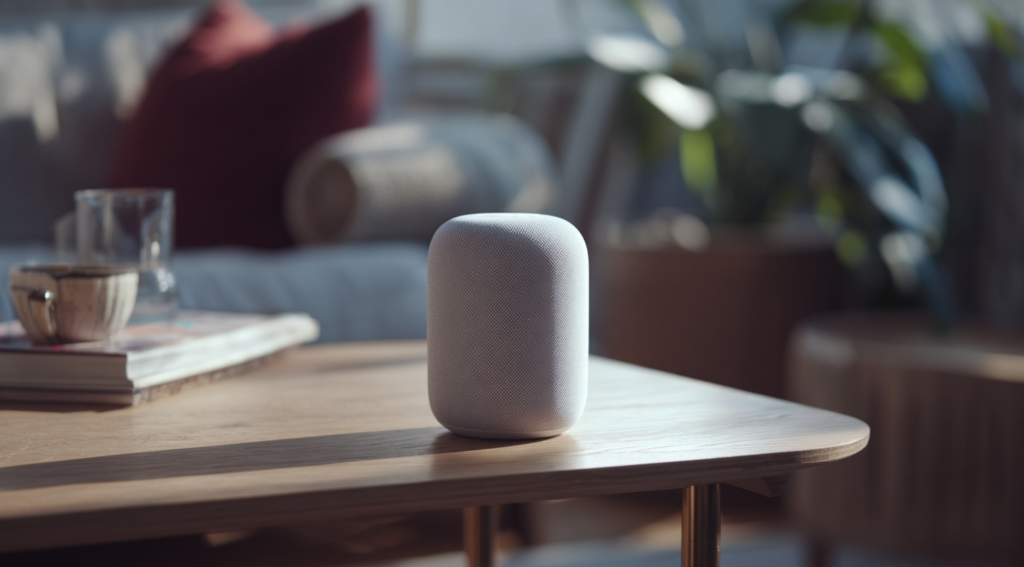
The local processing through HomePod mini or Apple TV means automations keep running even when your internet goes down, which is a genuine advantage most users don’t appreciate until it matters.
Best for:Apple users who want strong privacy, security, and smooth device integration.
3. Google Home
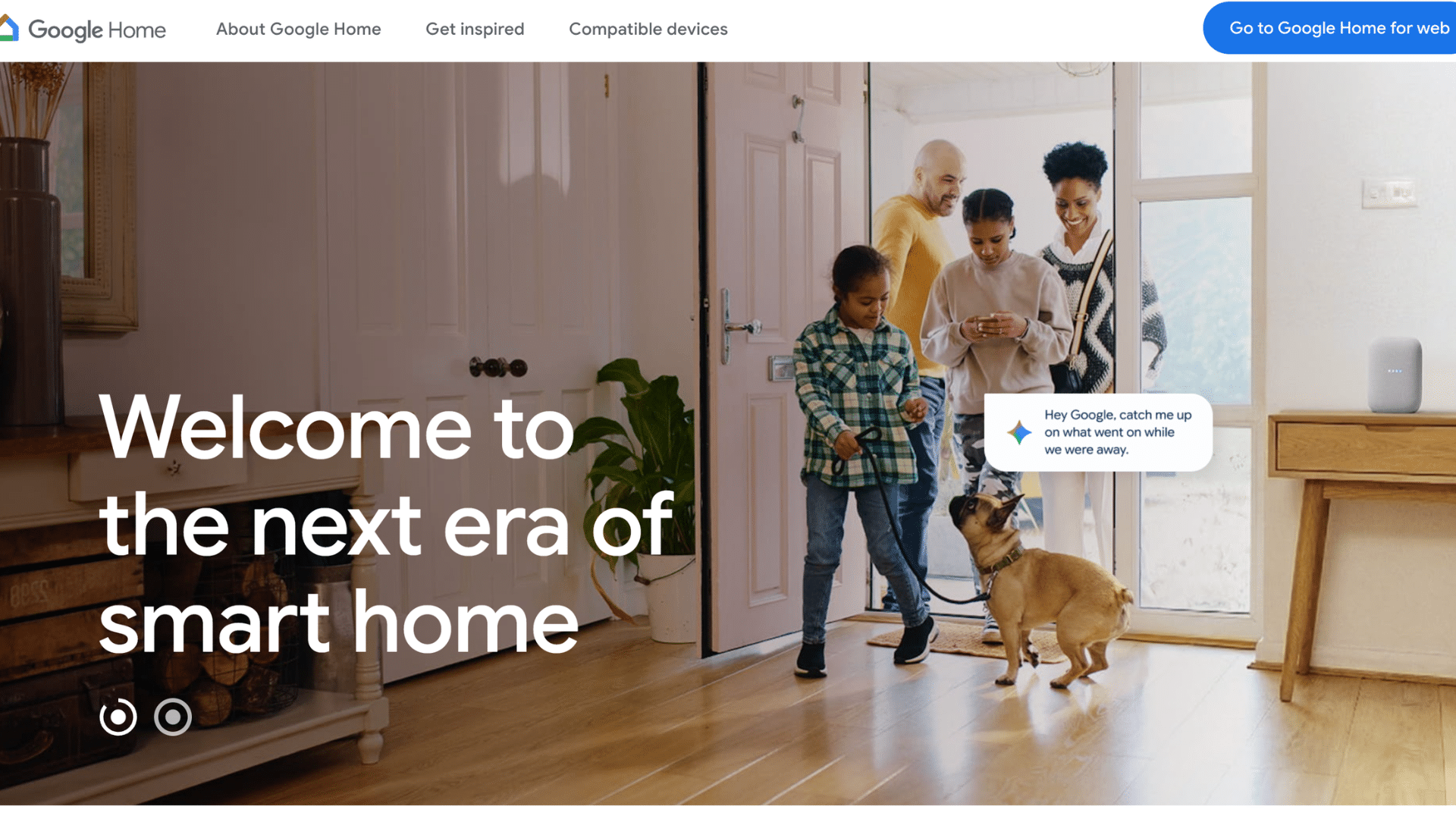
Google Home is popular for AI-powered automation and voice control features. It connects well with Google services like Calendar, Maps, and Assistant to create smarter routines based on your habits and schedule.
The system also supports many smart home devices and offers simple controls through voice commands and mobile apps.
I have seen many users prefer Google Home because its voice commands feel natural and easy to use in daily life. The integration with Google Calendar is particularly useful for families.
Automations can trigger based on your actual schedule, not just time of day, which is something no other mainstream platform does as smoothly.
Best for:Users who want smart voice control and AI-based automation features.
4. Amazon Alexa
Amazon Alexa offers one of the largest smart home ecosystems available today. It supports thousands of smart devices, including lights, cameras, speakers, and appliances.
Alexa devices are affordable, easy to use, and ideal for beginners starting a smart home setup.
The platform also includes voice control, automation routines, and improved local processing for faster performance and smoother daily operation.
Best for:Beginners and budget-conscious users who want wide smart device compatibility.
5. Home Assistant
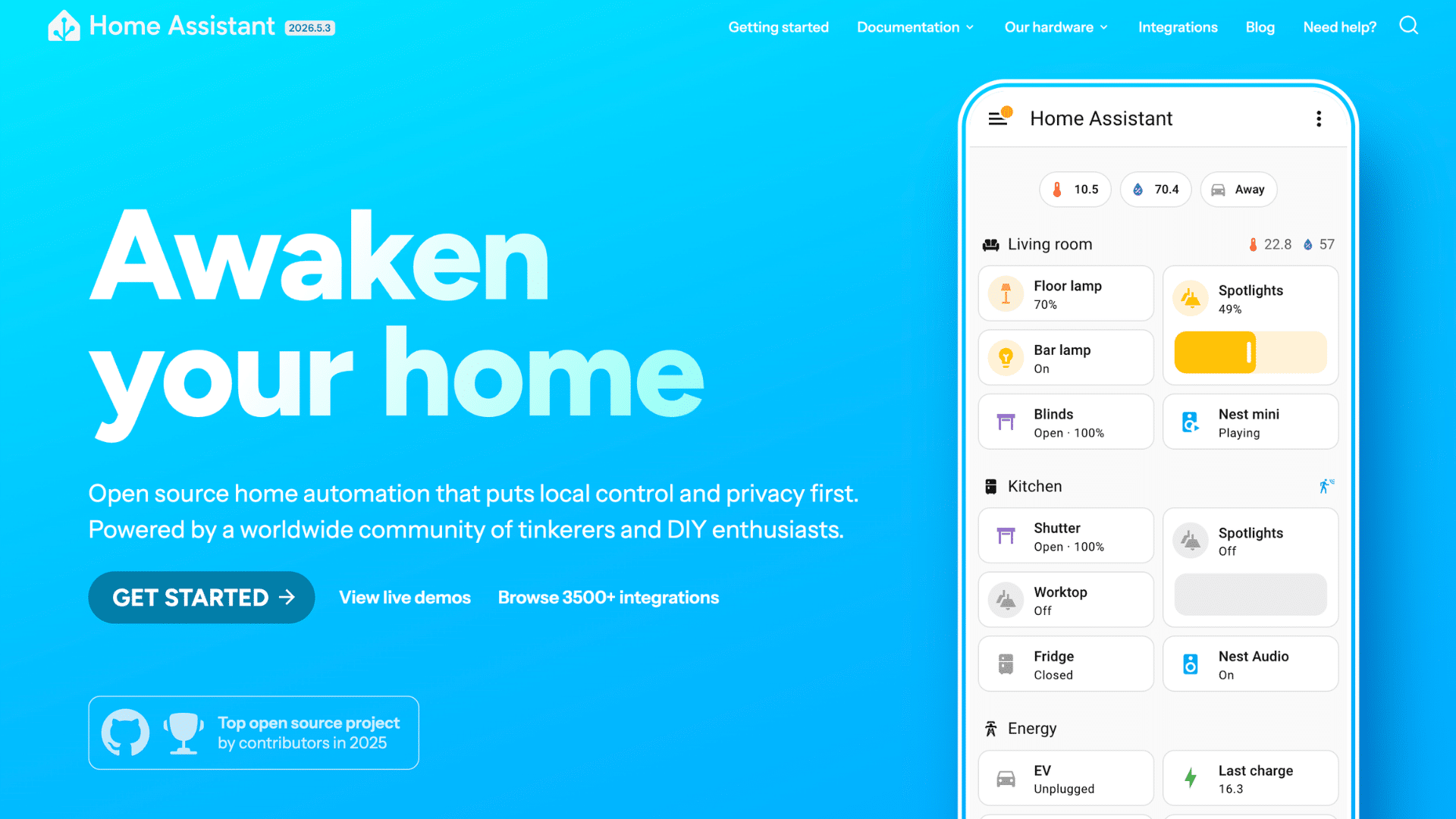
Home Assistant is an open-source platform built for advanced users who want complete control over their smart home system.
It runs locally on your hardware, which improves privacy and keeps automations working even without internet access.
The platform supports deep customization, advanced automation rules, and a huge list of integrations.
One of my colleagues uses Home Assistant for a fully customized setup and likes the level of control it offers compared to standard smart home apps.
It is best suited for tech-savvy users comfortable with more complex setups.
Best for:Advanced users who want full customization and local smart home control.
6. Hubitat Elevation
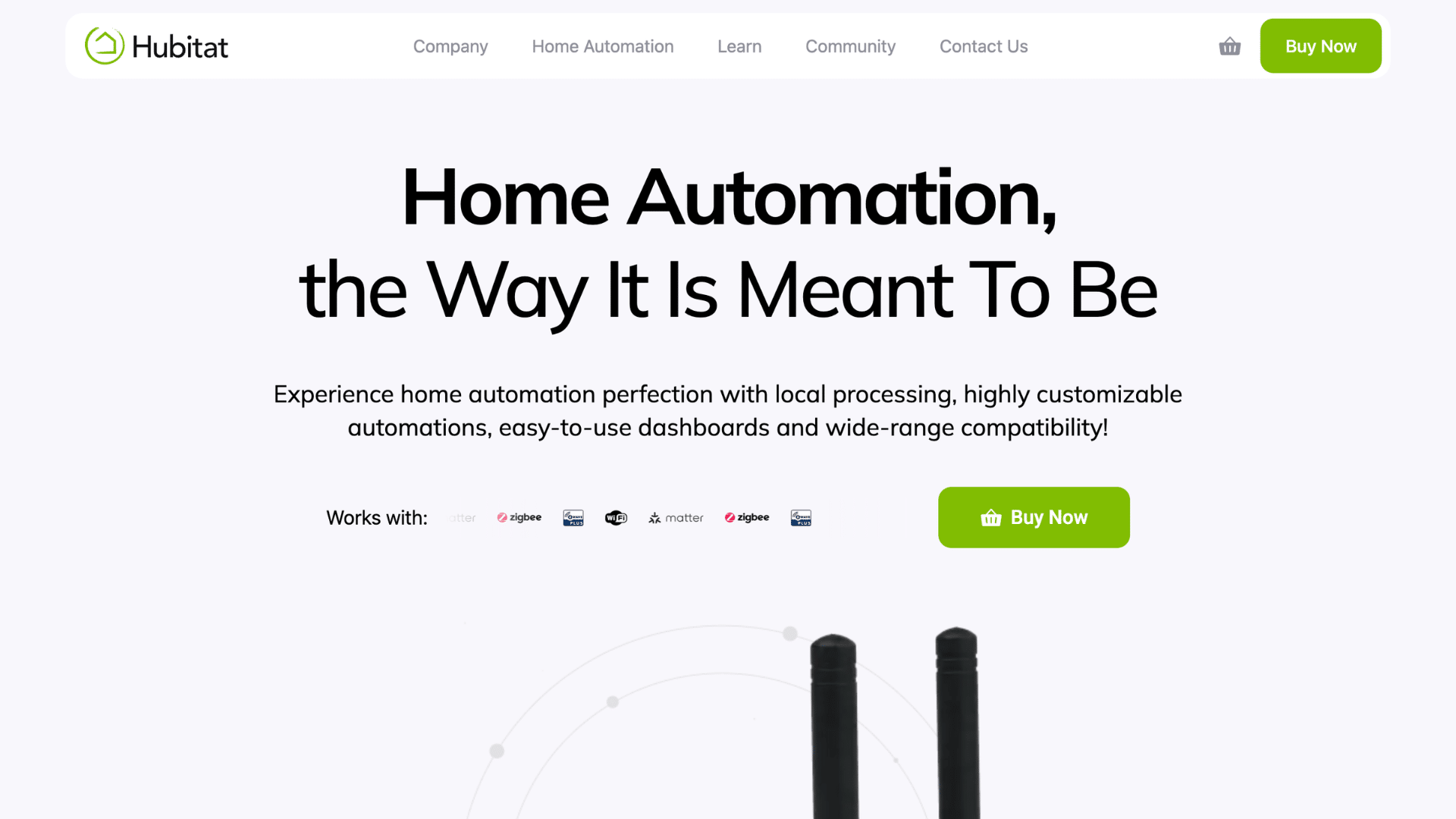
Hubitat Elevation focuses on reliability and local automation. It supports Zigbee and Z-Wave devices while reducing delays caused by cloud-based systems.
The platform offers strong automation tools and stable performance during internet outages.
Hubitat works well for users who want faster response times, reliable automation, and more advanced control without relying heavily on cloud services.
Best for:Users who want reliable local automation with faster device response times.
7. Savant and Control4
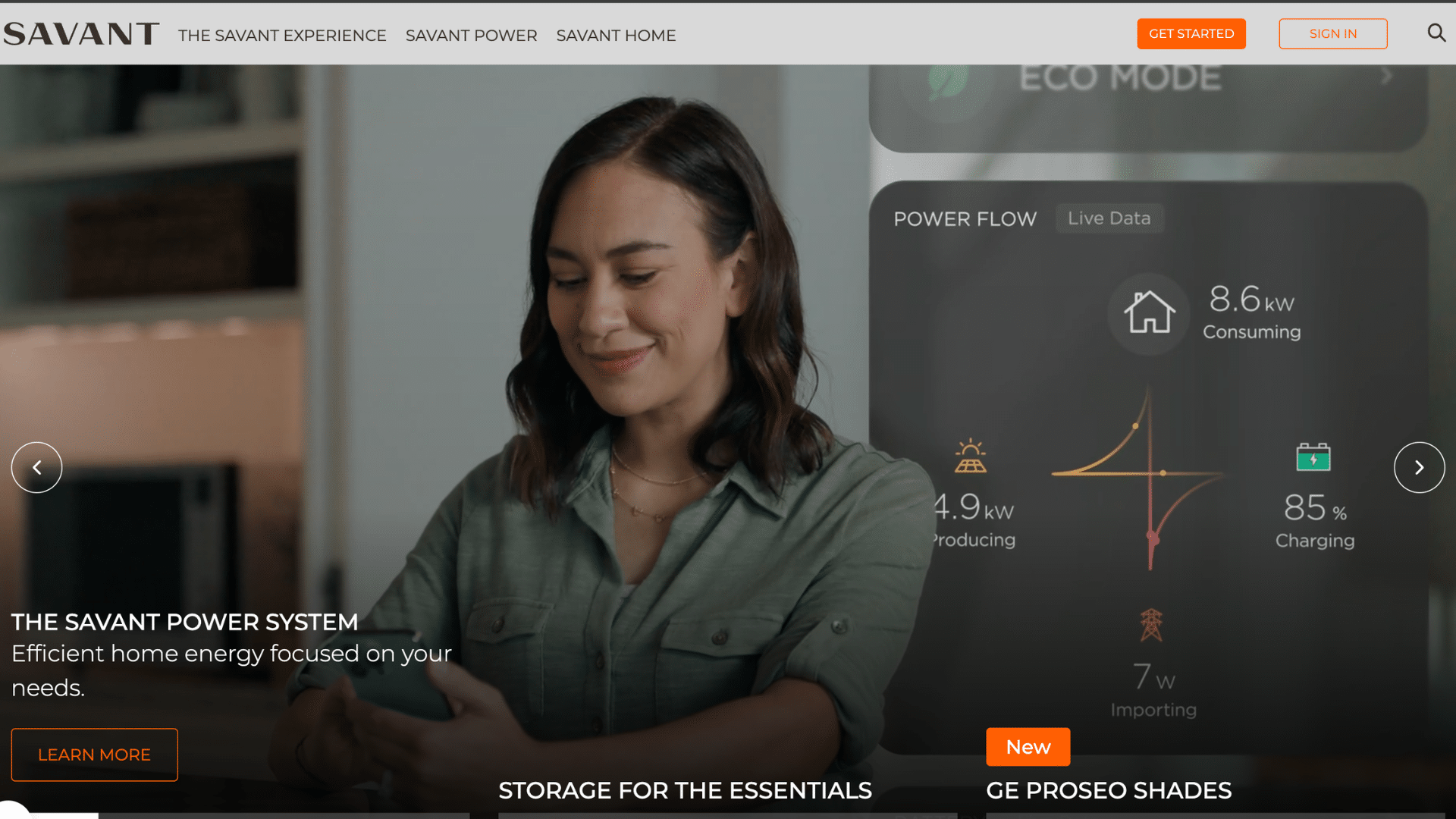
Savant and Control4 are premium home automation systems designed for luxury homes and professional installations.
These platforms offer advanced customization, whole-home control, and high-end integration for lighting, entertainment, security, and climate control systems.
They also provide professional support and powerful automation tools, making them suitable for homeowners looking for a complete smart home experience with premium features.
Best for:Luxury homeowners who want advanced whole-home automation and professional installation support.
Overview of the Best Home Automation Systems
Different smart home systems focus on different needs, such as privacy, automation, device compatibility, or advanced customization.
| Home Automation System | Best For | Key Features | Ease of Use | Approximate Cost |
|---|---|---|---|---|
| Samsung SmartThings | Flexibility | Wide device compatibility, Matter support, automation routines | Easy | $70–$300+ |
| Apple Home (HomeKit) | Privacy & Security | End-to-end encryption, Apple ecosystem integration | Easy | $100–$500+ |
| Google Home | AI & Voice Control | Smart routines, Google Assistant, voice automation | Easy | $50–$400+ |
| Amazon Alexa | Broad Compatibility | Supports thousands of devices, affordable setup | Easy | $40–$350+ |
| Home Assistant | Advanced Customization | Local control, open-source platform, deep automation | Advanced | $100–$600+ |
| Hubitat Elevation | Reliability | Local automation, Zigbee & Z-Wave support | Moderate | $150–$500+ |
| Savant & Control4 | Luxury Smart Homes | Premium automation, professional installation | Moderate | $5,000–$50,000+ |
Can You Install Smart Home Systems Yourself?
Yes, you can set up a home automation system without hiring a professional in many cases. Most beginner-friendly smart home systems are designed for simple DIY installation and easy setup via a mobile app.
Popular platforms like Google Home, Amazon Alexa, and Apple Home work well for users with little technical experience.
Most smart devices come with step-by-step instructions, and setup usually takes only a few minutes through a smartphone app.
You can start with basic devices like smart bulbs, plugs, cameras, or thermostats and expand your system later.
However, more advanced systems such as Home Assistant, Control4, or complex wired automation setups may require technical knowledge or professional installation.
Large homes with advanced lighting, security, or entertainment automation can also benefit from expert support.
For most homeowners, though, starting with a simple wireless setup is affordable, easy, and manageable without professional help.
Tips for Choosing the Right Home Automation System
Choosing the right smart home system depends on your budget, device compatibility, and automation needs.
A good setup should be easy to use, reliable, and flexible enough to grow with your home over time.
- Device Compatibility: Choose a system that supports the smart devices and brands you already use at home.
- Ease of Use: Pick a platform with a simple app, an easy setup process, and clear controls for daily use.
- Budget: Compare the total cost of hubs, devices, subscriptions, and future upgrades before making a purchase.
- Voice Assistant Support: Check whether the system works with Alexa, Google Assistant, or Siri, based on your preference.
- Automation Features: Look for routines, scheduling, and smart automation options that match your lifestyle needs.
- Privacy and Security: Select a platform with strong security features and reliable data protection policies.
- Scalability: Choose a system that lets you add more devices and automation features later, if needed.
- Internet Dependency: Consider local automation systems if you want your smart devices to work during internet outages.
How Smart Home Protocols Work?
Smart home protocols are the communication methods that allow smart devices to connect, share data, and work together within a home automation system.
These protocols help devices such as smart lights, cameras, thermostats, speakers, and locks communicate through a hub, a mobile app, or a voice assistant.
Without these protocols, devices from different brands may not work properly. Each protocol has a different purpose.
Wi-Fi is commonly used for internet-connected devices like cameras and smart speakers, while Bluetooth works better for short-range connections.
Zigbee and Z-Wave are popular for creating stable mesh networks that improve device coverage and reliability.
Newer standards like Matter and Thread are designed to improve compatibility, making it easier for devices from different brands to connect and operate smoothly within the same smart home setup.
Wired vs Wireless Home Automation Systems
Wired and wireless home automation systems both help control smart devices, but they differ in setup, cost, and flexibility. Choosing the right option depends on your home size, budget, and long-term automation needs.
| Feature | Wired Home Automation Systems | Wireless Home Automation Systems |
|---|---|---|
| Installation | Requires professional wiring and setup | Easier DIY installation with minimal wiring |
| Cost | Usually more expensive | More budget-friendly |
| Reliability | Stable connection with less interference | Depends on Wi-Fi or wireless signals |
| Flexibility | Harder to modify or expand later | Easy to add or remove devices |
| Best For | New construction and large homes | Apartments, existing homes, and beginners |
| Internet Dependency | Often works locally without internet | Many systems rely on internet access |
| Maintenance | Lower long-term maintenance | May require battery replacement for devices |
| Setup Time | Longer installation process | Faster and simpler setup |
How AI Is Changing Home Automation?
Artificial intelligence is making smart homes more personalized, efficient, and easier to manage. Modern home automation systems can now learn user habits and automate tasks with less manual control.
- Smarter Automation: AI learns your daily habits and automatically adjusts lights, temperature, and smart devices for better convenience.
- Better Voice Control: AI-powered voice assistants understand commands more naturally and respond faster to user requests.
- Energy Efficiency: AI helps reduce energy waste by optimizing heating, cooling, and appliance usage based on your routine.
- Improved Security: AI-powered security systems can detect unusual activity, recognize faces, and send instant alerts to your phone.
- Personalized Experience: AI creates customized smart-home settings based on user preferences, schedules, and behavioral patterns.
- Remote Monitoring: AI makes it easier to monitor and control your smart home devices remotely through mobile apps.
- Future Smart Homes: AI continues to make home automation systems smarter, more connected, and easier to manage.
Are Home Automation Systems Worth It?
Yes, home automation systems are worth it for many homeowners seeking greater convenience, security, and energy efficiency.
They can simplify daily tasks, improve comfort, and help manage smart devices more easily from one place.
Smart home systems allow you to control lights, cameras, locks, thermostats, and appliances through a mobile app or voice assistant.
This saves time and makes everyday routines more convenient. Many systems also help reduce energy usage by automating lighting and temperature settings based on your schedule.
For families, smart security features like motion alerts, remote monitoring, and smart locks can provide extra peace of mind.
The right home automation system can improve comfort, security, and overall home management without adding too much complexity.
Conclusion
Choosing the right home automation system is not only about smart technology but also about finding a setup that fits your daily routine and makes life easier.
After comparing platforms, I’ve found the best system depends on how simple, reliable, and flexible it is in daily use.
For users managing connected devices and digital workflows together, tools like business management software can also help simplify everyday operations
The good thing is there are options for every home and budget, from basic smart devices to fully connected setups.
Taking time to compare features, compatibility, and future upgrades can help you avoid unnecessary costs later. If you use a smart home system, share your setup in the comments. Your tips may help others choose the right one.
Frequently Asked Questions
What Are the Disadvantages of Home Automation?
Home automation systems can be expensive upfront and may require regular updates or troubleshooting over time.
Can Smart Devices Work without Internet?
Some smart devices can operate locally without an internet connection, but remote access and cloud features may stop working.
What Do Police Recommend for Home Security?
Police often recommend smart locks, security cameras, motion lights, and alarm systems to improve home security.
Is There a Home Security System that Doesn’t Require Internet?
Yes, some wired and local smart security systems can work without internet, using offline storage and local control.
Is There a Monthly Fee for Smart Homes?
Many smart home systems work without monthly fees, but some brands charge for cloud storage or advanced features.