Taking AirPods Pro near water feels safe until one splash, shower, or sweaty workout makes you question the whole thing.
Many people search “are AirPods Pro waterproof” because Apple mentions ratings, but those numbers can be confusing.
I have seen people trust the rating too much, then panic when the sound gets muffled, or the charging acts strangely. You may want to know whether rain, sweat, showers, or an accidental drop can actually harm them.
I will explain what the AirPods Pro water rating really covers, what it does not cover, and what to do if they get wet.
Before trusting the number on the box, let us first understand what water protection really means for tiny wireless earbuds.
What Water Resistance Really Means for Wireless Earbuds?
Phones can hit IP68 because engineers have full control over where every seal goes.
Earbuds are a different problem. Sound has to leave the speaker somehow, and the ANC mics need to pick up your environment from the outside. Every opening is a potential path for water.
Water-resistant means a device can handle limited water exposure under specific test conditions without damage.
Waterproof has no universal definition in consumer electronics, but it generally implies full protection under all conditions.
IP ratings are tested in still, fresh water at room temperature. Real-world water includes pressure, heat, chemicals, and movement.
That gap between lab conditions and a shower is exactly where most water damage happens.
For readers who want to see how AirPods Pro stack up against competing earbuds on water resistance and other specs, how AirPods Pro compare to Beats breaks down the key differences across both brands.
Are AirPods Pro Waterproof?
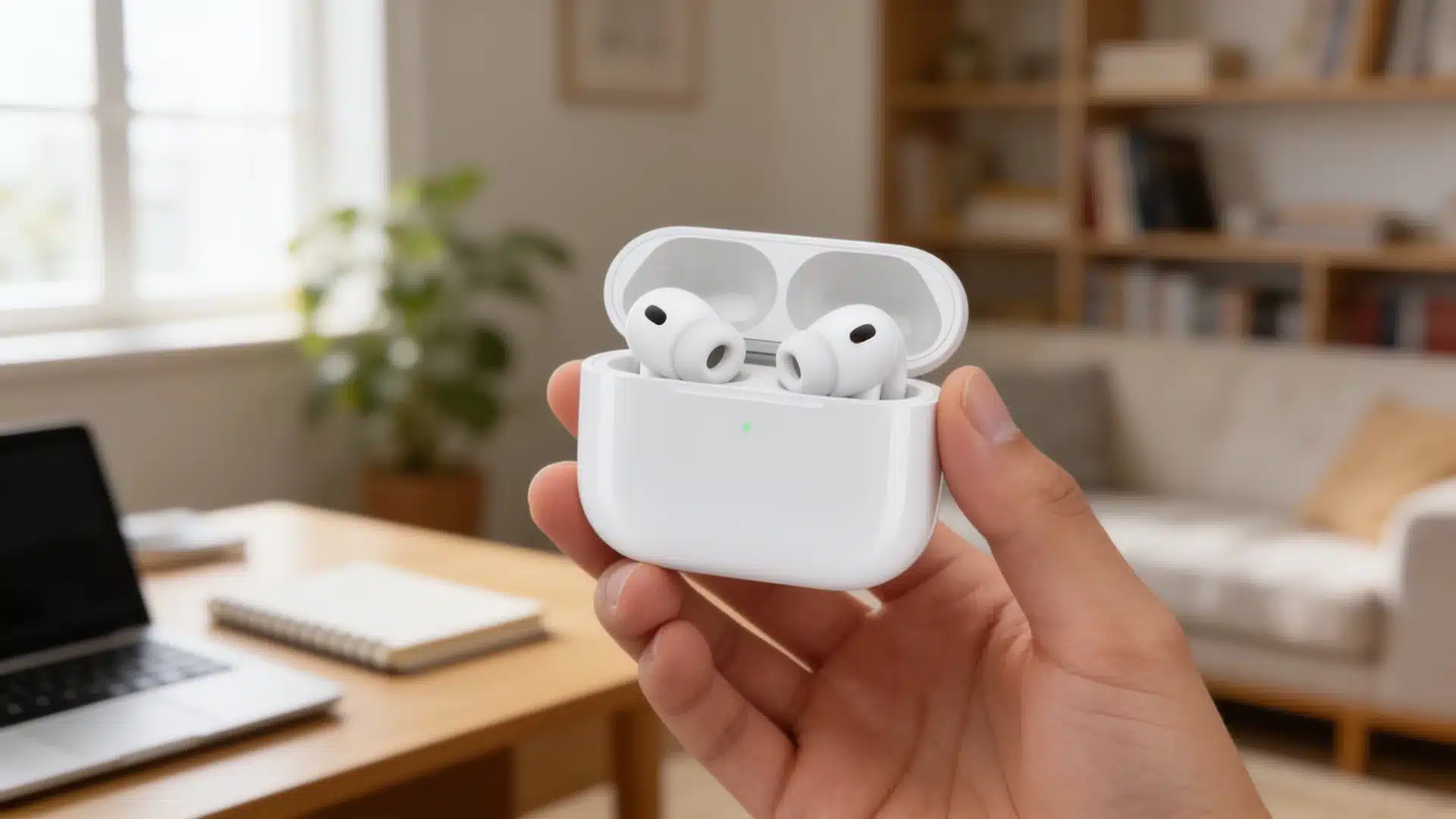
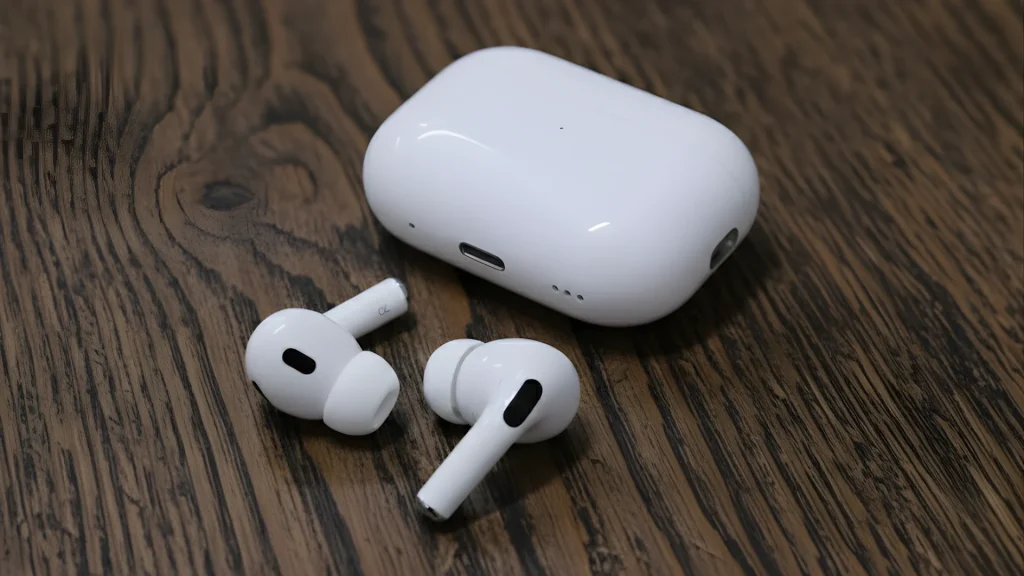
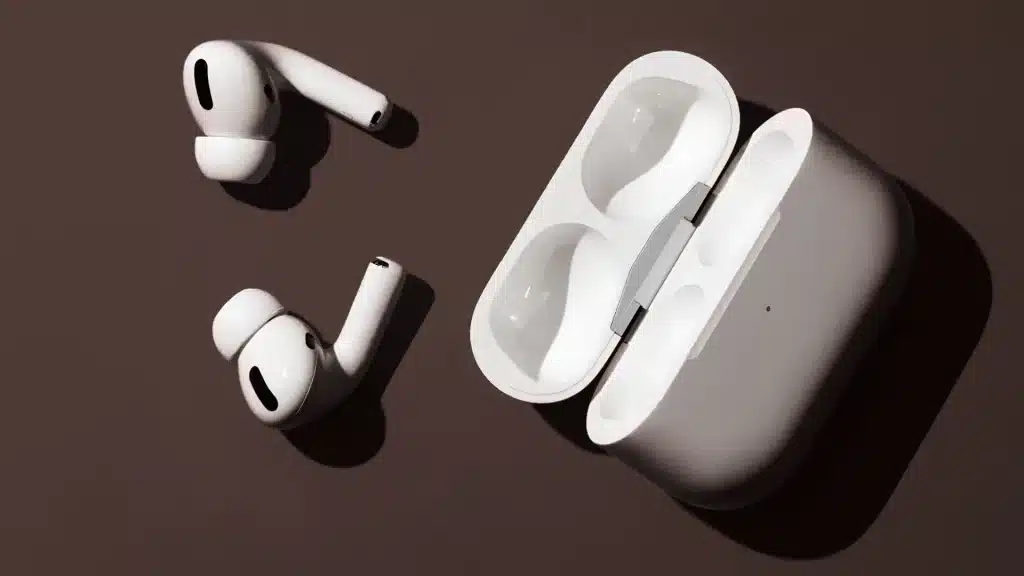
No, AirPods Pro are not waterproof. Every AirPods Pro model is water-resistant to some degree, but water resistance has a hard ceiling.
It means the earbuds can handle sweat during a run, getting caught in the rain, or an accidental splash. It does not mean they are built for sustained or pressurized water exposure.
Showers are a good example of where the rating stops covering you, because they combine running water pressure, steam, heat, and usually soap or shampoo.
Even a brief rinse in soapy shower water can degrade the acoustic membranes faster than months of exposure to sweat.
Apple’s own support page is clear: AirPods Pro are not designed for showering or water sports.
The other thing worth knowing is that water resistance is not permanent. The seals and membranes that create the protection degrade over time with normal use.
A pair that was IP57 fresh out of the box won’t test at IP57 two years later. It’s something most people miss when they assume their older pair is still fully protected.
AirPods Pro Water Resistance by Model, Compared
Apple has changed the IP rating on AirPods Pro a few times across generations, so the number on your specific model matters. Here’s how each version stacks up, including whether the charging case is rated.
| Model | Earbud rating | Case rating | What it covers |
|---|---|---|---|
| AirPods Pro 1 | IPX4 | None | Splash resistance from any direction. No dust protection. |
| AirPods Pro 2 (Lightning case) | IPX4 | IPX4 | Same splash protection as Gen 1, but now both pieces are rated. |
| AirPods Pro 2 (USB-C case) | IP54 | IP54 | Adds dust protection. Water protection level stays at splash. |
| AirPods Pro 3 | IP57 | IP57 | Tested for up to 1 meter of fresh water for 30 minutes. Strongest rating any AirPods model has carried. |
What Happens if Your AirPods Pro Get Wet?
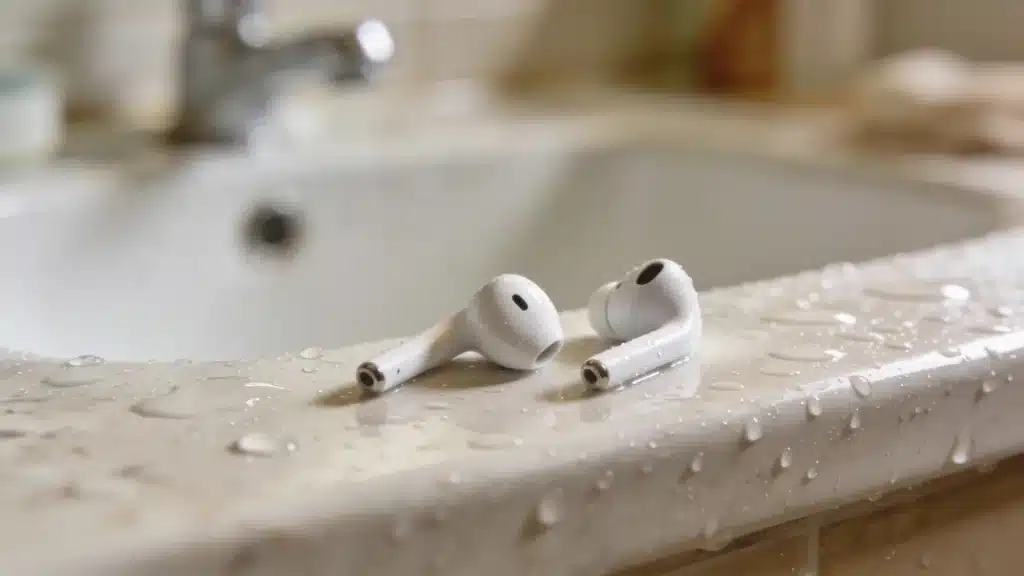
How bad the situation is depends on what kind of wet. Sweat from a workout or light rain is exactly what these earbuds were designed to handle.
An accidental splash or a brief drop into water is usually survivable, too, especially on newer models.
The bigger risks are soap exposure, saltwater, chlorinated pool water, or anything with chemicals in it, because these degrade the water seals faster than plain water does.
If your AirPods Pro get wet, here’s what Apple recommends doing, and a few things to definitely skip.
- Wipe them down right away using a soft, dry, lint-free cloth.
- If water got into the speaker or mic grilles, leave them out of the case and let them air dry. At least 2 hours before putting them back in the case, longer if they got really soaked.
- Do not use heat. No hair dryer, no direct sunlight, and no leaving them on a warm surface.
- Do not use compressed air. It can push water further into the internals.
- Do not charge them until they’re completely dry. Charging wet earbuds can cause a short.
- If they were exposed to anything other than fresh water, wipe them down with a cloth that’s lightly damp with fresh water, then dry fully before the case goes near them.
Water exposure is one of the things that quietly shortens the lifespan of AirPods Pro.
The seals and membranes absorb micro-damage over time, even from sweat, which is why wiping them down after every workout matters more than most people think.
Signs of Water Damage to Watch for
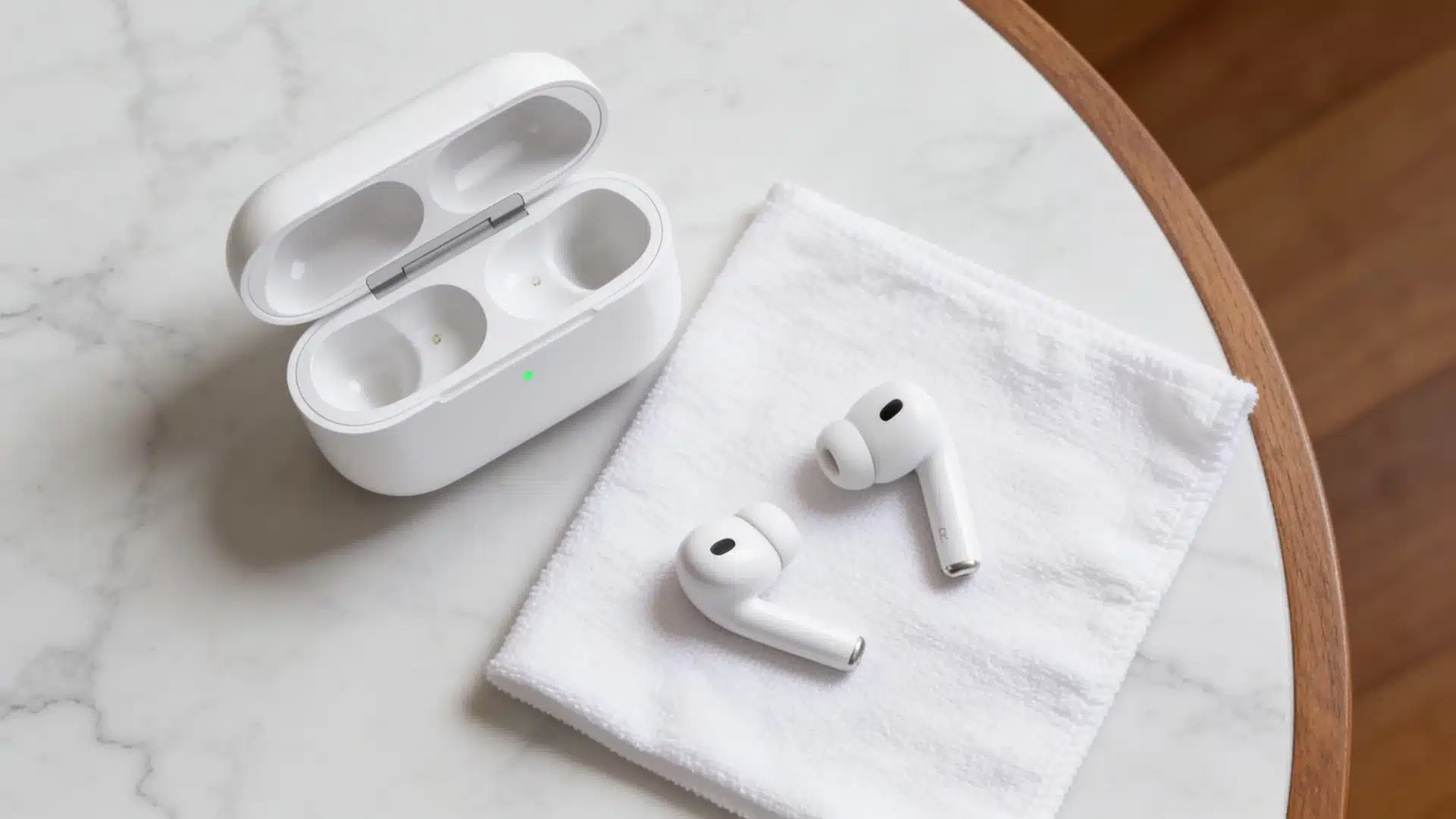
Water damage does not always kill earbuds immediately. Sometimes it shows up gradually over days or weeks.
- Muffled or quieter audio from one side, usually the first sign
- Microphone issues on calls where the other person cannot hear you clearly
- Random pausing when you are not touching anything
- Charging that jumps between percentages without settling
- One earbud is losing connection while the other stays connected
If you notice any of these after water exposure, stop charging the earbuds and let them air dry for 24 hours before testing again.
Charging a water-damaged earbud can permanently short the internal components.
For gym use specifically, readers looking for workout earbuds with higher IP ratings will find options like the Soundcore Sport X20 (IP68), built for heavier sweat and water exposure than any AirPods Pro model.
What Does the Reddit Community Say?
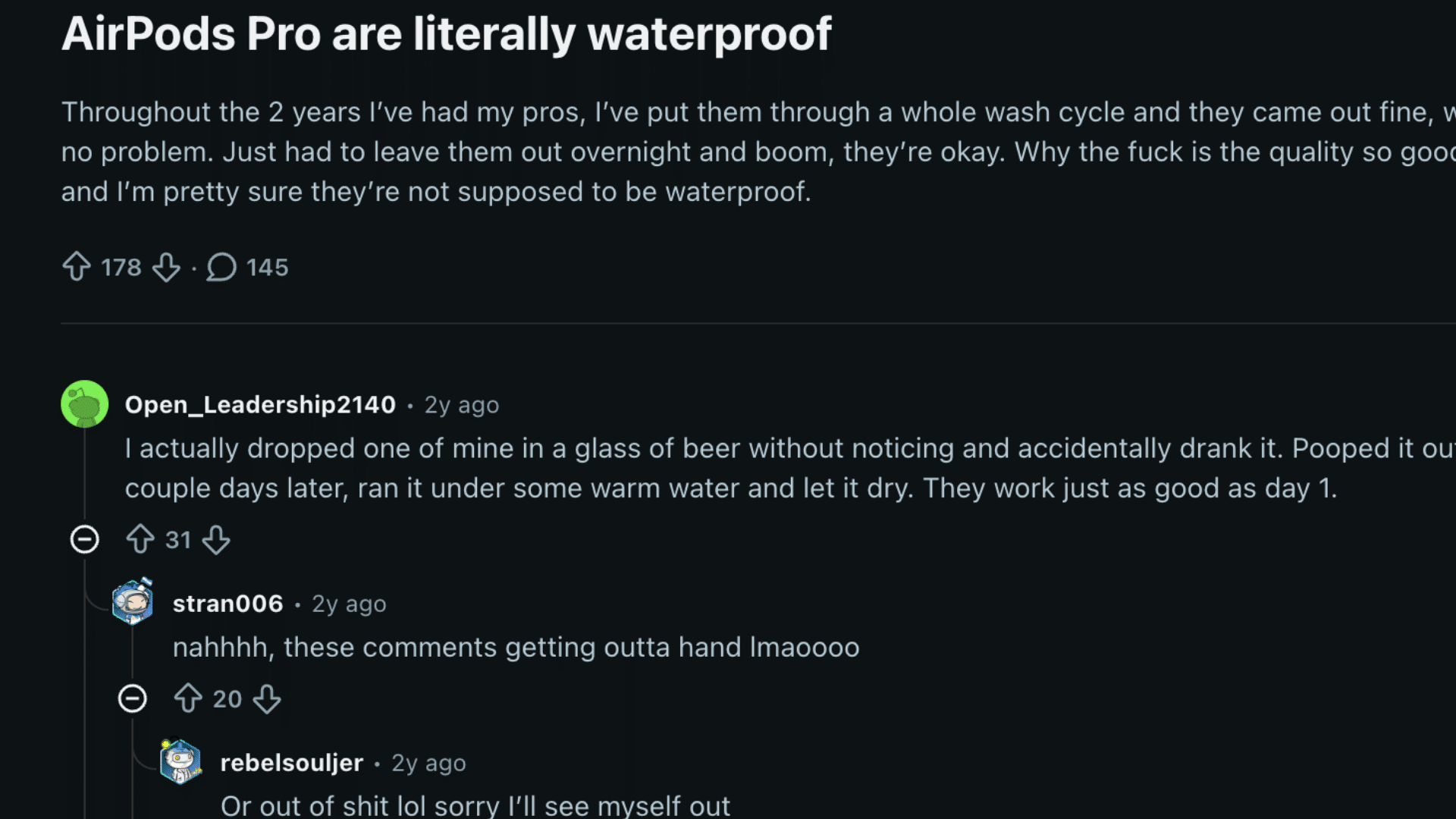
People who bought AirPods Pro and used them in all kinds of water situations have shared their experiences on Reddit, and the thread is a lot.
The general vibe in the comments is that a surprising number of people have accidentally put their AirPods Pro through full wash cycles, dropped them in pools, and left them out in the rain for extended periods, often coming out fine after drying.
Users report leaving them out overnight, running a water-eject sound through them, and finding them working normally the next day.
The earbuds aren’t designed for this; water resistance degrades over time, and the people saying “mine are fine” are often working with earbuds that were off or dried out before being powered back up.
One user summed it up well, saying luck would eventually run out.
The Reddit community’s verdict is basically that AirPods Pro are tougher than their official rating suggests in practice, but you’re gambling each time, and the stakes get higher as the seals age.
Situations that Void AirPods Pro Water Resistance
The IP rating covers a specific test scenario, still fresh water at room temperature, for a set time. Anything outside that is no longer covered.
Apple lists the following as situations to avoid, which come straight from their official support page.
- Running water: Showers, faucets, or any stream puts pressure on the seals that the IP test doesn’t simulate.
- Swimming and pools: Chlorine breaks down water seals over time, and the pressure from swimming adds to the problem.
- Saltwater: Salt corrodes the seals and acoustic membranes faster than fresh water does.
- Soaps, shampoos, conditioners, lotions, and sunscreen: All of these can damage the water-resistant membranes. If they make contact, rinse with fresh water and dry fully.
- Saunas and steam rooms: Steam and heat are a separate problem from liquid water, and neither is covered by the IP rating.
- High-velocity water: Jet ski spray, power washing near them, or anything with force behind it, pushes past the seals.
- Washing machines and dryers: Both the mechanical action and the detergent are problematic.
On the warranty side, Apple’s standard limited warranty does not cover liquid damage. AppleCare+ covers accidental damage, including liquid damage, for a service fee per incident.
If AirPods Pro aren’t meeting your needs for water exposure, considering the best AirPods alternatives might point you toward models rated for more demanding conditions.
Conclusion
AirPods Pro are water-resistant, not waterproof, and that difference matters more than people usually expect.
If your pair gets wet, dry them properly and give them time before charging or using them again.
The IP rating tells you what was tested in a lab under controlled conditions. It doesn’t cover showers, chlorine, saltwater, soap, steam, or the natural degradation that happens with every month of use.
If you’re regularly pushing them into wet conditions, it’s worth knowing what your warranty actually covers, and whether a different pair might be a better fit for how you use them.
Got a water survival story of your own, or a question about a specific situation? Drop it in the comments below.
Frequently Asked Questions
Can AirPods Pro Handle Heavy Rain During a Run?
Yes, light to moderate rain during a run is within what the IPX4 and higher ratings are designed to handle.
The issue comes with sustained exposure or running in a heavy downpour for an extended time. Wipe them down before putting them back in the case after any wet workout.
Is It Safe to Use AirPods Pro at the Gym with Heavy Sweating?
Sweat during workouts is exactly what all AirPods Pro models are rated for. Apple specifically tests them for non-water sports and exercise.
The key habit is wiping them down with a dry cloth before they go back into the charging case, since moisture sitting in the case over time is its own problem.
Does Rice Actually Help Dry out Wet Air Pods?
Rice is a popular hack, but Apple doesn’t recommend it. Rice particles can get into the openings and cause more problems.
The better approach is to air-dry at room temperature for at least 2 hours, away from heat sources. A silica gel packet nearby can help pull out moisture faster if you have one.