
Seeing a heart, face, or fire icon beside a Snapchat contact can confuse many users about what it represents, especially those new to the app.
These emojis aren’t random and can change as your conversations and snapping habits evolve.
Here’s a breakdown of Snapchat emoji meanings for every popular friend icon, from yellow hearts and red hearts to pink hearts, smiley faces, sunglasses, and streak symbols, plus why emojis change, what each status indicates, and how to customize them.
What Do Snapchat Emoji Meanings Show?
Snapchat emoji meanings show how you interact with different friends on the platform. Snapchat automatically assigns these icons based on factors like how often you exchange snaps, your Best Friend status, Snapstreak activity, and shared connections.
A heart may represent a close friendship level, while a fire icon tracks ongoing snaps between two users, and this kind of activity-based tracking falls under broader data collection practices that most apps rely on.
The emojis you see are personalized to your account, so another person may see a different symbol beside the same friend. They can also change over time as your interactions with contacts change.
Snapchat Emoji Meanings at a Glance
Snapchat currently documents nine core Friend Emojis. This table gives you the fastest way to check what each one means before the sections below explain the details.
| Emoji | Snapchat Meaning | What It Shows |
|---|---|---|
| 💛 | Besties | You are each other’s #1 Best Friend |
| ❤️ | BFF | You have been mutual #1 Best Friends for two weeks |
| 💕 | Super BFF | You have been mutual #1 Best Friends for two months |
| 😊 | BFs | This person is one of your Best Friends, but not #1 |
| 😬 | Mutual Besties | Your #1 Best Friend is also their #1 Best Friend |
| 😎 | Mutual BFs | One of your Best Friends is also one of theirs |
| 🔥 | Streak | You have an active Snapstreak |
| ⌛ | Streak Ending | Your Snapstreak is close to expiring |
| 🎂 | Birthday | It is your friend’s birthday |
These are the core Friend Emojis listed in Snapchat’s current support guide. Some third-party guides also mention older or secondary symbols, which are covered separately below.
Snapchat Friend Emojis Explained
Snapchat friend emojis appear beside contacts to show different levels of interaction and activity. Each symbol represents a specific status, from close friendships and shared connections to new friendships and Snap-related moments.
1. Yellow Heart
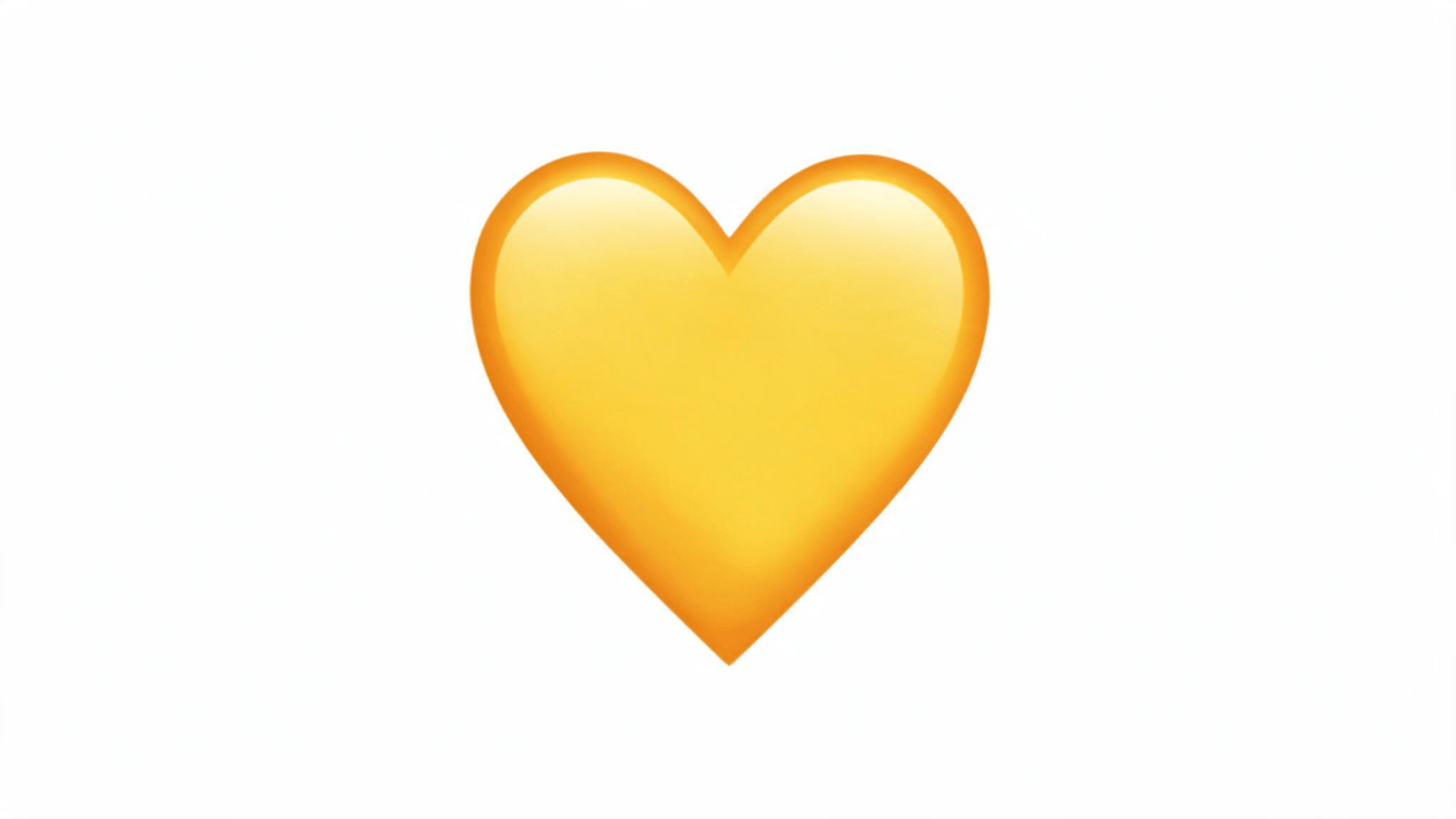
The yellow heart means you and another user are each other’s #1 Best Friend on Snapchat right now, exchanging more snaps with each other than with anyone else on either account.
It’s the most common friend emoji people notice first, since it often shows up early in a close friendship.
This status can shift quickly if your snapping habits change, since Best Friend rankings update based on recent activity rather than a permanent label, in much the same way your phone’s notification settings adjust depending on how you use an app.
2. Red Heart
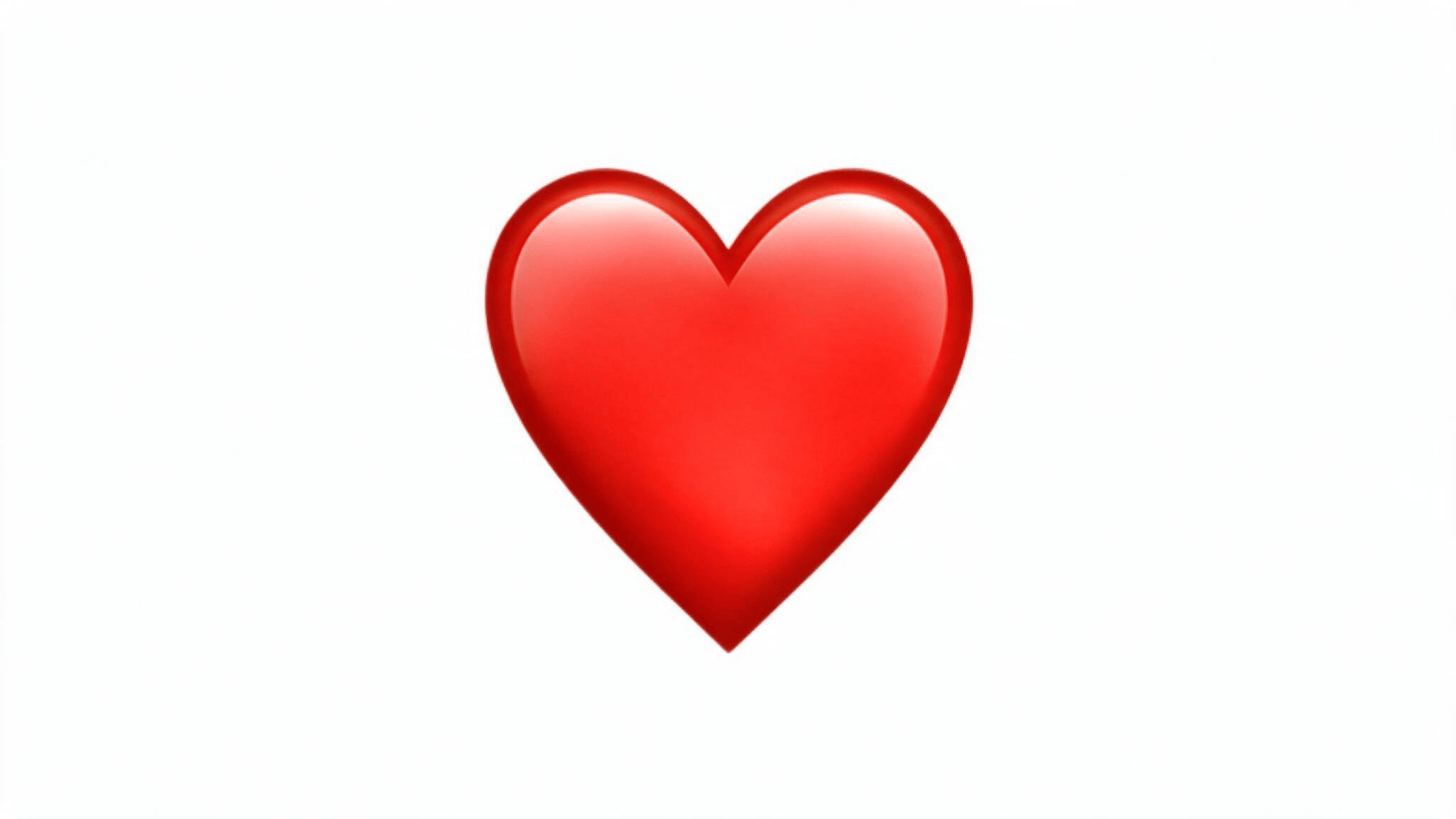
The red heart appears once you and a friend have remained #1 Best Friends for two consecutive weeks without either of you being replaced.
It signals that your top friendship status has held steady rather than just happened once. If another contact becomes your #1 Best Friend before the two weeks are up, the red heart won’t appear, and the streak toward it effectively resets from scratch.
3. Pink Hearts
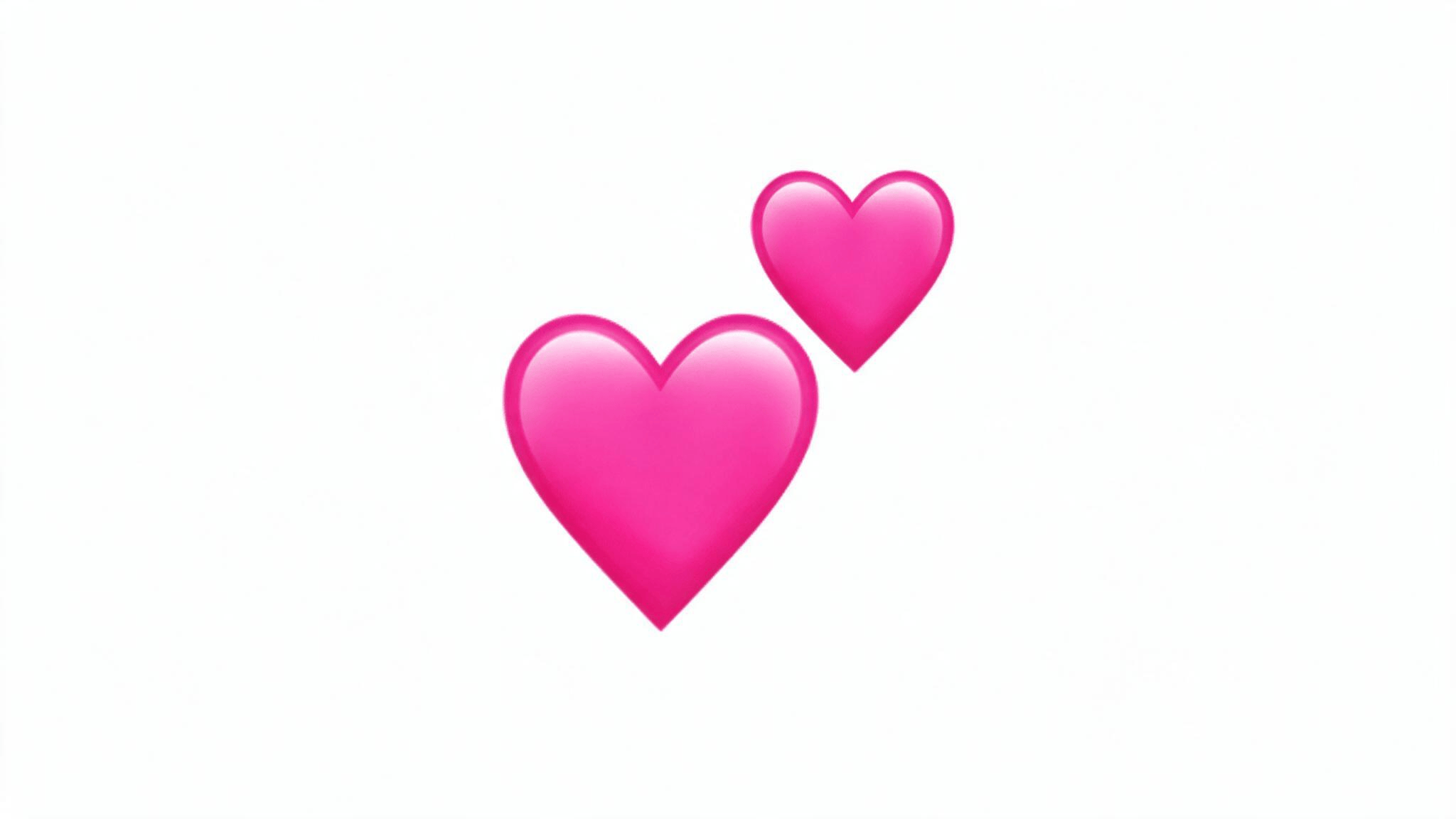
The pink hearts emoji means you and a friend have held the #1 Best Friend spot with each other for two full months straight.
It represents a longer, more established pattern of frequent interaction than the yellow or red heart, making it one of the higher friendship milestones Snapchat displays.
Like the other heart emojis, it depends entirely on continued activity, so it can disappear if your snapping habits with that person eventually change, much like several lesser-known smartphone features that shift quietly based on how a device is actually used.
4. Smiling Face
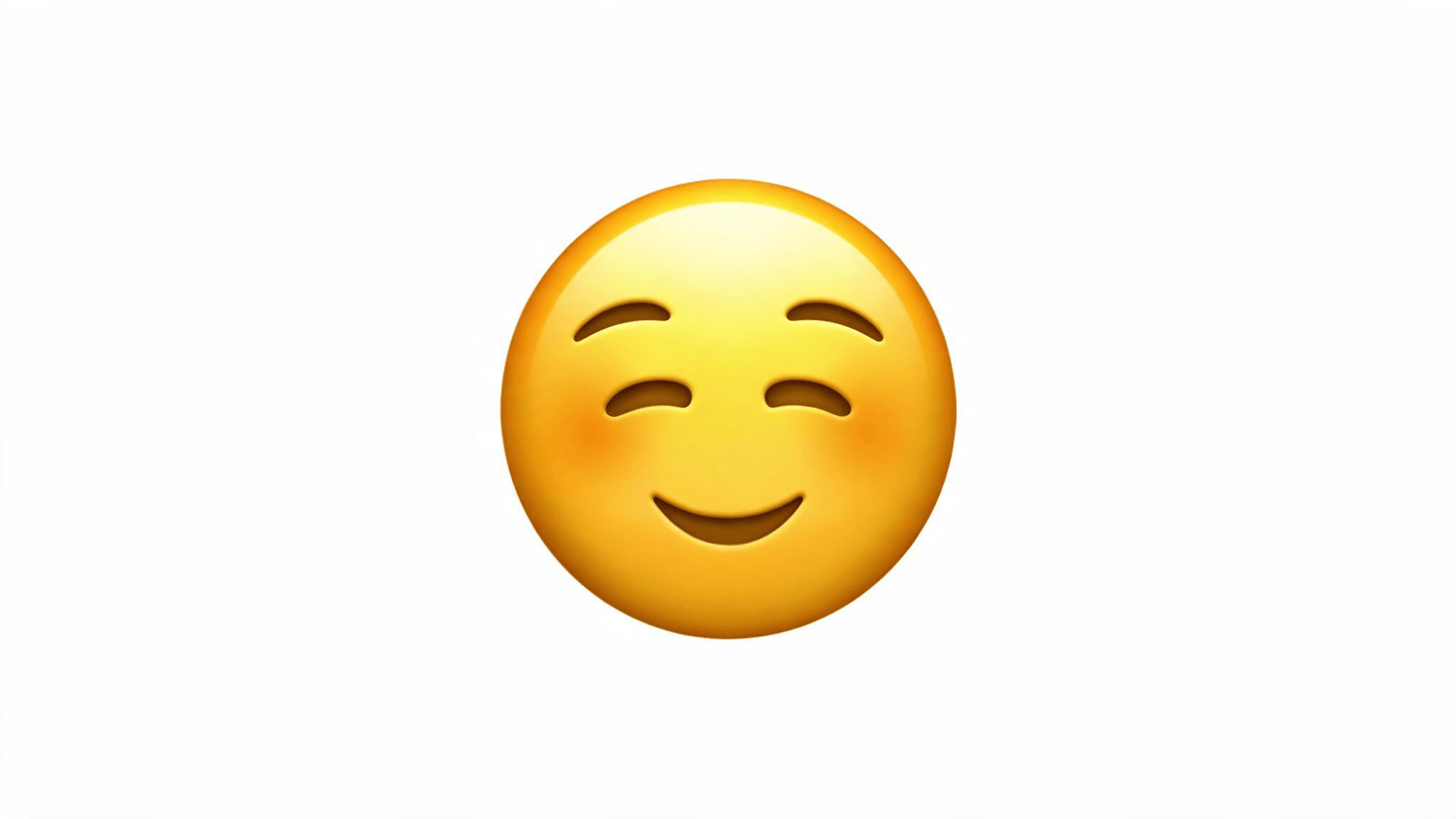
The smiling face shows that someone is one of your Best Friends, meaning you snap them often, but they aren’t currently your #1 Best Friend specifically.
Another contact holds that top spot instead, based on more frequent exchanges. This emoji often appears as a “downgrade” from a heart emoji, which can look alarming, but it usually just reflects normal shifts in who you’re snapping most rather than any real change in the friendship itself.
5. Sunglasses
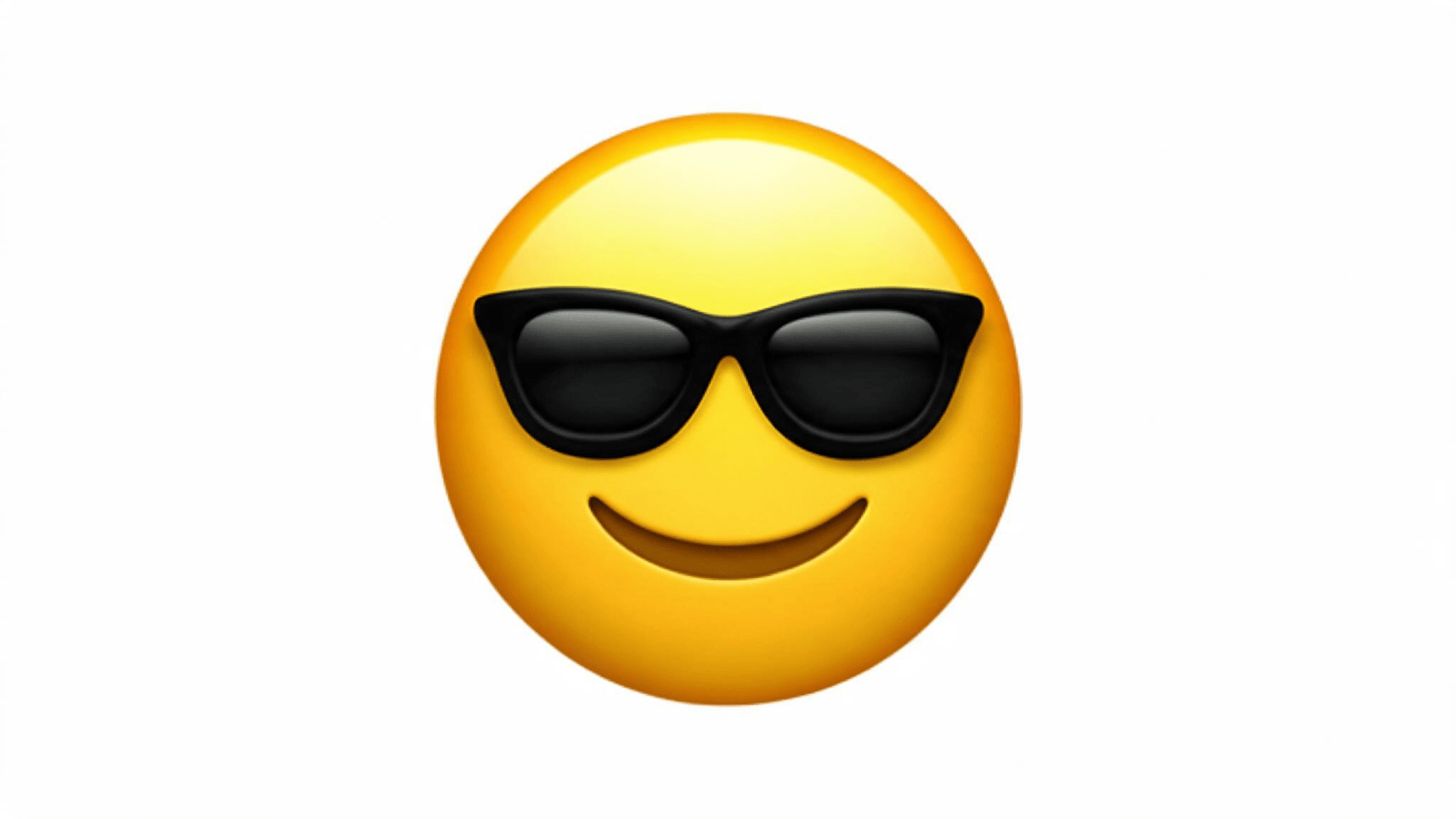
The sunglasses emoji means you and another user share a mutual Best Friend, someone who ranks highly with both of you.
It doesn’t say anything about how close you and this specific person actually are, only that you both frequently interact with the same third contact.
People sometimes misread this as a direct closeness indicator, but it’s really more of a shared-connection marker than a reflection of your relationship with that person, which is worth remembering if you’re generally cautious about personal data exposure on apps that track your connections.
6. Grimacing Face
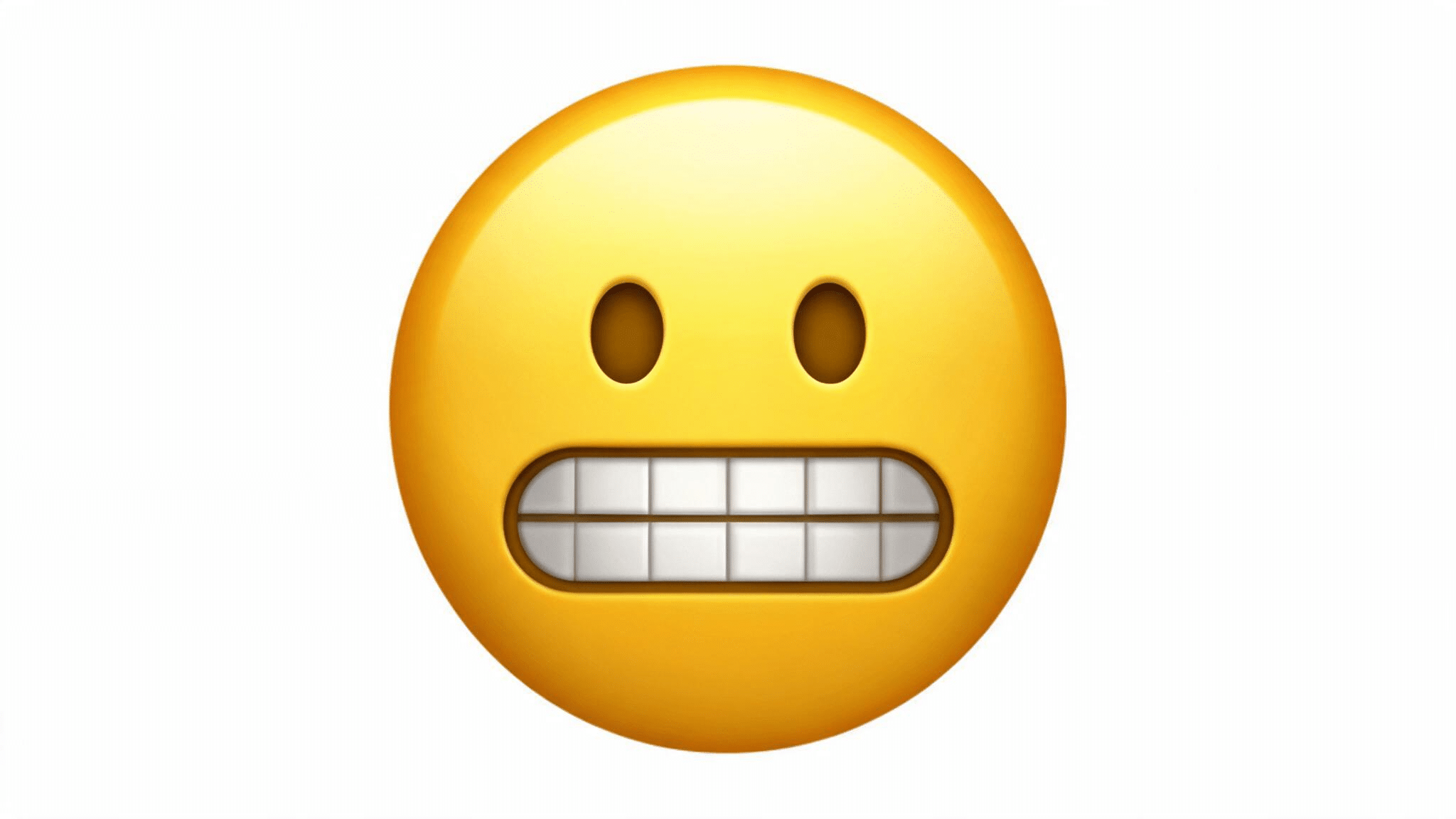
The grimacing face shows up when your #1 Best Friend is also that person’s #1 Best Friend, meaning you’re each sending the most snaps to the exact same third person.
It’s less about your relationship with each other and more a quirky overlap in who you’re both prioritizing. This emoji tends to catch people off guard the first time they see it, since it’s less intuitive than the heart-based icons.
7. Baby
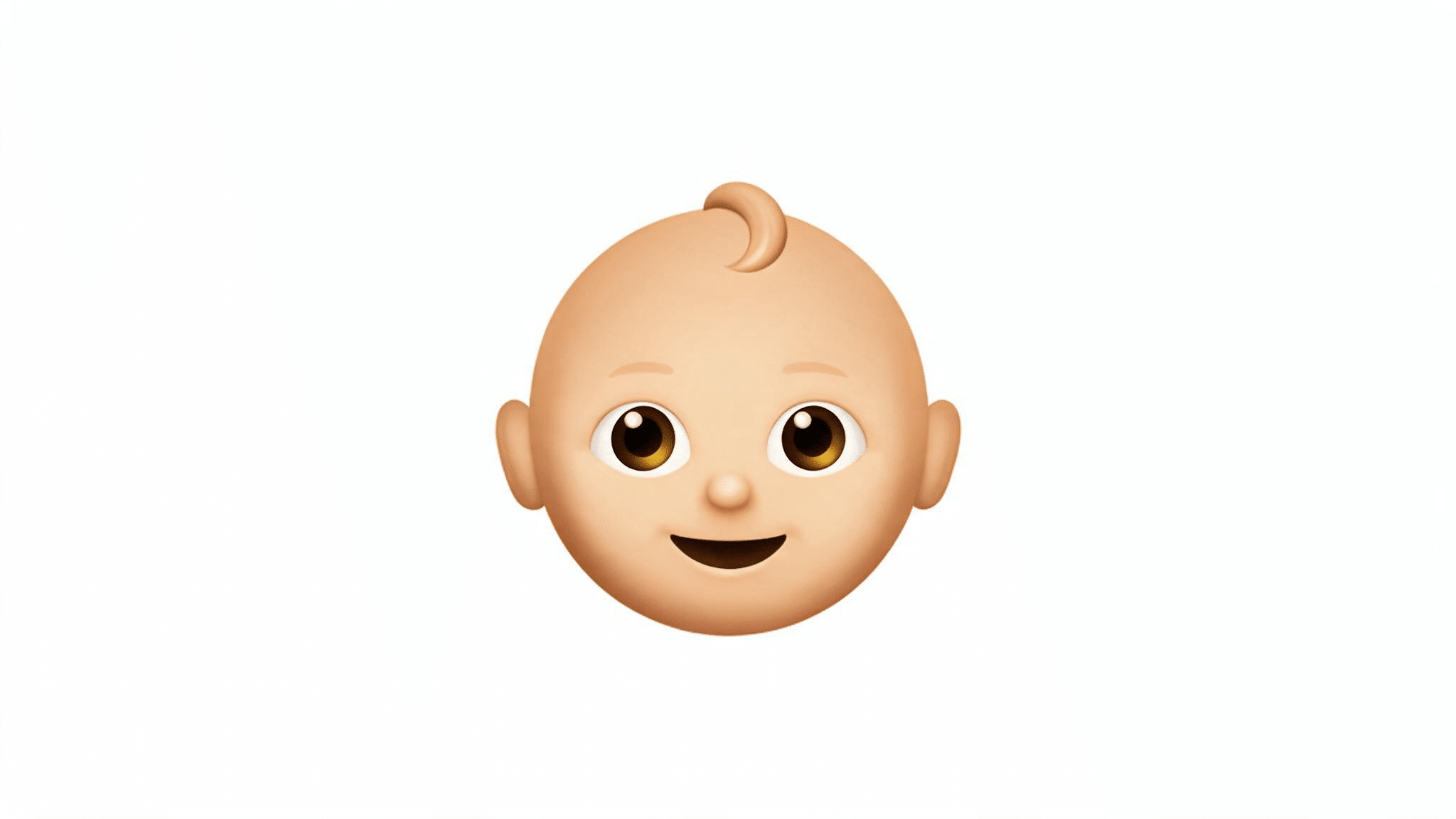
The baby emoji appears beside someone you’ve recently added as a friend on Snapchat, marking the connection as new rather than established.
It’s a temporary status that fades once you’ve built up enough snapping history for a different emoji, like the smiling face or a heart, to take its place.
Seeing this icon just means Snapchat hasn’t gathered enough interaction data yet to assign a more specific friendship status, and it’s worth noting the platform has previously faced a prior FTC settlement tied to how it handled that kind of user information.
8. Birthday Cake
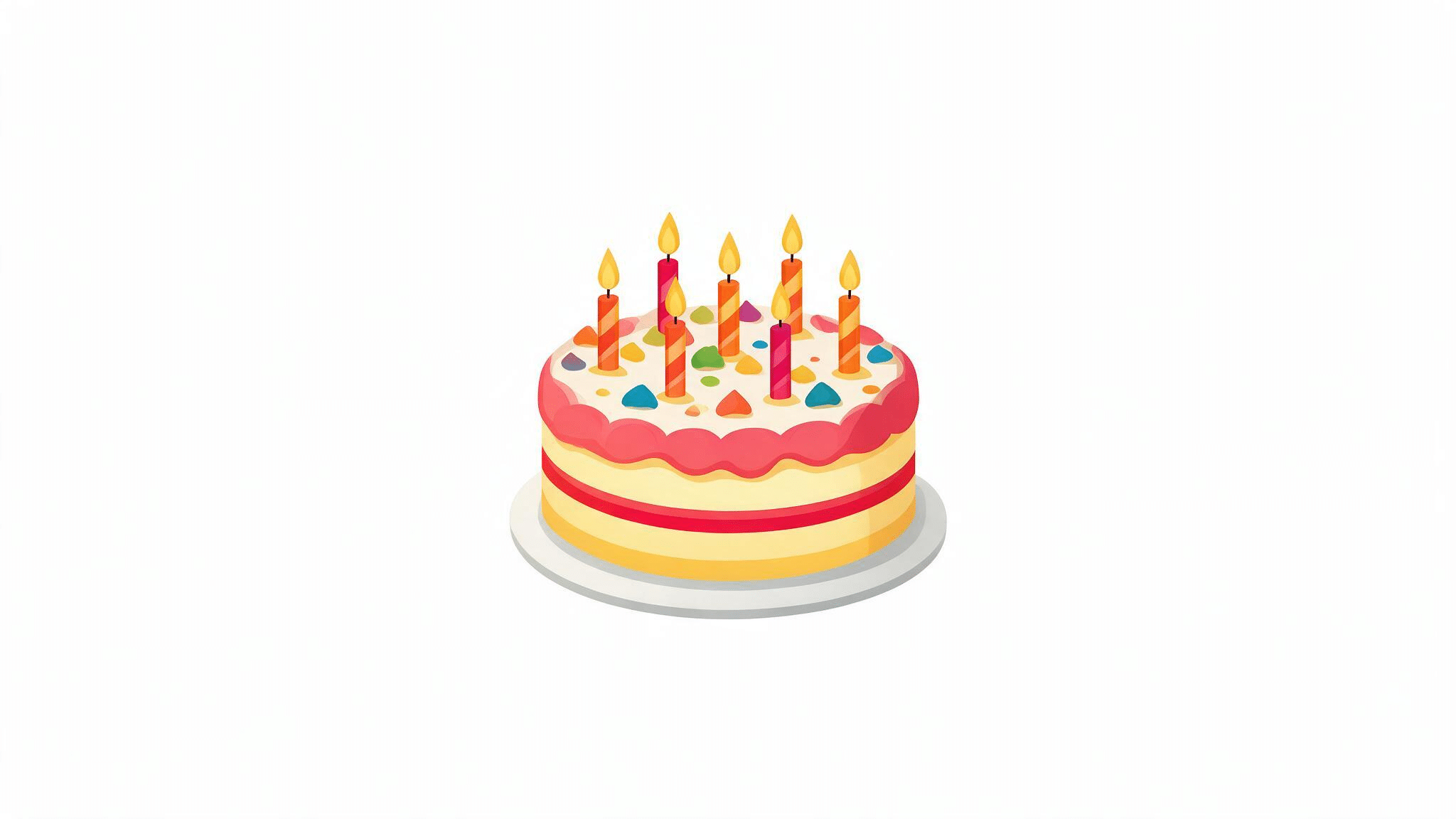
The birthday cake emoji appears next to a friend’s name on their actual birthday, letting you know it’s a good day to send them a snap.
This one depends entirely on whether that person has entered their birthday and chosen to share it in their profile settings. Unlike the other friend emojis, it isn’t based on snapping activity or friendship rankings at all, just a simple date-based reminder Snapchat displays automatically.
9. Fire

The fire emoji represents an active Snapstreak between you and another user, meaning you’ve both sent snaps back and forth on consecutive days without missing one.
The number displayed beside the fire shows exactly how many days the streak has lasted so far.
Streaks are one of the more competitive, habit-forming features on Snapchat, and losing one after a long run is a common source of frustration among regular users, which is part of why it helps to pair any daily app habit with everyday security habits, like keeping your account settings current.
10. Hourglass
The hourglass emoji is a warning sign that a Snapstreak is close to expiring, appearing when you and a friend haven’t exchanged snaps recently enough to keep the streak alive.
It’s Snapchat’s way of nudging you before the streak actually breaks, giving you a small window to send something before it resets to zero. Once you snap back and forth again, the hourglass disappears, and the fire emoji returns in its place.
11. Hundred
The hundred emoji marks a genuine milestone, appearing once you and a friend reach a 100-day Snapstreak together.
It typically shows up alongside the fire emoji rather than replacing it, celebrating the achievement without removing the ongoing streak indicator. Reaching this milestone usually reflects a long-standing daily habit between two users, and losing a streak this long tends to feel like a much bigger loss than a shorter one.
12. Gold Star

The gold star appears when someone has replayed one of your snaps within the past 24 hours, highlighting recent engagement with content you sent.
It’s less about your overall friendship status and more a short-term activity marker tied to a specific action. Since it only reflects the last day’s replays, the gold star tends to come and go quickly compared to the more stable Best Friend and streak-based emojis.
Snapchat Friend Emojis vs. Regular Emojis: What is the Difference?
Snapchat uses emojis in two different ways. Friend emojis are automatically assigned based on your interactions, while regular emojis are chosen manually to express feelings, reactions, or messages during chats.
| Snapchat Friend Emojis | Regular Emojis |
|---|---|
| Assigned automatically by Snapchat | Selected manually by users |
| Based on snaps, friendships, and streak activity | Used to express emotions, ideas, or reactions |
| Appear beside friends’ names | Appear inside chats, captions, and snaps |
| Examples: 💛 🔥 ❤️ 😊 | Examples: 😂 ❤️ 👍 🎉 |
Friend emojis show Snapchat activity patterns, while regular emojis work like normal symbols used across messaging apps. Knowing the difference makes each icon easier to understand.
Icons You Might See that Aren’t Friend Emojis
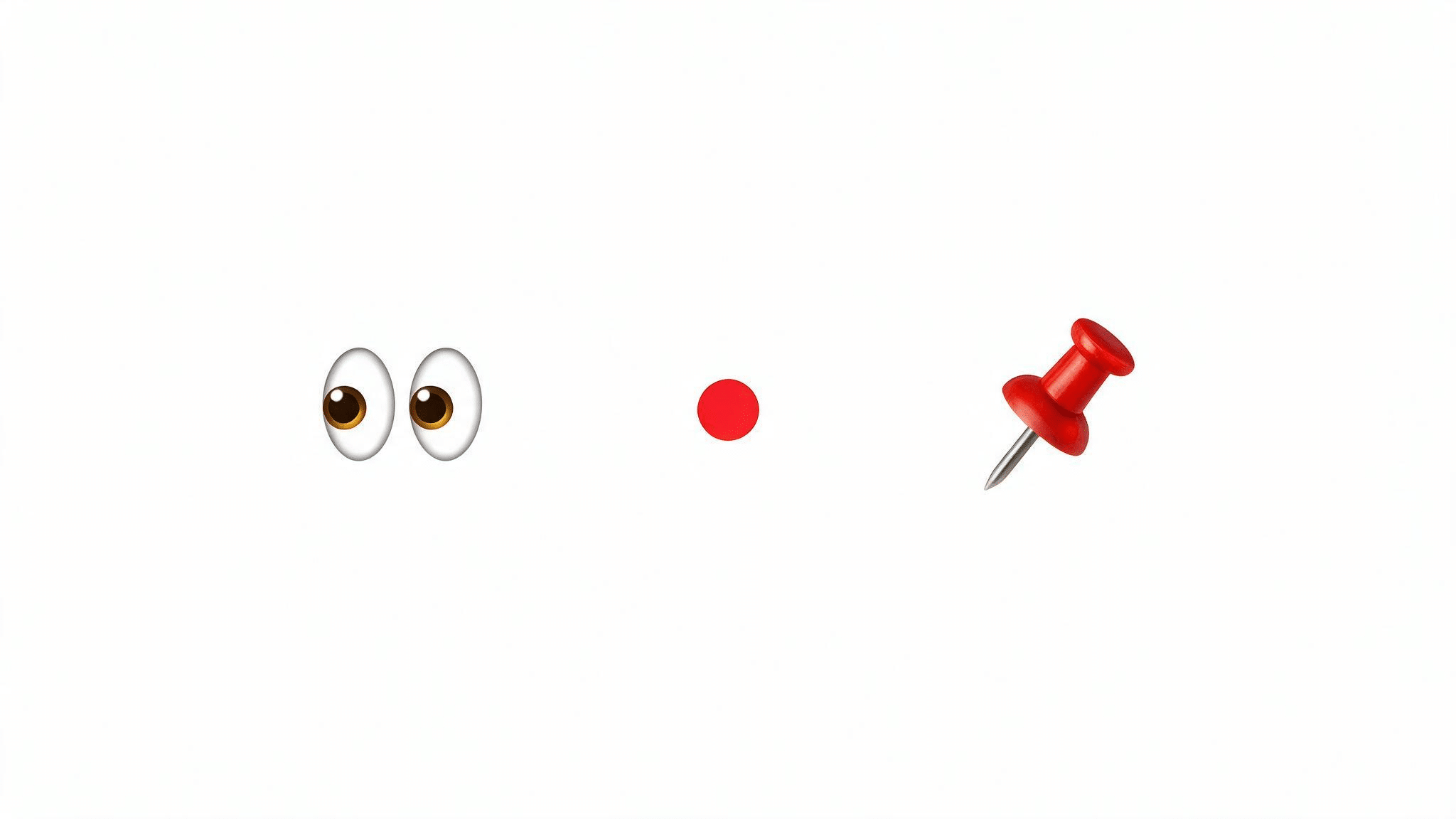
Not every icon beside a contact or inside the app relates to your friendship status. A few common ones are often mistaken for friend emojis but mean something different.
- Eyes: Relates to viewing activity on Stories, not your friendship level.
- Red Dot: A notification marker, not a friend status symbol.
- Pin: Shows a conversation has been pinned in your chat list; doesn’t affect Best Friend rankings or streaks.
These icons can appear near your contacts, but they don’t reflect how close your friendship is or how often you snap each other.
Why Do Snapchat Emojis Change or Disappear?
Snapchat Friend Emojis update as your activity and friendship rankings change. A symbol can change, disappear, or move to a different status without meaning that anything happened outside the app.
- Your Best Friend ranking changes: A heart can disappear when you and that person are no longer mutual #1 Best Friends.
- Your Snapstreak ends: The fire emoji disappears if the streak expires.
- Your interaction pattern shifts: Snapchat updates Best Friends based on the people you Snap and Chat with most.
- A streak is close to ending: The hourglass appears as a warning before an active streak expires.
- You customize Friend Emojis: A custom icon can replace the default symbol on your own account without changing the friendship status underneath it.
These changes are normal. Snapchat also says it cannot manually add, restore, or replace Best Friend Emojis when BFF or Super BFF status changes.
How to Read a Change in Your Friend Emojis
When an emoji changes, focus on the status the new symbol represents. The change usually reflects a ranking, milestone, or streak update rather than a judgment about the friendship itself.
| You Had | Now You See | What Likely Happened |
|---|---|---|
| 💛 Yellow Heart | ❤️ Red Heart | You stayed mutual #1 Best Friends for two weeks |
| ❤️ Red Heart | 💕 Pink Hearts | You stayed mutual #1 Best Friends for two months |
| 💛 or ❤️ | 😊 Smiling Face | The person may still be a Best Friend, but mutual #1 status changed |
| ❤️ or 💕 | 💛 Yellow Heart | Your previous heart progression ended, and mutual #1 Best Friend status started again |
| 🔥 Fire | ⌛ Hourglass | Your active streak is close to expiring |
| ⌛ Hourglass | 🔥 Fire | Qualifying Snaps were exchanged and the streak continued |
| 🔥 Fire | No streak emoji | The Snapstreak ended |
A heart change is easiest to understand if you remember the order: yellow is mutual #1 now, red is two weeks, and pink hearts are two months.
How Snapchat Best Friends Affect Emoji Meanings
Friend Emojis make more sense once you understand Snapchat’s Best Friends system. Snapchat says Best Friends are the people you Snap and Chat with the most, and the list is updated regularly.
You can have up to eight Best Friends at one time. Only one person can hold the mutual #1 Best Friend position needed for the yellow, red, or pink heart progression, while other Best Friends may show the smiling face or shared-friend emojis.
Your full Best Friends list is private. Other people may be able to tell when they are among your Best Friends, but they cannot see your complete list. This is also why the same contact can appear differently on different users’ accounts.
How To Customize Snapchat Friend Emojis
Snapchat lets users replace default friend emojis with different icons on their own account. Customization changes the symbol you see, not the actual Best Friend, mutual-friend, birthday, or streak status behind it.
On iPhone
- Open Snapchat and tap your profile icon.
- Tap the gear icon to openSettings.
- Scroll to App & Privacy and tap My App.
- Under Customize My App, tap Friend Emojis.
- Choose the status you want to change and select an available emoji.
On Android
- Open Snapchat and tap your profile icon.
- Tap the gear icon to open Settings.
- Scroll to App & Privacy and tap My App.
- Under Customize My App, tap Customize Emojis.
- Choose the friendship status and select a new icon.
Snapchat notes that customization options can vary by device and not every emoji can be used. These changes are private to your account.
A Few Things People Get Wrong
A few small misunderstandings come up often with Snapchat emojis. Clearing these up now can save you from misreading a change as something bigger than it actually is.
| Clarification | What’s Actually True |
|---|---|
| A missing heart emoji means the friendship ended | It usually just means a ranking changed, not that the friendship ended |
| Chatting alone builds a Snapstreak | Only exchanged snaps count toward a streak, not chats |
| Customizing an emoji changes the friendship status | It only changes how the icon looks on your account, not the actual status underneath it |
Keeping these points in mind makes emoji changes far less confusing. Most shifts are minor and temporary, not a sign that something has gone wrong with a friendship.
The Bottom Line
Once you know what the main Snapchat symbols represent, those little icons beside a friend’s name become much easier to read.
I’d focus first on the heart progression, Best Friend faces, birthday cake, and Snapstreak symbols because they explain most changes you’ll see.
You may also see older third-party guides that show emojis Snapchat no longer lists as core Friend Emojis. Understanding Snapchat emoji meanings helps you avoid overthinking a missing heart, changed face, or hourglass warning.
It also makes it easier to tell the difference between a friendship ranking, a streak update, and a customized icon. If an emoji changes, check its current meaning before assuming anything else. For more Snapchat tips, check out our related guides.
Frequently Asked Questions
Can Snapchat Friend Emojis Disappear Permanently?
No, Snapchat friend emojis are never permanent. Every icon reflects your most recent snapping activity, so a heart, smiley face, or streak symbol can disappear, change, or come back at any time. If your interactions with that friend pick back up, whether that means more snaps, a returning streak, or a new Best Friend ranking, the emoji updates to match within a day or two.
Does Deleting a Snapchat Conversation Remove Friend Emojis?
No, deleting a Snapchat conversation does not remove friend emojis. These icons are calculated from your snapping activity and Best Friend rankings, not your chat history, so clearing a conversation thread doesn’t affect them.
Do Snapchat Friend Emojis Work Without Sending Snaps?
Friend emojis depend mainly on snap interactions, not text chats. Sending photo or video snaps back and forth is what Snapchat tracks for Best Friend rankings and Snapstreaks, so chatting through messages alone usually will not move an emoji status or start a streak.
Can I Hide Snapchat Friend Emojis?
Snapchat does not offer a dedicated setting to hide friend emojis entirely. What you can do is customize which icons represent each status in your account settings, swapping the default hearts, faces, and streak symbols for ones you prefer.
Do Snapchat Friend Emojis Reset After an Update?
App updates usually do not reset Snapchat friend emojis on their own. Best Friend rankings and Snapstreak counts are tied to your account’s interaction history, not the app version, so a routine update should not wipe them out.