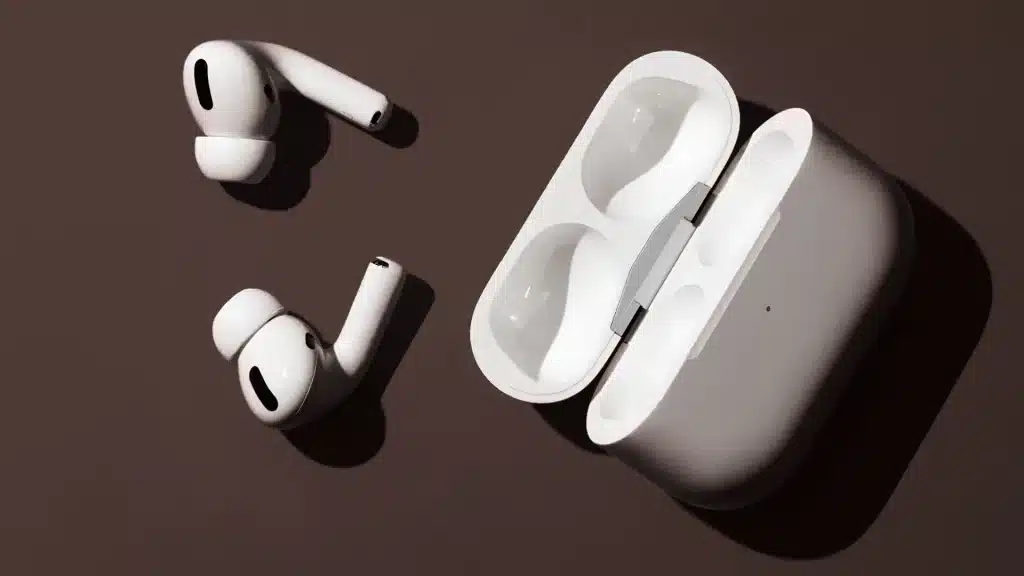
Your AirPods Pro 2 may still work fine, but one shorter battery day can make the Pro 3 look tempting.
You might wonder if better noise canceling, new ear tips, and fitness features are worth paying more for right now. Apple kept the same H2 chip in both, but the daily feel is not exactly the same.
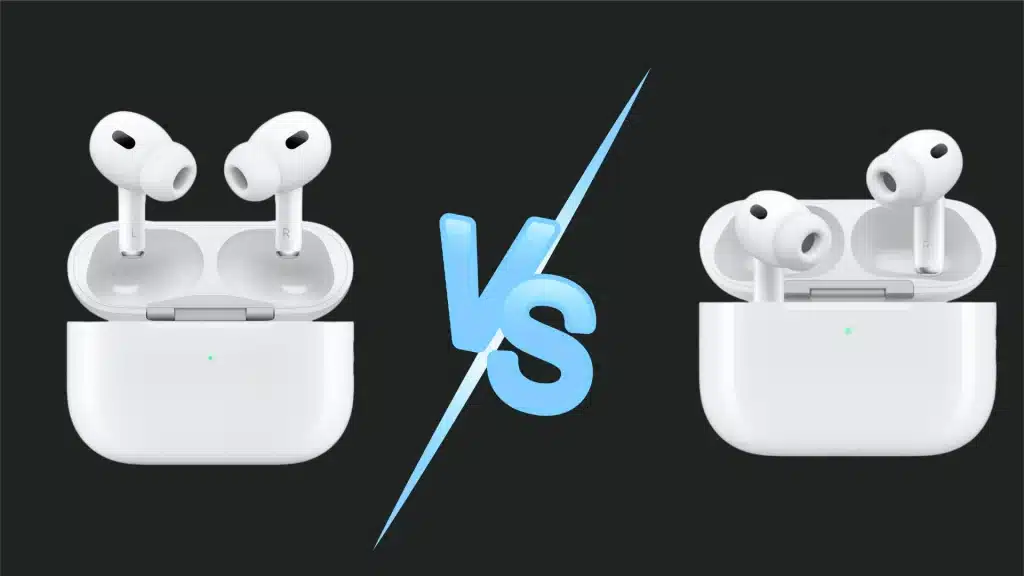
In short, the AirPods Pro 3 add stronger noise cancellation, a heart rate sensor, and better water resistance, while the AirPods Pro 2 keep a longer case battery and a lower price.
I will explain AirPods Pro 3 vs AirPods Pro 2, including sound, fit, battery life, ANC, price, and real buyer opinions.
You will also see where AirPods Pro 2 still makes sense, especially if discounts matter more than the newest features.
Before choosing the newer pair, let us first compare what actually changed and what still feels familiar between the two models.
AirPods Pro 3 vs AirPods Pro 2: Overview
The AirPods Pro 2 launched in 2022 and quickly became the go-to earbud for anyone deep in the Apple ecosystem.
They brought strong noise-canceling, a solid fit, and an affordable step down from custom in-ear monitors.
The AirPods Pro 3 arrived later with a reshaped body, new foam tips, and a heart rate sensor built right into each bud. Both share the same H2 chip, so raw processing power is not the battle here.
What actually changes the experience is the ear tip shape, the battery split between the bud and the case, and small feature additions like Live Translation.
This overview sets the stage before we dig into each difference one by one, starting with how they actually sit in your ear all day long.
Design, Fit, and Comfort
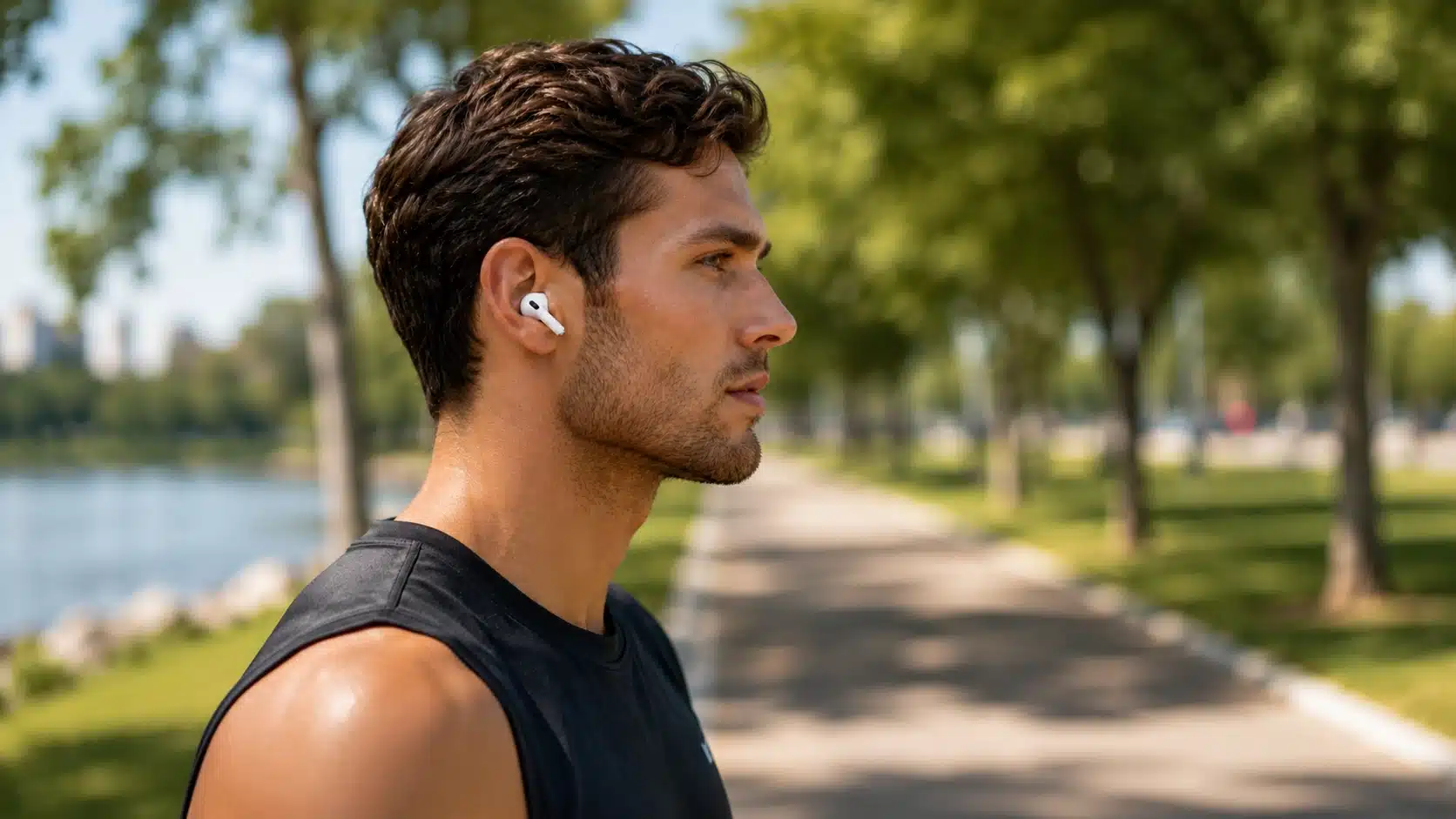
Design plays a bigger role than most buyers expect, since a bad seal can throw off both sound and noise canceling.
Apple says the fit research behind the AirPods Pro 3 included more than 300 million ear-fit data points and over 100,000 hours of testing, studied over 10,000 ear scans before shaping the AirPods Pro 3 tips, and the payoff shows in daily wear.
The tips now angle inward toward your ear canal, rather than the older outward angle used on the Pro 2.
There are now five sizes, including a brand-new extra-small (XXS) option for ears that have struggled to achieve a proper seal before.
That said, the new hybrid silicone-and-foam tips are more delicate than the plain silicone ones on the older Pro 2. Several reviewers mention the foam ripping when swapping sizes too often.
If you switch sizes a lot, budget for replacements sooner than you would with the best earbuds for small ears style tips from before.
Sound Quality: Which One Actually Sounds Better?
Sound is where buyers argue the most, and honestly, both sides have a fair point once you dig into it.
The AirPods Pro 3 push more energy into the sub-bass and add extra sparkle in the treble compared to the older model.
This creates a livelier, more exciting sound for pop, hip hop, and bass-heavy playlists that many listeners genuinely enjoy.
The AirPods Pro 2 sound more balanced overall, with a warmer top end and a gentler low-end punch.
Others say the Pro 3 sounds clearer and simply more fun to listen to during workouts or long commutes.
Switching between both pairs on the same playlist, I noticed the Pro 3 the most on bass-heavy tracks, less so on podcasts. Try both in a store if you can, since sound preferences are genuinely personal.
Active Noise Cancellation and Transparency Mode
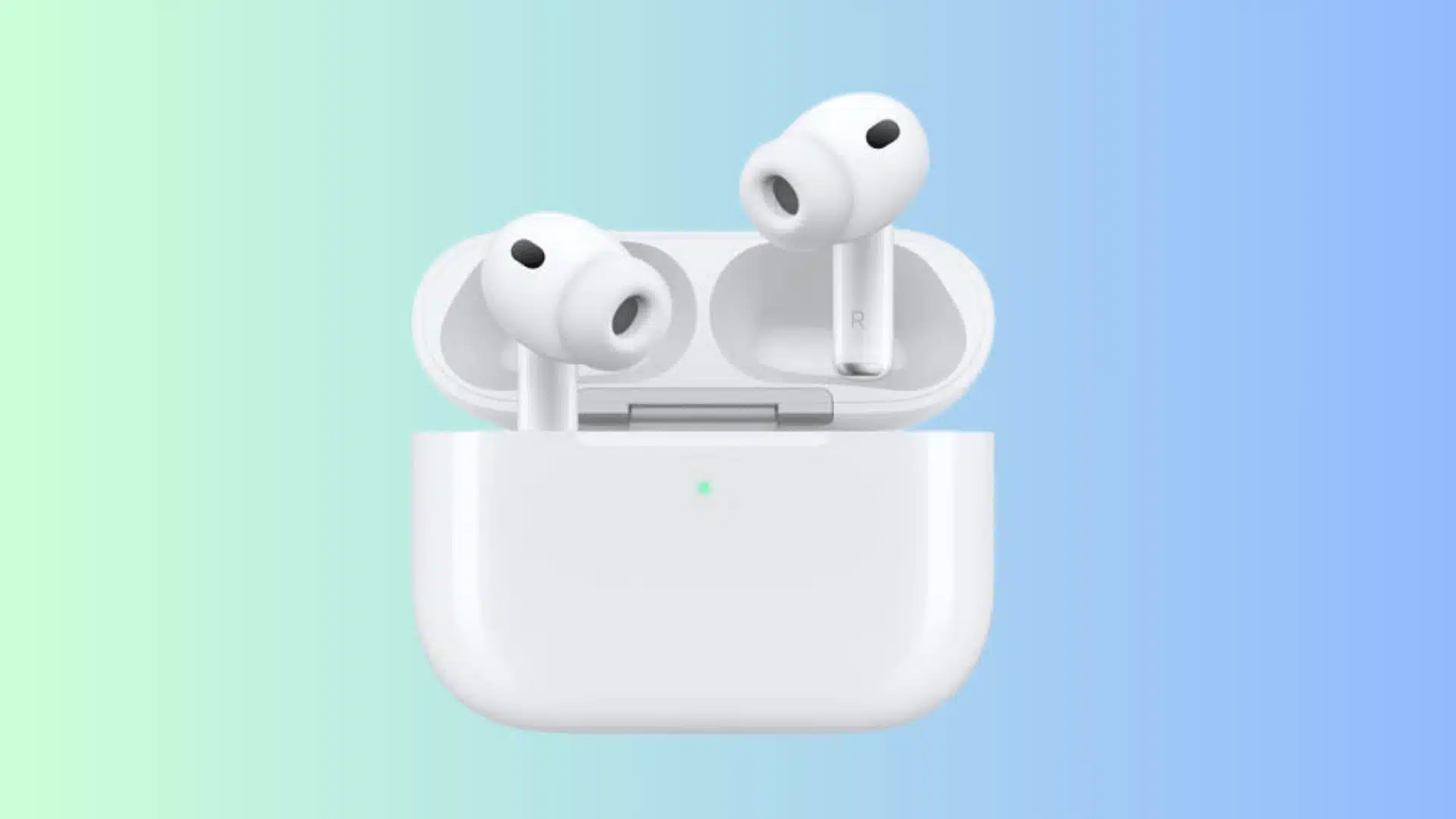
Noise canceling is the one area almost everyone agrees the AirPods Pro 3 pulled ahead, and the numbers back it up.
Apple claims the AirPods Pro 3 block up to twice the noise of the AirPods Pro 2, and up to four times the noise of the original AirPods Pro.
On a flight, the constant engine rumble is noticeably quieter with the Pro 3 than with the older model. Underground, the screeching and rattling of the train also fade more into the background.
Walking down a busy street, traffic and construction noise feel muted on both pairs, though the Pro 3 pulls further ahead overall.
If loud commutes are part of your daily routine, this upgrade might justify the cost, and our premium ANC earbuds guide breaks down how these gains stack up against other brands.
Calls and Microphone Performance
Call quality is another spot where the two models split.
The AirPods Pro 3 add ultra-low-noise microphones and use Voice Isolation with bone-conduction call detection, which helps your voice come through clearly on windy streets or in a loud office.
The AirPods Pro 2 still handle calls well indoors, but they lean on Voice Isolation alone without the added bone-conduction detection.
Battery Life: Per Charge vs Total With Case
Here is where things get confusing if you only glance at the headline numbers. The AirPods Pro 3 last up to 8 hours per charge with noise canceling on, beating the 6 hours of the AirPods Pro 2.
But the AirPods Pro 3 case is smaller and holds less backup power, so total time with the case drops to 24 hours instead of 30.
In plain terms, the newer buds last longer between charges, but you will plug the case in more often each week.
- AirPods Pro 3: 8 hours per charge, 24 hours total with case.
- AirPods Pro 2: 6 hours per charge, 30 hours total with case.
- Battery health on both drops after two to three years, as our AirPods Pro longevity guide explains in full.
Heart Rate Sensing and Other New Features
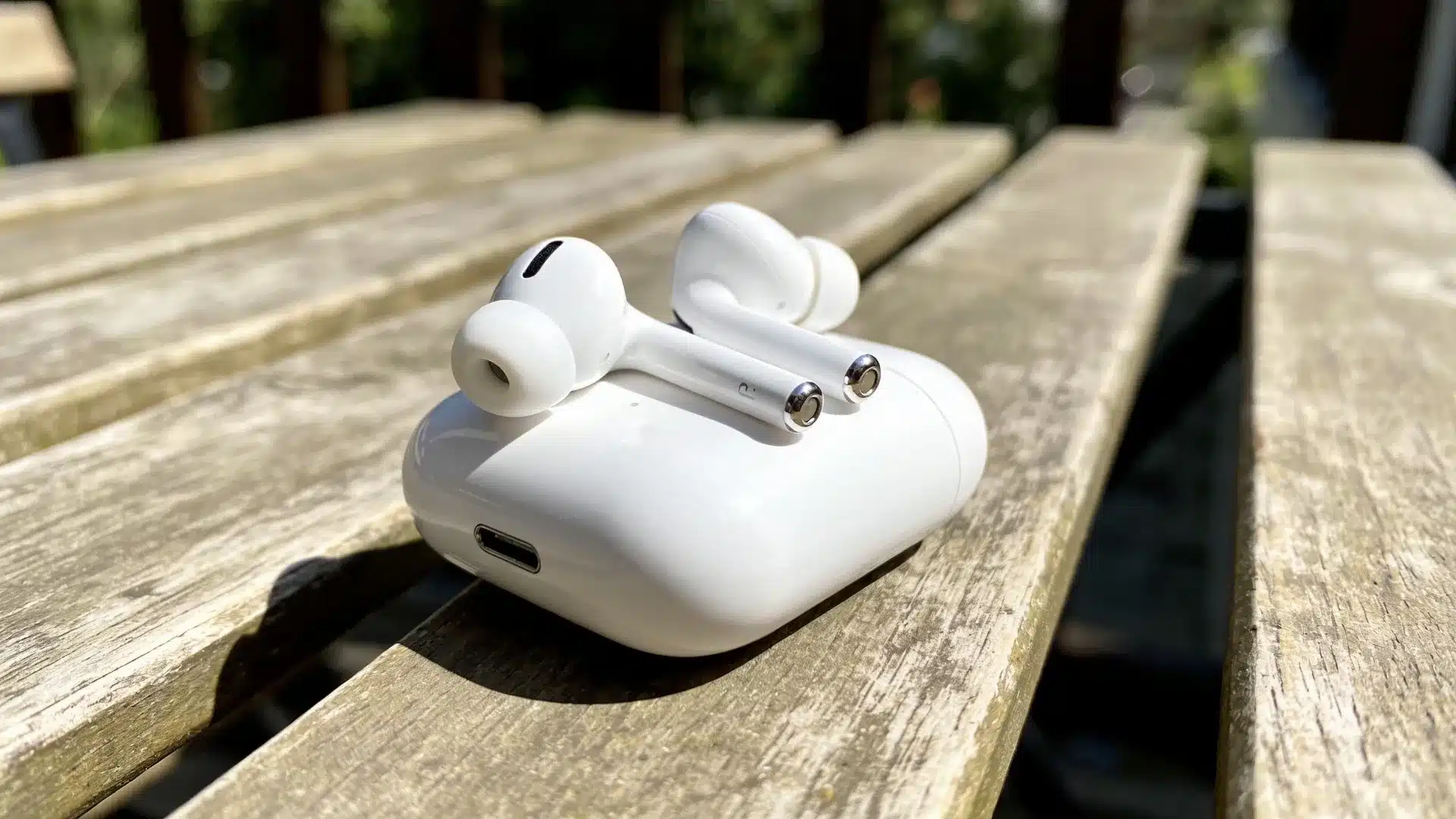
Beyond sound and battery, Apple packed in a few new tricks that only appear on the newer AirPods Pro 3.
The AirPods Pro 3 include a small heart rate sensor in each bud, built mainly for workouts and everyday fitness tracking.
It pairs with the Fitness app and works fine for casual training, though it will not replace a dedicated smartwatch.
Apple’s Hearing Aid feature also received real FDA authorization, allowing compatible AirPods Pro models to function as an over-the-counter hearing aid for adults with hearing loss.
If you already own a smartwatch that tracks heart rate, this feature probably will not sway your decision much. But gym goers without a smartwatch will likely find this a genuinely useful bonus.
iOS vs Android: Does the Experience Change?
AirPods are built with Apple users in mind first, and that shows clearly when you pair either model with an Android phone.
On iPhone, you get instant pairing, Siri access, Spatial Audio, Live Translation, and full control over listening modes right from Settings.
Switch to Android, and most of those extras disappear since there is no official Apple app for Android devices at all.
You still get basic Bluetooth audio, calls, and noise-canceling toggling, but codec support remains limited to AAC and SBC.
- iPhone users: Full feature access including Siri, Spatial Audio, and Live Translation.
- Android users: Basic playback and ANC only, no official app support.
- Third-party apps: LibrePods can unlock some extra controls on Android, though results vary by phone model.
Before comparing prices, it helps to see all major specs side by side in a single table.
Key Specifications at a Glance
Here is a quick spec table to show the main hardware and feature differences before comparing price and daily use.
| Feature | AirPods Pro 2 | AirPods Pro 3 |
|---|---|---|
| Chip | H2 | H2 |
| Battery per charge | 6 hours | 8 hours |
| Battery with case | 30 hours | 24 hours |
| Water resistance | IP54 | IP57 |
| Heart rate sensor | No | Yes |
| Ear tip sizes | 4 | 5 |
| Bluetooth | 5.3 | 5.3 |
Price is often the deciding factor, especially once discounts start rolling in throughout the year.
Price and Value of AirPods Pro 3 vs 2
The AirPods Pro 3 launched at $249, matching the original AirPods Pro 2’s launch price from a few years earlier.
The AirPods Pro 2 usually sells between $170 and $200 once discounts and older-stock clearance kick in across retailers.
Renewed units have shown up at lower prices, so it is worth checking current listings before you buy.
That price gap makes the Pro 2 a genuinely smart pick if your budget is tight and you do not need the newest features right away.
If neither model quite fits your budget or ear shape, our roundup of AirPods alternatives covers other solid options to consider before you commit.
Paying full price for the Pro 3 only makes sense if ANC, battery per charge, or the heart rate sensor genuinely matter to your everyday routine and lifestyle.
What Do Real Buyers Say on Reddit?
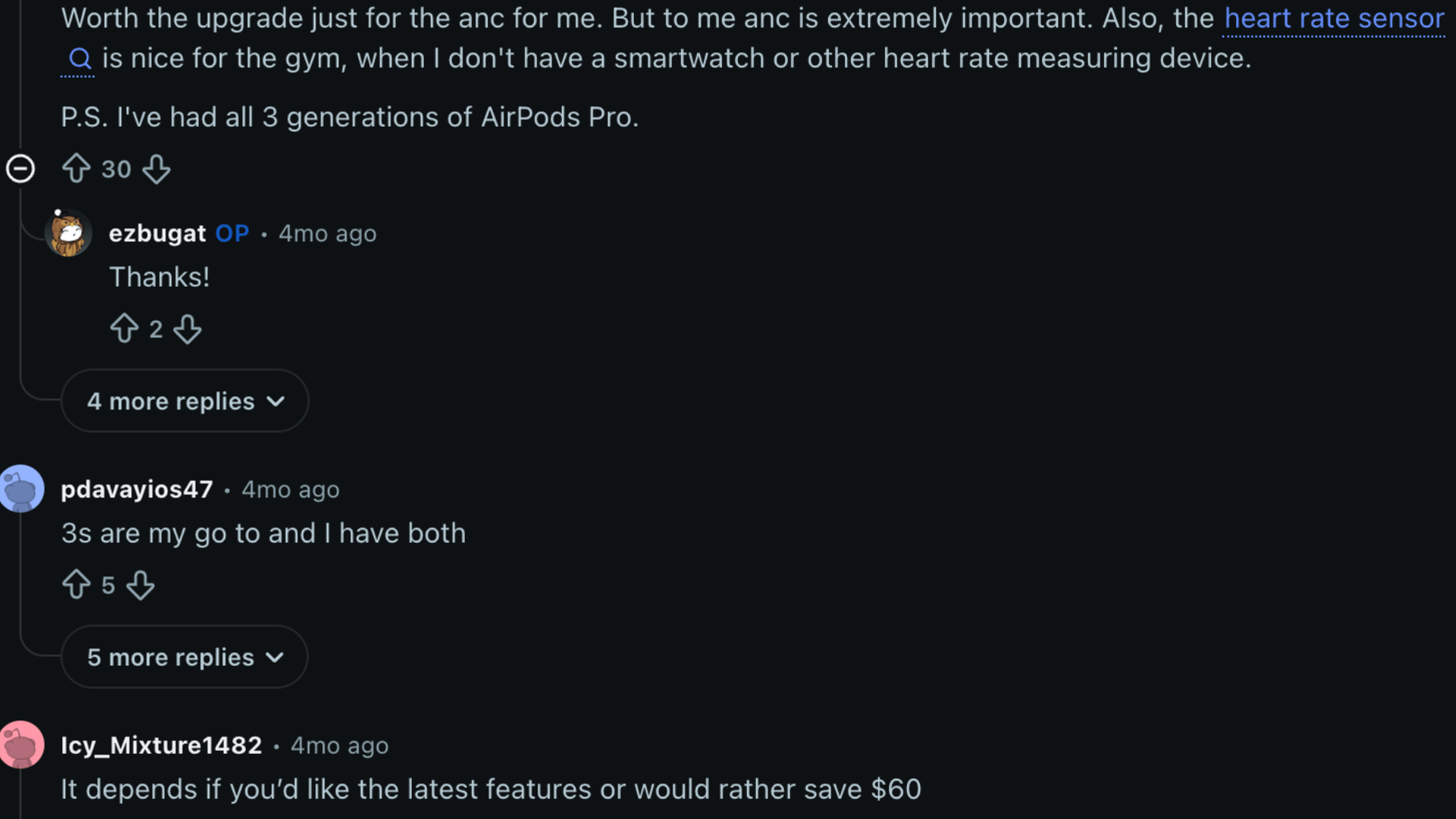
People who bought both the AirPods Pro 2 and the AirPods Pro 3 shared their honest experiences in a Reddit thread, and opinions were mixed.
Several commenters said the upgrade felt worth it purely for the noise-canceling jump, calling it noticeably quieter on planes and busy streets.
Others said the Pro 2 sound felt more natural and that the Pro 3 case felt cheaper in hand.
Fit also came up frequently, with some users saying the Pro 3 finally gave them a proper seal after years of struggling with the Pro 2 tips.
As many said, the deeper insertion felt uncomfortable, so they went back to their old pair.
Overall, the thread leaned slightly toward the Pro 3 for noise canceling and battery gains, but most agreed you should try both in person first.
Everyone has different priorities, so here is a quick side-by-side to match your situation with the smarter pick.
Who Should Buy the AirPods Pro 3 vs AirPods Pro 2?
Use this table as a quick gut check, then read back through the sections above if your situation still feels unclear.
| Buy AirPods Pro 2 If | Buy AirPods Pro 3 If |
|---|---|
| You want strong noise canceling and sound without paying full price | You want the strongest noise canceling and the longest battery per charge |
| Your ears never got along with deeper-fitting ear tips | You work out often and want a built-in heart rate sensor |
| You mostly listen to podcasts and prefer a warmer, more neutral sound | You spend a lot of time on planes, trains, or noisy commutes |
Conclusion
The AirPods Pro 3 vs AirPods Pro 2 choice depends less on hype and more on how you use earbuds every day.
You should pick Pro 3 if stronger noise canceling, longer single-charge use, better water resistance, and heart rate tracking matter.
I would still choose Pro 2 if the lower price, softer sound, and longer case battery feel more useful.
Before buying, think about your commute, workouts, ear fit, and whether your current AirPods battery is already fading.
A new pair only feels worth it when the upgrades solve problems you actually notice during daily listening.
Which pair fits your routine better, AirPods Pro 2 or AirPods Pro 3? Tell us, share with us in the comments below.
Frequently Asked Questions
Can I Use AirPods Pro 3 Ear Tips on AirPods Pro 2?
No, the AirPods Pro 3 tips use a different attachment shape that does not fit the older AirPods Pro 2 stems.
The internal nozzle size and locking mechanism changed between generations. If you want the new foam hybrid tips, you need the full AirPods Pro 3 model.
Do AirPods Pro 2 Still Get New Software Features?
Yes, Apple keeps rolling out features like Live Translation to the AirPods Pro 2 alongside the newer Pro 3 model.
Both share the same H2 chip, which makes most feature updates possible on either pair. Pro 2 users mainly miss out on the heart rate sensor and higher IP57 water resistance.
Is the AirPods Pro 3 Heart Rate Sensor Accurate Enough for Workouts?
The sensor works reasonably well for casual workouts like walking, light cardio, and general gym sessions.
It is not built to replace a dedicated fitness watch for athletes tracking detailed heart rate zones. For casual users without a smartwatch, it offers a genuinely useful extra layer of data.
How Long Does AirPods Pro Battery Health Usually Last?
Most AirPods Pro batteries show noticeable wear after about two to three years of regular daily use and charging.
Heavy users who charge multiple times a day may notice the drop even sooner. Once your listening time per charge drops significantly, the battery health has likely degraded for good.