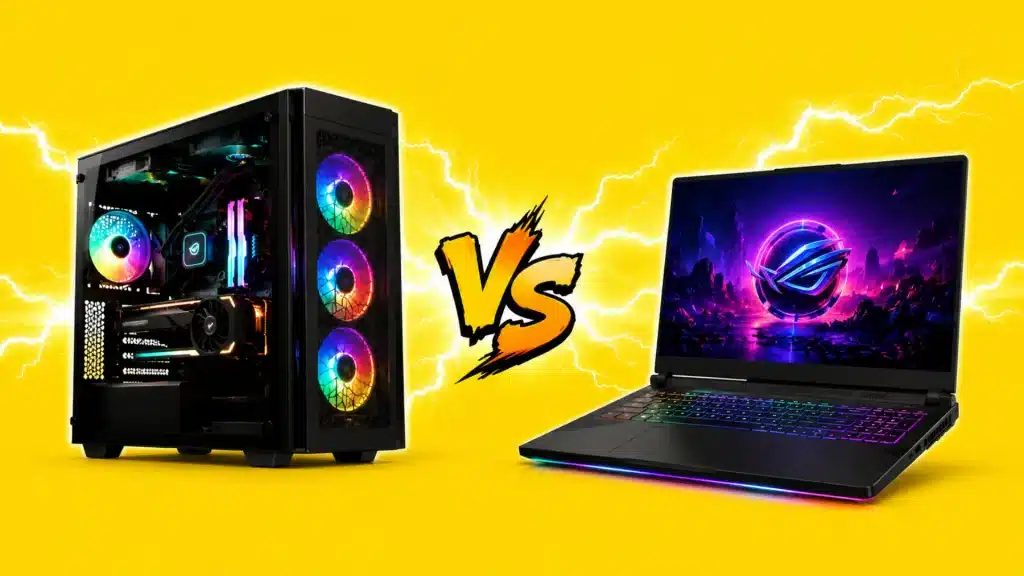
A gaming laptop sounds perfect until the fans scream, the battery drops, and the frame rate starts falling mid-match.
A desktop sounds better until you remember it stays in one place and needs a full desk setup. That is why the gaming laptop vs desktop choice is not only about power, price, or shiny specs.
It is about where you play, how long you keep your machine, and what you have to live with.
I will be telling you about performance, cost, cooling, portability, upgrades, repairs, power use, and who should buy what.
Before comparing parts and prices, let us start with the real difference between the two gaming setups.
What is the Difference Between a Gaming Laptop and a Desktop?
A gaming laptop is a self-contained portable computer. A gaming desktop is a stationary tower built around full-size components.
The part most buyers miss: a GPU labeled “RTX 5070” in a laptop is not the same chip as the desktop RTX 5070.
NVIDIA engineers mobile variants at lower power limits, typically 80 to 150 watts, compared to 220 watts or more on the desktop card.
This figure is called the TGP (Total Graphics Power).
Two laptops with the same GPU name can have TGPs that differ by 40 to 50 watts between manufacturers. That gap directly affects clock speeds and real-world frame rates.
Always check the TGP in the full spec sheet before buying, not just the GPU name on the box.
Performance: Where Desktops Hold the Edge
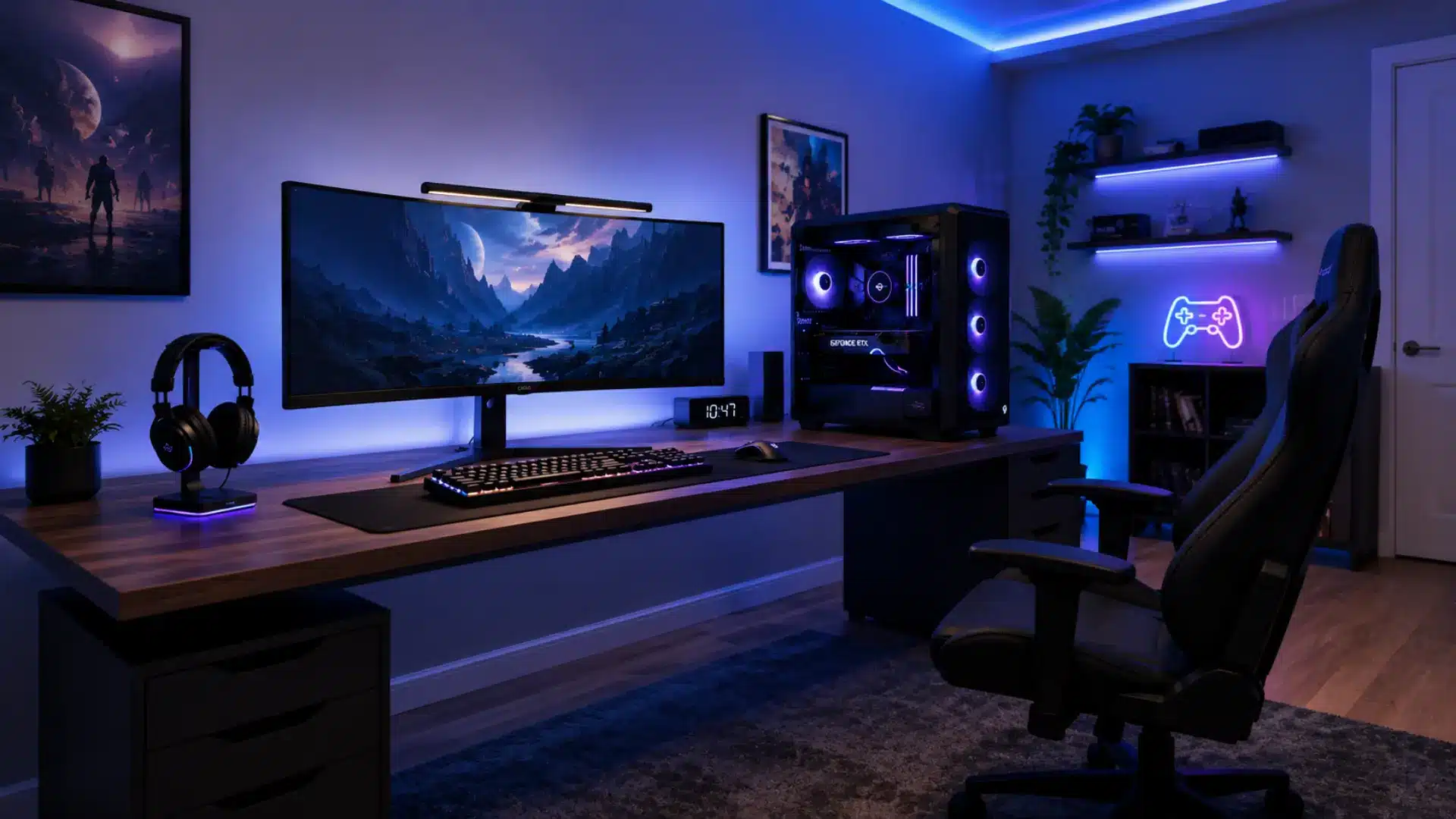
The performance advantage of a desktop shows up clearly across all resolutions. Comparing the desktop and laptop RTX 5080:
- 1080p: Desktop delivers around 32% more frames.
- 1440p: The gap grows to roughly 44%.
- 4K: Desktop leads by 55%, where thermal headroom matters most.
The reason is thermal throttling. When a laptop hits its temperature limit, the GPU pulls back clock speeds mid-session to stay safe.
Vapor chamber cooling has improved things, but even the best mobile designs fall short of a desktop with proper airflow and a full-size heatsink.
For competitive players, this matters in practice. Steam Hardware Survey data shows 87% of enthusiast PC gamers use desktop GPUs. Frame-time consistency is not a luxury when your rank depends on it.
Acoustics are another real-world factor that rarely appears in spec comparisons.
A gaming laptop running at full load pushes its small fans hard, producing noise levels that are noticeably louder than a well-built desktop tower with large, slow-spinning 140mm fans.
If you game in a shared space or record audio alongside your sessions, the noise profile of a thin gaming laptop becomes a daily annoyance that benchmarks do not capture.
If you want to understand how hardware choice shapes real-world play, this breakdown of how device type affects performance is worth reading before you buy.
Note: Performance gaps vary by GPU model, thermals, power limits, and the specific games or benchmarks used.
Battery Life and Thermals in Daily Use
Gaming laptops are marketed on the promise of untethered play. The reality is narrower.
Under a gaming load, most mid-range laptops last 1 to 2 hours on battery before the GPU starts throttling to preserve charge. For real sessions, most users plug in anyway.
Most users end up plugging in for any serious session, which narrows the portability advantage to transit time and light work tasks rather than genuine off-grid gaming.
Thermals matter more than most buyers expect before they own the machine. A laptop running at full load for 60 to 90 minutes will typically hit its thermal ceiling and noticeably drop frame rates.
Thin-and-light gaming designs feel this harder than thicker chassis models, where extra depth allows better airflow.
Desktops have no battery constraint and no throttle curve to manage.
With proper case fans and a quality CPU cooler, a desktop running a long session at 100% load will hold that performance consistently.
If you game at a desk and use the machine for school or work in between, a mid-range gaming laptop handles both well enough.
If you plan to game for hours away from an outlet, battery endurance will let you down.
Display: What Each Platform Actually Gives You
The display situation on gaming laptops has genuinely improved.
Most mid-range models ship with 1080p or 1440p IPS panels at 144Hz to 240Hz, and high-end units now include OLED options with fast pixel response and deep contrast.
The real constraint is choice. Laptop displays range from 16 to 18 inches for mainstream models, and panel quality varies even at the same price point.
A desktop setup lets you choose your monitor independently. That opens up:
- 27-inch and 32-inch panel sizes
- 4K resolution with high peak brightness
- 360Hz competitive panels for the lowest input latency
- Ultrawide formats that no laptop chassis can match
Most run off USB-C, weigh under two pounds, and pair well with a laptop dock for travel setups.
If you want a fully self-contained option instead, our hands-on Steam Deck review covers how it handles gaming on the go.
Cost, Value, and Upgradability over 5 Years
A desktop tower costs less for equivalent specs. Add a monitor, mouse, and keyboard, and the upfront gap narrows.
In the $1,000 to $2,500 range, a well-planned desktop delivers 20 to 30% more gaming performance than a laptop at the same total spend.
Gaming laptops carry a portability tax. Fitting a high-refresh display, battery, compact cooling, and a custom chassis into one device adds $300 to $600 over equivalent desktop components.
You pay for that convenience whether you use it or not. The bigger gap is upgradeability:
- Gaming desktop: You can swap the GPU, CPU, RAM, storage, cooler, power supply, and case fans independently.
- Gaming laptop: RAM and storage are usually replaceable. The GPU and CPU are soldered in and cannot be swapped.
When a laptop’s GPU falls behind, you replace the whole machine.
One exception worth knowing: external GPU enclosures (eGPUs) let some laptops connect a desktop card via Thunderbolt 4 or USB4.
Performance lands roughly 15 to 20% below a natively connected desktop GPU, and not all laptops support eGPU docks, but it is a middle path many people overlook.
A comparable desktop lasts 5 to 7 years with targeted upgrades. Over five years, the laptop path typically costs 20 to 40% more once replacement cycles are factored in.
Power Consumption and Electricity Costs
A gaming desktop with a mid-range GPU pulls 300 to 450 watts under full load. A gaming laptop draws 80 to 150 watts for the same session. Over long sessions and months of use, that gap shows up on your electricity bill.
At an average US residential rate of around $0.17 per kWh, a desktop running 4 hours daily costs roughly $7 to $11 per month in electricity.
A gaming laptop running the same schedule costs closer to $2 to $4 . That is roughly $50 to $100 in savings per year for the laptop.
The difference grows in high-cost regions. Users paying $0.30 to $0.40 per kWh (parts of Europe or California) will see a larger gap.
Desktop users can partially close it by choosing an 80 Plus Gold- or Platinum-certified PSU, which reduces energy waste at typical gaming loads.
Neither platform is a major household electricity draw, but power costs are a real variable over a 5-year ownership period and belong in any honest total-cost comparison.
Sustainability and Repairability
This is where desktops hold a clear advantage that almost never shows up in spec comparisons, but it is one of the most practical differences over a full ownership cycle.
- A desktop is modular. When one component fails, you replace that component. A dead GPU, a failed PSU, or a bad RAM stick does not require a new machine.
Parts are widely available, and most repairs are well within reach of anyone comfortable opening a case. - Gaming laptops are increasingly difficult to repair. Most current flagships use soldered RAM and soldered storage, which means a single failure can make the entire device uneconomical to fix. Framework is the notable exception in the laptop space, but most major gaming laptop brands are not built with longevity in mind.
The AI hardware cycle is making this worse. As GPU manufacturers release AI-optimized silicon with rising VRAM requirements, laptop users are locked into whatever mobile GPU shipped with their chassis.
Desktop users can drop in a new card when those generations arrive.
In a market where VRAM demands are climbing faster than in previous hardware cycles, that upgrade path matters more than it did three years ago.
From an environmental standpoint, replacing one desktop component also generates far less waste than retiring a full laptop chassis every 3 to 4 years.
Warranty and Support: Component vs Whole Device
Most gaming laptops ship with a one-year limited warranty. Extended coverage of 2 to 3 years is available at additional cost, typically $100 to $200, depending on the brand.
Support quality varies more than the warranty terms suggest. Laptop service almost always means shipping the entire device to a service center, which typically takes 1 to 3 weeks.
If your laptop is your only work and gaming machine, that downtime hits hard. Desktop components carry separate warranties by part:
- GPU: 3 years from most manufacturers
- CPU: 3 years from AMD and Intel
- PSU: 5 to 10 years from quality brands
When one desktop part fails, you lose that component, not the whole system. A temporary workaround is usually possible while you wait for warranty service.
For anyone whose income depends on uptime, some laptop manufacturers offer on-site service tiers. That upgrade is worth the cost if downtime directly costs you money.
Gaming Laptop vs Desktop: Side-by-Side Comparison
Gaming laptops offer convenience and mobility in a single device. Desktops deliver stronger performance, better cooling, and easier upgrades for the same budget.
| Category | Gaming laptop | Gaming desktop |
|---|---|---|
| Performance per dollar | Lower (20-30% gap at the same budget) | Higher |
| Upgradeability | RAM and storage only | GPU, CPU, RAM, storage, and cooler |
| Portability | Fully portable | Stationary |
| Thermal performance | Constrained by a compact chassis | Superior with proper airflow |
| Battery life (gaming) | 1-2 hours under load | Not applicable |
| Noise under load | High (small fans at high RPM) | Lower (large slow-spinning fans) |
| Display choice | 16-18 inch, limited panel options | Any monitor, any size, any spec |
| Power draw (gaming) | 80-150W | 300-450W |
| Repairability | Low (soldered GPU and CPU) | High (modular components) |
| Lifespan | 3-4 years (mid-range) | 5-7 years (with upgrades) |
| All-in-one convenience | Yes (display, keyboard, battery) | No (peripherals needed separately) |
| Best for | Students, travelers, work-and-game users | Dedicated gamers, competitive players, creators |
Who Should Buy a Gaming Desktop?
A desktop makes sense if any of these fit your situation:
- You have a permanent gaming space and plan to use it for 5 or more years.
- You play competitive or esports titles where frame rate consistency matters.
- You stream or create content while gaming and need sustained CPU headroom.
- You want to upgrade components over time rather than replace the whole machine.
- You want the best performance per dollar at any budget.
- You want the best performance per dollar at any budget, or use your rig for team gaming and collaboration.
- You work with AI tools, 3D rendering, or simulation software alongside gaming, where sustained compute throughput over long sessions matters.
Who Should Buy a Gaming Laptop?
A laptop makes sense if any of these fit your situation:
- You are in college or move frequently and need one machine for everything.
- You work from different locations and game on the same device.
- Your living space does not have room for a full desk setup.
- You travel often and want to game in hotels, airports, or at friends’ places.
- You are on a tighter budget, and the all-in-one convenience offsets the performance gap.
The gap has genuinely narrowed. NVIDIA’s RTX 50-series Blackwell mobile GPUs handle solid 1080p and capable 1440p gaming in a compact chassis.
A laptop with an RTX 5070 or higher covers most modern titles at high settings. The real question is how long it stays there, since you cannot upgrade the components that fall behind.
For anyone who also wants gaming on the go across devices, pairing a mid-range laptop with a capable gaming phone covers most scenarios well.
Conclusion
The gaming laptop vs desktop debate is a lifestyle question dressed as a hardware decision.
A fixed gaming space points clearly toward a desktop: more performance, better long-term value, easier repairs, and a machine you upgrade rather than retire.
If you move around, study on the same device, or lack a dedicated space, a laptop is genuinely capable in 2026. Just go in clear-eyed about the battery limits, the thermal ceiling, and the 3 to 4 year replacement cycle.
Most people genuinely torn between the two end up happier with a desktop after a year of real use.
Figure out where you actually play first, and the specs will follow. Drop your current setup in the comments, and we will tell you what we would go with.
Frequently Asked Questions
Can a Gaming Laptop Replace a Desktop Entirely for Everyday Use?
Yes. A gaming laptop handles daily work, browsing, media, and gaming in one device.
The trade-offs are weaker upgrade options, lower value per dollar, and a shorter lifespan. For most users who need one machine for everything, it is a reasonable compromise.
How Long Does a Mid-Range Gaming Laptop Last Before Replacing?
Most mid-range gaming laptops last around 3 to 4 years for modern games at acceptable settings. Battery capacity typically drops after 2 to 3 years, and the soldered GPU becomes the main bottleneck since it cannot be swapped out.
Is It Cheaper to Build a Desktop PC or Buy a Prebuilt One?
Building is usually cheaper for the same specs, with savings of around $100 to $300, depending on the components.
A prebuilt is easier to set up and comes with a single system-wide warranty, which suits buyers who want less hands-on involvement with the hardware.
Do Gaming Laptops Overheat Faster than Desktops?
Yes. Gaming laptops heat up faster because the cooling system is physically smaller. Desktop cases manage heat better during long sessions.
Keeping laptop vents clear, using a flat surface, and cleaning the chassis regularly helps keep temps in a safe range.
Is a Gaming Laptop Good Enough for 1080p Gaming Today?
Yes. A laptop with an RTX 5060 or RTX 5070 handles virtually every current title at 1080p high settings with comfortable frame rates.
If your primary use case is 1080p gaming without heavy competitive play, a mid-range gaming laptop meets that bar in 2026. The concern is longevity.