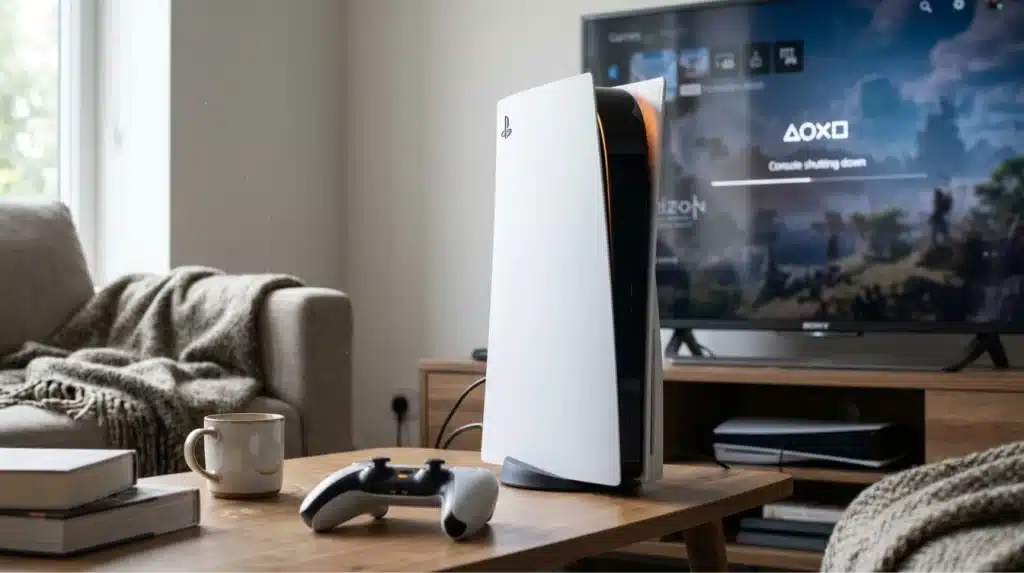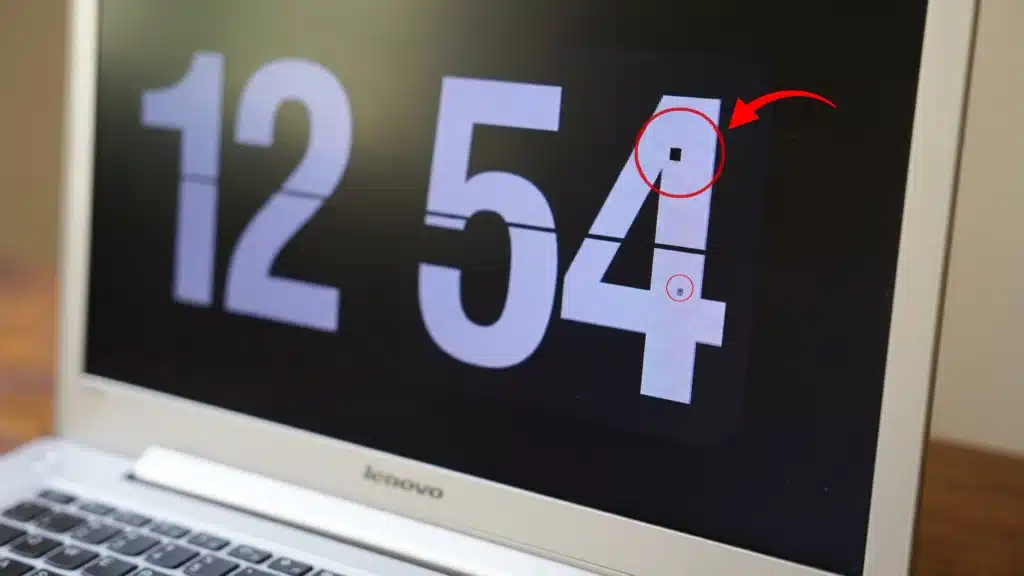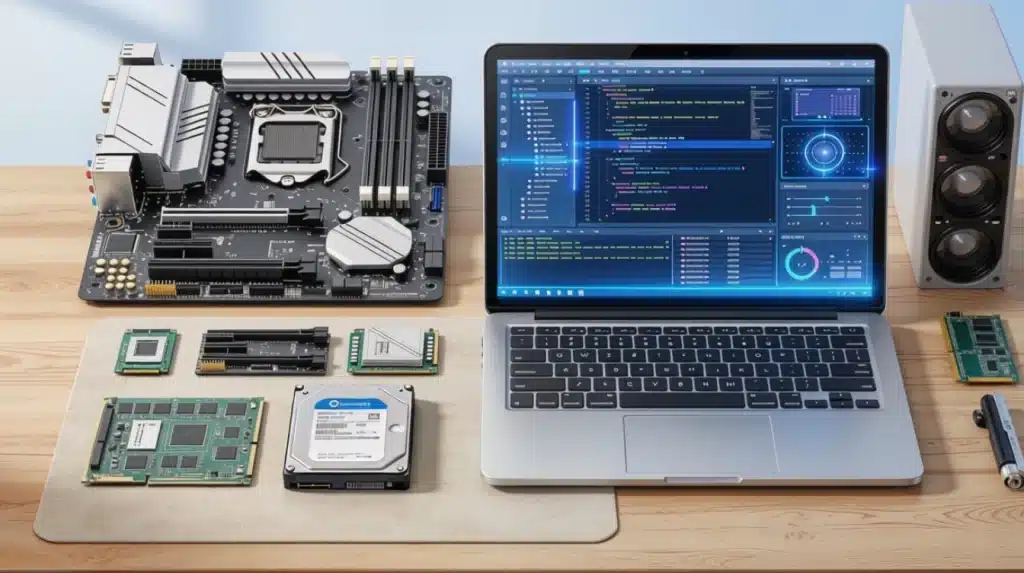
Your phone freezes, and your first thought is “great, it’s broken.” But is it actually broken, or is one app just misbehaving while everything else on the device still works fine?
That single question is the difference between hardware and software, and most people never stop to separate the two.
It’s why some people replace a perfectly good laptop over a problem a simple update would have fixed, while others keep restarting a device that actually needs a repair.
This guide breaks both terms down in plain language, shows you a real example of each on a device you already own, and clears up two terms that get lumped in by mistake: firmware and drivers.
What is Hardware?
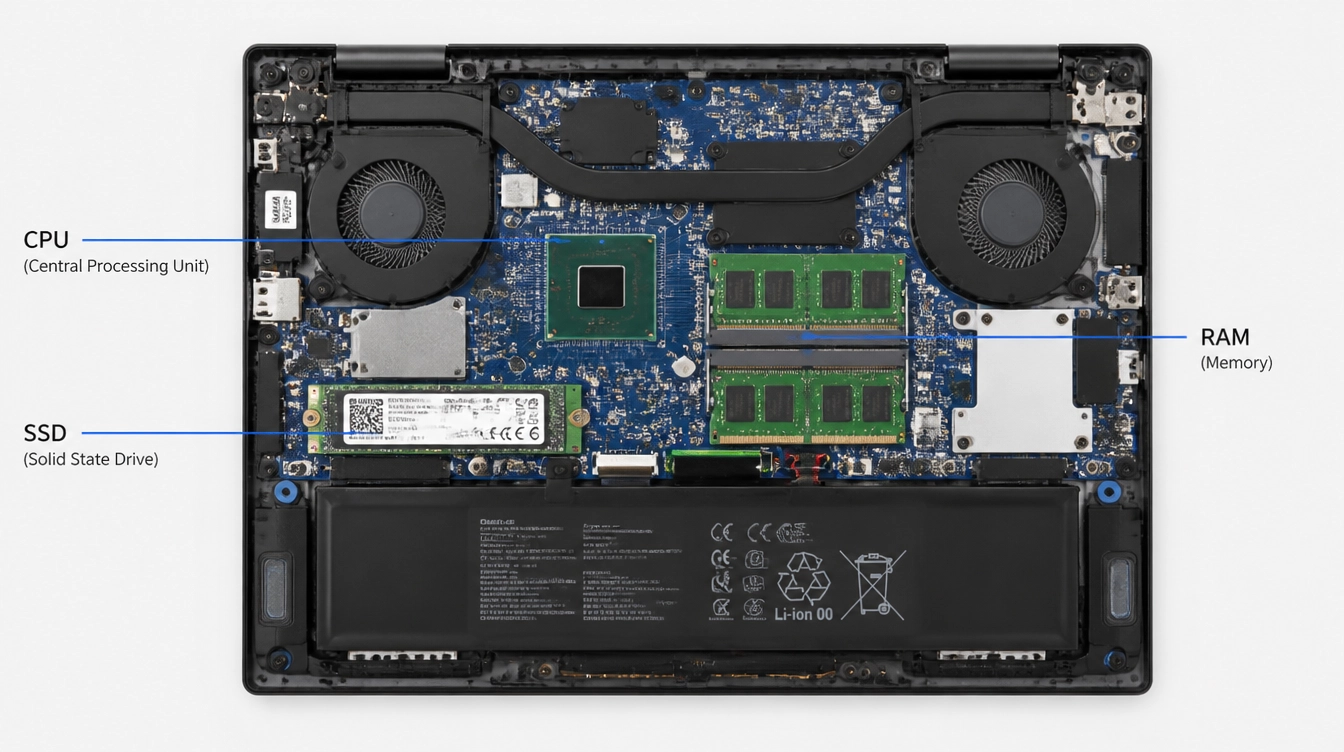
Hardware is anything you can physically touch, hold, or plug in. If you can pick it up and carry it out of the room, it’s hardware. It generally splits into two groups:
Hardware You’ll Find Inside a Device:
- Processor: carries out instructions. If you’re buying a new computer, understanding the difference between an Intel Core i7 and i9 processor can help you choose hardware that matches your workload.
- RAM (memory): holds what the device is actively using
- Storage drive: saves your files permanently
- Graphics chip: builds images and video
Hardware You’ll Find Outside a Device:
- Monitor: shows you the output
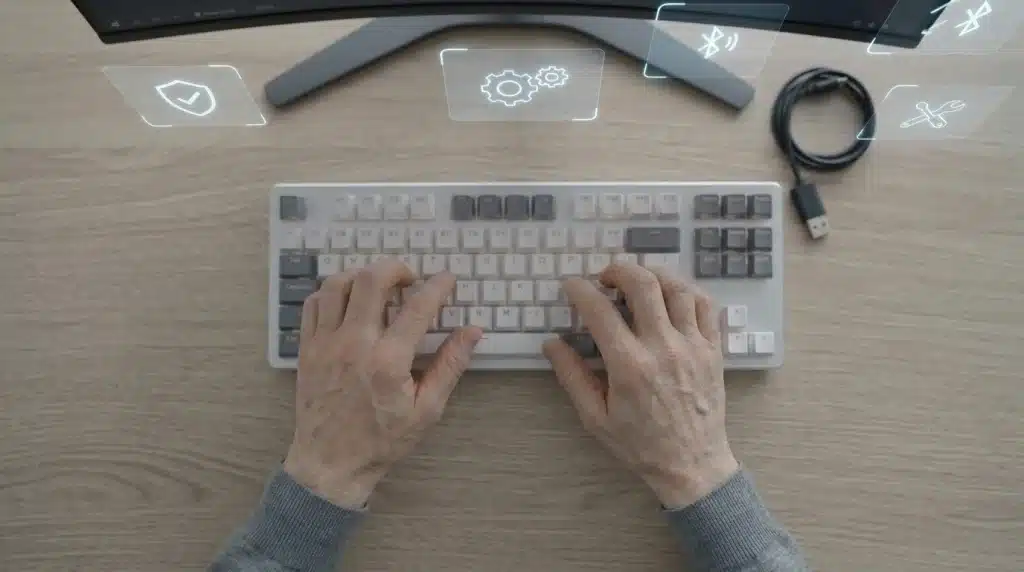
- Keyboard and mouse: send your input
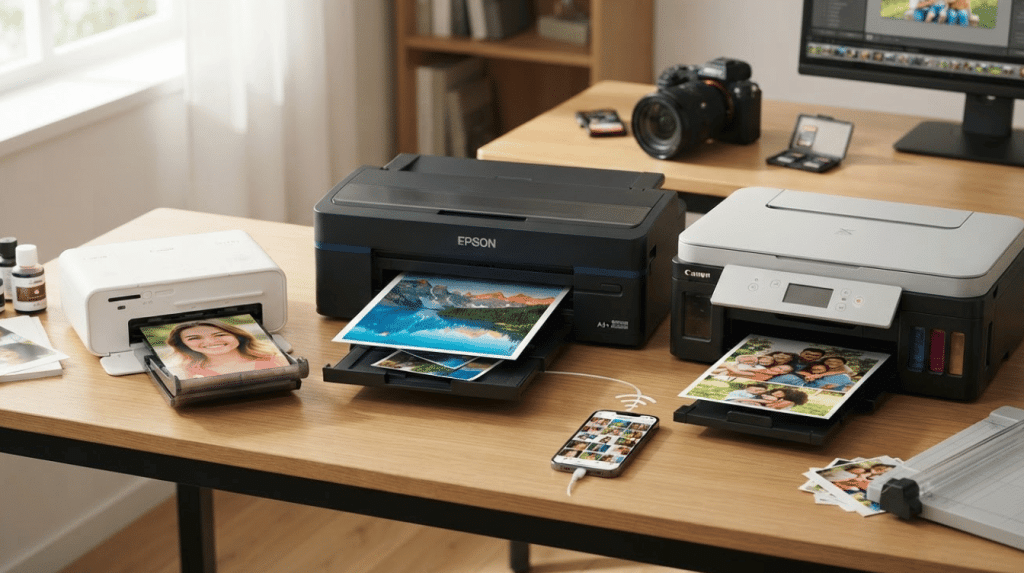
- Printer: turns files into paper
You will sometimes hear a keyboard or monitor called a peripheral rather than hardware, since it connects to the device instead of sitting inside it. Either way, if you can touch it, it counts.
What is Software?
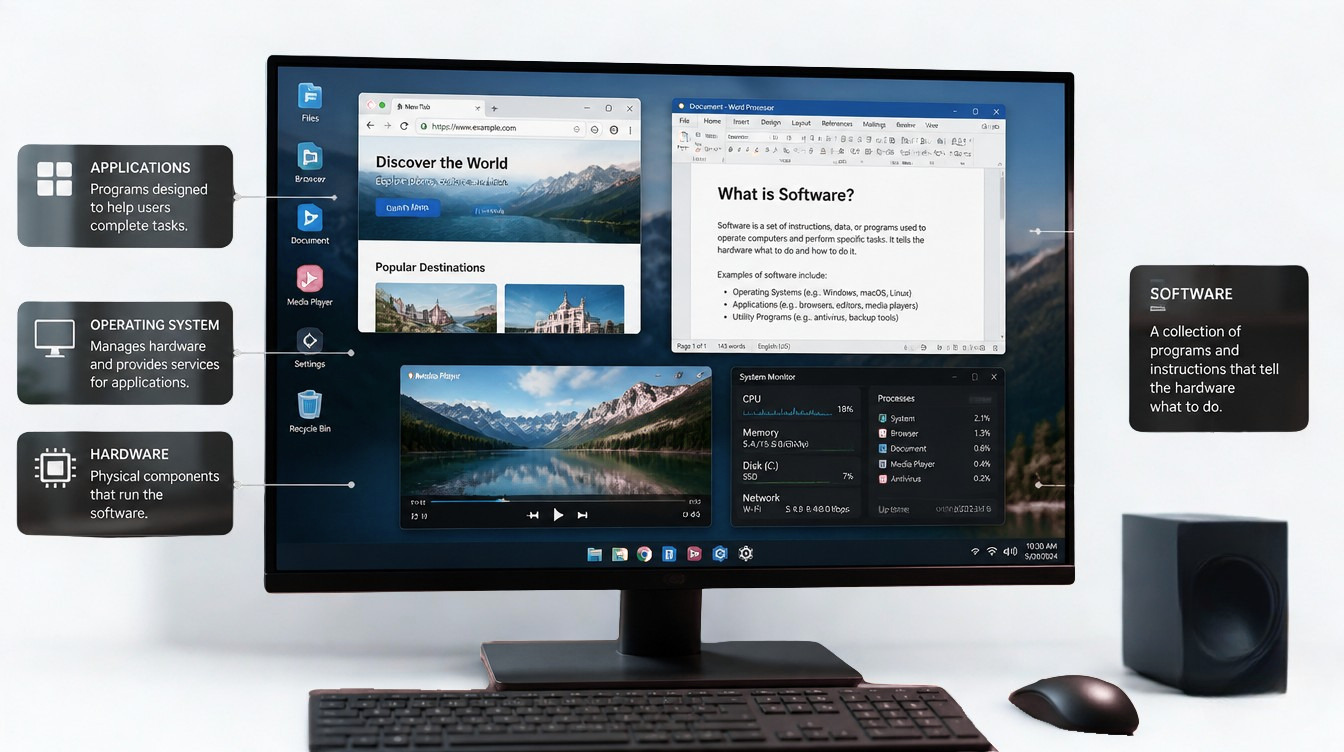
Software is the instructions a device follows. You cannot touch it, only use it, which is exactly why it confuses people who are used to thinking in physical terms. It generally falls into three groups:
- System software: Runs the device itself. Examples: Windows, macOS.
- Apps: Handle everyday tasks. Examples: Chrome, Word.
- Development tools: Used to build other software. Examples: Code editors.
Most people only ever notice the middle row, the apps they open every day, which is probably why software feels more familiar than hardware, even though it is the half you can never actually touch.
Hardware vs Software: Key Differences
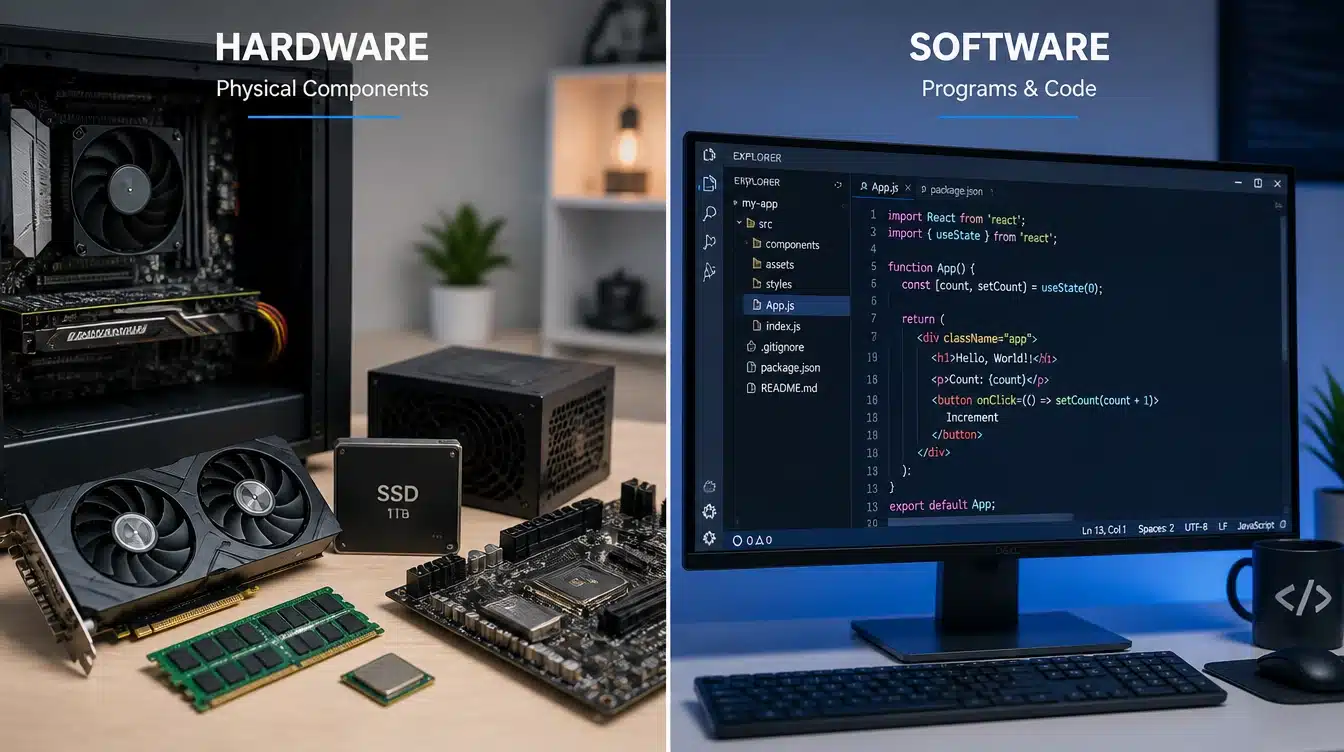
Definitions only take you so far. Seeing both sides laid out against the same criteria is what actually makes the difference stick.
| Basis of Difference | Hardware | Software |
| Definition | The physical parts of a device | The set of instructions a device follows |
| Nature | Tangible, can be seen and touched | Intangible, exists as code and data |
| Development | Manufactured in a factory | Written and developed by programmers |
| Dependency | Cannot function without software | Cannot run without supporting hardware |
| Durability | Wears out and degrades with use over time | Does not wear out, but can become outdated |
| Replacement | Replaced by purchasing new physical parts | Updated or reinstalled without new parts |
| Maintenance | Serviced or physically repaired | Fixed through updates, patches, or reinstalls |
| Examples | Processor, RAM, monitor, keyboard | Operating system, browser, applications |
How Hardware and Software Actually Work Together
Neither one is much use by itself, and you can see this play out every time you press play on a video.
- You press play. That’s a command.
- The software decides what needs to happen next.
- The hardware (processor, graphics chip, speakers) carries out that instruction.
- You see and hear the result.
Miss any one of those four steps, and nothing happens at all. That’s exactly why a fast processor with buggy software still feels slow, and great software on old hardware still lags.
A Real Example: Your Smartphone
Open the camera app on your phone and take a photo. The app (software) tells the camera sensor (hardware) when to capture light.
The processor (hardware) runs the image through the app’s editing algorithm (software) to sharpen and color-correct it automatically. Then the screen (hardware) displays the finished photo using the gallery app (software).
What are Firmware and Drivers?
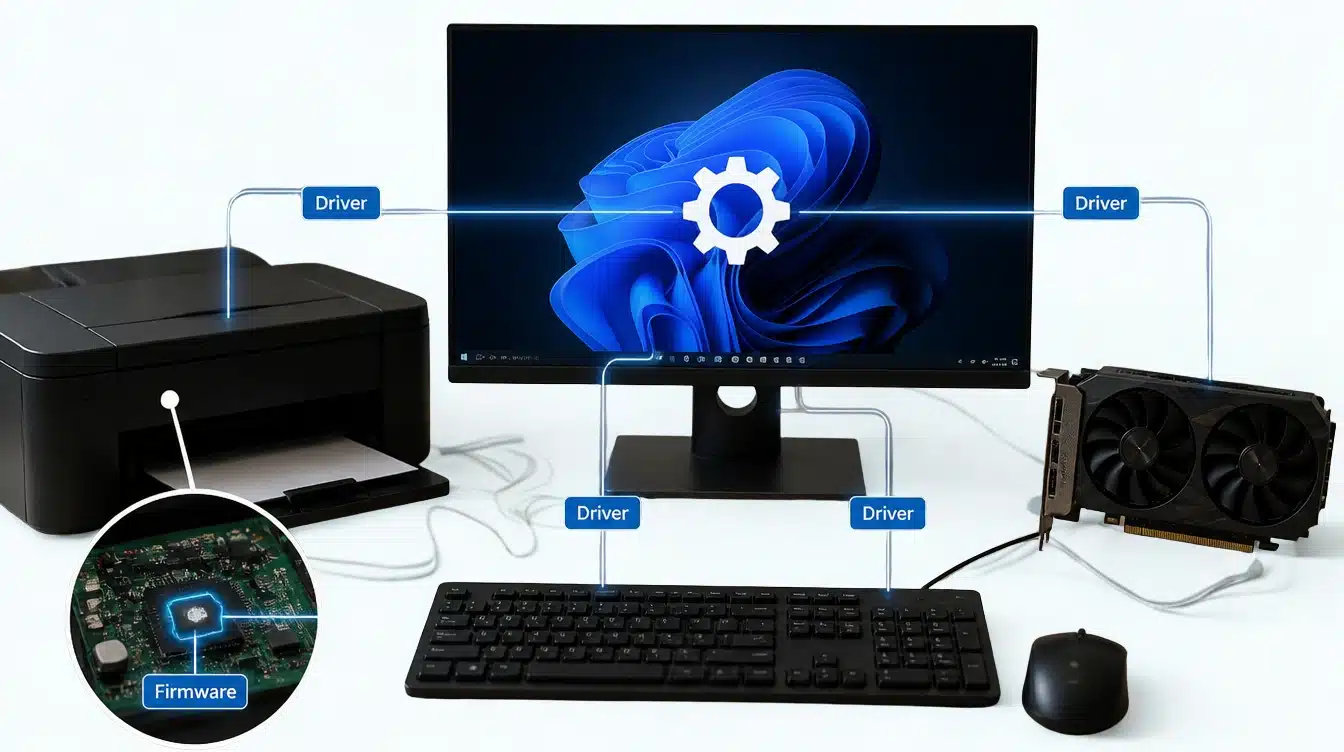
Two related terms tend to come up right after hardware and software, and they trip people up more than they should.
- Firmware: Software built permanently into a device so it can do its basic job. Think of the kind of thing running quietly inside a router or a printer.
- Driver: Software that lets your device properly talk to a specific piece of hardware, like a printer or a graphics card.
If your printer suddenly stops responding after a system update, a driver is often the first thing worth checking, not the printer itself.
Which is Easier to Upgrade: Hardware or Software?
Software upgrades are usually simple. You download an update, restart the device, and you’re running the newer version within minutes, often for free. Some software skips this step entirely by running as cloud-based software, accessed straight through a browser instead of installed on your device at all.
Hardware upgrades take more effort. You need the right replacement part, the correct tools in some cases, and time to physically swap components.
Common examples include replacing RAM or upgrading an HDD to an SSD to improve performance. Some devices, like most phones and tablets, don’t allow hardware upgrades at all.
Practical example: Adding more storage to a laptop with a removable drive might take twenty minutes and a screwdriver. Adding more storage to a phone with no expansion slot isn’t possible at all, no matter how much time or money you’re willing to spend.
If your device feels slow, check what software updates are available first. It’s the faster, cheaper fix, and it solves the problem far more often than people expect.
Is Your Problem Hardware or Software?
This is usually the real reason people end up searching for this topic in the first place. Something broke, and they want to know where to start looking.
| What You’re Seeing | Likely Cause |
|---|---|
| Device won’t turn on | Hardware |
| App keeps closing on its own | Software |
| Screen is cracked or blank | Hardware |
| Device runs slowly overall | Could be either |
| Virus warning appears | Software |
A quick rule to use: if restarting the device or updating a program does not fix it, the problem is more likely hardware. If a restart or update does fix it, you were dealing with software all along.
What Do People Actually Say About This Mix-Up?
Ask around in any tech forum, and you will notice the same mix-up come up again and again.
Someone posts that their “computer is broken” because an app keeps crashing, and the replies quickly point out that reinstalling the app, not replacing the device, solved it.
Others share the opposite story: a laptop that would not turn on at all, which people assumed was a software glitch, until it turned out the charging port itself had failed.
The pattern is consistent. Most day-to-day frustration comes from not knowing which half of the problem you are actually looking at.
Final Thoughts
Hardware is what a device physically is. Software is what tells that device what to do.
You genuinely need both, and knowing which one is misbehaving saves you time, money, and a lot of unnecessary troubleshooting.
Next time something acts up, ask yourself one question first: did it not respond at all, or did it respond incorrectly? The first points to hardware, the second points to software.
Which one trips you up more often, a hardware issue or a software glitch? Share your experience in the comments below.
Frequently Asked Questions
Is Cloud-Based Software Still Considered Software if It Doesn’t Run on My Device?
Yes. Cloud software still counts as software. It runs on remote servers instead of your device, but you still access it through the same set of instructions.
What is Embedded Software, and How Is It Different from Firmware?
Embedded software runs specific functions inside a device, much like firmware, but often handles more complex tasks, such as controlling a car’s dashboard or a smart appliance.
Can Software Be Legally Owned or Protected Like a Physical Product?
Yes. Software is protected through copyright and licensing agreements, similar to intellectual property; even though it has no physical form you can hold or touch.
Do All Electronic Devices Need Software to Function at All?
Almost every electronic device needs at least basic software or firmware to operate, since hardware alone cannot decide what actions to take without instructions guiding it.